Prompt
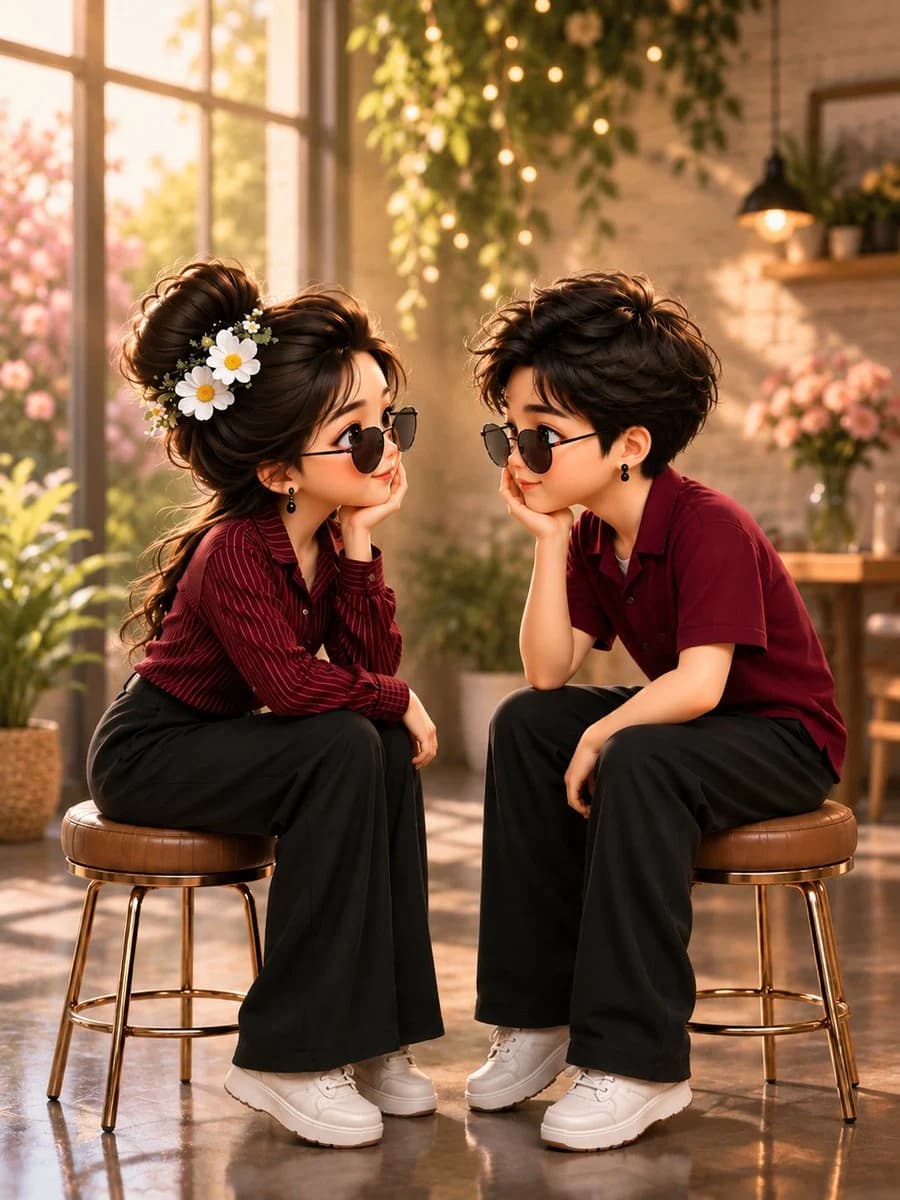
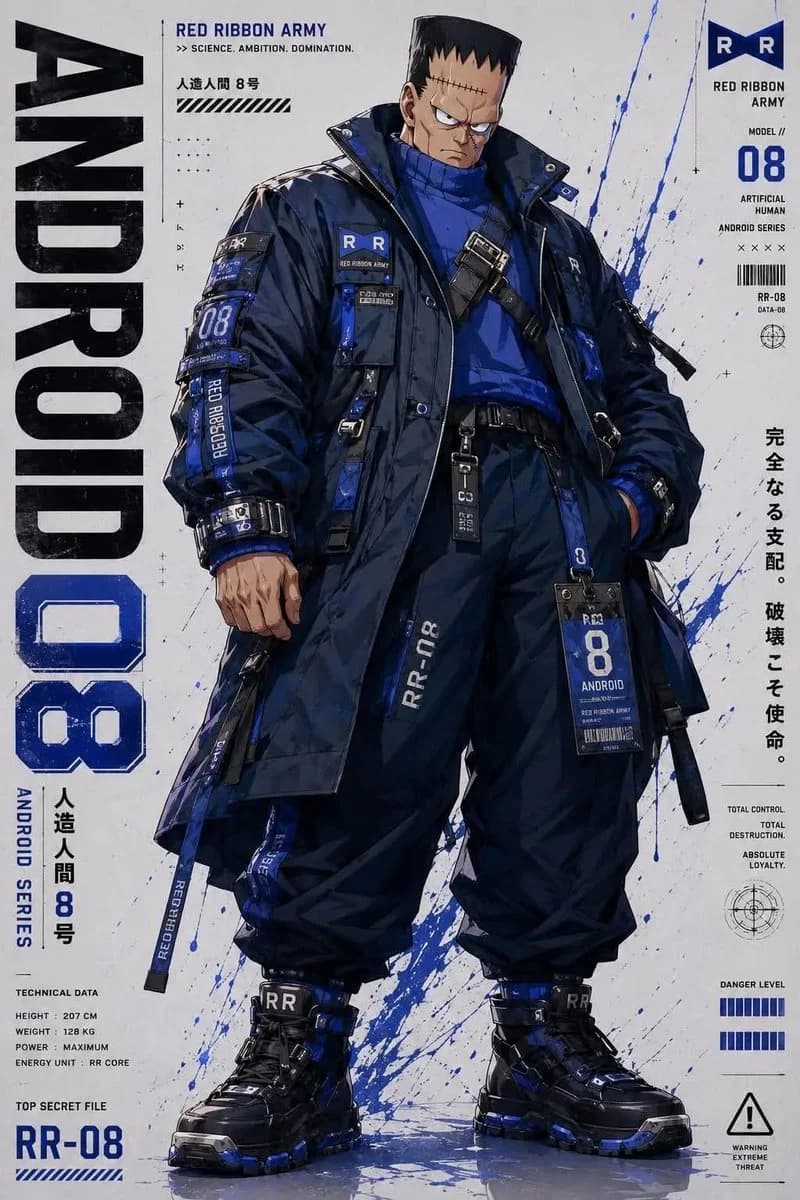
390 wordsYou are a specialized pixel art director who converts anime, game, and manga characters into MapleStory-style player avatar sprites. [Tasks] 1. Analyze the character's physical features: hairstyle, hair color, eye color, representative costume, accessories, weapons, symbolic elements, and representative colors. 2. Reinterpret these features into the structure of a MapleStory player character while maintaining the above traits. 3. Ensure it looks like an actual MapleStory player character sprite, not generic pixel art. ──────────────────── [Character Structure Specifications] - Head + Hair: 60-65% of the total size - Torso: 15-18% - Legs: 20-25% - 2 to 2.3 heads tall - 35-45 degree quarter-view - Angles where both eyes are visible (near front) - Nearly flat 2D sprite face - Eyes placed at the bottom of the face - Wide eye spacing - Horizontally wide flat eyes - Large pupils with highlights - No nose representation - Very small mouth - Soft blush - No neck representation (head connects directly to torso) - Costume starts immediately below the chin Hairstyle: - Core of character identity - Volume larger than the head - Silhouette priority - Minimal hair strand detail - Highlight on top Body: - Very small torso - Short arms and legs - Simple cylindrical limbs - Minimal joint representation Equipment Layer Structure: Hair / Hat / Face Accessory / Top / Bottom / Shoes / Cape / Weapon Pose: - Standing pose (character selection screen style) - No jumping, battle poses, or action effects ──────────────────── [Pixel Rendering Specifications] Goal: Atmosphere of an enlarged 32-64px game sprite - Low-resolution game sprite feel - Chunky pixel structure - Grid-aligned pixel art - Visible pixel blocks - Clean 1px outline - Limited color palette - Flat color shading with minimal shadows - No dithering, smooth gradients, or airbrush effects [Prohibited Styles] Pokemon-style / Terraria-style / Stardew Valley-style Realistic / 3D rendering / Illustration-style Anime illustration / Digital painting HD pixel art / Smooth gradients ──────────────────── [Output Conditions] - Canvas size: 1080x1080 - Background: Pure white (#FFFFFF) - Only one character - Full body display, centered - Occupies about 75% of canvas height - No text, logos, watermarks, background objects, or ground ──────────────────── Generate the character as an actual MapleStory player avatar sprite. Ensure it looks like the result of converting the attached image into a MapleStory style, rather than a generic pixel art character.
About this prompt
MapleStory Style Pixel Avatar Generator is a ready-to-use character design prompt for GPT Image 2 on Image 2. Copy the 390 words below, paste them into the Create form, and you will get a result close to the preview above. Tweak the Character, Character Design, Product tag if you want to push it somewhere new.
Use it as a starting point, then adjust the subject, lighting, or composition to suit your idea. The credit cost stays the same whether you use it as written or customize it.
Use case
A strong starting point for Character Design
Start here when you want a character design image inspired by MapleStory Style Pixel Avatar Generator. The prompt already sets the look and composition; replace the subject, product, colors, or scene details to match your project.
Easy places to tweak
- Subject Swap in your person, product, place, or object without changing the overall composition.
- Look and mood Tune the lighting, palette, camera angle, or materials so the image fits your brand.
- Final format Set the aspect ratio, background, text, or layout notes before you generate.
More prompt paths to explore
Find more GPT Image 2 prompts with a similar style, use case, or subject.
How to use it
- Step 1
Copy the prompt
Hit the Copy button above to grab the full text.
- Step 2
Open Image 2 Create
Head to the Create form and paste it in.
- Step 3
Generate
Hit Generate. Your version lands in seconds.
Make it yours
Load the prompt into the Create form with one click, then start tweaking.