Limited Offer · 50% OFF50% OFFYearly plans · GPT Image 2.5 + Seedance 2.5
Image 2
Make images by typing. Edit them by talking.
Every image below started as a single prompt. Hover to read the words.
Built for the everyday loop — write, edit, iterate. Without ever leaving the conversation.
Blur the background. Remove the cup. Make the sky dramatic. Talk to it the way you'd talk to a designer — no menus, no presets, no tutorials.
Composite product shots into new scenes, mix style references, or merge layouts into one coherent frame — visual logic stays consistent across every blend.
Place the same face in different lighting, the same product across angles, or the same brand mark across formats — without fine-tuning or extra training.
Hand-drawn diagrams, multi-step instructions, real-world logic — Nano Banana interprets visual context the way a human collaborator would.
Six everyday workflows where a sentence is faster than a brief.
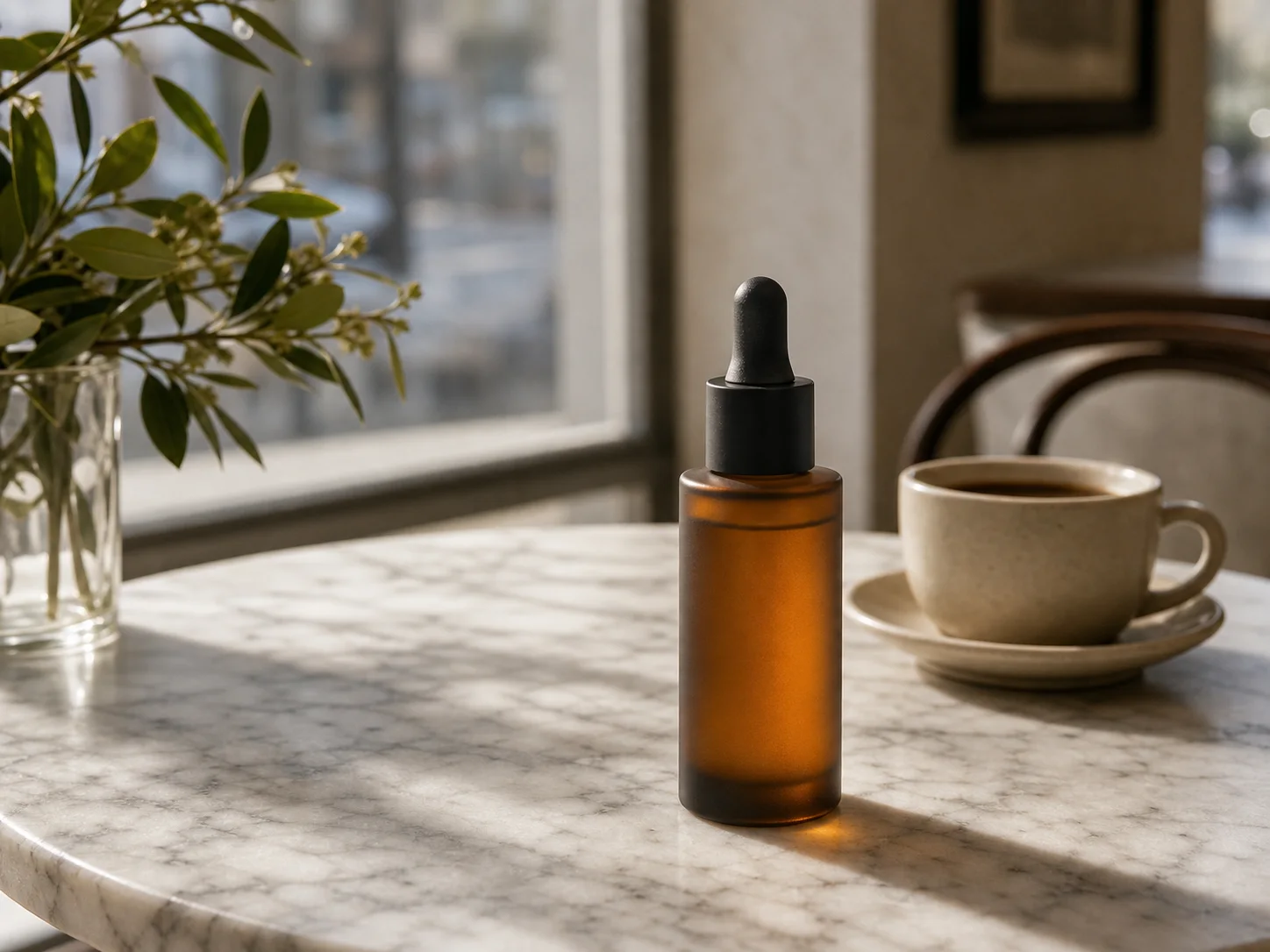
Drop a product shot into café tables, marble counters, or open kitchens. Lighting and shadow follow the new context.
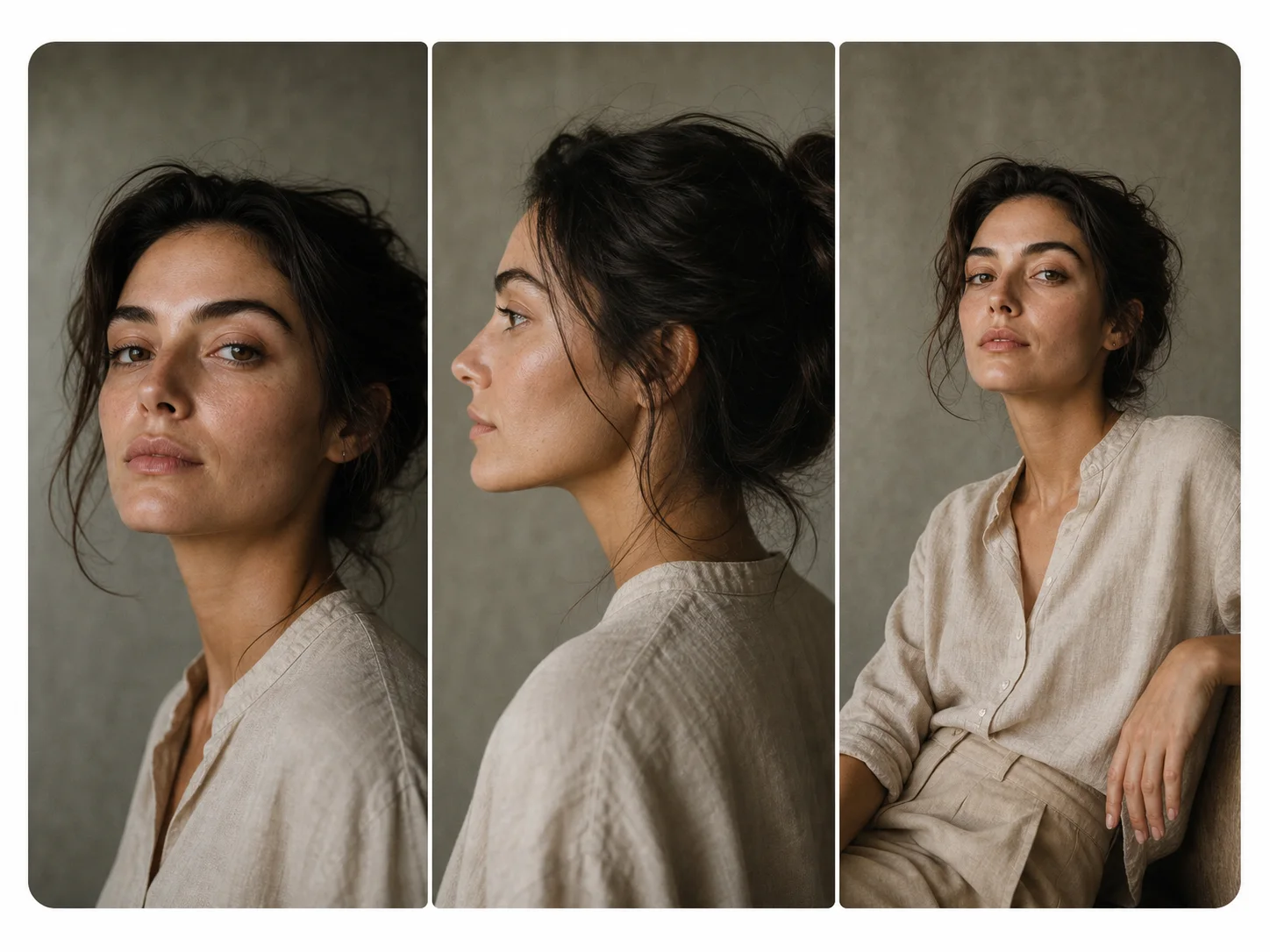
Headshots, profile crops, group scenes — keep the identity stable across the entire set without retouching.
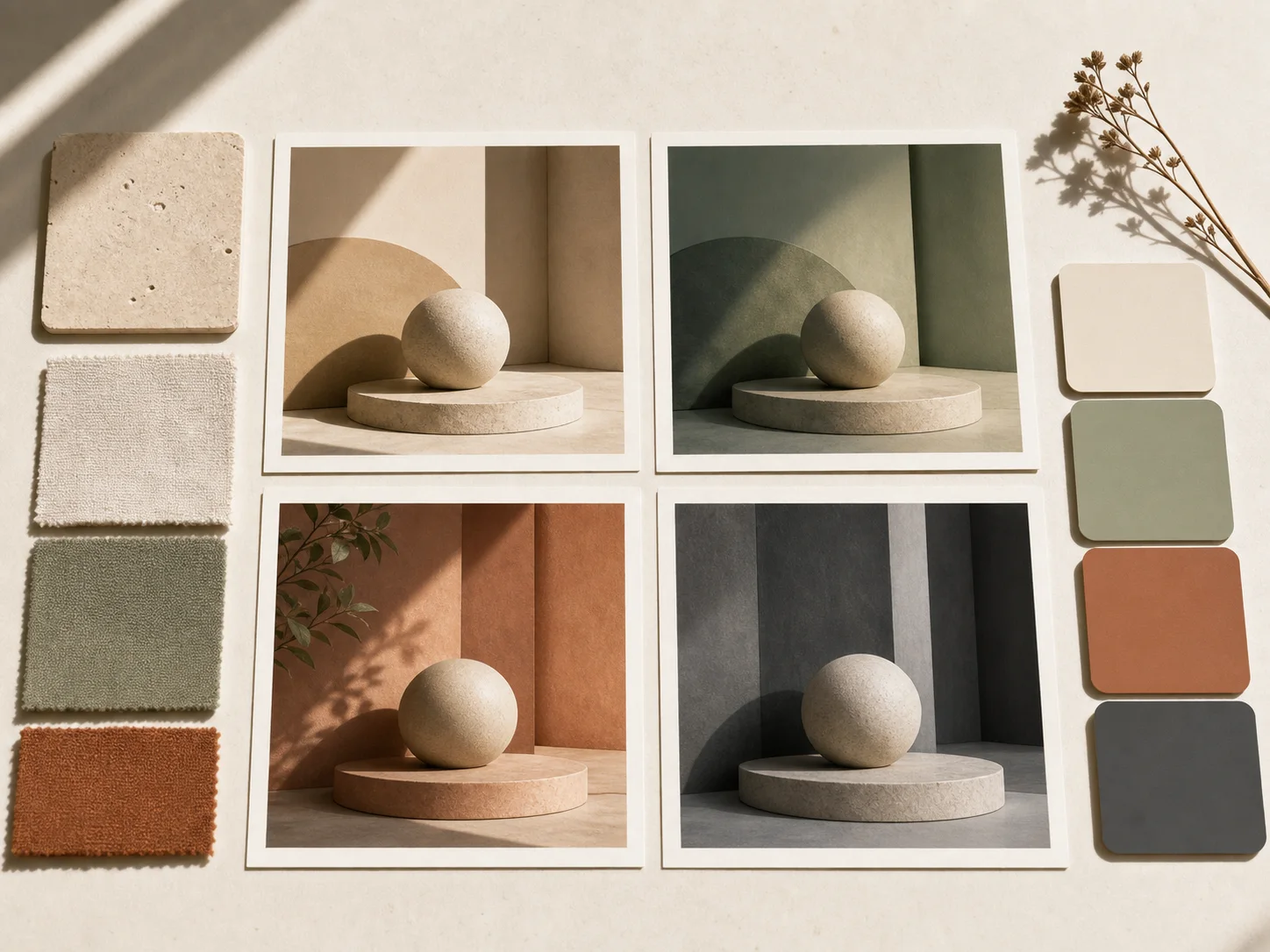
Quick variations on a moodboard reference — different palettes, framings, and styles in seconds, not hours.
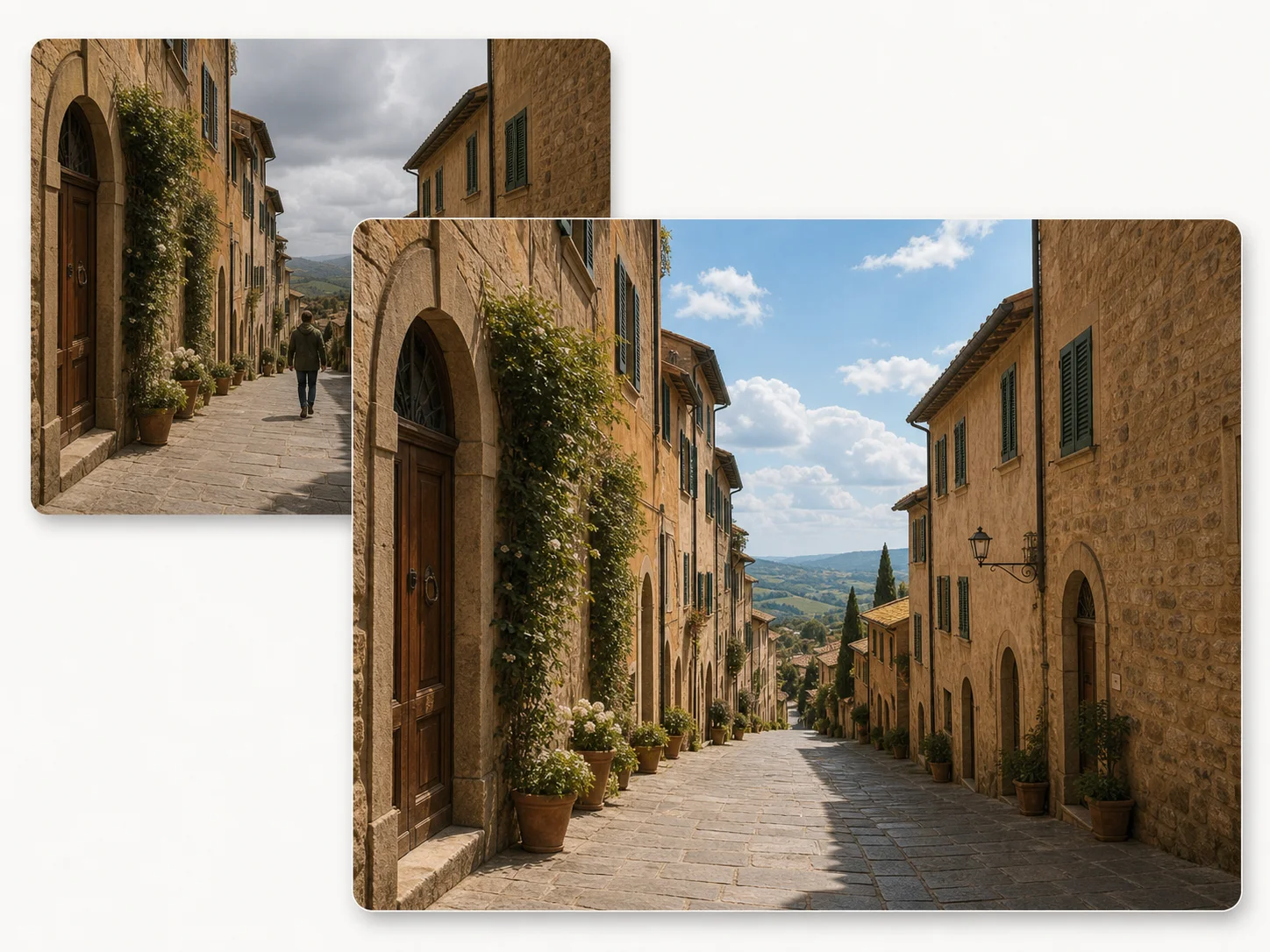
Remove a passerby. Replace the sky. Add colour to a vintage photograph. All by typing what you want changed.
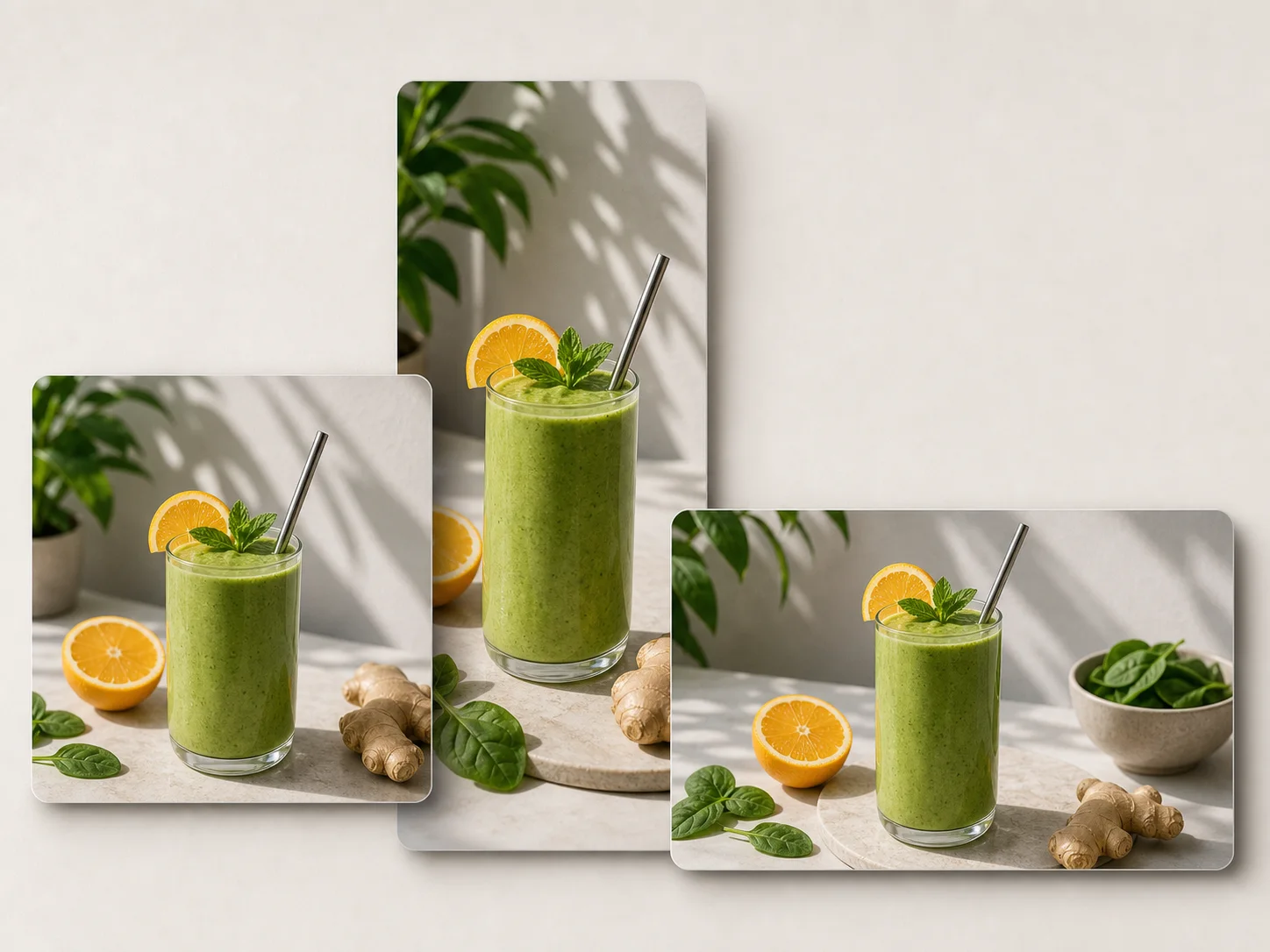
Convert a single source into square, vertical, and wide variants — crop-aware, framed, and ready for any feed.
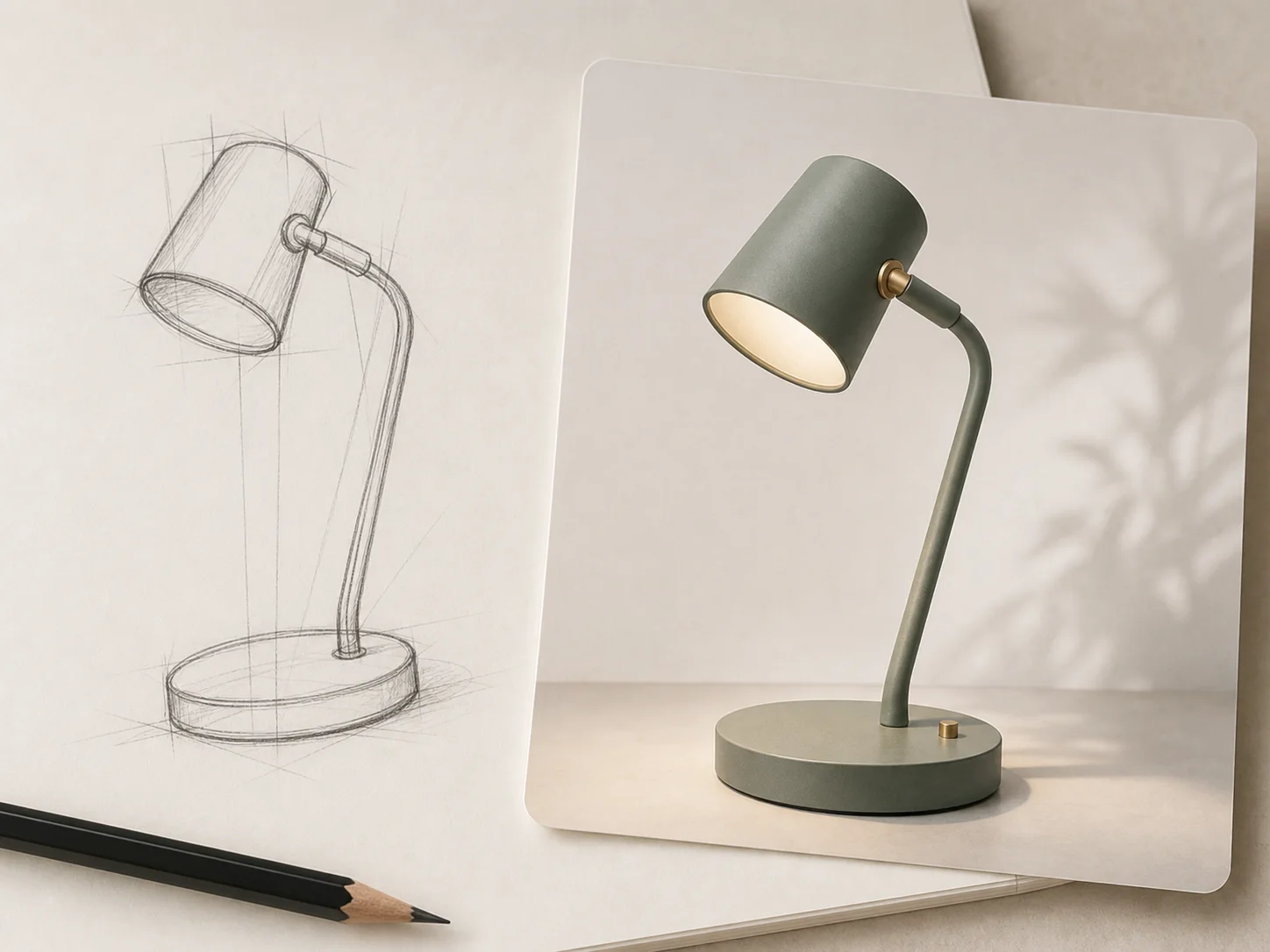
Hand-drawn diagrams become product visuals. Storyboards become finished frames. The model fills in the polish.
Copy any prompt, then change one word at a time.
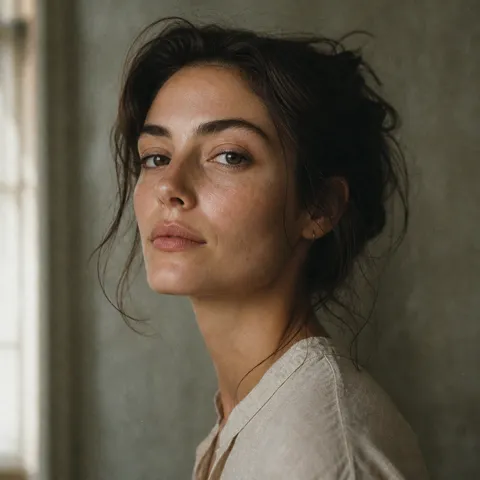
Editorial close-up portrait of a woman, soft window light from the left, 35mm film grain, muted earth tones, shallow depth of field, shot on Leica M6
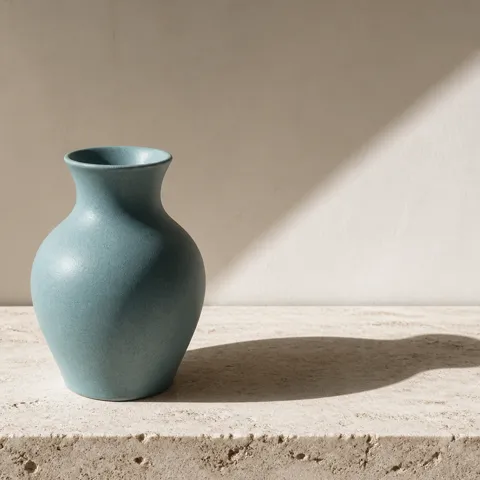
Single ceramic perfume bottle on white travertine slab, hard morning sunlight from upper-right, sharp directional shadow, minimal composition, advertising still life
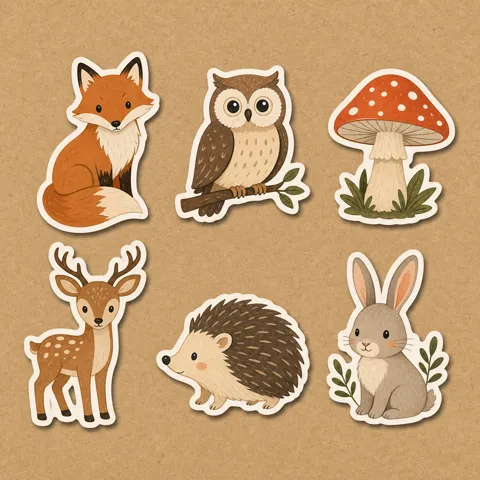
Sticker pack of six woodland creatures — fox, owl, mushroom, deer, hedgehog, bunny — flat illustration, thick white border, kraft paper background, die-cut feel
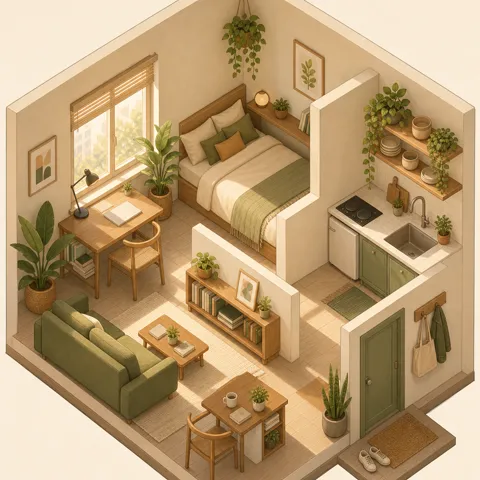
Isometric illustration of a small studio apartment with plants and warm afternoon light, soft pastel palette, clean linework, charming and detailed
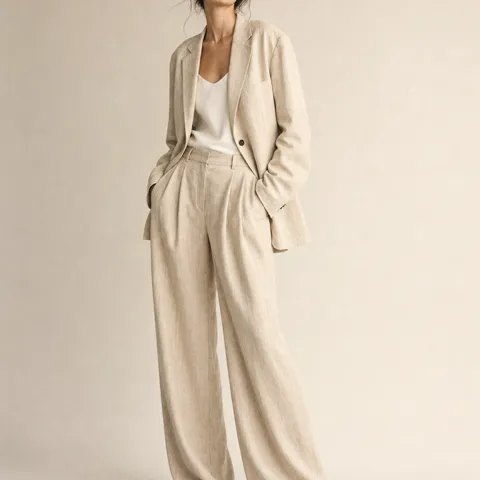
Studio fashion shot, model in oversized linen blazer and wide trousers, beige seamless backdrop, soft diffused key light, full body, neutral palette
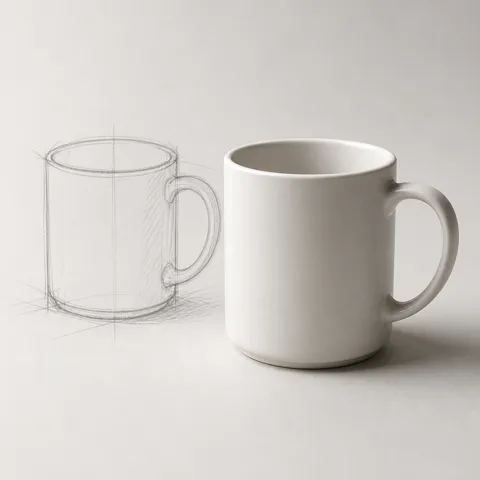
Turn this hand-drawn sketch of a coffee mug into a finished product render — minimalist white ceramic, soft shadow on light grey paper, studio photography
Start from a description or photo, then check and refine the generated image.
Type a single sentence in any language. Nano Banana parses scene, subject, and tone — no special syntax required.
Upload references when you need to retain a person, product or style. Explain each image’s role; your account’s upload limit appears in the form.
To refine a result, use it as a reference and describe the next change. Generate another version and check whether other details changed too.
Answers to your questions about Nano Banana.
Yes! Nano Banana offers up to 6 registration credits for new users to try our conversational AI image generation technology. Need more? View our flexible pricing plans to get additional credits for unlimited creative possibilities.
Nano Banana is a multimodal AI model that natively understands and generates images. It combines high-quality image generation with powerful editing capabilities, all controlled through natural language prompts. Perfect for fast, conversational, and multi-turn creative workflows.
Reuse a clear reference and name the details to preserve, such as face, outfit, shape or color. Change the scene separately and compare every result; consistency is not guaranteed.
This model currently accepts up to 10 reference images for both free and paid accounts. The upload area shows the current limit. Explain which image supplies the subject, background or style.
Upload the photo and describe the change in plain language, such as replacing the background or changing the lighting. Say what should stay the same, generate a new version and compare it with the original.
Describe what to change and what to keep. Whole-image generation can still alter other details. For a small local edit, use the Inpaint tool and brush the area you want to change.
Use a clear photo of the person or product you want to retain. For a style reference, choose an image that clearly shows the lighting, colors or composition and explain which of those qualities to use.
Identify one issue, such as layout, lighting or incorrect lettering, and make that instruction more specific. Keep the useful references and change one requirement at a time so you can see what helped.
Still have questions? Contact us at [email protected]
No setup. No learning curve. Just type.
Nano Banana Results