Free Image to Image AI Generator
Image to Image Results
Free Image to Image AI Generator
Upload a reference image, describe the change, and create a new version with Image 2 models while preserving the subject, product, composition, or style you care about.
Choose the right image to image model
Start with GPT Image 2 for high-fidelity edits, then switch to Nano Banana or Seedream when you need faster drafts, different reference handling, or lower-cost iteration.
GPT Image 2
The default option for faithful image edits, product visuals, layout-aware changes, typography, and high-resolution outputs.
Open GPT Image 2Seedream 4.5
Use Seedream 4.5 when you want polished reference edits, strong visual style, and high-resolution image-to-image variants.
Open Seedream 4.5Seedream 5.0 Pro
Use Seedream 5.0 Pro for dense infographics, product visuals, portraits, and more precise reference-based editing.
Open Seedream 5.0 ProSeedream 5.0 Lite
A lighter Seedream path for quick reference-based drafts, visual exploration, and lower-cost image editing rounds.
Open Seedream 5.0 LiteNano Banana Pro
A strong choice for multi-reference editing, product concepts, consistent subjects, and more controlled creative revisions.
Open Nano Banana ProNano Banana
Use Nano Banana for fast image edits, conversational revisions, and simple reference transformations.
Open Nano BananaNano Banana 2
Use Nano Banana 2 for upgraded reference editing with flexible sizes and stronger image generation quality.
Open Nano Banana 2Nano Banana 2 Lite
A lower-cost Nano Banana 2 option for frequent image-to-image drafts and lightweight creative iteration.
Open Nano Banana 2 LiteHow image to image works
A focused workflow for editing from a reference instead of starting from a blank prompt.
01
Upload a clear reference
Start with a portrait, product shot, sketch, screenshot, generated image, or design that contains the subject or layout to preserve.
02
Describe the edit precisely
Say what should change and what should stay fixed: identity, pose, product details, text, color, material, lighting, or background.
03
Choose the right image model
Use GPT Image 2 by default, then switch models when you want a faster draft, a different reference style, or lower-cost iteration.
What image to image is best for
Start with a visual you already have, then use prompts to change only what needs to change while keeping the important parts anchored.
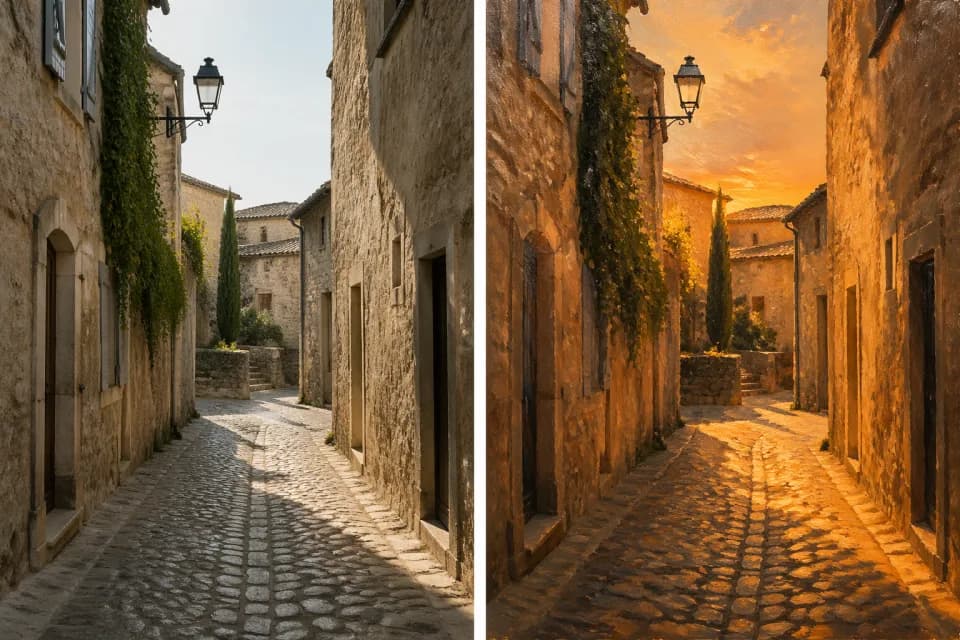
Restyle a photo or generated image
Turn a portrait, scene, or AI image into a new look while keeping the original subject and composition recognizable.
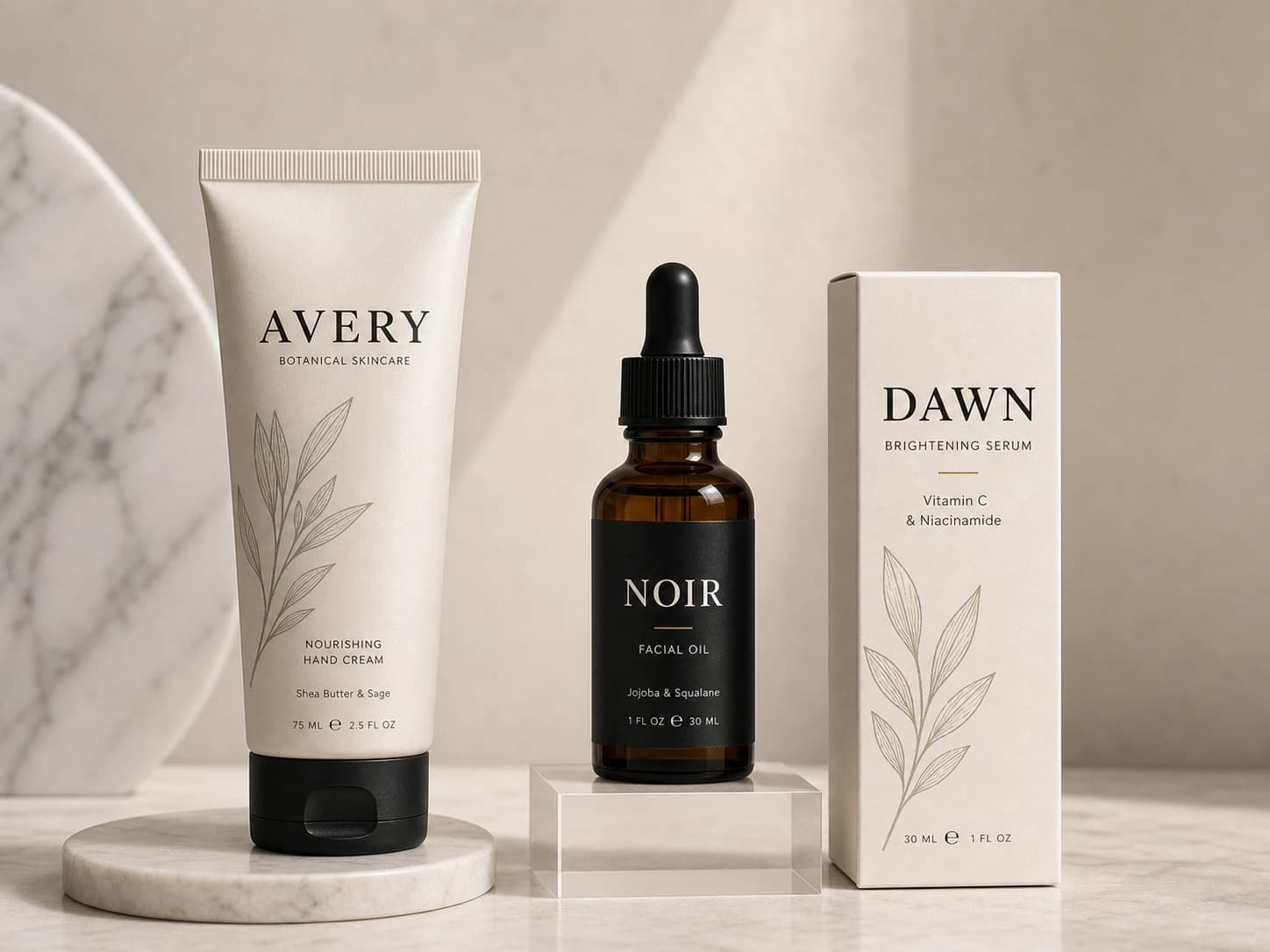
Refine product and brand visuals
Preserve packaging, shape, logo placement, or material cues while changing background, lighting, crop, or campaign mood.
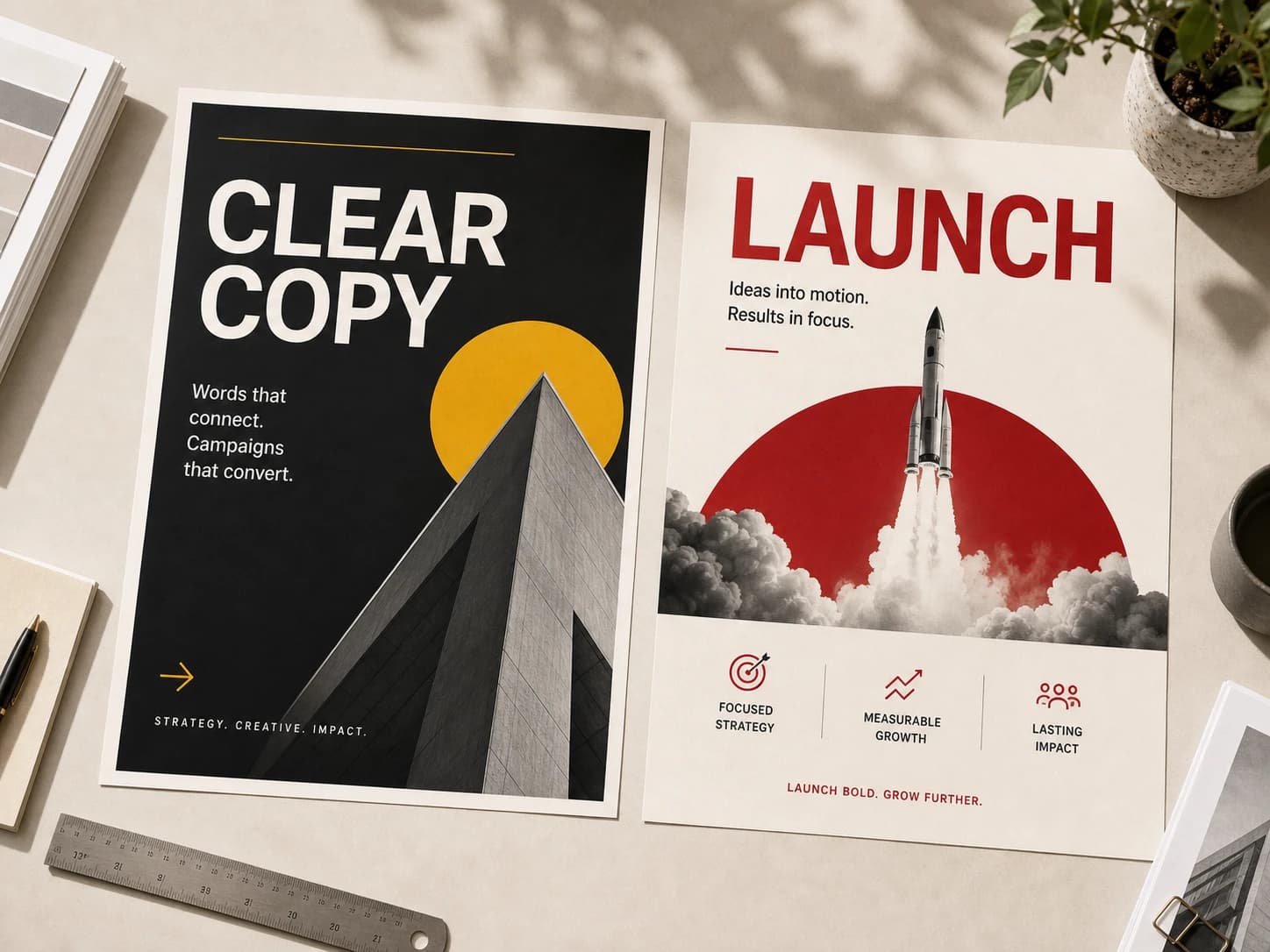
Create posters and design variants
Use an existing image as the anchor for new posters, thumbnails, editorial layouts, social graphics, and campaign tests.
Built for reference-faithful edits
The page routes through the same Image 2 generation system, but starts from a required image so the intent stays image-to-image.
Reference-first workflow
The upload is required, so the result is grounded in your source image instead of becoming a generic text-to-image generation.
Model choice stays available
Start with GPT Image 2 or switch to Nano Banana, Seedream, or another supported image model from the same workspace.
Clean history attribution
Results are saved under the image-to-image source path, making them easier to find and separate from generic model pages.
Frequently asked questions
Answers to your questions about Image to Image.
Transform your next image
Upload a reference, write a specific edit, and generate a new version without starting from scratch.