Seedream 5.0 Pro Results
Seedream 5.0 Pro
Create dense infographics, localized campaign boards, product systems, UI dashboards, and precise edits from one structured brief.
Made with Seedream 5.0 Pro.
A Pro-oriented set for complex visual work: technical layouts, operations dashboards, multilingual posters, layer-aware product visuals, storyboards, brand boards, editorial portraits, and edit plans. Tap any image to load its prompt.
What Seedream 5.0 Pro does well.
Seedream 5.0 Pro is strongest when the brief has structure: information hierarchy, exact labels, reference constraints, materials, lighting, and composition rules can all be handled in one visual direction.
Brief-level visual reasoning
Give the model hierarchy, relationships, exact labels, material logic, and scene constraints so complex posters, dashboards, and diagrams hold together.
Reference-guided editing
Upload images and describe what changes and what stays: material, outfit, lighting, layout, language, or local details. A single request can use up to 10 reference images.
1K and 2K output
Use 1K for fast drafts at 5 credits, or 2K for sharper images and crop-heavy production work at 10 credits.
Production ratios
Choose square, portrait, landscape, social vertical, plus classic 3:2 and 2:3 compositions before you render.
Built for production briefs.
Use it when the output has to carry information, preserve references, localize layout, or keep a production system consistent across formats.
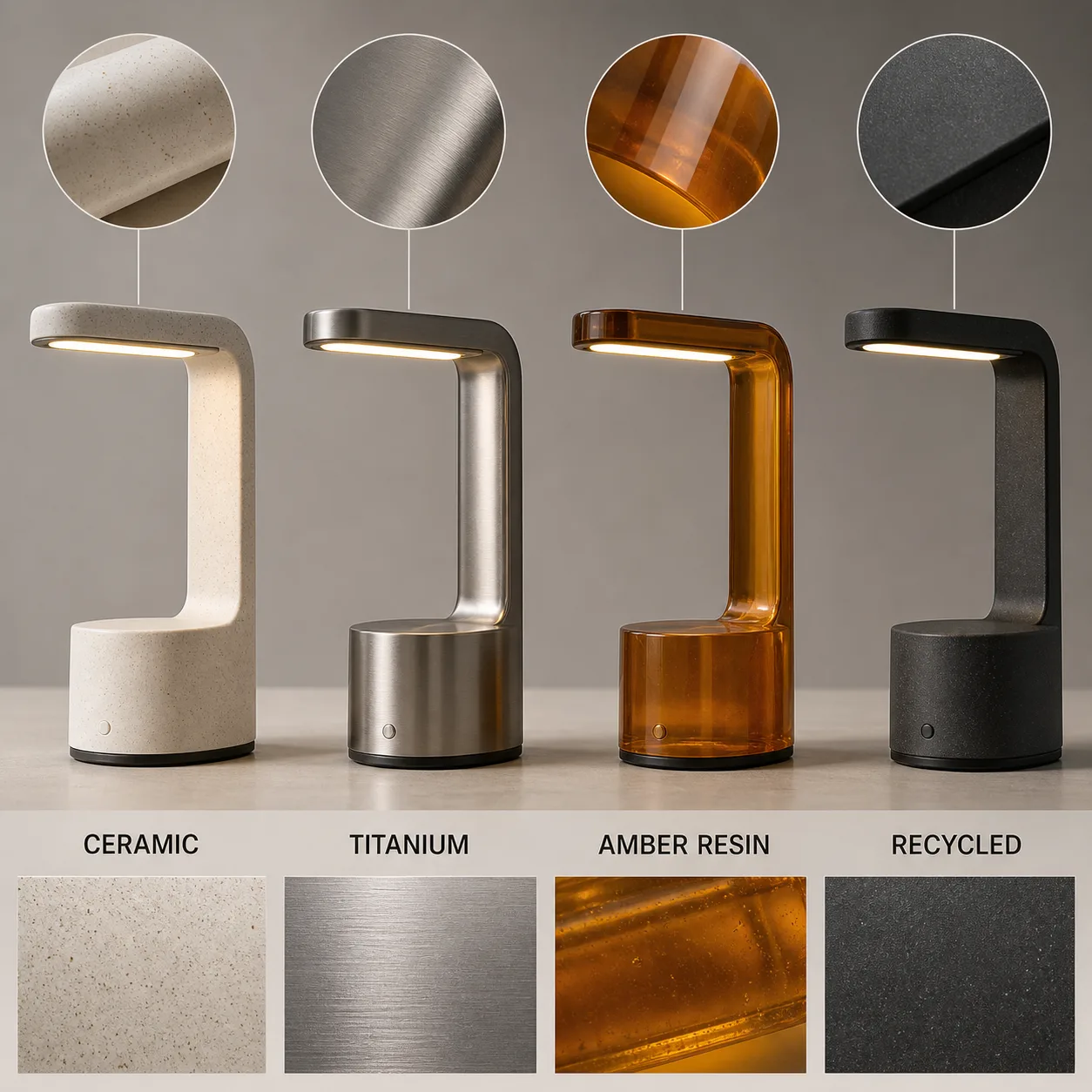
Product systems and material variants
Compare ceramic, metal, resin, fabric, packaging, and detail shots without losing the design system.
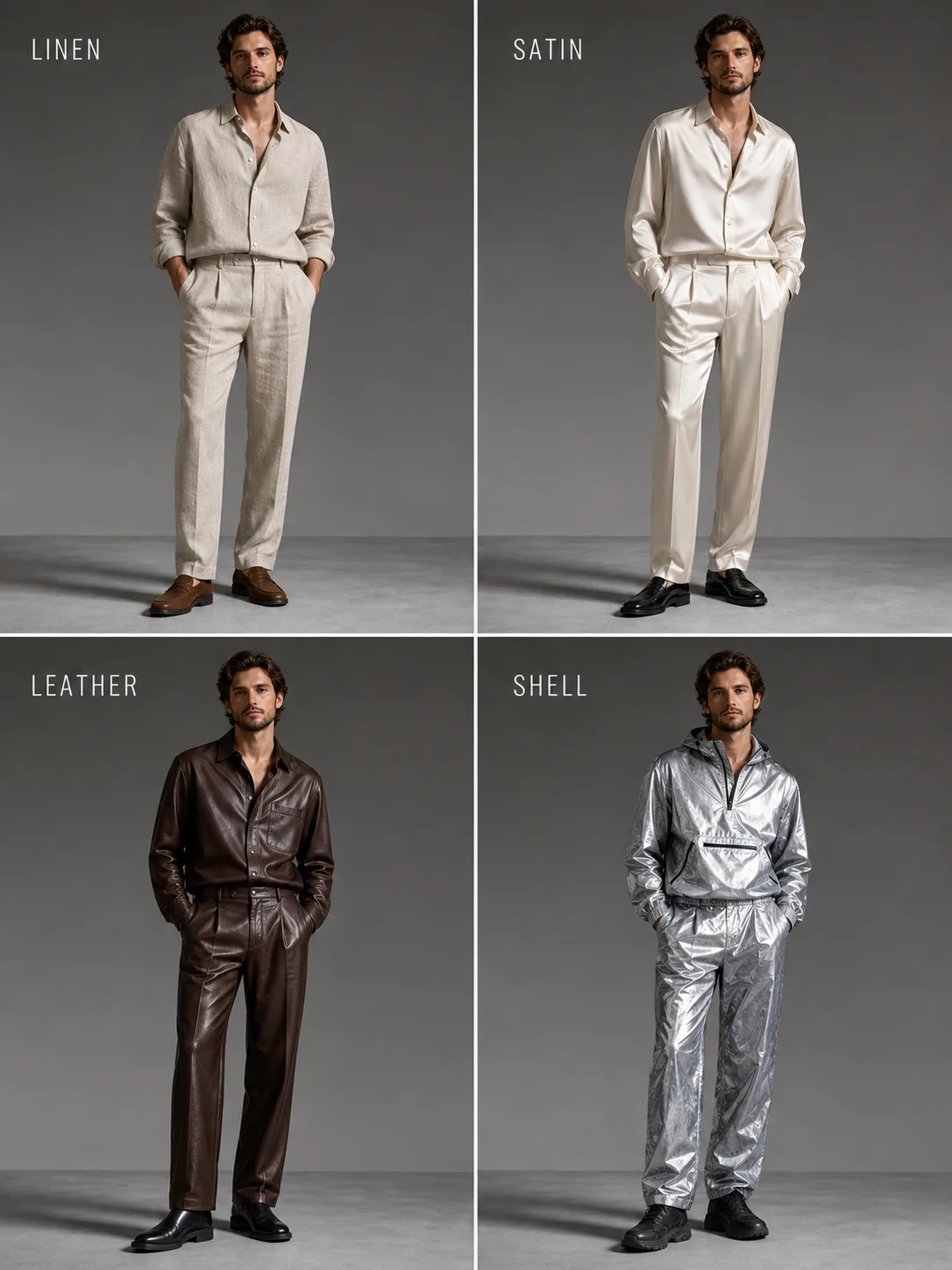
Consistent subject variations
Keep a person, pose, or object recognizable while testing outfits, materials, lighting, or styling.
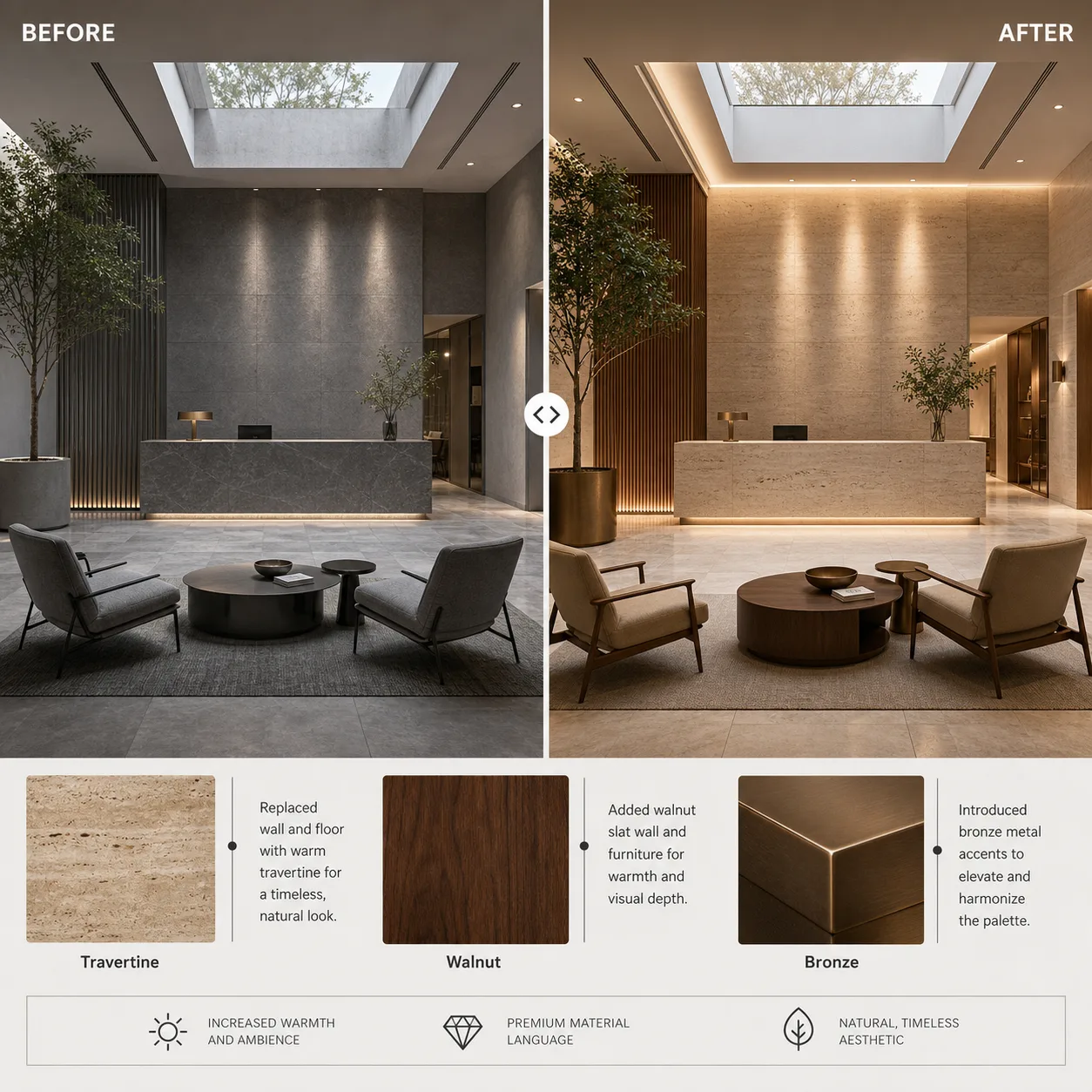
Interior and architecture edits
Plan before-and-after rooms, hotel lobbies, retail spaces, lighting changes, and material swaps.
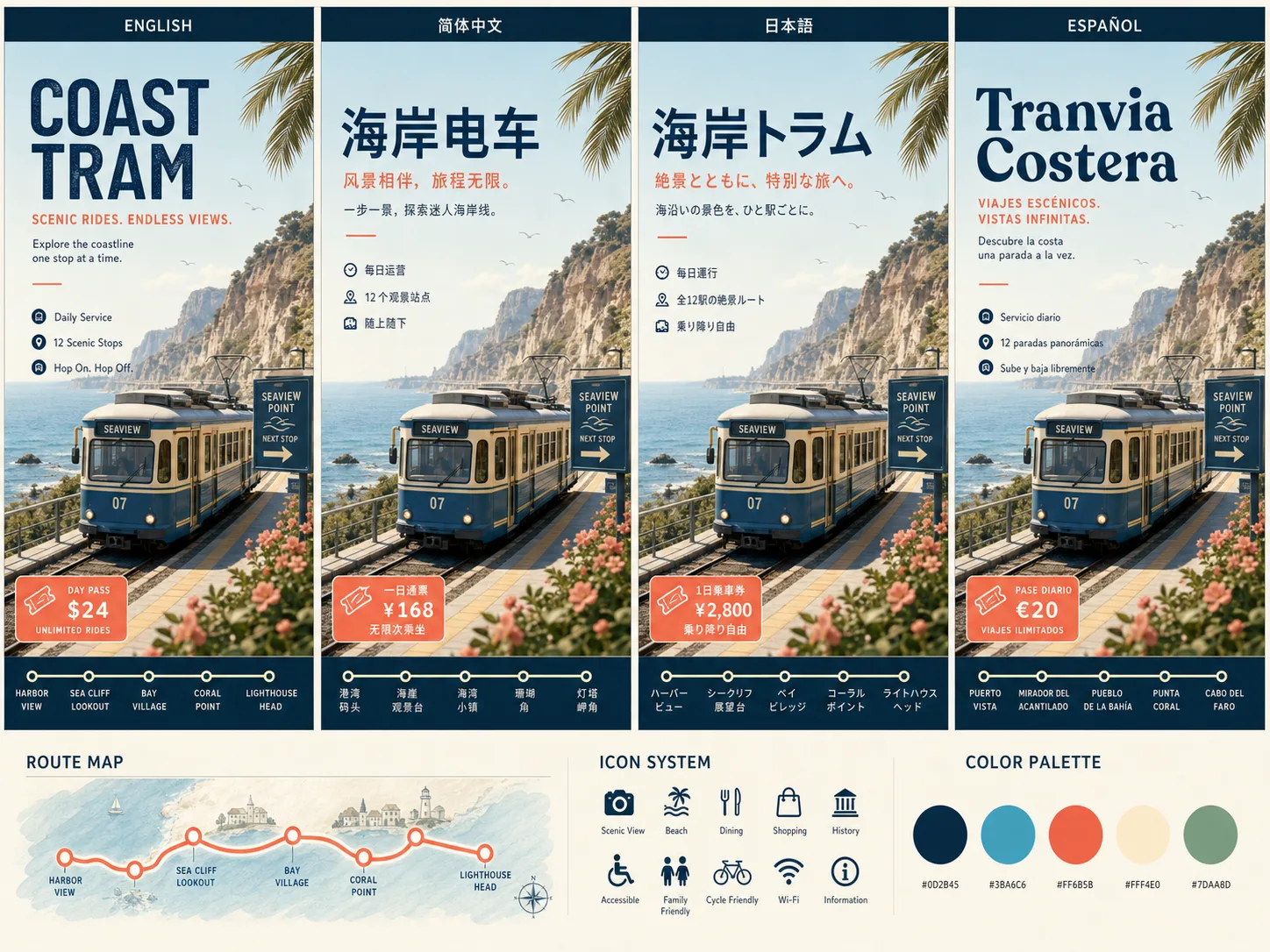
Multilingual layout adaptation
Turn one travel, event, or campaign concept into region-ready text layouts and visual systems.
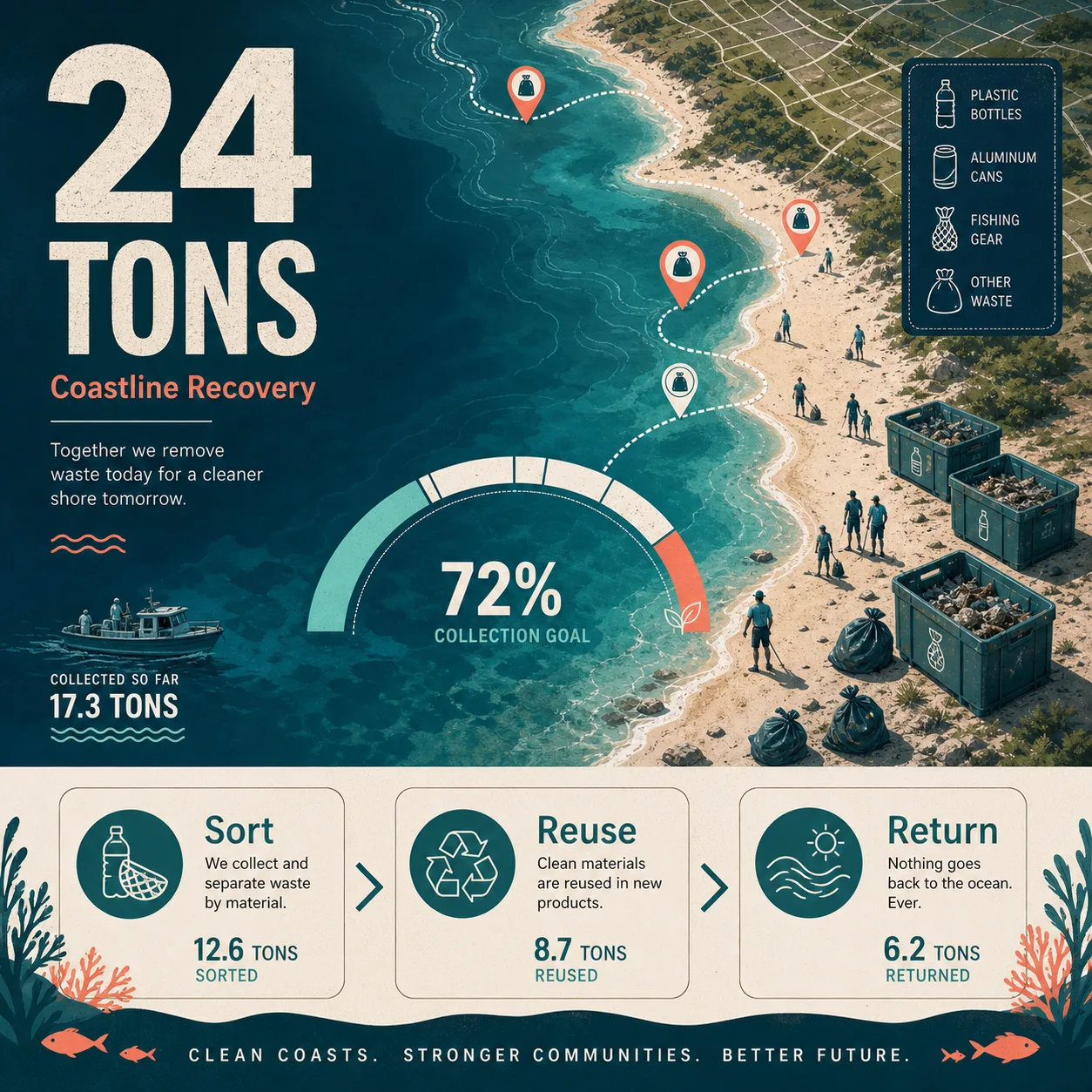
Data-rich campaign visuals
Build social-impact graphics, launch boards, report covers, and campaign assets with clear information hierarchy.
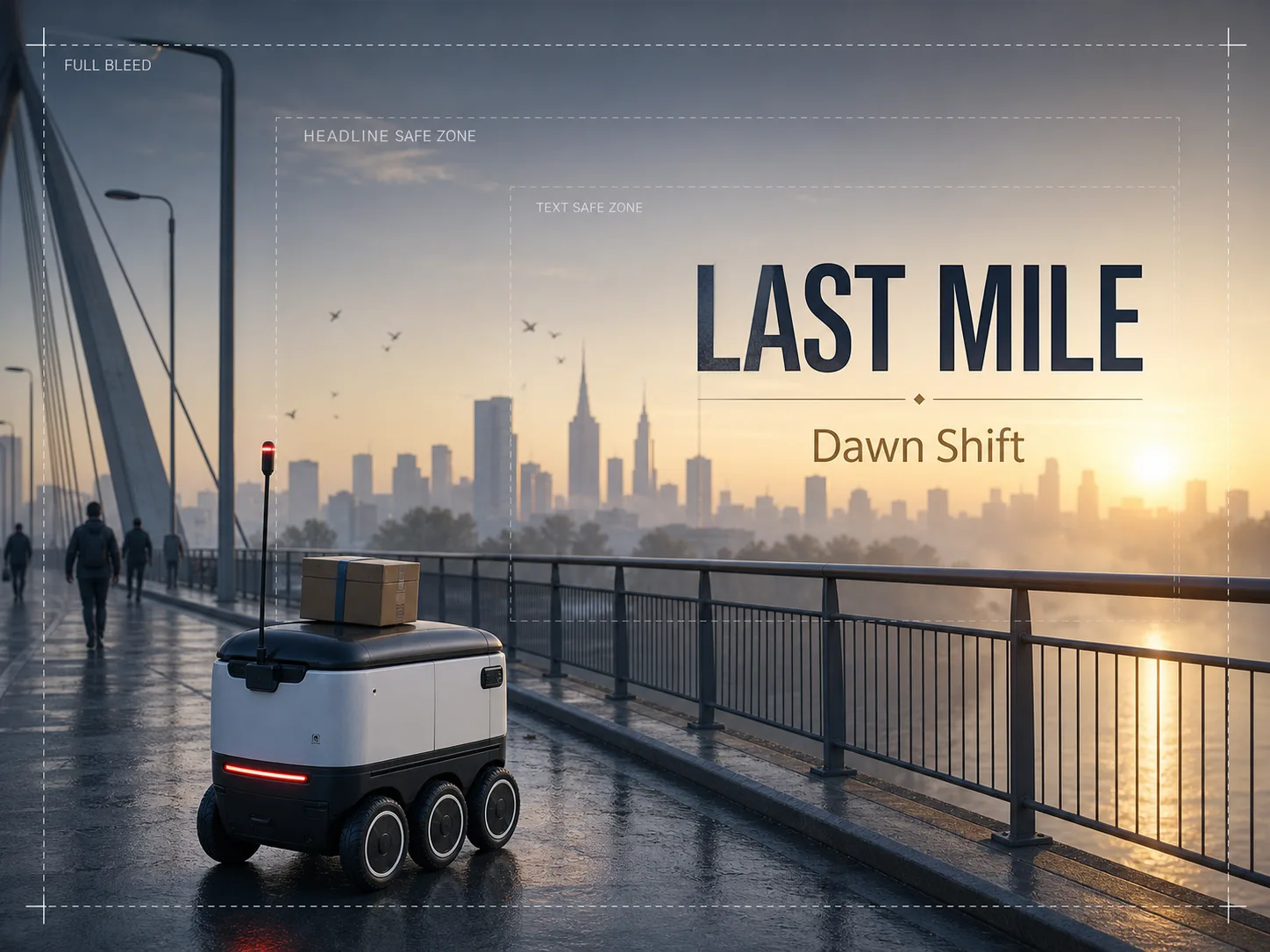
Cinematic campaign frames
Create wide key visuals, robot scenes, transport concepts, and campaign crops with room for copy.
Steal a starting point.
Use these as working briefs. Each one states the job, locks the important text and layout, and gives the model enough structure to make a usable first draft.
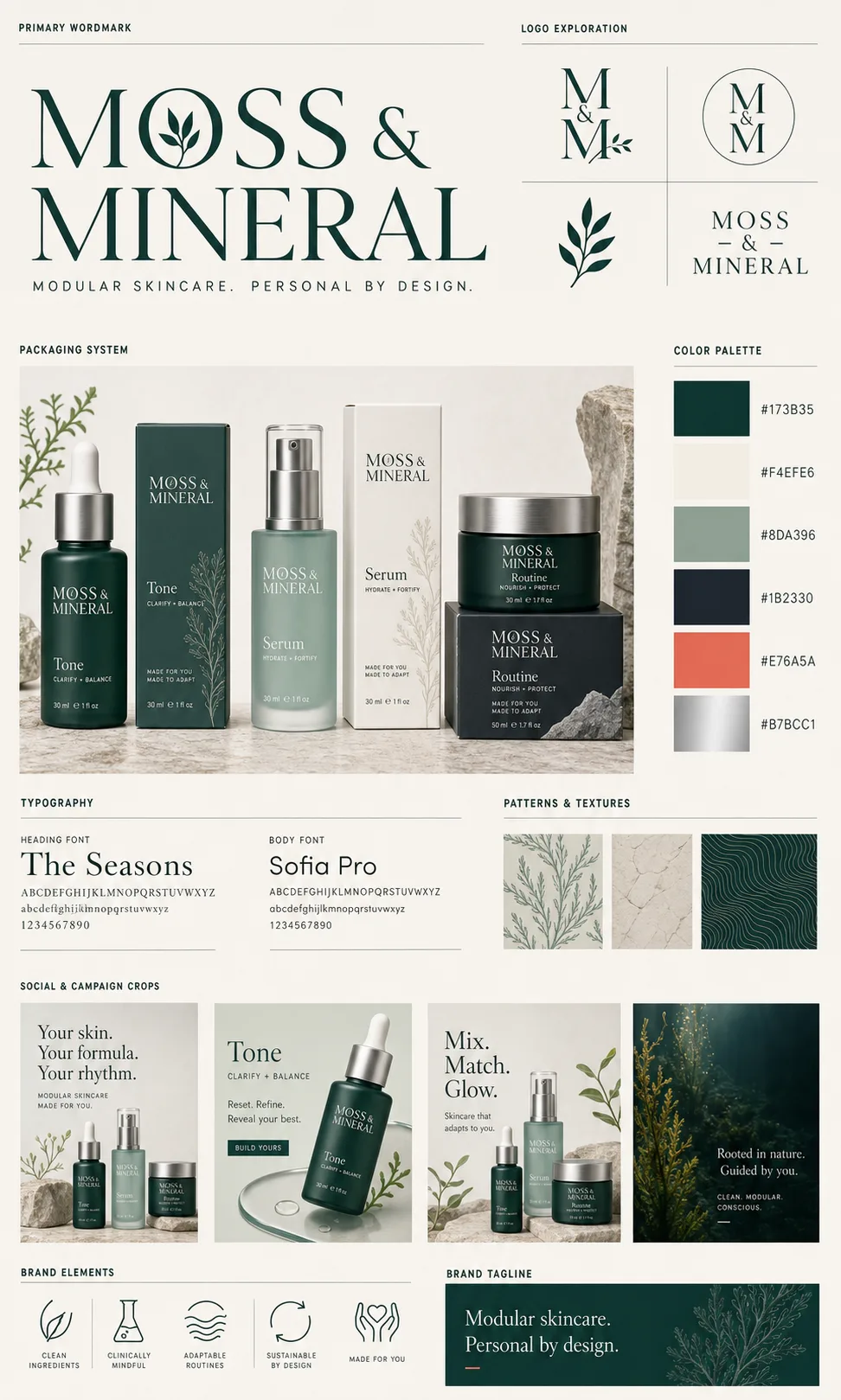
Modular skincare identity
Create a complete brand system board for a fictional modular skincare line called MOSS & MINERAL. Include the primary wordmark, logo variations, packaging family, color palette, typography, textures, social campaign crops, icon set, and the exact tagline “Modular skincare. Personal by design.”
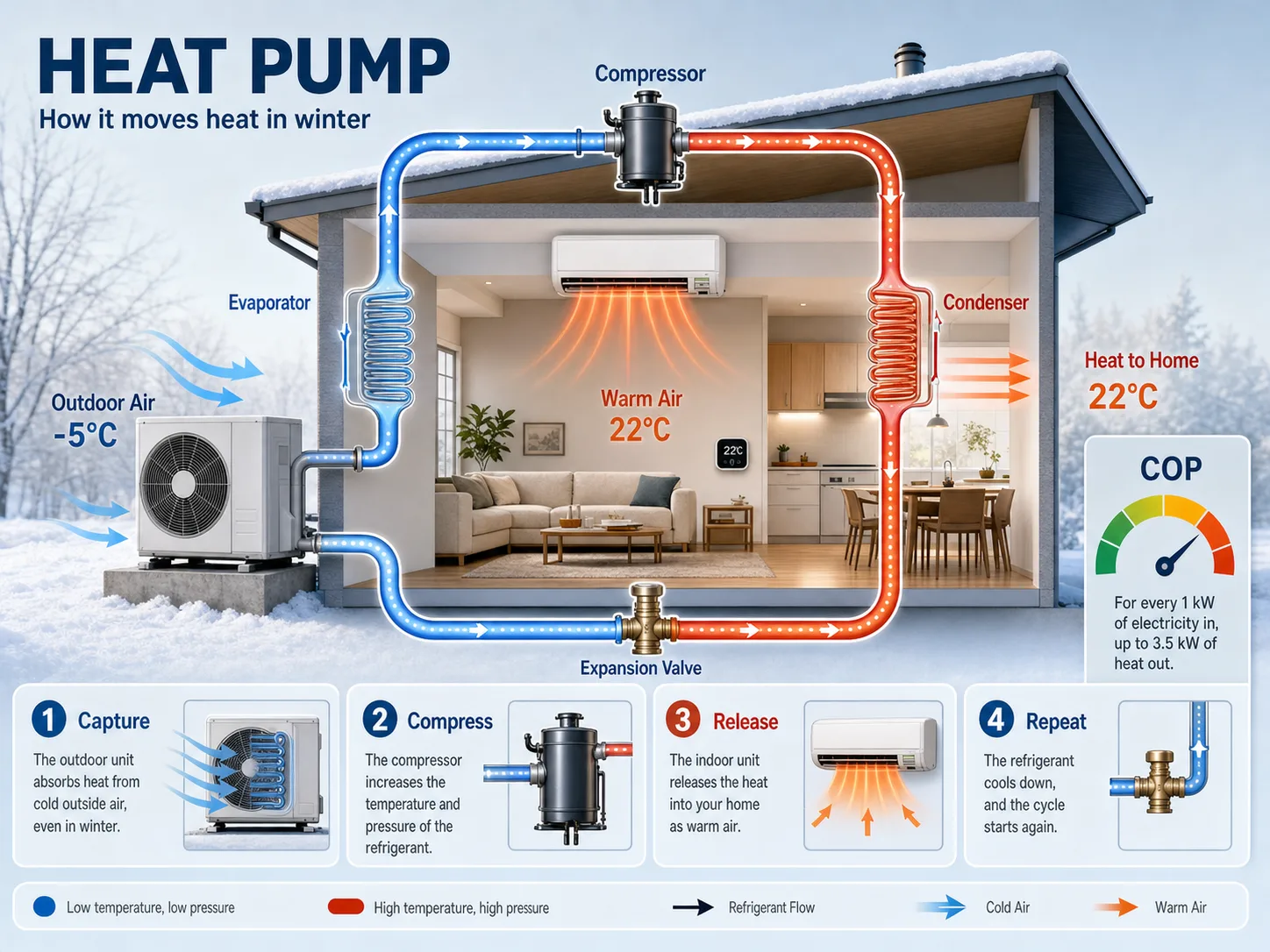
Heat pump cross-section
Create a clean cross-section infographic titled HEAT PUMP. Show a winter house, outdoor unit, indoor unit, refrigerant loop, airflow arrows, four steps named Capture, Compress, Release, Repeat, and a small COP meter.
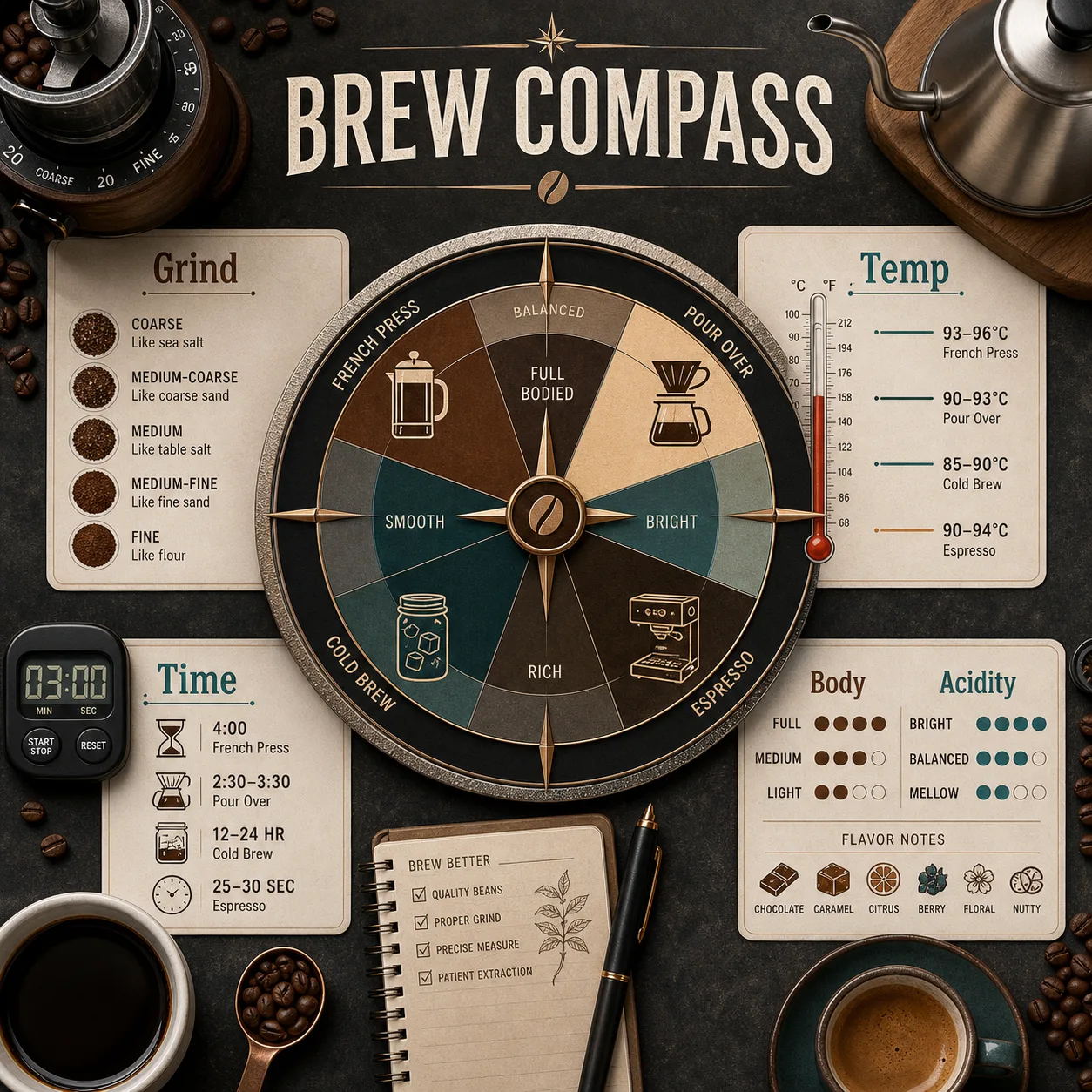
Coffee brew compass
Create a square coffee brewing compass. Place a circular chart in the center and surround it with grind size, temperature, time, body, and acidity panels, plus realistic coffee tools on the desk.
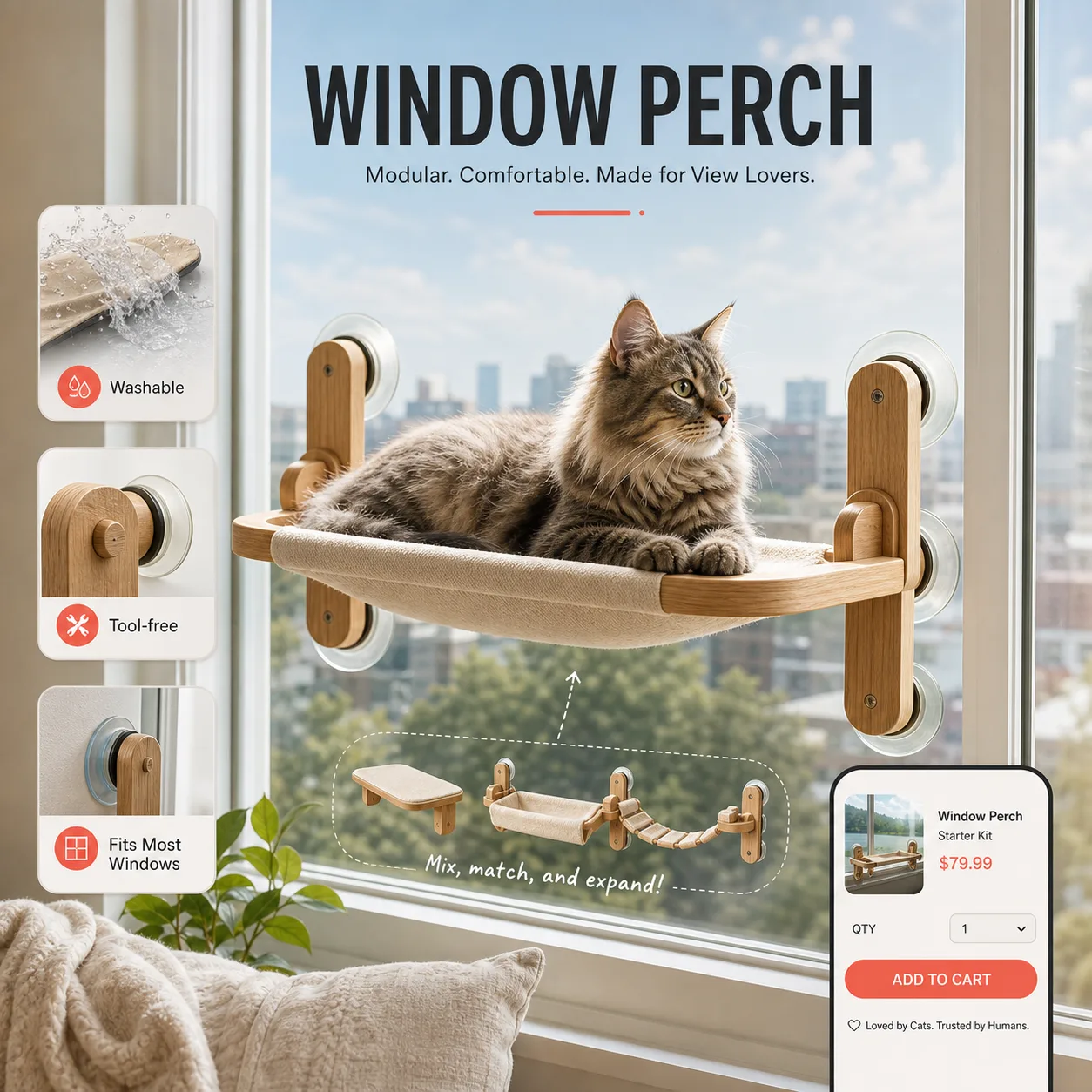
Window perch landing visual
Create a direct-to-consumer product visual for a modular cat window perch. Show the product in use, three feature callouts, washable fabric detail, tool-free assembly, and a small checkout card.
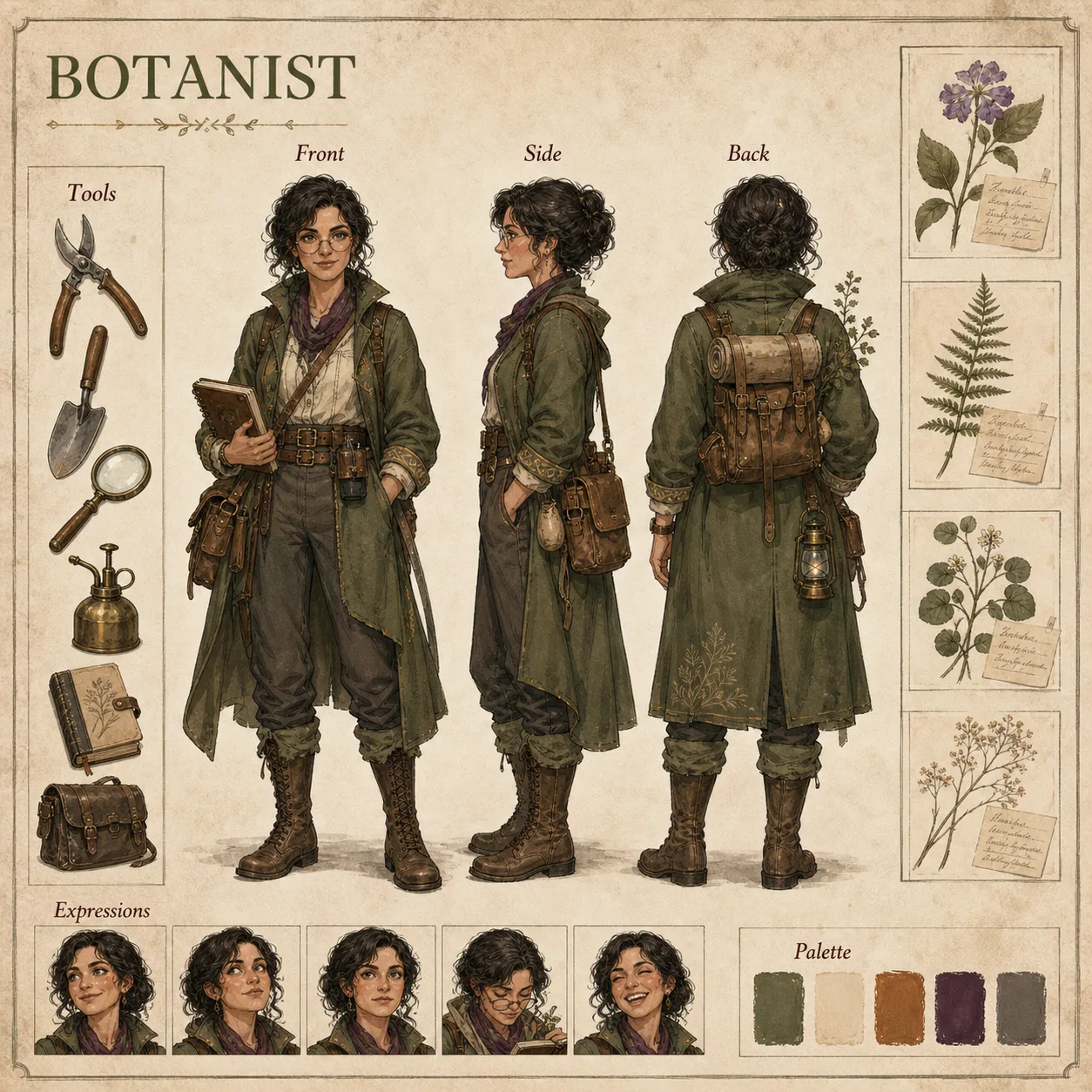
Botanist turnaround
Create an animation-style character turnaround for a fictional adult botanist explorer. Show front, side, and back views, tool props, plant specimen sketches, expression thumbnails, and color swatches.
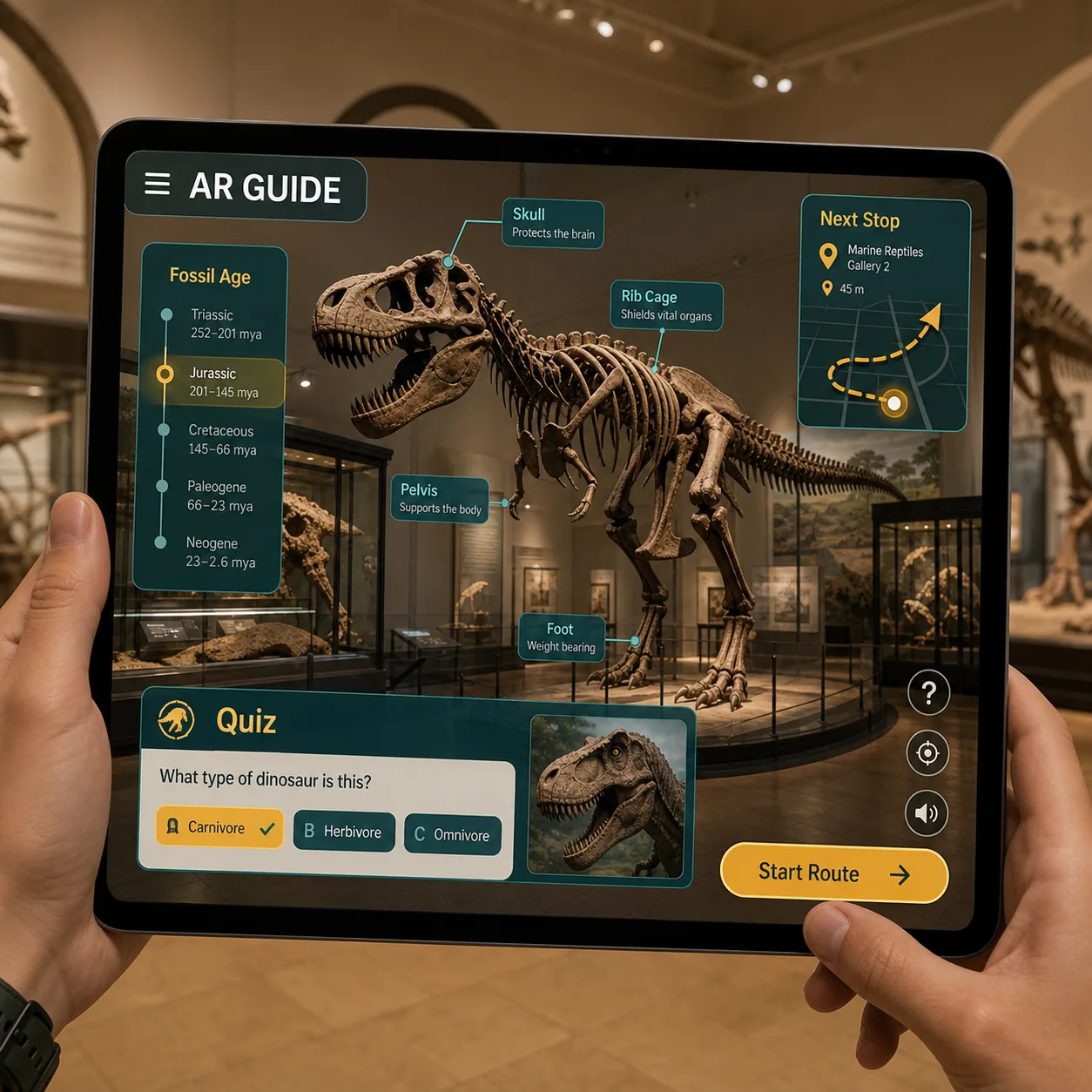
Museum guide mockup
Create an AR museum guide interface for a fossil hall. Show a tablet camera view, labels anchored to fossil bones, route arrows, a quiz card, and a Start Route button.
How to use Seedream 5.0 Pro.
Start from text or add references when the result has to follow an existing image.
Write the brief.
Describe the output type, exact text, layout hierarchy, subject relationships, materials, lighting, and ratio.
Add references when precision matters.
Upload source images when the result should preserve a subject, match a style, or edit a local detail.
Choose 1K or 2K.
Choose 1K for fast drafts at 5 credits, or 2K for sharper production images at 10 credits.
Frequently asked questions
Answers to your questions about Seedream 5.0 Pro.
Seedream 5.0 Pro is a multimodal image model for structured visual briefs: dense infographics, localized campaign systems, product material variants, dashboards, storyboards, portraits, and precise reference-guided edits. On Image 2 it runs in one editor for both text-to-image and image-to-image, so you can start from a written brief or refine an uploaded image.
Yes. Switch to image-to-image, upload one or more images, and describe the change in plain language: swap material, restyle an outfit, add elements, or adjust lighting while keeping the subject recognizable. A single request supports up to 10 reference images.
You can render at 1K or 2K. Use 1K for quick drafts, social posts, and prompt tests; choose 2K when you need sharper product visuals, posters, infographics, or images you plan to crop.
Seven ratios are available: 1:1, 4:3, 3:4, 16:9, 9:16, 2:3, and 3:2. Pick the ratio before you generate so the composition is framed correctly from the start.
Reach for Seedream 5.0 Pro when the job depends on structure: exact labels, information hierarchy, multiple layout regions, material control, localized typography, or reference-preserving edits. Choose GPT Image 2 when you specifically want its own typography style and reference behavior.
1K starts at 5 credits per image, and 2K starts at 10 credits per image. The first reference image is included; additional reference images can raise the final cost, and the button shows the exact credits before you submit.
It depends on the Image 2 terms, the model's own terms, and your rights to the prompts, uploads, brands, and references involved. It's worth reviewing these before you publish client or paid work.
Most images come back in well under a minute, though it varies with current demand, prompt complexity, and how many references you add. The result panel updates on its own as soon as your image is ready.
Still have questions? Contact us at [email protected]
Start with the structure.Render the first pass.
Write the structure, upload references when needed, then choose the resolution that fits the job.