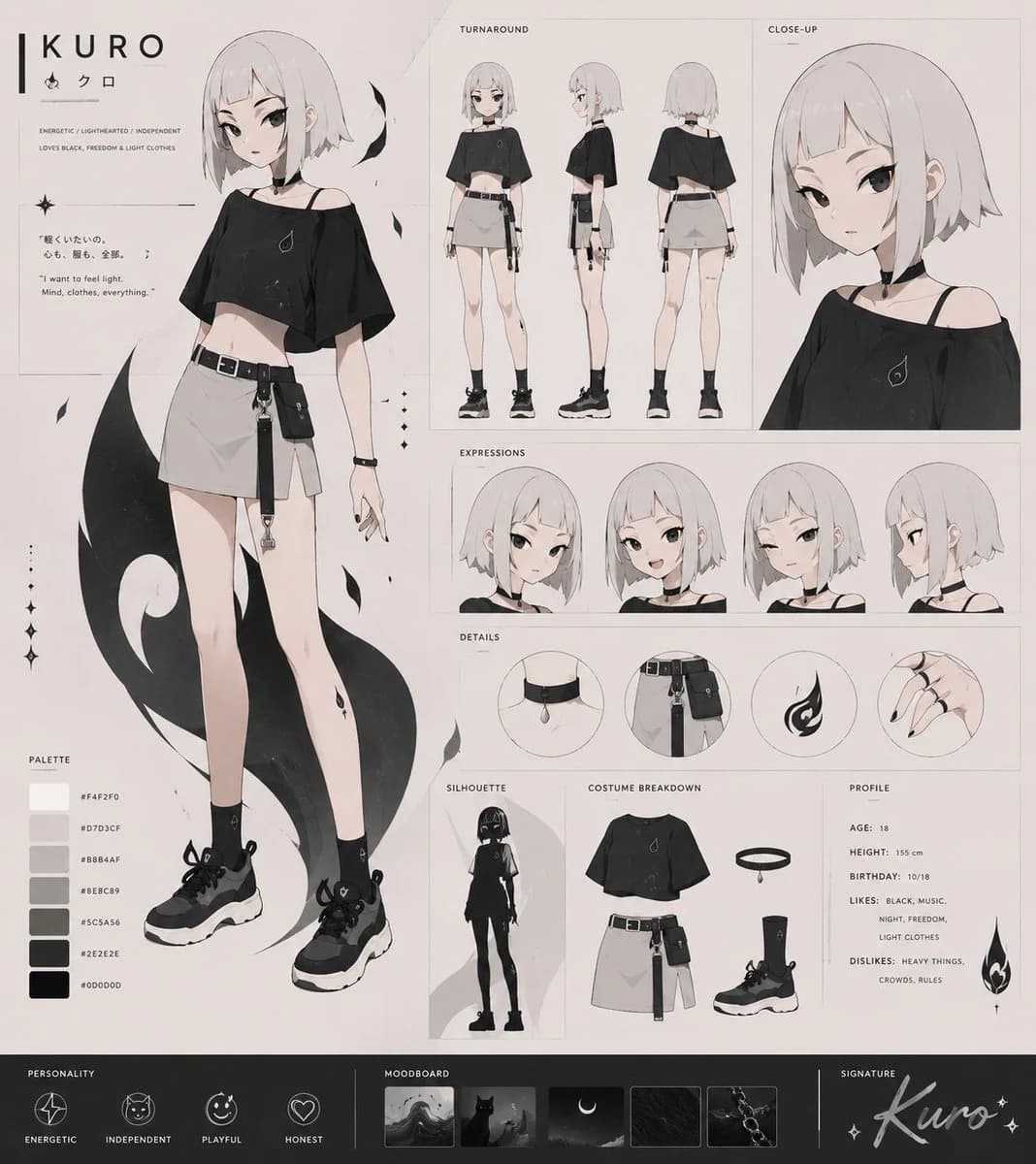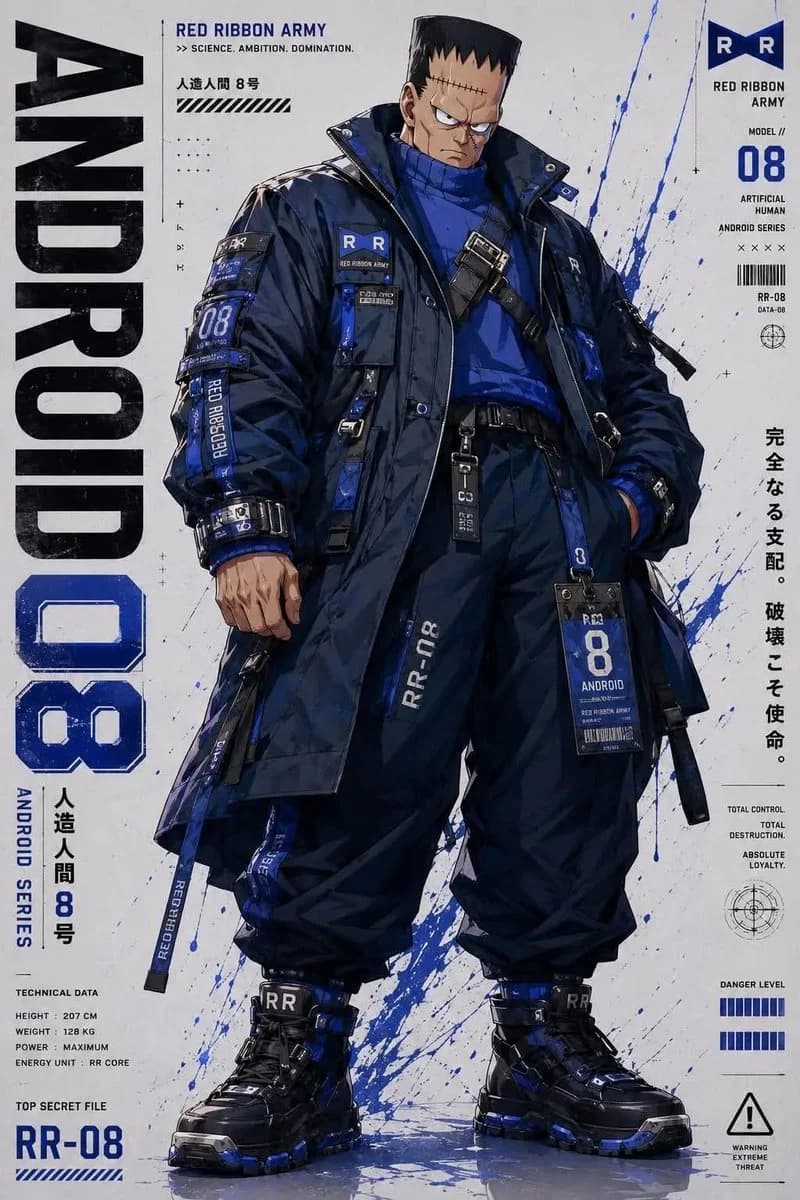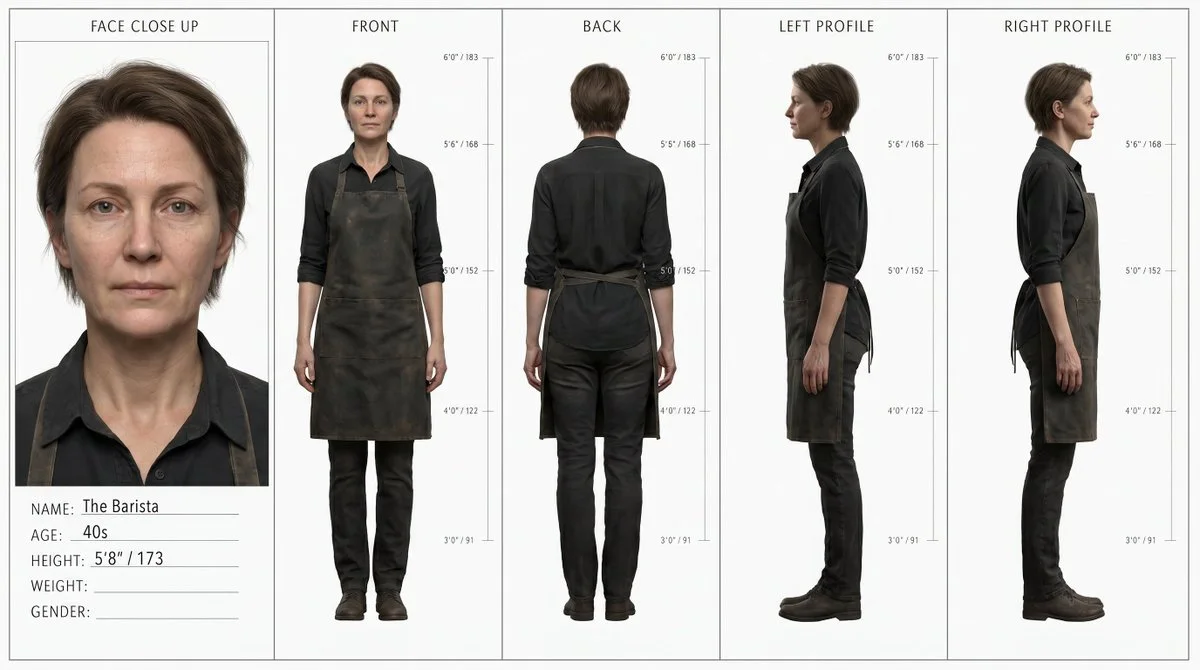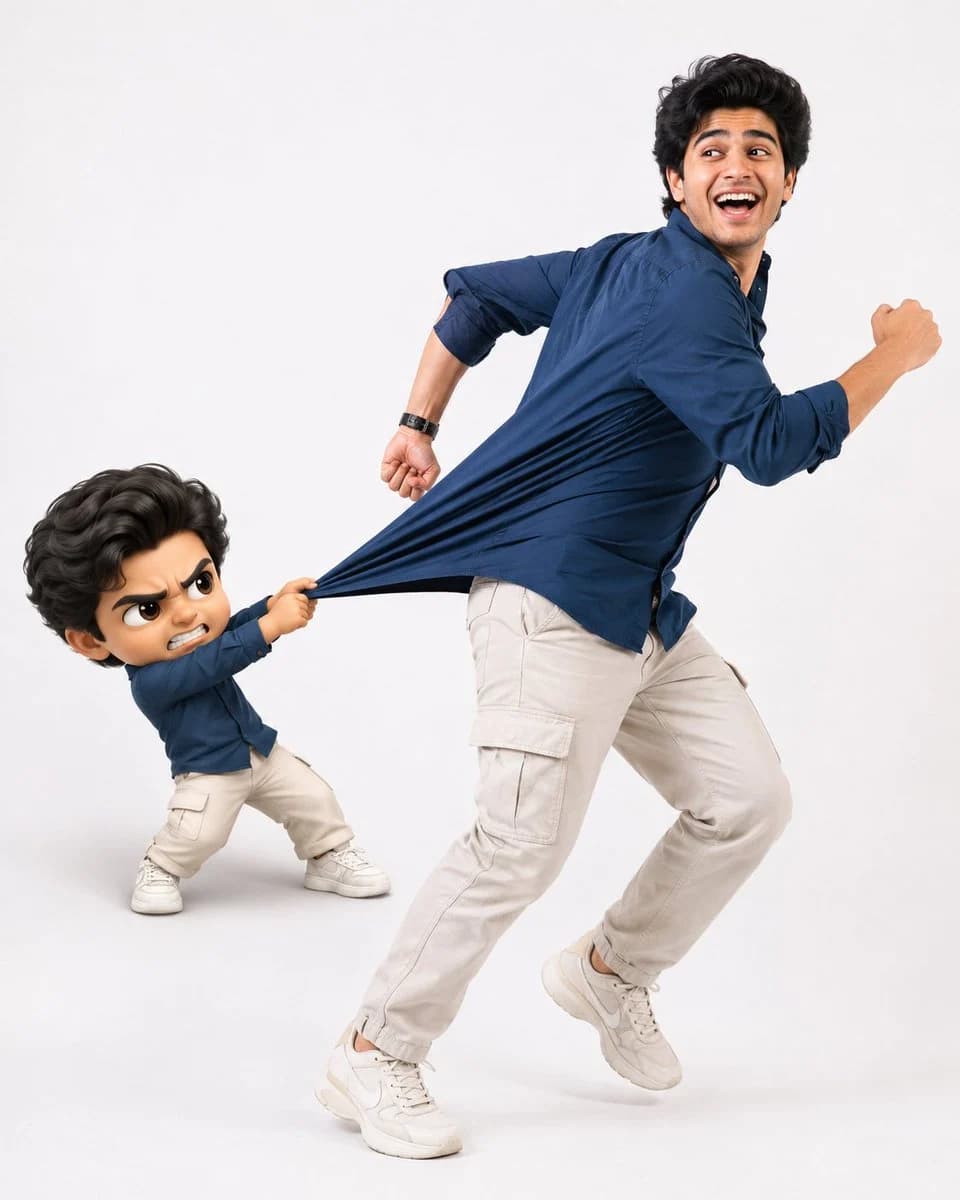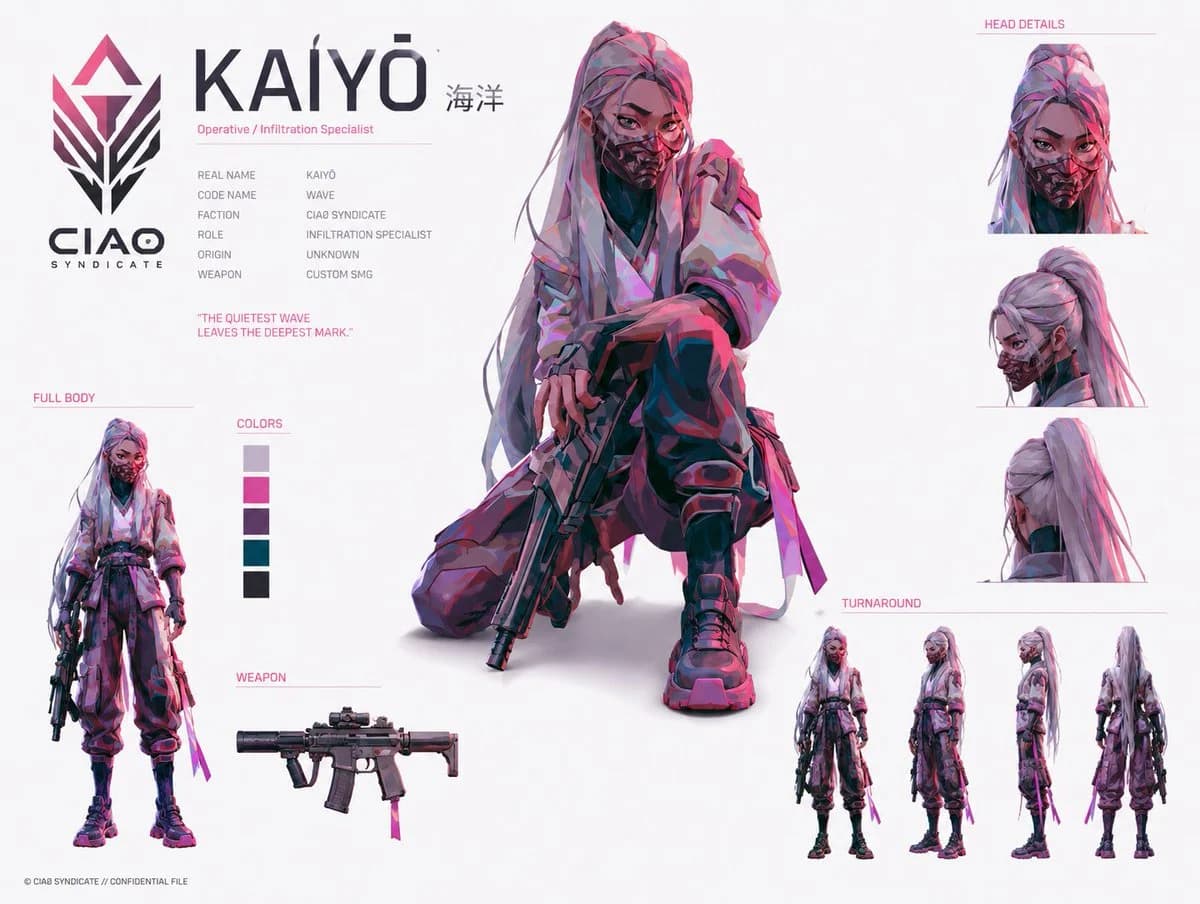
Prompt
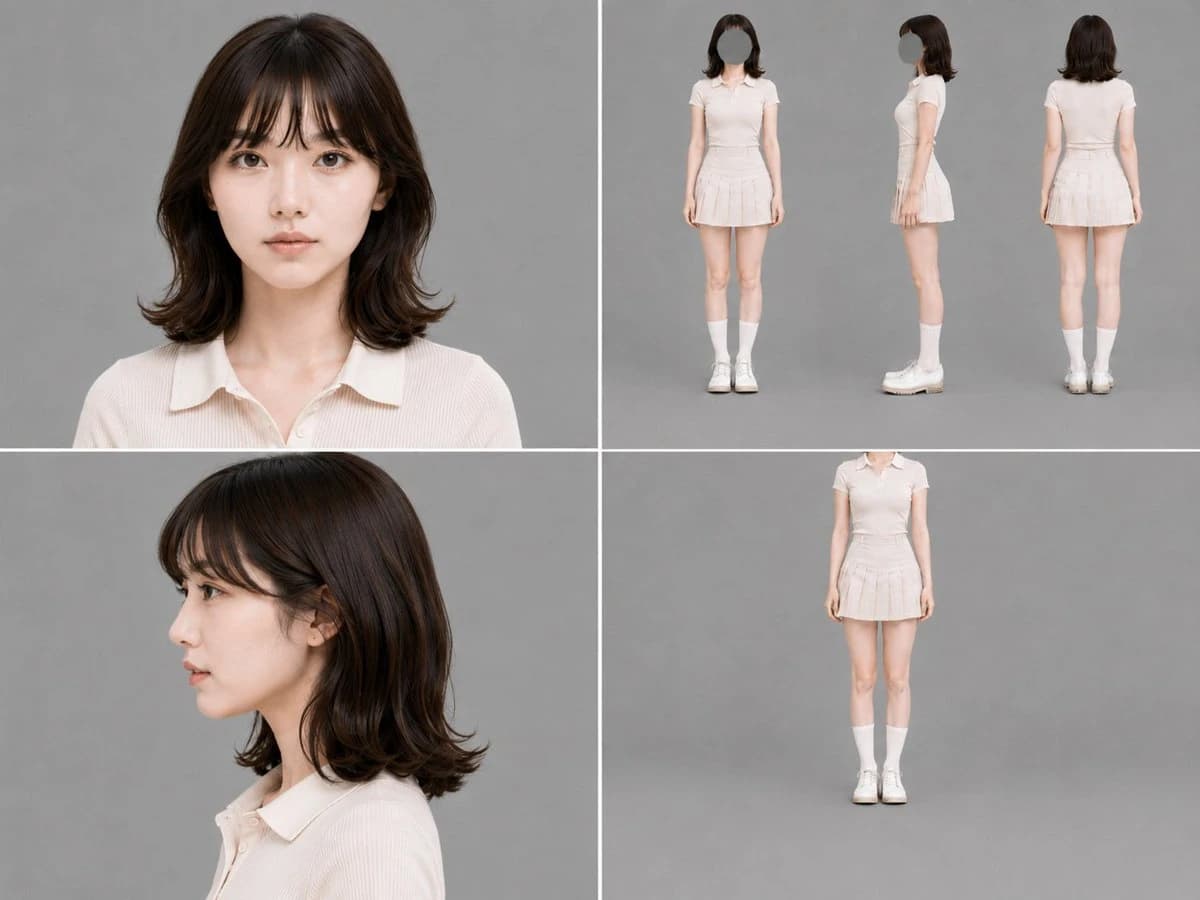
366 wordsGoal: Create a clean studio character reference sheet for {argument name="character name" default="a young East Asian woman"}, designed for consistent AI image generation across shot distances and angles.
Canvas: Landscape 4:3 image, 1024×768 style, divided by thick white grid lines into four equal rectangular panels. Use a neutral medium-gray seamless photography background in every panel, soft even studio lighting, realistic photo quality, no text, no logos, no watermark.
Layout: Use exactly 4 panels. Top-left panel: a close-up front-facing head-and-shoulders portrait with the face clearly visible, centered, calm neutral expression. Top-right panel: a three-view full-body character turnaround on the gray background, showing exactly 3 standing figures side by side: front view with the face intentionally replaced by a smooth gray oval/blank mask, right side profile with the face blanked, and back view with hair and outfit visible. Bottom-left panel: a close-up left-facing side-profile portrait with the face clearly visible, head and shoulders composition. Bottom-right panel: a single full-body front view standing pose, centered far away with the head cropped off or omitted above the neck, emphasizing outfit and body proportions.
Subject details: The character is a slim petite young woman with fair skin, shoulder-length dark brown softly layered hair, wispy straight bangs, slightly curled-out ends, natural makeup, large brown eyes in the visible portraits, and a composed neutral expression. Outfit: {argument name="outfit" default="a pale cream short-sleeve ribbed polo knit top tucked into a matching high-waisted pleated mini skirt"}, white mid-calf socks, and chunky white lace-up shoes. Keep the same hairstyle, body shape, clothing, socks, and shoes consistent across all panels and all views.
Visual style: Minimal fashion model character sheet, realistic studio photography, soft shadows on the gray floor/backdrop, muted cream-and-gray palette, accurate human proportions, no stylization, no manga or illustration look.
Constraints: Exactly 6 depictions of the character are visible across the sheet: 1 front close-up portrait, 3 full-body turnaround views, 1 side-profile close-up portrait, and 1 headless full-body front view. Keep the face visible only in the two close-up portrait panels; in the top-right turnaround, simplify or hide the face with a gray oval; in the bottom-right full-body panel, omit or crop the head. Do not add extra poses, labels, props, accessories, or background objects.About this prompt
Gray Studio Character Reference Sheet is a ready-to-use character design prompt for GPT Image 2 on Image 2. Copy the 366 words below, paste them into the Create form, and you will get a result close to the preview above. Tweak the Storyboard, Character, Character Design tag if you want to push it somewhere new.
Use it as a starting point, then adjust the subject, lighting, or composition to suit your idea. The credit cost stays the same whether you use it as written or customize it.
Use case
A strong starting point for Character Design
Start here when you want a character design image inspired by Gray Studio Character Reference Sheet. The prompt already sets the look and composition; replace the subject, product, colors, or scene details to match your project.
Easy places to tweak
- Subject Swap in your person, product, place, or object without changing the overall composition.
- Look and mood Tune the lighting, palette, camera angle, or materials so the image fits your brand.
- Final format Set the aspect ratio, background, text, or layout notes before you generate.
More prompt paths to explore
Find more GPT Image 2 prompts with a similar style, use case, or subject.
How to use it
- Step 1
Copy the prompt
Hit the Copy button above to grab the full text.
- Step 2
Open Image 2 Create
Head to the Create form and paste it in.
- Step 3
Generate
Hit Generate. Your version lands in seconds.
Make it yours
Load the prompt into the Create form with one click, then start tweaking.