Faster web pages
Export lean JPEG or WebP files for landing pages, blog posts, and product listings that load fast and score well on Core Web Vitals.
Free image compressor
Compress JPEG, PNG, or WebP images, adjust the quality, and compare the real file-size savings before downloading. Sign in to use it free, with no watermark.
The original stays in your browser. A reduced temporary copy is sent for safety screening and expires after one hour.

image-2-sample.webp
1200 × 900 · 159.7 KB · WebP
Output format
Quality
75%Original · 1200 × 900 · 159.7 KBCut file size for the web, email, and everyday sharing while compression and output stay in your browser.
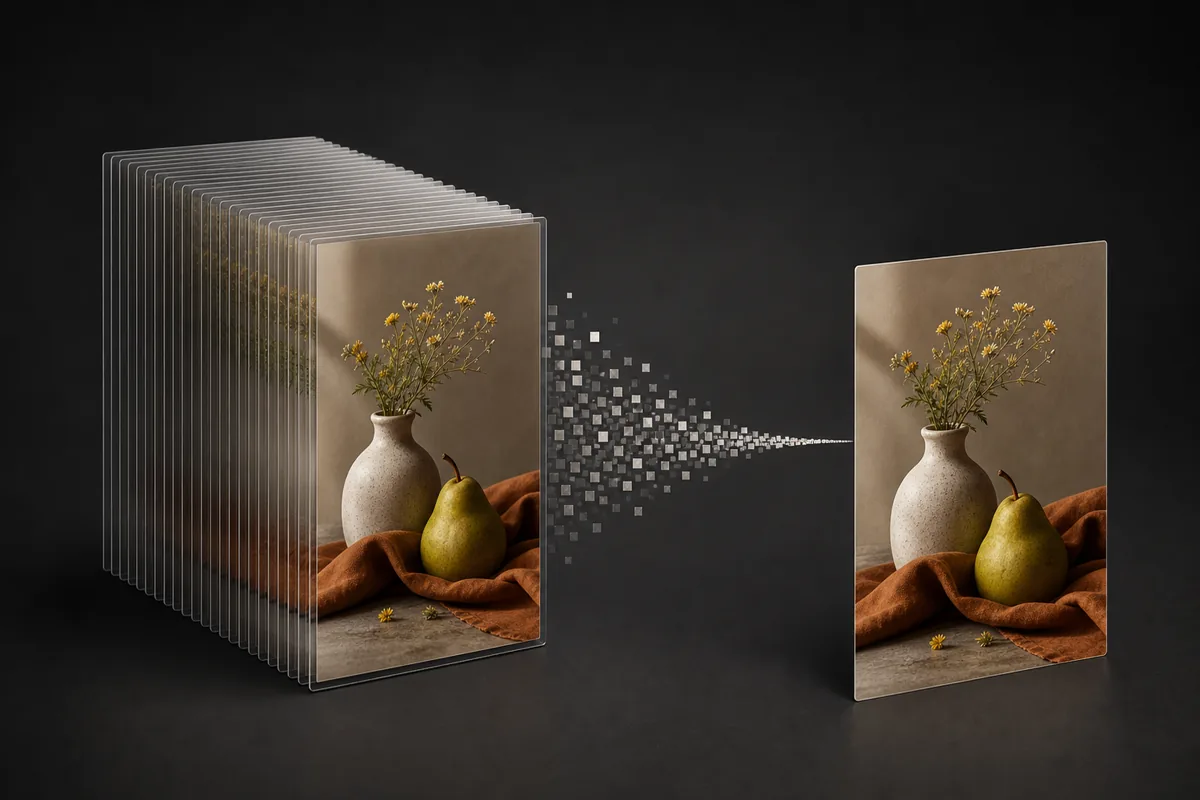
Export lean JPEG or WebP files for landing pages, blog posts, and product listings that load fast and score well on Core Web Vitals.
Get a photo under the attachment limit before you hit send, or under the upload cap on a form or portal.
Keep a lighter copy for chat apps, cloud folders, and everyday sharing without eating through your storage.
Find the balance between picture quality and file size in seconds.
Drop in a JPEG, PNG, or WebP, or try the sample image.
Choose JPEG or WebP and slide the quality up or down — around 75% is a good starting point for photos.
Click Compress, check the new file size and how much you saved, then download.
Drop in a JPEG, PNG, or WebP, or try the sample image.
Choose JPEG or WebP and slide the quality up or down — around 75% is a good starting point for photos.
Click Compress, check the new file size and how much you saved, then download.
Check the actual output size and percentage saved before you download.
Every compression shows the actual file size and the percentage saved, so you know exactly what you're getting before you download.
Slide from 30% to 100% and re-run in a second. Go lower for the smallest file, higher when detail matters.
Compression and output stay on your device; only a reduced temporary copy is sent for safety screening.
If the width and height need to change too, resize the image first, then compress the resized file for the smallest result.
Answers about free image compression, JPEG and WebP quality, target file sizes, privacy, and supported formats.
Sign in, choose a quality level, compare the real file size, and download a watermark-free JPEG or WebP. Compression stays on your device.