01Transformations
Two parents, one future baby
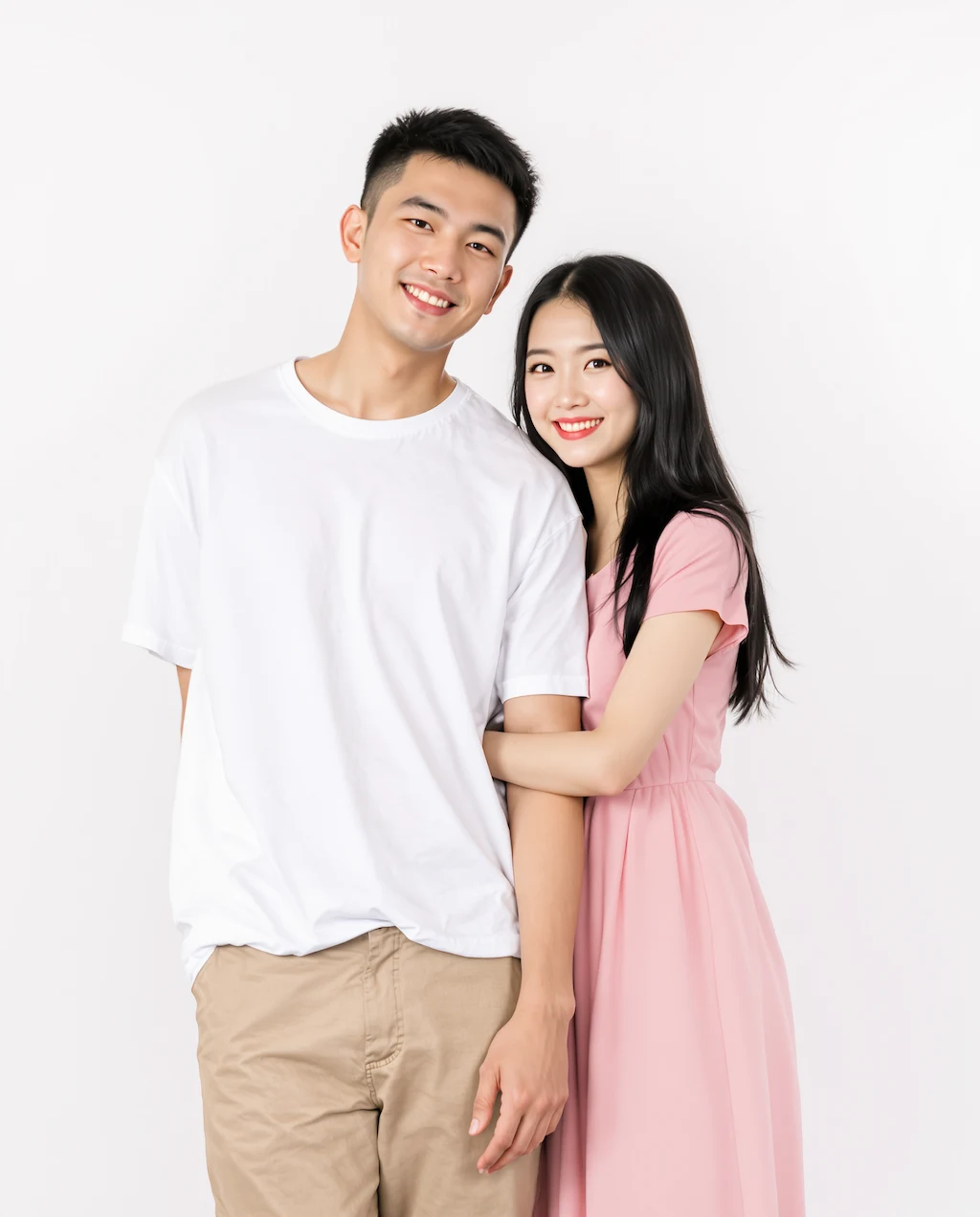
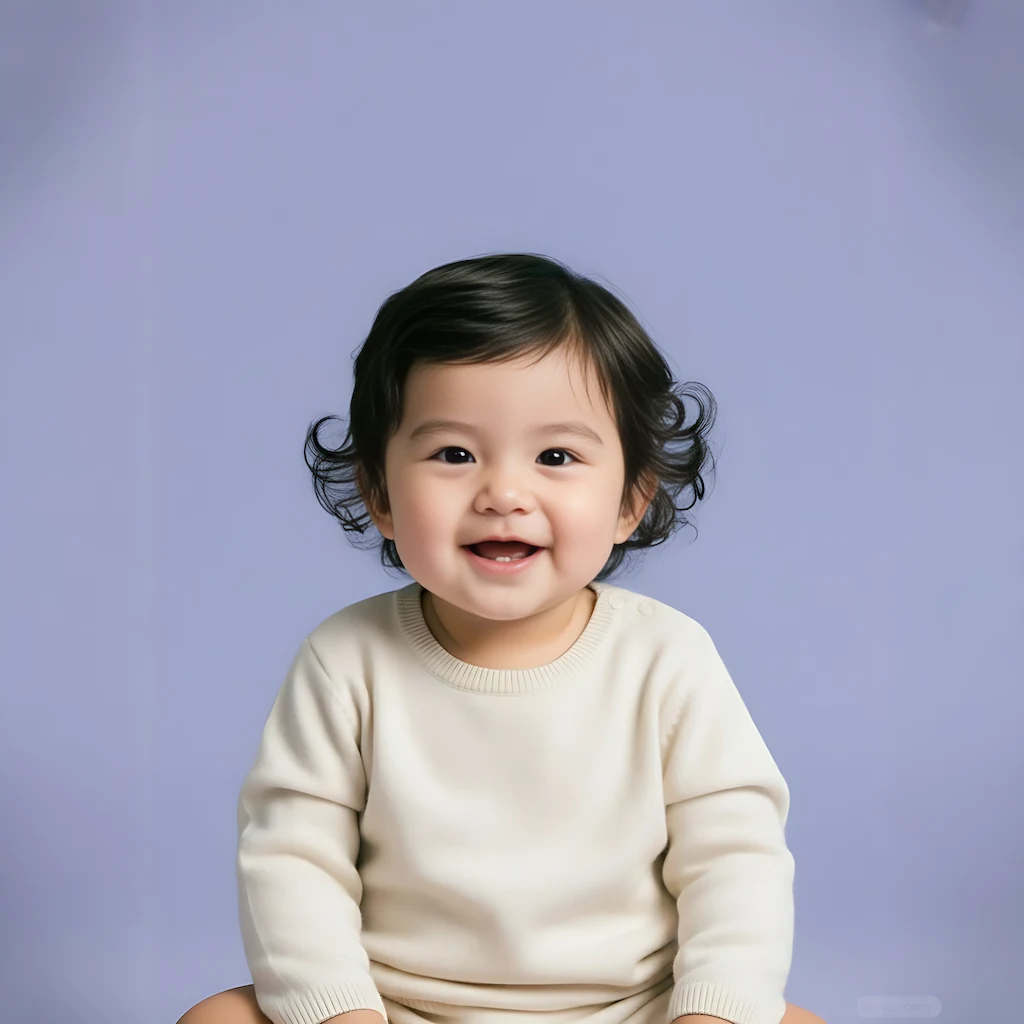
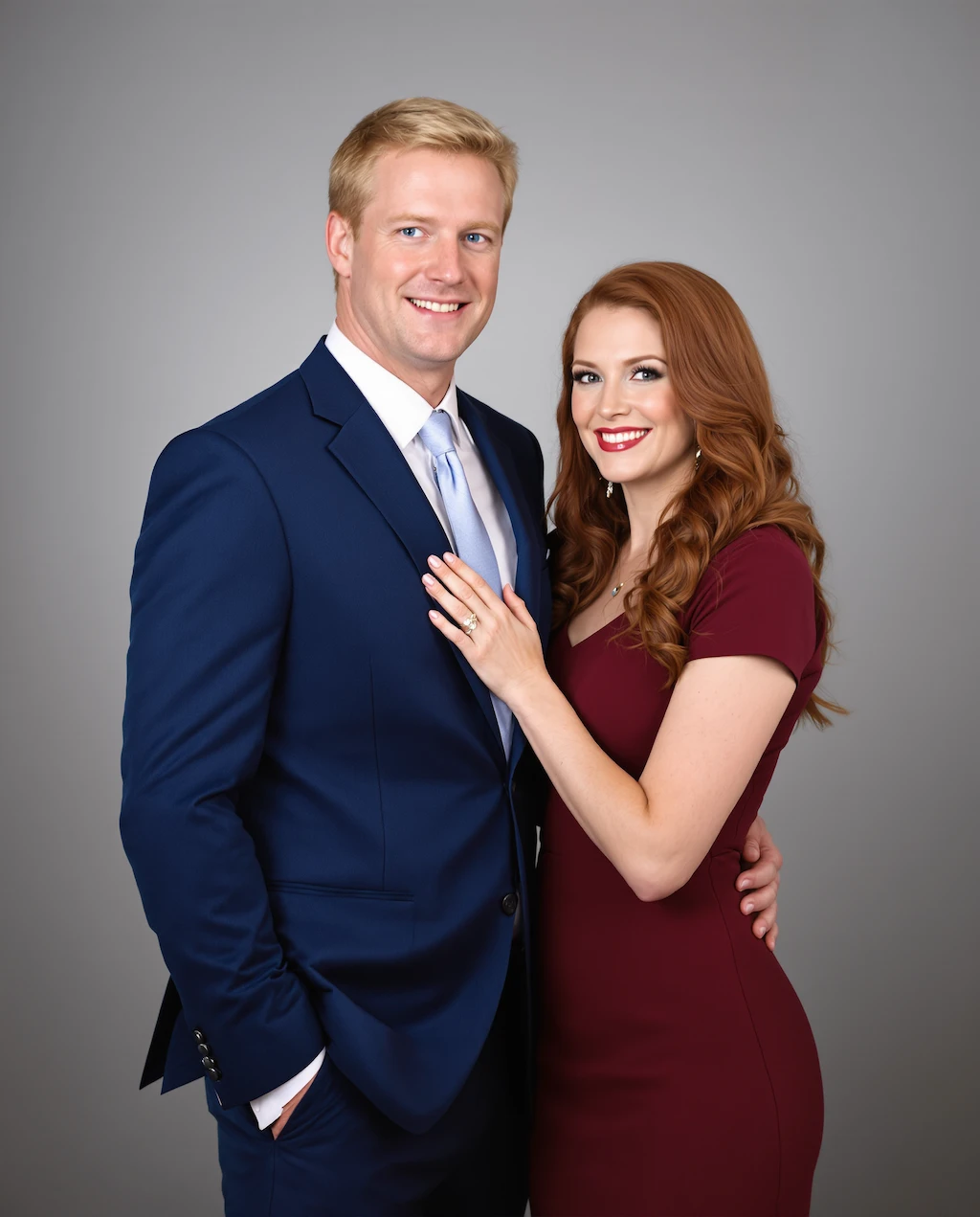
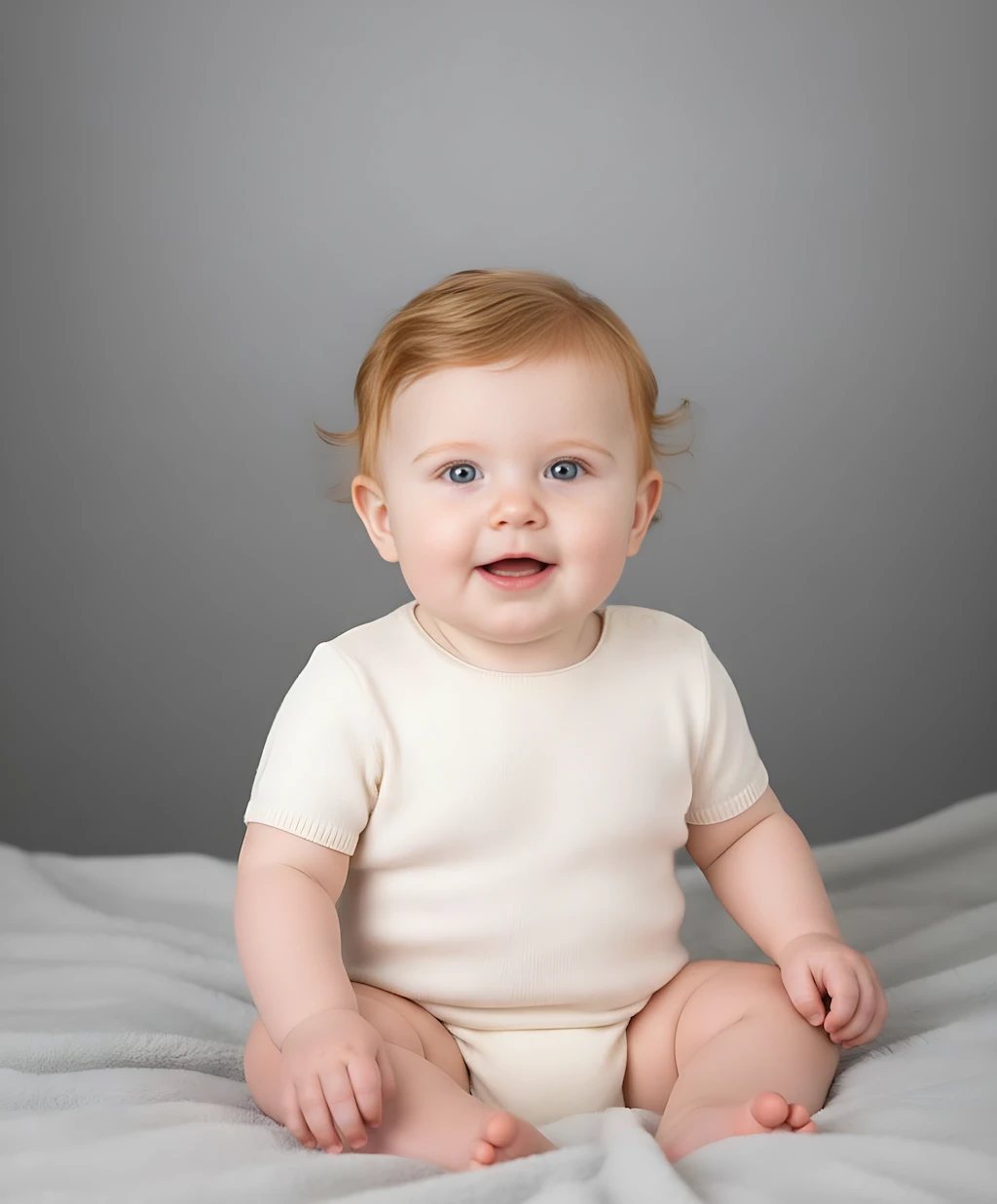
Start with a clear photo of each parent. The result is a single studio-lit baby portrait whose eyes, nose, and hair are a believable mix of both faces.
Upload one photo of each parent and see the baby you might have together. GPT Image 2 reads both faces — eye shape, nose, lips, skin tone, hair — and blends them into a single realistic newborn portrait you can share in seconds. It is a playful preview built for couples and families, not a genetic prediction.
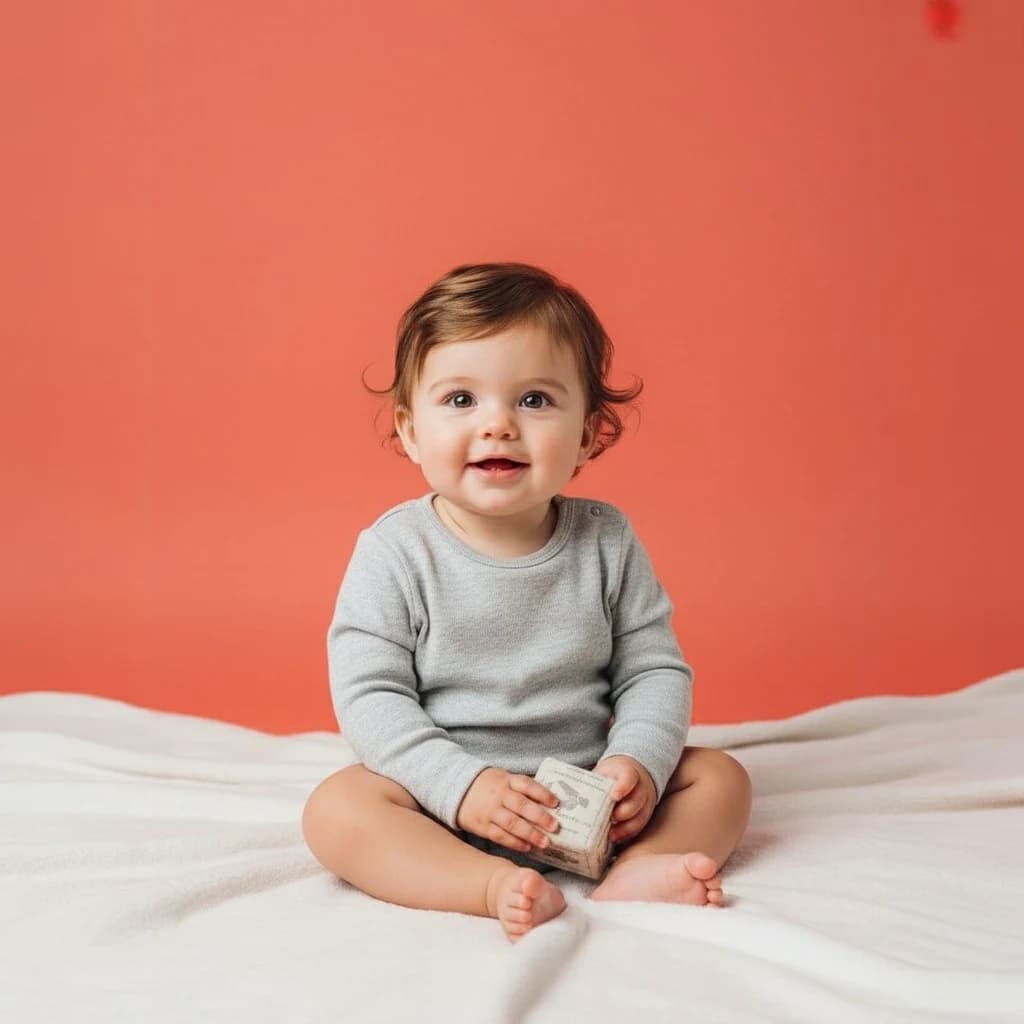
Two parent photos in, one realistic baby portrait out — see the blend before you upload.
Start with a clear photo of each parent. The result is a single studio-lit baby portrait whose eyes, nose, and hair are a believable mix of both faces.
Front-facing, well-lit portraits with no sunglasses or heavy filters. The more clearly each parent's features read, the more of both of you shows up in the baby.
Gender-reveal posts, baby-shower games, anniversary surprises, and couple content — the output is a clean square portrait that posts well anywhere.
Common questions about using Future Baby Generator
GPT Image 2 reads the visible features of both parent photos — face shape, eyes, nose, lips, skin tone, and hair — and renders one baby portrait that blends the two.
One clear, front-facing photo of each parent, evenly lit, with a natural expression. Skip sunglasses, hats, heavy filters, and group shots.
No. Real genetics cannot be predicted from photos. Treat every result as a creative, entertainment-focused preview.
Yes. Each run produces a different plausible blend, so generate a few and keep the one you like best.
Each generation uses 2/2/6 (1K/2K/4K) credits. New users can try it with free signup credits, daily rewards, or purchased credit packs.
Yes. You can use generated images for personal posts, profiles, and commercial projects, subject to Image 2 terms and any rights connected to your uploaded photos.
Still have questions? Contact us at [email protected]