Limited Offer · 50% OFF50% OFFYearly plans · GPT Image 2.5 + Seedance 2.5
Image 2
Create a cinematic Sky Eye portrait with clouds, rain, sunsets, galaxies, moonlight, or double exposure. Copy a prompt, add your photo, and make the effect your own in Image 2.
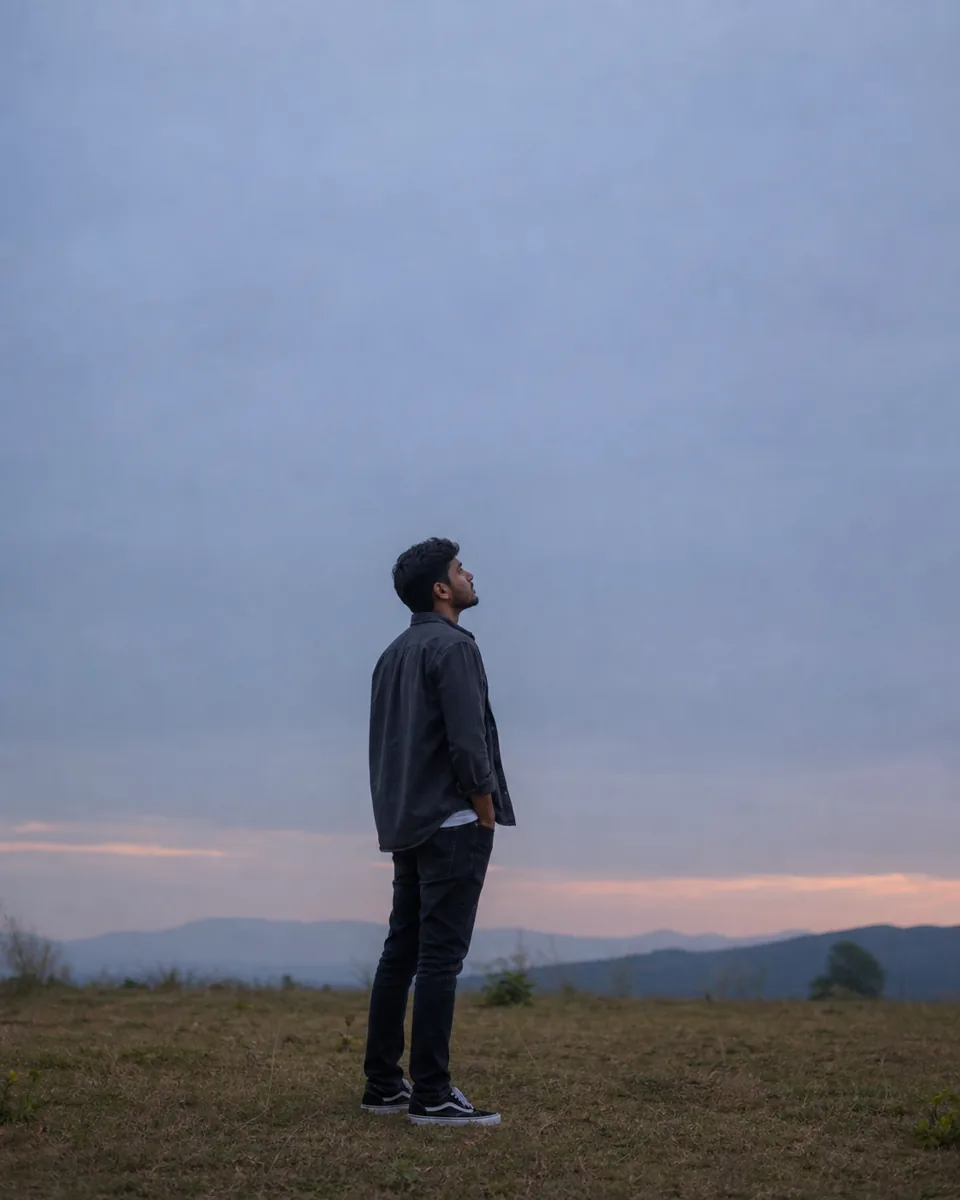
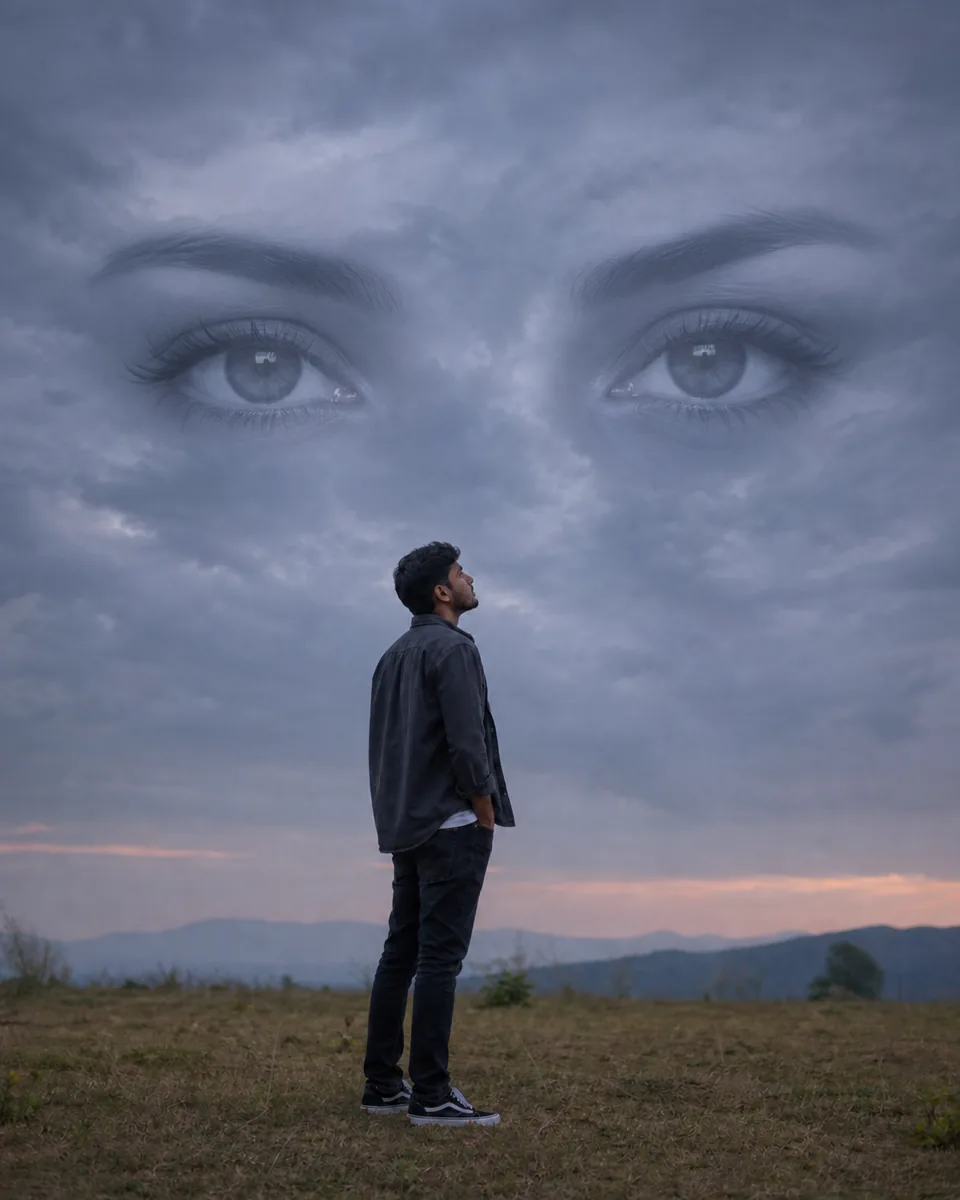
Start with the classic look, then change the weather, eyes, and mood to tell your story.
Open any example to copy the full prompt or send it straight to the image editor with your portrait.
Optional finishing touch
Do not change the uploaded person's identity, face, body, pose, clothing, camera angle, or original foreground unless the prompt asks for it. Avoid extra eyes, duplicate people, a complete face in the sky, distorted eyes, mismatched pupils, warped hands, extra fingers, fantasy symbols, harsh collage edges, plastic skin, oversaturation, readable text, logos, and watermarks.
Using a prompt gives you more control over the eyes, weather, and mood than a one-tap filter.
Choose a clear photo with visible sky or uncluttered space above the subject. Add a close-up of the eyes only if you need a specific likeness.
Pick one of the 9 looks, then adjust the weather, color, eye style, or mood to suit your photo.
Create the edit, check the face and eye details, and download your favorite result.
A Sky Eye prompt asks an AI image editor to blend a realistic pair of eyes into clouds, mist, or the landscape above a person. The look works well for portraits about love, memory, heartbreak, or fantasy.
It is often called a Sky Eye filter or effect, but most versions are made with an AI editing prompt. Unlike a fixed filter, a prompt lets you control the eyes, weather, lighting, composition, and mood.
Choose a prompt, open it in the Image 2 editor, upload a clear portrait, and generate the edit. A photo with visible sky or simple space above the subject usually gives the best composition.
Yes. Use your main portrait as Image 1 and add a close-up of the other person's eyes as Image 2. The prompt uses only the eye shape, iris, eyebrows, and eyelashes from the second image while preserving the main subject.
Vertical outdoor portraits, full-body shots, and side-profile photos with visible sky work best. Avoid busy backgrounds and leave enough room above the subject for the eyes.
Yes. All 9 prompts are free to copy and customize. Generating an image uses Image 2 credits, and new accounts include free credits to get started.
Upload a portrait, customize a prompt, and turn it into a cinematic cloud-eye scene with Image 2.