Limited Offer · 50% OFF50% OFFYearly plans · GPT Image 2.5 + Seedance 2.5
Image 2
Words you can read. Worlds you can trust.
Each image below leans on what GPT Image 2 does better than diffusion-only models: legible text, accurate references, long briefs that survive the render. Hover to read the prompt.
Use text and reference images to create poster drafts, product scenes and diagrams, then bring the image into your design workflow.
Put the exact text in quotes and describe its position, for example a short headline at the top of a poster or a label on packaging.
Turn facts and labels you supply into diagrams or educational visuals. Check numbers, text and relationships before sharing.
Describe object positions and image text. Separate essential layout requirements from optional styling.
Use portraits, product photos or layout references and explain which subject, colors or composition to keep.
Six workflows where text, knowledge, and references matter more than vibe.
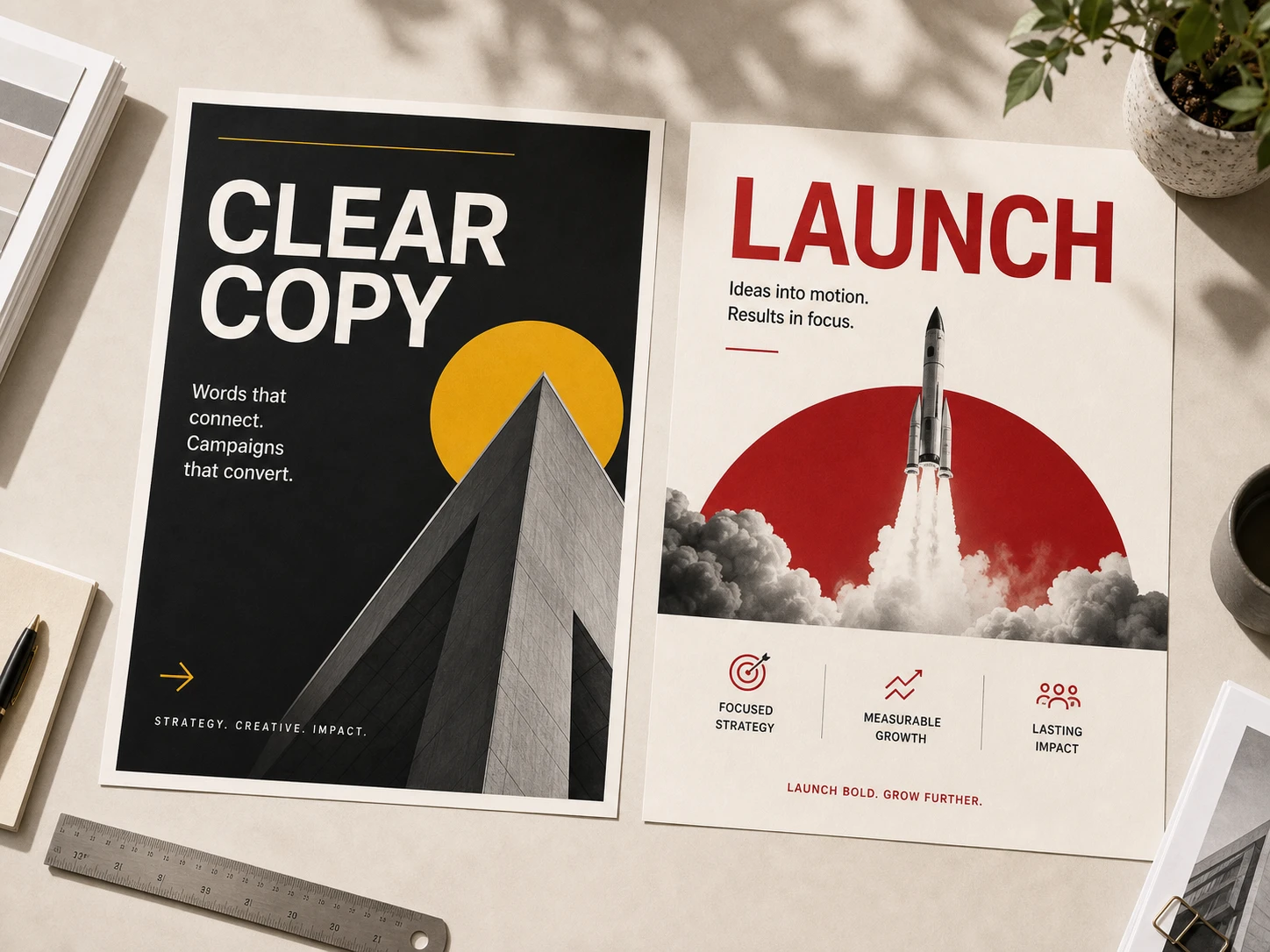
Hero copy, taglines, and call-outs render sharp — ready for print, social, or out-of-home, no separate typesetting pass.
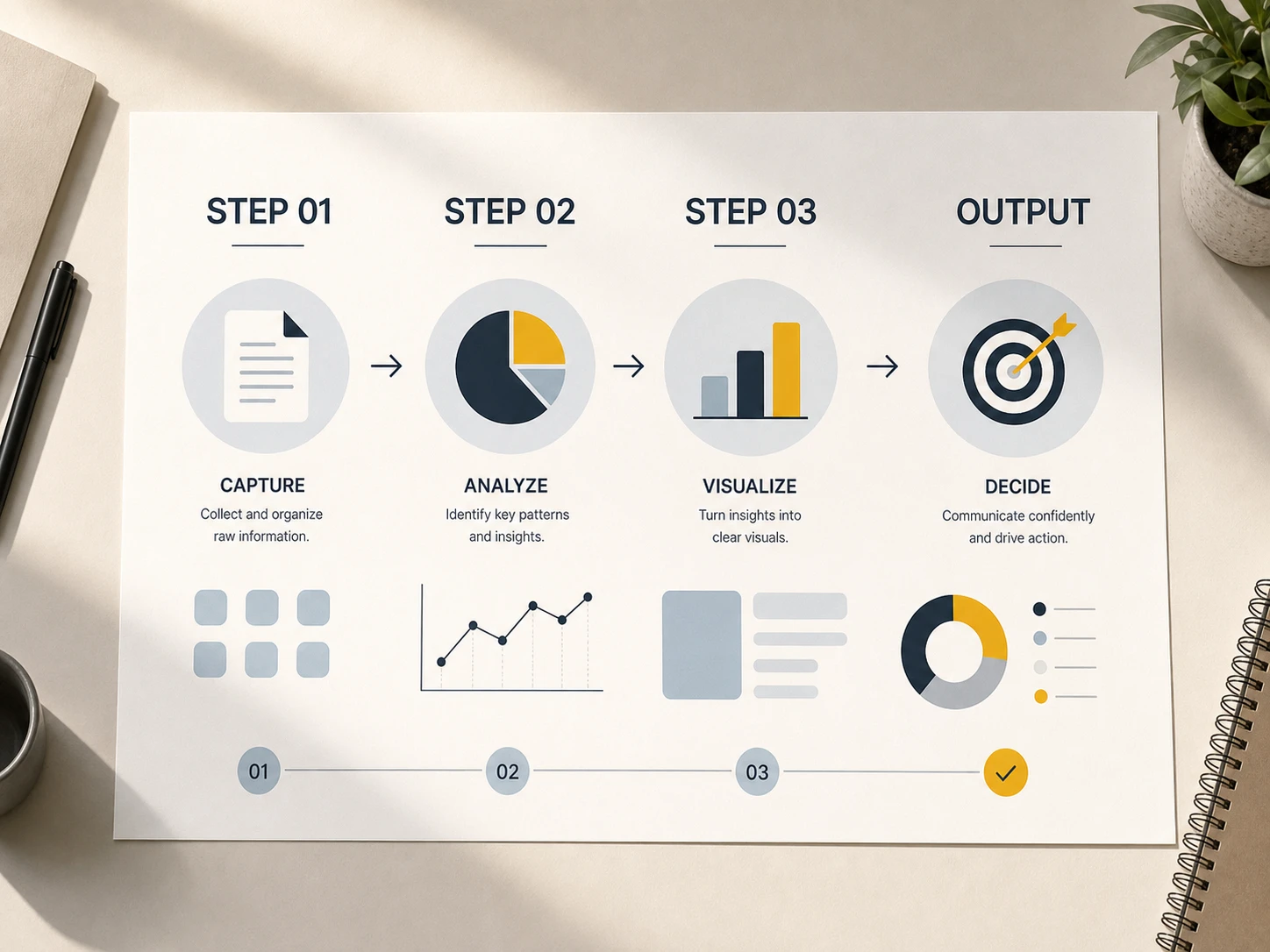
Turn a brief into a labeled diagram in one pass. Steps, callouts, and captions stay aligned with what you wrote.
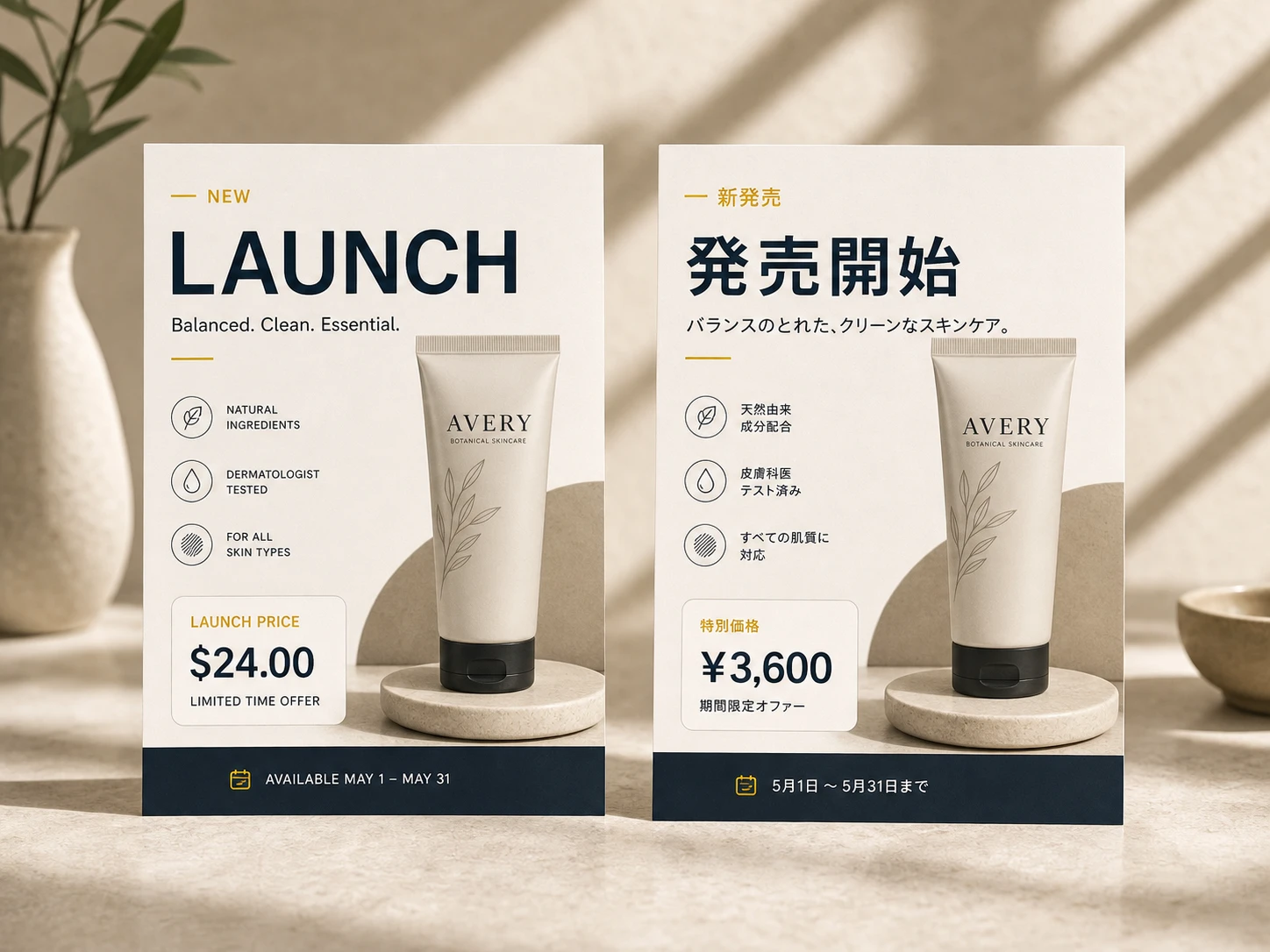
Generate one layout, swap the language inside the image — pricing, menus, signage, and packaging localized without a reshoot.
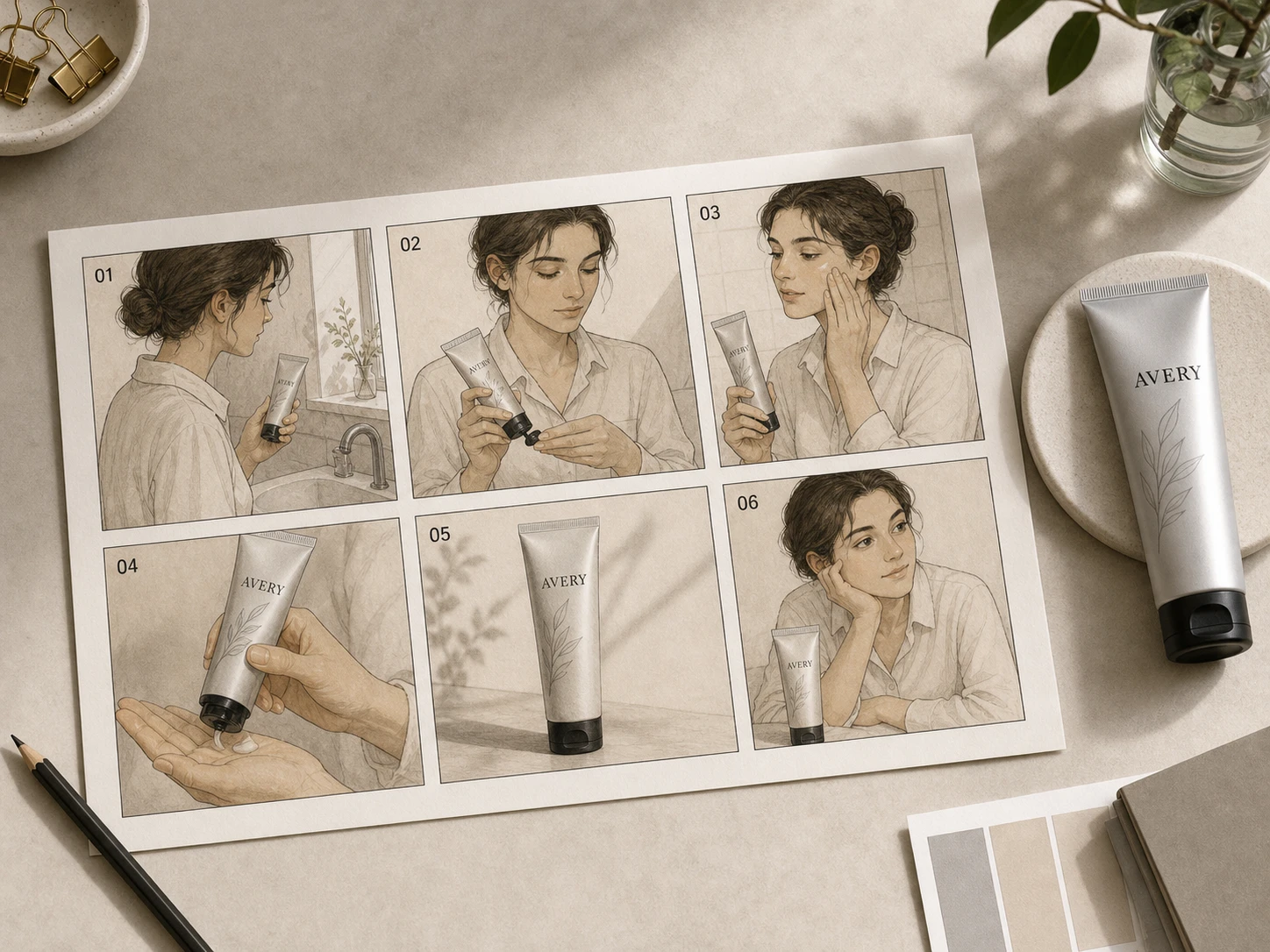
Same character, same outfit, same product — across panels, angles, and scenes. Build a sequence the way an art director would.
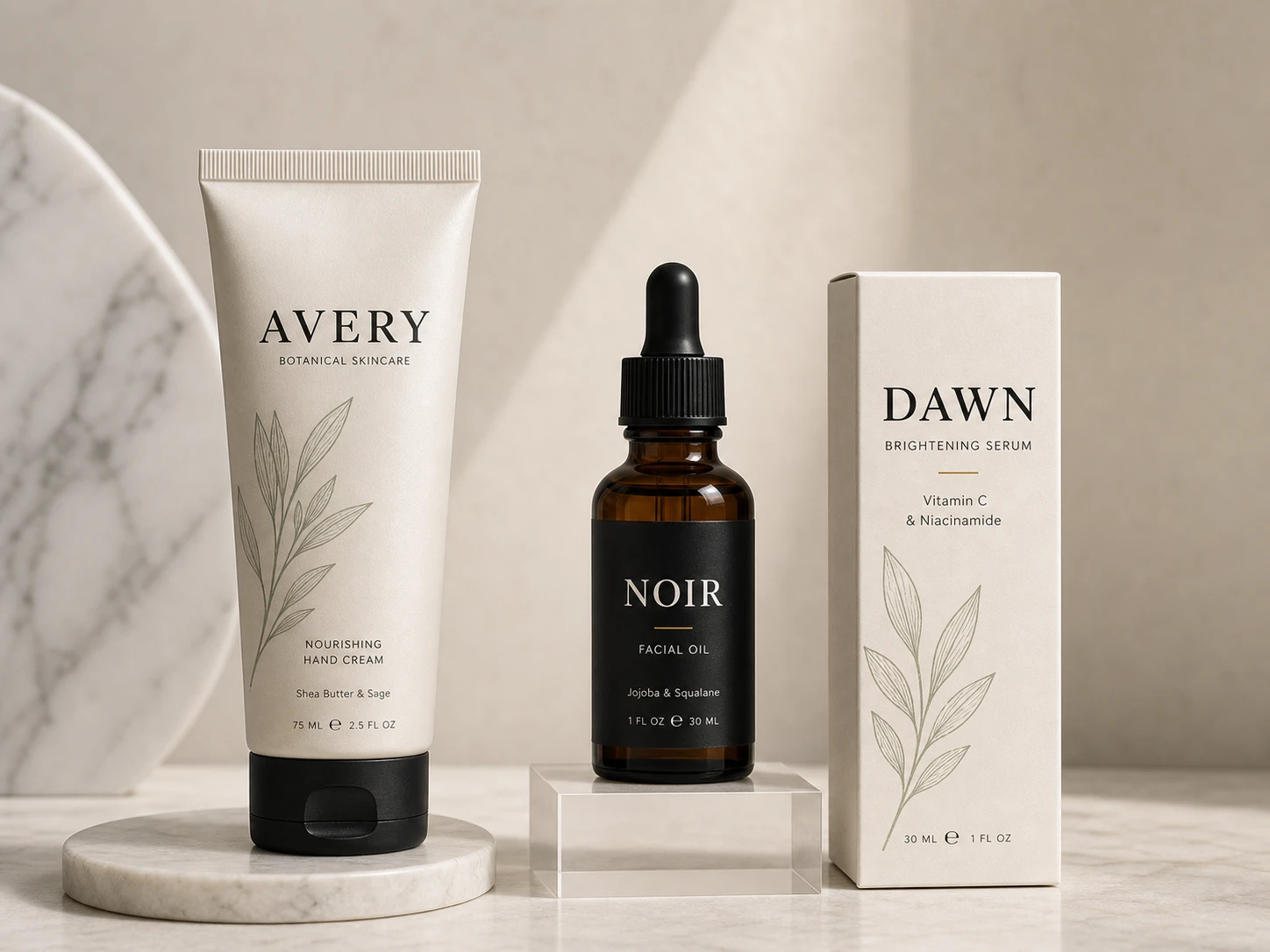
Bottles, tubes, boxes, and cans with brand marks and real copy on the front — close enough to send to a printer.
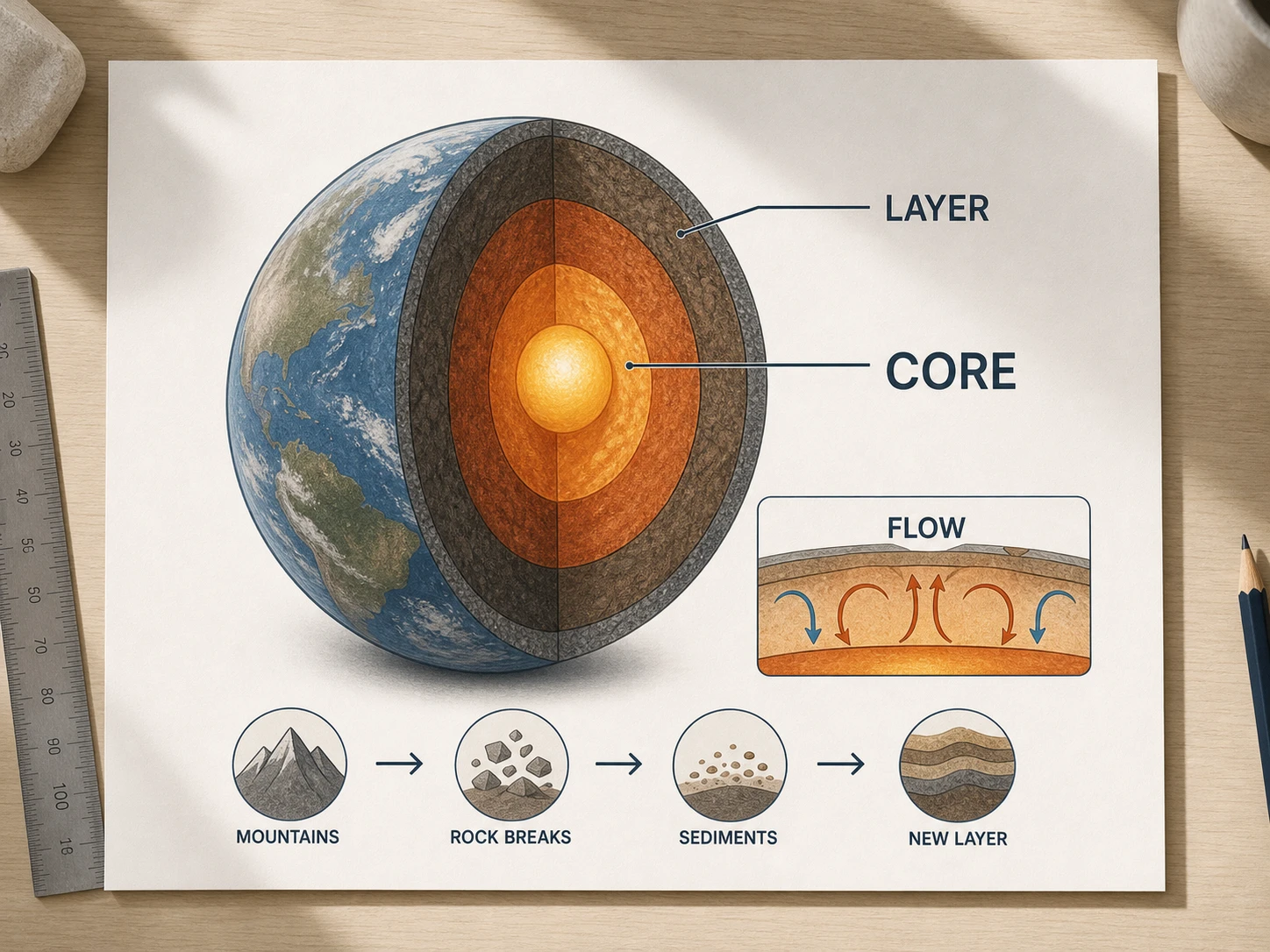
Cross-sections, anatomy plates, process flows — the kind of visual a textbook would commission, without the studio time.
Six briefs that show off GPT Image 2's range. Copy one, change a phrase at a time.
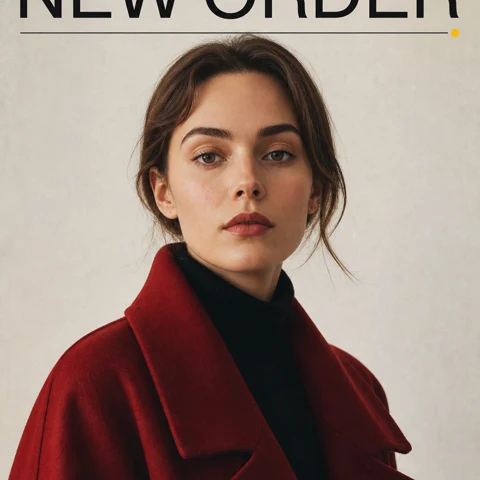
Magazine cover layout, bold sans-serif masthead 'NEW ORDER' across the top, full-bleed portrait of a woman in a red coat, small issue line bottom-right, neutral studio backdrop, glossy paper feel
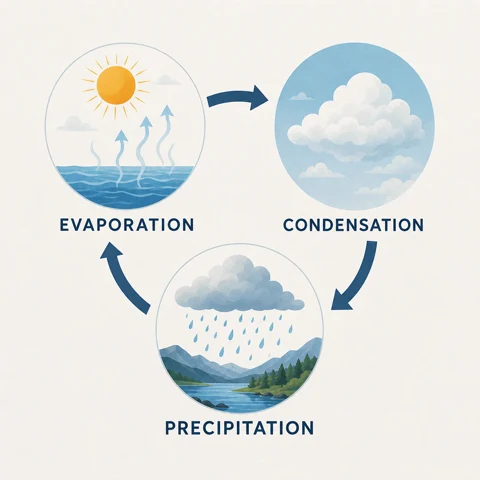
Three-step infographic explaining the water cycle — evaporation, condensation, precipitation — flat illustration with labeled arrows between each step, soft pastel palette, geometric sans-serif type, generous margins
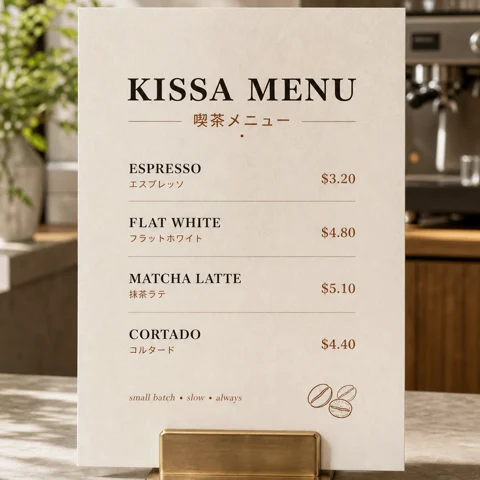
Café menu board printed in English and Japanese, four espresso drinks with prices and one-line descriptions, warm white paper texture, hand-drawn coffee bean in the corner, condensed serif headline type
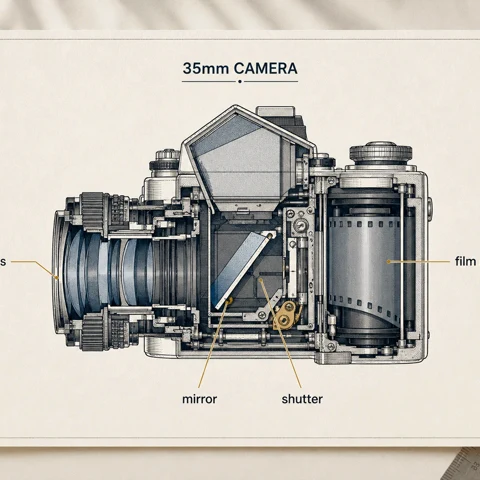
Annotated cross-section of a vintage 35mm film camera, hand-labeled callouts with thin leader lines pointing to lens, mirror, shutter, and film roll, blueprint style on cream paper, technical illustration mood
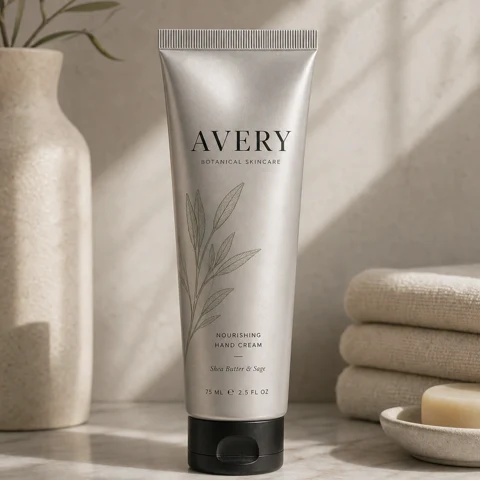
Aluminum skincare tube standing on a marble shelf, embossed wordmark 'AVERY' in serif type across the front, small botanical line illustration above the name, soft daylight from camera-right, advertising still life
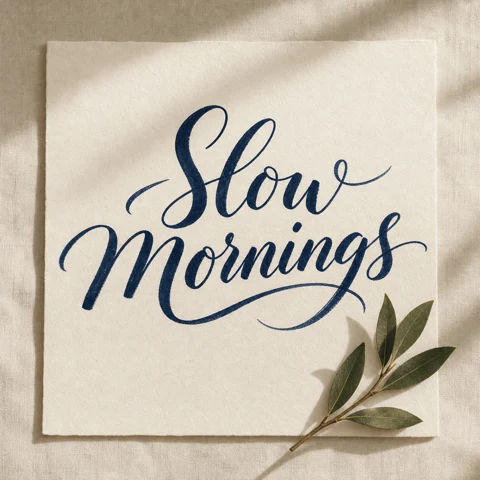
Calligraphic poster reading 'Slow Mornings' in deep navy brush ink on warm white linen paper, natural variation in stroke weight, a single bay-leaf sprig in the lower-right corner, slight paper grain visible
Describe the result, choose your output settings and check the generated image.
For a new image, describe the subject, scene and style. For an edit, upload the source and explain what should change and what should stay.
Choose an aspect ratio and 1K, 2K or 4K output. Currently, 1K and 2K both cost 2 credits per image; 4K costs 6. Check the total shown before submitting.
Check text, faces and product details before downloading. If something is wrong, make that instruction clearer and generate another version.
Answers to your questions about GPT Image 2.
Use text or reference images to make posters, packaging concepts and product scenes. The page offers 1K, 2K and 4K output, with separate controls for aspect ratio and resolution.
Both offer 1K, 2K and 4K output. Current credits per image are 2/2/6 for GPT Image 2 and 8/8/16 for Nano Banana Pro, in that order. Both free and paid accounts can upload up to 16 references with GPT Image 2 or 8 with Pro. Start with GPT Image 2 if reference count or credit cost matters, then compare samples for the look you want. Check the total shown before submitting.
Upload a clear reference and say what to preserve, such as facial features, packaging or logo placement. Describe the change separately. Compare the result with the source, because details can still drift.
This model currently accepts up to 16 reference images for both free and paid accounts. The upload area shows the current limit. Explain which image supplies the subject, background or style.
The form currently offers 16 options: Auto and 1:1, 3:2, 2:3, 4:3, 3:4, 5:4, 4:5, 16:9, 9:16, 2:1, 1:2, 3:1, 1:3, 21:9, 9:21. All 16 options are currently available to both free and paid accounts. Check the available options in the form.
Write the exact wording in quotation marks and describe its position. Keep copy short, then check spelling and numbers in the result. For text that must be exact, add or correct it in a design editor.
GPT Image 2 requires credits to use. New users receive free credits upon registration to get started. You can also purchase credit packages, claim daily check-in rewards, or invite friends for additional usage. Credits vary by resolution: 1K costs 2 credits, 2K costs 2 credits, and 4K costs 6 credits.
Identify one issue, such as layout, lighting or incorrect lettering, and make that instruction more specific. Keep the useful references and change one requirement at a time so you can see what helped.
No. Image 2 (image2.im) is an independent AI image platform that brings you GPT Image 2 alongside other advanced models like Nano Banana Pro, Nano Banana 2, and Veo 3.1. We are not affiliated with any third-party model provider — we make these models accessible in one workflow with credits, references, and history.
Still have questions? Contact us at [email protected]
Crisp text, real references, long instructions held intact — that's the GPT Image 2 difference.
GPT Image 2 Results