Generated Images
Grok Imagine Image 2.0
Turn a detailed creative brief into a finished visual.
No reference image and no setup — the written brief is the whole input. Pick the ratio your work needs and the result comes back ready to use.
Made with Grok Imagine Image 2.0.
Nine original examples across editorial design, product concepts, fashion, campaigns, cinematic scenes, street photography, illustration, and surreal art. Select any image to reuse its prompt.
More control from the first prompt
Move from a short idea to a carefully directed image by describing what matters and choosing the right canvas before generation.
Rich visual direction
Write the scene like a creative brief, from subject and materials to lighting, mood, and camera language.
Composition by instruction
Guide framing, visual hierarchy, placement, and any text that belongs inside the image.
Formats for real projects
Choose square, portrait, landscape, widescreen, or vertical output before you generate.
A broad visual range
Move between editorial graphics, product photography, fashion, architecture, and surreal scenes without changing workflows.
From ideas to everyday creative work
One text box covers the visuals most teams need week after week.
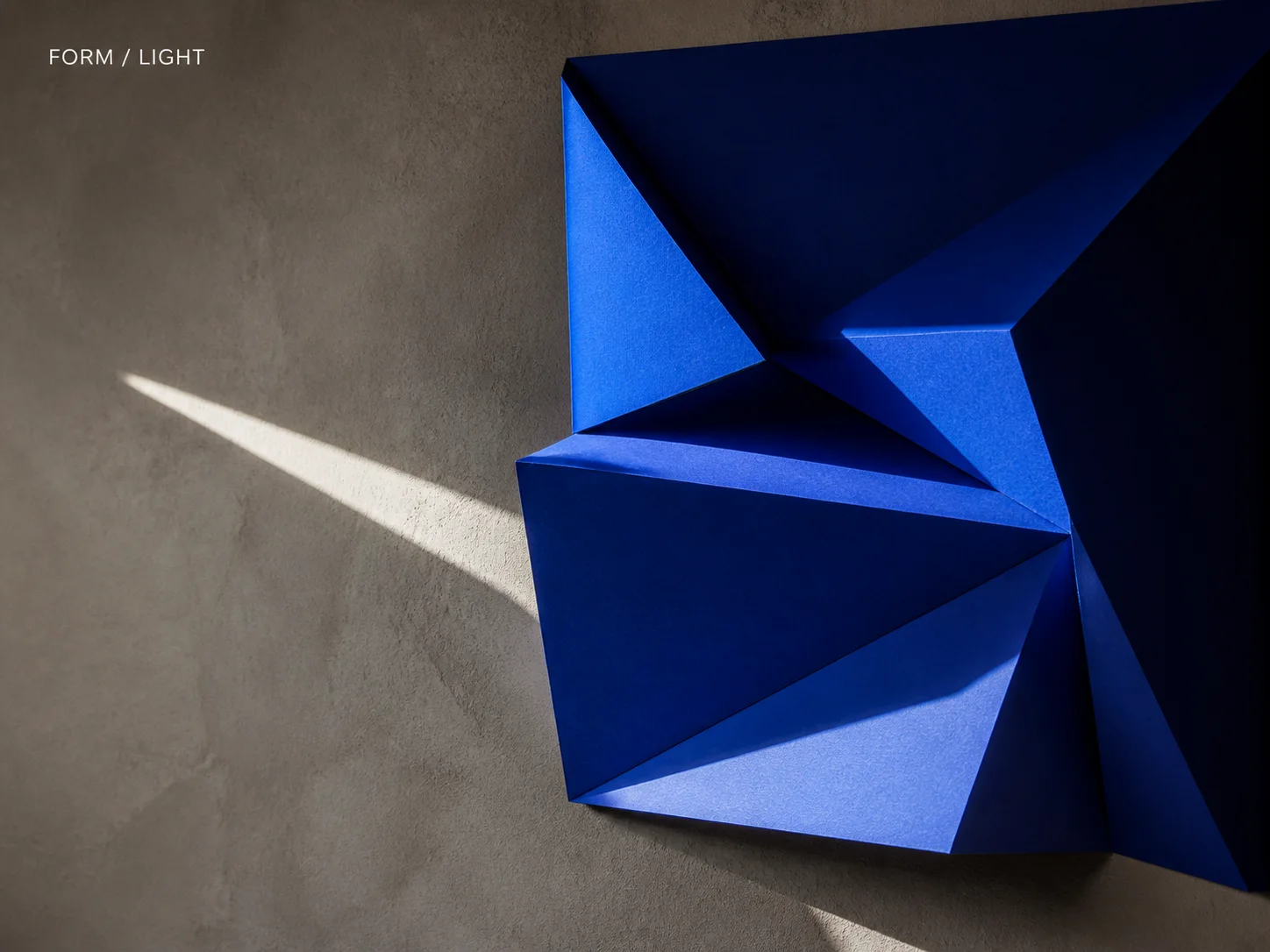
Posters and key visuals
Set the headline, the focal subject and the layout in one brief, then generate at 2:3 or 3:2 for print and event use.
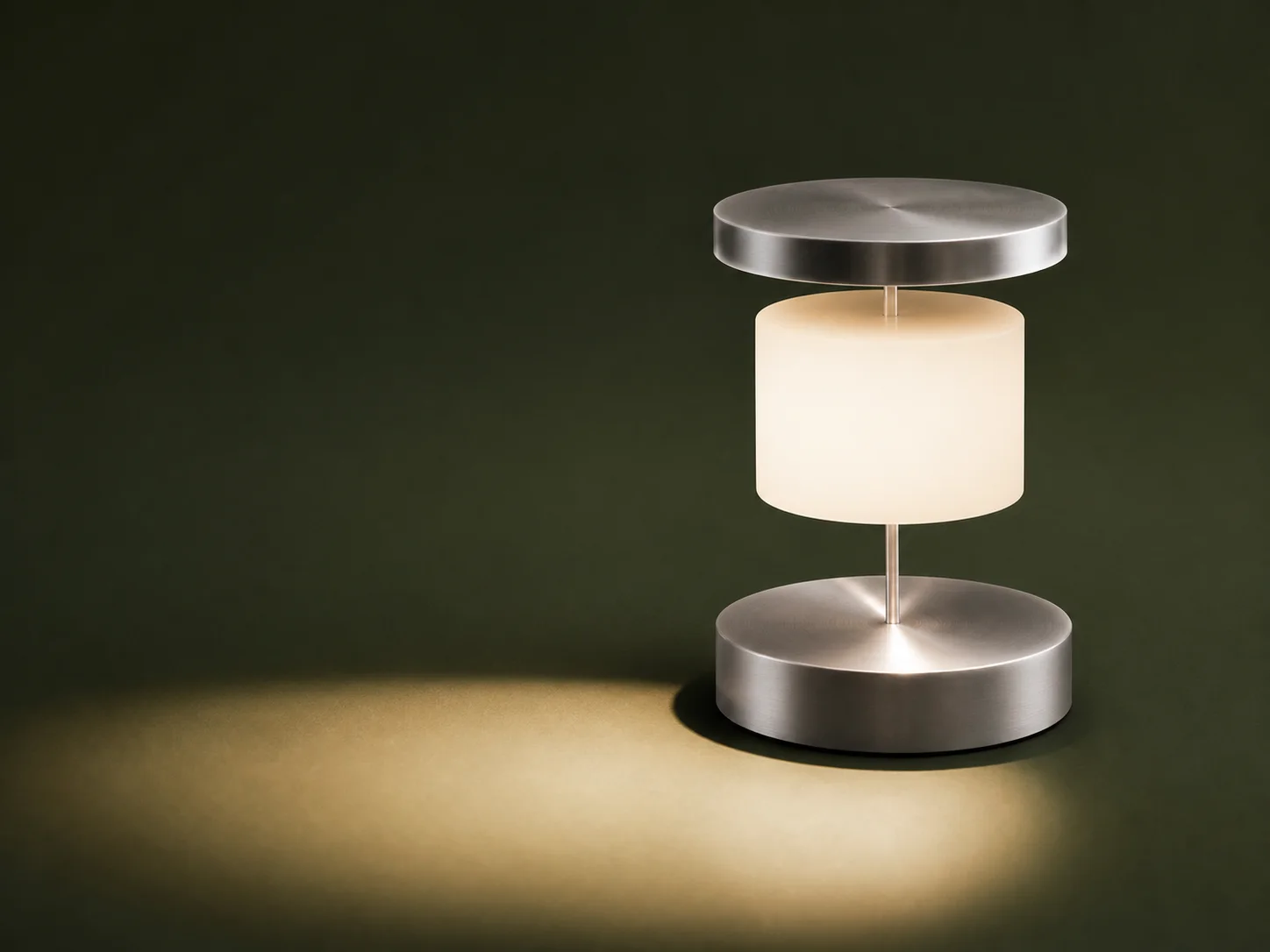
Product concepts
Explore materials, finishes and lighting for a product idea long before anything is photographed.
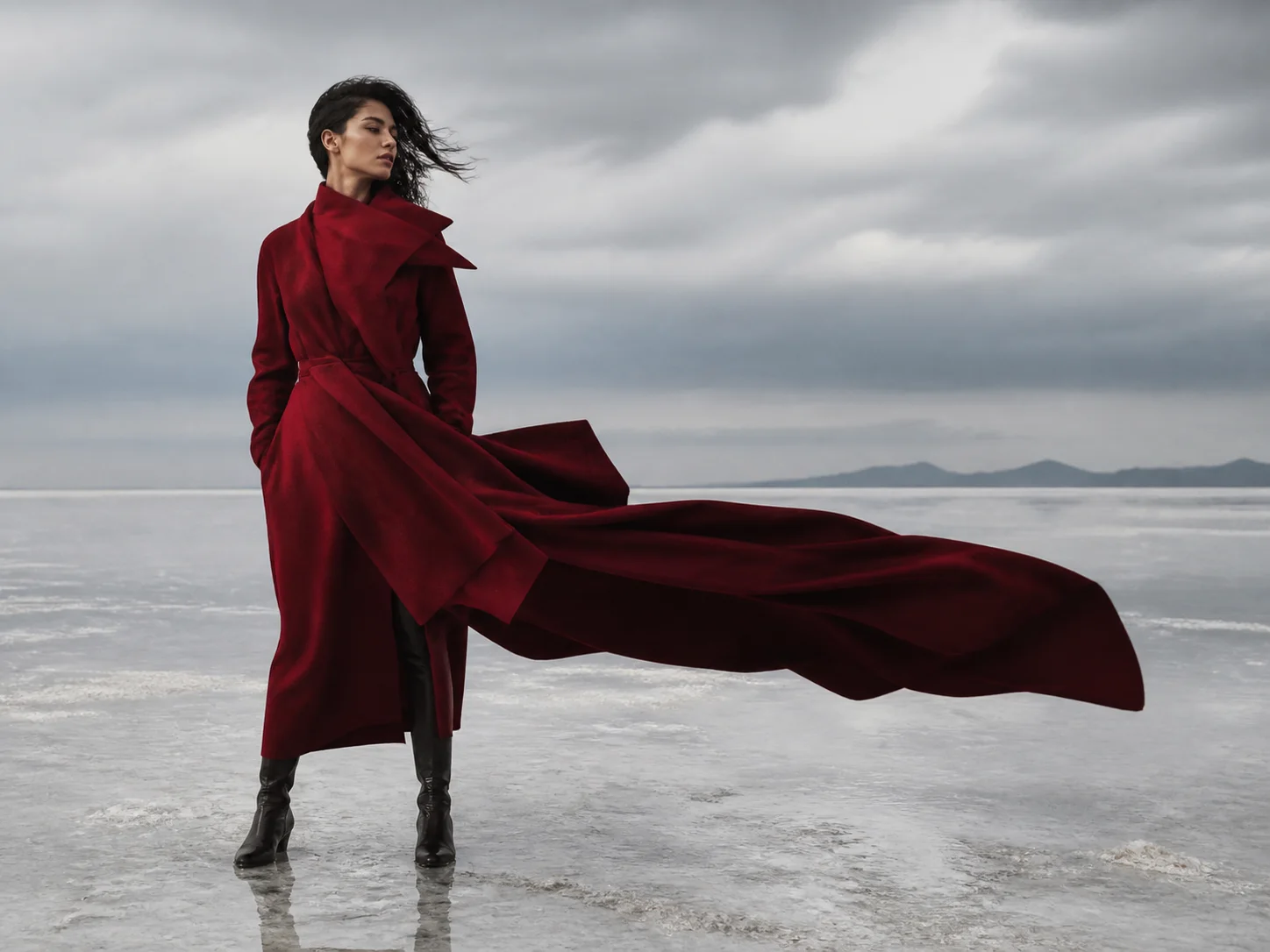
Editorial artwork
Opening spreads, section dividers and article art that match the tone of a story instead of generic stock.
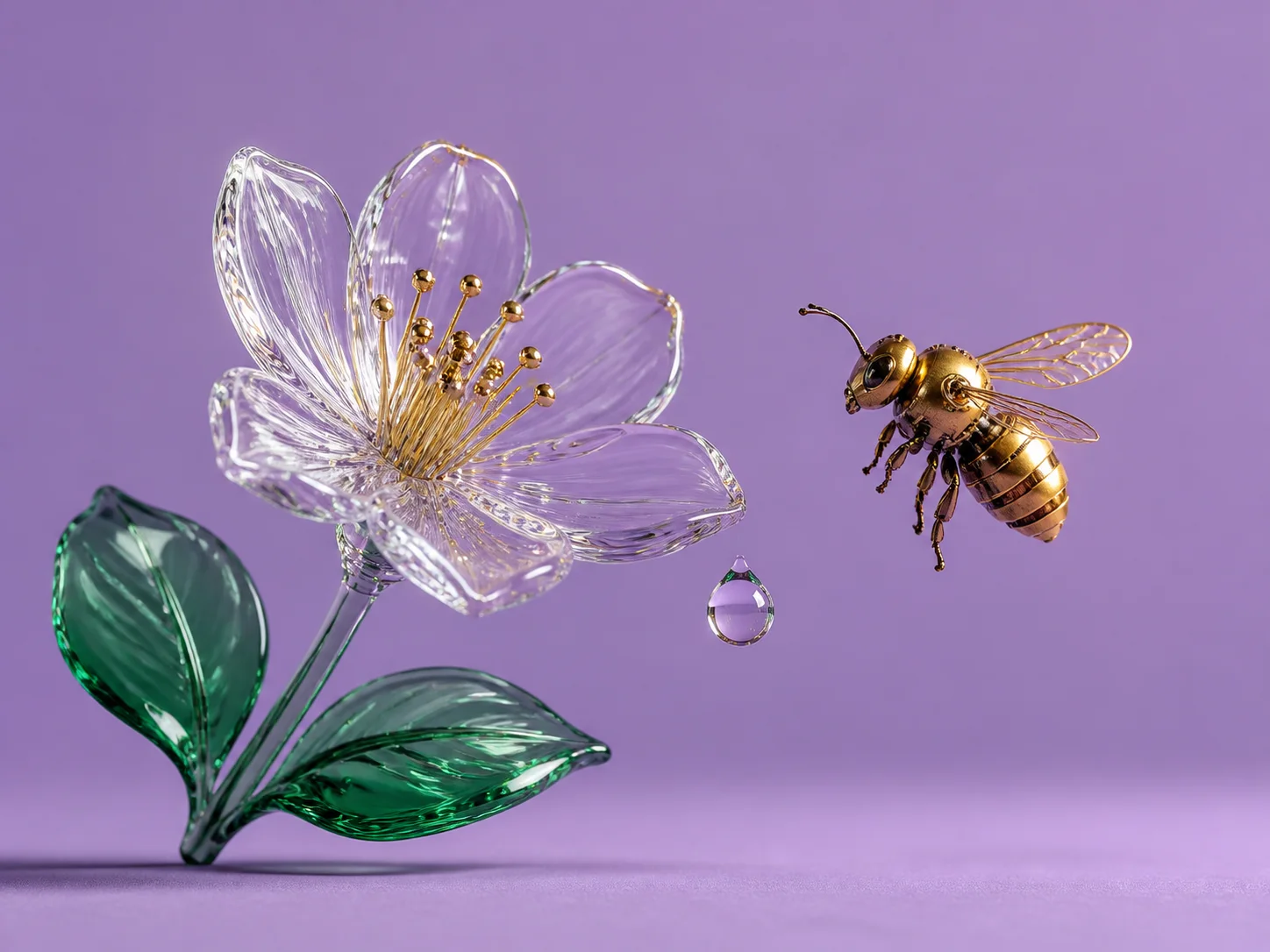
Social graphics
Square and vertical posts with a clear focal point and space left for captions in the app.
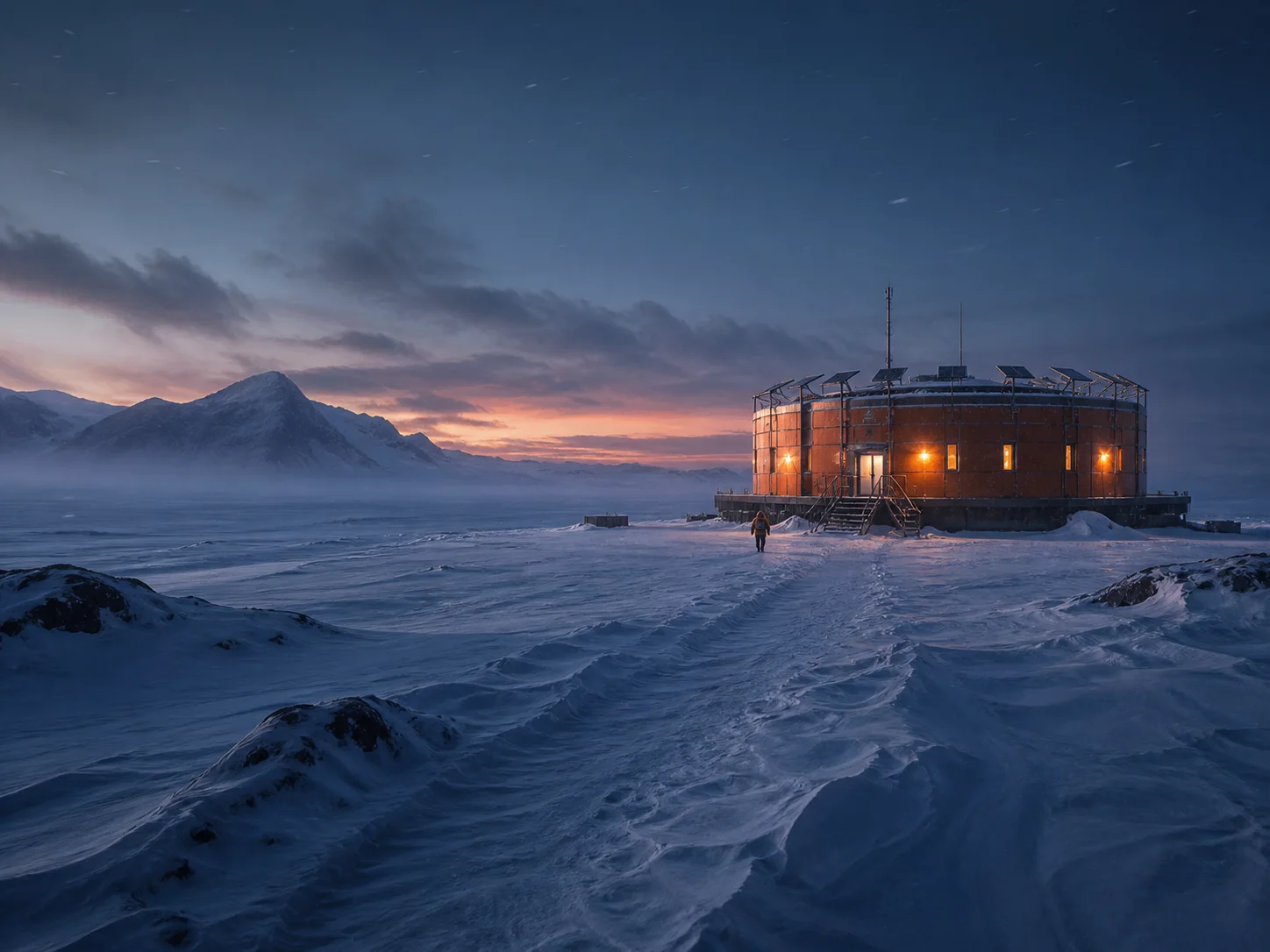
Cinematic environments
Mood frames, location studies and pitch visuals in 16:9 with the light and weather you describe.
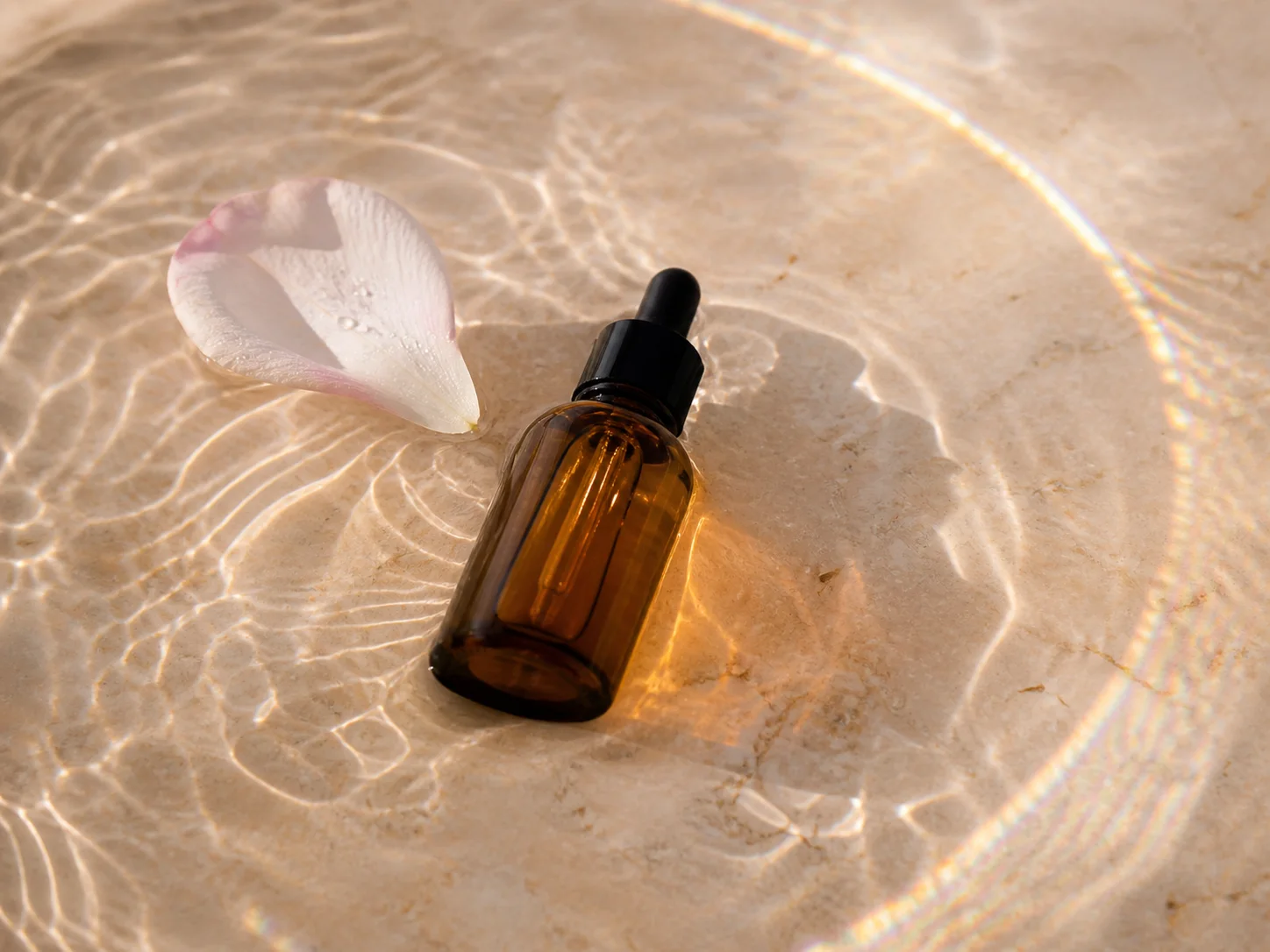
Campaign concepts
Seasonal key visuals and pitch boards you can iterate on in minutes across several ratios.
Steal a starting point.
Full-length briefs you can paste as they are, then swap the subject, materials, lighting or layout.
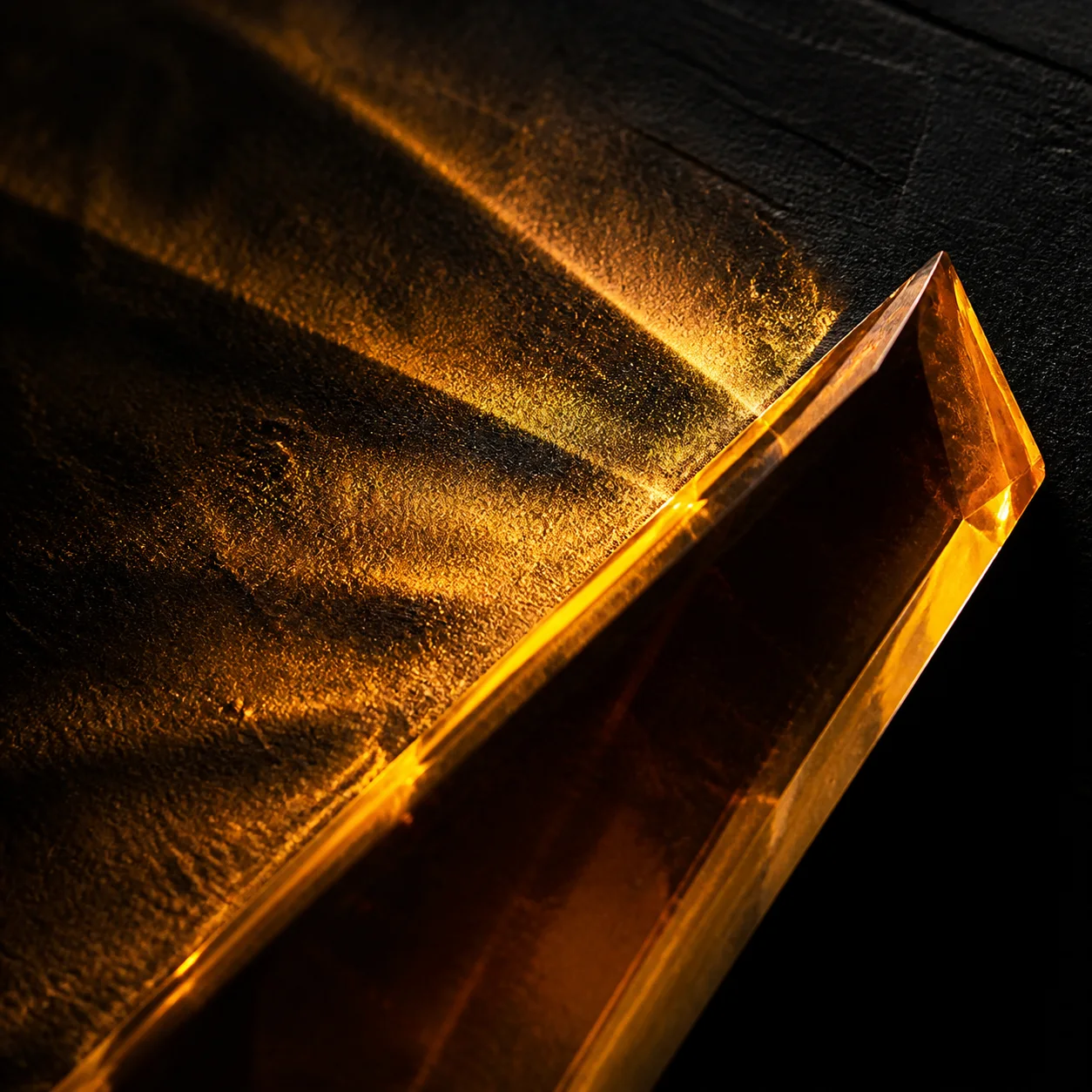
Exhibition poster with exact typography
Vertical exhibition poster, 2:3. Deep charcoal ground with a single luminous amber glass ribbon curving from the lower left to the upper right, soft internal caustics where it folds. Museum-catalog grid: the headline "AFTERGLOW" set large in a modern serif across the top third, the subtitle "A STUDY IN LIGHT" in small letterspaced caps below it, a thin rule and a date line at the bottom margin. Generous negative space, gallery print finish.
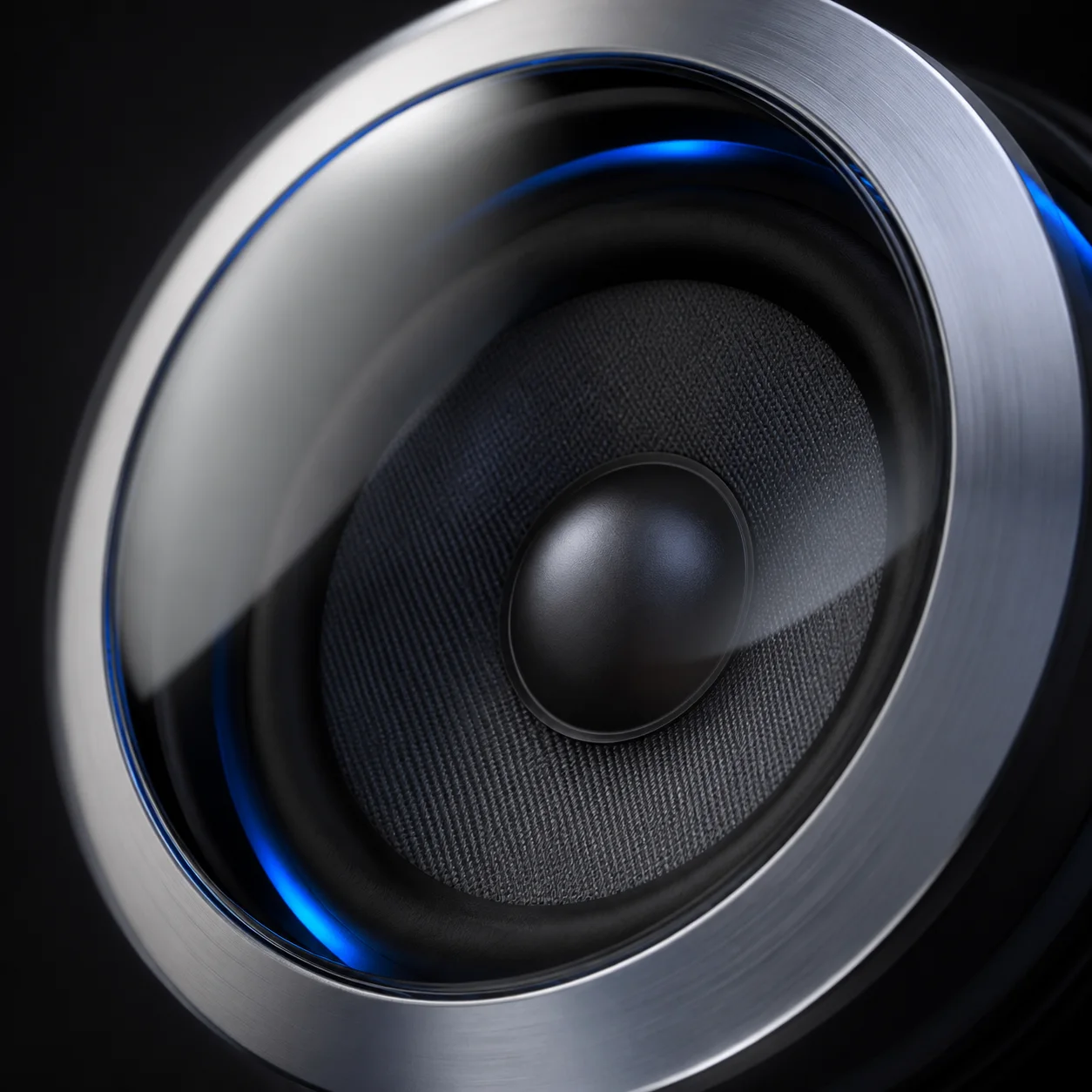
Hardware packshot with controlled light
Square studio packshot of an original translucent portable speaker on a dark stone pedestal. Smoked glass housing, brushed aluminium end caps, a warm light source glowing from inside the mesh. One large softbox from the upper left, a narrow strip highlight down the right edge, matte background falling to near black. Slight three-quarter top-down angle, razor-sharp product, subtle contact shadow, no branding.
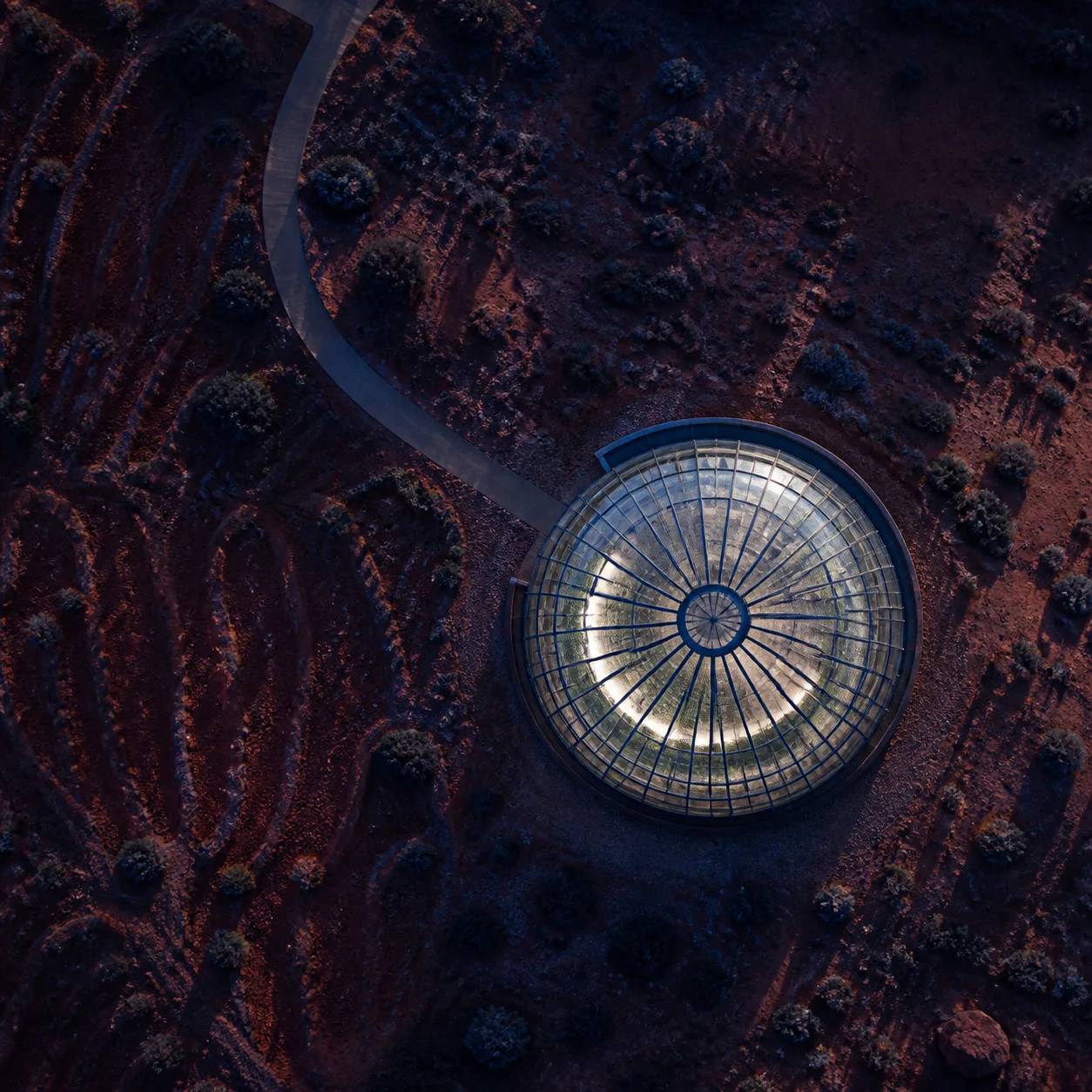
Desert architecture at blue hour
Wide cinematic frame, 16:9. A small glass observatory standing alone on a rust-red desert plateau at blue hour, interior lights spilling warm gold across the sand. Distant mesas fade into haze along the horizon, the upper two thirds of the frame given to a deep twilight gradient with the first stars showing. Low camera position, anamorphic feel, fine film grain, no people and no vehicles.
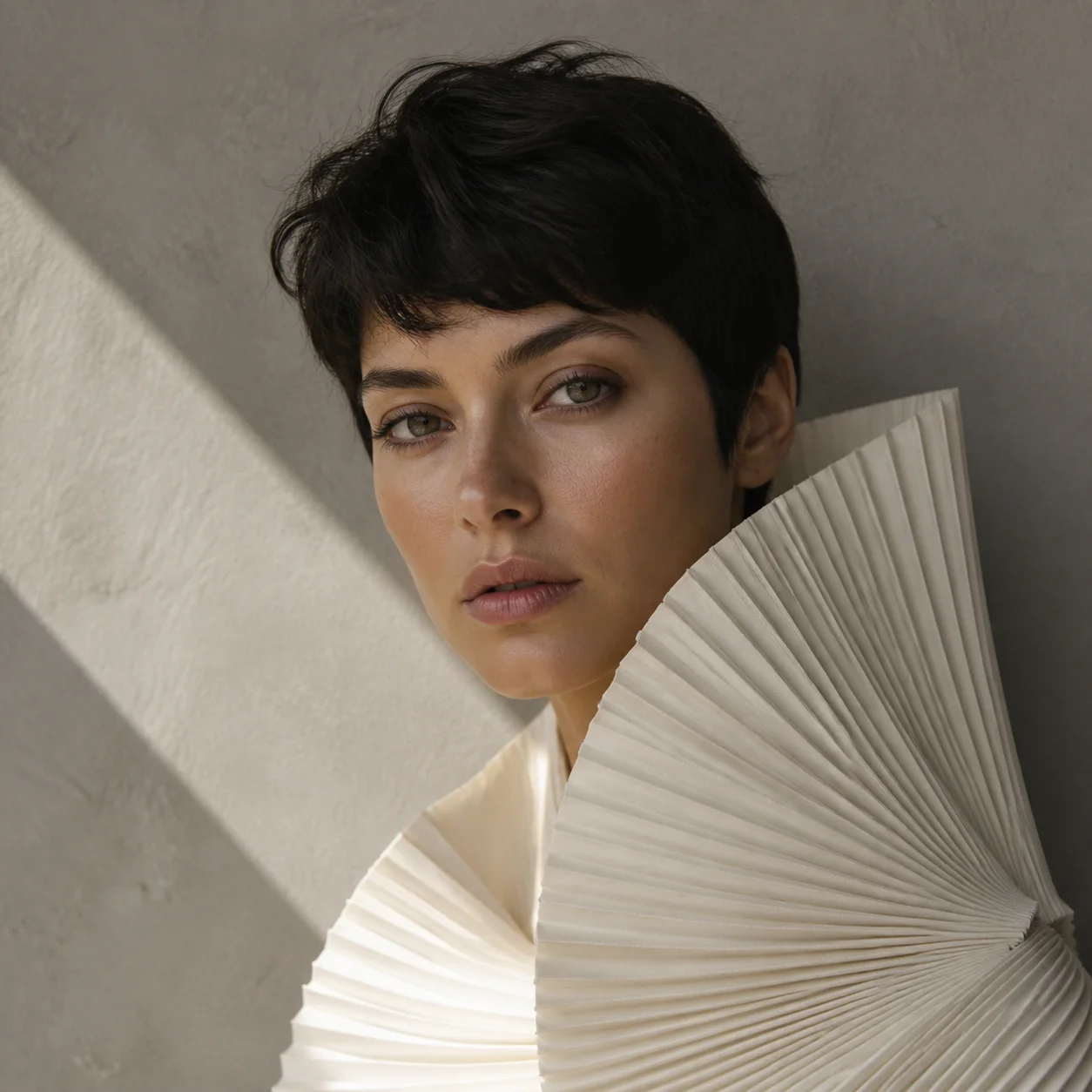
Architectural studio portrait
Vertical editorial fashion photograph of a fictional adult model in an ivory architectural pleated outfit, standing inside a minimal curved concrete space. Diffused daylight from a hidden ceiling slot, soft falloff into shadow on the right, calm posture with relaxed hands. Medium-format look, shallow depth of field, natural skin texture, muted ivory and concrete palette, no logos and no readable text.
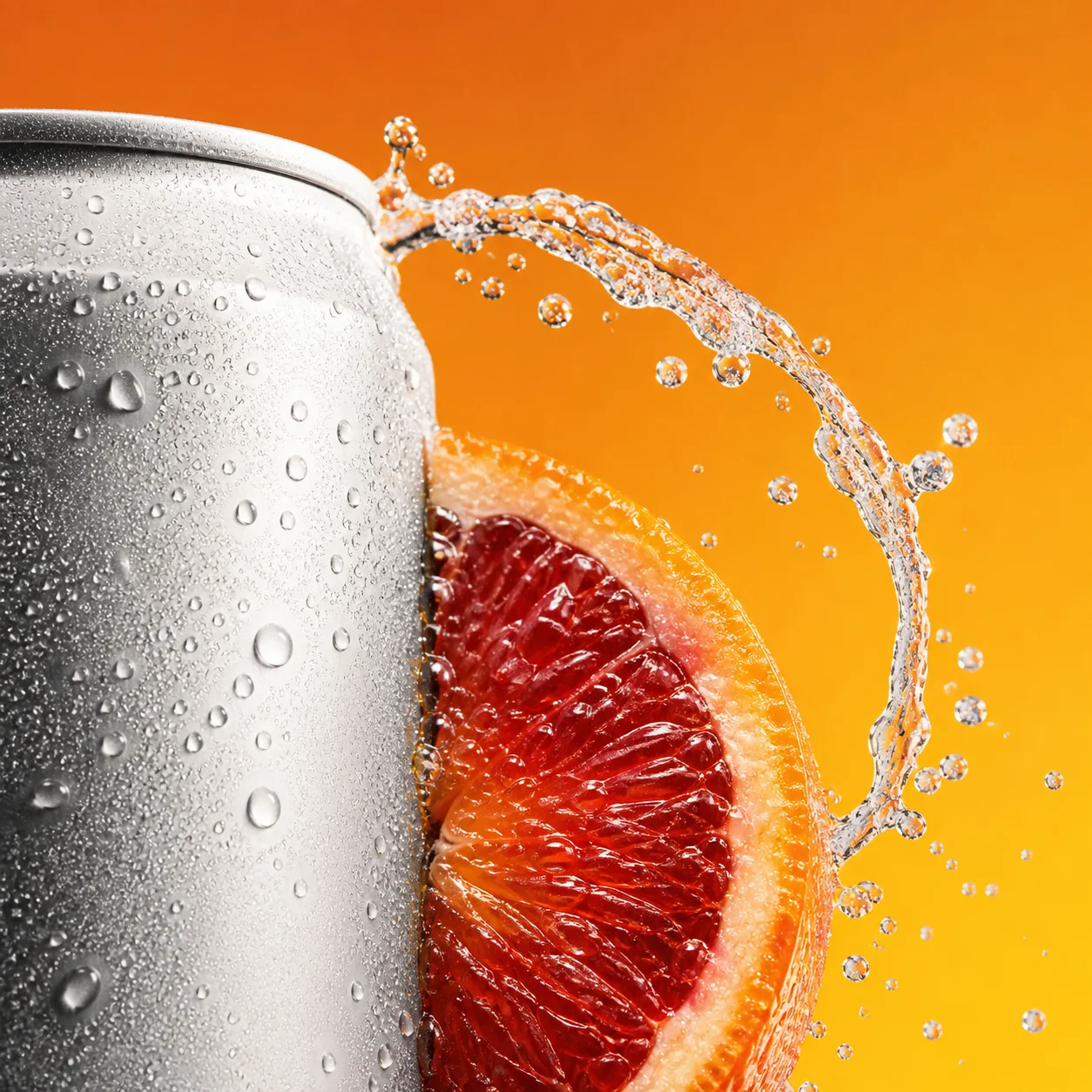
Beverage campaign still life
Square commercial still life of an unbranded frosted citrus drink can, condensation beading across the surface, suspended blood-orange slices and a burst of sparkling water frozen in mid-air around it. Vivid yellow acrylic planes stacked behind as a set, hard key light for crisp edges with a soft fill, saturated but clean color, high-speed capture feel, no brand marks.
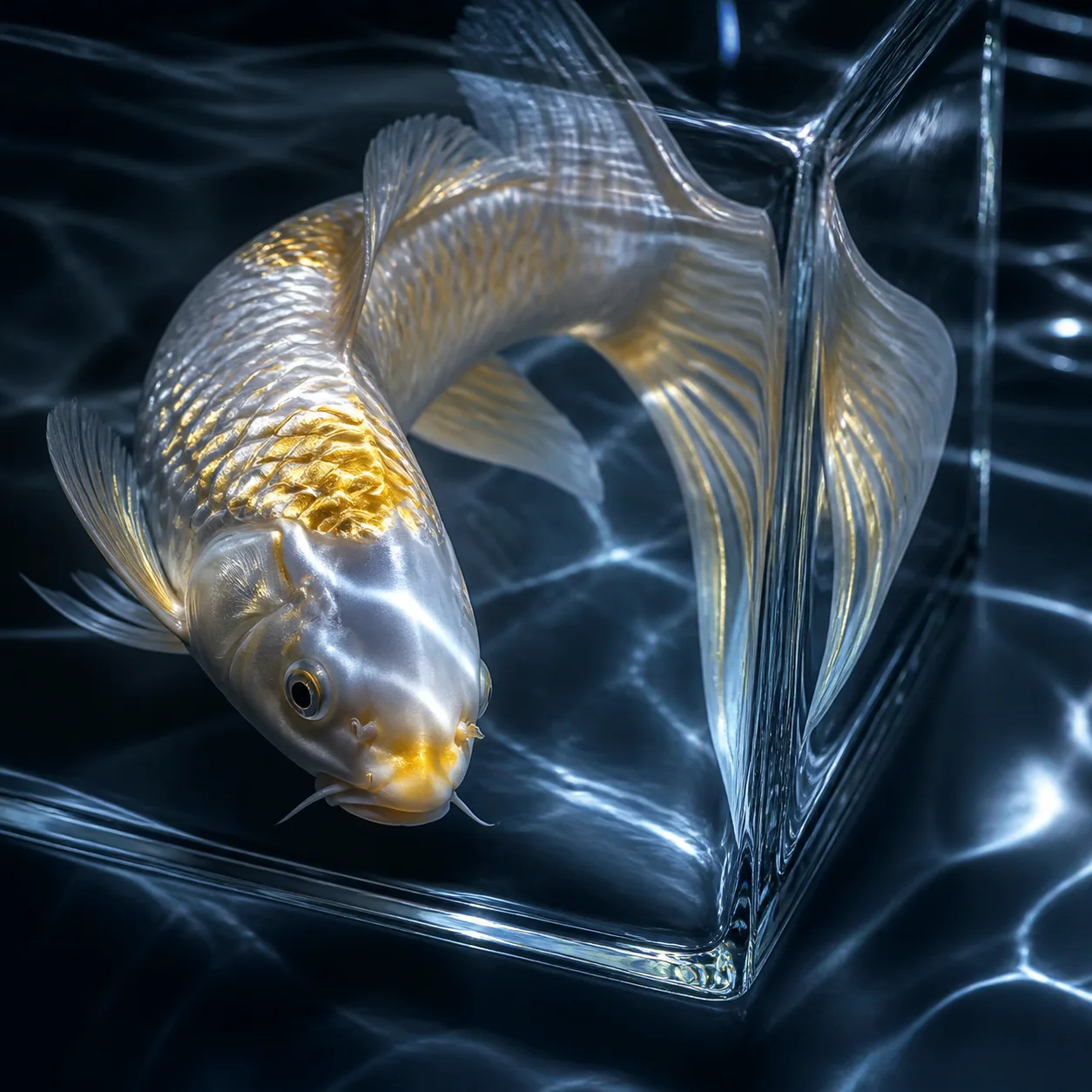
Glass cube above a moonlit lake
Vertical surreal image, 9:16. A luminous koi swims inside a transparent glass cube floating a few metres above a moonlit mountain lake. The water in the cube glows faintly and casts rippling light onto the surface below, distant pine ridges silhouetted against a star-dense sky. Cool blue palette with a single warm accent from the fish, still air, dreamlike but photographic.
How to use Grok Imagine Image 2.0.
Three steps, no learning curve.
Write the brief
Describe the subject, environment, style, lighting, composition, and desired text.
Choose a format
Select the aspect ratio that matches where the image will be used.
Generate and refine
Create the image, review the result, and improve the prompt when you want a different direction.
Frequently asked questions
Answers to your questions about Grok Imagine Image 2.0.
Still have questions? Contact us at [email protected]
Start with a clear idea.Leave with a finished image.
Turn your next creative brief into an image in the format you need.