Limited Offer · 50% OFF50% OFFYearly plans · GPT Image 2.5 + Seedance 2.5
Image 2
Create with Flare. Refine with Sunburst.
Create images from text or edit your own photos with GPT Image 2.5 on Image 2. Choose Flare or Sunburst and try it with the free credits in your account.
Browse our original AI illustrations, then pick a prompt to try your own version.
Start with a description, a photo, or a rough idea. Both models support text-to-image generation and image editing.
Try out portraits, posters, and product images quickly, with natural-looking light and detailed textures.
For finer details and precise edits. Sunburst takes a little longer to generate an image.
Change the background, try a new style, or refine a detail. Describe what you want to change and what you want to keep.
Bring in a photo to guide the subject, layout, or style. Free accounts can add up to 2 reference images; paid accounts can add up to 16.
From campaign posters to product images, explore six ways to turn a brief into a visual.
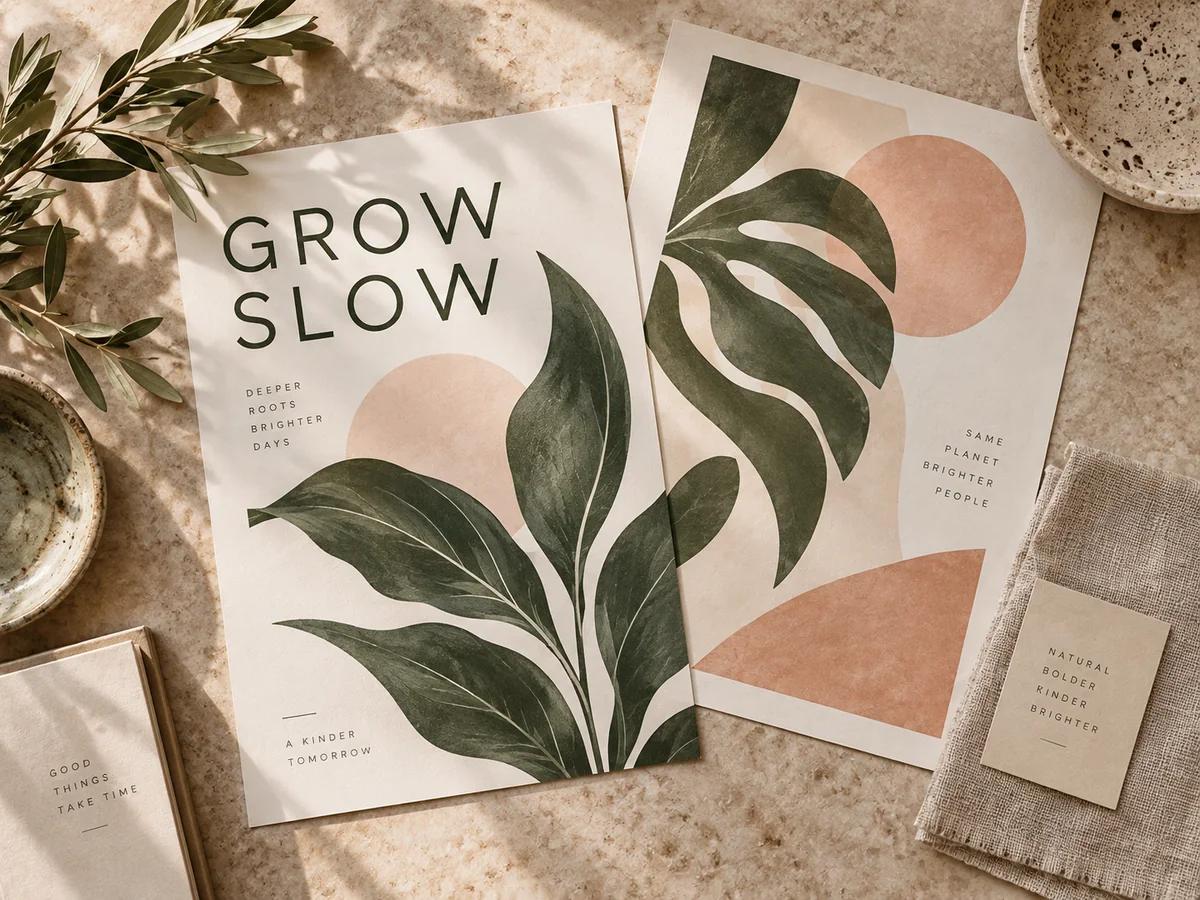
Turn a campaign brief into a poster concept with your own colors, message, and style.
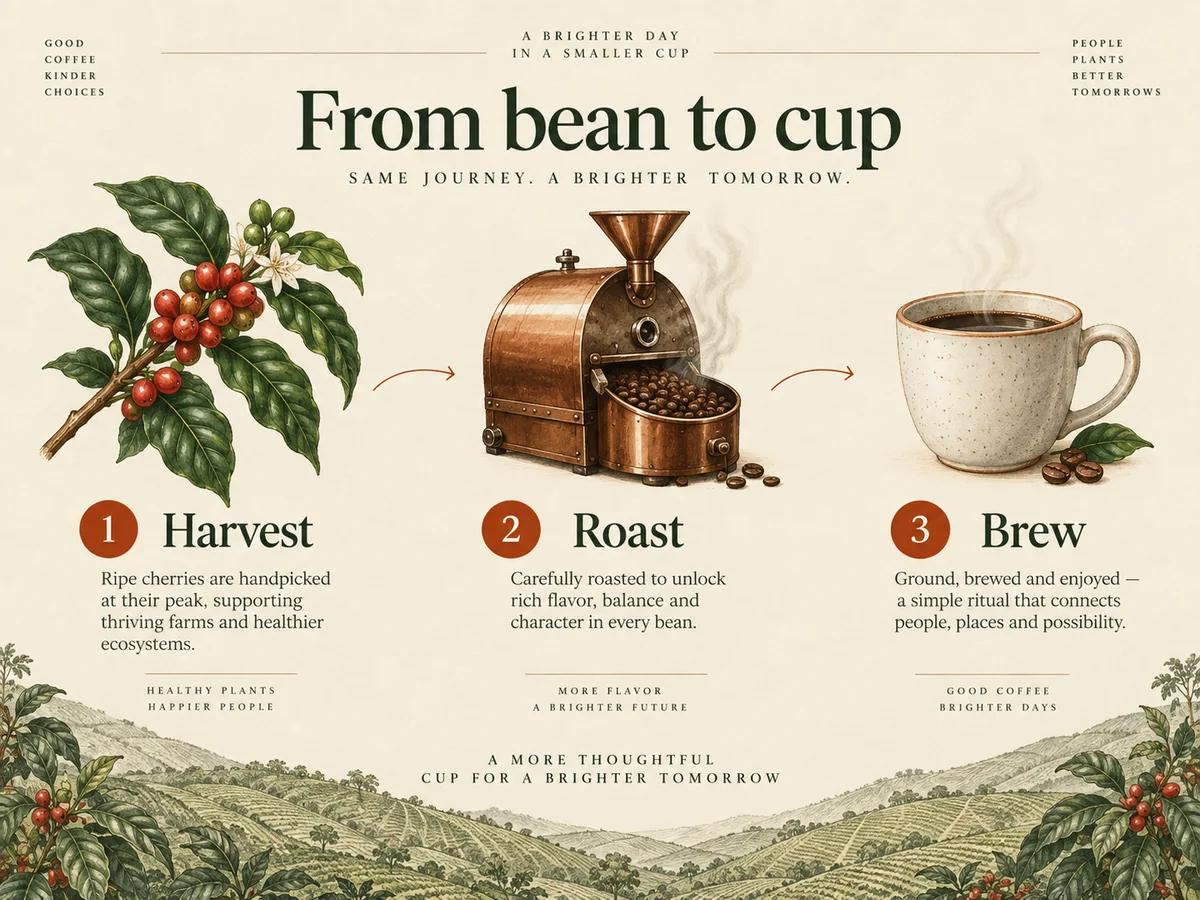
Explain an idea with diagrams, labels, and a layout that’s easy to follow.
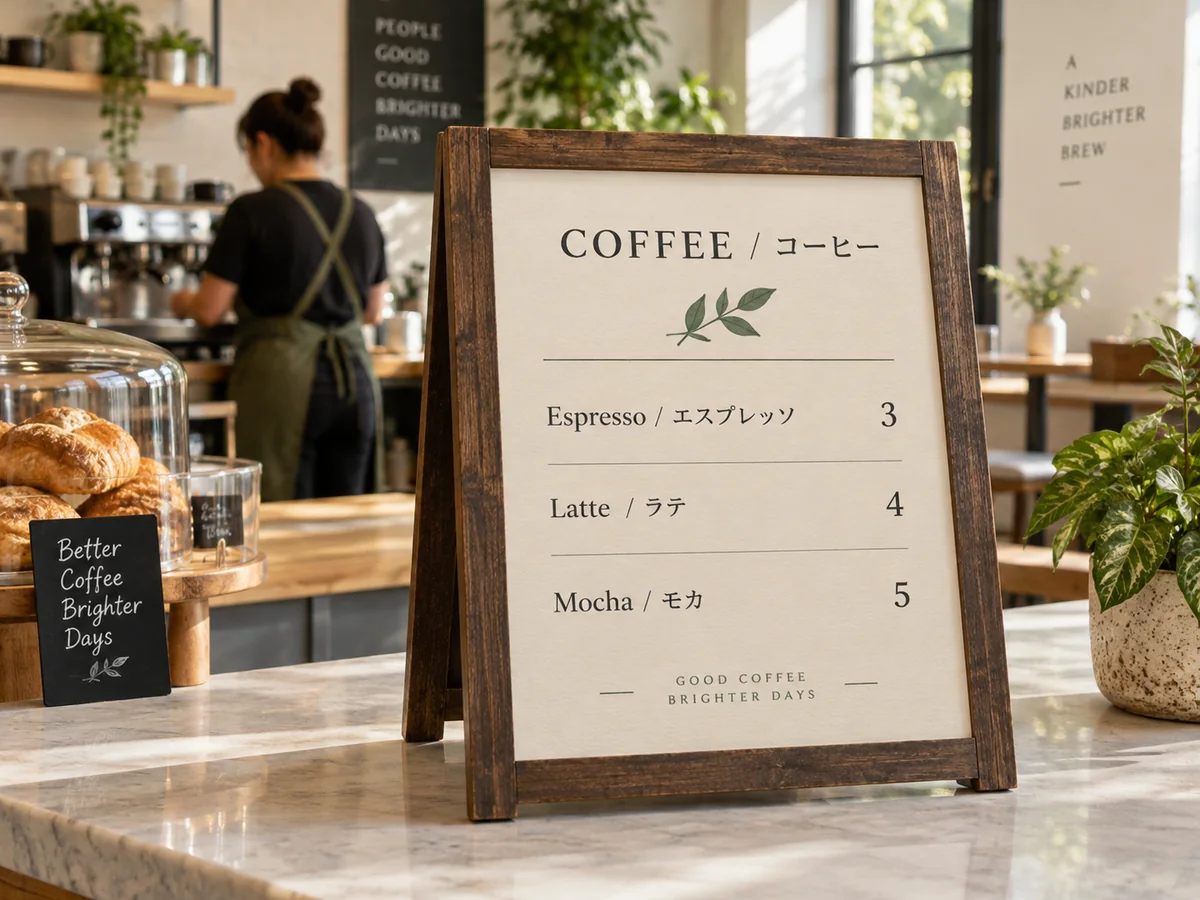
Design menus and signs in the languages your customers use.
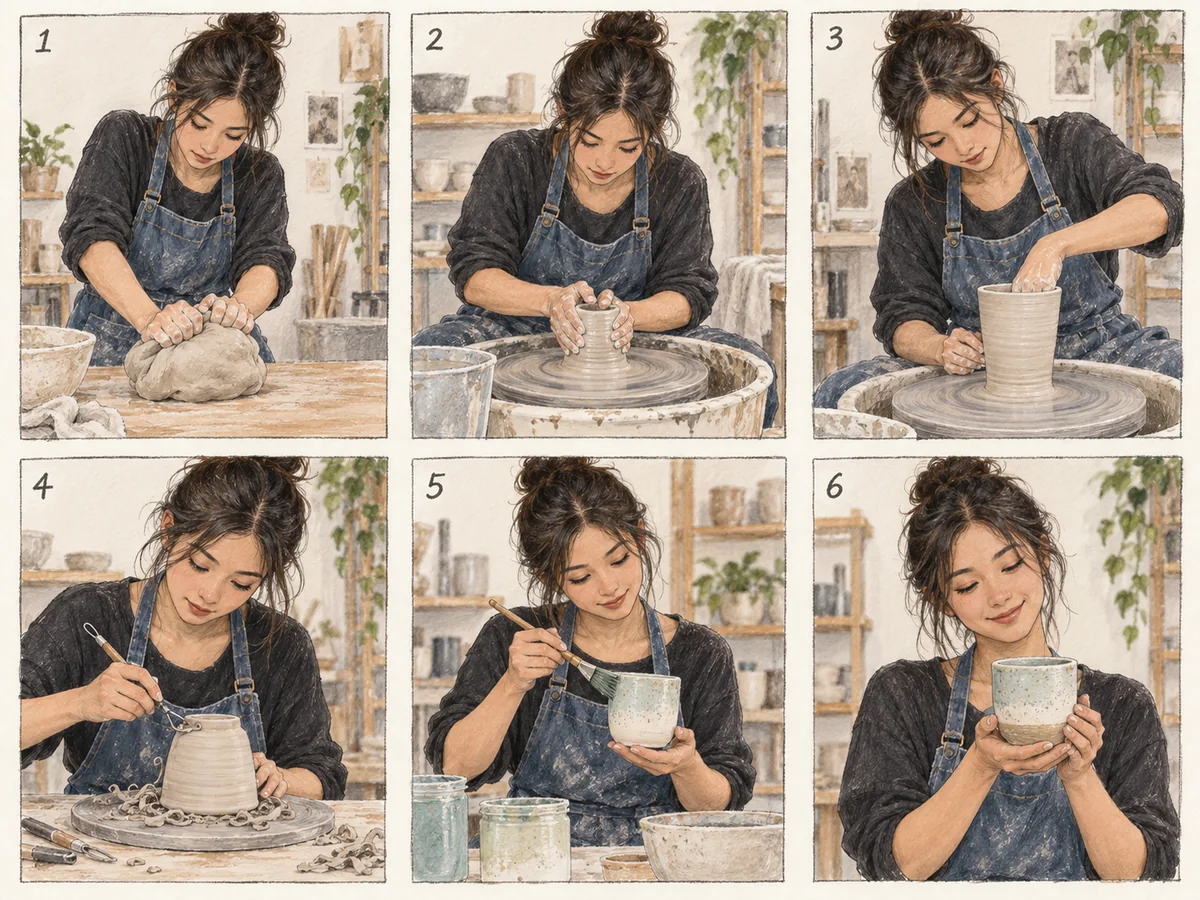
Plan a sequence of scenes with references for characters, framing, and mood.
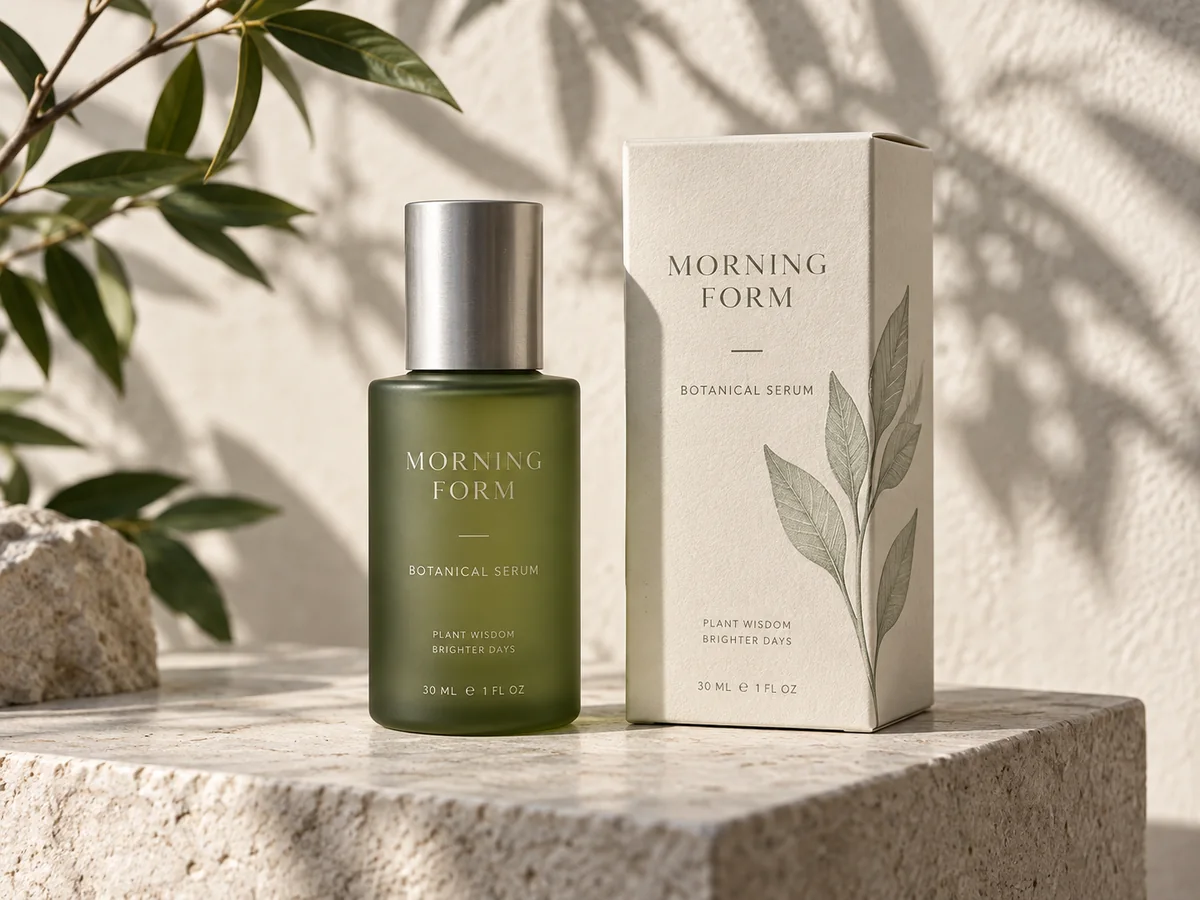
Try different materials, labels, and backgrounds before choosing a design direction.
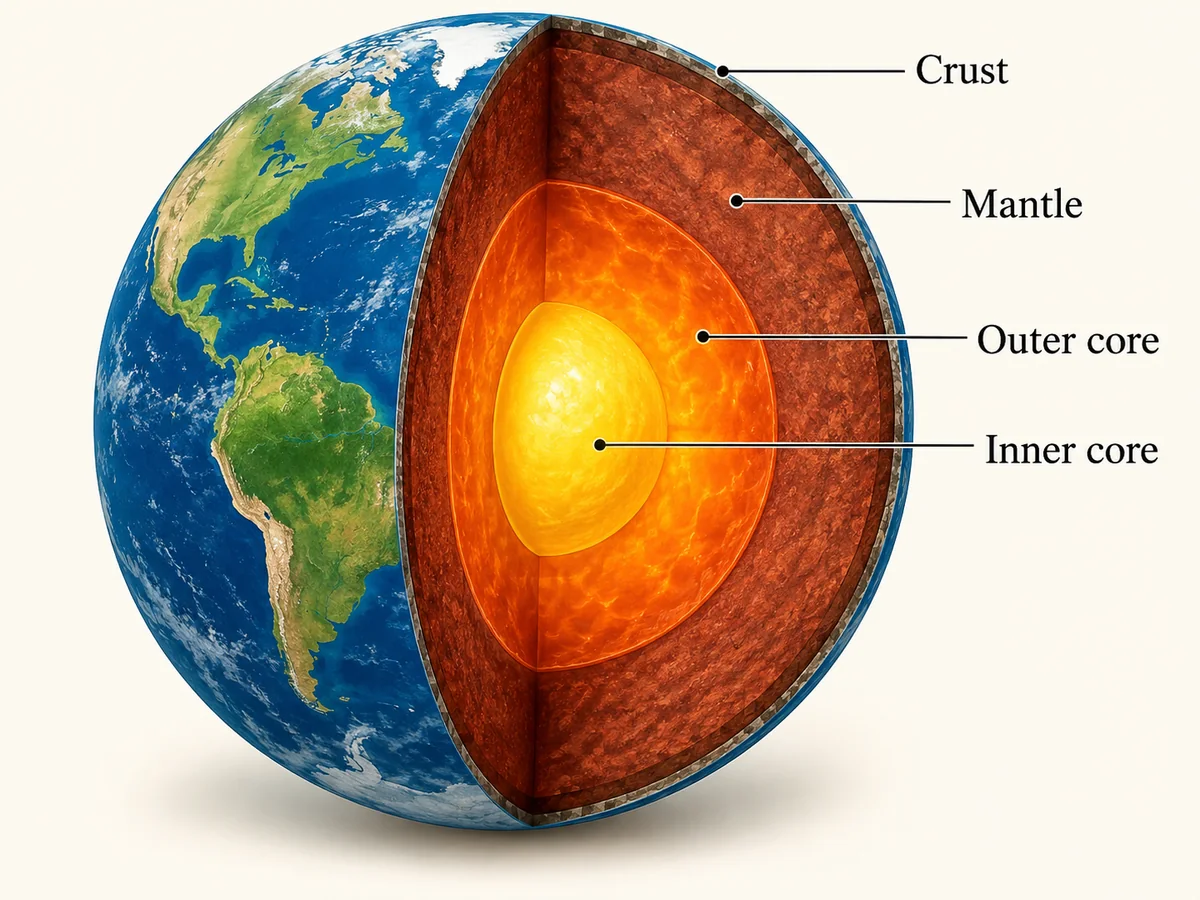
Make a first draft of a lesson diagram, then refine the labels for your students.
Pick an idea, change the details, and make it yours. Each prompt is ready to add to the generator.
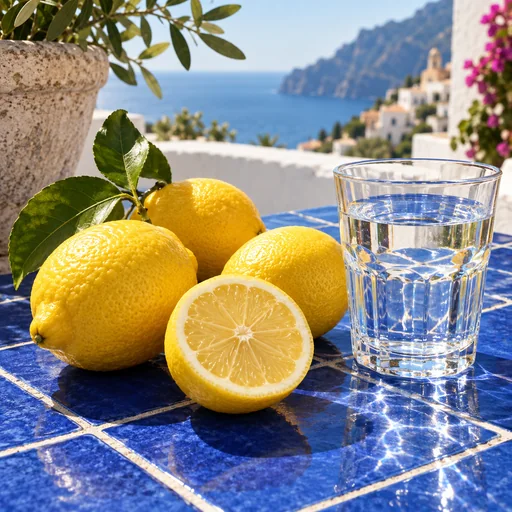
A sunlit still life of three fresh lemons, one sliced lemon and a clear glass of water on a cobalt-blue tiled table, crisp citrus peel texture, delicate water caustics, Mediterranean morning light, editorial food photography, no text.
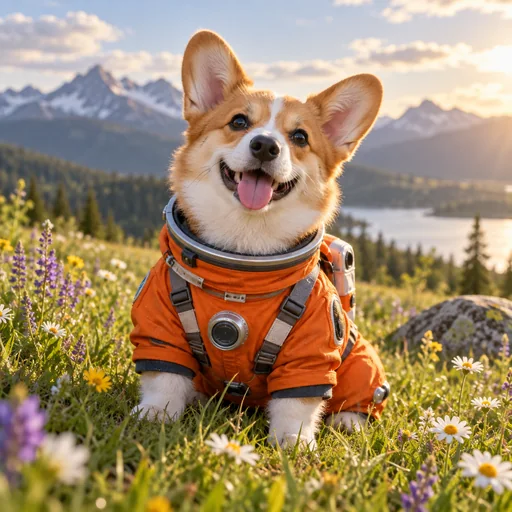
A small corgi in a carefully fitted orange astronaut costume, sitting in a grassy meadow with wildflowers, joyful expression, soft afternoon sunlight, realistic fur and fabric texture, whimsical editorial pet portrait, no text or logos.
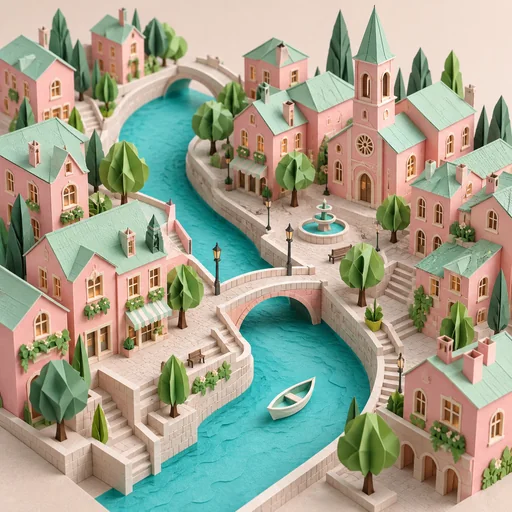
An intricate handmade paper-cut miniature city with pastel pink houses, mint rooftops, a winding turquoise canal and tiny folded trees, isometric view, layered paper edges clearly visible, gentle studio shadows, imaginative craft illustration, no text.
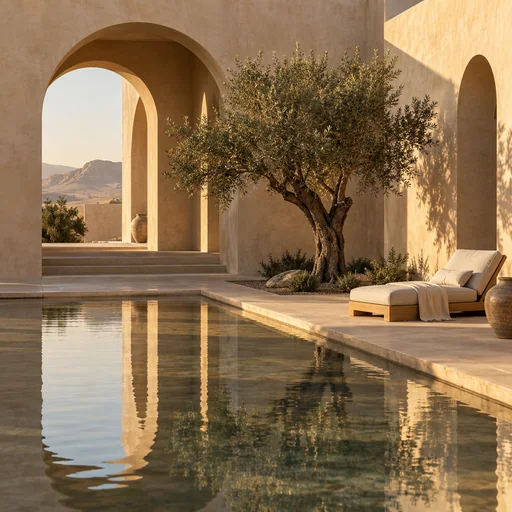
A serene courtyard in an imaginary desert home, sculptural sand-colored arches, a shallow reflecting pool, a single olive tree and a linen lounge chair, long afternoon shadows, editorial architectural photography, no people or text.
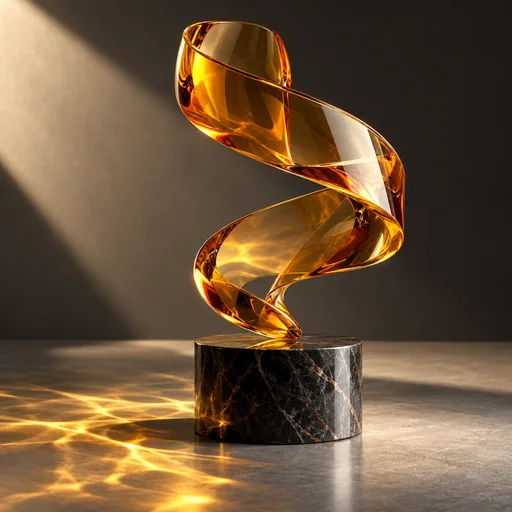
A sculptural translucent amber glass ribbon twisting above a polished dark stone pedestal, dramatic side lighting, intricate refractions and a soft amber caustic on the surface, contemporary gallery product photography, no text.
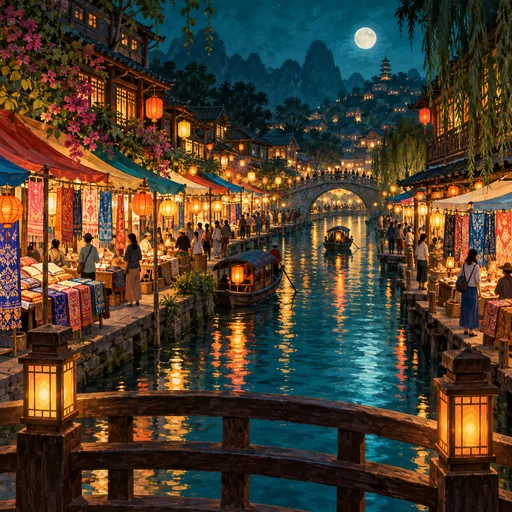
A lively fictional riverside night market seen from a small bridge, colorful fabric stalls and warm lanterns reflected in water, small figures browsing the stalls, cinematic teal-and-amber palette, detailed gouache illustration, no readable signs or logos.
From your first idea to a new image in three steps.
Choose Flare for a quick first version or Sunburst when fine detail matters more.
Describe the picture you have in mind, including the subject and style. To edit a photo, upload it and explain what you’d like to change or keep.
Pick an aspect ratio and a size from 1K to 4K, then generate your image. You can save the result as a PNG.
Answers to your questions about GPT Image 2.5.
GPT Image 2.5 is an AI image model from OpenAI for creating images from text and editing existing images. On Image 2, you can choose Flare or Sunburst to make portraits, posters, product images, and more in your browser.
Yes. Sign in to Image 2 and use the free credits in your account to try Flare or Sunburst. Each image uses credits, so you’ll need enough for the size you choose. The number of free credits varies by account; you can see your balance when you sign in.
Flare is a good starting point for quick ideas and everyday image creation. Sunburst focuses on finer detail and more precise edits, and takes longer. Both can create new images or edit your references.
Upload your photo and describe the change, such as a different background, outfit, or lighting. Mention anything you want to keep. Free accounts can upload up to 2 reference images per request; paid accounts can upload up to 16.
Yes. Image 2 offers 1K, 2K, and 4K size options for both models. Pixel dimensions depend on the aspect ratio, and results are saved as PNG images. Quality is set automatically.
Describe the subject, setting, style, and lighting in plain language. Add any wording you want in the image in quotation marks. You can write in English or another language; check spelling and layout in the result, especially for menus and posters.
Flare and Sunburst cost the same on Image 2: 2 credits for 1K, 2 for 2K, and 6 for 4K per image. Creating a new image and editing a reference image use the same size-based rates.
Yes. Select an example to add its prompt to the generator, then adapt it to your project. The gallery contains original AI illustrations for inspiration, not a side-by-side model test. Your result may look different.
No. Image 2 (image2.im) is an independent platform where you can use GPT Image 2.5. It is not an OpenAI website, and your Image 2 credits are separate from any ChatGPT subscription.
Still have questions? Contact us at [email protected]
Sign in and use the free credits in your account to try GPT Image 2.5.
GPT Image 2.5 Results