Limited Offer · 50% OFF50% OFFYearly plans · GPT Image 2.5 + Seedance 2.5
Image 2
Production-grade images, from a single brief.
Every image below was generated at production resolution from a single prompt. Hover to inspect the brief.
Start with a photo, sketch or style reference to create product scenes and poster drafts, with 1K, 2K or 4K output options.
Use a generated image as a new reference and describe the next change, such as replacing a prop or adjusting the lighting.
Combine product photos, backgrounds or style references and assign each a role. This model currently accepts up to 8 reference images for both free and paid accounts. The upload area shows the current limit.
Reuse the same clear reference across scenes, naming the face, outfit, shape or color you want to preserve.
Describe object positions, camera angle and relative size to guide a product scene or illustrated layout.
Teams use Pro to move from concept to final asset without a separate retouching pass.
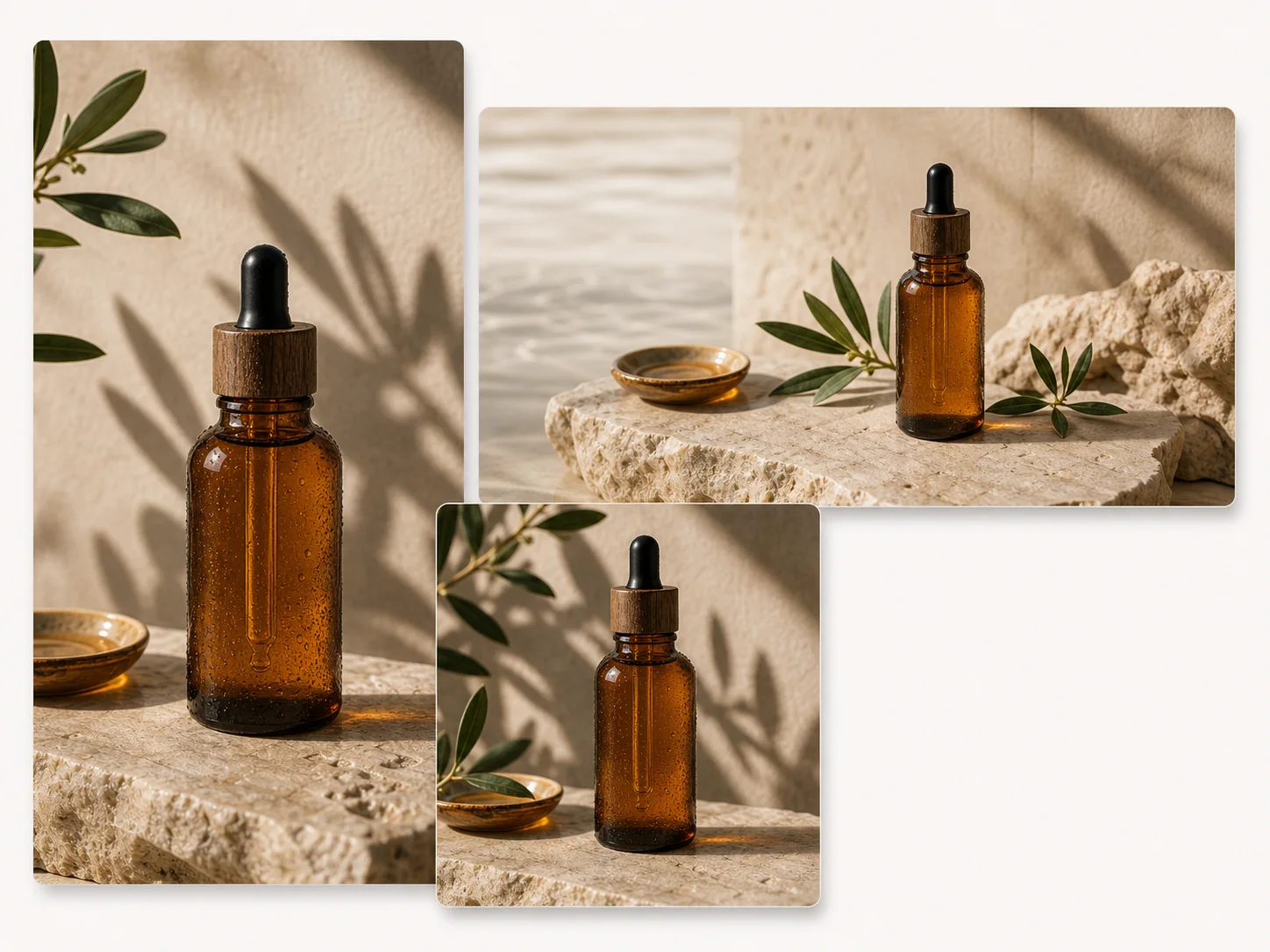
Hero images, key art, and seasonal campaigns at 4K — generated once, reused across channels.
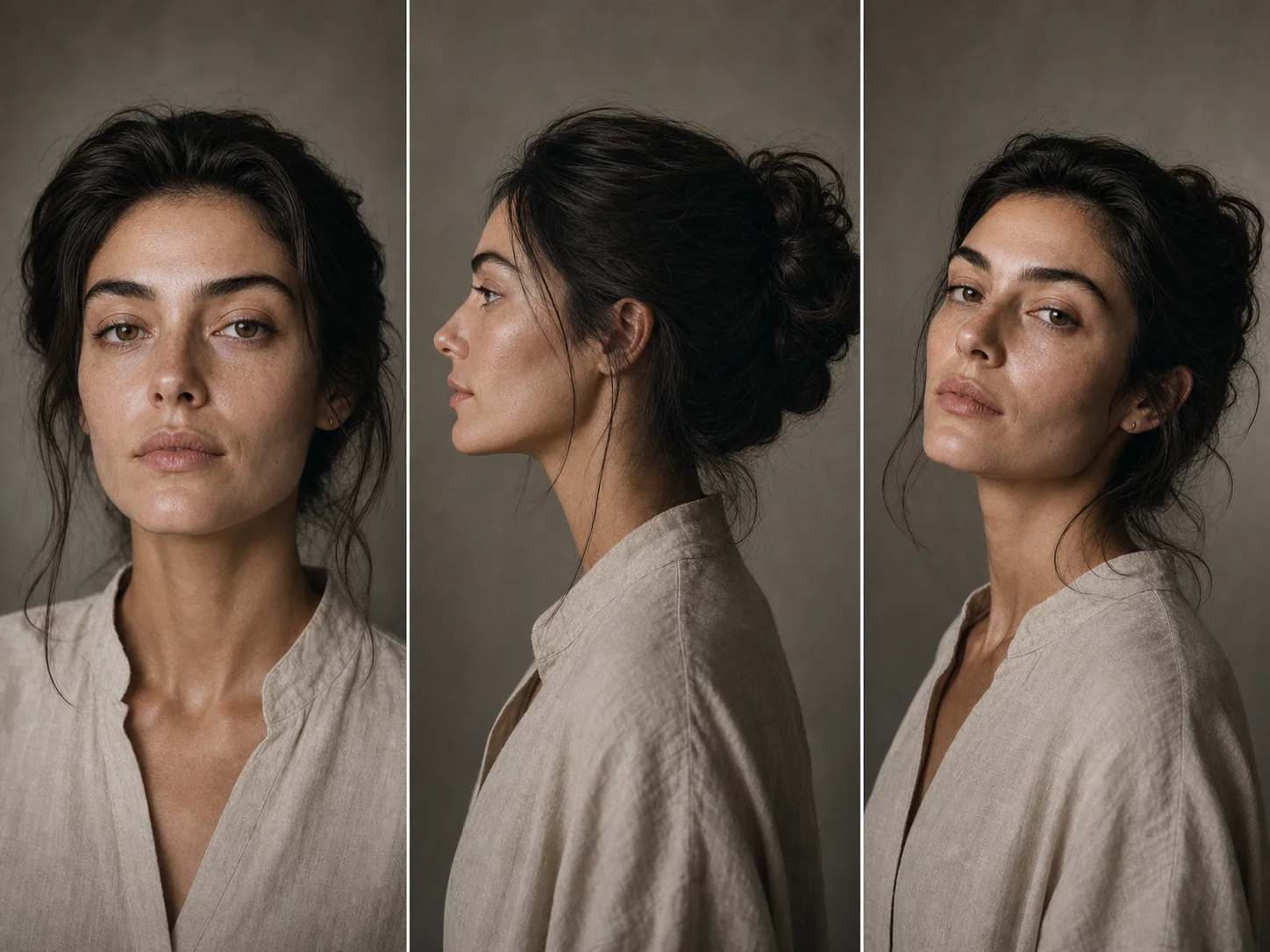
Magazine-ready headshots with controllable lighting, lens character, and finish.
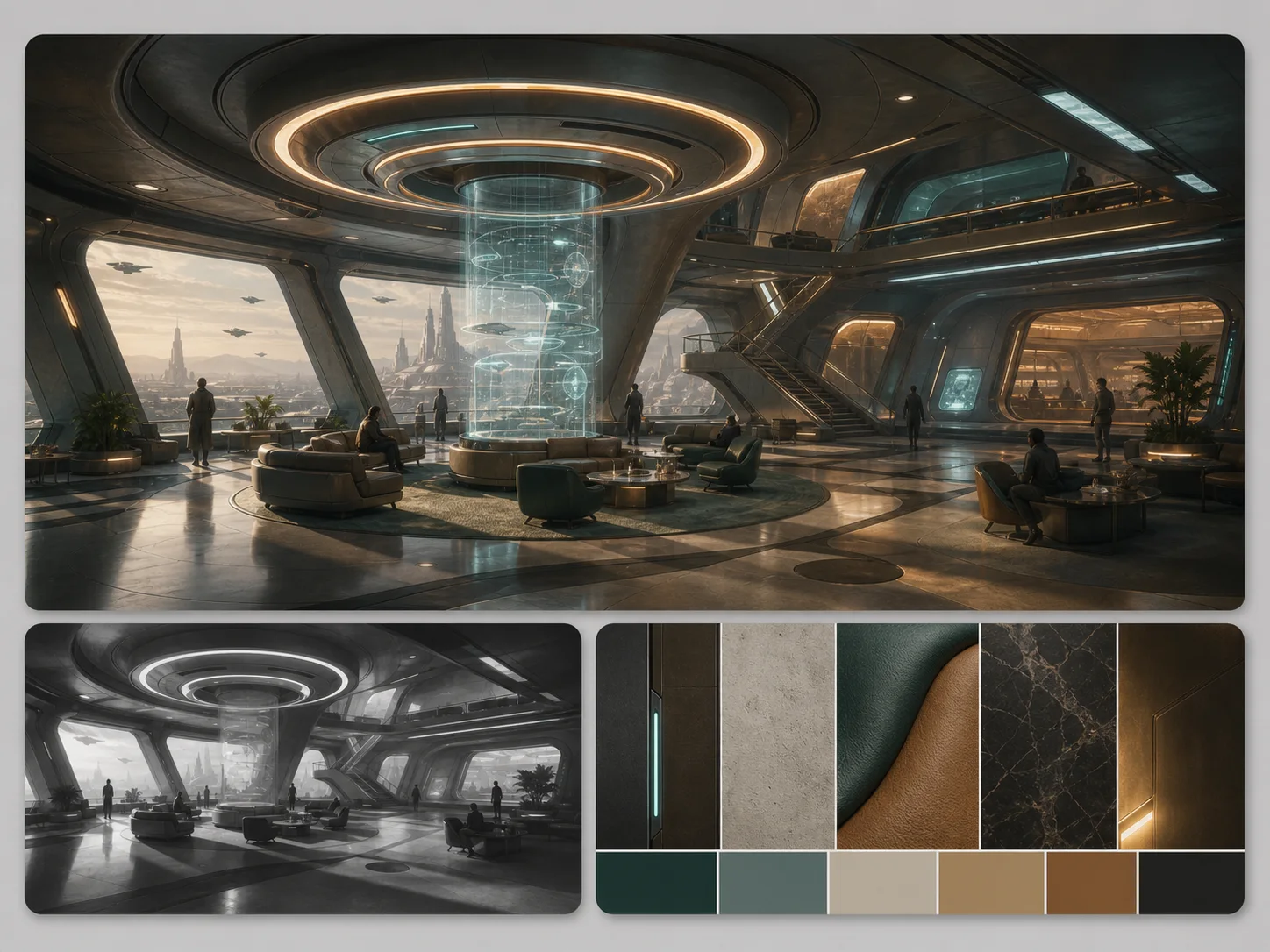
Pre-production visuals for film, game, and product teams — composed, finished, and ready to present.
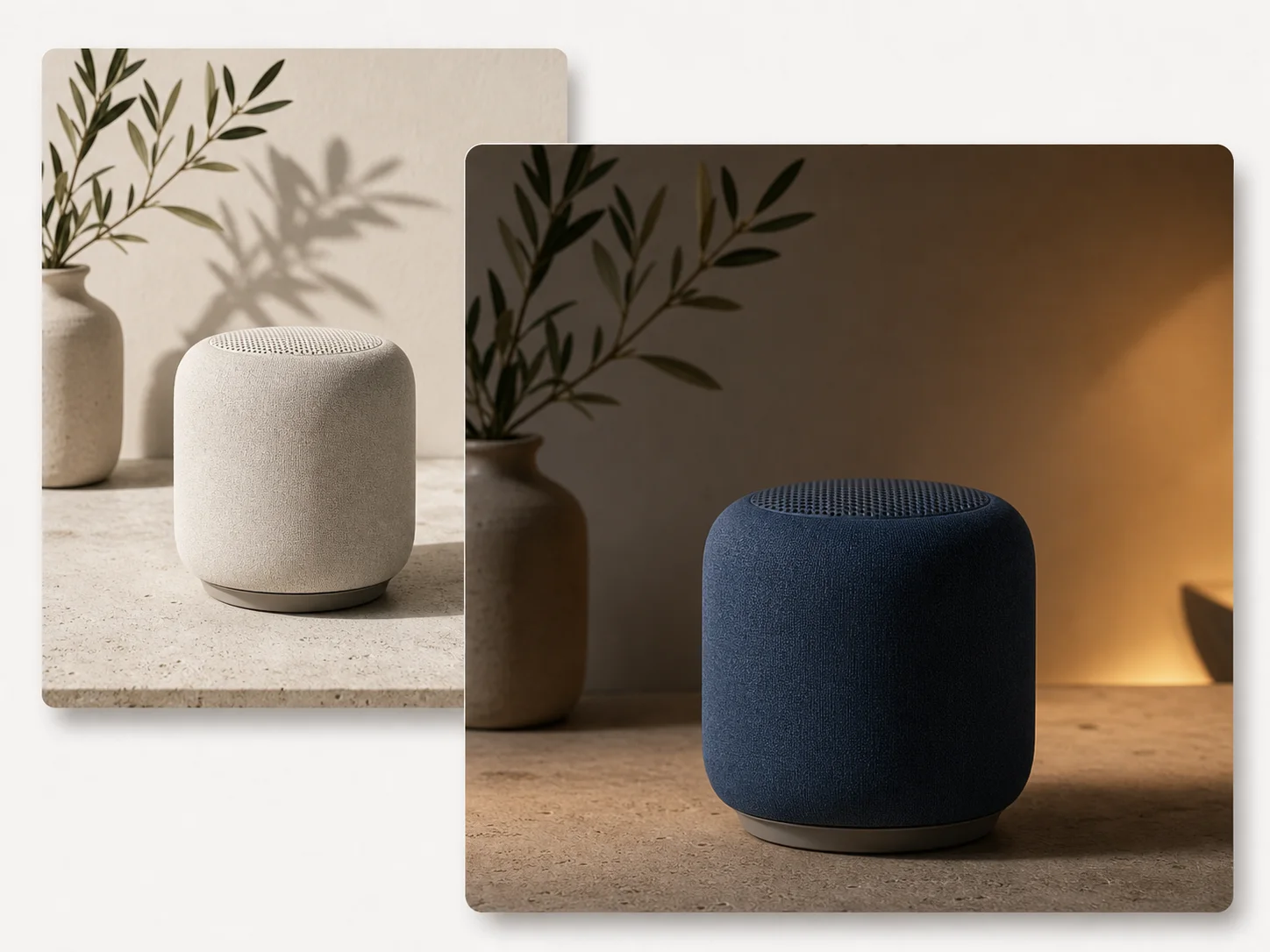
Swap a backdrop, change a product color, or relight a scene without regenerating the whole frame.
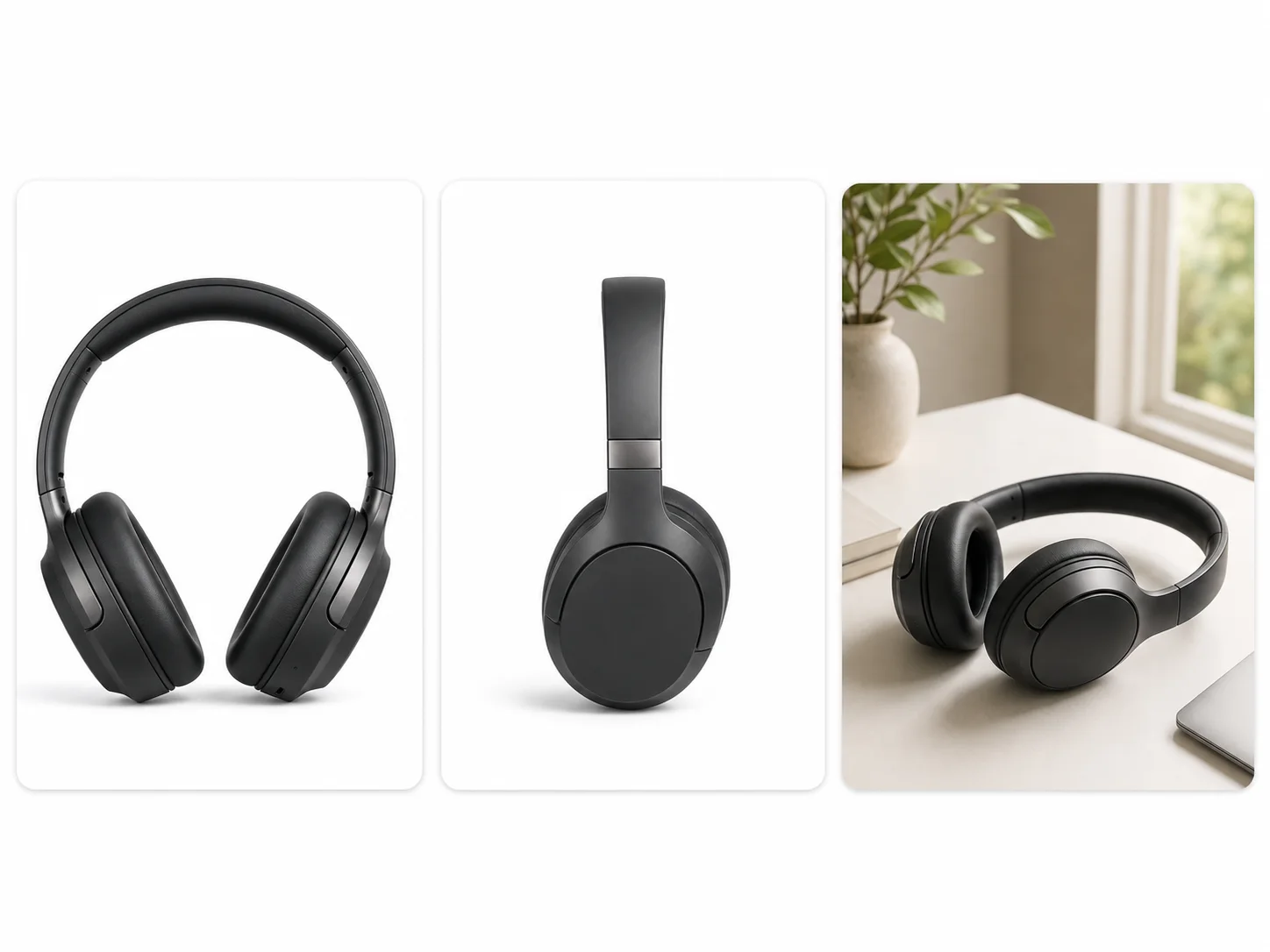
On-white, lifestyle, and 360°-style product imagery rendered at e-commerce-ready resolution.
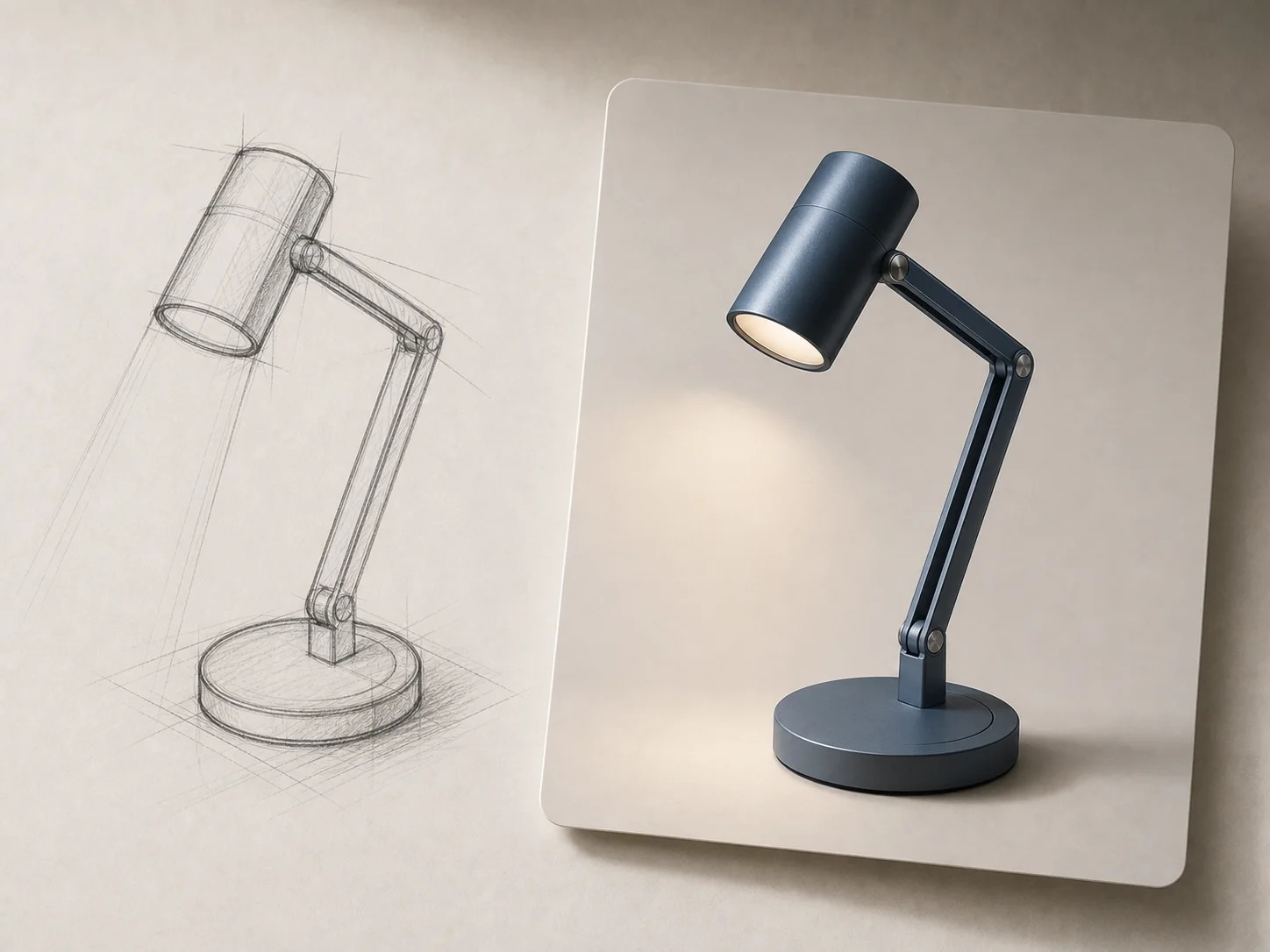
Take a thumbnail, line art, or mid-fidelity sketch and finish it as a presentation-grade render.
These are the kinds of prompts where Nano Banana Pro pulls ahead of Standard — text, materials, multiple references.
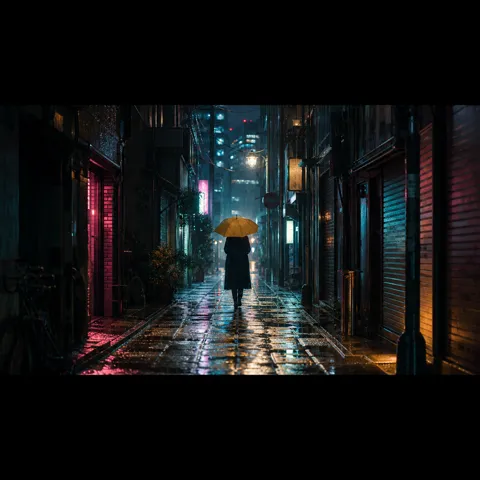
Anamorphic widescreen key frame, neon-lit Tokyo back-alley, rain on cobblestones, lone figure under a yellow umbrella, ARRI cinematography fidelity, 4K presentation grade
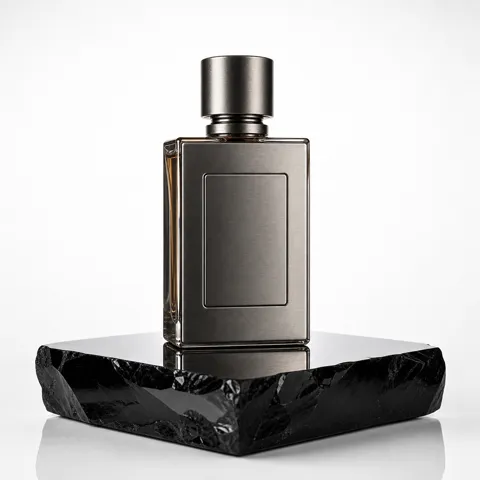
Hero product shot of a brushed-titanium fragrance bottle on a polished obsidian plinth, hard rim light, controlled reflection, e-commerce 4K white-cyc finish, exact label legibility
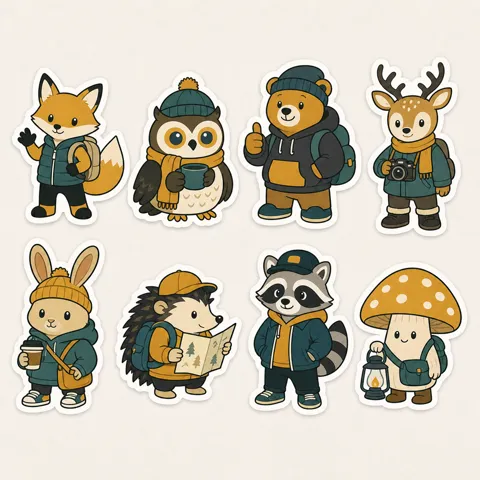
Print-ready brand sticker sheet, eight characters in coordinated palette, thick white knockout border, vector-style flat illustration, ready for 300 DPI export
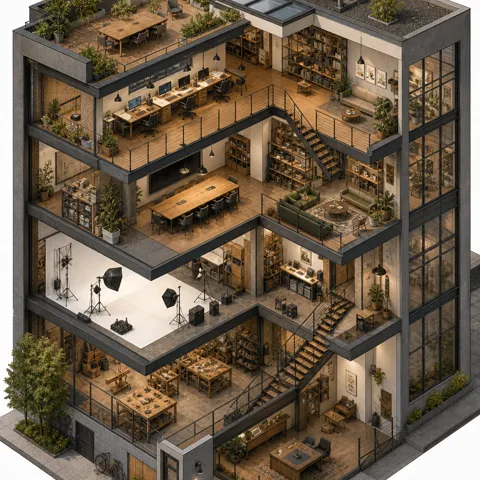
Editorial isometric illustration of a six-floor mixed-use development, cutaway facade revealing interior life, hand-finished textures, magazine spread fidelity
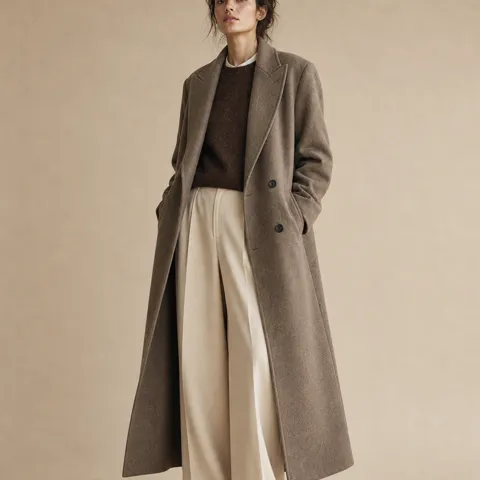
Spring campaign editorial, model in oversized cashmere coat, beige seamless backdrop, soft north-window key light, medium-format film fidelity, full-bleed magazine crop
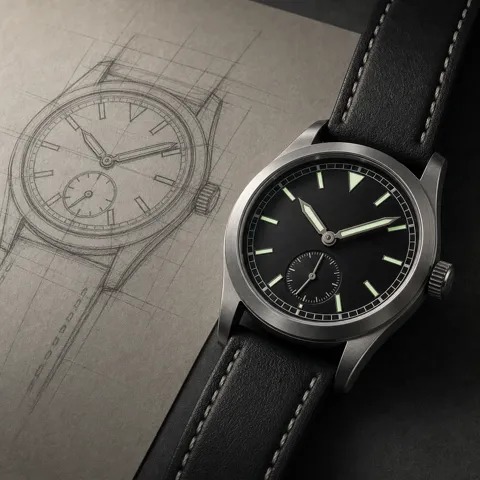
Finish this sketched smartwatch into a polished hero render, sapphire crystal display, anodized aluminum case, soft studio shadow, suitable for keynote presentation
Describe the result, choose your output settings and check the generated image.
For a new image, describe the subject, scene and style. For an edit, upload the source and explain what should change and what should stay.
Choose an aspect ratio and 1K, 2K or 4K output. Currently, 1K and 2K both cost 8 credits per image; 4K costs 16. Choose a size for the intended layout and check the total.
Check text, faces and product details before downloading. If something is wrong, make that instruction clearer and generate another version.
Answers to your questions about Nano Banana Pro.
Getting started is simple: sign in with your account, and you can immediately start creating 4K images with Nano Banana Pro. We offer flexible credit-based pricing—view our pricing plans to choose the option that fits your creative workflow.
Use photos, sketches or style references to create product scenes and poster drafts. Choose 1K, 2K or 4K output, then use the image file in your layout.
Write the exact wording in quotation marks and describe its position. Keep copy short, then check spelling and numbers in the result. For text that must be exact, add or correct it in a design editor.
This model currently accepts up to 8 reference images for both free and paid accounts. The upload area shows the current limit. Explain which image supplies the subject, background or style.
This generation workflow does not automatically look up live weather, scores or other current data. Supply the facts and labels in your prompt, then check the generated numbers and relationships before sharing.
Describe what to change and what to keep. Whole-image generation can still alter other details. For a small local edit, use the Inpaint tool and brush the area you want to change.
Typography & Branding — Create logos and posters with visual text effects.
Multilingual Content — Localize marketing materials while keeping visual elements consistent.
Educational Content — Turn handwritten notes into diagrams and step-by-step tutorials.
Product Mockups — Blend sketches with photos to create photorealistic renderings.
Creative Transformations — Change aspect ratios, apply dramatic lighting, and shift focus while maintaining subject positioning.
Treat it as an image draft. Check spelling, dimensions and the printer’s requirements for resolution, bleed and color. A high-resolution image is not an editable layout or a guaranteed print-ready file.
Still have questions? Contact us at [email protected]
Nano Banana Pro is built for the work that goes to clients, to print, and on-shelf. Generate your first production-ready frame in under a minute.
Nano Banana Pro Results