Limited Offer · 50% OFF50% OFFYearly plans · GPT Image 2.5 + Seedance 2.5
Image 2
AI Inpaint
Repair small flaws, replace selected details, or rebuild local areas with a brush mask while Image 2 keeps the rest of your photo intact.
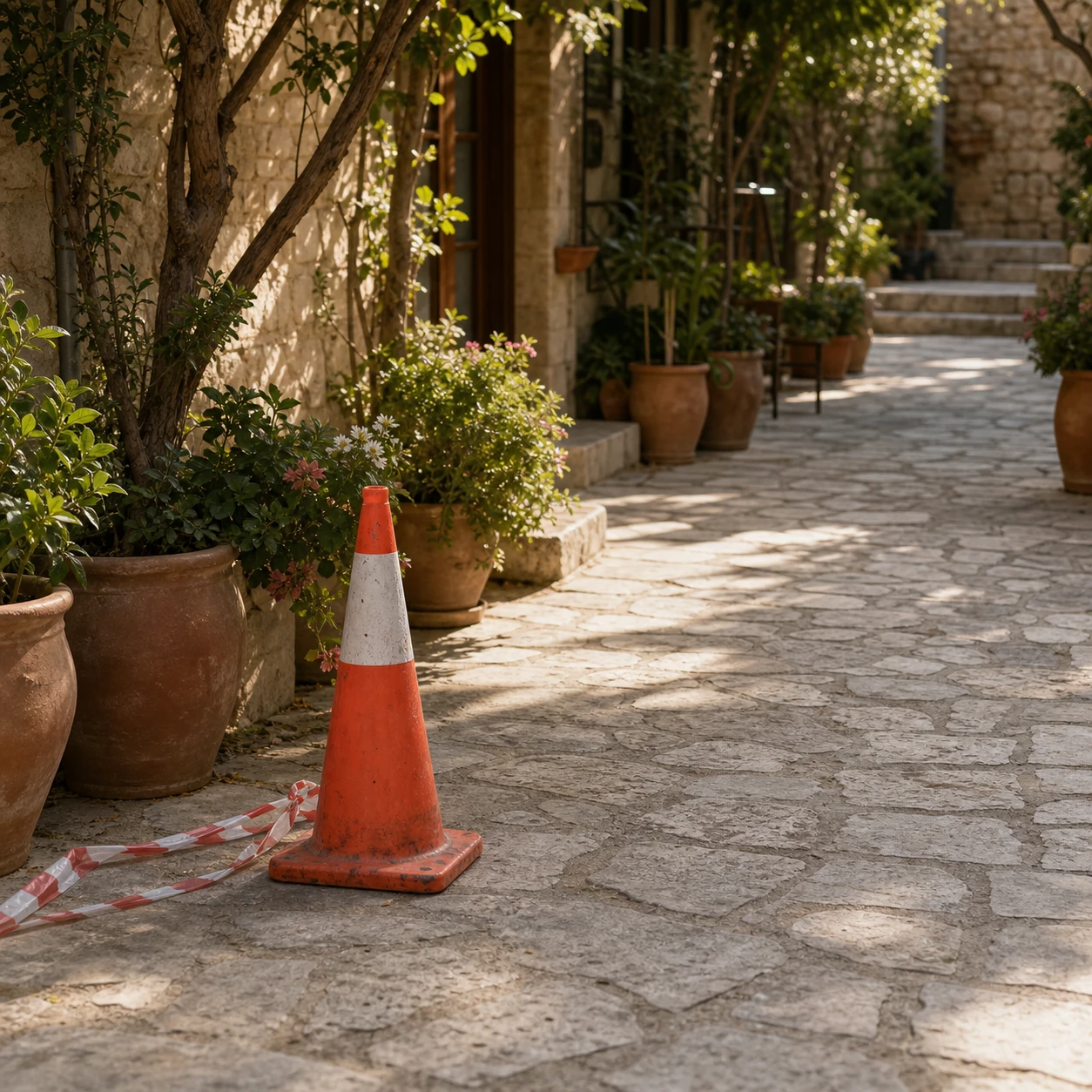
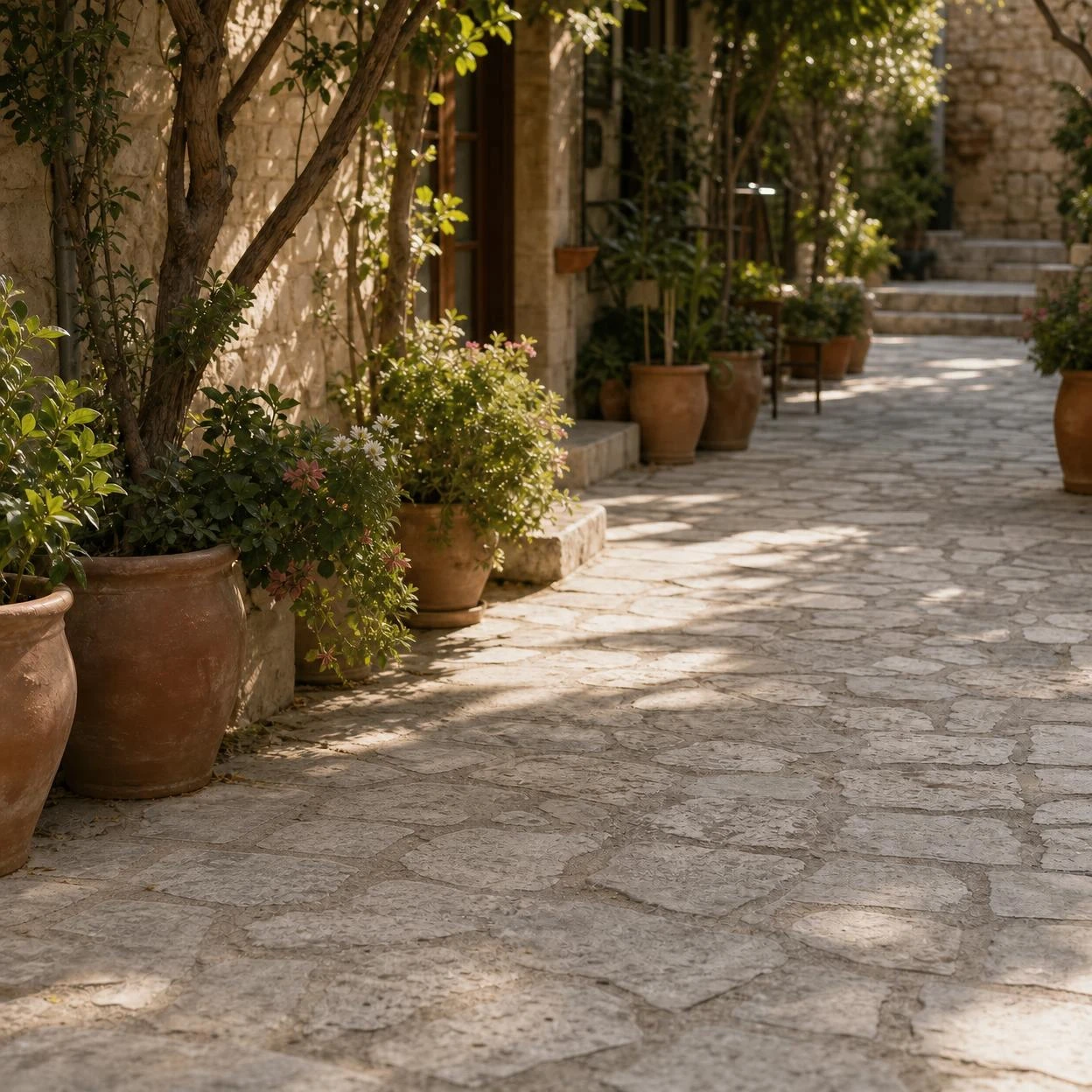
Brush over scratches, marks, damaged corners, or small visual artifacts and replace them with natural-looking detail.
Start inpainting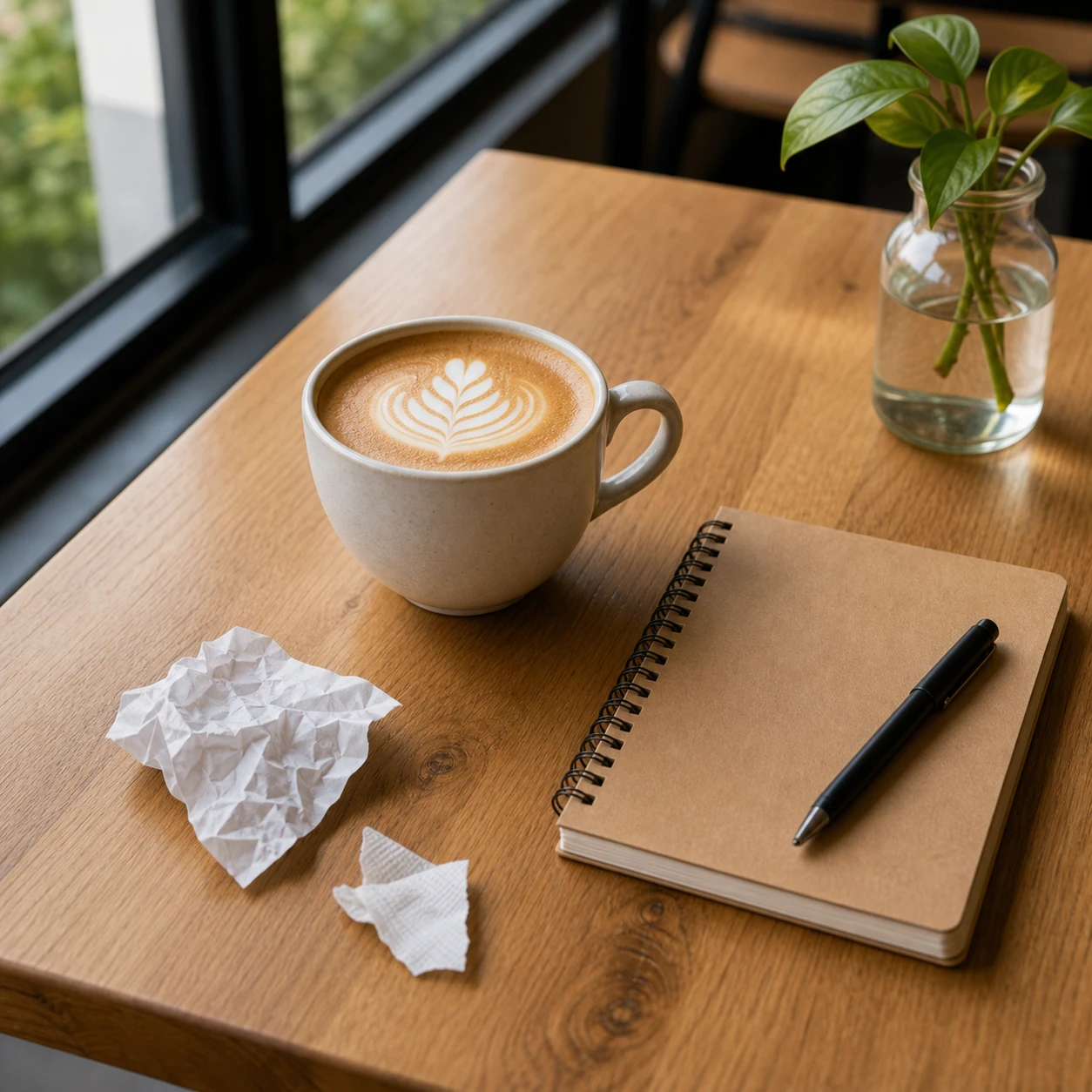
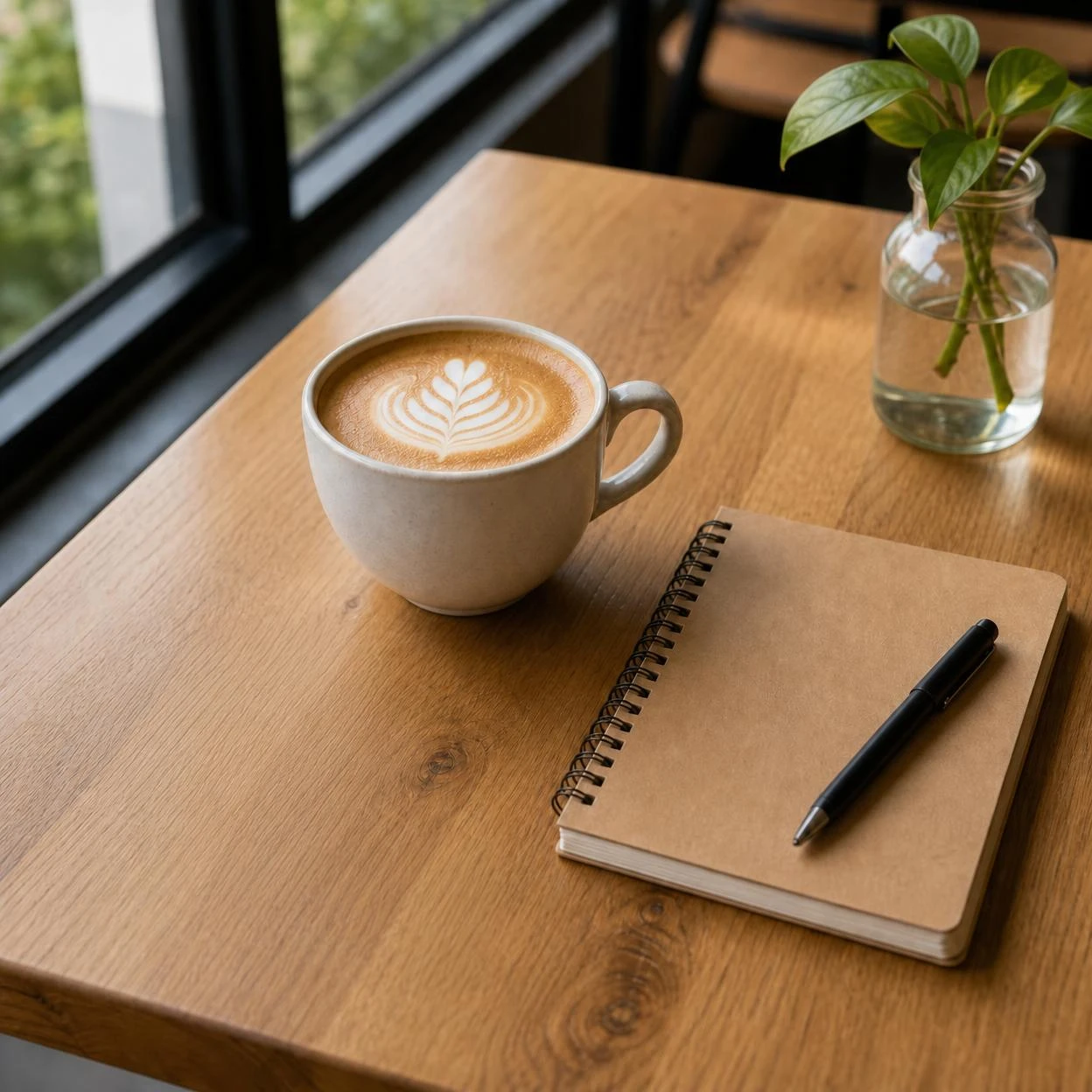
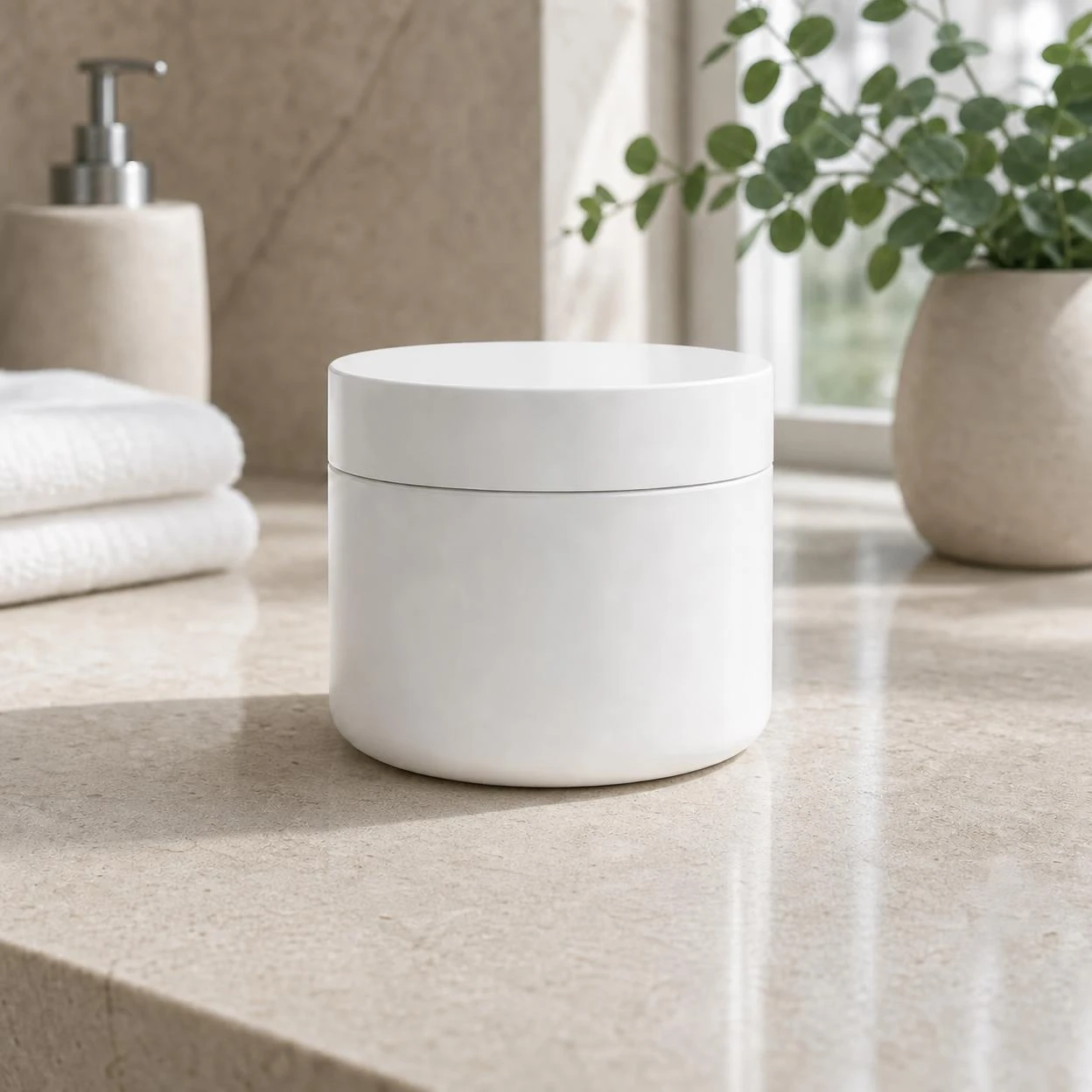
Clean marks, replace labels, refine surfaces, or fix small product details without reshooting.
Start inpainting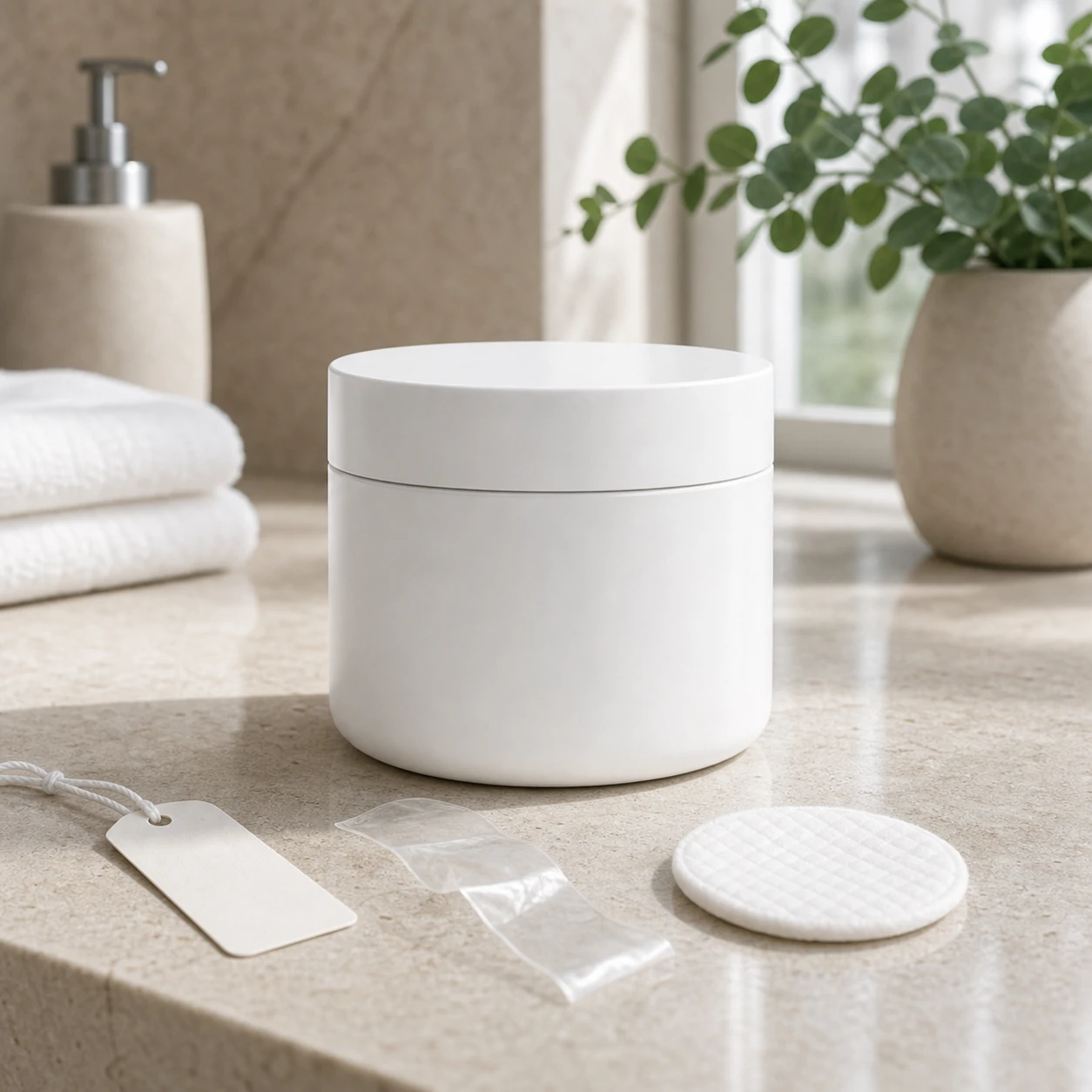
Fix clothing, hair, background marks, or local artifacts while preserving the person.
Start inpainting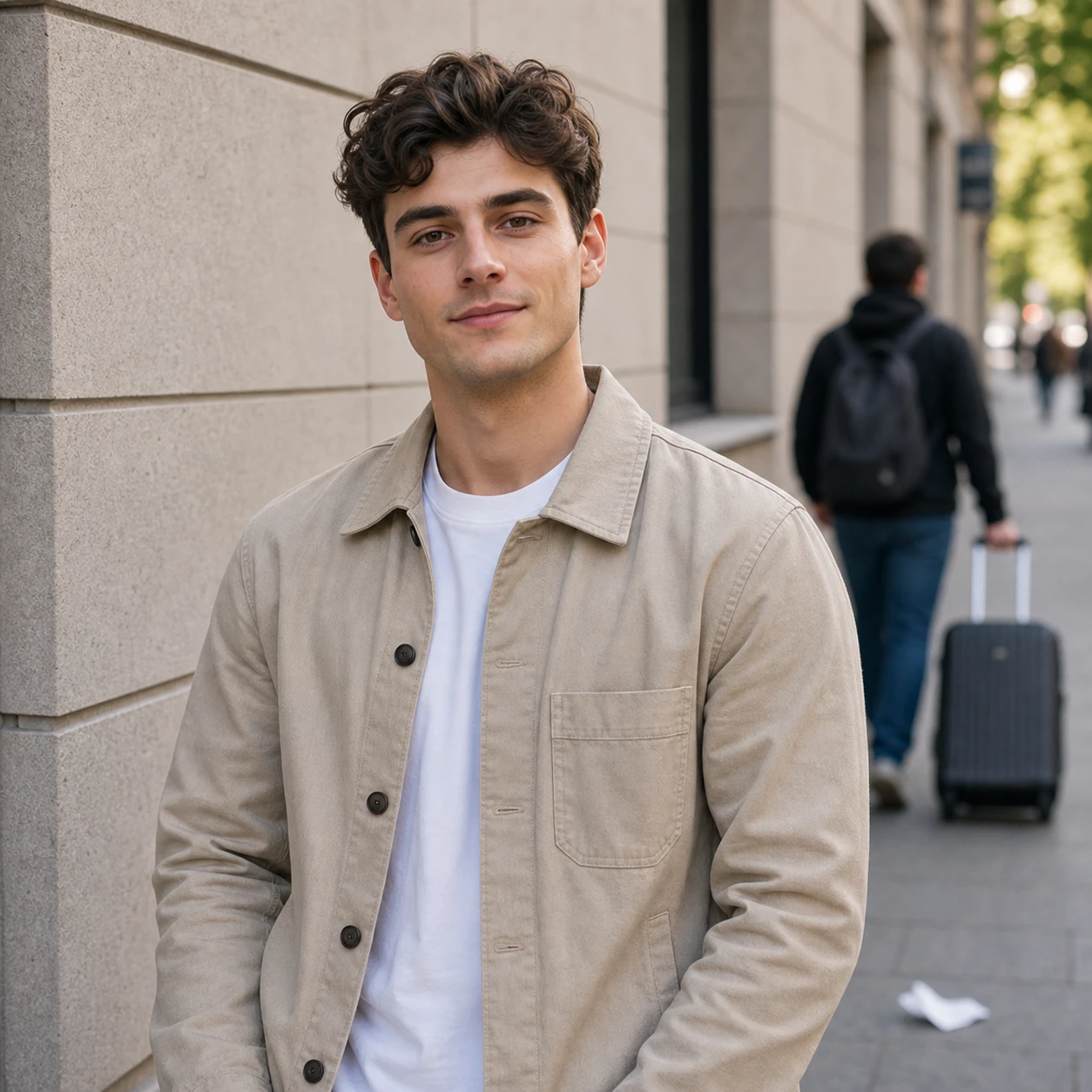
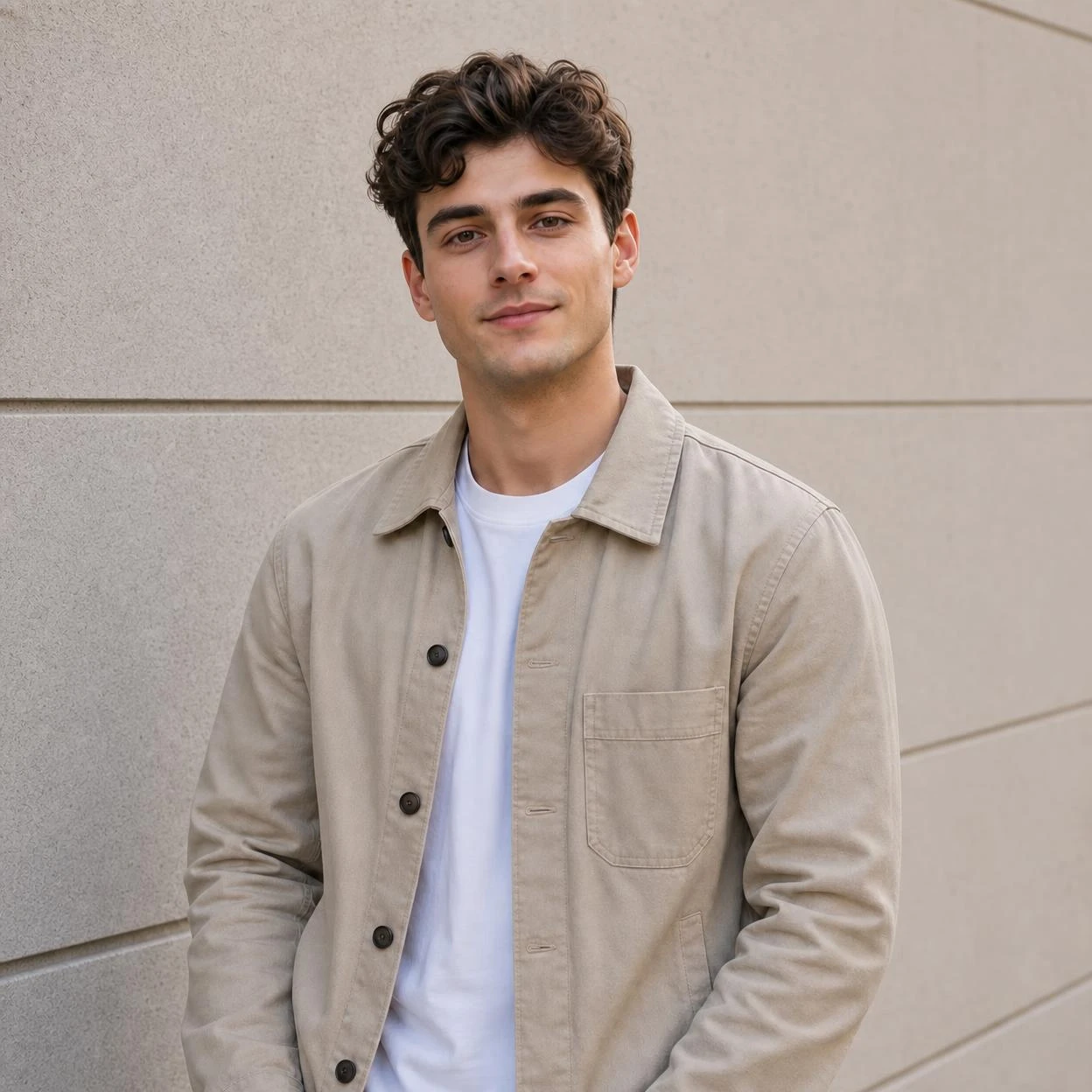
Extend cropped edges, repair damaged corners, or fill empty space with natural background detail.
Start inpainting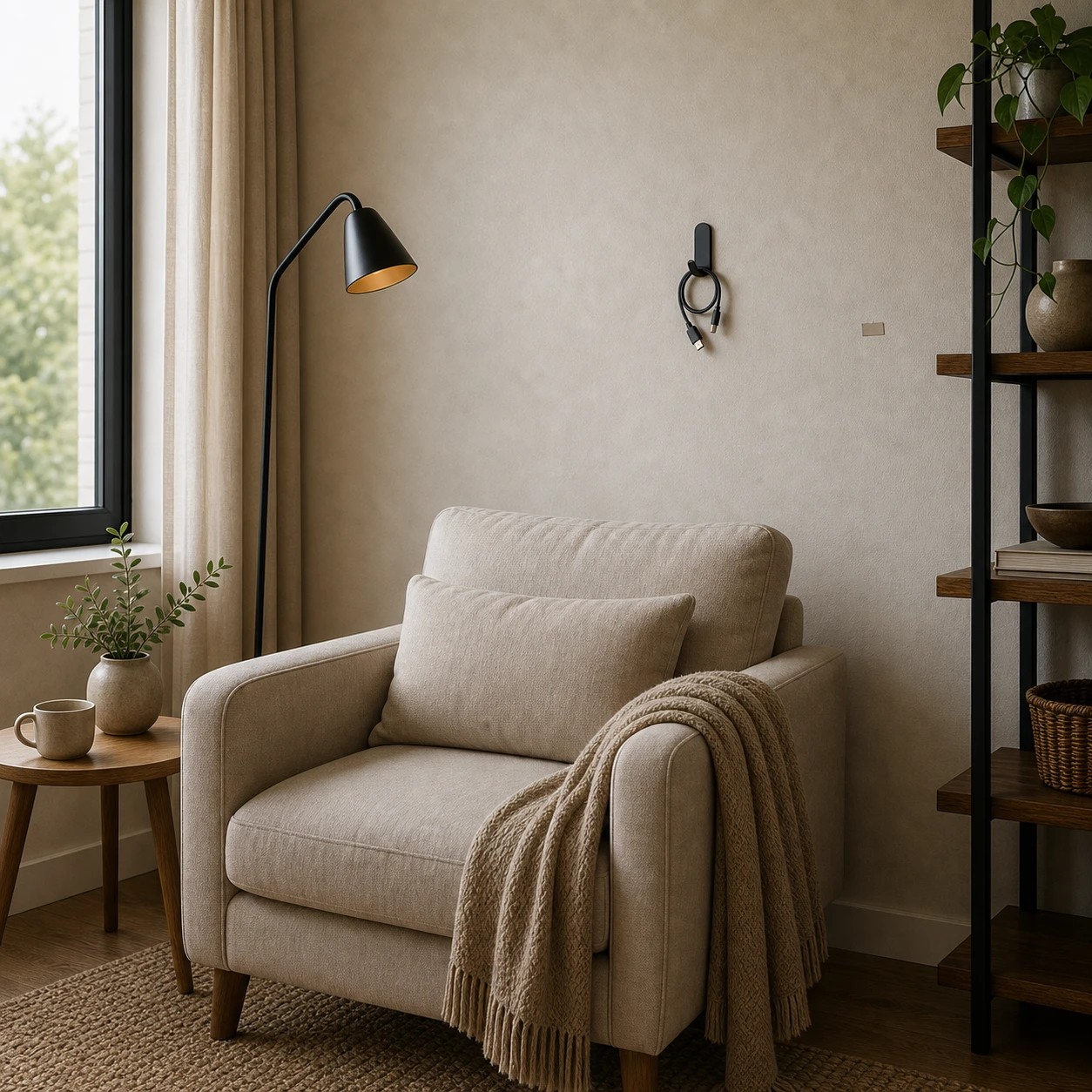
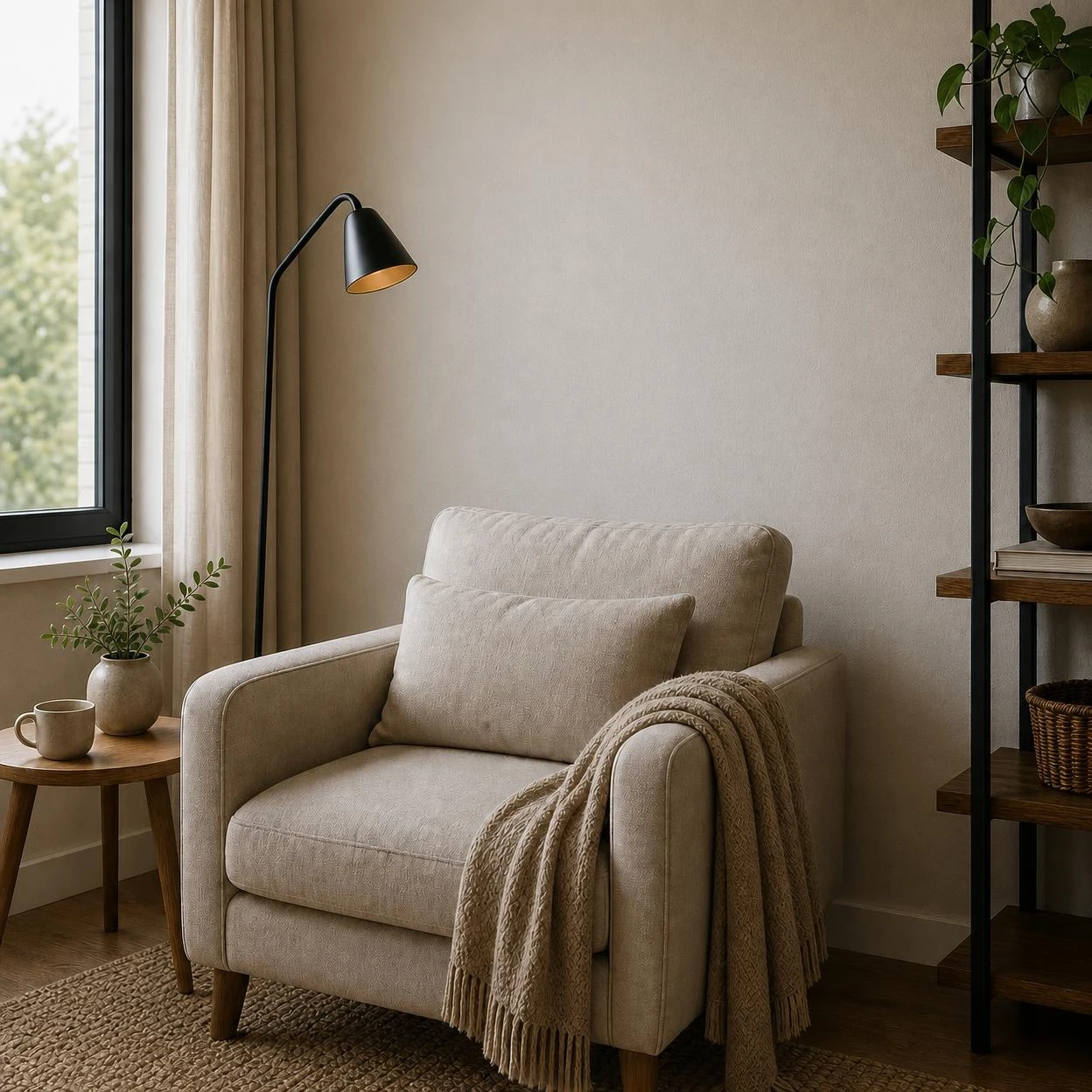
Upload a photo, brush the area to change, and describe the edit.
Start from a photo, product shot, portrait, or generated image.
Paint only the area that should change so the rest of the photo stays stable.
Ask Image 2 to repair a flaw, replace a detail, or fill missing background.
Start from a photo, product shot, portrait, or generated image.
Paint only the area that should change so the rest of the photo stays stable.
Ask Image 2 to repair a flaw, replace a detail, or fill missing background.
A brush-mask photo editor for local repairs, detail replacement, and clean image fixes.
Paint the mark, damaged edge, or missing area you want to repair; unbrushed parts stay as close to the original as possible.
Use a plain instruction like repair the sleeve, replace a local texture, or continue the background naturally.
Use GPT Image 2 inpainting for product retouching, portrait fixes, background repair, and detail replacement.
Answers to your questions about AI Inpaint.
Upload a photo, paint a mask, and give Image 2 a precise instruction.