Limited Offer · 50% OFF50% OFFYearly plans · GPT Image 2.5 + Seedance 2.5
Image 2
AI Image Extender
Uncrop photos, extend backgrounds, and resize images for any layout without stretching the original subject.
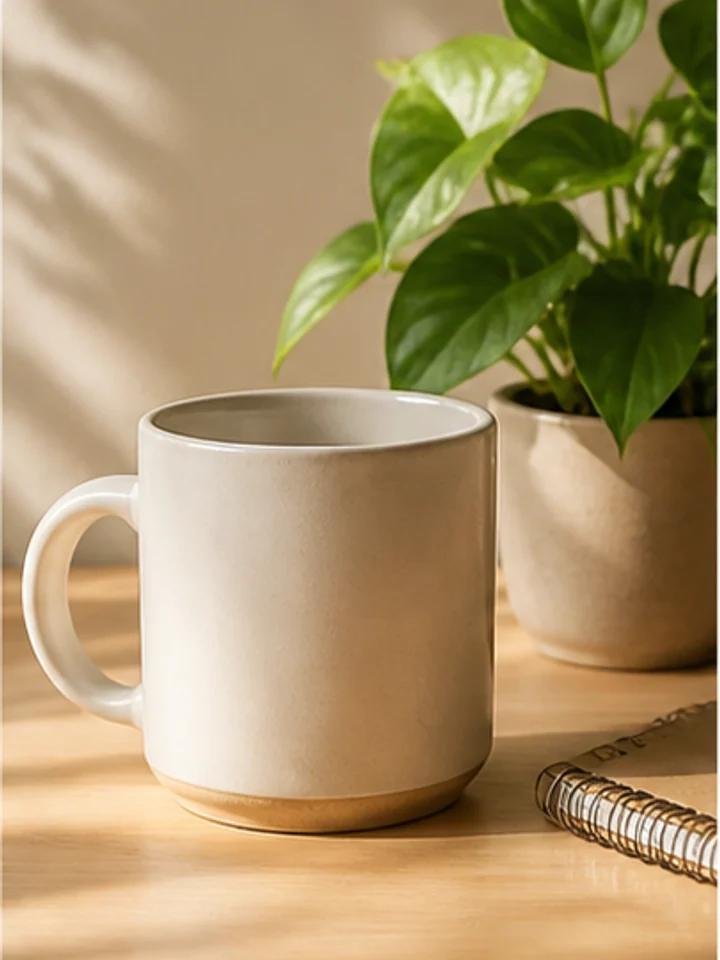
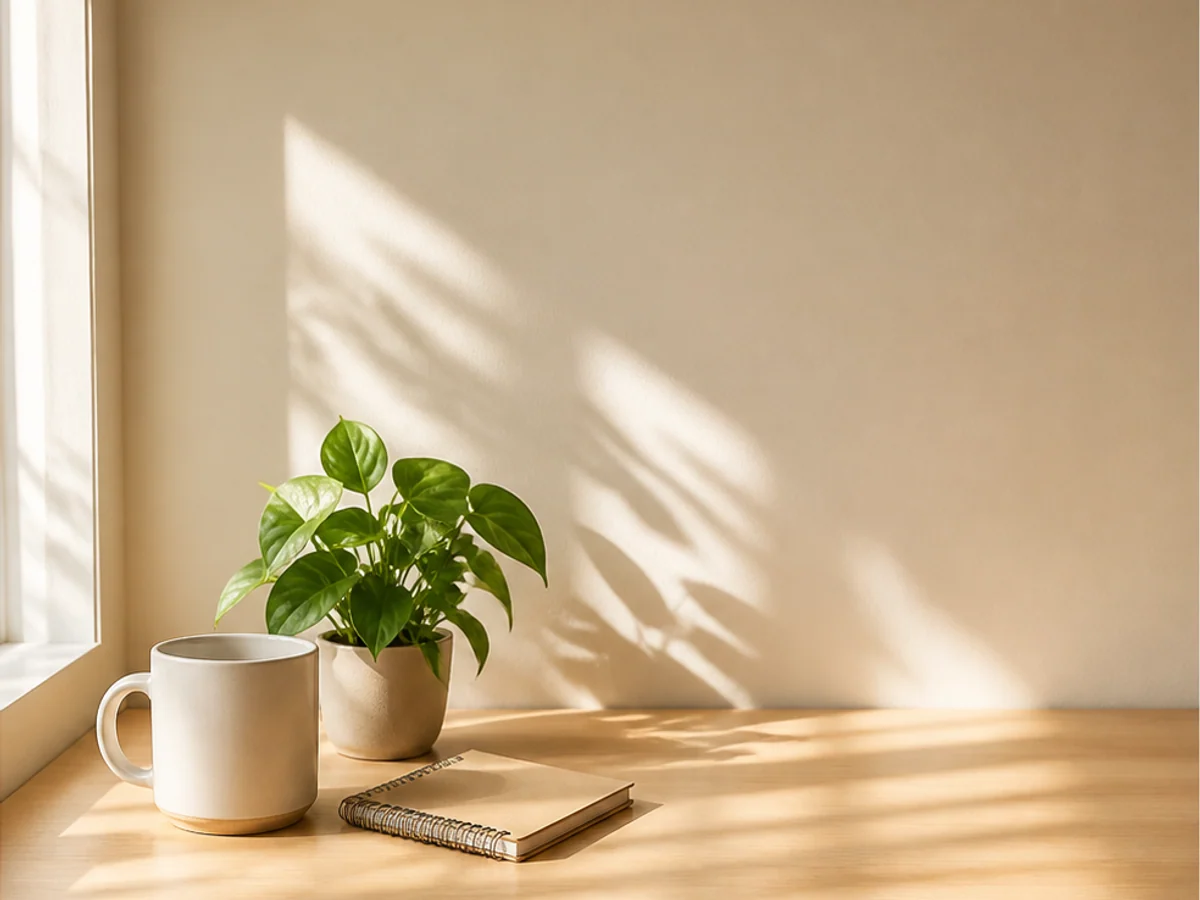
Use it when the image is good, but the crop is wrong for the channel, ad slot, or layout you need.
Social commerce
Expand a tight product crop into 16:9, 4:5, or 1:1 creatives for Meta ads, Google Display, marketplace headers, and email campaigns.
The product image is cropped too close, leaving no room for headline copy, offer badges, price tags, or CTA buttons.
AI extends the background around the product so the original item stays intact and the new canvas has clean space for campaign design.
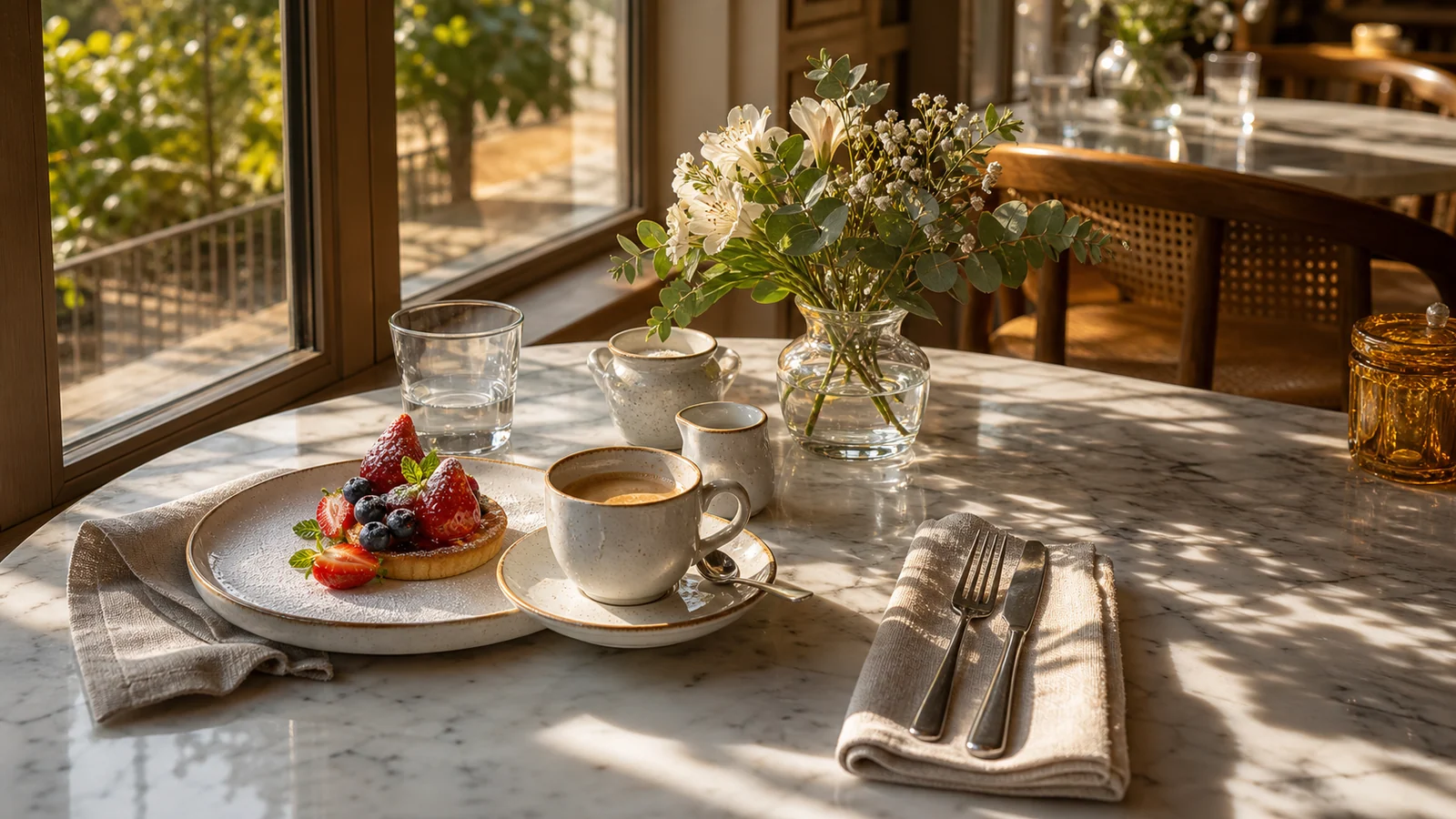
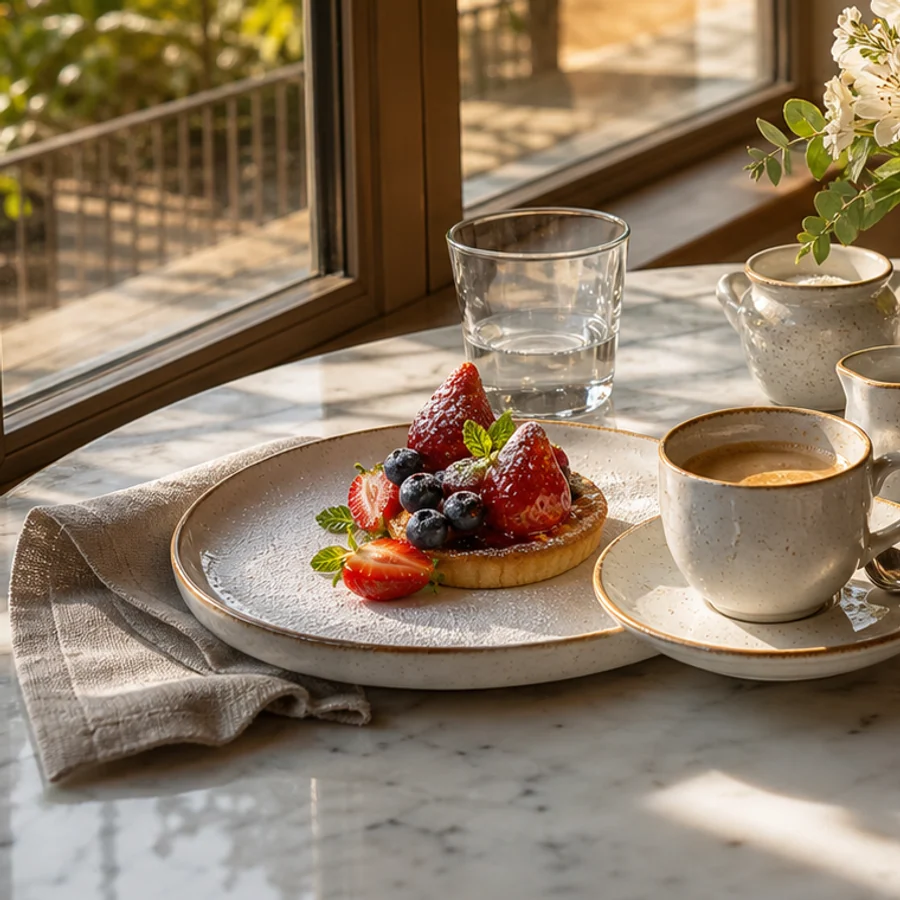
Short-form social
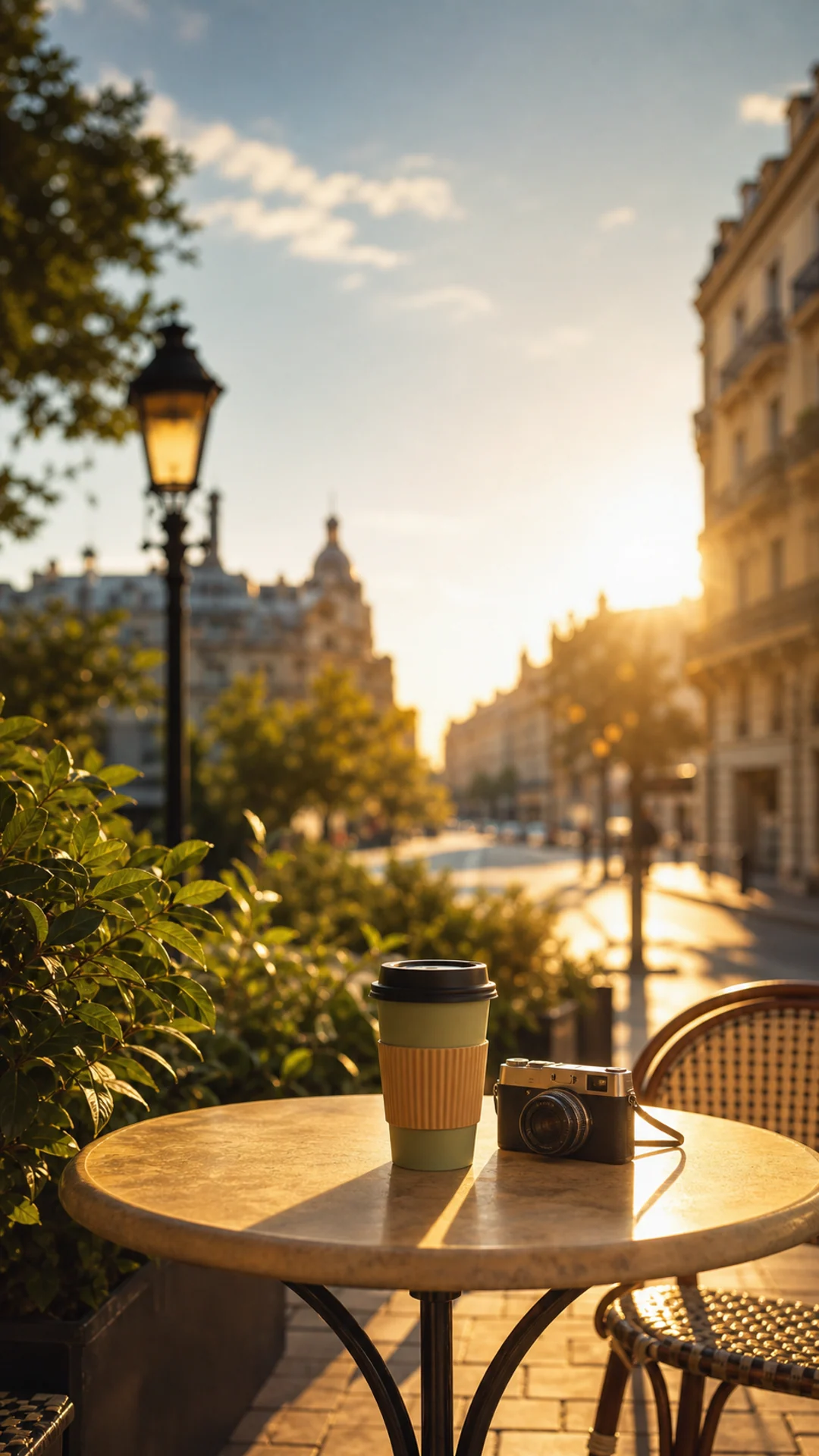
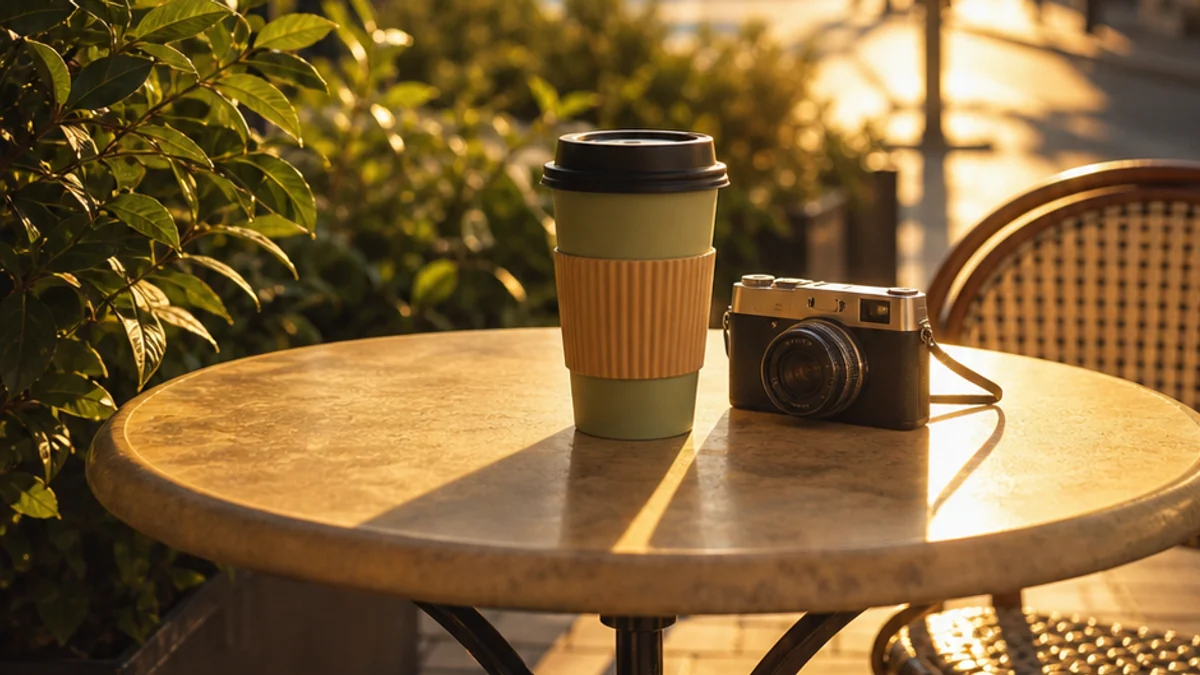
Make one strong photo work as a 9:16 vertical cover, Story creative, Pinterest Pin, or mobile-first campaign asset without zooming in.
A landscape or square image gets cropped badly on mobile, cutting off the subject or forcing awkward blurred sidebars.
Outpainting fills the top, bottom, or side areas so the image fits vertical social formats while keeping the subject naturally framed.
Creator thumbnails
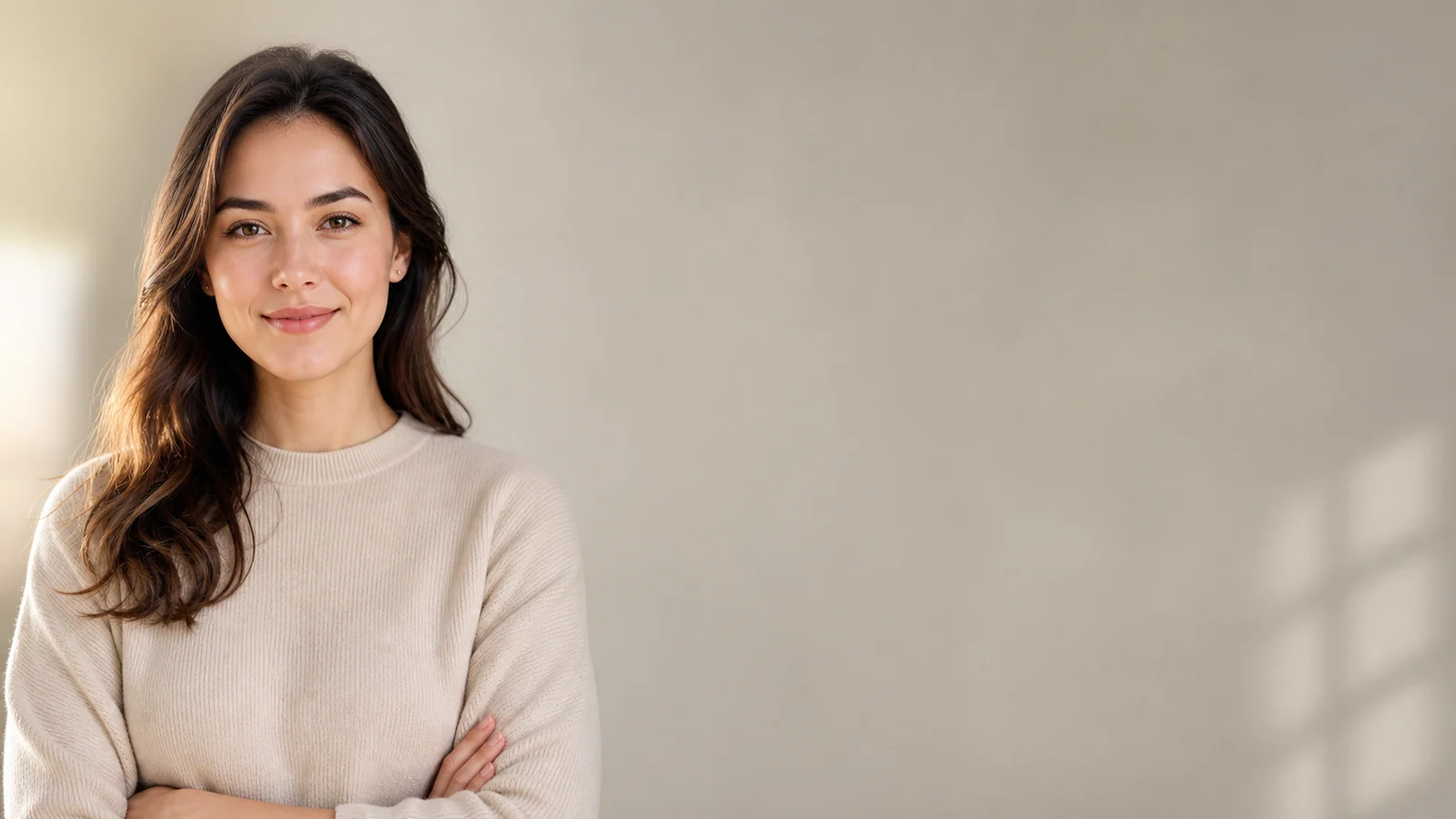
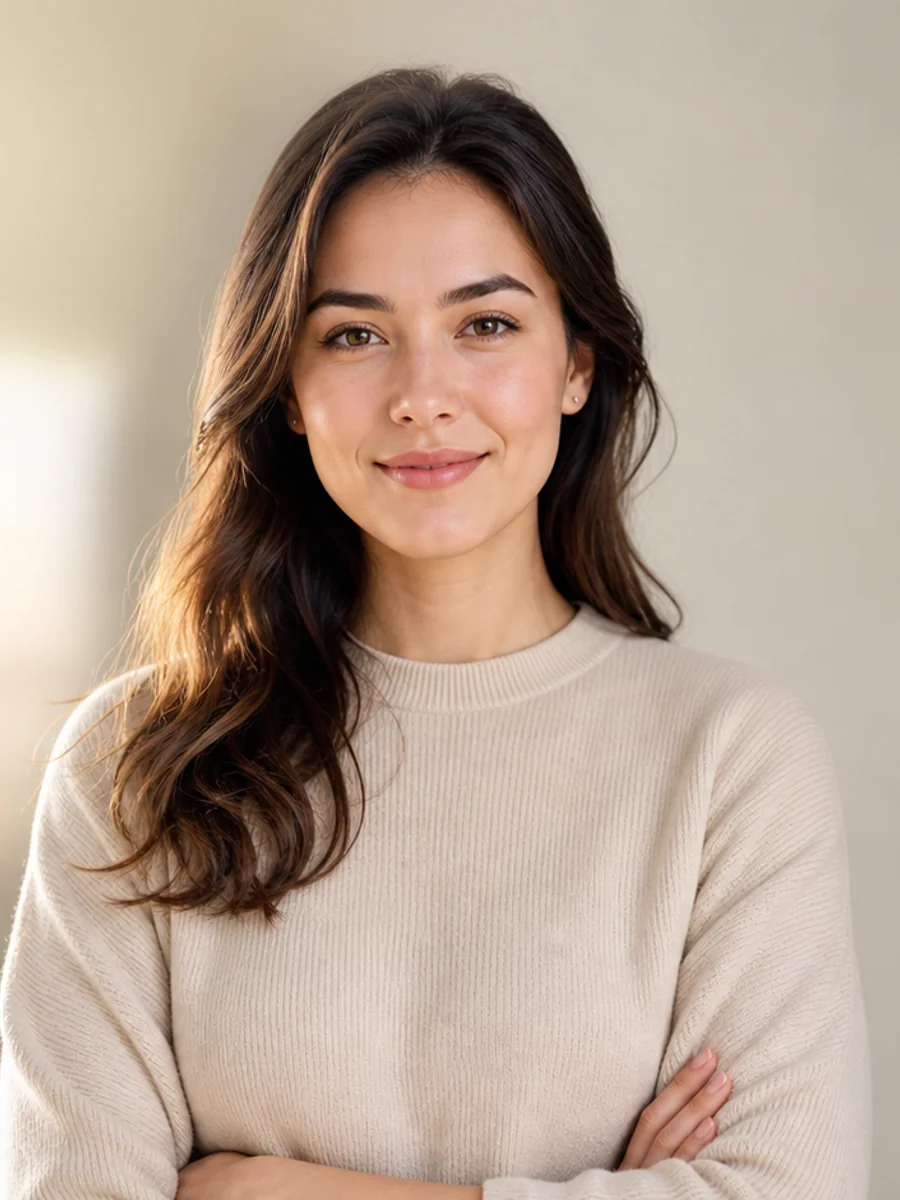
Give headshots, creator portraits, podcast covers, and LinkedIn banners extra room around the face for titles and branding.
The face is usable, but the crop is too tight for thumbnail text, channel branding, or a wide profile header.
AI adds believable surrounding background, preserving the person while creating safe text areas and a more balanced composition.
Website and landing pages
Extend campaign photos into website hero sections, pricing headers, product launch pages, presentation slides, and paid landing pages.
The original image does not match a website hero ratio and competes with navigation, headline text, or CTA placement.
The extended canvas creates breathing room for web layout, so the photo can support copy instead of fighting it.
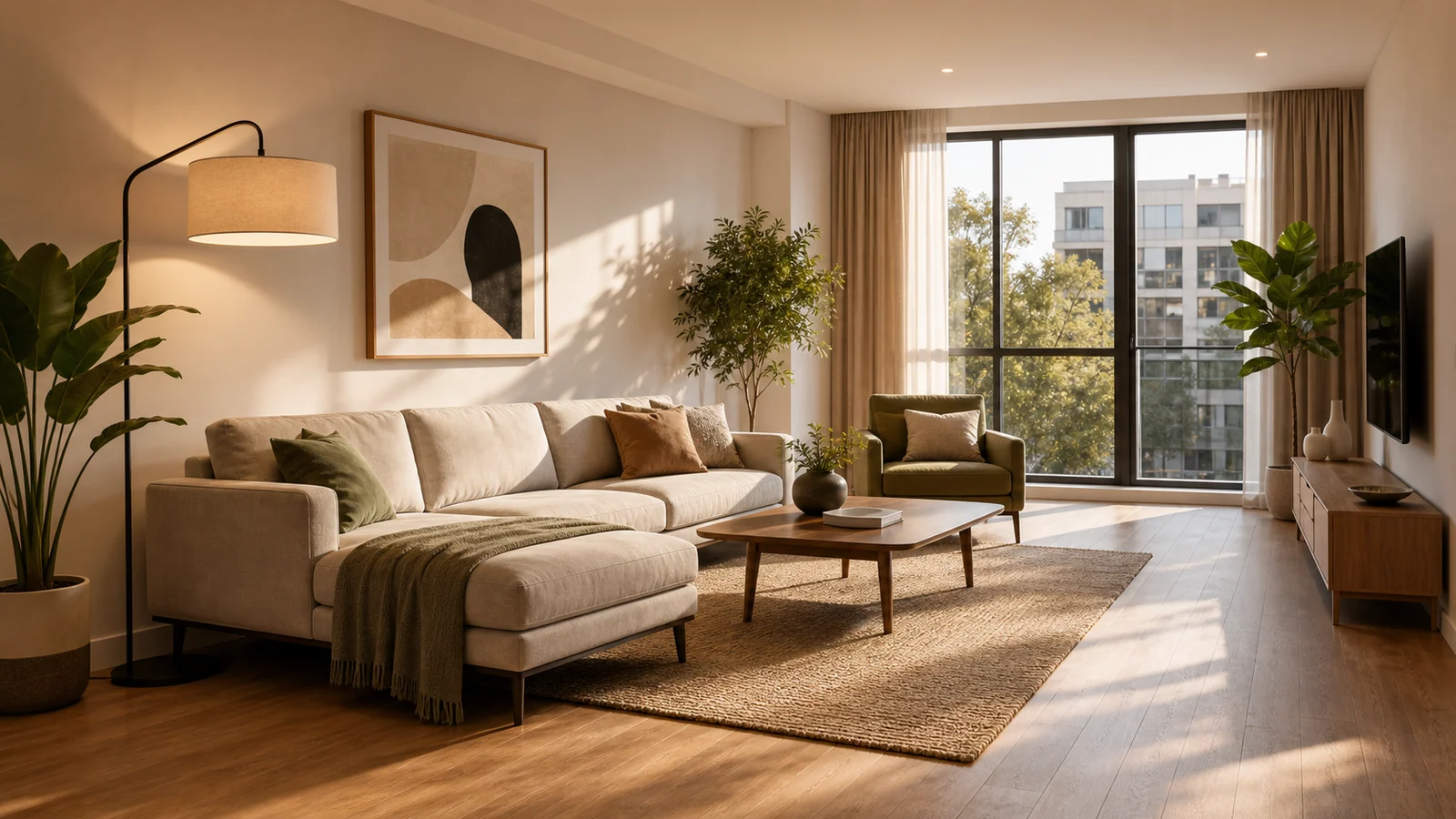
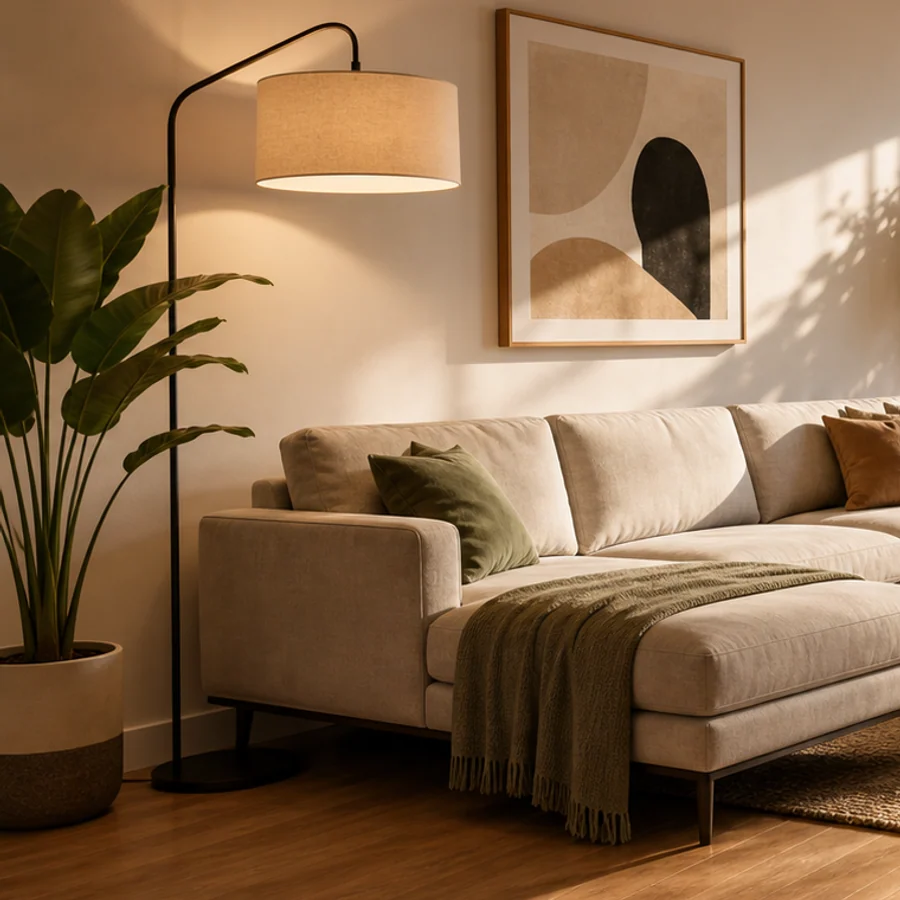
Size presets
Match the target ratio to the channel before you generate, so the extended area supports text, products, and mobile crops.
Use 16:9 for website heroes, YouTube thumbnails, Google Display banners, email headers, and horizontal campaign assets.
Use 9:16 when a landscape or square source needs to become a full-screen mobile creative without cutting off the subject.
Use 4:5 for paid social, product promos, and feed posts that need more vertical presence than a square image.
Use 1:1 for ecommerce listings, profile images, app tiles, and catalog creatives that must stay balanced in a grid.
Use 3:2 or 4:3 for classic photo layouts, presentation slides, article headers, and documentary-style product stories.
Use 2:3 or 3:4 for Pinterest Pins, vertical posters, book-style covers, creator portraits, and tall campaign placements.
Use 5:4 for ecommerce cards, compact banner slots, product category visuals, and storefront modules with limited height.
Upload a crop, choose a larger canvas, and let Image 2 fill the new area.
Start with a product shot, portrait, landscape, generated image, or social crop.
Pick a target ratio and decide where the original image should sit inside the canvas.
Image 2 creates a mask, preserves the source area, and outpaints the missing background.
Start with a product shot, portrait, landscape, generated image, or social crop.
Pick a target ratio and decide where the original image should sit inside the canvas.
Image 2 creates a mask, preserves the source area, and outpaints the missing background.
A controlled image extender for social, ecommerce, ads, and creative production.
Choose a new canvas ratio and let AI fill the missing space instead of distorting the image.
Anchor the source image in the center, left, right, top, or bottom before Image 2 expands the frame.
Use GPT Image 2 outpainting for banners, product shots, social posts, thumbnails, and editorial crops.
Answers to your questions about AI Image Extender.
Upload a photo, choose the canvas, and generate a natural extension.