Before
After
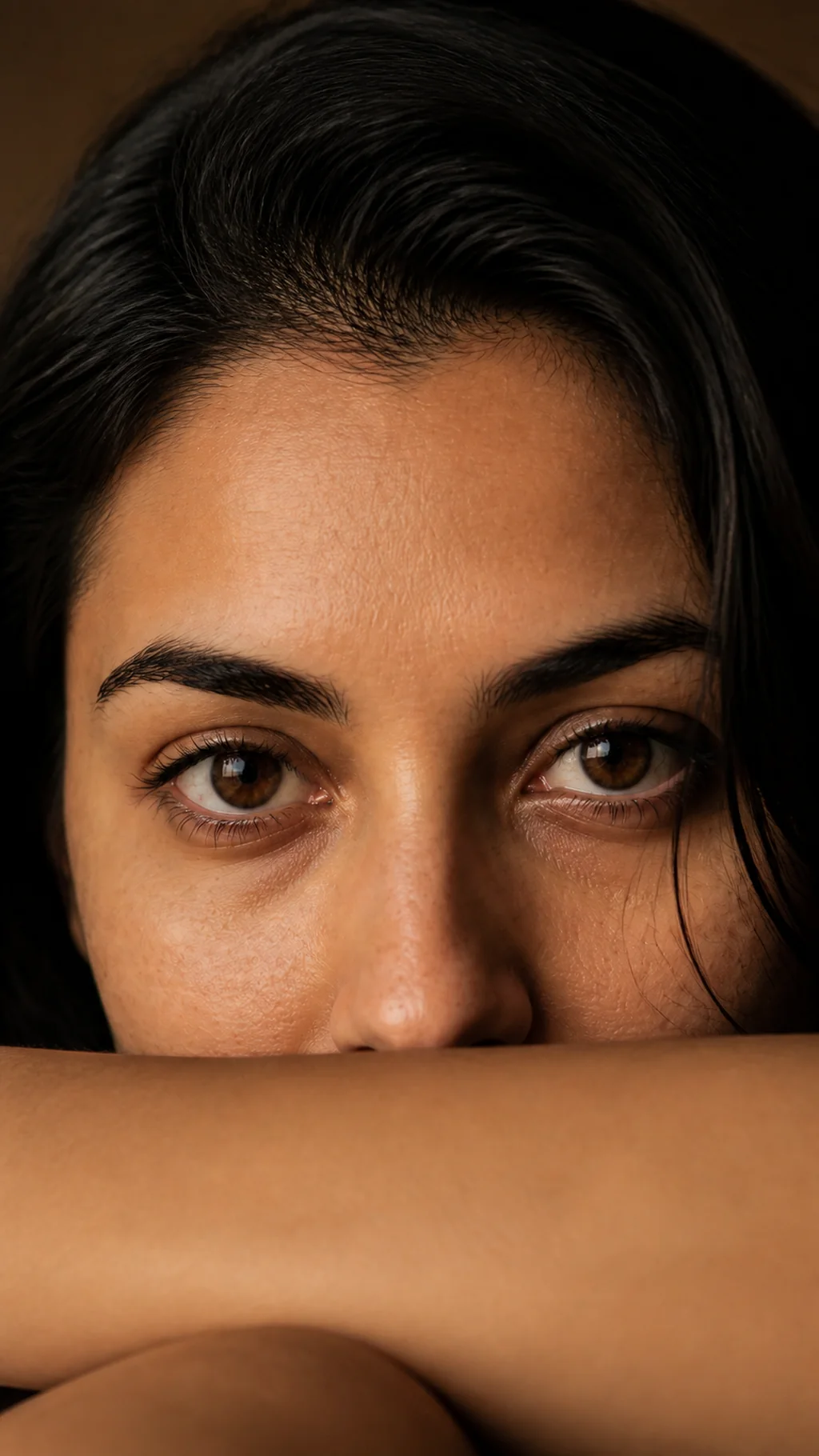
Café portrait to warm light close-up
Warm light, arm as the frame
Start with a casual golden-hour photo at a café. The result keeps the same person, the same eye color and the same warm light, reframed tightly around both eyes.
Viral eye close-up trend · GPT Image 2
Upload a clear portrait, or two photos for the couple eyes layout, and GPT Image 2 turns it into a polished 9:16 eye close-up. No prompt to write, no cropping or masking by hand.
Eye close-up results
Drag the slider to compare each original with its AI eye close-up. The people, their eye color and the details you'd recognize all stay the same. Only the framing changes.
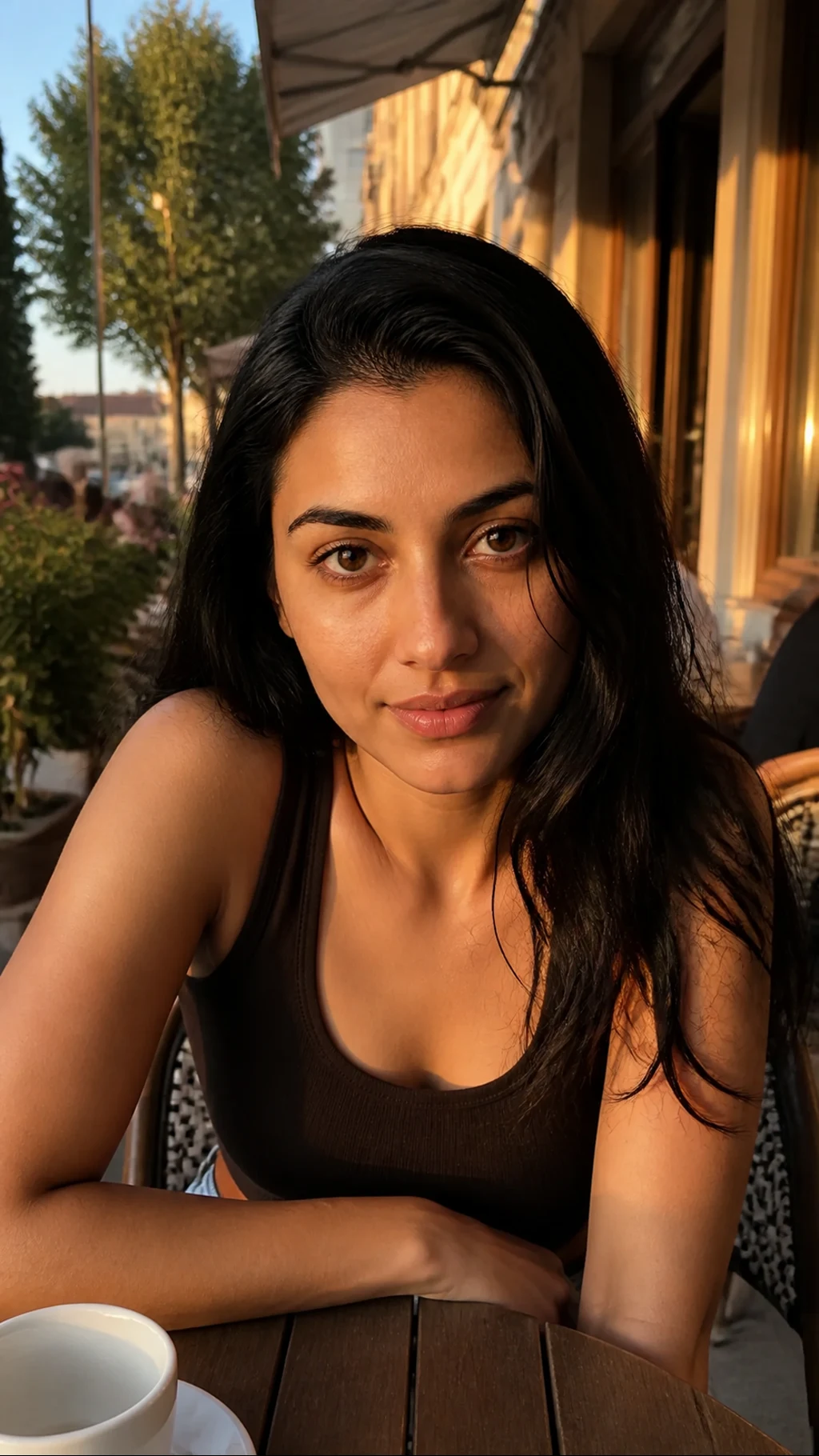
Café portrait to warm light close-up
Start with a casual golden-hour photo at a café. The result keeps the same person, the same eye color and the same warm light, reframed tightly around both eyes.
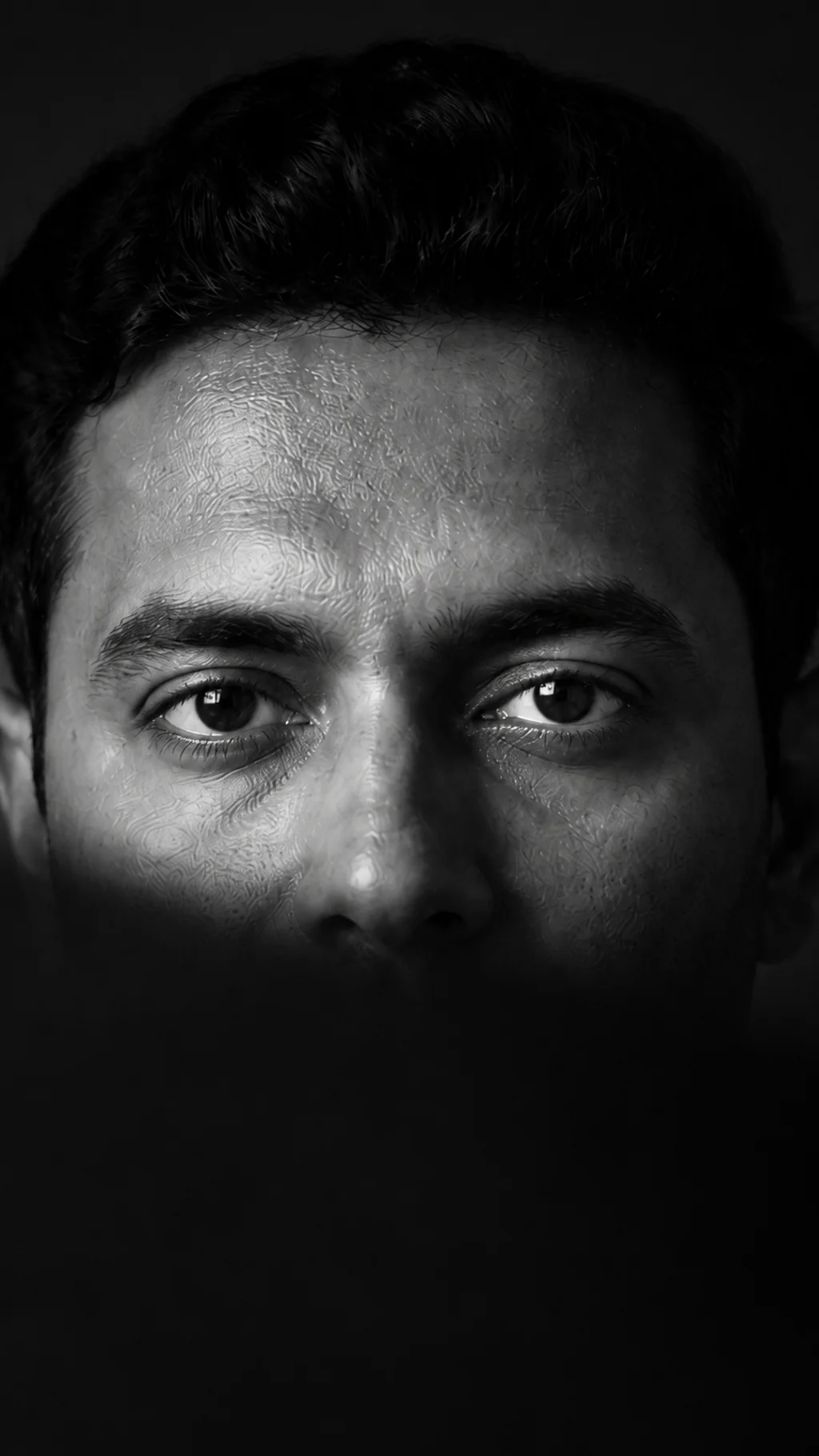
Window candid to black and white close-up
A simple daylight photo by a window becomes a quiet black and white eye close-up, with a diagonal band of light and shadow across the face.
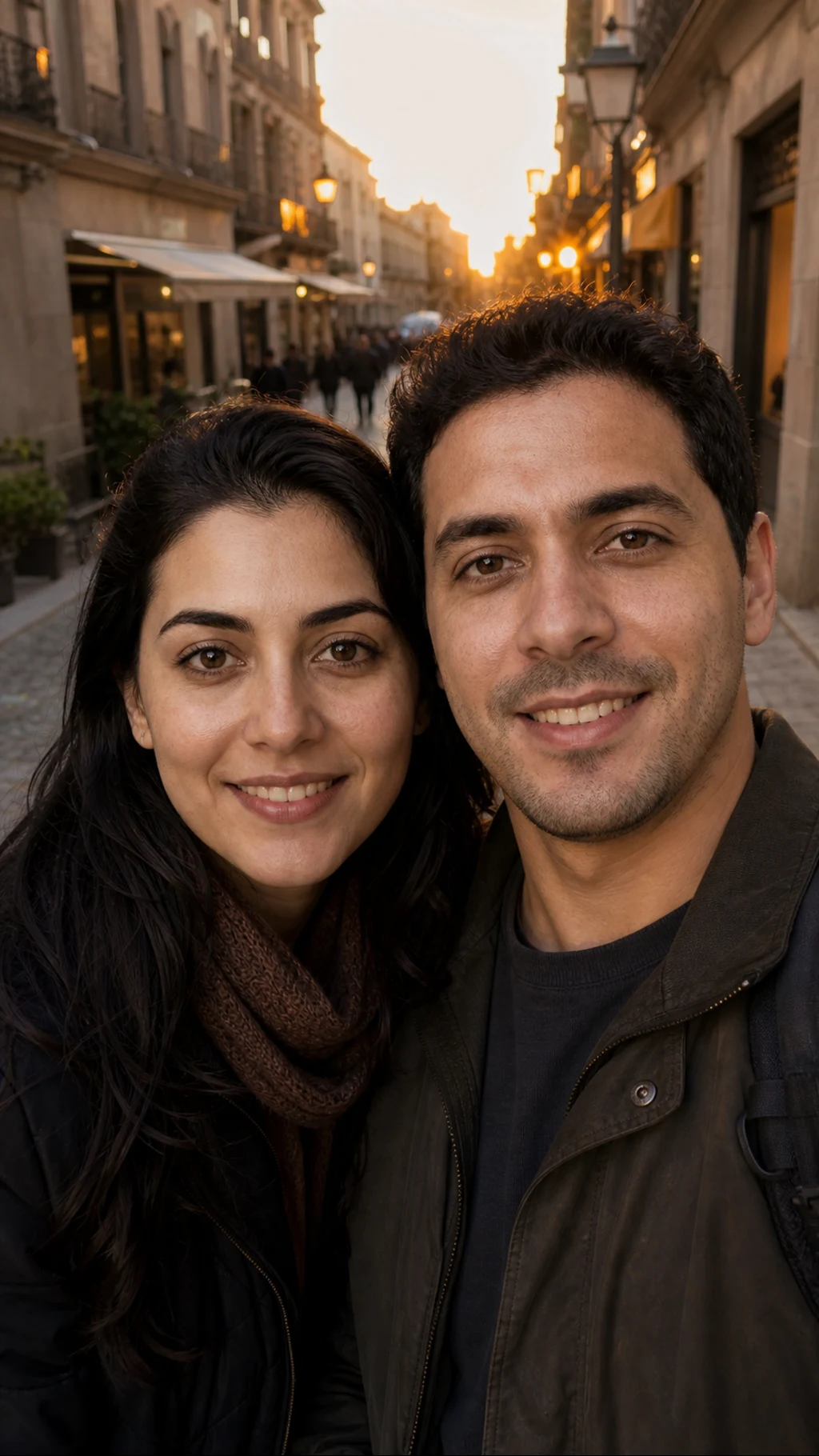
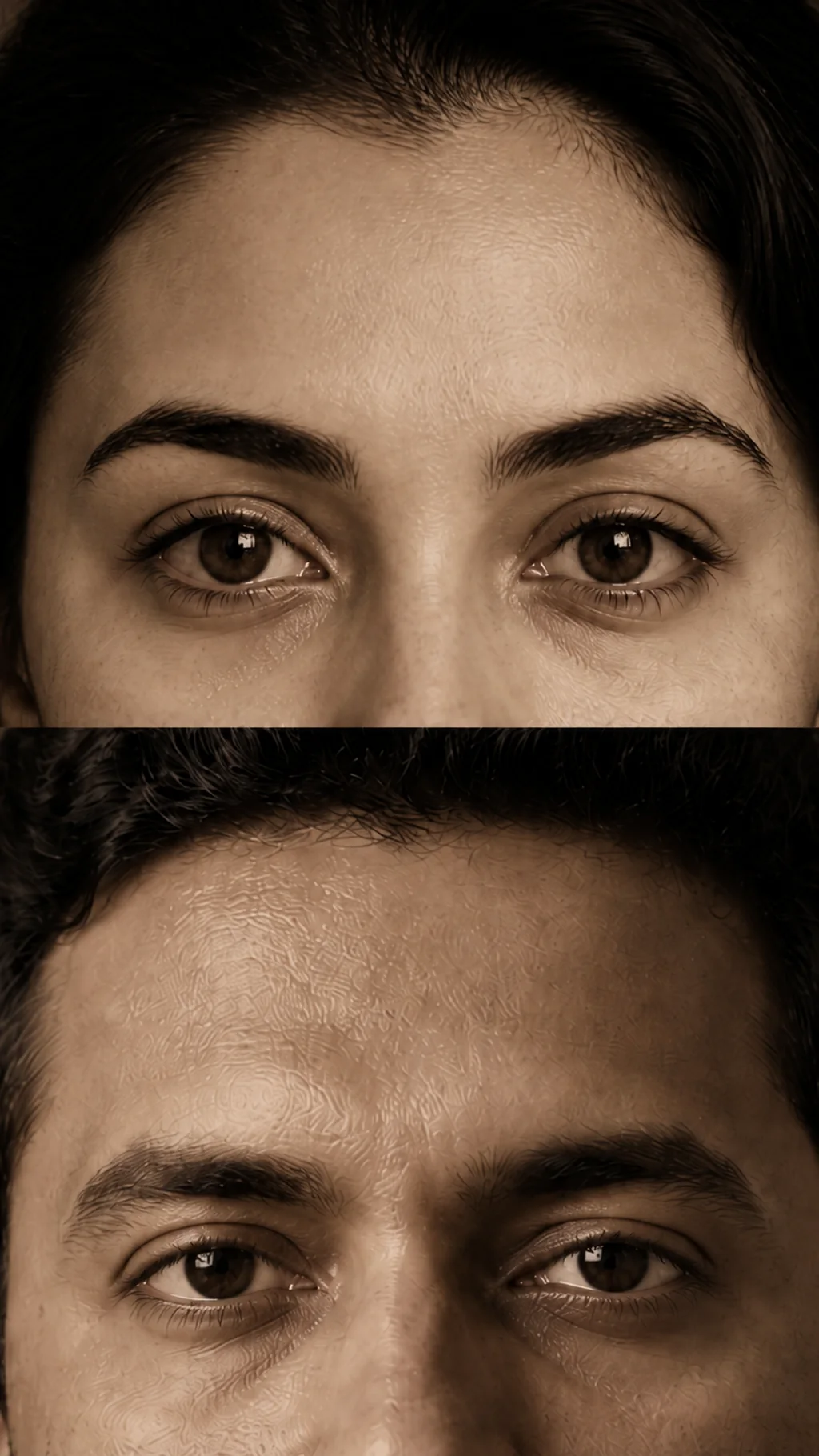
Travel selfie to couple eyes
Turn an everyday travel selfie of the two of you into stacked eye close-ups, one strip each, with both of you still instantly recognizable.
No reshoot, no editing. Casual portraits and photos of the two of you become an eye-focused composition in one step.
A café portrait, a window-light photo, a travel selfie, or two separate portraits for the couple eyes layout.
Face, eye color, skin tone, hair and style all come from your own photo. A clear, front-facing shot usually gives the closest resemblance.
Every result is 9:16, so it's ready for Reels, Stories and TikTok as is, or as the first frame of an eye-zoom video.
Upload, pick a style, generate. The crop, the light and the vertical framing are handled for you.
Use a front-facing, well-lit portrait with both eyes visible. Add a second photo only if you want the couple eyes layout.
Warm light, black and white or couple eyes. Each style comes with the viral prompt built in, so there's nothing to write.
Check the eye detail and the likeness, then download your PNG, or generate another version in one click.
Use a front-facing, well-lit portrait with both eyes visible. Add a second photo only if you want the couple eyes layout.
Warm light, black and white or couple eyes. Each style comes with the viral prompt built in, so there's nothing to write.
Check the eye detail and the likeness, then download your PNG, or generate another version in one click.
Answers to your questions about Eye Close-Up AI Photo.
Start with a photo you already love. The crop, the light and the vertical framing are handled for you.