01Transformations
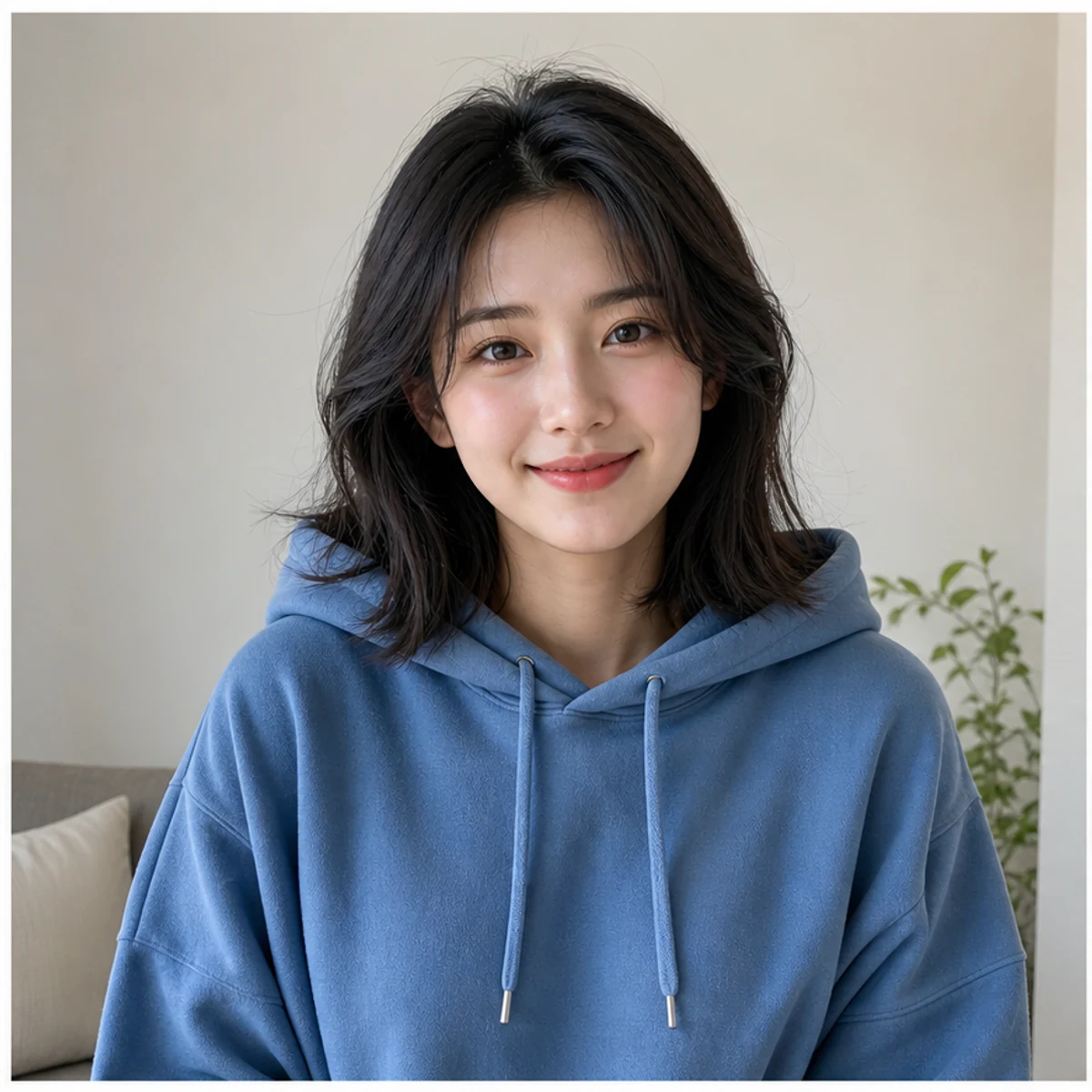
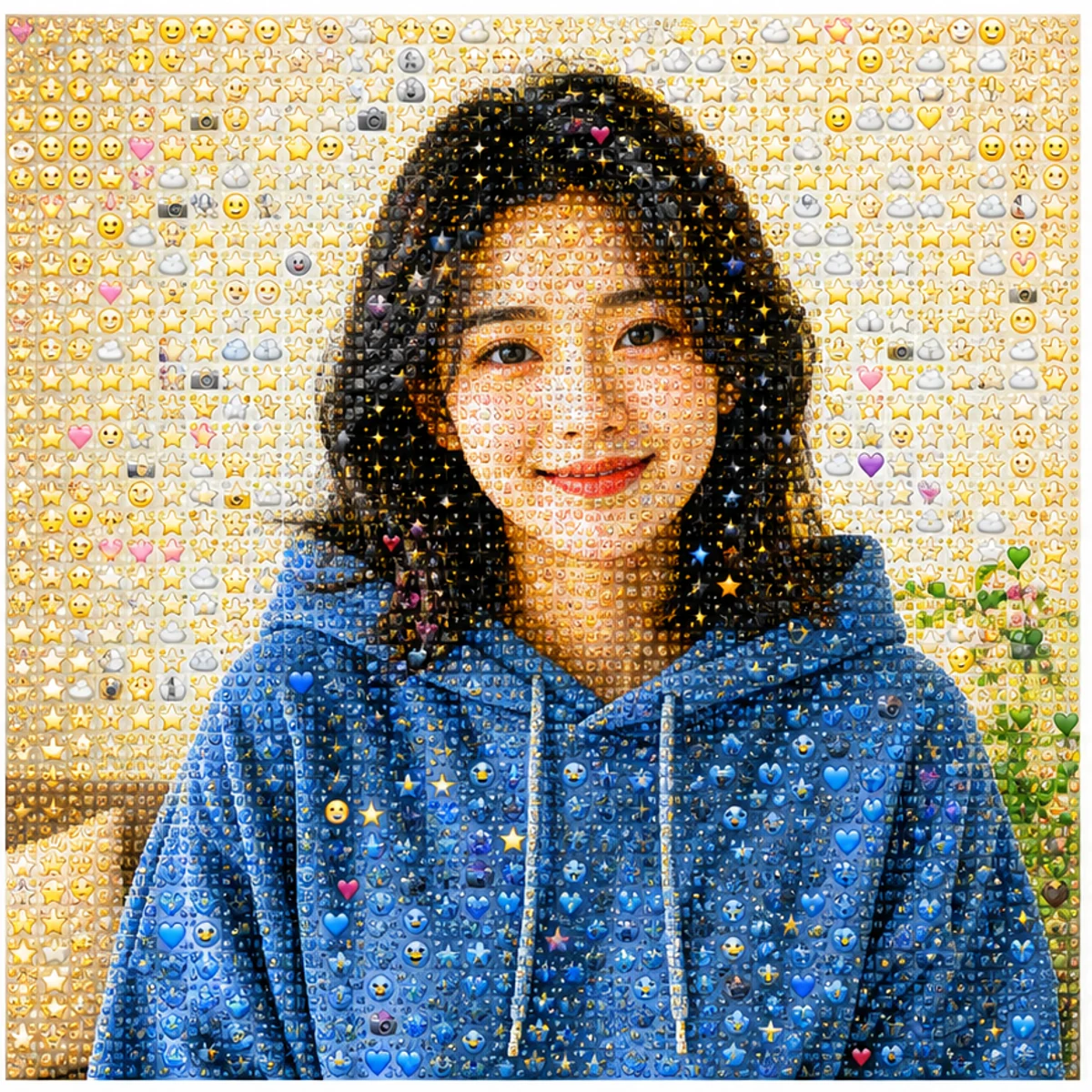
Portraits stay recognizable
The face, pose, color, and framing stay readable while the surface becomes a field of tiny emoji details.
Upload a portrait, pet, product, or landscape and turn it into a recognizable emoji mosaic. Try the AI generator free, or copy a ready-made Photo From Emoji prompt for your own edit.
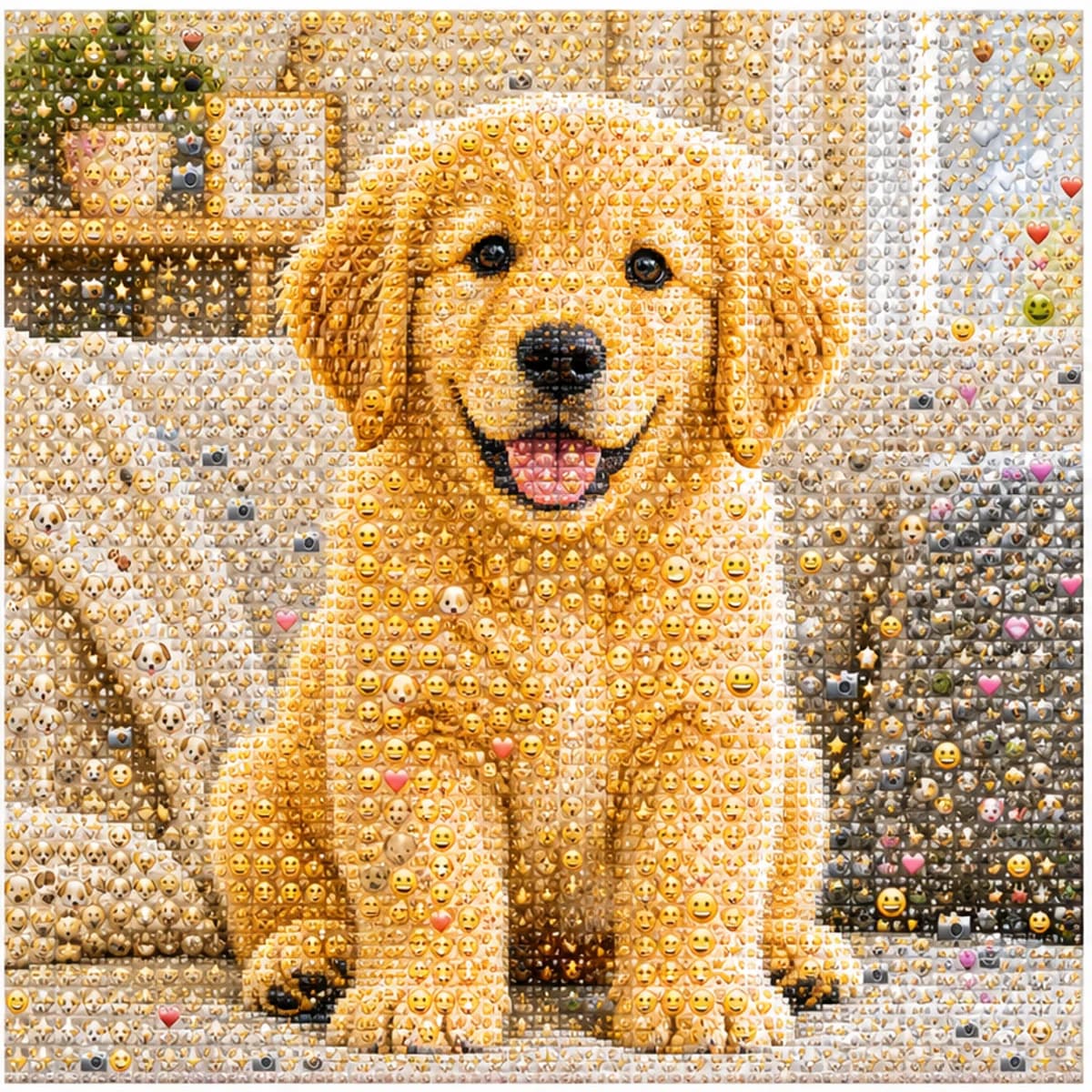
Upload a portrait, pet, product, or landscape and turn it into a readable emoji mosaic.
The face, pose, color, and framing stay readable while the surface becomes a field of tiny emoji details.
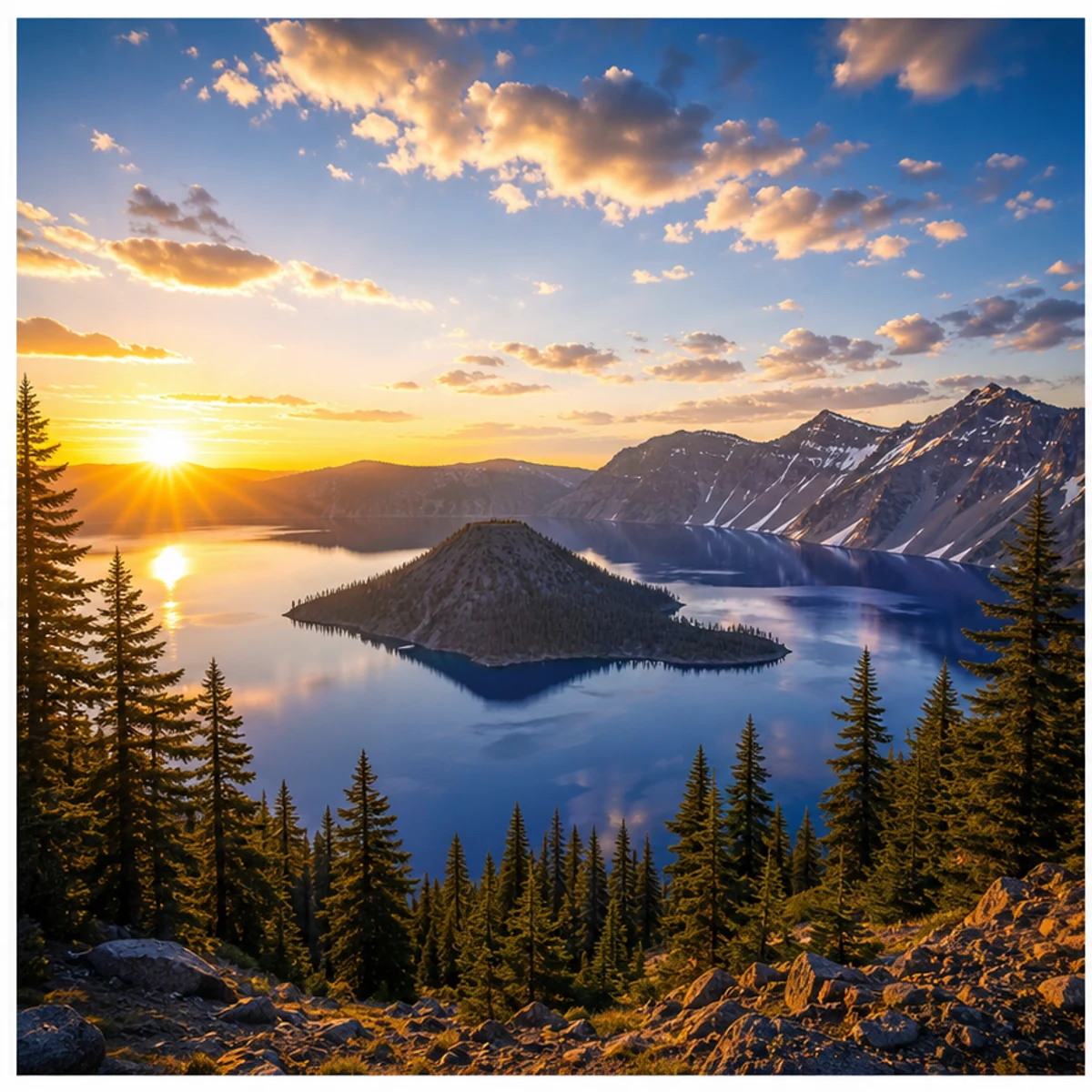
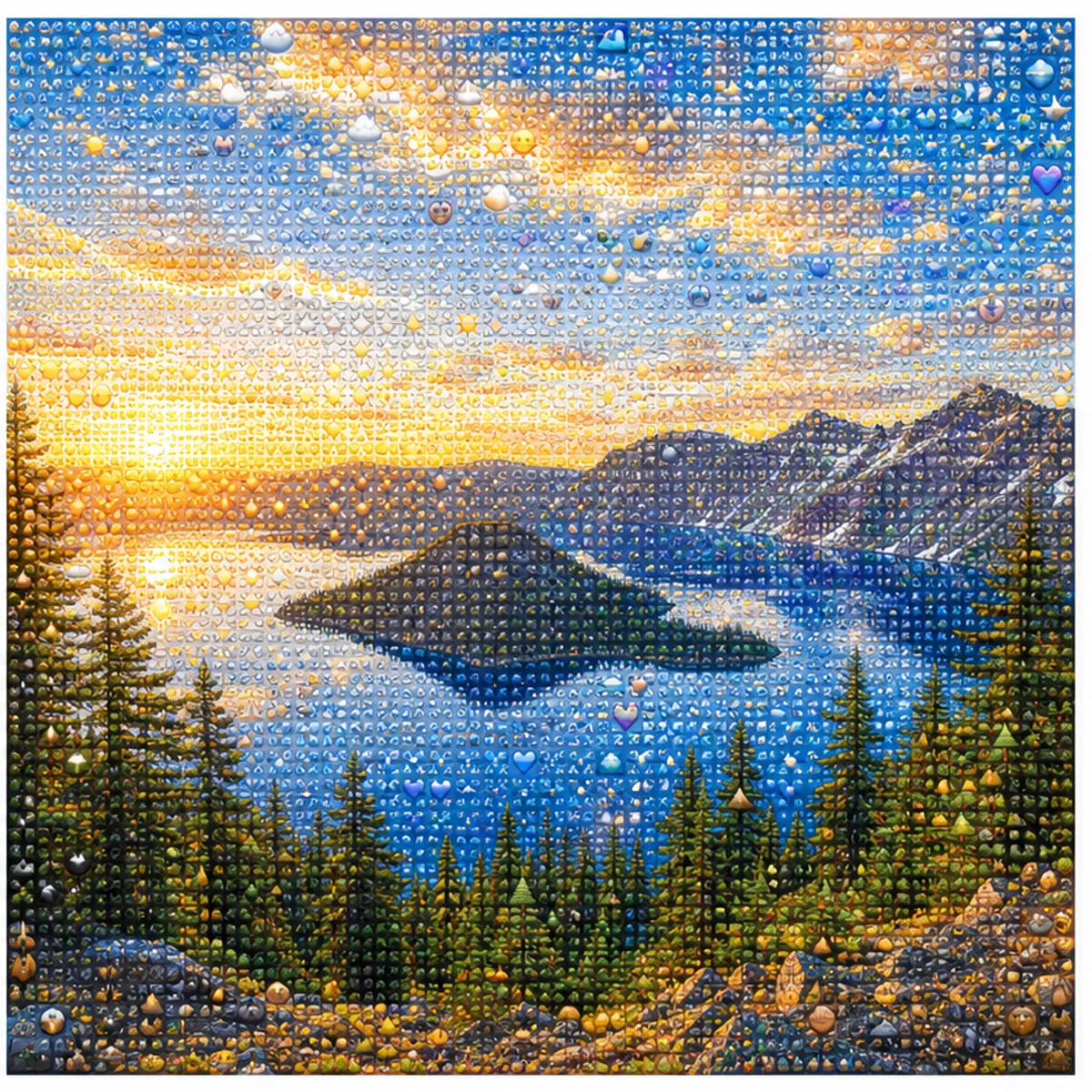
Use the same effect for landscapes, pets, product photos, outfits, and simple scenes.
Create square, easy-to-read results for Photo From Emoji, photo to emoji, emoji mosaic, and AI emoji sticker posts.
Use the default style, or copy a variant for portraits, sticker-wall edits, profile pictures, products, pets, or landscapes.
Use the uploaded portrait as the only reference. Preserve the person, face, pose, hairstyle, outfit colors, and composition. Rebuild the image as a detailed Photo From Emoji mosaic made from hundreds of tiny emoji-style tiles, sticker faces, hearts, stars, camera icons, and color-matched symbols. From far away it should read like the original photo; close up it should reveal emoji details. No text, no watermark, no random oversized emojis.
Transform this photo into a clean emoji sticker-wall collage while keeping the main subject recognizable. Use many small emoji-like icons and sticker faces arranged tightly as mosaic pixels, with bright color, crisp edges, and playful trend energy. Avoid scattered loose emojis and keep the original silhouette readable.
Create a square profile picture from the uploaded photo in the Photo From Emoji style. Keep the face recognizable and centered. Build the portrait from small colorful emoji-style tiles with a clean background, sharp facial silhouette, expressive sticker details, and polished app-icon-like contrast.
Convert the uploaded object photo into an emoji mosaic. Preserve the object shape, color blocking, highlights, and shadows. Rebuild the surface using small emoji-style symbols, hearts, stars, sparkles, and playful sticker icons arranged as precise mosaic pixels. Keep it clean, premium, and readable for social sharing.
Keep the mosaic look, or switch to a hand-drawn edit while keeping your photo recognizable.
Common questions about using Photo From Emoji AI Generator
Photo From Emoji is a social image trend where a normal photo is rebuilt as an emoji-style mosaic. From far away, it still looks like the original portrait, pet, object, or scene; up close, it is made from many small symbols and sticker-like details.
Upload a clear photo, keep the default style prompt, choose your output size, and generate. Photos with one clear subject, good contrast, and simple framing usually work best.
Yes. They are different names for the same idea. You might see it called Photo From Emoji, photo to emoji, emoji photo trend, emoji mosaic, or AI emoji sticker.
Solo portraits, pet photos, product shots, outfits, cars, food, and simple landscapes work well. Avoid very dark images, crowded group photos, tiny faces, and heavy filters.
The prompt is written to preserve the main silhouette, pose, face shape, colors, and composition. Results can still vary, so use a clearer source image or regenerate if the likeness drifts.
Each generation uses 2/2/6 (1K/2K/4K) credits depending on the selected output resolution. New users can try it with signup credits, and more credits are available through plans, top-ups, check-ins, or referrals.
Yes. You can use results for social posts, profile pictures, creator content, ads, and commercial work, subject to Image 2 terms and the rights connected to your uploaded photo.
This tool uses GPT Image 2 to create a full AI-generated mosaic with many small emoji-style details, rather than turning the photo into a single emoji avatar or sticker. It preserves the subject, colors, and composition so the whole picture stays recognizable.
Still have questions? Contact us at [email protected]