Nano Banana 2.1 Results
Nano Banana 2.1
Create from a prompt. Edit with a photo.
Made with Nano Banana 2.1.
Change an outfit, swap seasons, or turn a look into a mood board. Upload a reference photo to try the first three examples.
Create new images and edit photos.
Create an image from a text prompt, or use a photo to explore a different look. Add references for the subject, setting or style you want.
Text that fits the design
From a label on a journal to lettering sewn into cloth, short text can be part of the image. Check the spelling before you use the result.
Choose your resolution
Start at 1K to try an idea, or generate a larger version at 2K or 4K. A paid account gives you access to 4K.
A new take on your photo
Try a different outfit, setting or material with a reference photo. Tell the model which details matter, then compare the result with your original.
Bring your references together
Use up to 10 images to guide one result. A subject from one photo and a setting or style from another can give your prompt more context.
Ideas worth trying.
Craft concepts, evening scenes, product collections and small details that give an image its character.
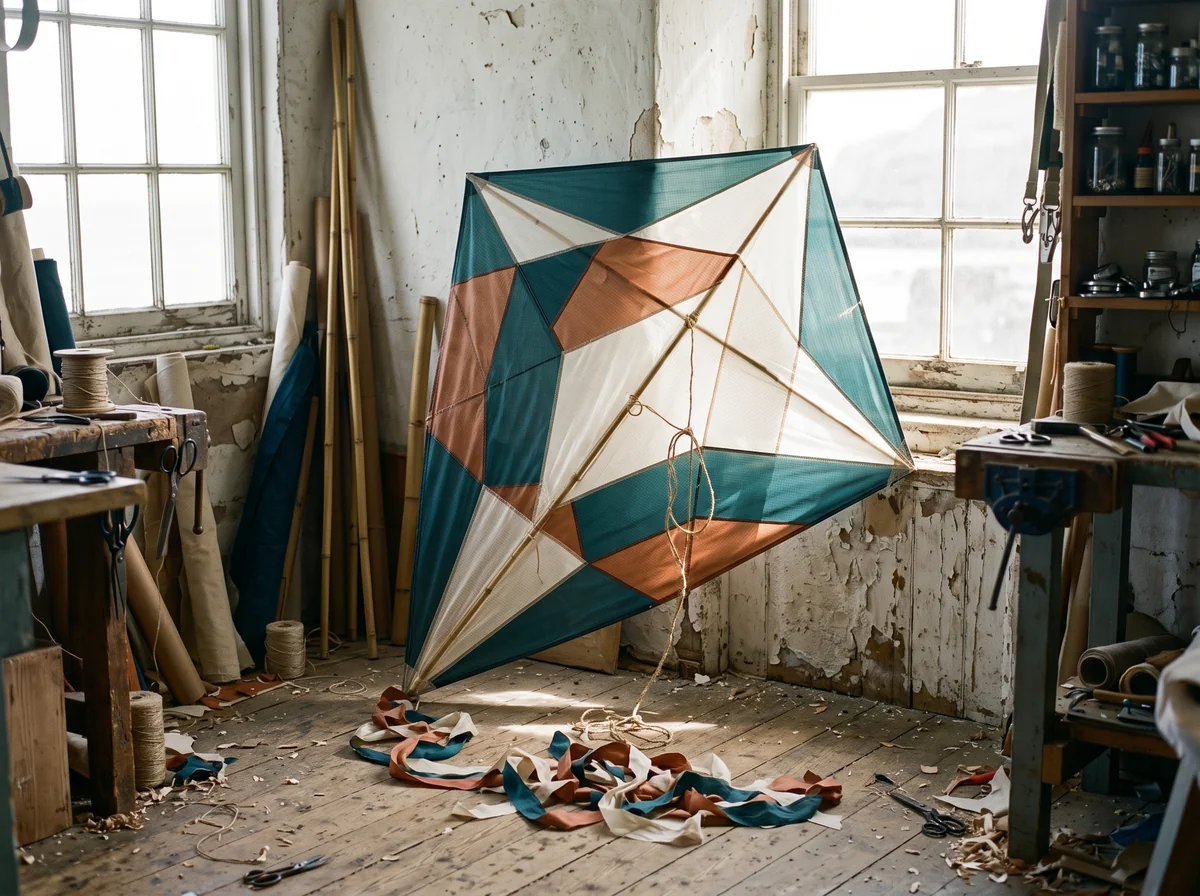
Textile and craft concepts
Explore color and pattern for a craft project. This kite brings together fabric texture, visible seams and a simple geometric design.
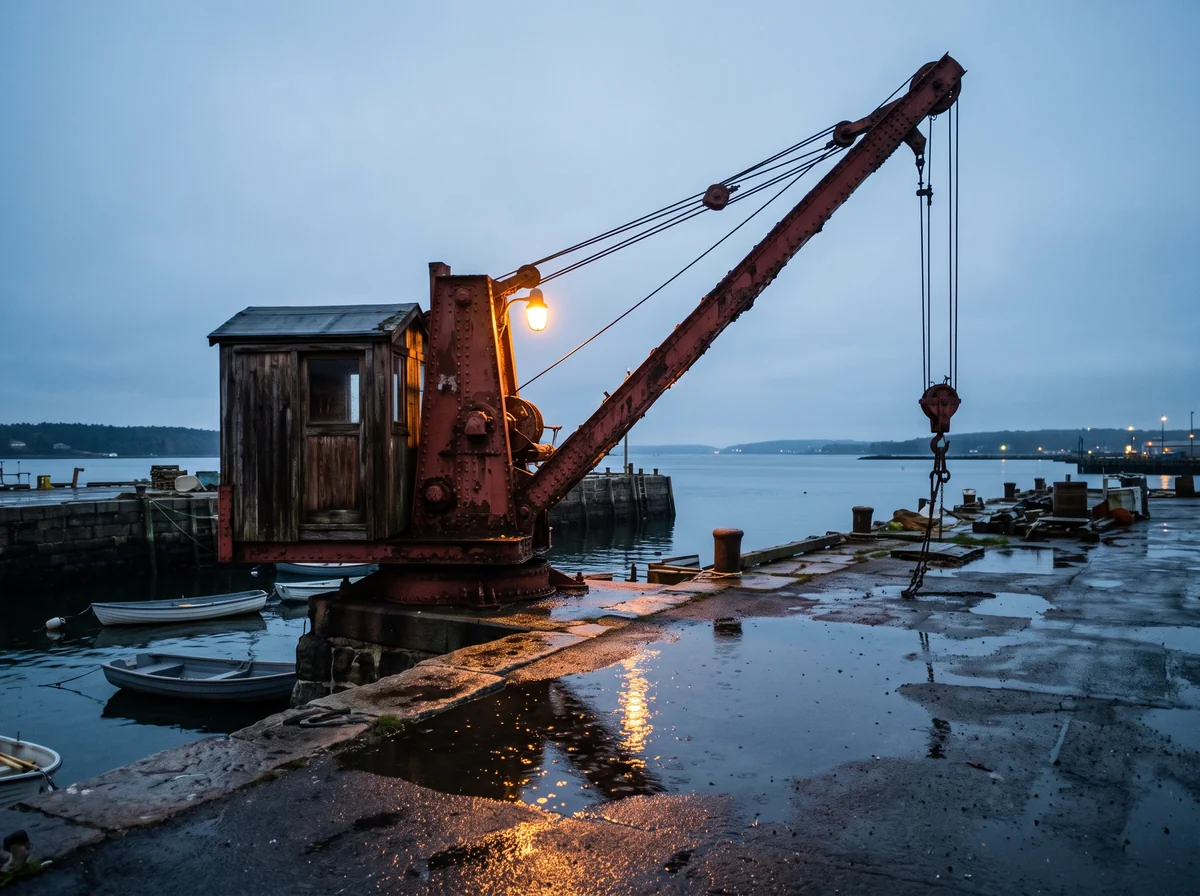
Night scenes and mixed light
Create an evening scene with more than one light source. Here, a warm lamp stands out against a cool sky and reflects on the wet dock.
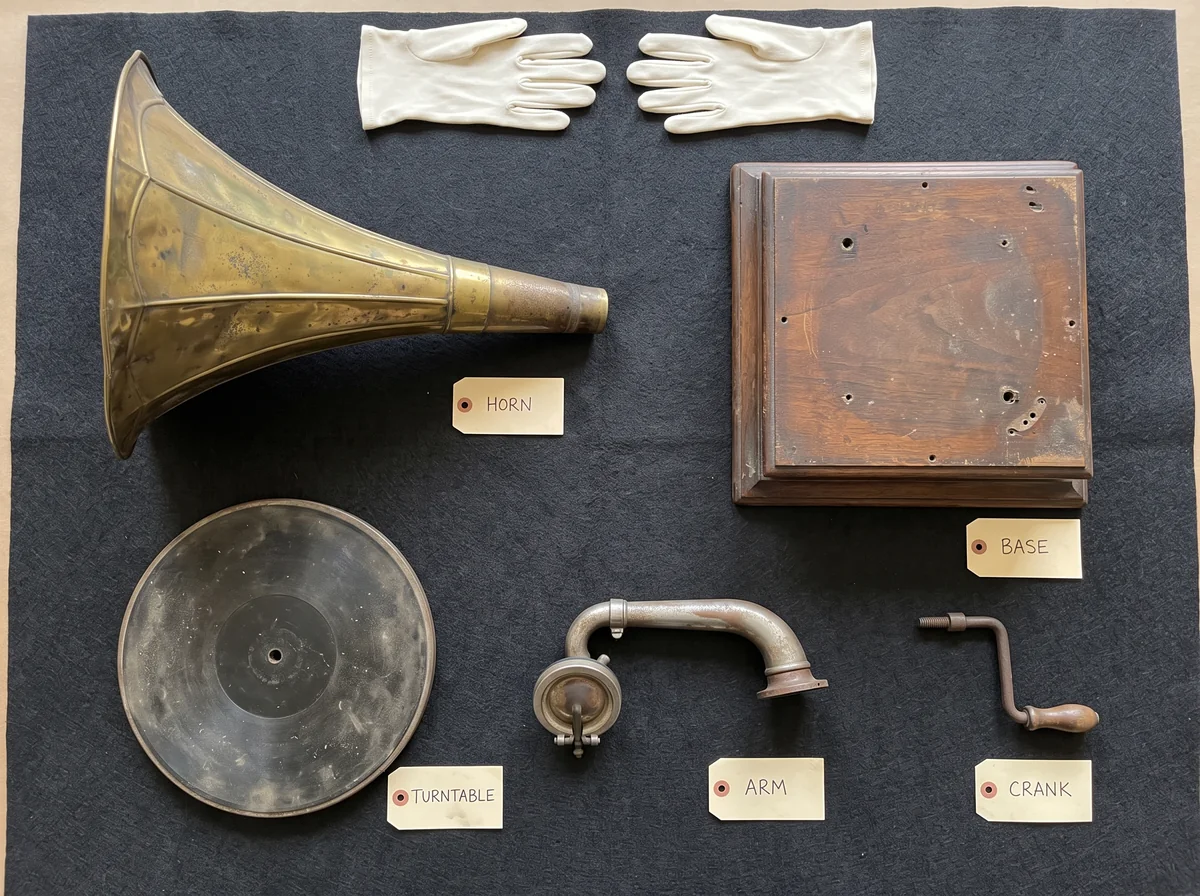
Collections and catalog layouts
Give every item its own place in the frame. These five gramophone parts pair a clear layout with simple paper labels.
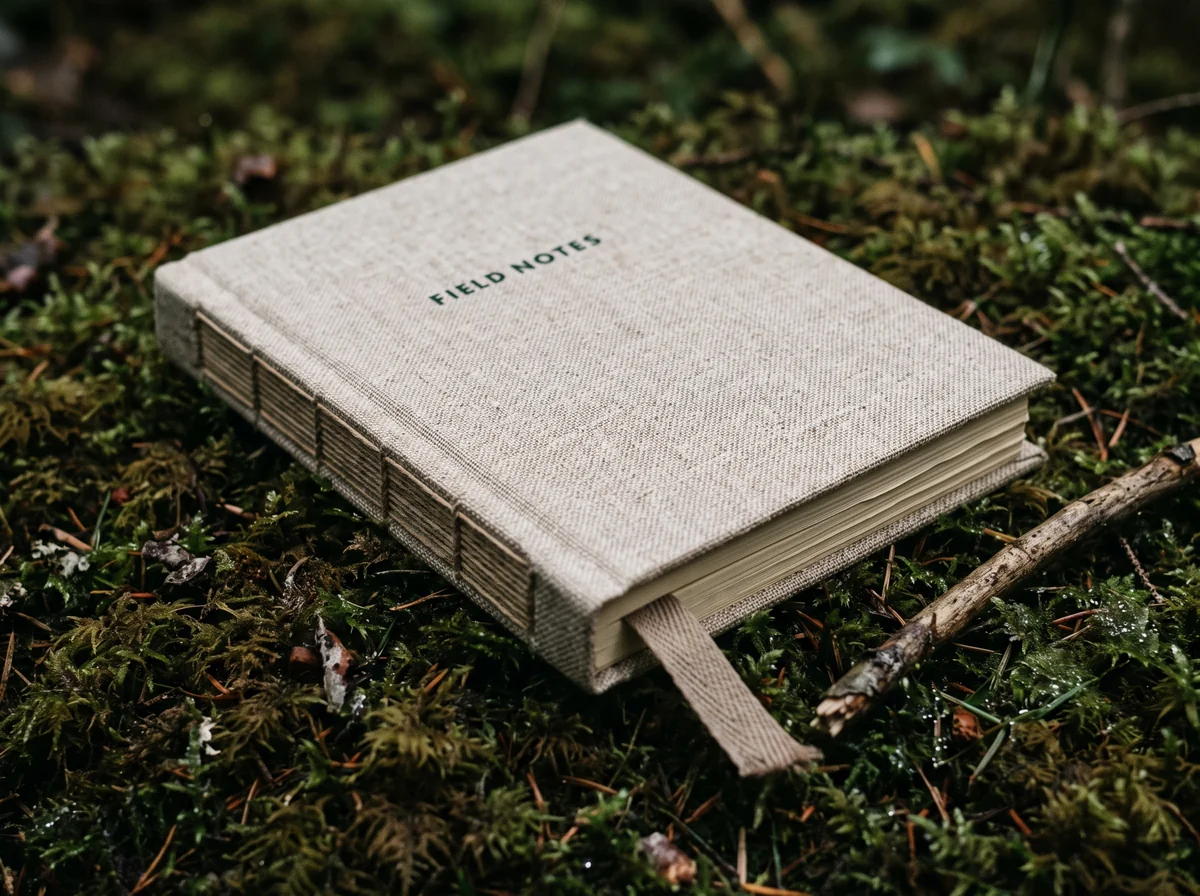
Lettering on everyday objects
Add a name or a short phrase to an object. The FIELD NOTES lettering sits in the weave of this linen cover, rather than floating above it.
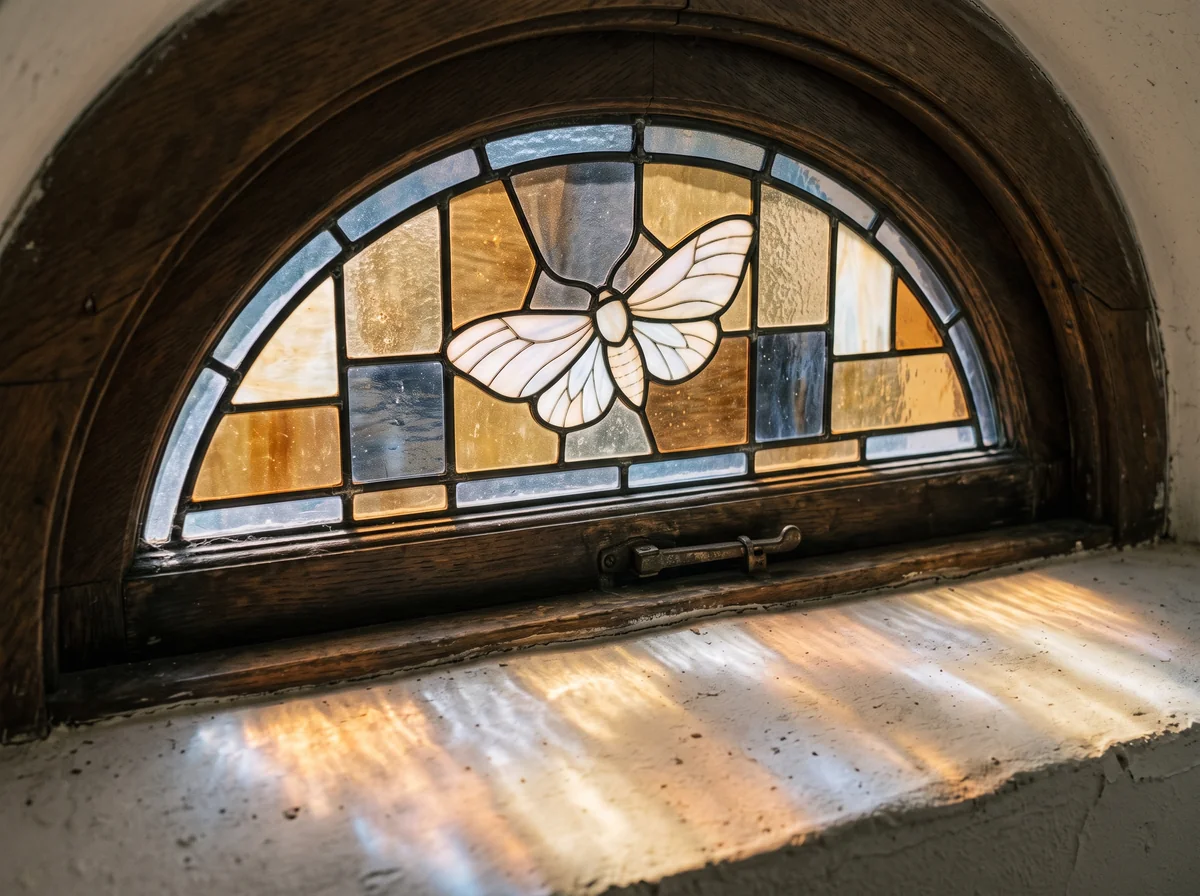
Decorative glass and woodwork
Explore a stained-glass design with texture, joinery and the light it casts. The moth motif gives this window a focal point.
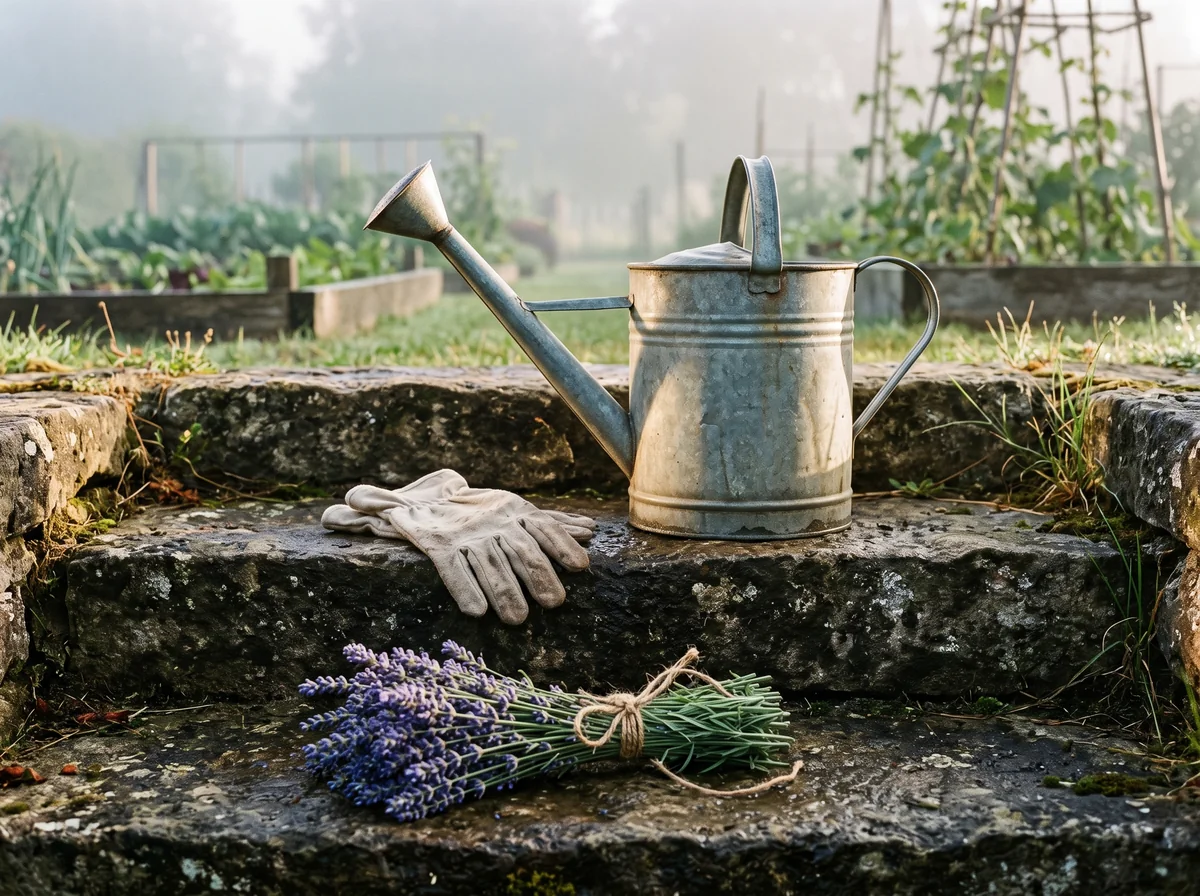
Styled still lifes
Bring a few objects together in a scene. The watering can, gloves and lavender share the same morning light, with space for each to stand out.
Steal a starting point.
Pick an idea and make it your own. Each prompt goes straight into the editor, ready for your changes.
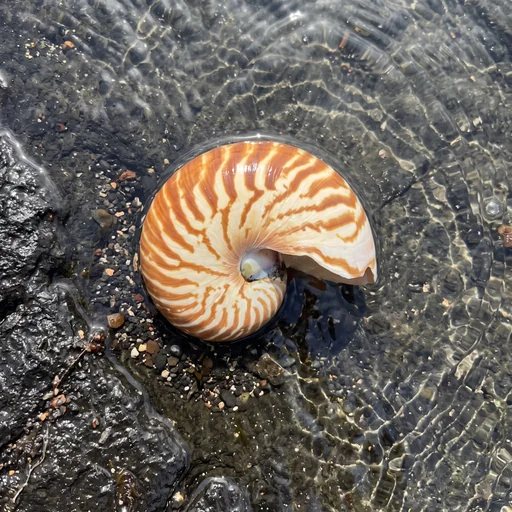
Nautilus in shallow water
An overhead photograph of a pearly nautilus shell resting partly on dark basalt in clear, shallow seawater. Orange-brown bands follow the spiral, while small ripples cast light patterns across the shell and stone. Keep the whole shell in view, with wet surfaces and a subtle pearly sheen. No aquarium props, text, logos or watermarks.
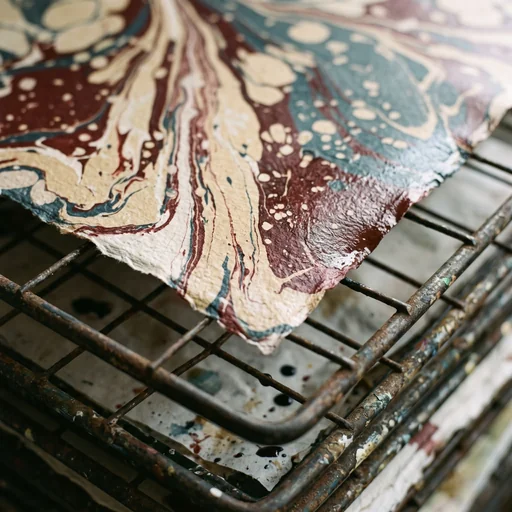
Freshly marbled paper
A macro photograph of freshly marbled paper drying on a worn metal rack. Oxblood, cream and muted petrol-blue ink forms long, irregular veins and small islands of color. The corners curl slightly, with a few ink drops on the rack below. Soft light from the side reveals the paper fibers and the edge between wet and dry. No writing, logos or watermarks.
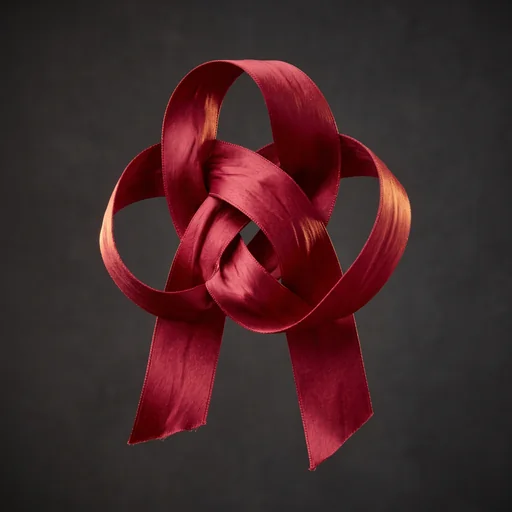
A sculptural silk knot
A sculptural knot made from one wide crimson silk ribbon, suspended against a dark, neutral background. The ribbon runs through three large loops without changing width, with its cut ends hanging down. Soft golden light catches the weave and small wrinkles, while the spaces between the loops fall into shadow. Keep the entire knot in frame. No people, gift wrapping, text, logos or watermarks.
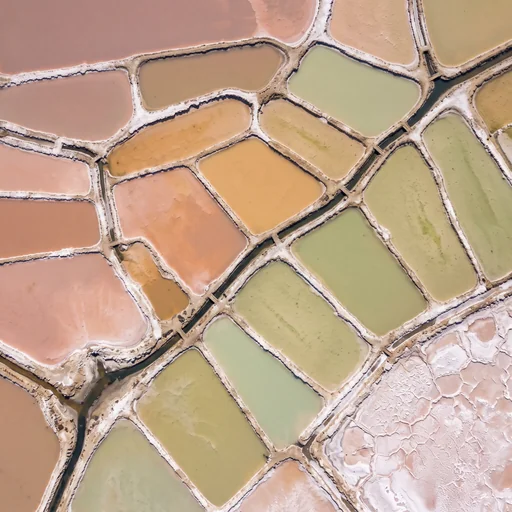
Salt ponds from above
A straight-down aerial photograph of coastal salt ponds arranged in irregular terraces. The water shifts from dusty rose to apricot and pale jade, separated by narrow white banks of salt crystals. Small dark channels connect the ponds, with drying salt crust in one corner. Natural colors and textures, with no buildings, map labels, neon effects, logos or watermarks.
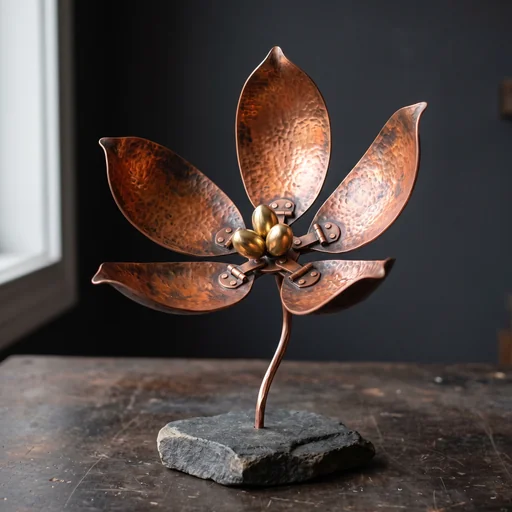
A copper seed pod
A small kinetic sculpture of an open seed pod, made from thin, hand-hammered copper. Five curved panels open around three polished brass seeds, joined by visible hinges to a slender stem and a matte stone base. Warm patches of oxidation bring out the metal texture. Use soft side light and a charcoal background, keeping the full sculpture in view. No floating parts, text, logos or signatures.
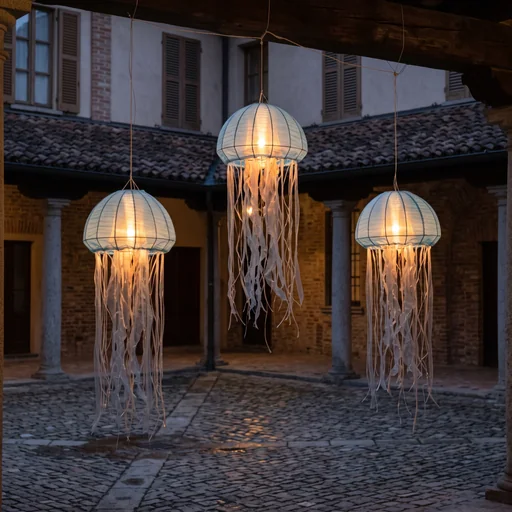
Jellyfish-shaped lanterns
An evening photograph of a quiet covered courtyard with three translucent fabric lanterns shaped like jellyfish, hanging at different heights. Pale-blue domes and fine cloth tentacles glow with warm light from within. Show the suspension threads, the dark tiled roof and the empty cobbled floor. Give each lantern a distinct silhouette. No crowds, signs, logos or watermarks.
How to use Nano Banana 2.1.
Start with an idea or a photo. Choose your settings, then try a first version.
Start with a prompt or a photo
Describe the image you have in mind. To edit a photo, upload it and tell the model what to change and what to keep.
Choose a size and shape
Pick an aspect ratio and 1K, 2K or 4K output. Each image uses 3, 4 or 6 credits, respectively. A paid account lets you choose 4K or generate more than one image at a time.
Download or try another edit
Check the details, then download your image. To make another change, upload the result as a new reference and describe the edit you want.
Frequently asked questions
Answers to your questions about Nano Banana 2.1.
You can create images from text or make changes to a reference photo. Try a new outfit, a different setting, a product scene or a design with short text. Choose 1K, 2K or 4K output for each image.
Both models offer 1K, 2K and 4K output. Nano Banana 2.1 accepts up to 10 reference images; Nano Banana 2 accepts 14. On Image 2, a 2.1 image uses 3 credits at 1K, 4 at 2K or 6 at 4K. Try the same prompt with both to see which result you prefer.
Use a clear reference photo and say which details should stay the same. Describe the change separately. Small features can still change, so compare the result with your original before using it.
You can upload up to 10 reference images, whether you have a free or paid account. JPG, JPEG, PNG and WebP files are supported, up to 10 MB each. The upload area shows the current limit.
Choose 1K, 2K or 4K, with 15 aspect-ratio options including Auto. Auto lets the model choose the proportions. The final pixel dimensions depend on your resolution and aspect ratio. 4K is available with a paid account.
Yes. Put the exact wording in quotation marks and say where it should appear. Short text is easier to check. Review spelling and numbers, and use a design editor for any corrections that need to be exact.
Yes. You can use available free credits to generate 1K or 2K images without a paid plan. You’ll need to sign in and have enough credits: 3 per 1K image, 4 per 2K image or 6 per 4K image. The generate button shows the total. 4K and generating more than one image at a time require a paid account.
Credits are returned for a confirmed generation failure. If a result is still loading, check your history and credit balance before starting a new request.
Download completed images as PNG files. For another edit, upload the result as a new reference and describe the change. Each new generation uses credits.
Still have questions? Contact us at [email protected]
Make an image.Then make it yours.
Use your free credits to try 1K or 2K images. Start with a prompt or a reference photo.