AI Manga Colorizer
Free AI Manga Colorizer for manga pages and line art
Color black-and-white manga, comic pages, webtoon panels, and sketches online with Image 2 while preserving linework, speech bubbles, and screentones.
Result
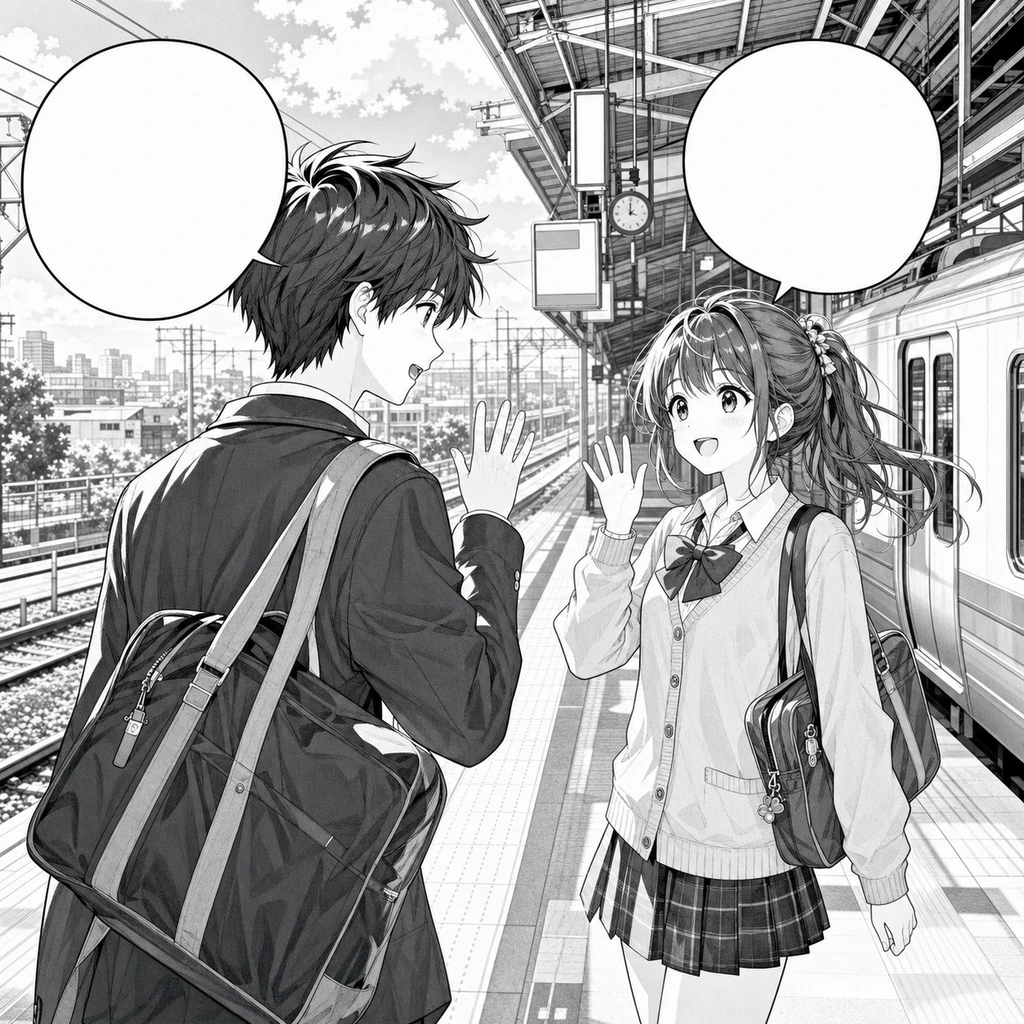

Color full manga pages
Turn scanned or digital manga pages into clean color while keeping panels, screentone, expressions, and lettering untouched.
Start coloring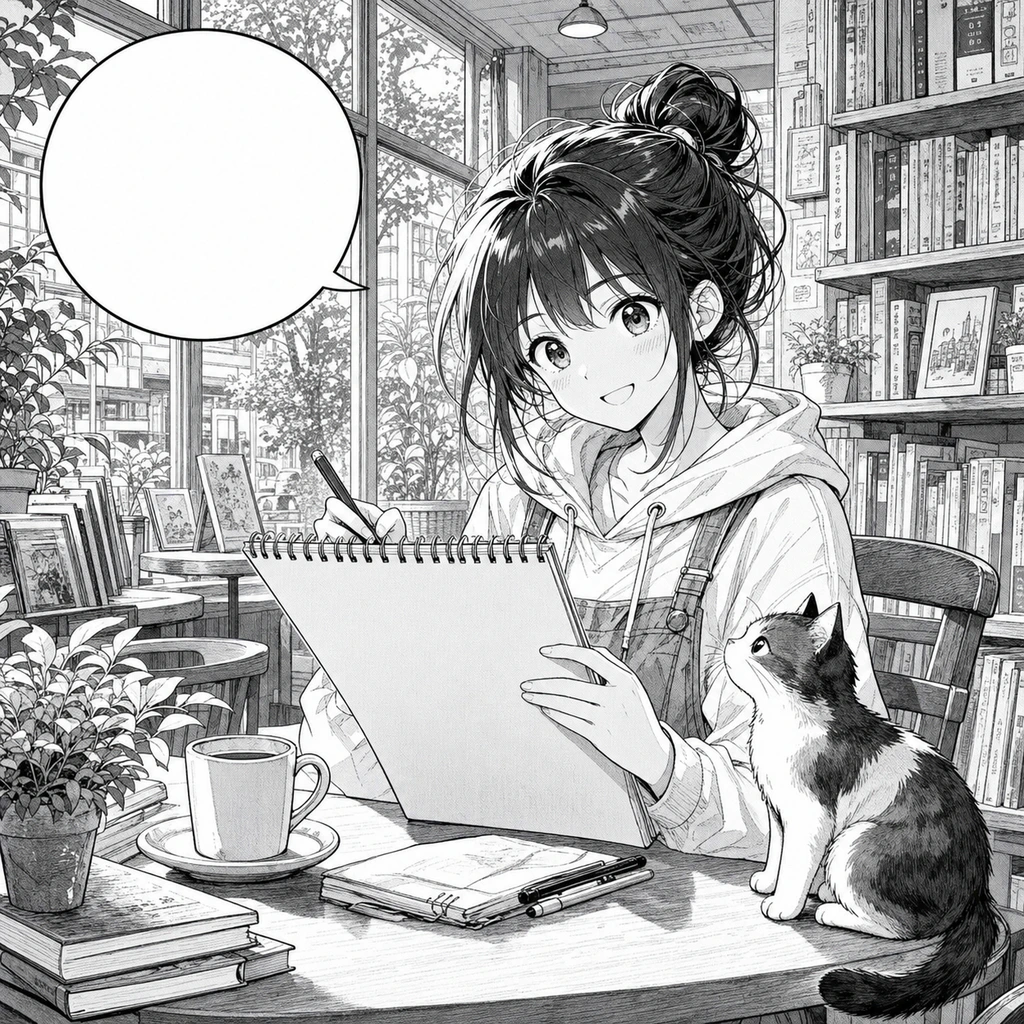

Color webtoon panels online
Give black-and-white panels brighter webtoon color, clean gradients, and stronger mobile readability.
Start coloring

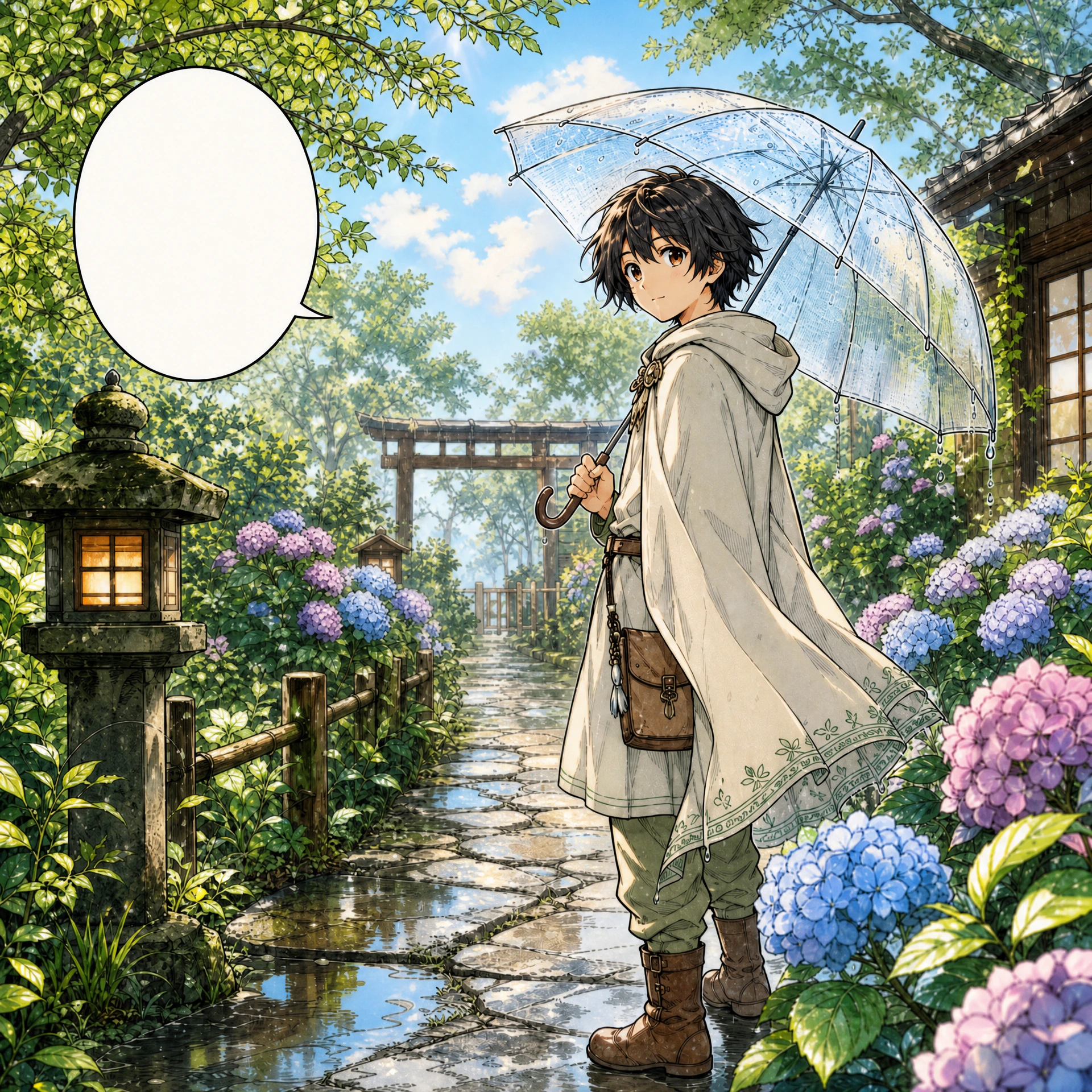
Watercolor manga coloring
Add gentle watercolor atmosphere to character pages, covers, and story moments without flattening the drawing.
Start coloring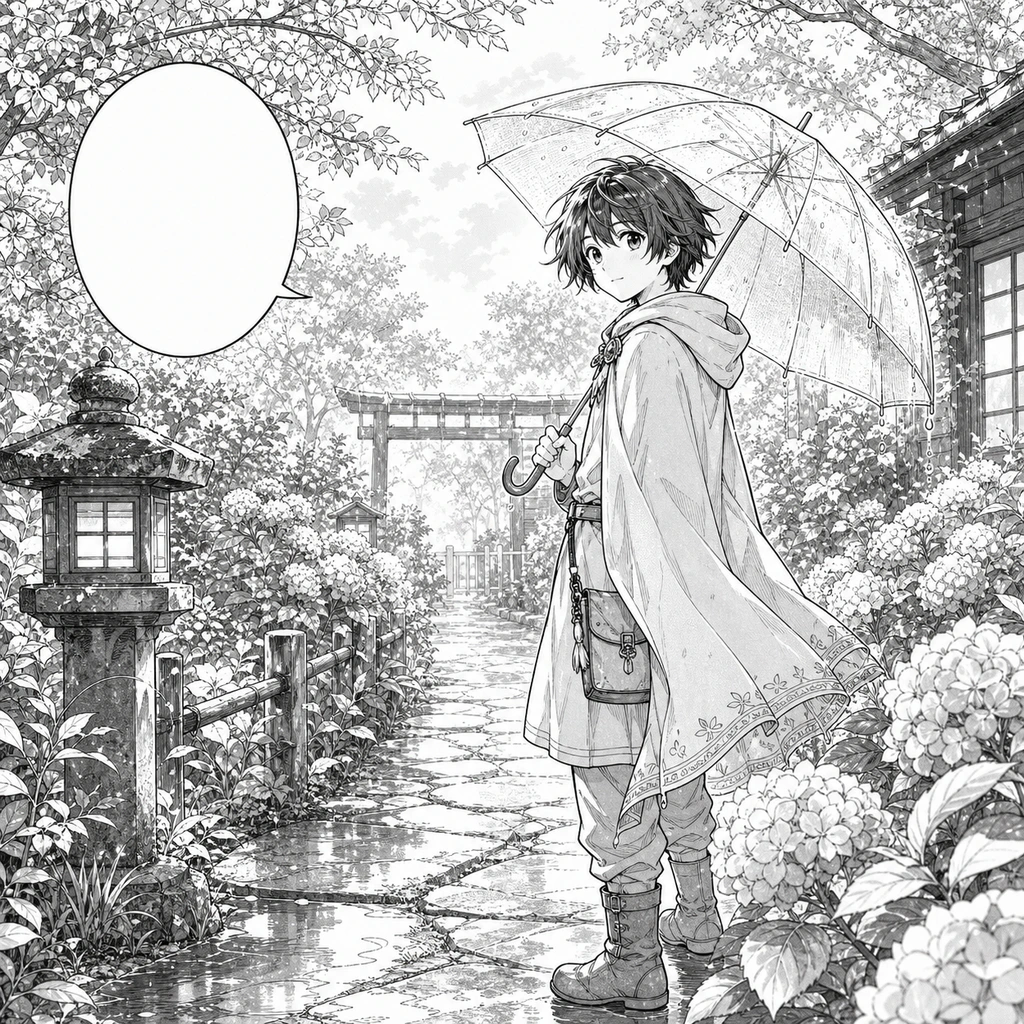
Vintage manga print color
Create retro cel and printed comic color with warmer pigments, light texture, and classic manga mood.
Start coloring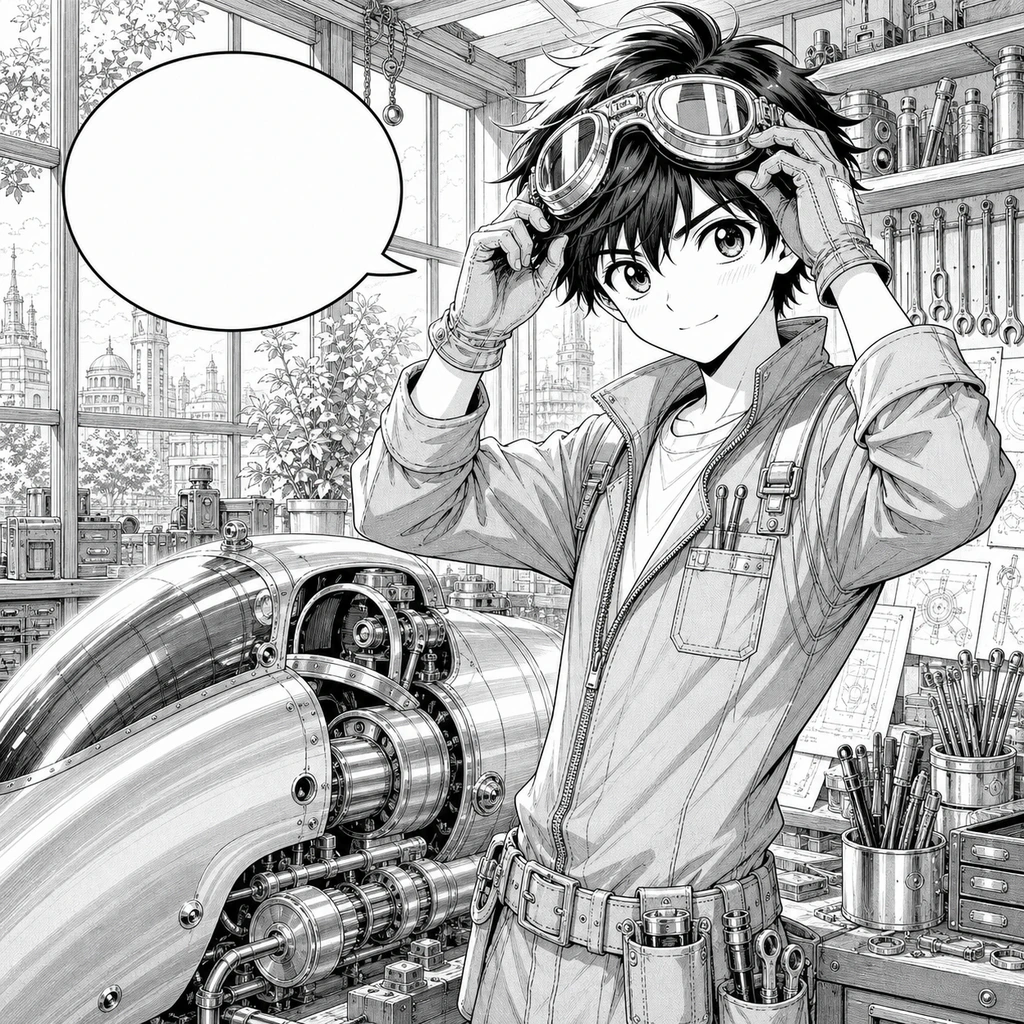

How manga colorizing works
A focused workflow for line art, panels, and readable comic pages.
Upload artwork
Start from a manga page, comic panel, or clean black-and-white line drawing.
Pick a color style
Choose anime cel, webtoon, watercolor, or vintage cel, then add optional color notes.
Generate and refine
Image 2 colors the page while preserving original linework, panel borders, and text.
Upload artwork
Start from a manga page, comic panel, or clean black-and-white line drawing.
Pick a color style
Choose anime cel, webtoon, watercolor, or vintage cel, then add optional color notes.
Generate and refine
Image 2 colors the page while preserving original linework, panel borders, and text.
Built for comic pages
The prompt and workflow are tuned for manga structure, not generic photo colorization.
Linework-first editing
The color pass is constrained to keep ink lines, hatching, screentone, and panel geometry visible.
Text-safe output
Speech bubbles, captions, and sound effects are preserved rather than rewritten or translated.
Creator-ready styles
Use production-friendly presets for anime, webtoon, watercolor, and retro print looks.
Frequently asked questions
Answers to your questions about AI Manga Colorizer.
Colorize your manga page
Turn black-and-white line art into a polished color image while keeping the original drawing intact.