
01Transformations
Warm marigold close-up
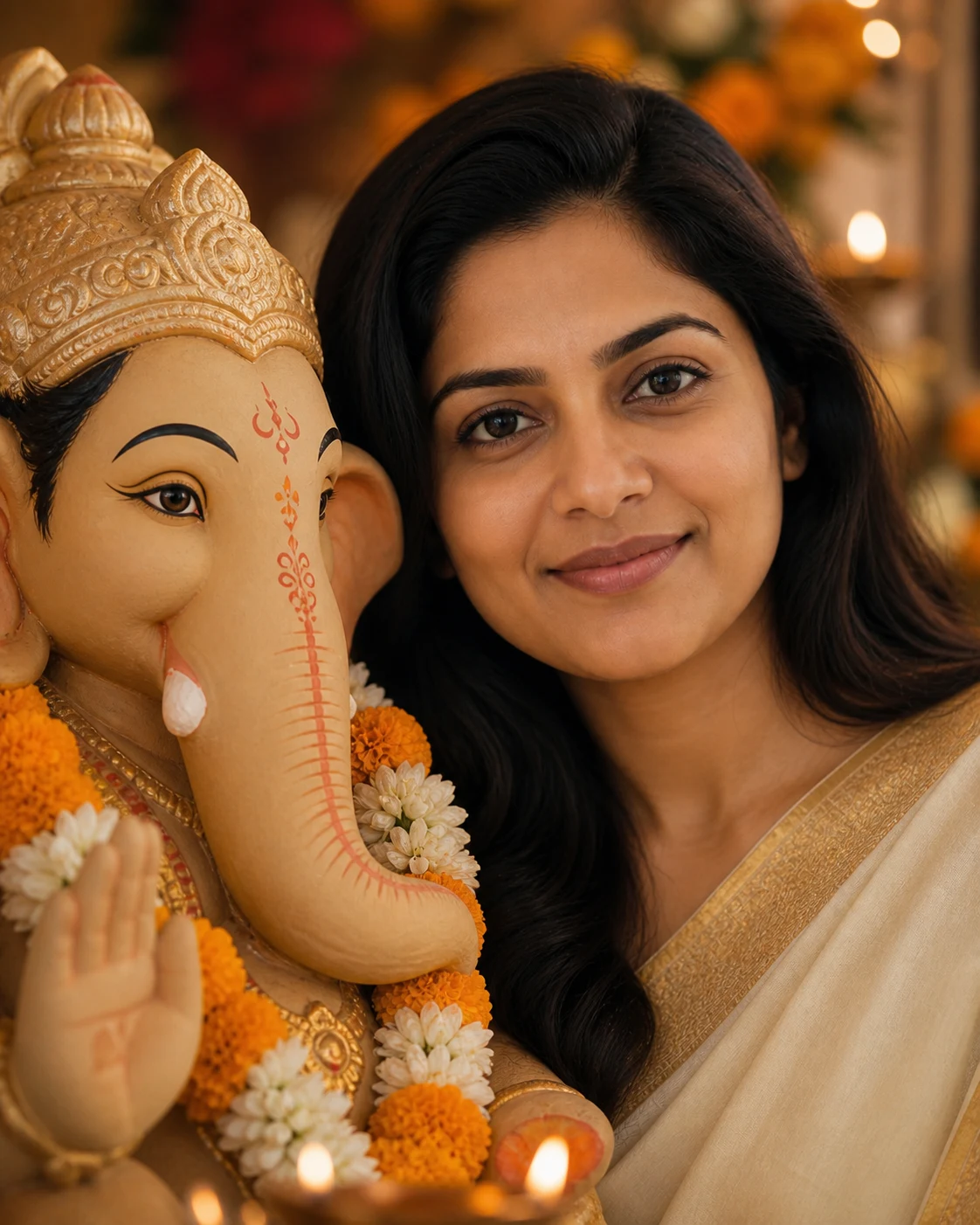
A softly lit portrait beside a decorated clay idol, framed with marigolds and gentle lamp bokeh.
Upload a selfie and get a warm Ganpati close-up photo for Ganesh Chaturthi that still looks like you. Add a photo of your own Ganpati Bappa as a second reference and Image 2 matches its colors, ornaments and flowers.

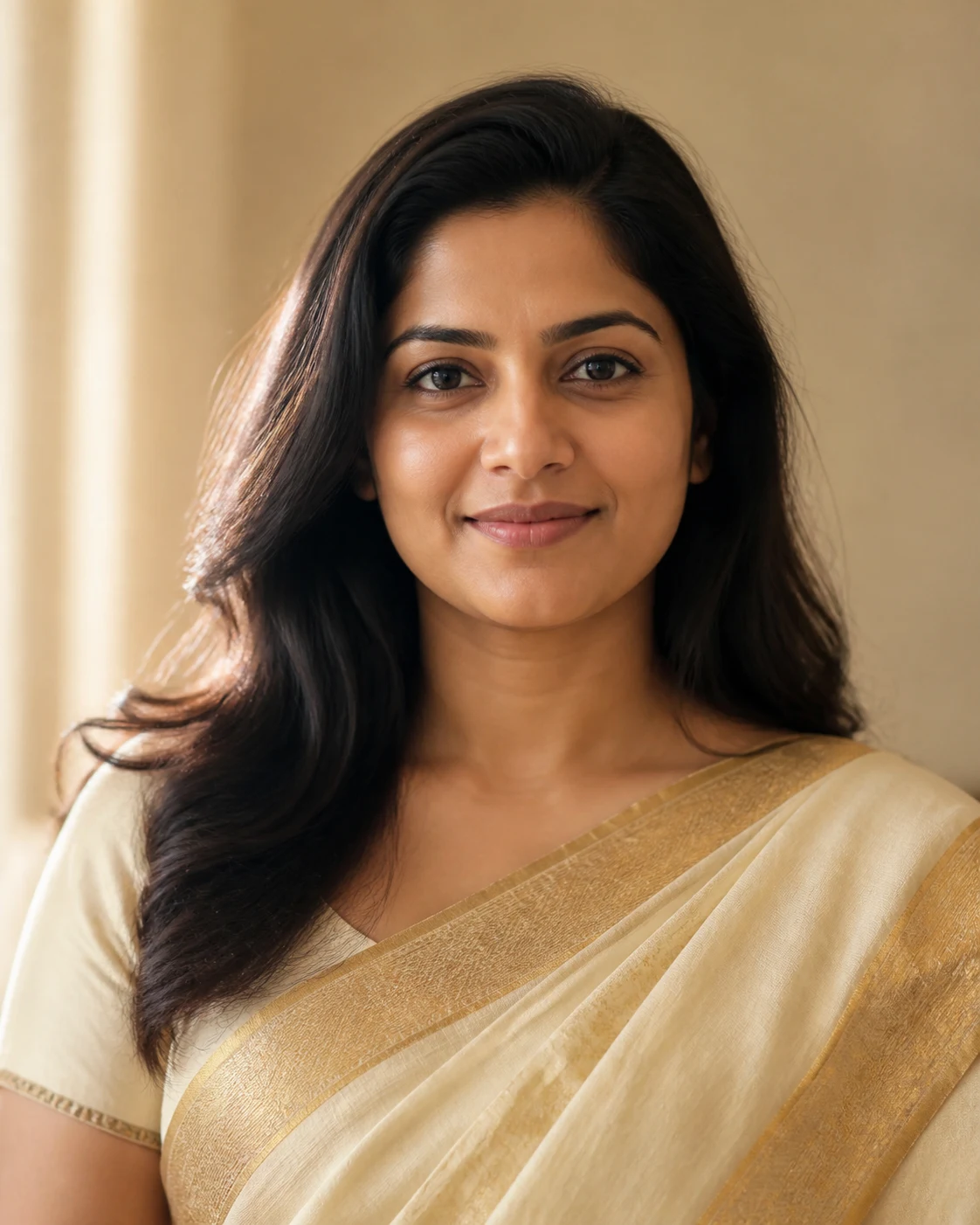
See how everyday selfies turn into Ganpati close-up photos ready for Instagram posts, stories and WhatsApp DPs.
A softly lit portrait beside a decorated clay idol, framed with marigolds and gentle lamp bokeh.
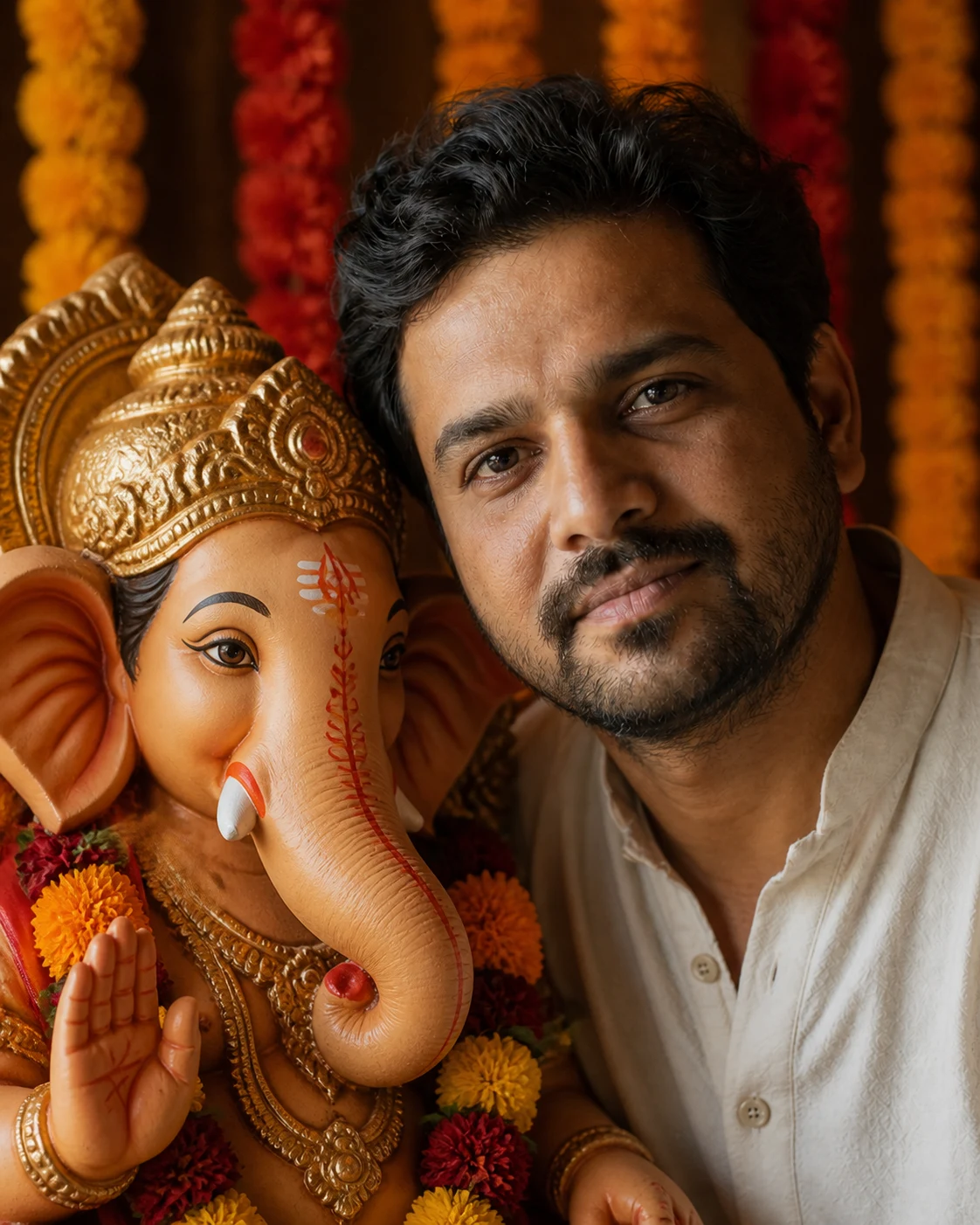
Natural skin, ivory fabric and a hand-painted terracotta idol in a close, balanced composition.
A calm home-festival portrait with jasmine, yellow flowers and soft daylight instead of heavy effects.
Tap a prompt to copy it, then paste it into the direction box. Image 2 keeps your face and treats Bappa with respect automatically.
Intimate 4:5 close-up beside a handcrafted clay Ganpati idol, warm marigold flowers, soft oil-lamp bokeh, realistic skin and clay texture, calm natural expression
Quiet daylight portrait beside a stone-and-clay Ganpati idol, white jasmine and a few yellow flowers, soft neutral home background, realistic documentary photography
Close balanced portrait with a hand-painted terracotta Ganpati idol, saffron and red flower garlands, warm side light, natural fabric texture, dignified festival mood
Vertical 9:16 Ganesh Chaturthi story portrait, person and Ganpati idol comfortably inside frame, gentle flower decoration, warm ambient lights, no text, polished photorealistic finish
Common questions about using Ganpati Close-Up AI Photo
It’s the Ganesh Chaturthi photo trend: a warm, close portrait of you next to Lord Ganesha’s idol, with your face and Bappa’s features both clearly in frame. Upload one photo and Image 2 creates it — no editing skills or prompt engineering needed.
No. Your portrait is the only must-have; the idol photo is optional. If you add your own Ganpati Bappa as the second image, Image 2 matches its material, colors, ornaments and flowers much more closely.
Yes — that’s the whole point. Image 2 keeps your face, age, skin tone, eyes, hairstyle and expression as they are in your photo. Results can still vary, so start with a clear, well-lit photo and regenerate if something looks off.
Use a well-lit portrait with one person facing the camera and no heavy filter. If you add an idol reference, choose a clear front or three-quarter view without people blocking its face.
Yes. Pick 1:1 or 4:5 for posts and DPs, or 9:16 for stories and WhatsApp status. Keep the image text-free and add “Ganpati Bappa Morya” or your greeting later in an editor — it looks cleaner and spells correctly.
With care. Ganpati stays a handcrafted idol beside you — never a living creature or merged with your face — and Image 2 won’t add mockery, damage, horror or political elements. Still, it’s your keepsake: review every result before sharing it.
Yes, you can start free. New accounts get free signup credits, and you can earn more with daily check-in rewards or by inviting friends. Each generation uses credits, and the exact cost for 1K, 2K or 4K is shown on the button before you generate.
Upload only photos you have permission to use. Skip private ceremony footage, ID documents, copyrighted artwork, visible signatures and recognizable temple or artist branding unless you hold the rights.
Keep it short and describe only what you want changed — flowers, light, framing — like “warm marigolds, soft lamp light, 4:5 close-up”. Image 2 already handles the identity, the idol and the respectful framing, so you don’t need long Gemini-style prompts. The prompt ideas above are a good starting point.
Personal and social sharing is fine. For a business post or ad, make sure you have permission from everyone in the photo and follow Image 2’s terms of service and applicable law.
Still have questions? Contact us at [email protected]