01Transformations
Before you book the salon
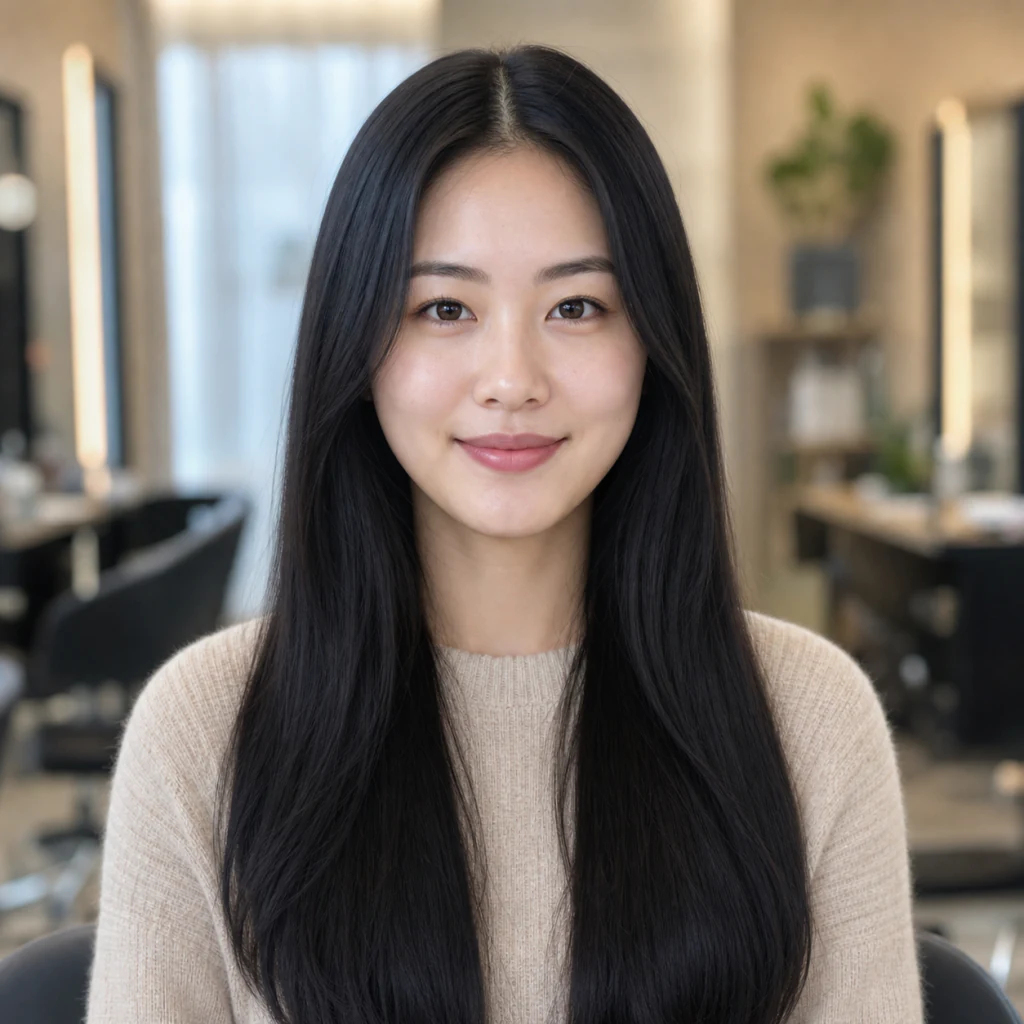
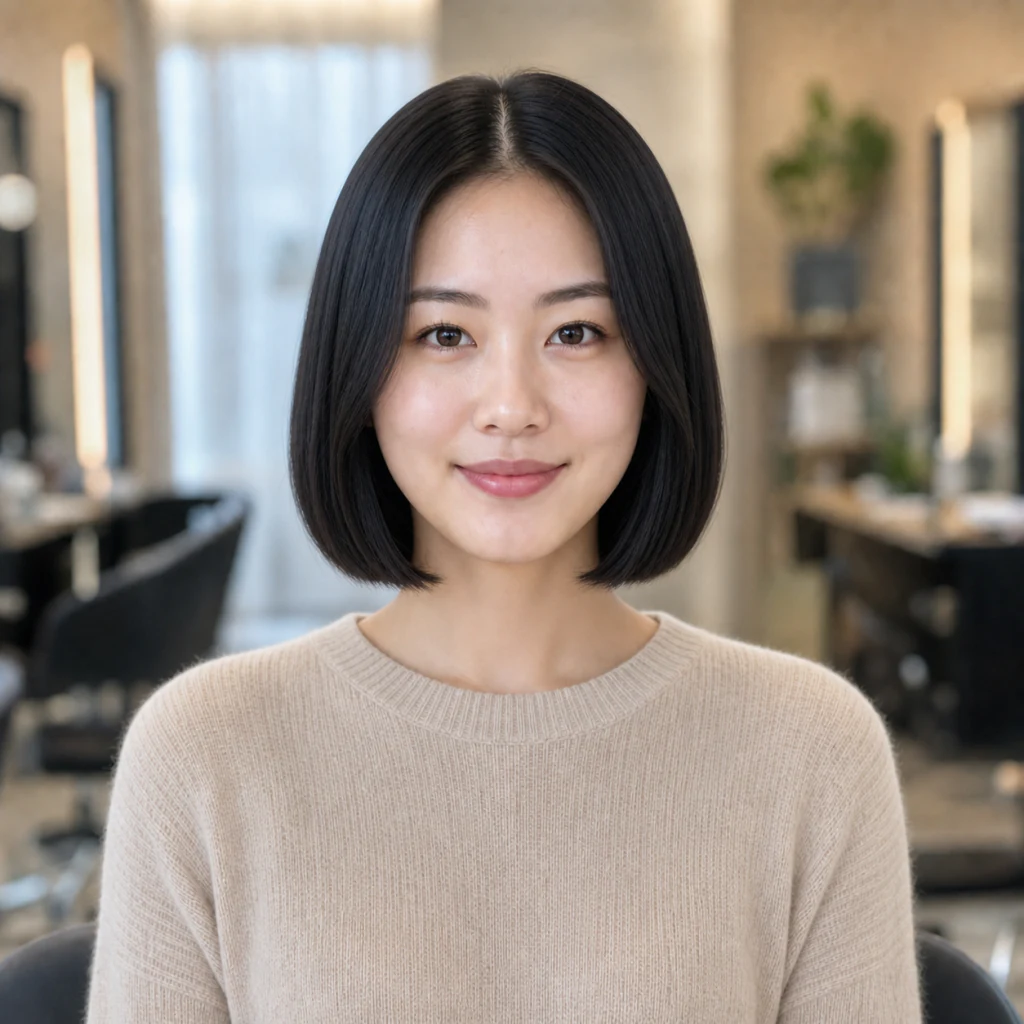
Bring a preview instead of relying on words alone. The new cut follows your natural hairline, with volume and shadows matched to the light in your photo.
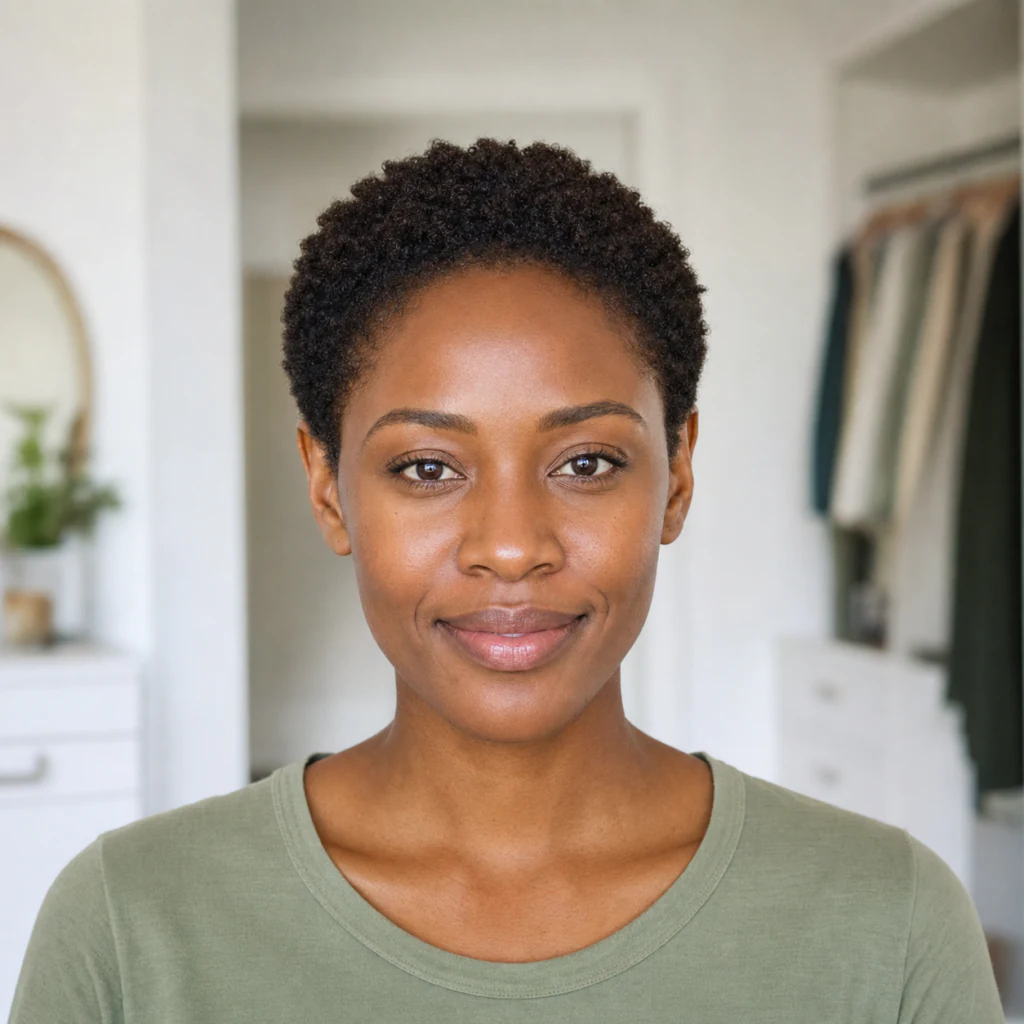
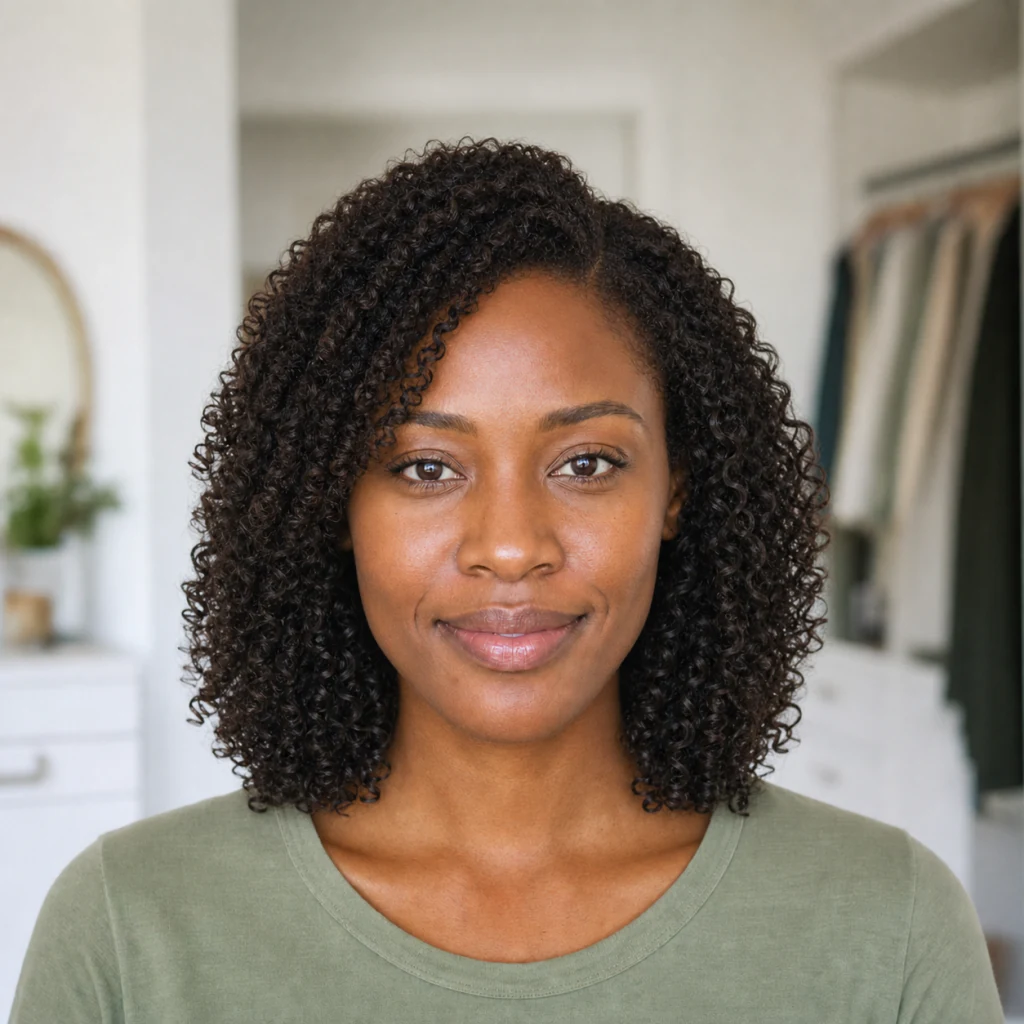
Upload one photo and preview any haircut on your own face — a blunt bob, long layers, curtain bangs, a buzz cut, or a whole new color. GPT Image 2 rebuilds the hair around your natural hairline and matches the light in your photo while keeping your face, background, and outfit consistent. See the look before the scissors come out.
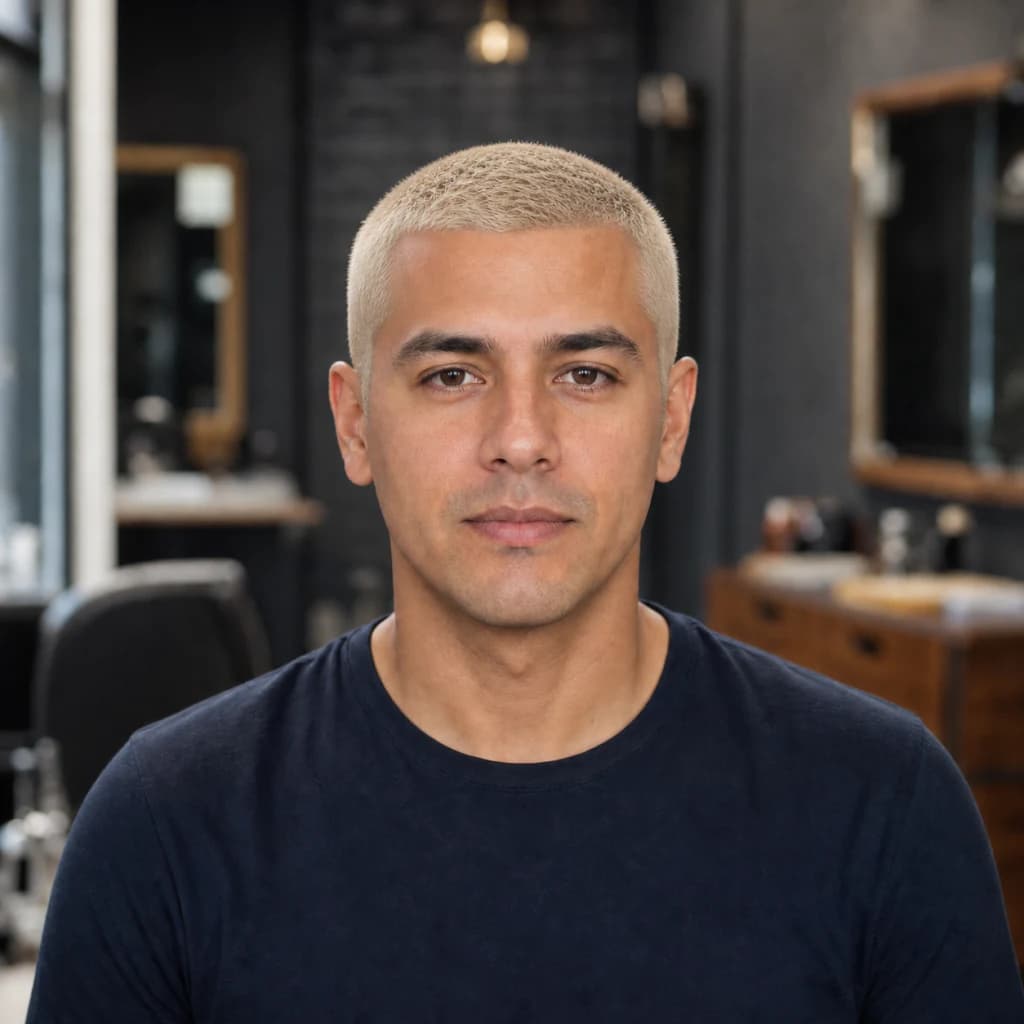
Your face, pose, lighting, and background stay consistent while the hairstyle is reworked.
Bring a preview instead of relying on words alone. The new cut follows your natural hairline, with volume and shadows matched to the light in your photo.
A front-facing shot with your face and hairline clearly visible, in even light. Avoid hats, harsh backlight, and photos where hair covers most of your face.
A buzz cut, a chin-length crop, or platinum blonde — preview the change on your own photo before you commit.
Tap any look to copy it, then paste it into the box above.
a sharp chin-length blunt bob with a clean middle part and ends turned slightly inward, keeping my original hair color
long loose beach waves falling past the shoulders, with soft sun-kissed dimension and natural strand separation
face-framing curtain bangs over long soft layers, parted in the middle and sweeping away from the face
a short, evenly trimmed platinum-blonde buzz cut with subtle visible scalp texture
Common questions about using AI Hairstyle Changer
Upload a photo and describe the haircut or color you want. GPT Image 2 rebuilds the hair around your natural hairline, matches the original light, and fills in areas the old hairstyle covered.
Yes. New users can try it with free signup credits and daily check-in rewards. Each generation uses 2/2/6 (1K/2K/4K) credits depending on resolution, and extra credits are available in paid packs.
You can describe almost any look, including bobs, pixie cuts, bangs, long layers, curls, fades, buzz cuts, and natural or creative hair colors.
The edit is designed to preserve your recognizable face, expression, clothing, background, and lighting while changing the hair. A clear source photo gives the most consistent result.
Use a clear, front-facing portrait in even light with your face and hairline visible. Avoid hats, harsh backlight, heavy filters, and hair covering most of your face.
Yes. Use it as a salon reference, share it on social media, or keep it for personal projects, subject to Image 2 terms and the rights attached to your uploaded photo.
Still have questions? Contact us at [email protected]