Limited Offer · 50% OFF50% OFFYearly plans · GPT Image 2.5 + Seedance 2.5
Image 2
Made for YouTube creators
Turn a video idea into polished thumbnail concepts with readable hook text, creator-ready styles, and an optional face reference.
The same focused workflow adapts to tech comparisons, lifestyle advice, gaming, tutorials, and creator-led videos.
YouTube Thumbnail prompts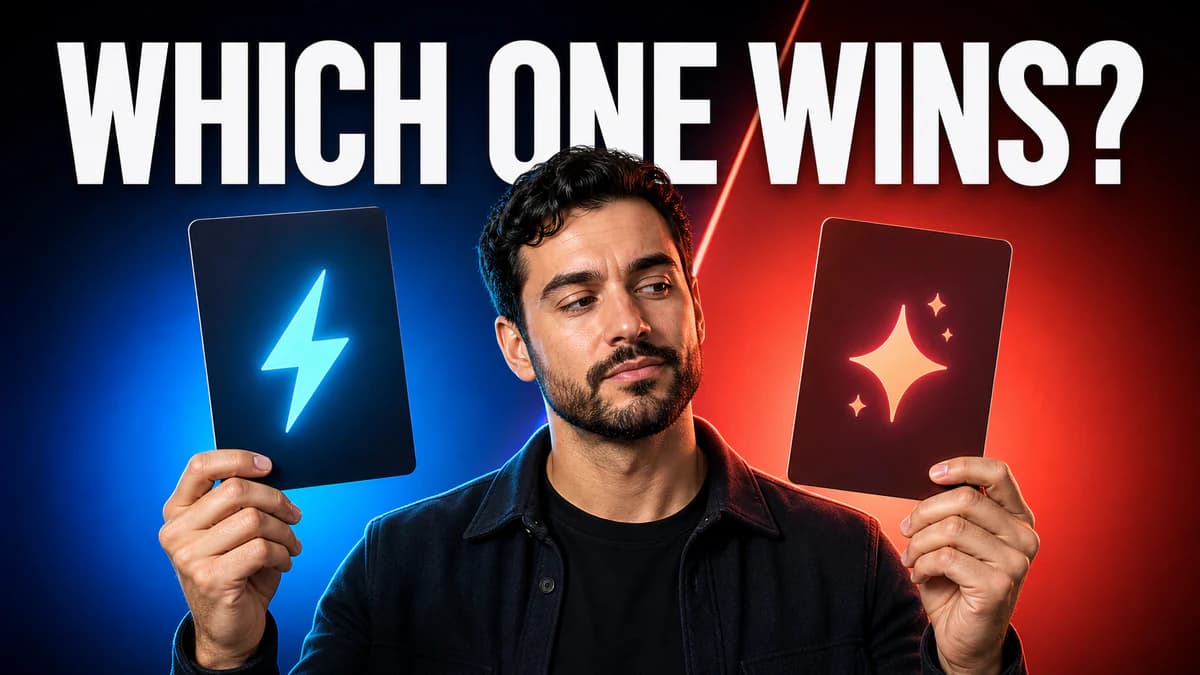
Separate products, outcomes, or competing ideas with strong contrast and an immediate visual hierarchy.

Pair a clear human focal point with warm lighting and a short benefit-led hook that stays readable on mobile.
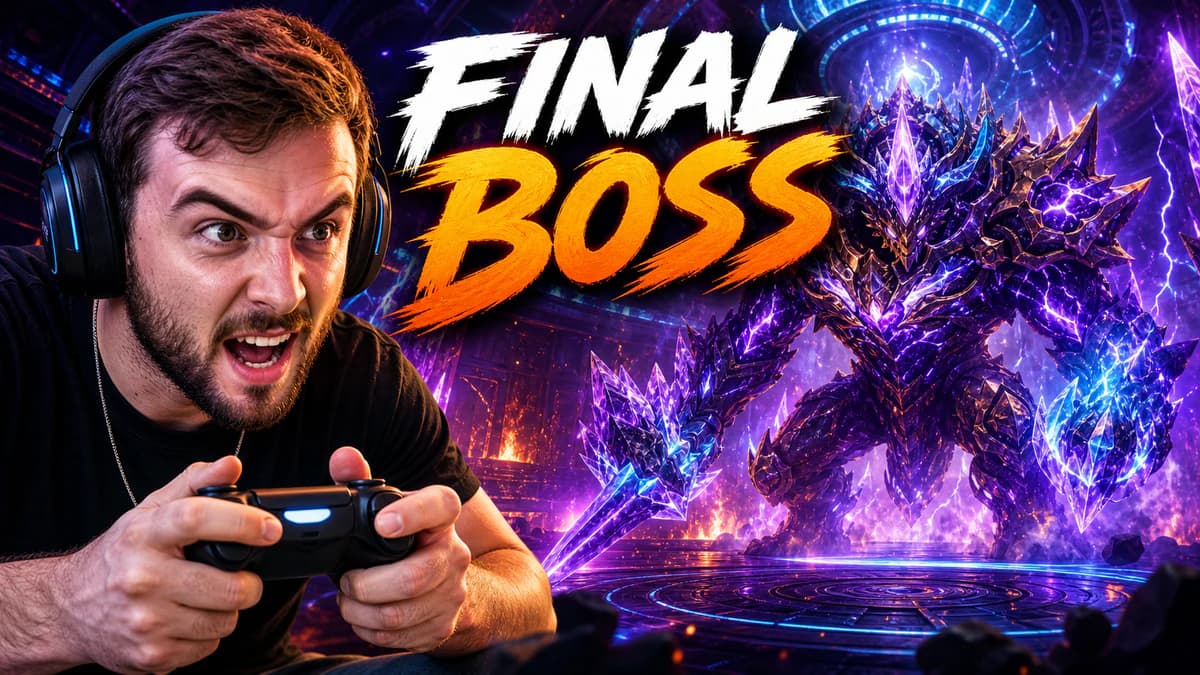
Use expressive action, vivid color separation, and a recognizable character or creator reference without visual clutter.
Go from video idea to several downloadable directions in three focused steps.
Paste a YouTube video URL to autofill the details, or enter the title or topic manually. Add the exact short hook if you already know it.
Pick the channel category, visual style, emotional tone, and optionally upload a face or subject reference.
Generate one, two, or four 16:9 concepts, save favorites, and download the strongest PNG for YouTube.
Paste a YouTube video URL to autofill the details, or enter the title or topic manually. Add the exact short hook if you already know it.
Pick the channel category, visual style, emotional tone, and optionally upload a face or subject reference.
Generate one, two, or four 16:9 concepts, save favorites, and download the strongest PNG for YouTube.
Useful controls stay visible; brand detail and resolution remain available without crowding the first step.
The video topic, hook, category, style, and emotion are translated into concrete thumbnail art direction behind the scenes.
Upload a clear face or subject when the channel depends on recognition; identity stays central while lighting and composition are refined.
Generate up to four separate concepts, compare them in the same result panel, favorite the strongest, and download individual PNGs.
Answers to your questions about AI YouTube Thumbnail Generator.
Start with the idea, compare several 16:9 concepts, and download the direction that feels right.