Limited Offer · 50% OFF50% OFFYearly plans · GPT Image 2.5 + Seedance 2.5
Image 2
Remove Background
Easily Remove Image Backgrounds with AI — Free & Instant
Remove the background from any photo of yourself and instantly get a classy, studio-grade headshot for resumes, profiles and portfolios.
Try it now

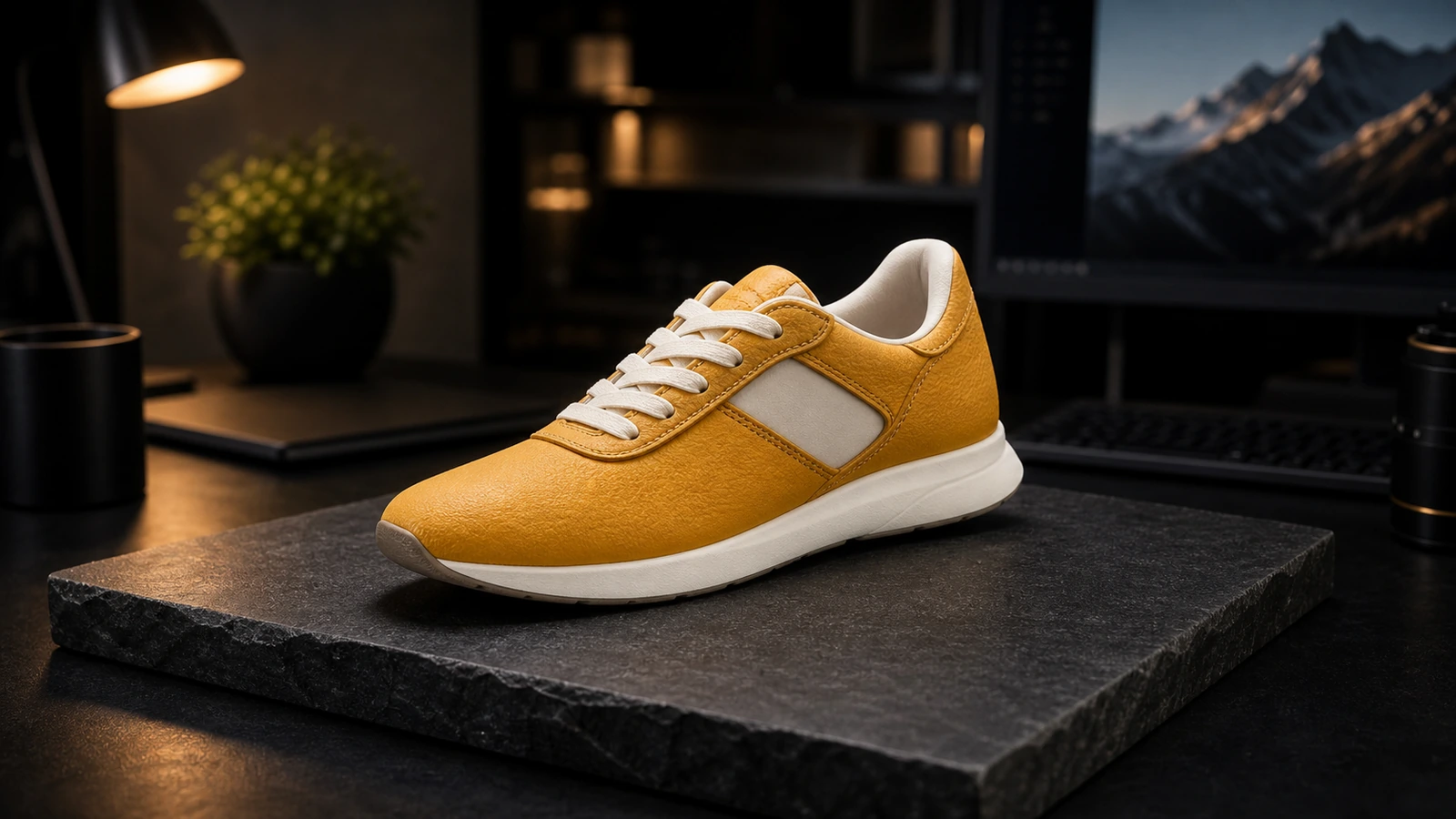
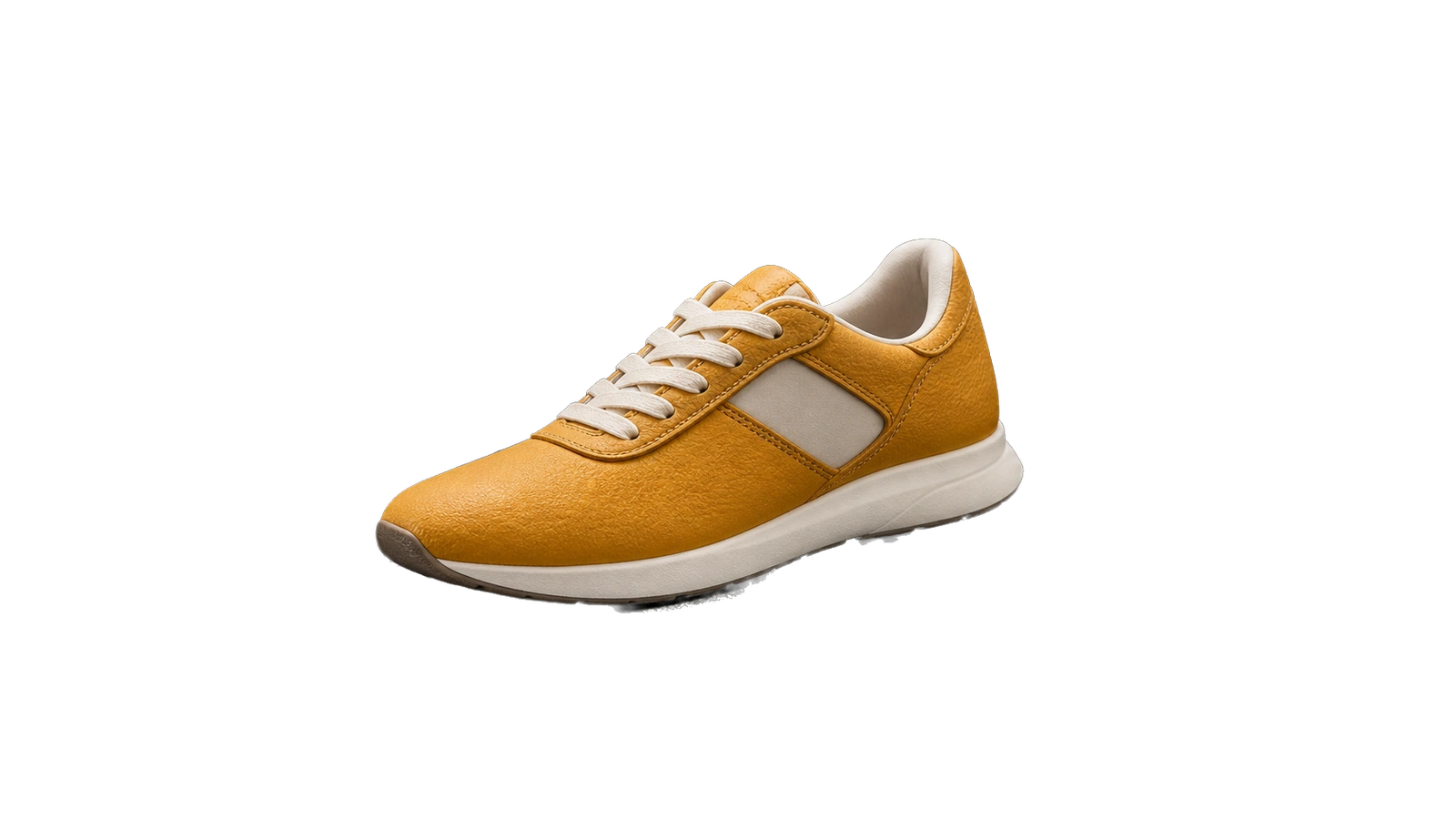
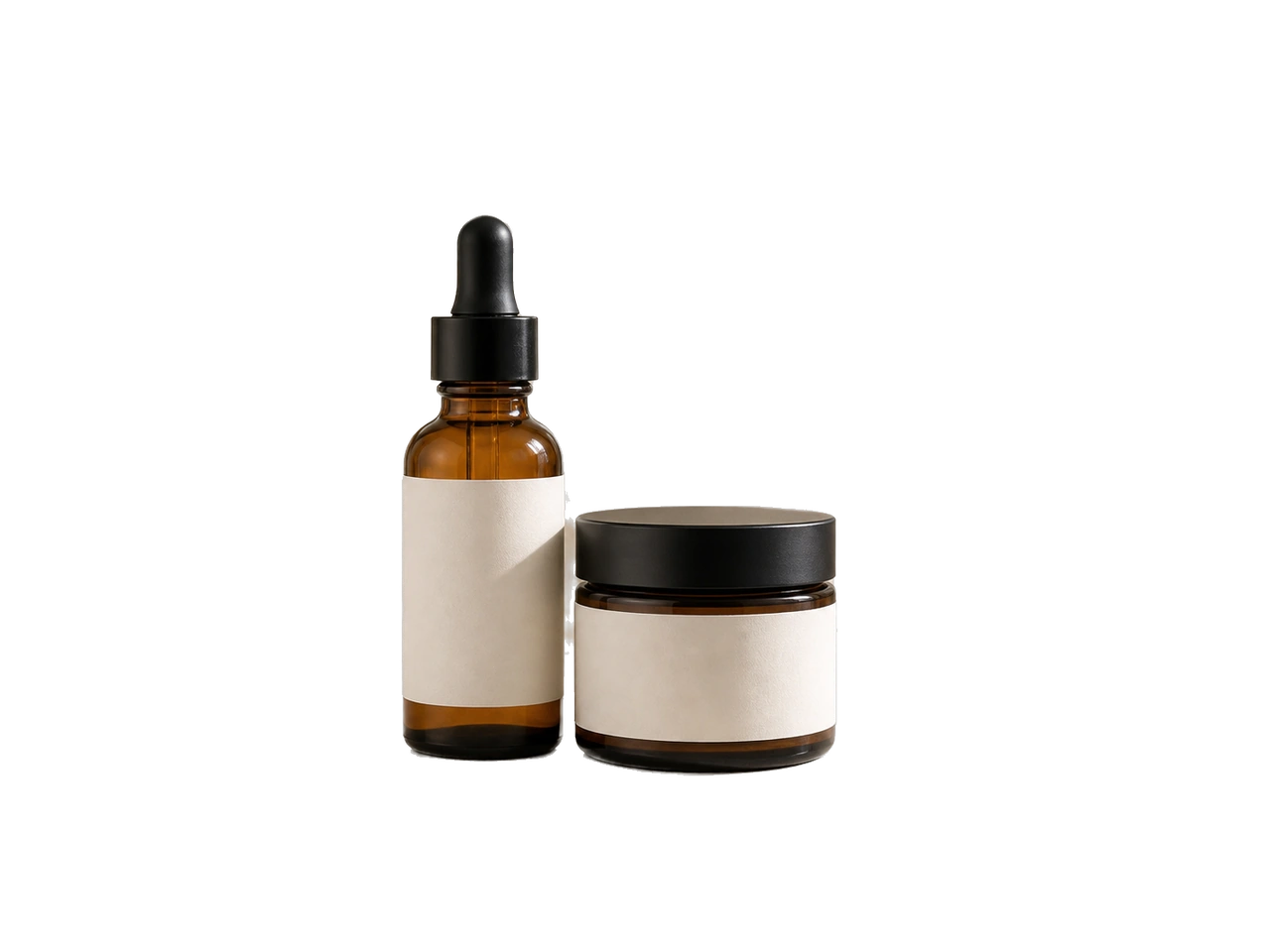
Clean, distraction-free product shots that grab attention and build the trust that lifts conversions on any storefront.
Try it now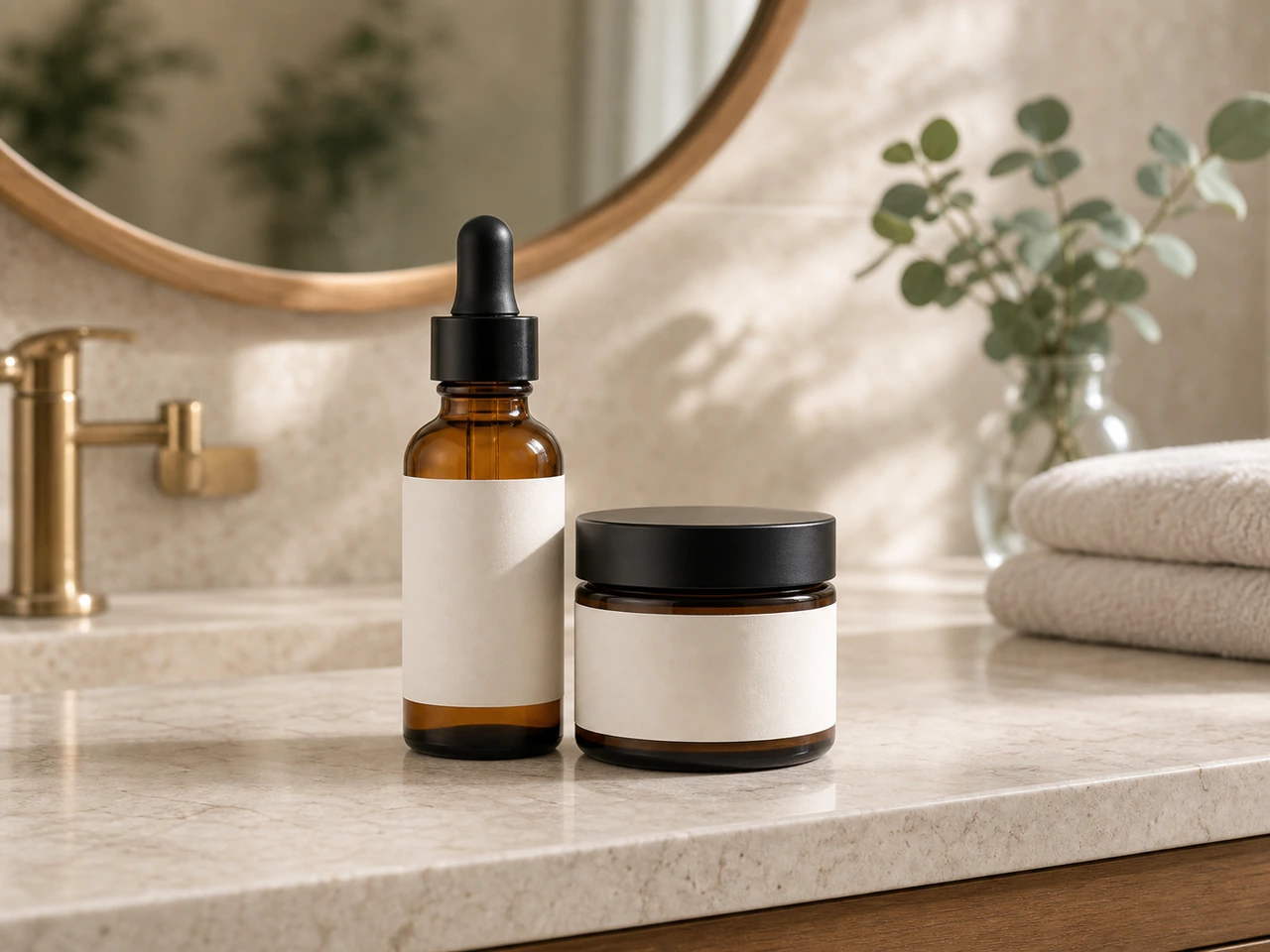
Isolate subjects from busy scenes and drop them onto custom backgrounds for scroll-stopping posts and ads.
Try it now
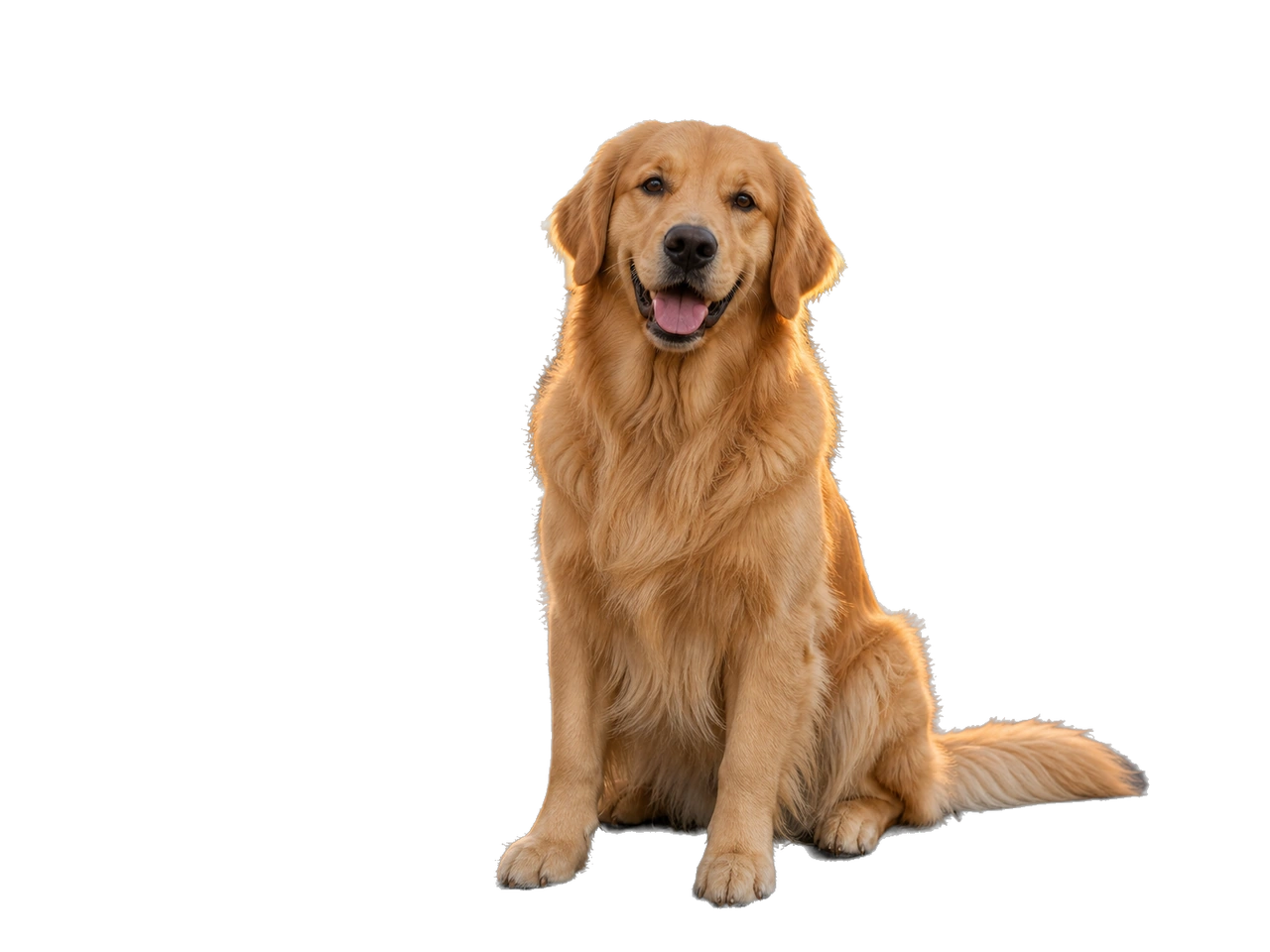
Get crisp, transparent cutouts you can drop straight into collages, posters and marketing materials — no manual masking.
Try it now
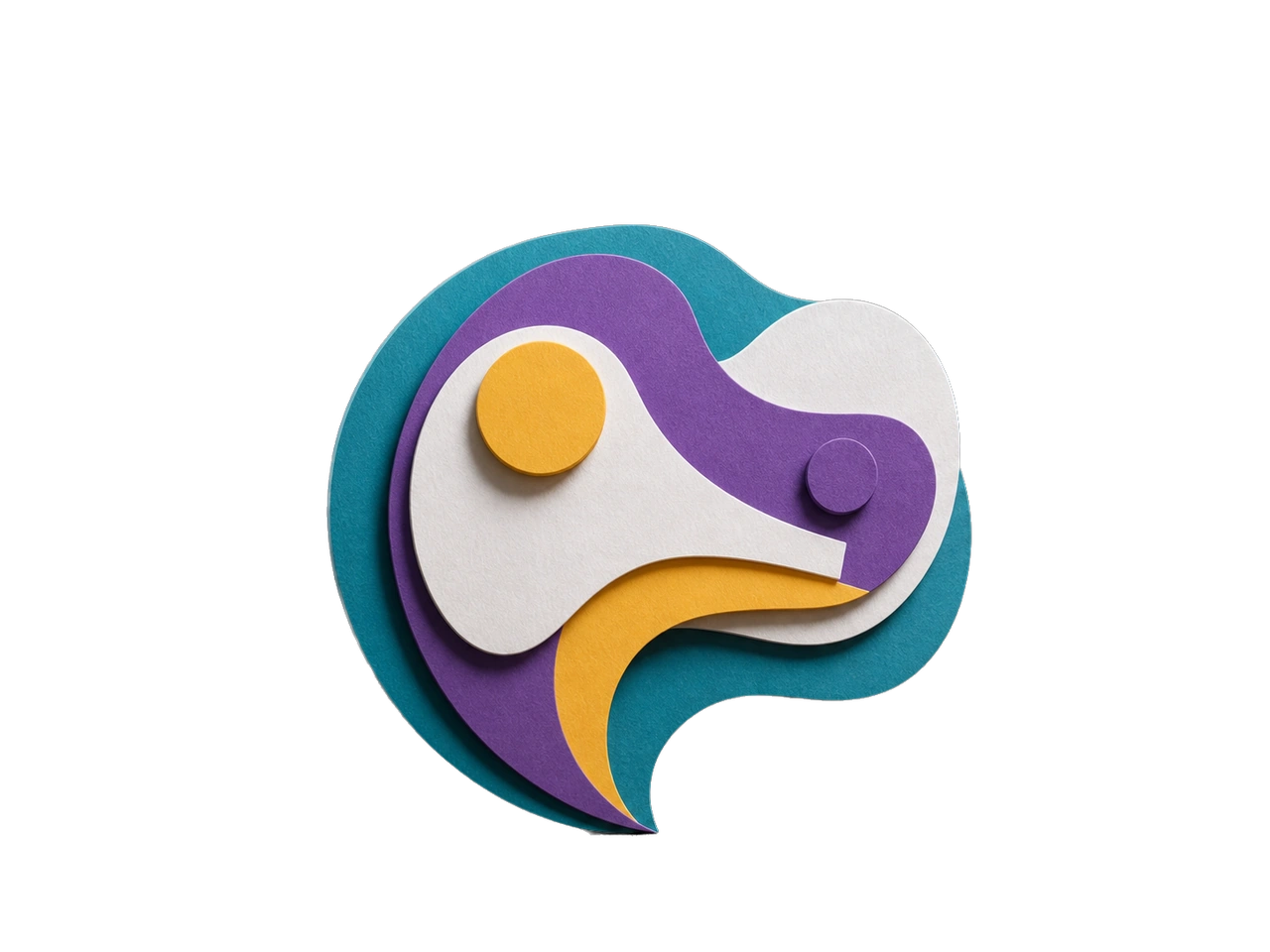
Upload a photo, check the cutout, then download the transparent-background image.
Drop in a local file or paste an image URL. JPG, PNG and WebP all work.
Start background removal, then inspect the subject edges, hair and any small details in the preview.
Download the file and place it over your chosen background. Check the file format when importing it into another app.
Drop in a local file or paste an image URL. JPG, PNG and WebP all work.
Start background removal, then inspect the subject edges, hair and any small details in the preview.
Download the file and place it over your chosen background. Check the file format when importing it into another app.
Transparent cutouts for new backgrounds and layouts.
Remove backgrounds from images in seconds with high precision AI technology
Simply upload your image and get transparent background results instantly
Place a person, product or illustration on a new background for product images, presentations and other designs.
Answers to your questions about Remove Background.
Upload a photo, download a transparent cutout and continue your design.