01Transformations
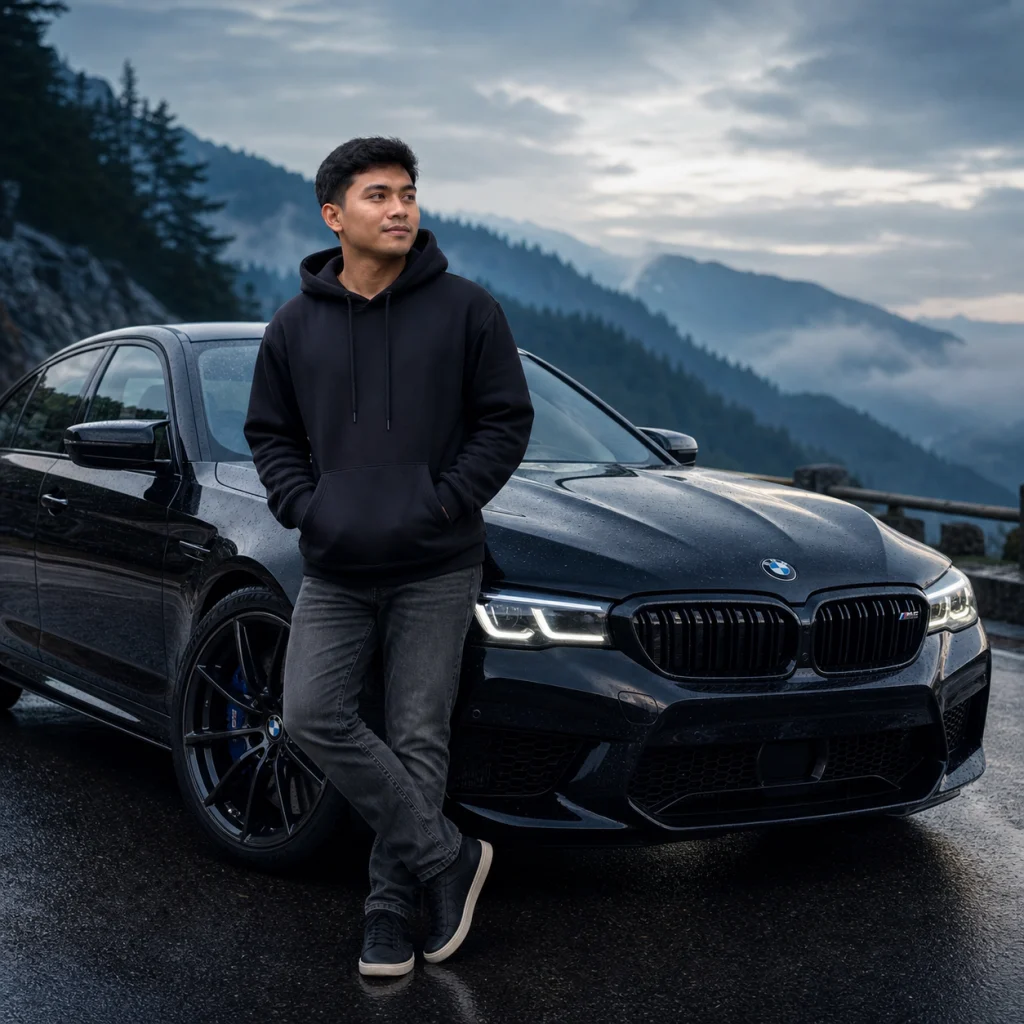
Black BMW on a mountain road
A misty blue-hour road, wet-pavement reflections, black streetwear, and a glossy performance sedan create the classic viral BMW portrait look.
Upload a selfie and turn it into a cinematic luxury-car portrait with GPT Image 2. Choose the car color, road, outfit, pose, and lighting, or copy one of the ready-to-use BMW portrait prompts below. This is an independent creative tool and is not affiliated with or endorsed by BMW.
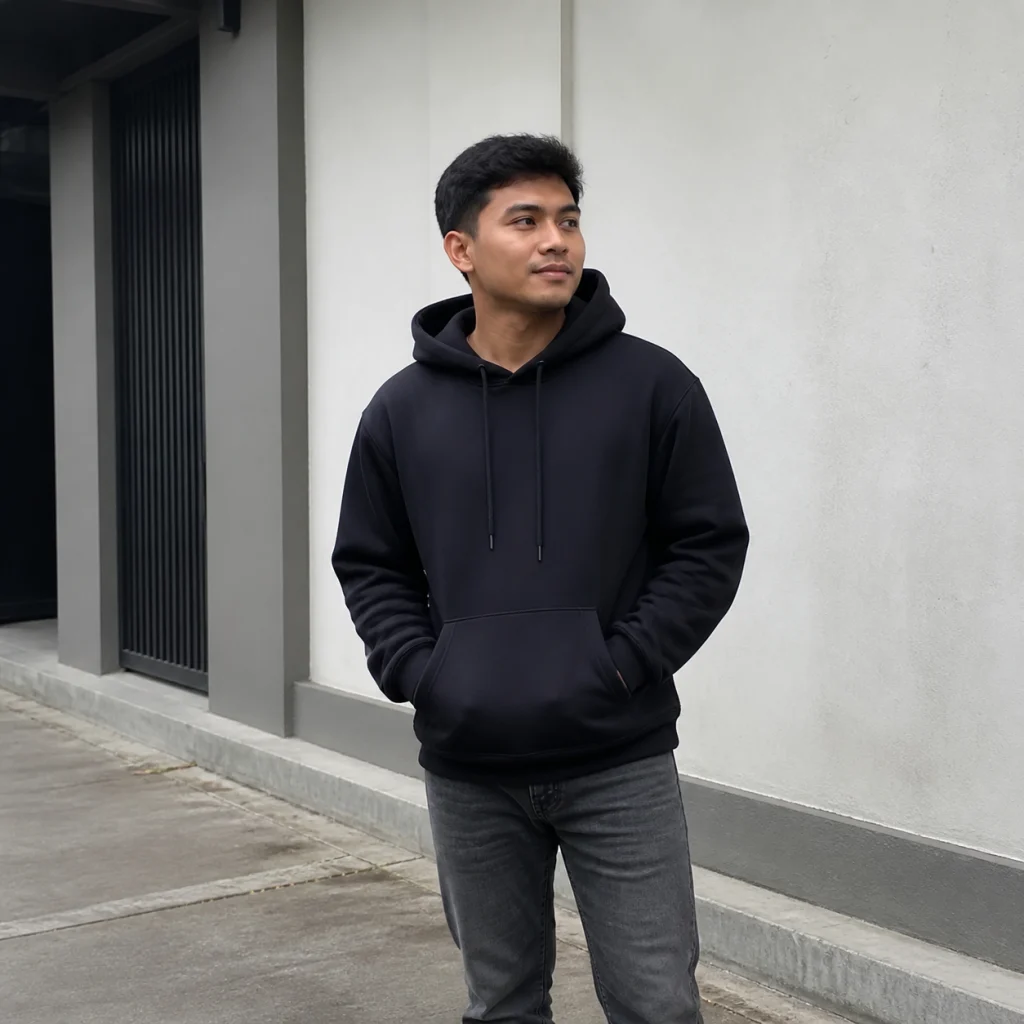
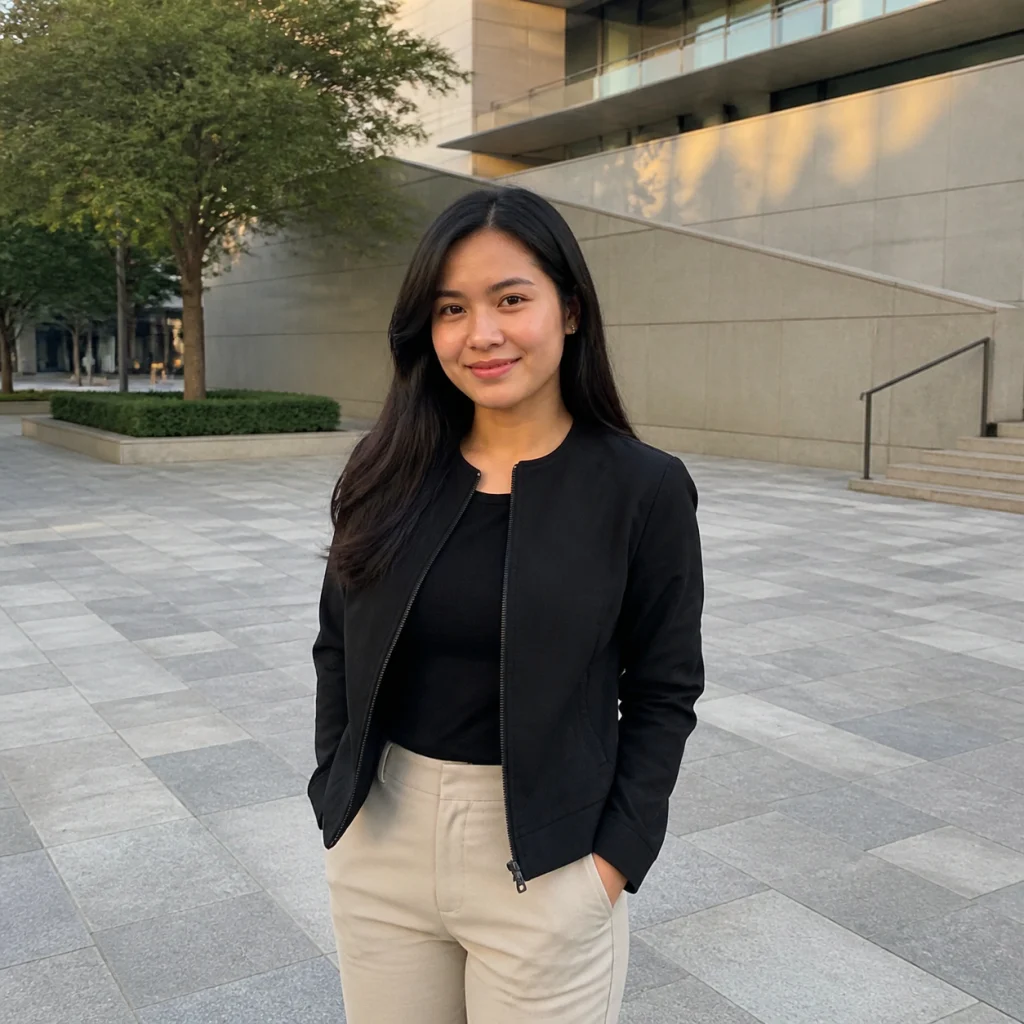
See how ordinary portraits become cinematic BMW car photos for profile pictures, posts, Reels covers, and luxury lifestyle edits.
A misty blue-hour road, wet-pavement reflections, black streetwear, and a glossy performance sedan create the classic viral BMW portrait look.
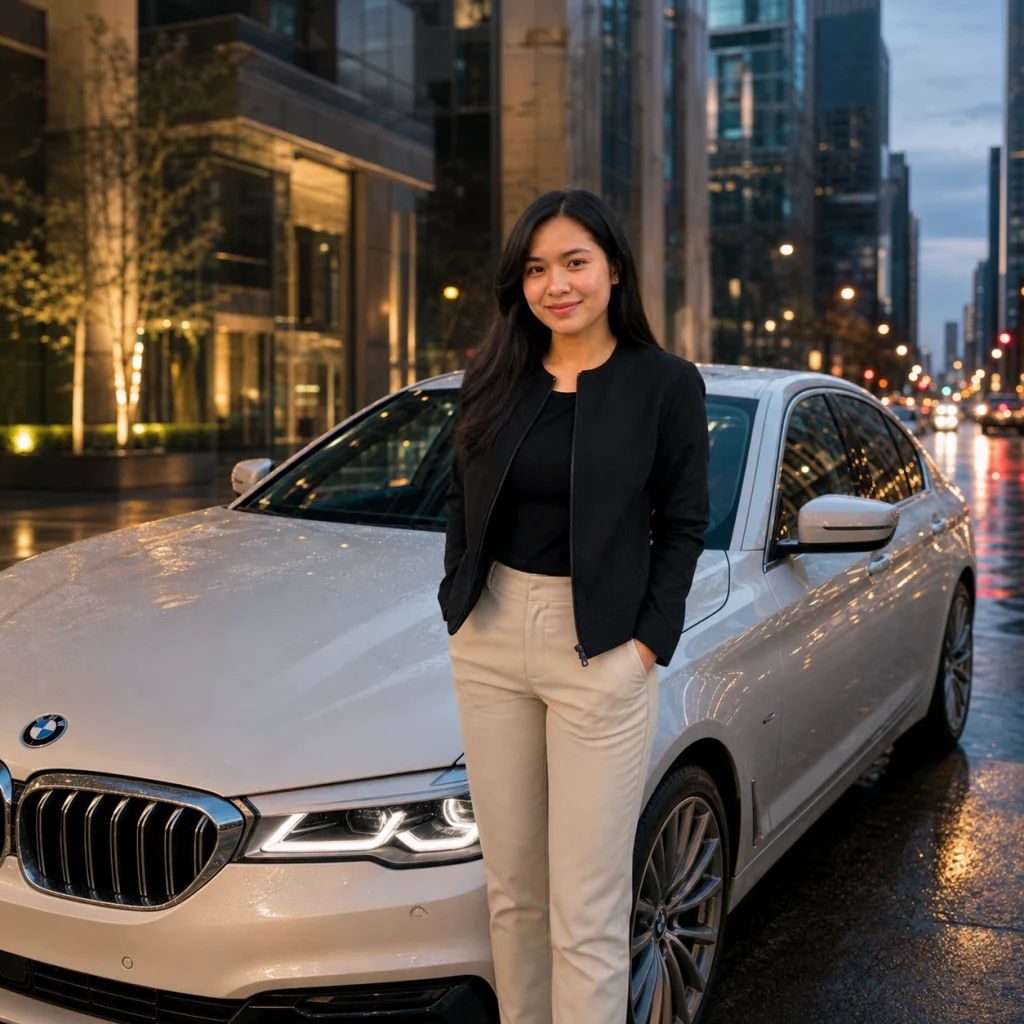
Warm streetlights and rain reflections turn a simple city portrait into a refined luxury lifestyle image.
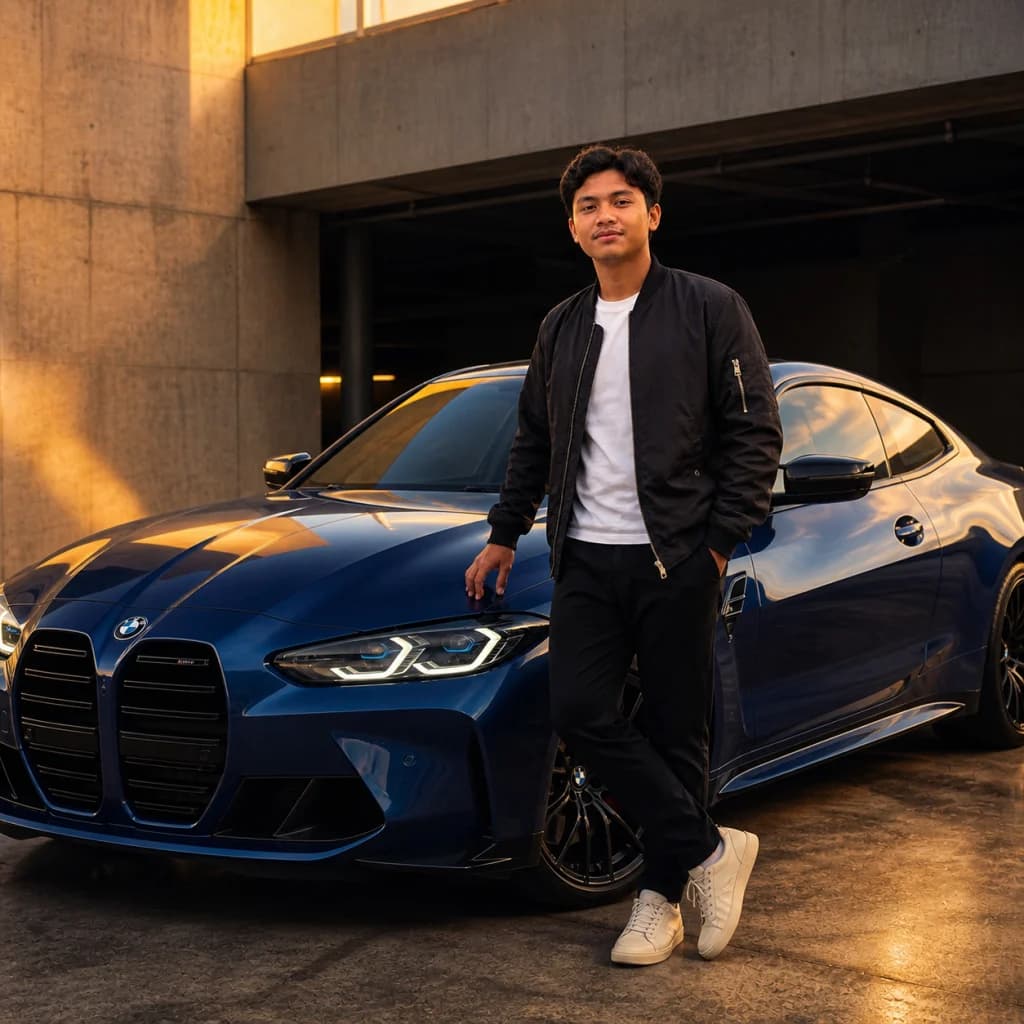
Architectural concrete, warm rim light, and a deep-blue coupe produce a clean automotive editorial scene.
Tap a prompt to copy it, or paste it into the direction box and customize the model, color, location, or outfit.
black BMW M5-style performance sedan on a misty mountain road at blue hour, black oversized hoodie and grey jeans, leaning casually against the front quarter panel, wet asphalt reflections, cinematic automotive editorial photography
pearl-white BMW luxury sedan on a modern downtown street after rain, minimalist black jacket, relaxed confident pose, warm streetlights, glass buildings, wet-pavement reflections, premium lifestyle photography
deep metallic-blue BMW M4-style coupe in a premium concrete parking structure at golden hour, dark bomber jacket, one hand near the roofline, warm rim light and cool shadows, polished automotive campaign composition
glossy black BMW performance car on a neon-lit city street at night, all-black streetwear, confident side pose, red and blue reflections, shallow depth of field, realistic cinematic social-media portrait
Common questions about using BMW Portrait Prompt
It is a social photo-editing trend that places the person from an uploaded photo beside a cinematic BMW luxury car. Popular versions use an M5- or M4-style car, confident posing, streetwear, mountain roads, city lights, and realistic reflections.
People searching for bit.ly/bmw portrait prompt are usually looking for a copy-and-paste BMW car photo prompt shared through a short link. Image 2 provides equivalent ready-to-use prompt ideas and a direct generator, but it is not affiliated with that Bitly link.
Yes. The prompt ideas can be copied and adapted for Gemini or another image model that accepts a reference photo. On this page, you can also upload your photo and generate directly with GPT Image 2.
The default prompt asks GPT Image 2 to preserve your recognizable face, age, skin tone, hairstyle, body proportions, and expression. A clear source photo usually gives the most consistent result, but outputs can vary.
You can request black M5-style mountain scenes, white luxury sedans in the city, blue performance coupes in a garage, neon night portraits, golden-hour road photos, or your own car color and location.
No. Image 2 is an independent creative tool and is not affiliated with, sponsored by, or endorsed by BMW. Vehicle names and visual references are used descriptively, and generated details may not be exact.
Commercial use may be permitted subject to our Terms of Service, applicable law, and third-party trademark or publicity rights. Review the result carefully and do not imply an official BMW campaign, endorsement, dealership, or sponsorship.
A useful BMW car pose prompt can ask the subject to stand beside the car, lean against the front quarter panel, or sit on the bonnet with a relaxed pose. Use a vertical 9:16 composition for a BMW DP, Instagram Reels, TikTok, or YouTube Shorts; the same directions work for boys or girls.
Yes. New users can try it with free signup credits and daily check-in rewards. Each generation uses 2/2/6 (1K/2K/4K) credits depending on resolution, and extra credits are available in paid packs.
Still have questions? Contact us at [email protected]