GPT Image 2 4K Results
GPT Image 2 4K
Sharper posters, ads, product visuals, and text-heavy layouts — the same GPT Image 2 model, tuned for the moment your image has to hold up close.
Made with GPT Image 2 4K.
Nine outputs built on the prompts and reference-aware composition that make 4K worth choosing.
Built for output that has to hold up close.
Same GPT Image 2 model, tuned for the moment an image stops being a preview and starts being the final file — sharp edges, legible type, and detail that survives a crop.
Sharper at every size
Generate at 4K and keep clean edges, fine texture, and detail that holds up in a large print or a tight crop — not just a scaled-up draft.
Type that stays legible at scale
Headlines, labels, and captions keep their kerning and weight as the canvas gets bigger, so posters and packaging don't blur at the edges.
Reference-aware, even at 4K
Upload reference images to lock a face, product, or layout, then generate the final version at full resolution without losing consistency.
Draft small, finish large
Start at 1K or 2K to test a prompt, then rerun the exact same brief at 4K once the composition is locked — one workflow, three sizes.
Pick 4K for finals, keep smaller sizes for exploration.
A practical workflow is to draft in 1K or 2K, refine the prompt and aspect ratio, then rerun the final version in 4K for sharper type, cleaner details, and more crop room.
Where the extra resolution earns its keep.
Six workflows where a sharper file changes what you can ship.
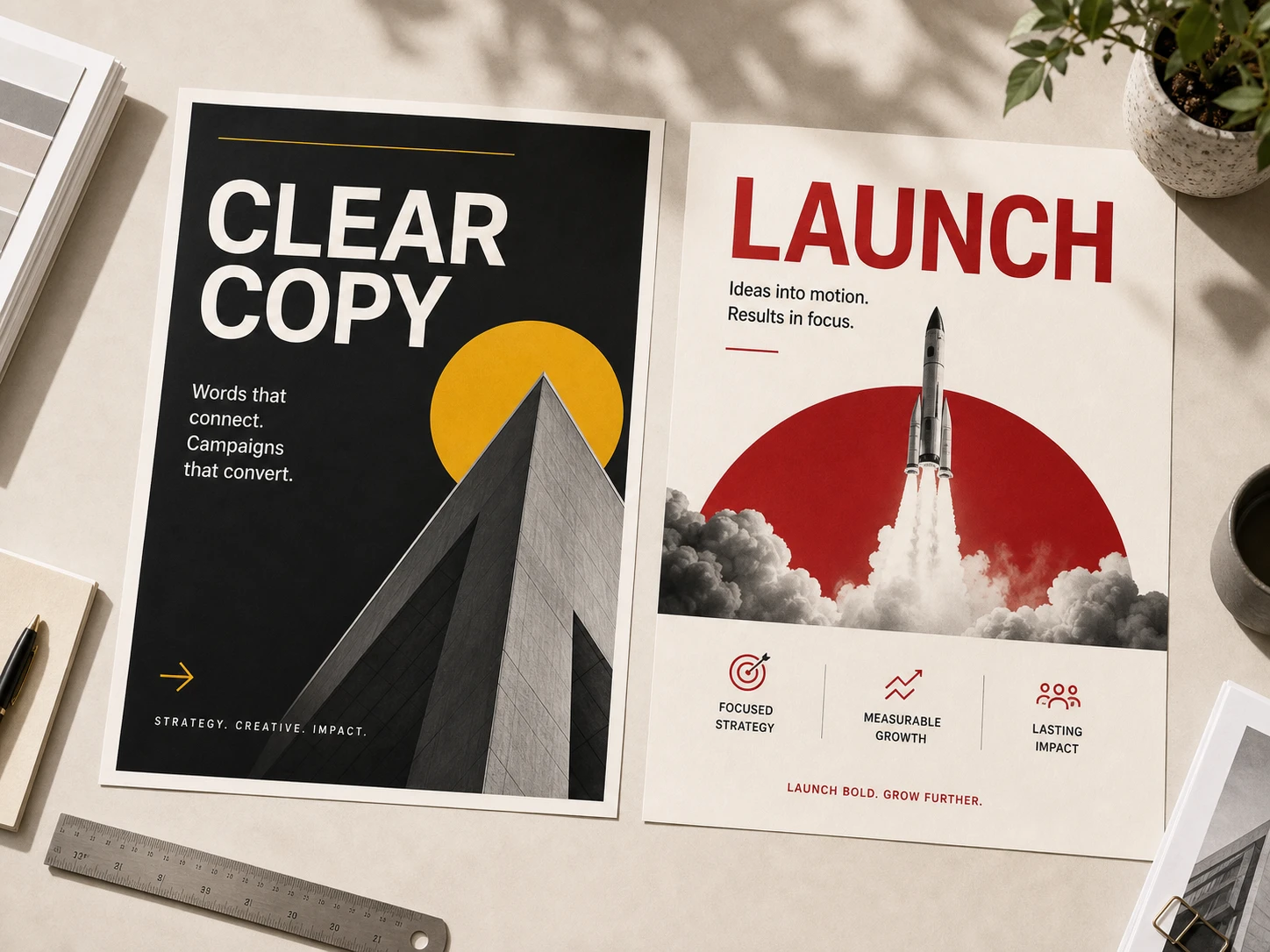
Print-ready posters and keys
Generate the hero visual at 4K so headline type and fine linework hold up on a printed poster, not just a phone screen.
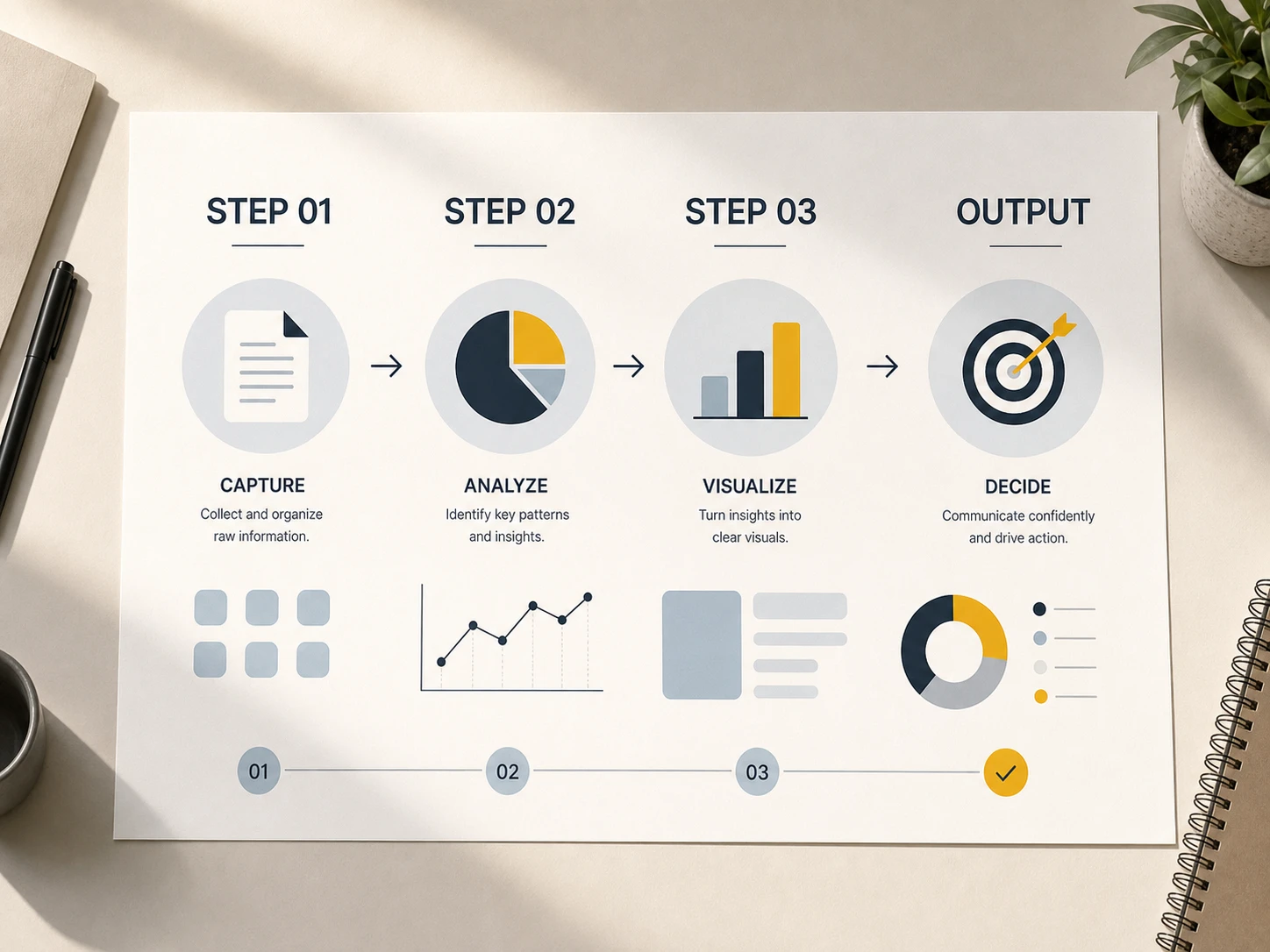
Infographics with legible labels
Small callouts and data labels stay sharp at 4K, so a dense diagram is still readable after it's cropped or resized.
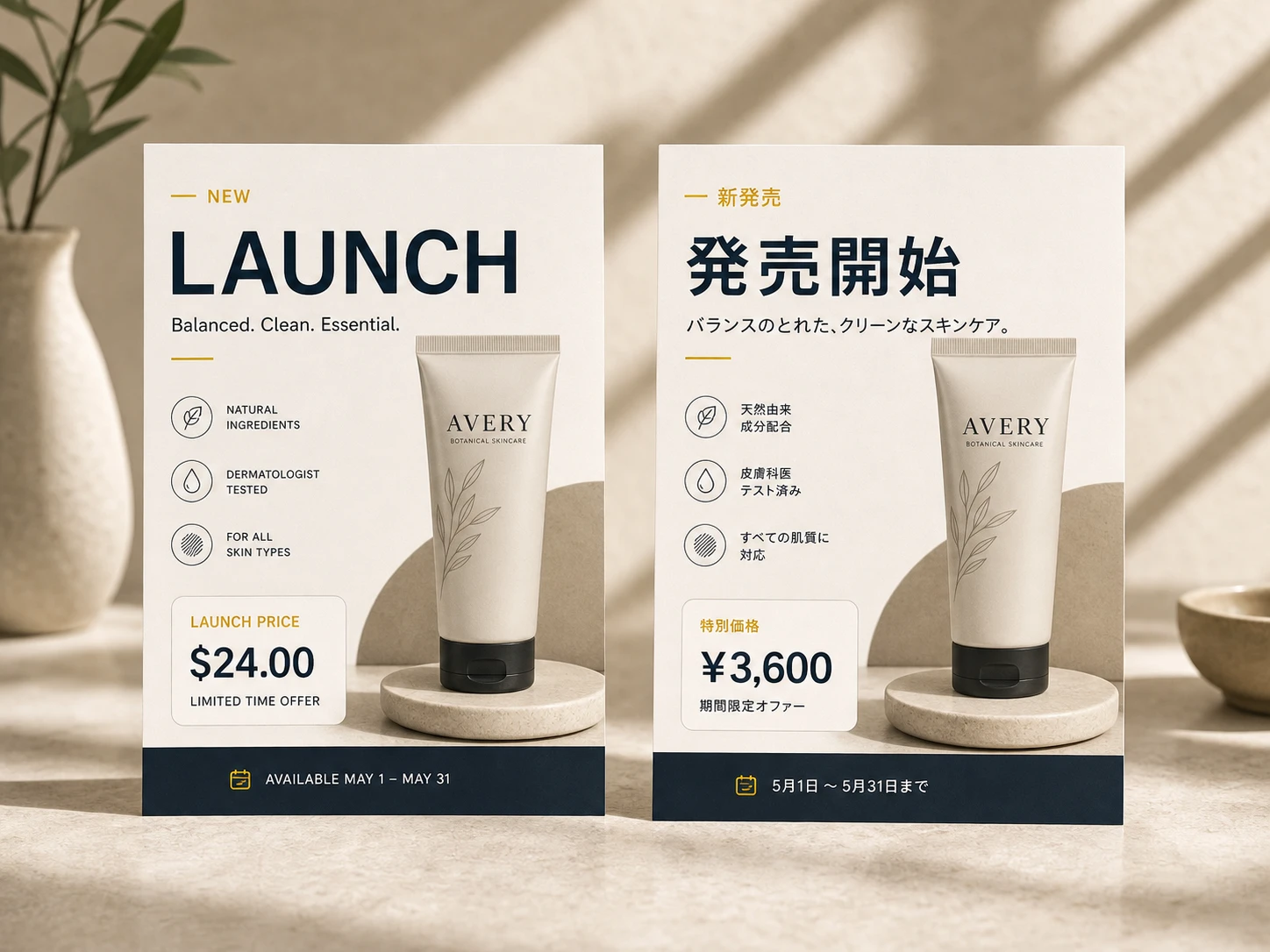
Multilingual signage and menus
Localized text stays crisp at full resolution — useful when a sign or menu gets printed larger than a screen.
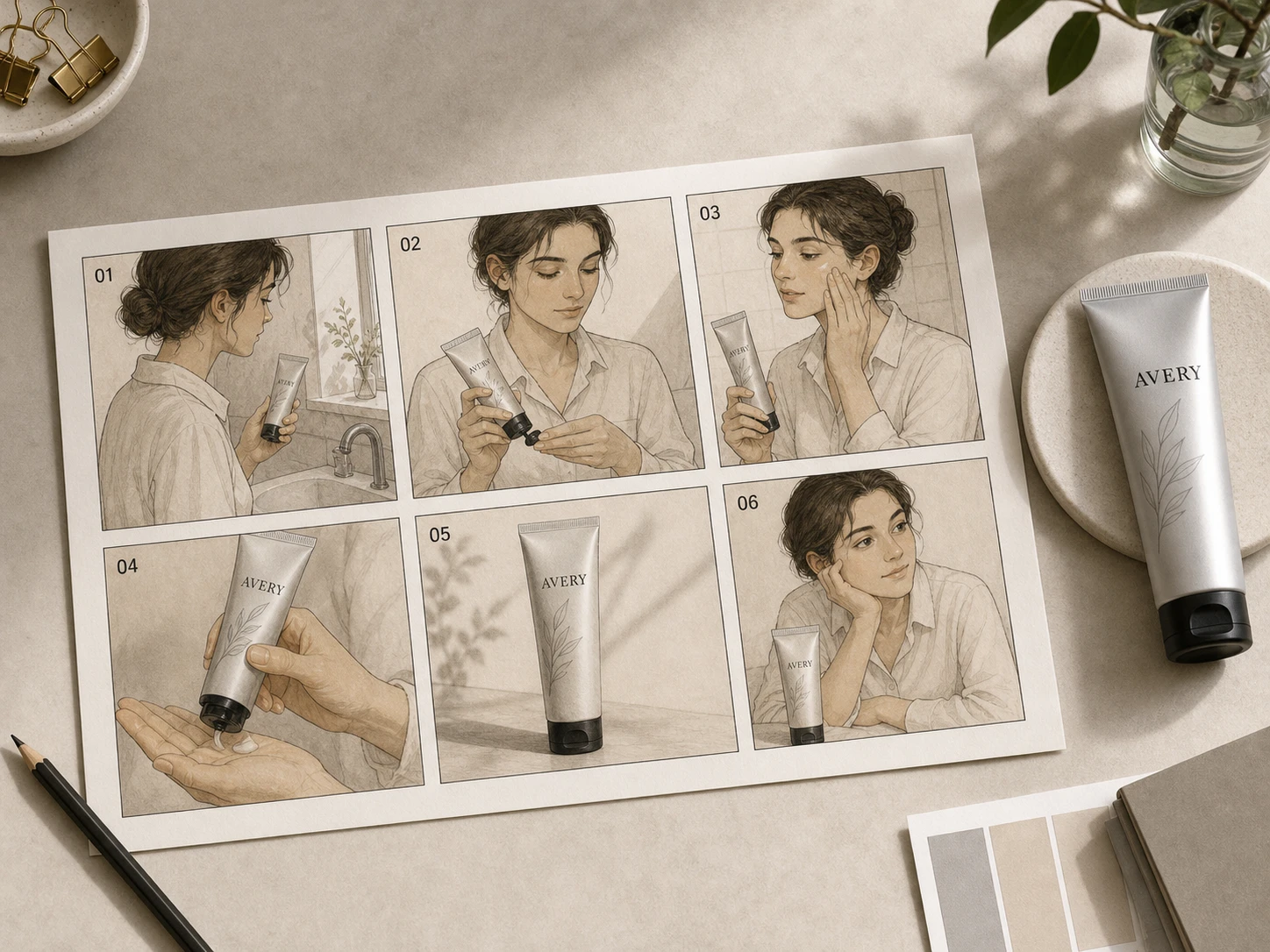
Storyboards you can zoom into
Keep character and product consistency across panels, then generate the final frames at 4K for a clean pitch deck or shot list.
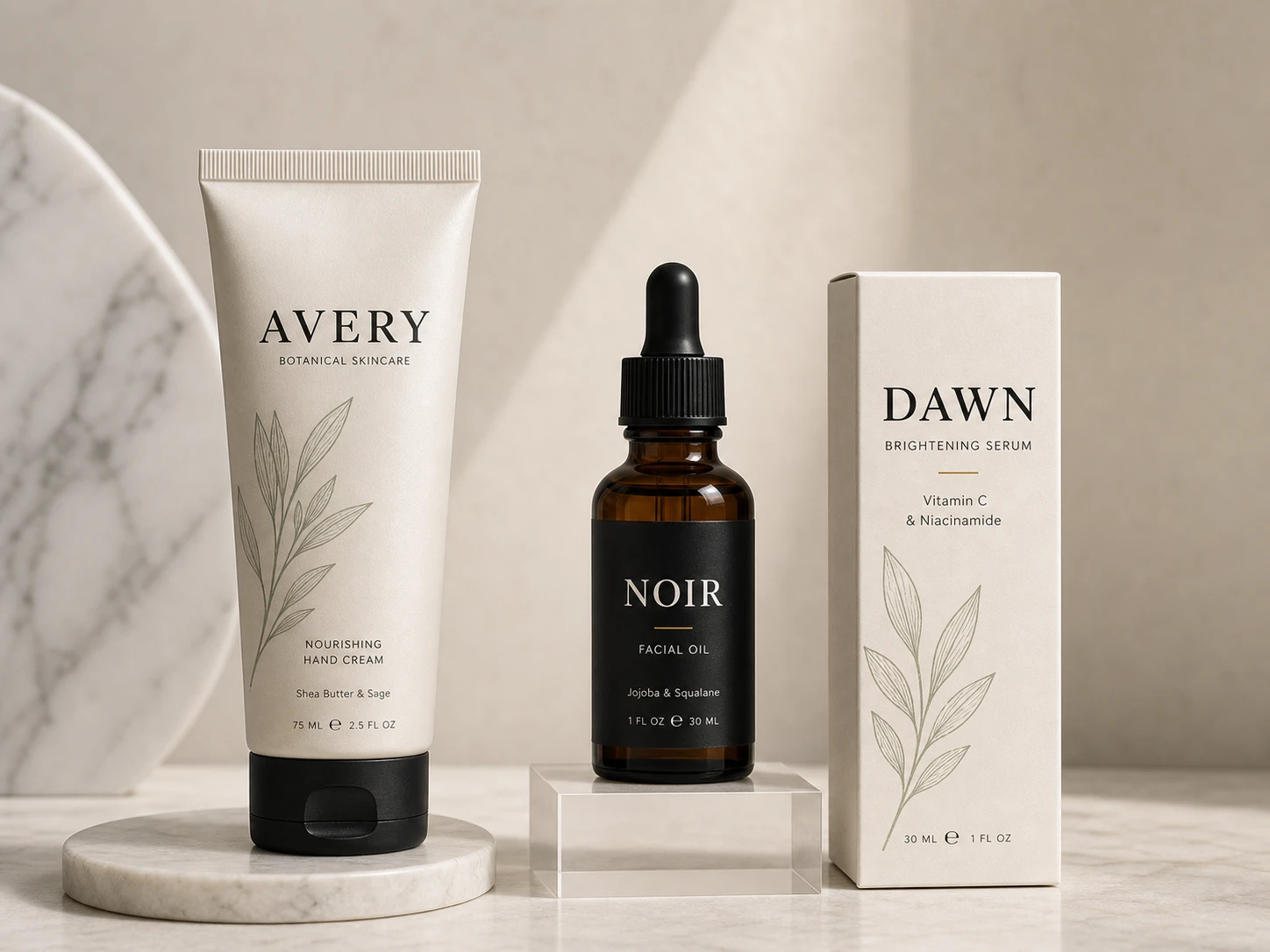
Packaging mockups for print
Label copy, fine embossing, and material texture stay crisp at 4K — close enough to hand to a printer for proofing.
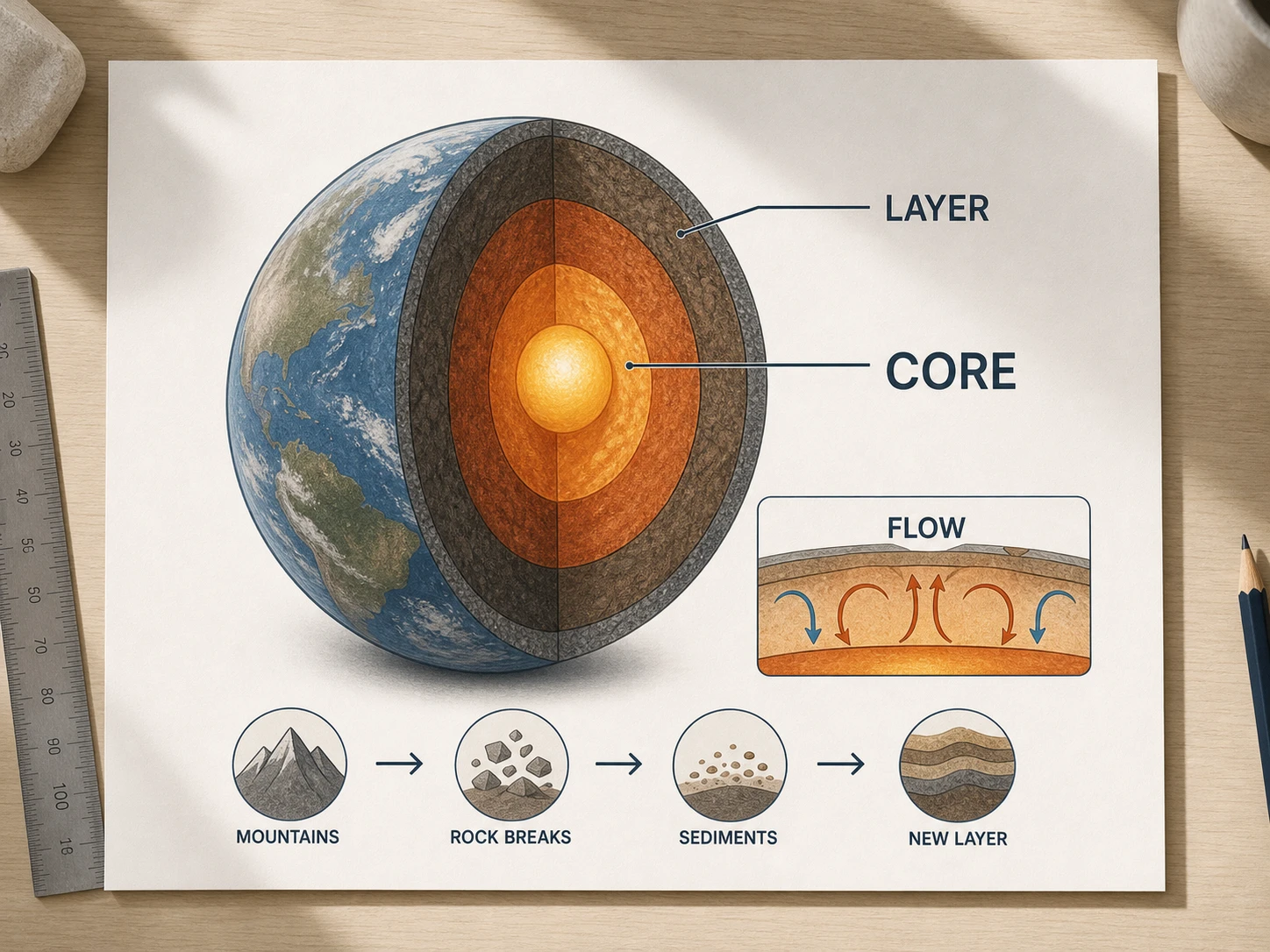
Diagrams built for the classroom screen
Cross-sections and process diagrams stay legible when projected large or printed as a handout, not just viewed at thumbnail size.
Steal a starting point.
Six briefs tuned for 4K output — copy one and generate the final version at full resolution.
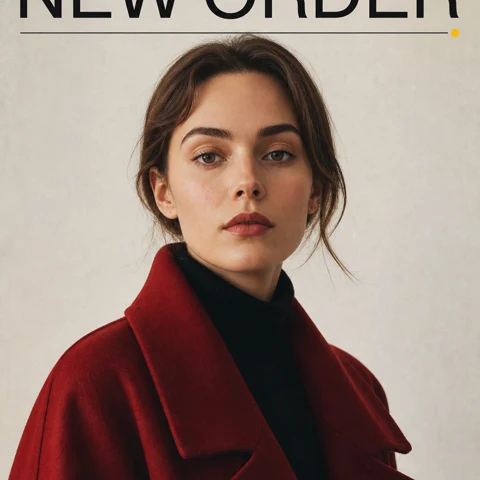
Magazine cover
4K magazine cover layout, bold sans-serif masthead 'NEW ORDER' across the top, full-bleed portrait of a woman in a red coat, small issue line bottom-right, neutral studio backdrop, glossy paper feel, ultra-sharp detail for print
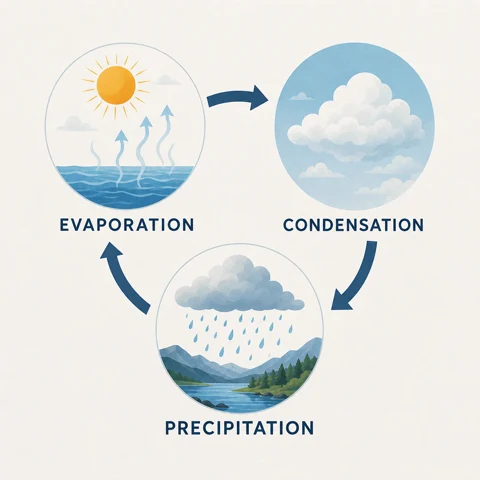
Three-step explainer
4K three-step infographic explaining the water cycle — evaporation, condensation, precipitation — flat illustration with labeled arrows between each step, soft pastel palette, geometric sans-serif type, generous margins, crisp readable labels at full resolution
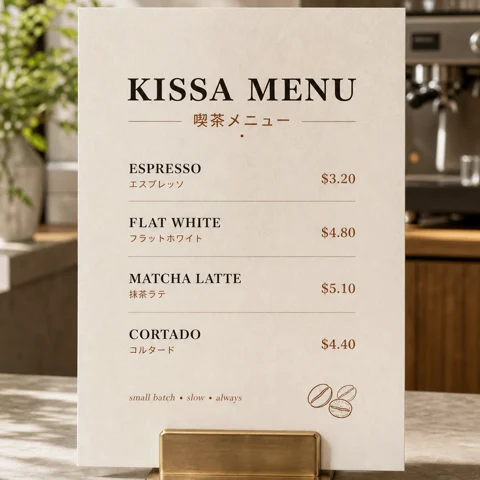
Café menu
4K café menu board printed in English and Japanese, four espresso drinks with prices and one-line descriptions, warm white paper texture, hand-drawn coffee bean in the corner, condensed serif headline type, sharp enough to print at full size
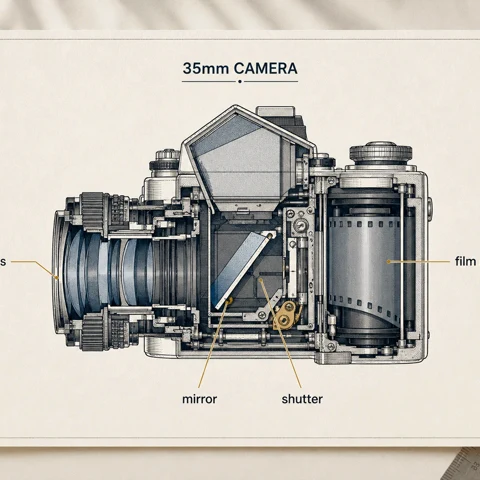
Annotated diagram
4K annotated cross-section of a vintage 35mm film camera, hand-labeled callouts with thin leader lines pointing to lens, mirror, shutter, and film roll, blueprint style on cream paper, technical illustration mood, fine linework held at high resolution

Skincare tube
4K aluminum skincare tube standing on a marble shelf, embossed wordmark 'AVERY' in serif type across the front, small botanical line illustration above the name, soft daylight from camera-right, advertising still life, print-ready detail
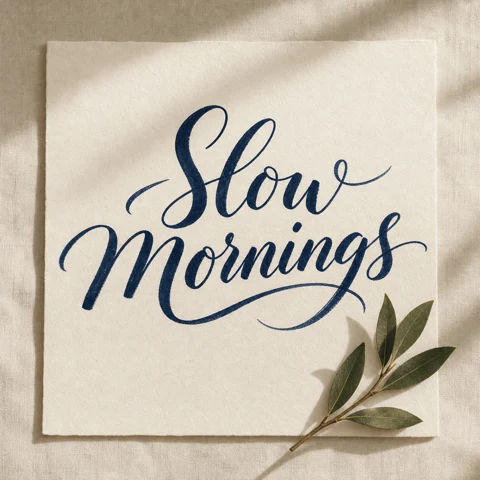
Calligraphic poster
4K calligraphic poster reading 'Slow Mornings' in deep navy brush ink on warm white linen paper, natural variation in stroke weight, a single bay-leaf sprig in the lower-right corner, visible paper grain rendered at full resolution
How to use GPT Image 2 4K.
Three steps from prompt to a 4K-ready file.
Describe the shot, layout, or text you need
Add subject, composition, on-image text, and style. Attach reference images if you need to lock a face, product, or layout.
Check composition before committing to 4K
Generate a fast draft, adjust the prompt or aspect ratio, and confirm the layout works before spending a 4K generation.
Switch the size to 4K and render
Rerun the same prompt at 4K for the sharp, production-ready version — then download it or send it straight to print.
Frequently asked questions
Answers to your questions about GPT Image 2 4K.
Still have questions? Contact us at [email protected]
Ready for the4K version?
Draft in 1K, refine the prompt, then generate the final image at full 4K resolution.