01Transformations
First-day-of-school keepsake
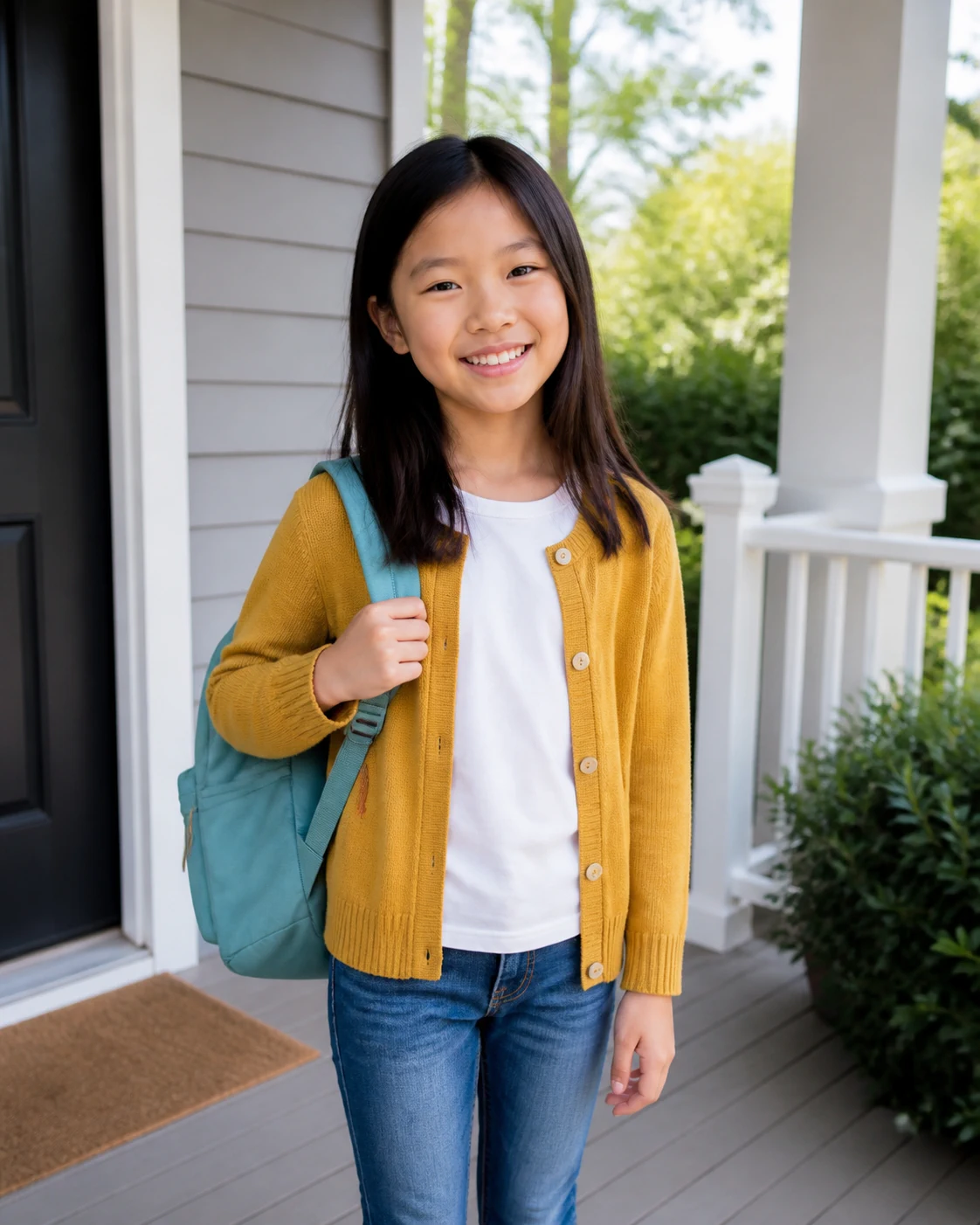
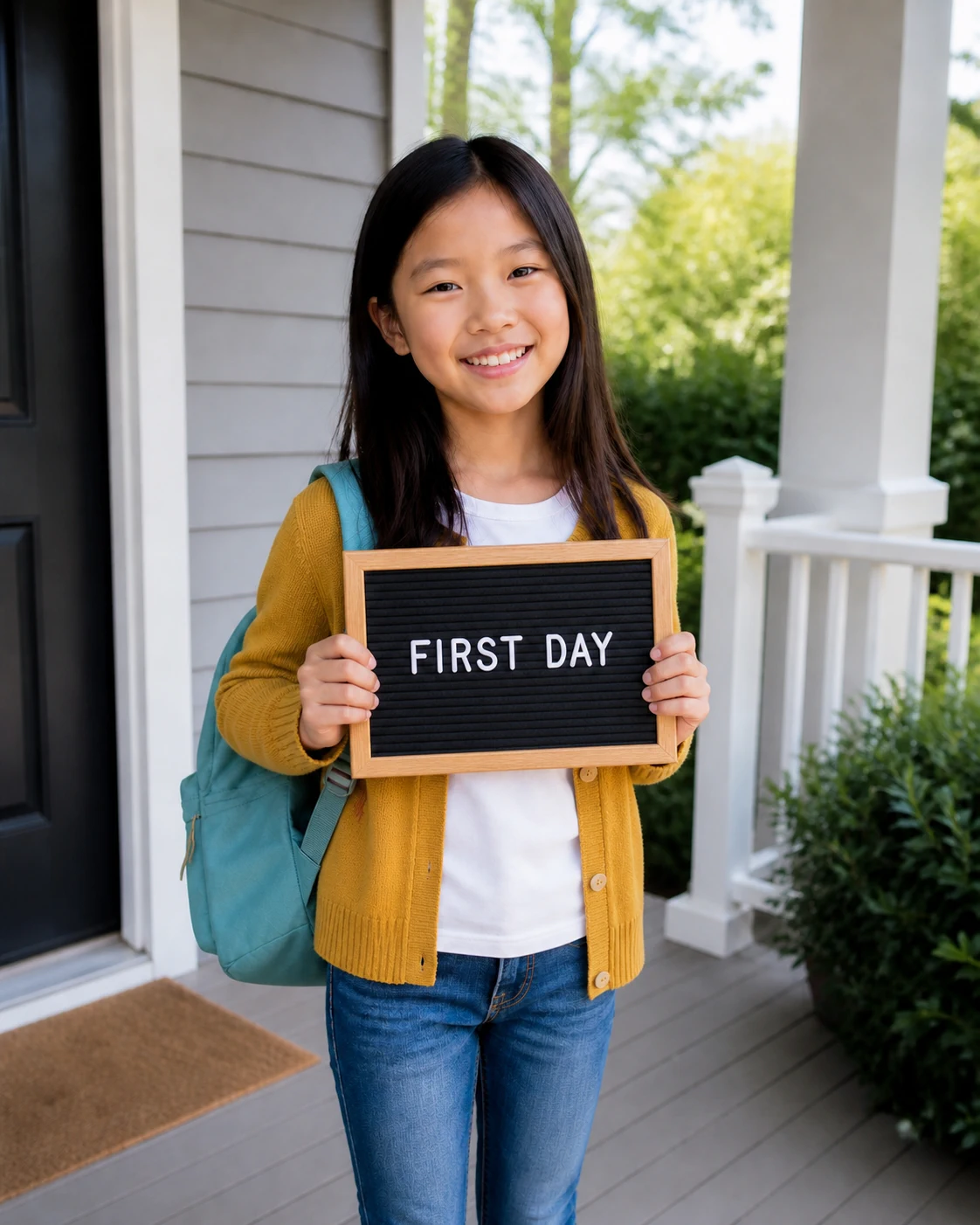
A bright porch portrait with a backpack and a generic FIRST DAY sign—without a name, grade or school.
Turn one portrait into a first-day-of-school photo, a bright classroom or locker portrait, or a 90s-style AI yearbook picture while keeping the person recognizable.
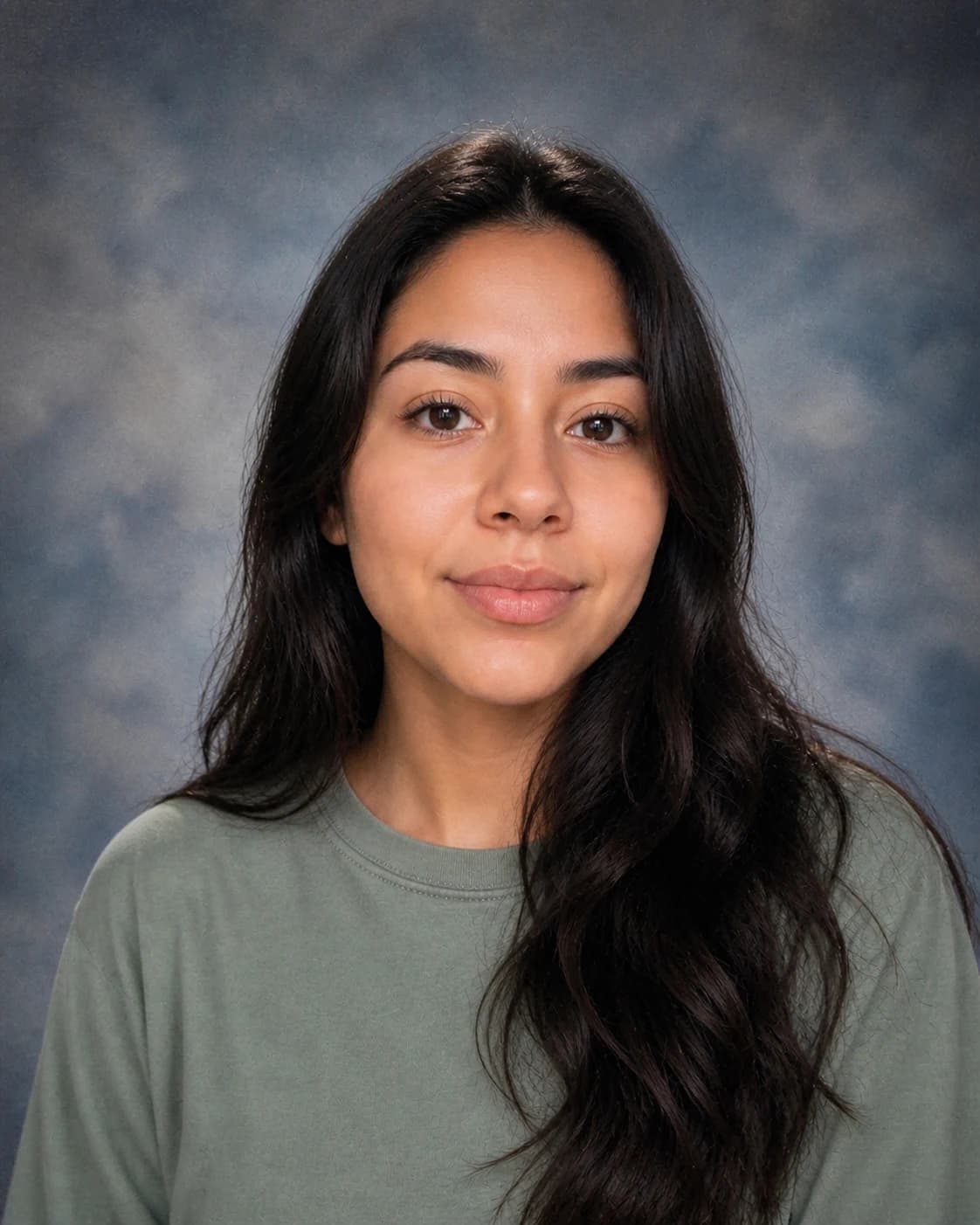
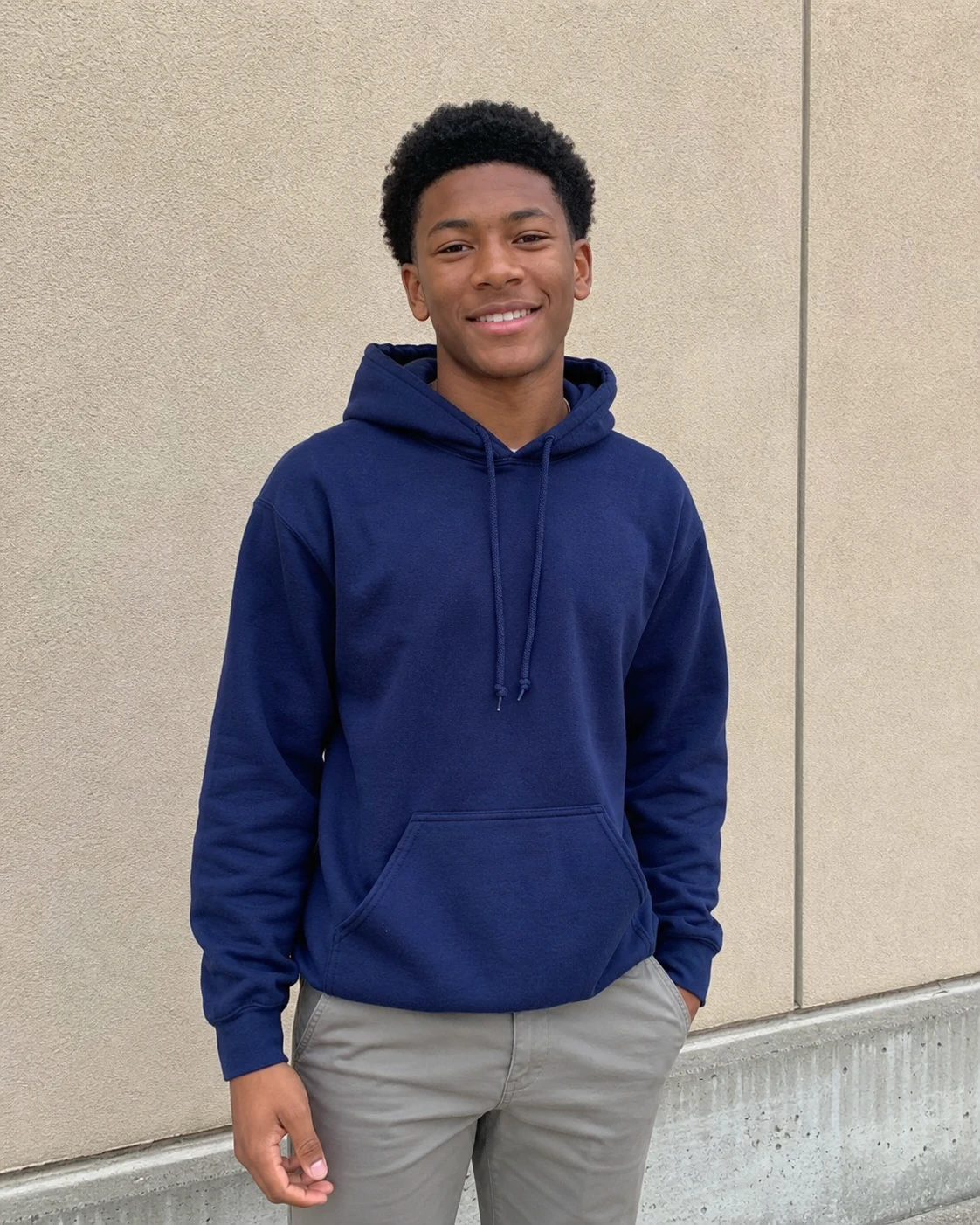
See how an everyday portrait can become a first-day keepsake, a school-locker photo or a classic yearbook portrait.
A bright porch portrait with a backpack and a generic FIRST DAY sign—without a name, grade or school.
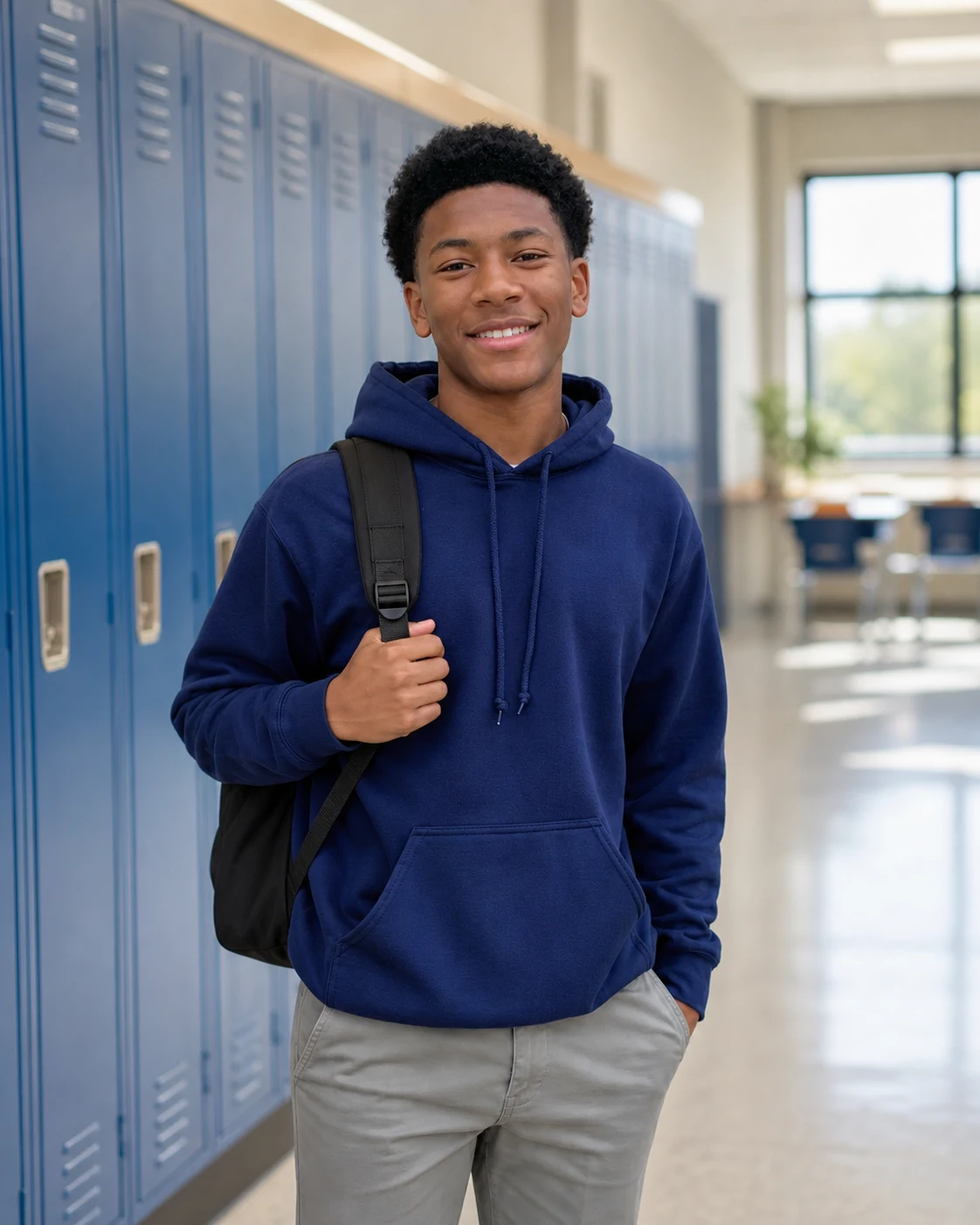
A natural hallway photo with lockers, morning light and no readable school identifiers.
A classic blue-gray studio portrait with subtle film grain and recognizable facial detail.
Tap a prompt to copy it, then paste it into the direction box and adjust the scene or mood.
Bright first-day-of-school keepsake on a home porch, backpack on, holding a generic sign that reads only FIRST DAY, soft morning light, natural smile, vertical family-album photo
Natural school hallway portrait beside blue lockers, backpack over one shoulder, warm morning window light, relaxed candid pose, clean generic setting with no readable school details
Bright classroom portrait near a wooden desk with a few books and pencils, soft window light, age-appropriate clothing, natural expression, generic classroom with no readable names or school marks
90s AI yearbook photo, centered head-and-shoulders school portrait, classic blue-gray muslin studio background, soft direct flash, realistic skin texture, subtle analog film grain, no text
Common questions about using AI Back-to-School Photo Generator
It is an image-editing tool that turns an uploaded portrait into a first-day-of-school keepsake, a classroom or locker portrait, or an AI yearbook photo.
Yes. Ask for a short generic sign such as FIRST DAY. For privacy, leave out the child's name, grade, teacher, school, date and address.
Yes. Ask for a bright classroom or a hallway with school lockers. Image 2 will keep the setting generic and appropriate for the person in the photo.
Image 2 will try to preserve the person's facial features, hairstyle, expression, and overall appearance. Results can still vary, so review the image and regenerate it if needed.
Upload only a photo you have permission to use. Do not enter a child's full name, school, teacher, grade, address, ID, timetable or other identifying information, and review the site's privacy terms first.
New accounts receive free signup credits to try the generator. Each 1K, 2K or 4K generation uses the credit amount shown on the button before you create it.
Use a clear, well-lit portrait with one person facing the camera. Avoid heavy filters, cropped faces, sunglasses, and anything that covers important facial details.
Yes. Upload a clear selfie and choose a 90s yearbook look. Image 2 can add a classic blue-gray studio background, centered school-portrait framing, and subtle film grain.
Still have questions? Contact us at [email protected]