Prompt
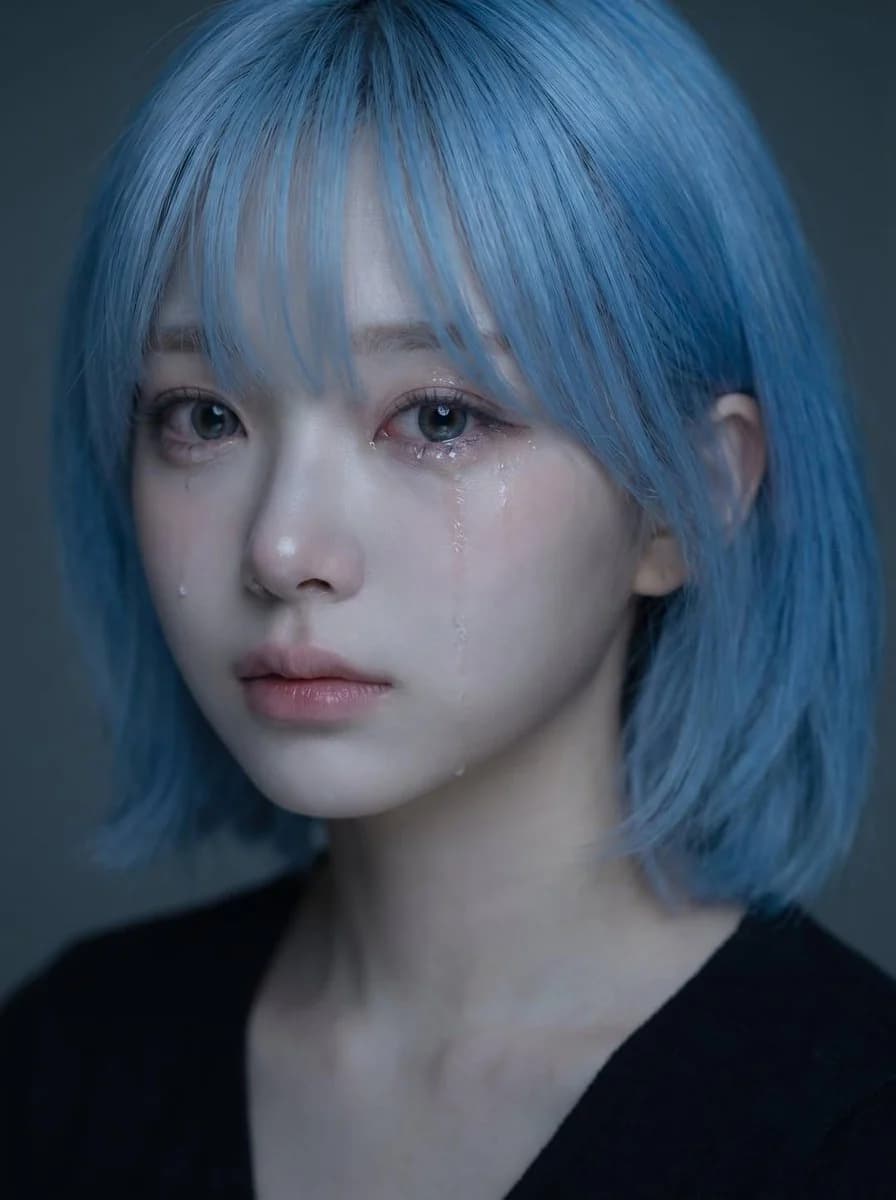
419 wordsUse the uploaded portrait as the identity reference for the subject's face, hairstyle, facial structure, skin tone, expression, and overall impression. Create a high-quality realistic emotional portrait of the same person with a soft sad mood and visible tears. Core concept: - a delicate, emotionally touching close-up portrait - the subject looks quietly sad, as if holding back emotions - the mood should feel fragile, intimate, soft, and beautiful - the image should feel like a polished Korean-style emotional portrait Identity: - preserve the subject's recognizable identity - keep the same face shape, eyes, nose, lips, jawline, hairstyle, and overall vibe - do not make the face look generic or overly different - keep the beauty natural and believable Expression: - slightly sad expression - soft watery eyes - one or two visible tear streaks running down the cheek - lips softly closed or slightly parted - emotional but restrained, not exaggerated - the sadness should feel quiet, longing, and delicate Styling: - long dark hair with soft natural texture - a few loose strands falling across the face - clean natural makeup - luminous skin - simple dark top or minimal clothing visible - overall styling should remain clean and understated so the face is the focus Lighting: - soft, moody lighting - gentle highlights on the eyes, nose, lips, and tear tracks - subtle shadow depth - dark or muted background - the lighting should feel intimate and cinematic, not harsh Composition: - vertical portrait composition - close-up framing - place the face in the upper half of the frame - the center of the face should sit slightly above the vertical midpoint - the eyes should fall around the upper-middle area of the image - avoid placing the face too low in the frame - keep the composition visually balanced and elegant Mood and style: - Korean emotional beauty portrait - soft, melancholic, dreamy, intimate - elegant and photogenic - emotionally expressive without looking dramatic - beautiful but slightly heartbreaking Important visual priority: - preserve identity clearly - the face must remain the main focus - tears should be visible but subtle - expression should feel naturally sad and emotionally convincing - the portrait should look beautiful, soft, and emotionally immersive Negative prompt: - no exaggerated crying - no distorted face - no cartoon style - no anime style - no harsh flash - no messy background - no over-retouched plastic skin - no exaggerated smile - no low-resolution image - no text - no watermark
About this prompt
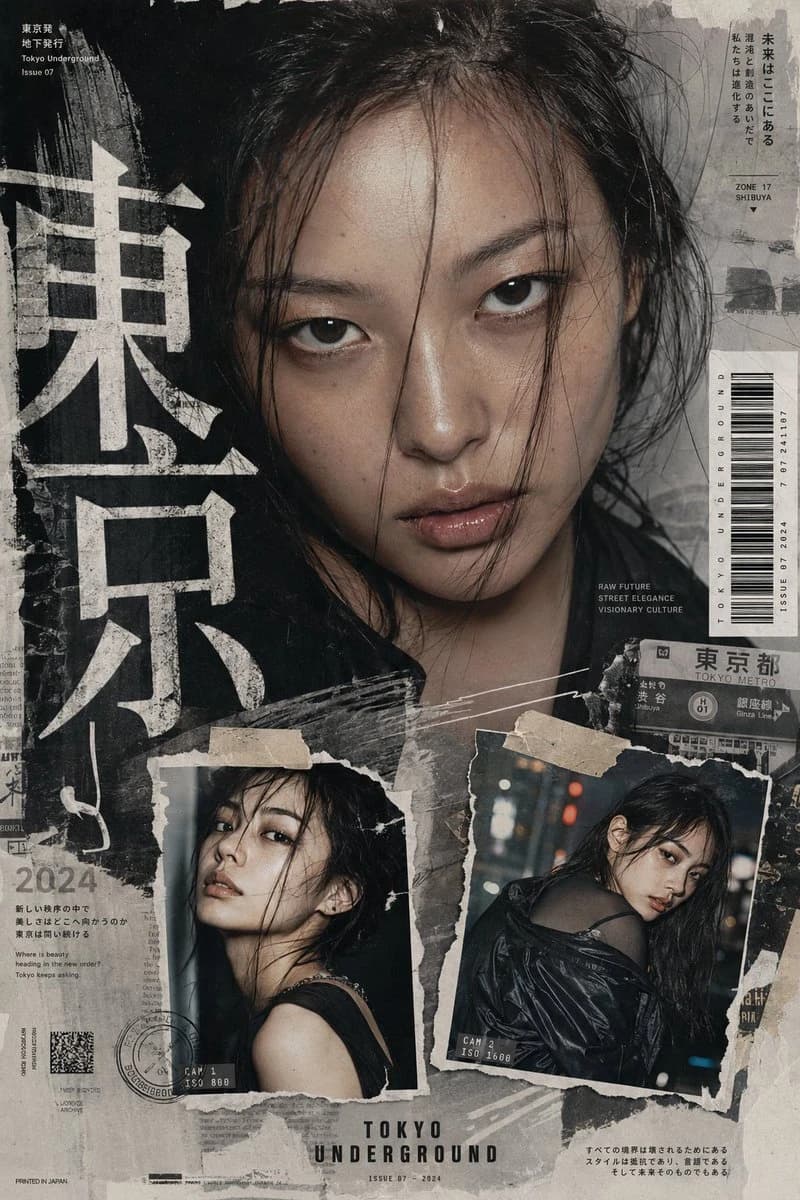
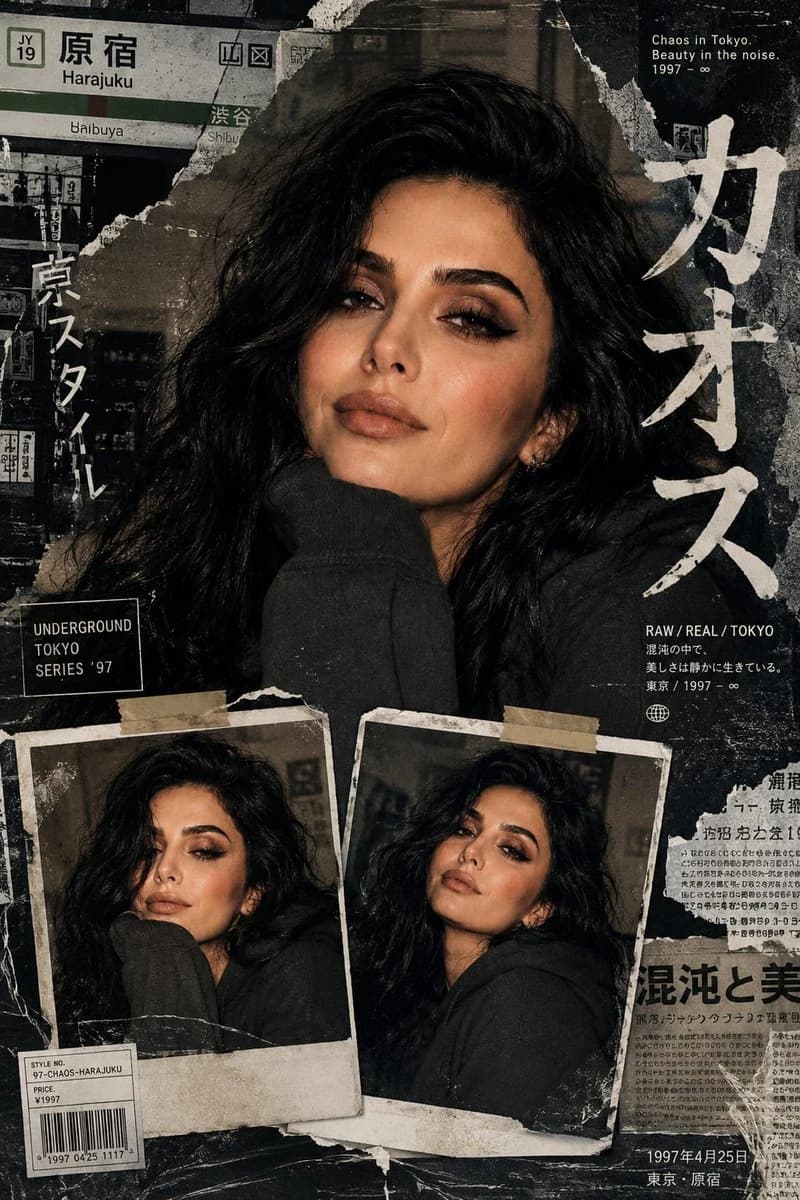
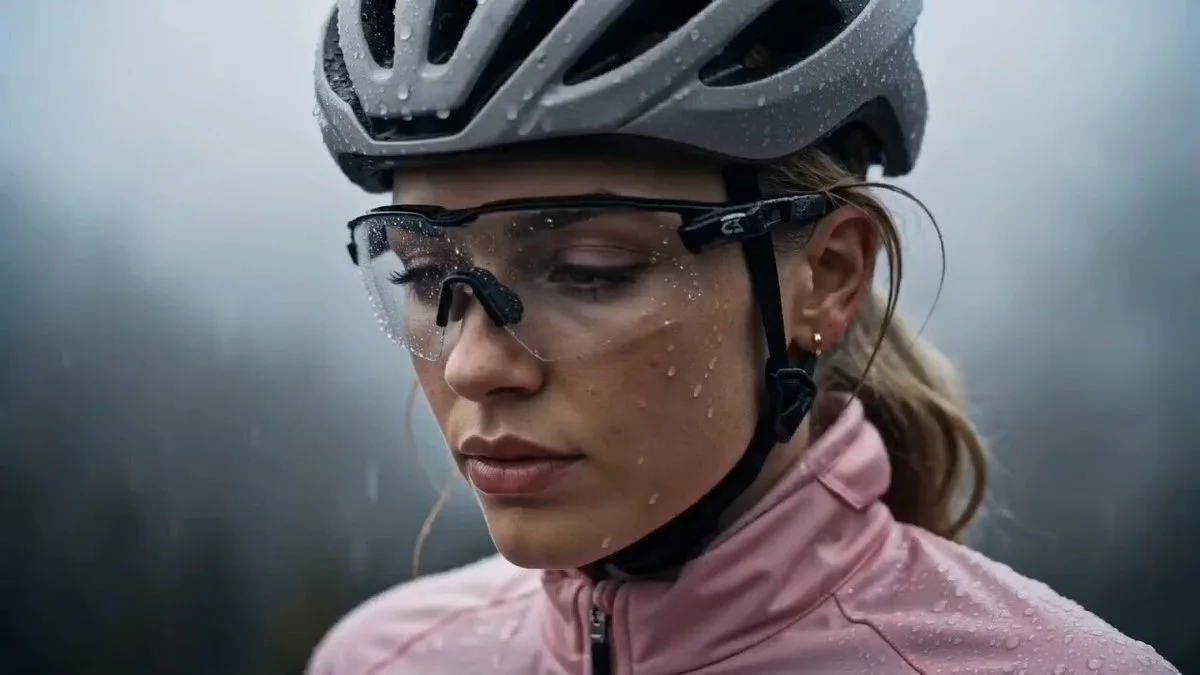
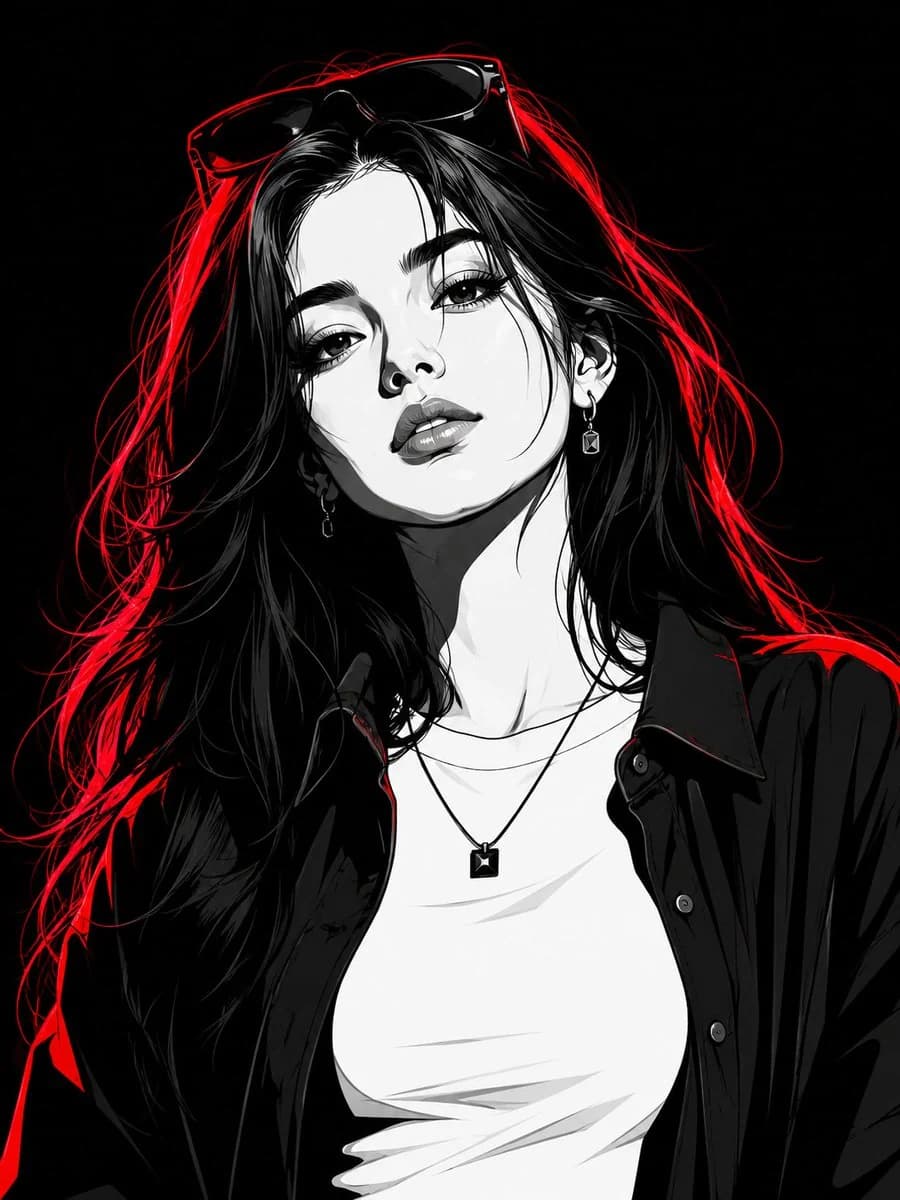
Identity-Locked Portrait Edit is a ready-to-use portrait prompt for GPT Image 2 on Image 2. Copy the 419 words below, paste them into the Create form, and you will get a result close to the preview above. Tweak the Portrait, Fashion, Sports tag if you want to push it somewhere new.
Use it as a starting point, then adjust the subject, lighting, or composition to suit your idea. The credit cost stays the same whether you use it as written or customize it.
Use case
A strong starting point for Portrait
Start here when you want a portrait image inspired by Identity-Locked Portrait Edit. The prompt already sets the look and composition; replace the subject, product, colors, or scene details to match your project.
Easy places to tweak
- Subject Swap in your person, product, place, or object without changing the overall composition.
- Look and mood Tune the lighting, palette, camera angle, or materials so the image fits your brand.
- Final format Set the aspect ratio, background, text, or layout notes before you generate.
More prompt paths to explore
Find more GPT Image 2 prompts with a similar style, use case, or subject.
How to use it
- Step 1
Copy the prompt
Hit the Copy button above to grab the full text.
- Step 2
Open Image 2 Create
Head to the Create form and paste it in.
- Step 3
Generate
Hit Generate. Your version lands in seconds.
Make it yours
Load the prompt into the Create form with one click, then start tweaking.