プロンプト
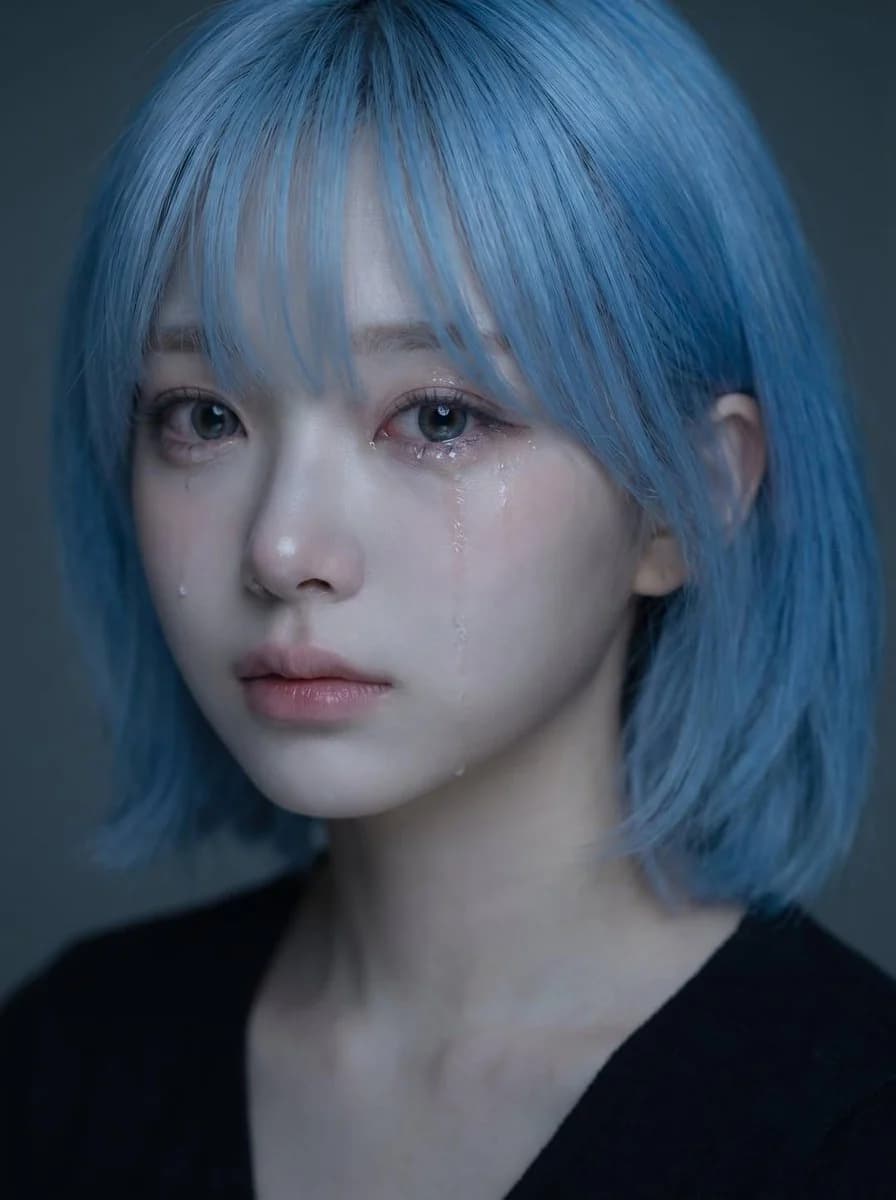
1149 文字アップロードしたポートレートを、被写体の顔、髪型、顔の骨格、肌のトーン、表情、全体的な印象のアイデンティティ参照として使用してください。 同じ人物の、柔らかく悲しげなムードで涙が見える、高品質でリアルな感情的ポートレートを作成する。 コアコンセプト: - 繊細で心を打つクローズアップのポートレート - 被写体は感情をこらえているかのように、静かに悲しげに見える - ムードは儚く、親密で、柔らかく、美しく感じられるようにする - 洗練された韓国風の感情的なポートレートのような画像にする アイデンティティ: - 被写体だとわかるアイデンティティを保つ - 同じ顔の形、目、鼻、唇、あごのライン、髪型、全体的な雰囲気を保つ - 顔をありきたりにしたり、大きく変えたりしない - 美しさは自然で説得力のあるものに保つ 表情: - わずかに悲しげな表情 - 柔らかく潤んだ瞳 - 頬を伝う1〜2筋のはっきり見える涙の跡 - 唇はそっと閉じるか、わずかに開く - 感情的だが抑制が効いていて、誇張しない - 悲しみは静かで、切なく、繊細に感じられるようにする スタイリング: - 柔らかく自然な質感の長い黒髪 - 顔にかかる数本の後れ毛 - クリーンでナチュラルなメイク - 透明感のある肌 - シンプルな濃色のトップス、または最小限の服が見える程度 - 全体のスタイリングはすっきりと控えめにして、顔に焦点が集まるようにする ライティング: - 柔らかく、ムードのあるライティング - 目、鼻、唇、涙の跡に穏やかなハイライト - さりげない影の深み - 暗い、または落ち着いた色の背景 - ライティングは強すぎず、親密でシネマティックに感じられるようにする 構図: - 縦長のポートレート構図 - クローズアップのフレーミング - 顔はフレームの上半分に配置する - 顔の中心は縦の中央よりやや上にくるようにする - 目は画像の中央やや上のあたりにくるようにする - 顔をフレームの低すぎる位置に置かない - 構図は視覚的にバランスが取れたエレガントなものに保つ ムードとスタイル: - 韓国風のエモーショナルなビューティーポートレート - 柔らかく、メランコリックで、夢のようで、親密 - エレガントで写真映えする - ドラマチックになりすぎずに感情豊か - 美しいが、少し胸が締めつけられる 重要な視覚的優先事項: - アイデンティティをはっきりと保つ - 顔をメインの焦点にし続ける - 涙は見えるが控えめに - 表情は自然に悲しげで、感情的に説得力のあるものにする - ポートレートは美しく、柔らかく、感情に没入できるものに見せる ネガティブプロンプト: - 大げさな泣き顔なし - ゆがんだ顔なし - カートゥーンスタイルなし - アニメスタイルなし - 強いフラッシュなし - ごちゃごちゃした背景なし - 修正しすぎたプラスチックのような肌なし - 大げさな笑顔なし - 低解像度の画像なし - 文字なし - 透かしなし
このプロンプトについて
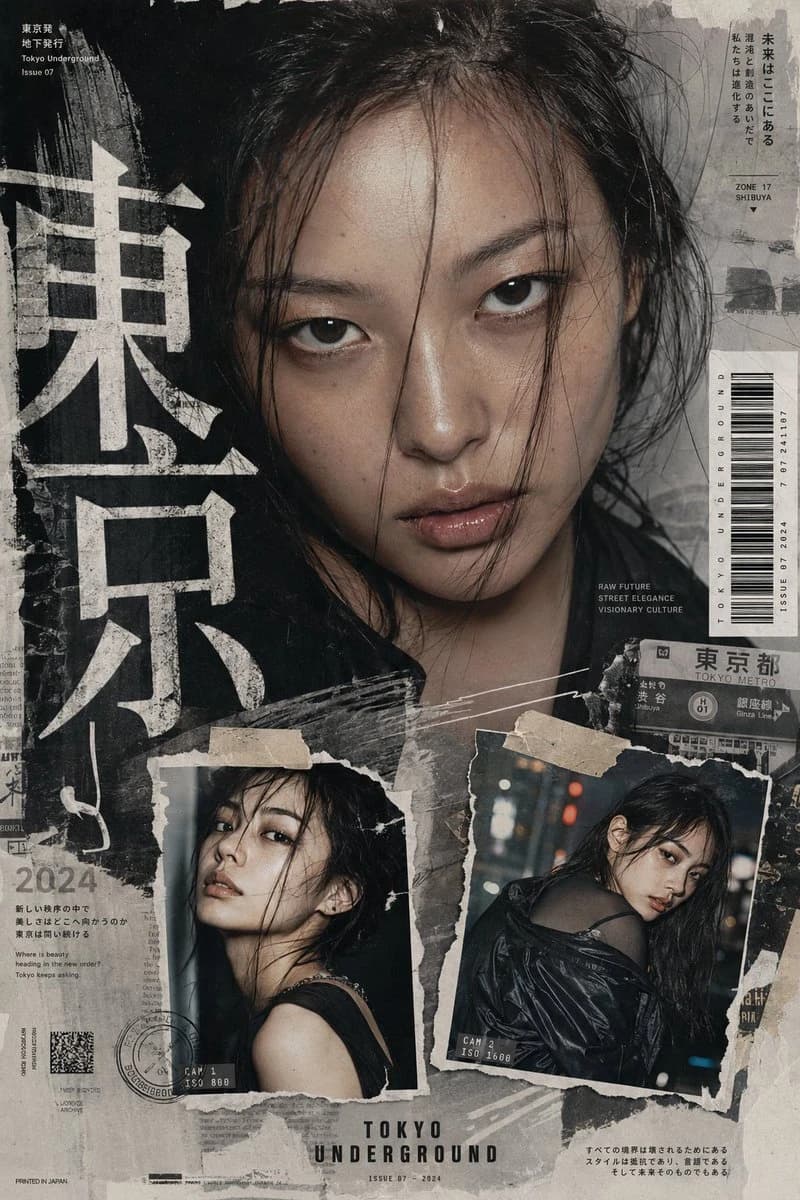
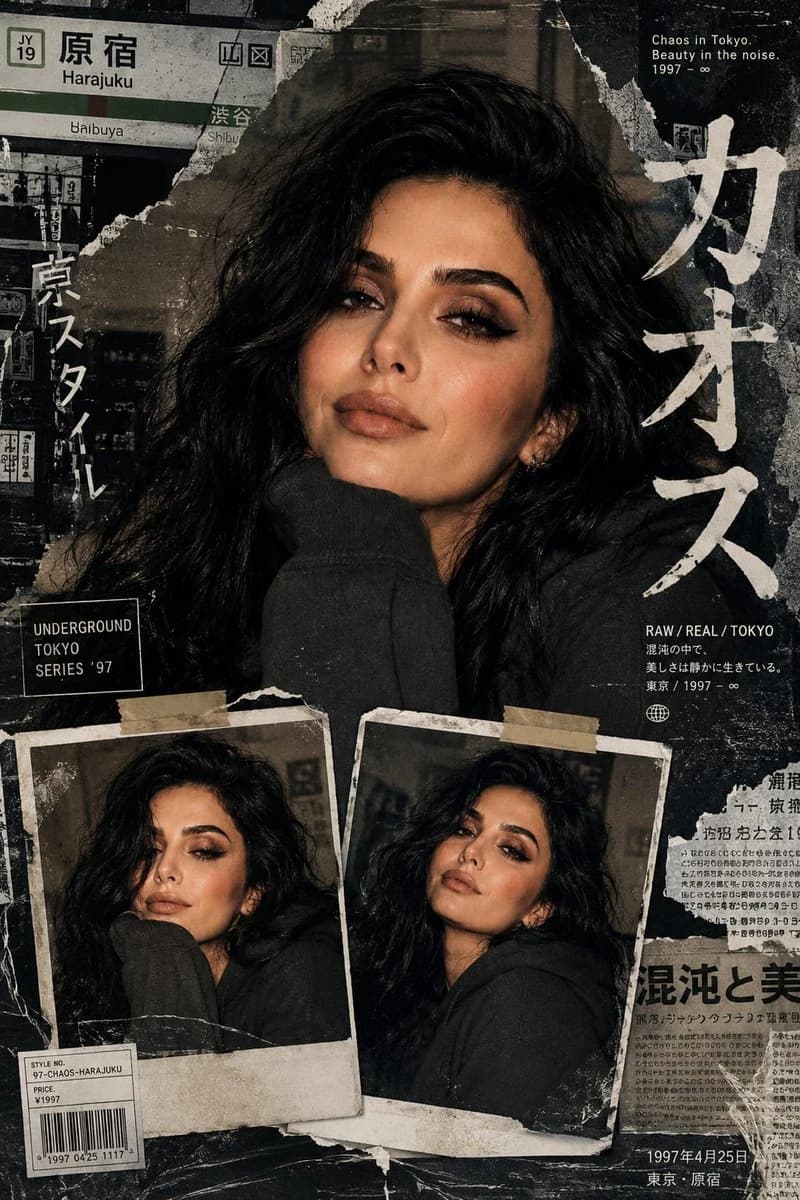
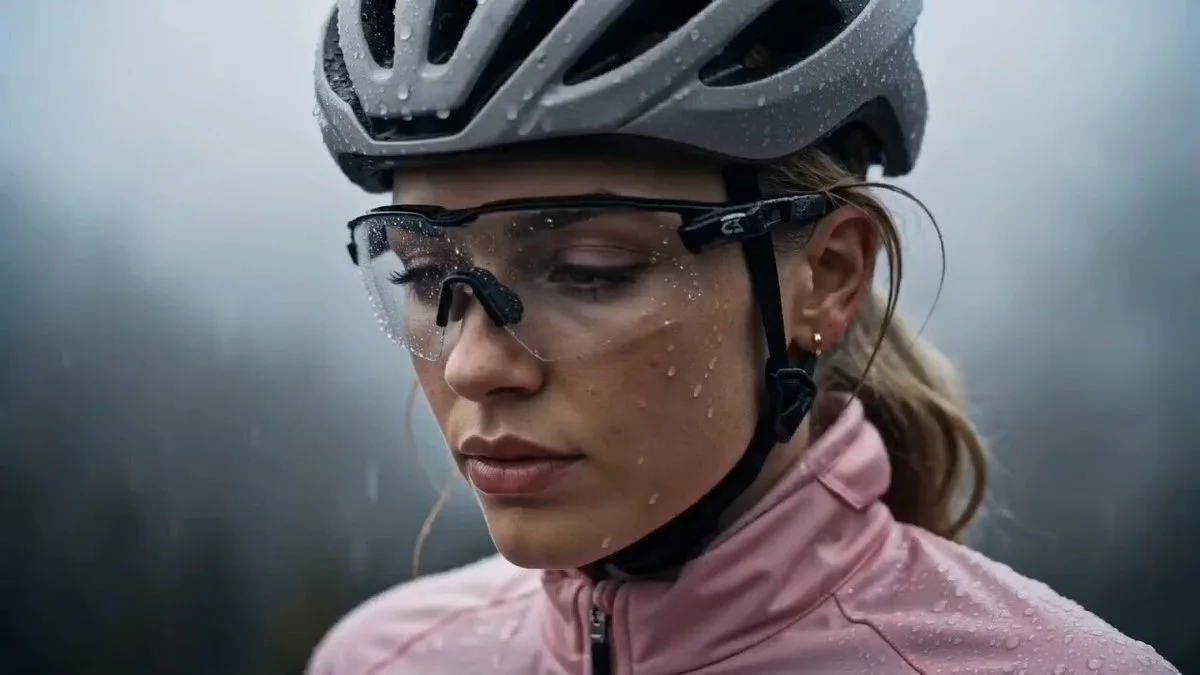
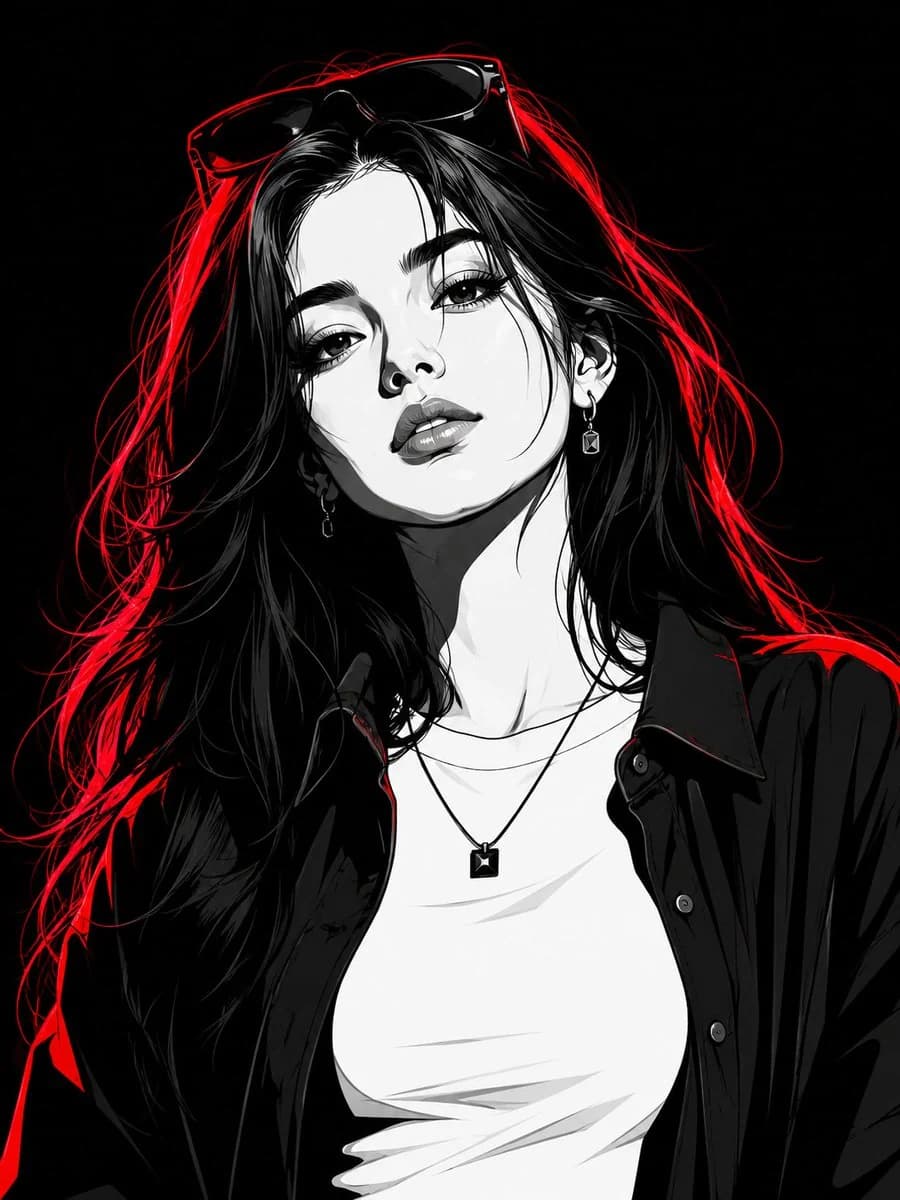
顔の一貫性を保つポートレート編集 は、Image 2でGPT Image 2にそのまま使えるポートレートプロンプトです。下の1149文字をコピーして作成フォームに貼り付けると、上のプレビューに近い画像を生成できます。 ポートレート, ファッション, スポーツ タグを調整すると、別の方向性にも展開できます。
出発点として使い、被写体、ライティング、構図を変えながら仕上げてください。そのまま使ってもリミックスしても、生成コストは同じです。
用途
ポートレート制作の起点に使いやすいプロンプト
顔の一貫性を保つポートレート編集 に近い ポートレート の画像を作りたいときは、この GPT Image 2 プロンプトから始めるとスムーズです。画面の方向性と構成はすでに整っているので、被写体、商品、色、シーンの細部だけを自分の内容に差し替えられます。
まず調整しやすいところ
- 被写体 人物、商品、場所、オブジェクトを自分の内容に差し替え、構図はそのまま活かします。
- 雰囲気 ライティング、配色、カメラ角度、質感をブランドや用途に合わせます。
- 仕上がり 生成前にアスペクト比、背景、文字、レイアウト指定を整えます。
近いテーマのプロンプトを探す
スタイル、用途、テーマが近い GPT Image 2 プロンプトを続けて確認できます。
使い方
- ステップ 1
プロンプトをコピー
上のコピー ボタンで全文を取得します。
- ステップ 2
Image 2 Create を開く
作成フォームに移動して貼り付けます。
- ステップ 3
生成する
Generate を押すと、数秒であなたのバージョンが完成します。
自分用に調整
ワンクリックで作成フォームに読み込み、すぐに調整を始められます。