Prompt
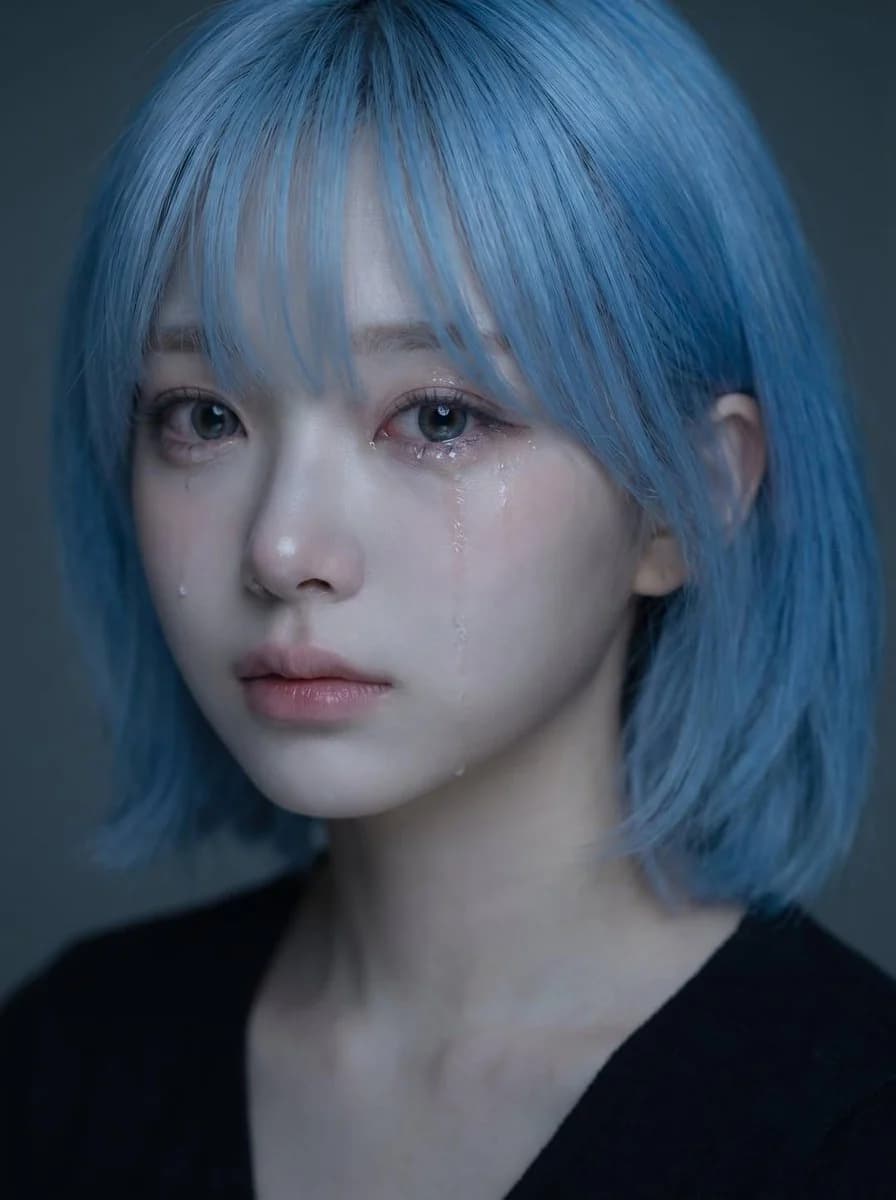
463 palabrasUsa el retrato subido como referencia de identidad para el rostro, el peinado, la estructura facial, el tono de piel, la expresión y la impresión general del sujeto. Crea un retrato emocional realista y de alta calidad de la misma persona, con un ambiente suavemente triste y lágrimas visibles. Concepto central: - un primer plano delicado y emocionalmente conmovedor - el sujeto parece silenciosamente triste, como si contuviera sus emociones - el ambiente debe sentirse frágil, íntimo, suave y hermoso - la imagen debe parecer un retrato emocional pulido de estilo coreano Identidad: - conservar la identidad reconocible del sujeto - mantener la misma forma de la cara, ojos, nariz, labios, mandíbula, peinado y aura general - no hacer que el rostro parezca genérico ni demasiado distinto - mantener una belleza natural y creíble Expresión: - expresión ligeramente triste - ojos suavemente humedecidos - una o dos lágrimas visibles resbalando por la mejilla - labios suavemente cerrados o ligeramente entreabiertos - emotiva pero contenida, sin exagerar - la tristeza debe sentirse silenciosa, nostálgica y delicada Estilismo: - cabello largo y oscuro con textura natural y suave - algunos mechones sueltos cayendo sobre el rostro - maquillaje limpio y natural - piel luminosa - un top oscuro sencillo o ropa mínima visible - el estilismo debe seguir siendo limpio y discreto para que el rostro sea el foco Iluminación: - luz suave y atmosférica - brillos delicados en los ojos, la nariz, los labios y el rastro de las lágrimas - profundidad sutil en las sombras - fondo oscuro o apagado - la iluminación debe sentirse íntima y cinematográfica, no dura Composición: - composición de retrato vertical - encuadre en primer plano - situar el rostro en la mitad superior del encuadre - el centro del rostro debe quedar un poco por encima del punto medio vertical - los ojos deben quedar en torno a la zona media-superior de la imagen - evitar colocar el rostro demasiado abajo en el encuadre - mantener una composición visualmente equilibrada y elegante Ambiente y estilo: - retrato de belleza emocional coreano - suave, melancólico, soñador, íntimo - elegante y fotogénico - emocionalmente expresivo sin resultar dramático - hermoso pero ligeramente desgarrador Prioridad visual importante: - conservar claramente la identidad - el rostro debe seguir siendo el foco principal - las lágrimas deben verse, pero sutilmente - la expresión debe sentirse naturalmente triste y emocionalmente convincente - el retrato debe verse hermoso, suave y emocionalmente envolvente Prompt negativo: - sin llanto exagerado - sin rostro deformado - sin estilo de dibujos animados - sin estilo anime - sin flash duro - sin fondo desordenado - sin piel de plástico sobrerretocada - sin sonrisa exagerada - sin imagen de baja resolución - sin texto - sin marca de agua
Sobre este prompt
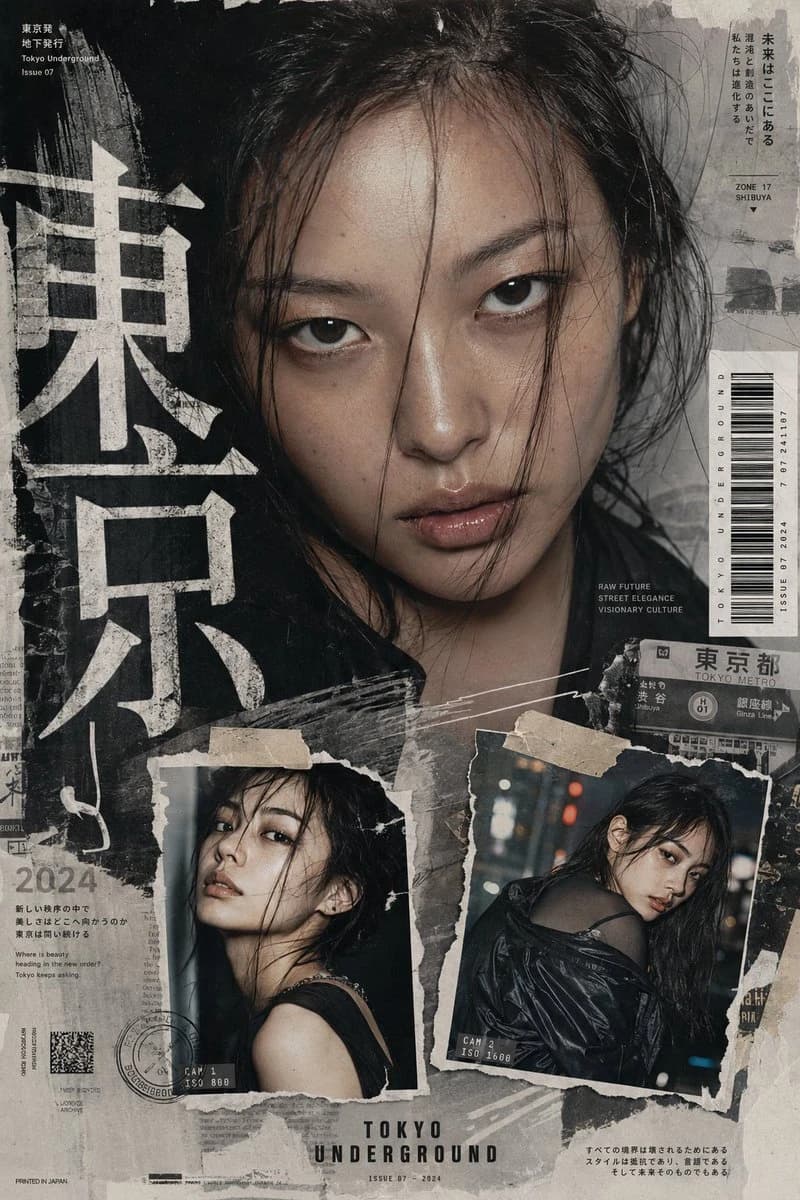
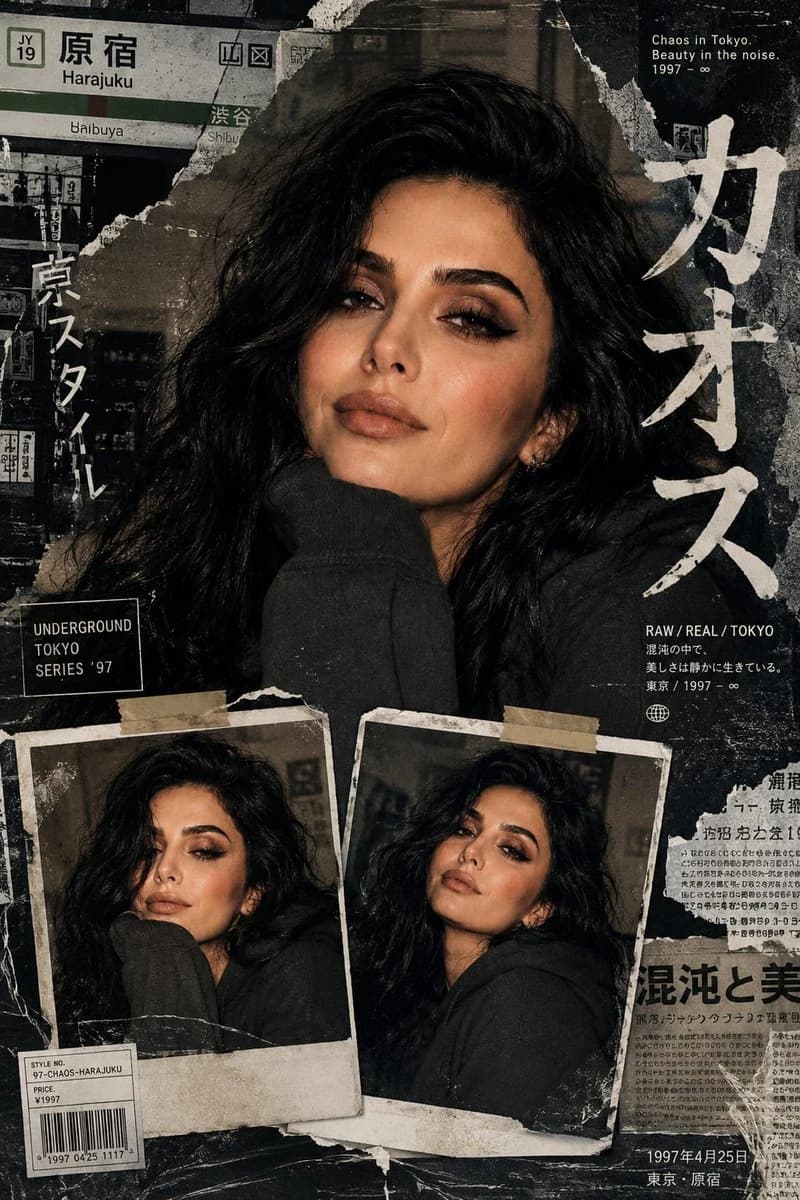
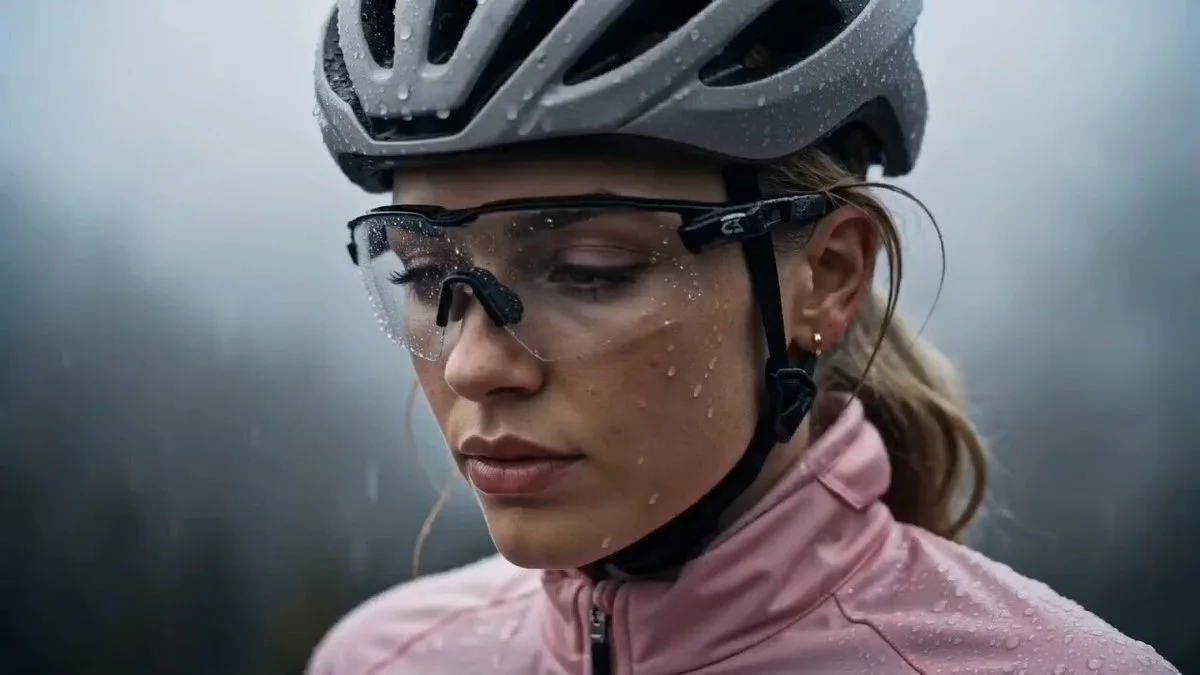
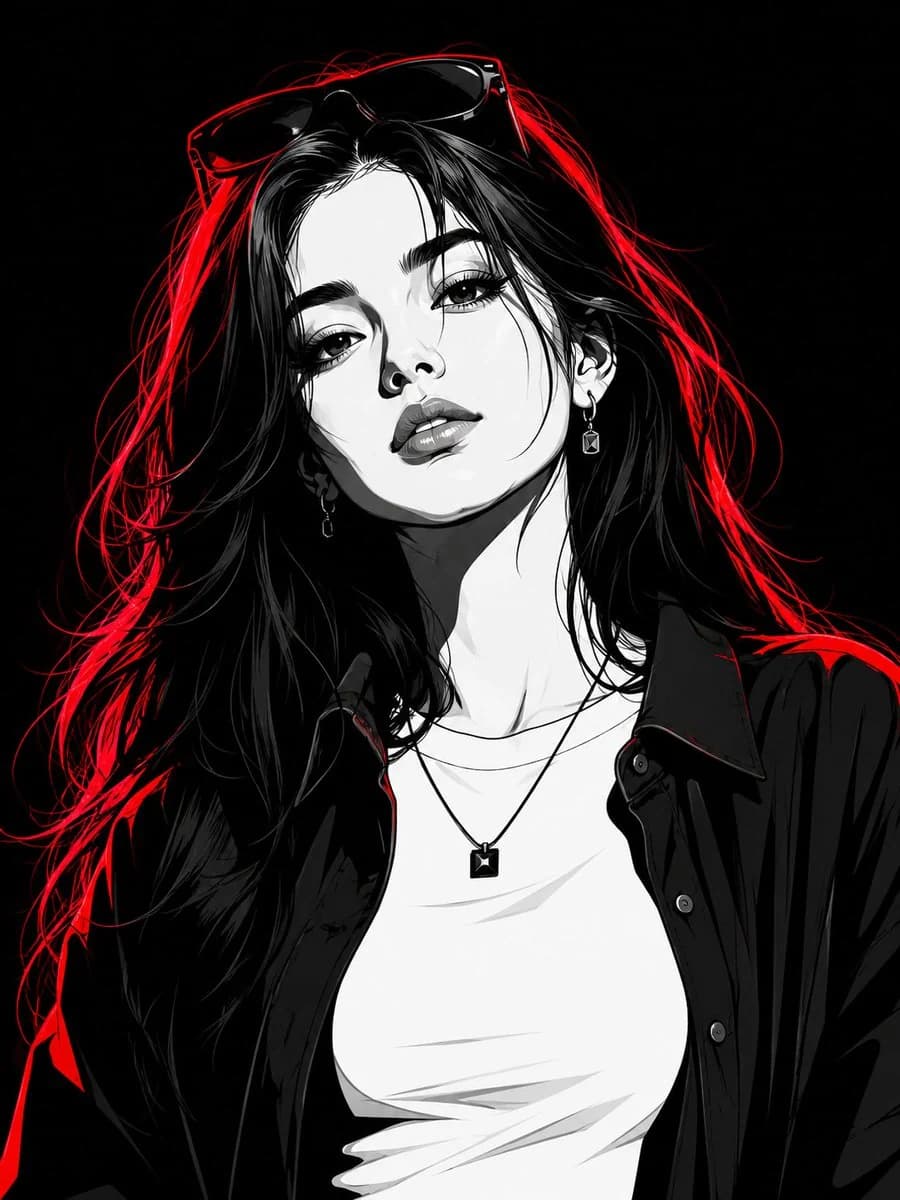
Edición de retrato con identidad consistente es un prompt de retrato listo para usar con GPT Image 2 en Image 2. Copia las 463 palabras de abajo, pégalas en el formulario Create y obtendrás un resultado cercano a la vista previa. Ajusta las etiquetas Retrato, Moda, Deportes si quieres llevarlo hacia otra dirección.
Úsalo como punto de partida y ajusta el sujeto, la iluminación o la composición hasta conseguir el resultado que buscas. El coste en créditos es el mismo si lo usas tal cual o lo personalizas.
Caso de uso
Buen punto de partida para Retrato
Empieza aquí si quieres una imagen de retrato en la línea de Edición de retrato con identidad consistente. El prompt ya marca el estilo y la estructura; solo cambia el sujeto, el producto, los colores o los detalles de la escena según tu idea.
Qué conviene ajustar primero
- Sujeto Sustituye la persona, el producto, el lugar o el objeto principal sin perder la composición.
- Estilo Ajusta la luz, la paleta, el ángulo de cámara o los materiales para que encaje con tu marca.
- Formato Define la proporción, el fondo, el texto o las notas de composición antes de generar.
Más rutas de prompts para explorar
Encuentra más prompts de GPT Image 2 con un estilo, uso o tema parecido.
Cómo usarlo
- Paso 1
Copia el prompt
Pulsa el botón Copiar de arriba para obtener el texto completo.
- Paso 2
Abre Image 2 Create
Ve al formulario Create y pégalo.
- Paso 3
Genera
Pulsa Generate. Tu versión estará lista en segundos.
Hazlo tuyo
Carga el prompt en el formulario Create con un clic y empieza a ajustarlo.