Prompt
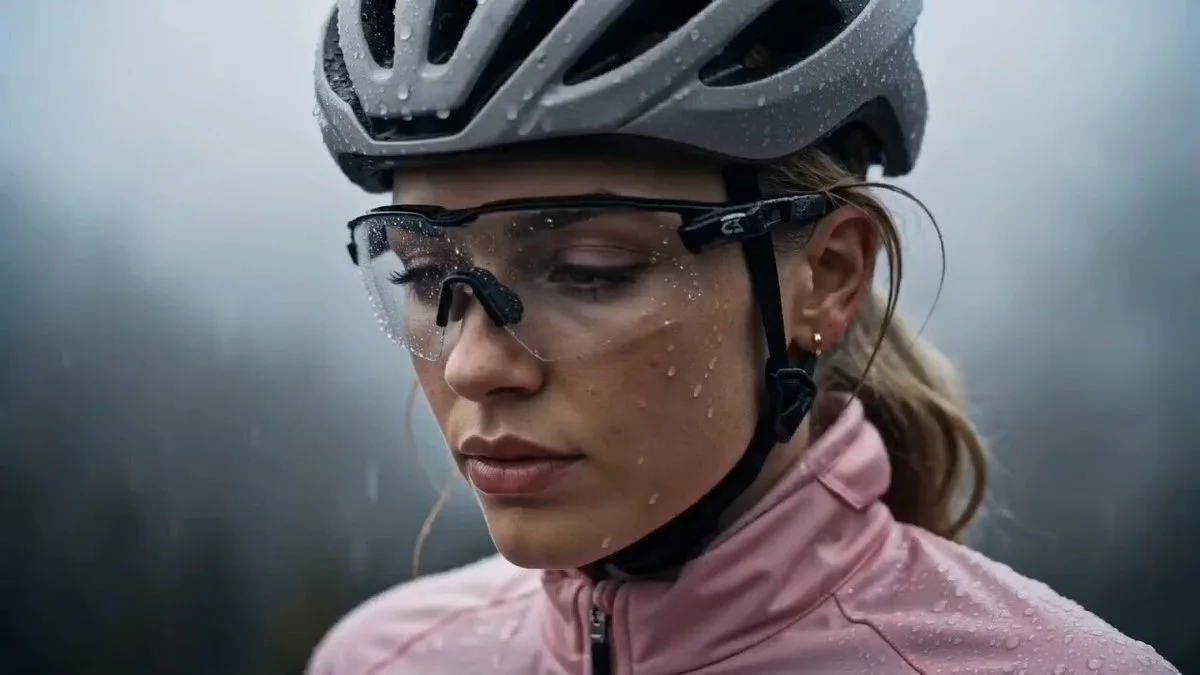
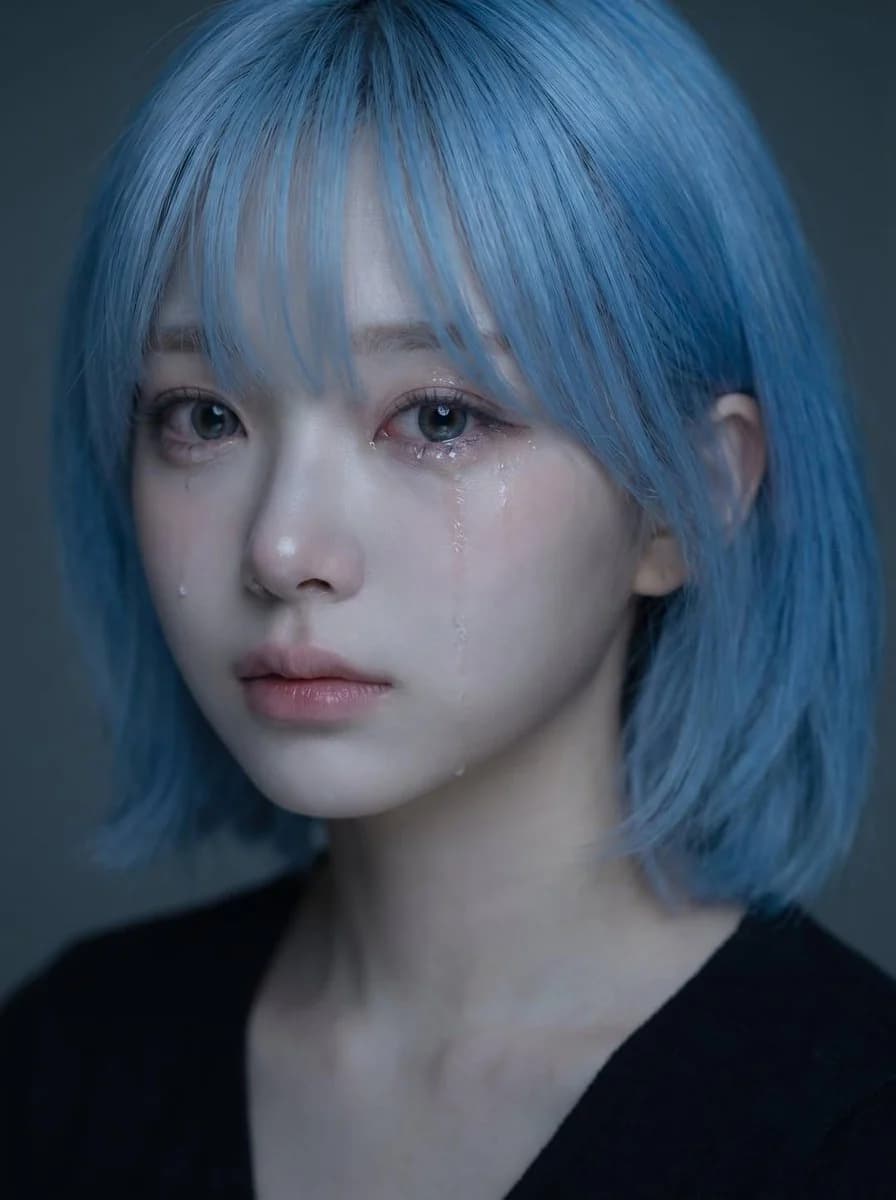
468 motsUtilisez le portrait importé comme référence d’identité pour le visage, la coiffure, la structure faciale, le teint, l’expression et l’impression générale du sujet. Créez un portrait émotionnel réaliste et de haute qualité de la même personne, dans une ambiance douce et triste, avec des larmes visibles. Concept central : - un portrait rapproché délicat et émouvant - le sujet a l’air discrètement triste, comme s’il retenait ses émotions - l’ambiance doit être fragile, intime, douce et belle - l’image doit évoquer un portrait émotionnel soigné de style coréen Identité : - préserver l’identité reconnaissable du sujet - garder la même forme de visage, les mêmes yeux, nez, lèvres, ligne de mâchoire, coiffure et allure générale - ne pas rendre le visage générique ou trop différent - garder une beauté naturelle et crédible Expression : - expression légèrement triste - yeux doux et embués - une ou deux traînées de larmes visibles coulant sur la joue - lèvres doucement fermées ou légèrement entrouvertes - émouvante mais retenue, sans exagération - la tristesse doit paraître silencieuse, nostalgique et délicate Stylisme : - longs cheveux foncés à la texture douce et naturelle - quelques mèches libres tombant sur le visage - maquillage naturel et soigné - peau lumineuse - haut foncé simple ou vêtements minimalistes visibles - le stylisme global doit rester épuré et discret pour que le visage soit au centre Éclairage : - éclairage doux et feutré - légers reflets sur les yeux, le nez, les lèvres et les traces de larmes - profondeur d’ombre subtile - arrière-plan sombre ou atténué - l’éclairage doit paraître intime et cinématographique, pas dur Composition : - composition de portrait verticale - cadrage rapproché - placer le visage dans la moitié supérieure du cadre - le centre du visage doit se situer légèrement au-dessus du milieu vertical - les yeux doivent se trouver vers la zone supérieure centrale de l’image - éviter de placer le visage trop bas dans le cadre - garder une composition visuellement équilibrée et élégante Ambiance et style : - portrait de beauté émotionnel coréen - doux, mélancolique, rêveur, intime - élégant et photogénique - expressif sur le plan émotionnel sans paraître dramatique - beau mais légèrement déchirant Priorité visuelle importante : - préserver clairement l’identité - le visage doit rester le point focal principal - les larmes doivent être visibles mais subtiles - l’expression doit paraître naturellement triste et émotionnellement convaincante - le portrait doit être beau, doux et émotionnellement immersif Prompt négatif : - pas de pleurs exagérés - pas de visage déformé - pas de style cartoon - pas de style anime - pas de flash dur - pas d’arrière-plan désordonné - pas de peau plastique trop retouchée - pas de sourire exagéré - pas d’image basse résolution - pas de texte - pas de filigrane
À propos de ce prompt
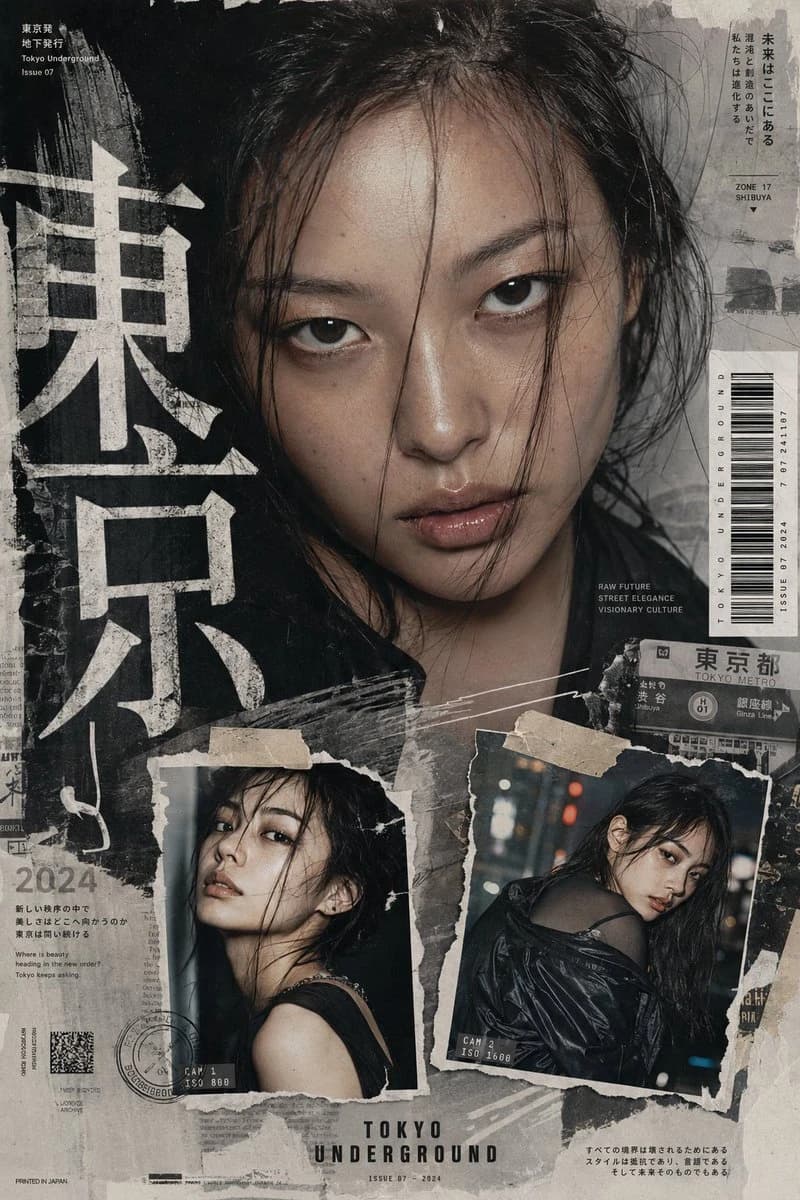
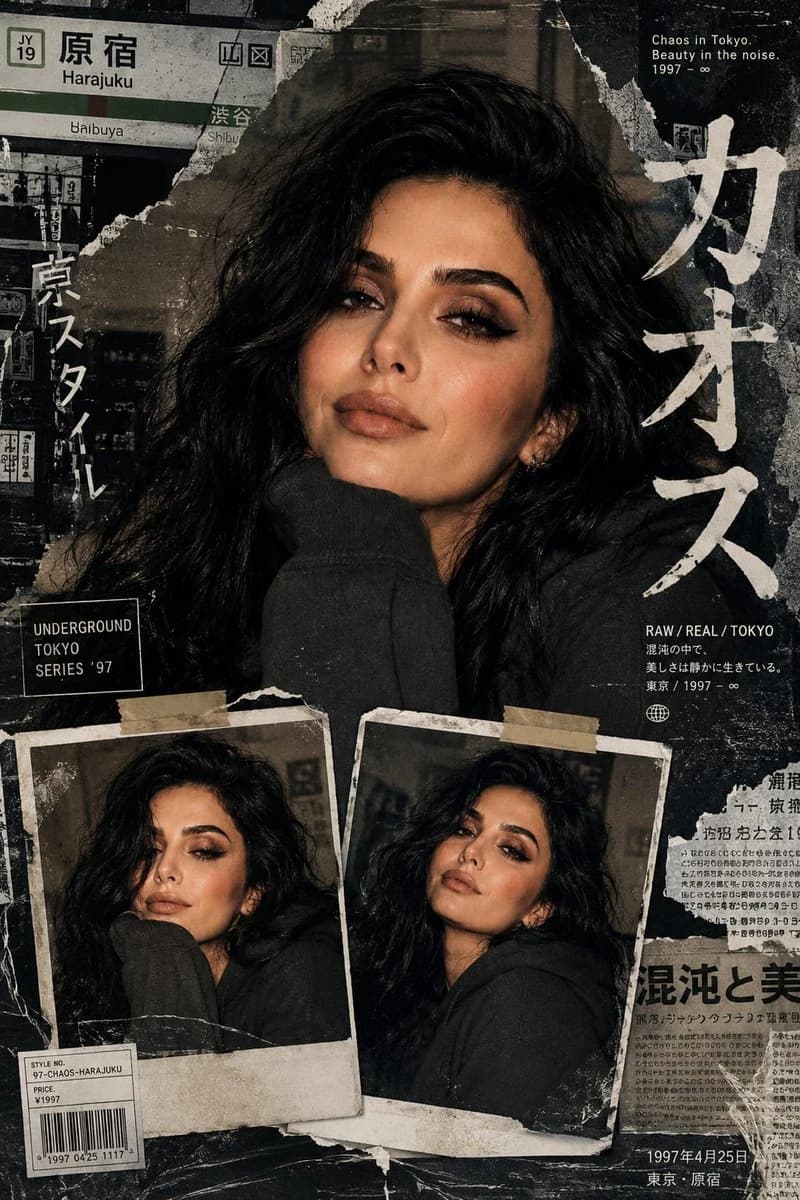
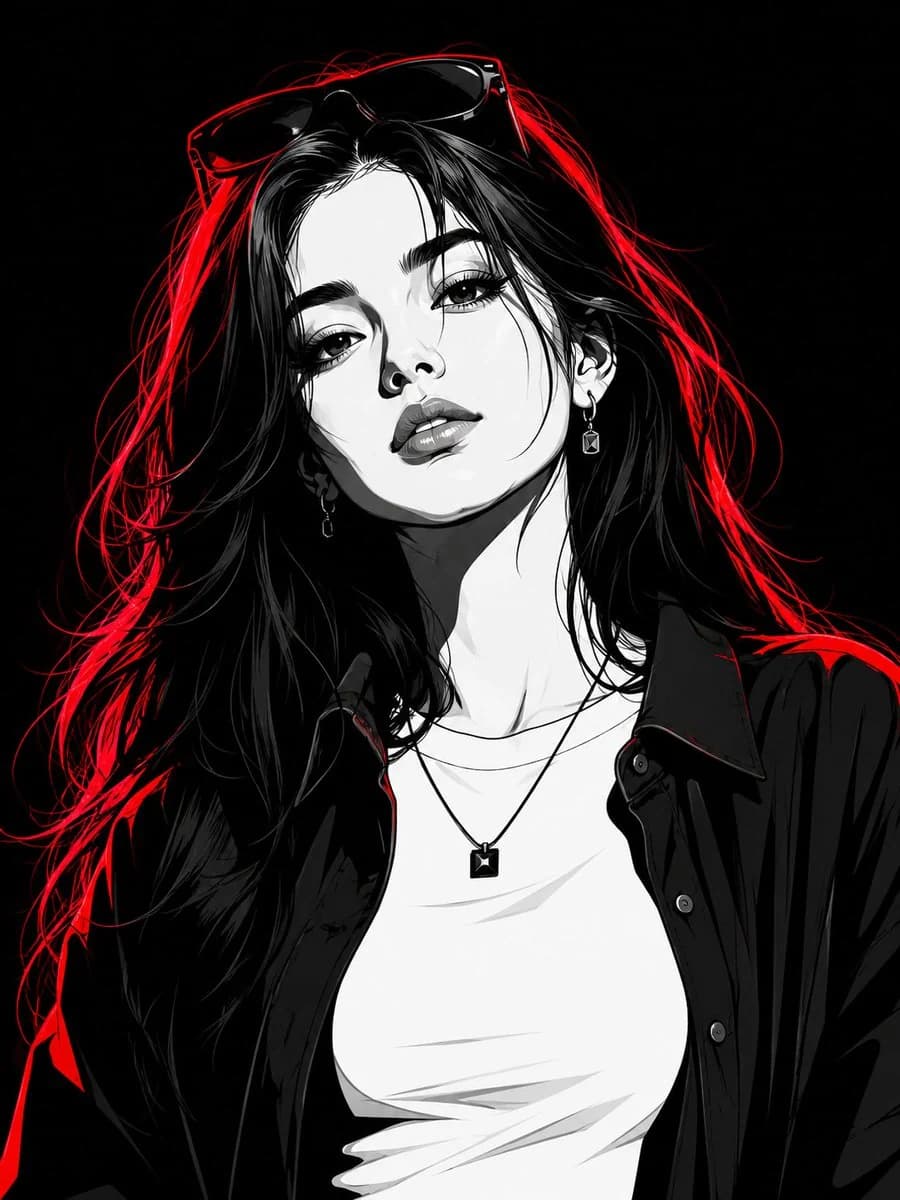
Retouche de portrait à identité cohérente est un prompt portrait prêt à l’emploi pour GPT Image 2 sur Image 2. Copiez les 468 mots ci-dessous, collez-les dans le formulaire Create et vous obtiendrez un résultat proche de l’aperçu. Ajustez les tags Portrait, Mode, Sport si vous voulez l’orienter autrement.
Servez-vous-en comme base, puis adaptez le sujet, la lumière ou la composition au résultat recherché. Le coût en crédits reste le même, que vous l’utilisiez tel quel ou que vous le personnalisiez.
Cas d’usage
Un bon point de départ pour Portrait
Partez de ce prompt si vous voulez une image portrait dans l’esprit de Retouche de portrait à identité cohérente. Le style et la structure sont déjà posés ; remplacez simplement le sujet, le produit, les couleurs ou les détails de scène selon votre projet.
À ajuster en priorité
- Sujet Remplacez la personne, le produit, le lieu ou l’objet principal sans casser la composition.
- Style Ajustez la lumière, la palette, l’angle de caméra ou les matières pour l’adapter à votre marque.
- Format Précisez le ratio, le fond, le texte ou les consignes de mise en page avant de générer.
D’autres pistes de prompts
Trouvez d’autres prompts GPT Image 2 avec un style, un usage ou un sujet proche.
Comment l’utiliser
- Étape 1
Copier le prompt
Cliquez sur le bouton Copier ci-dessus pour récupérer le texte complet.
- Étape 2
Ouvrir Image 2 Create
Accédez au formulaire Create et collez-le.
- Étape 3
Générer
Cliquez sur Generate. Votre version arrive en quelques secondes.
Adaptez-le
Chargez le prompt dans le formulaire Create en un clic, puis commencez les ajustements.