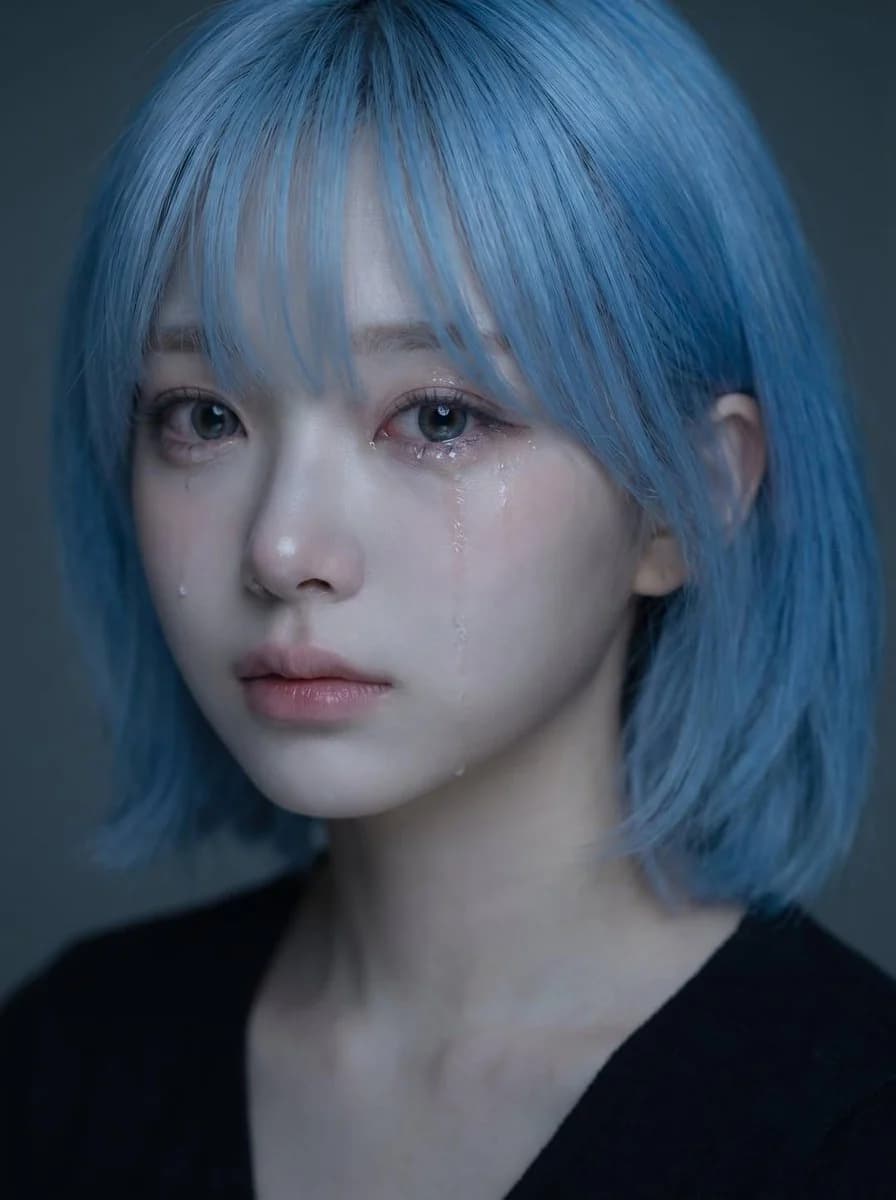
Prompt
390 WörterVerwende das hochgeladene Porträt als Identitätsreferenz für Gesicht, Frisur, Gesichtsstruktur, Hautton, Ausdruck und Gesamteindruck des Motivs. Erstelle ein hochwertiges, realistisches, emotionales Porträt derselben Person in sanft trauriger Stimmung mit sichtbaren Tränen. Kernkonzept: - ein zartes, emotional berührendes Nahporträt - das Motiv wirkt still traurig, als würde es seine Gefühle zurückhalten - die Stimmung soll zerbrechlich, intim, sanft und schön wirken - das Bild soll wie ein ausgefeiltes emotionales Porträt im koreanischen Stil wirken Identität: - die erkennbare Identität des Motivs bewahren - gleiche Gesichtsform, Augen, Nase, Lippen, Kieferlinie, Frisur und Ausstrahlung beibehalten - das Gesicht nicht generisch oder stark verändert wirken lassen - die Schönheit natürlich und glaubwürdig halten Ausdruck: - leicht trauriger Ausdruck - sanft feuchte Augen - ein oder zwei sichtbare Tränenspuren auf der Wange - Lippen sanft geschlossen oder leicht geöffnet - emotional, aber zurückhaltend, nicht übertrieben - die Traurigkeit soll still, sehnsuchtsvoll und zart wirken Styling: - langes dunkles Haar mit weicher, natürlicher Struktur - einige lose Strähnen, die ins Gesicht fallen - sauberes, natürliches Make-up - strahlende Haut - schlichtes dunkles Oberteil oder minimal sichtbare Kleidung - das Styling bleibt insgesamt sauber und zurückhaltend, damit das Gesicht im Mittelpunkt steht Licht: - weiches, stimmungsvolles Licht - sanfte Glanzlichter auf Augen, Nase, Lippen und Tränenspuren - dezente Schattentiefe - dunkler oder gedämpfter Hintergrund - das Licht soll intim und cineastisch wirken, nicht hart Komposition: - vertikale Porträtkomposition - naher Bildausschnitt - das Gesicht in der oberen Bildhälfte platzieren - die Gesichtsmitte liegt etwas über der vertikalen Bildmitte - die Augen liegen etwa im oberen mittleren Bereich des Bildes - das Gesicht nicht zu tief im Bild platzieren - die Komposition visuell ausgewogen und elegant halten Stimmung und Stil: - koreanisches emotionales Beauty-Porträt - sanft, melancholisch, verträumt, intim - elegant und fotogen - emotional ausdrucksstark, ohne dramatisch zu wirken - schön, aber ein wenig herzzerreißend Wichtige visuelle Priorität: - die Identität klar bewahren - das Gesicht bleibt der Hauptfokus - Tränen sichtbar, aber dezent - der Ausdruck soll natürlich traurig und emotional überzeugend wirken - das Porträt soll schön, sanft und emotional fesselnd aussehen Negativ-Prompt: - kein übertriebenes Weinen - kein verzerrtes Gesicht - kein Cartoon-Stil - kein Anime-Stil - kein harter Blitz - kein unordentlicher Hintergrund - keine überretuschierte Plastikhaut - kein übertriebenes Lächeln - kein Bild mit niedriger Auflösung - kein Text - kein Wasserzeichen
Über diesen Prompt
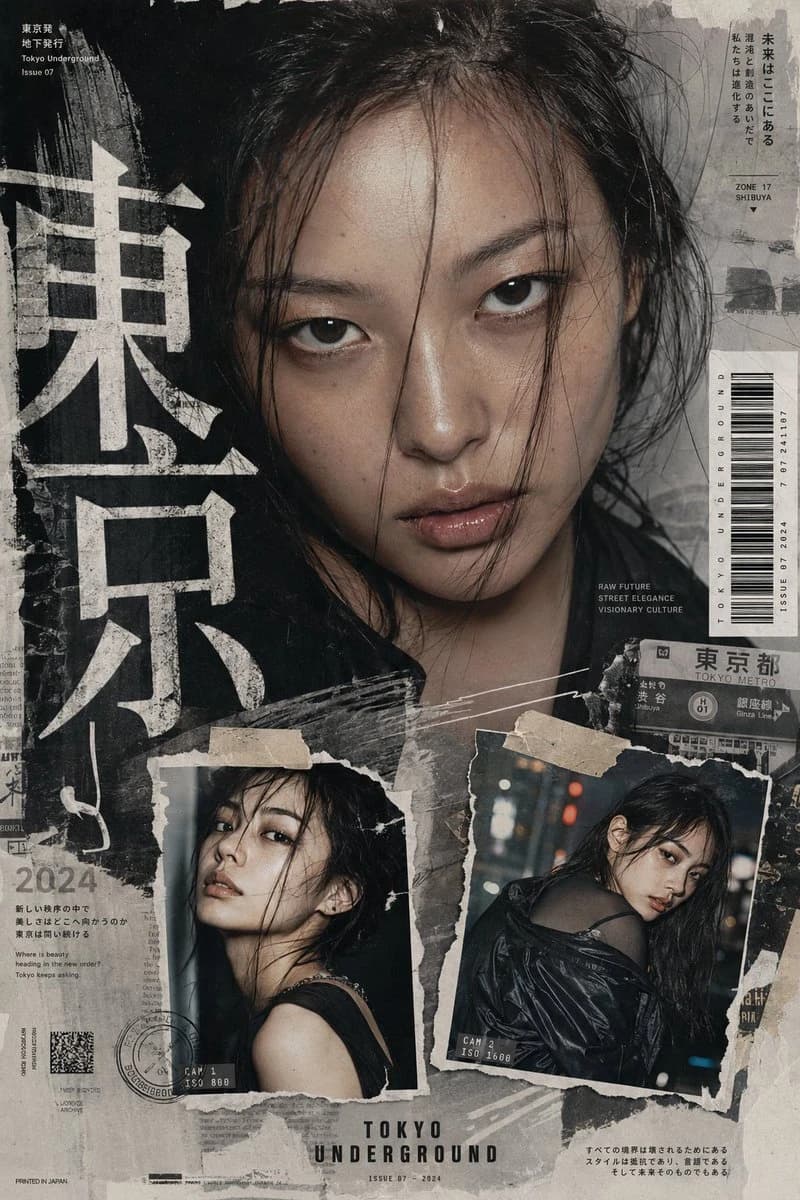
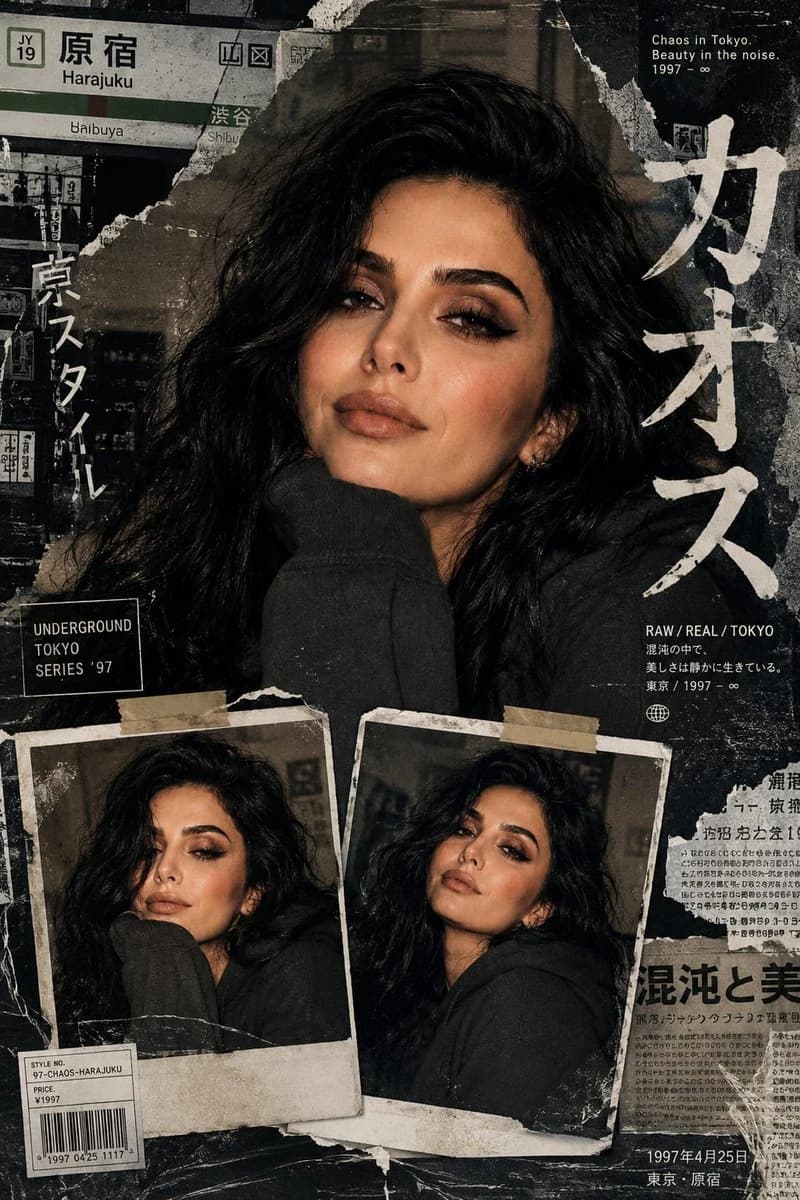
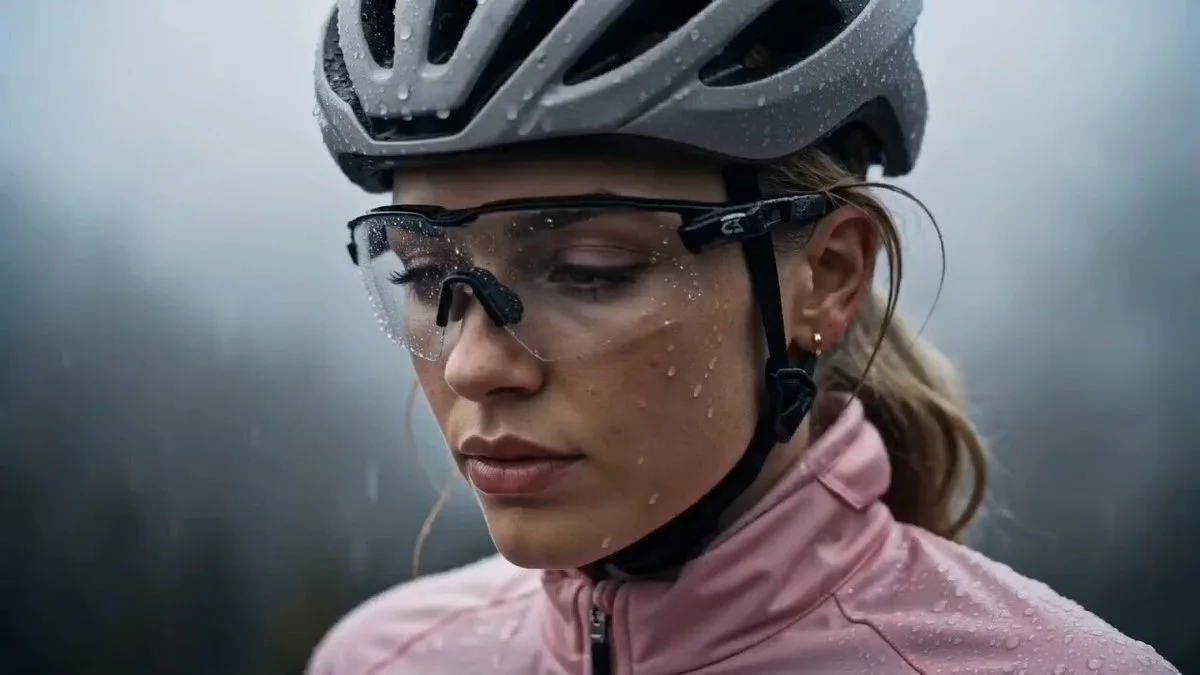
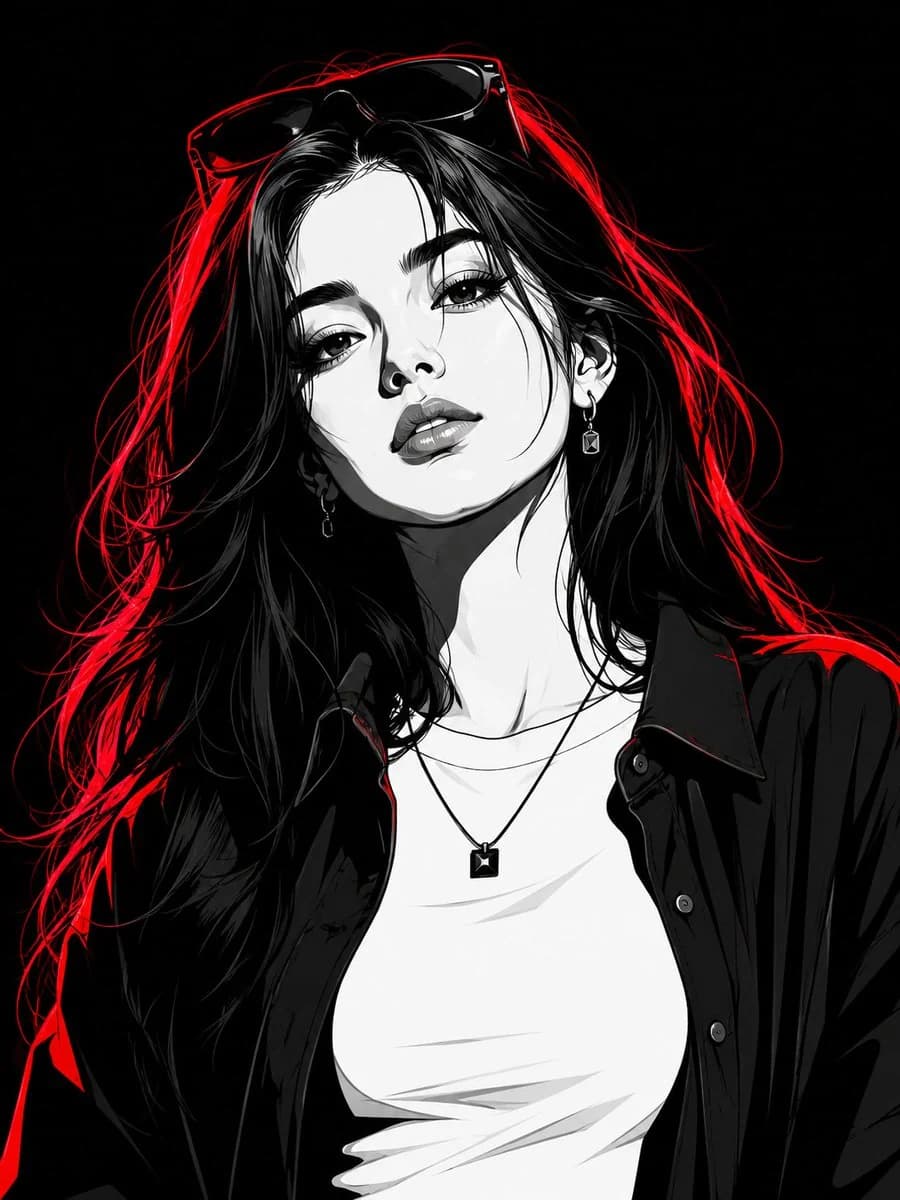
Porträtbearbeitung mit Identitätstreue ist ein sofort nutzbarer Porträt-Prompt für GPT Image 2 in Image 2. Kopiere die 390 Wörter unten, füge sie in das Create-Formular ein und du erhältst ein Ergebnis nahe an der Vorschau. Passe die Tags Porträt, Mode, Sport an, wenn du ihn in eine neue Richtung schieben möchtest.
Nutze ihn als Vorlage und passe Motiv, Licht oder Komposition an dein Projekt an. Die Credit-Kosten bleiben gleich, egal ob du ihn direkt verwendest oder bearbeitest.
Einsatzbereich
Guter Startpunkt für Porträt
Starte hier, wenn du ein Porträt-Bild ähnlich wie Porträtbearbeitung mit Identitätstreue erstellen möchtest. Look und Aufbau stehen bereits fest; ersetze nur Motiv, Produkt, Farben oder Szenendetails passend zu deinem Projekt.
Was sich schnell anpassen lässt
- Motiv Tausche Person, Produkt, Ort oder Objekt aus und behalte die Grundkomposition bei.
- Look Passe Licht, Farbwelt, Kamerawinkel oder Materialdetails an deine Marke an.
- Format Lege Seitenverhältnis, Hintergrund, Text und Layout-Hinweise vor dem Generieren fest.
Ähnliche Prompt-Richtungen
Entdecke weitere GPT Image 2 Prompts mit ähnlichem Stil, Einsatzbereich oder Motiv.
So nutzt du ihn
- Schritt 1
Prompt kopieren
Klicke oben auf Kopieren, um den vollständigen Text zu übernehmen.
- Schritt 2
Image 2 Create öffnen
Wechsle zum Create-Formular und füge ihn ein.
- Schritt 3
Generieren
Klicke auf Generate. Deine Version ist in Sekunden fertig.
Mach ihn zu deinem
Lade den Prompt mit einem Klick ins Create-Formular und passe ihn direkt an.