Prompt
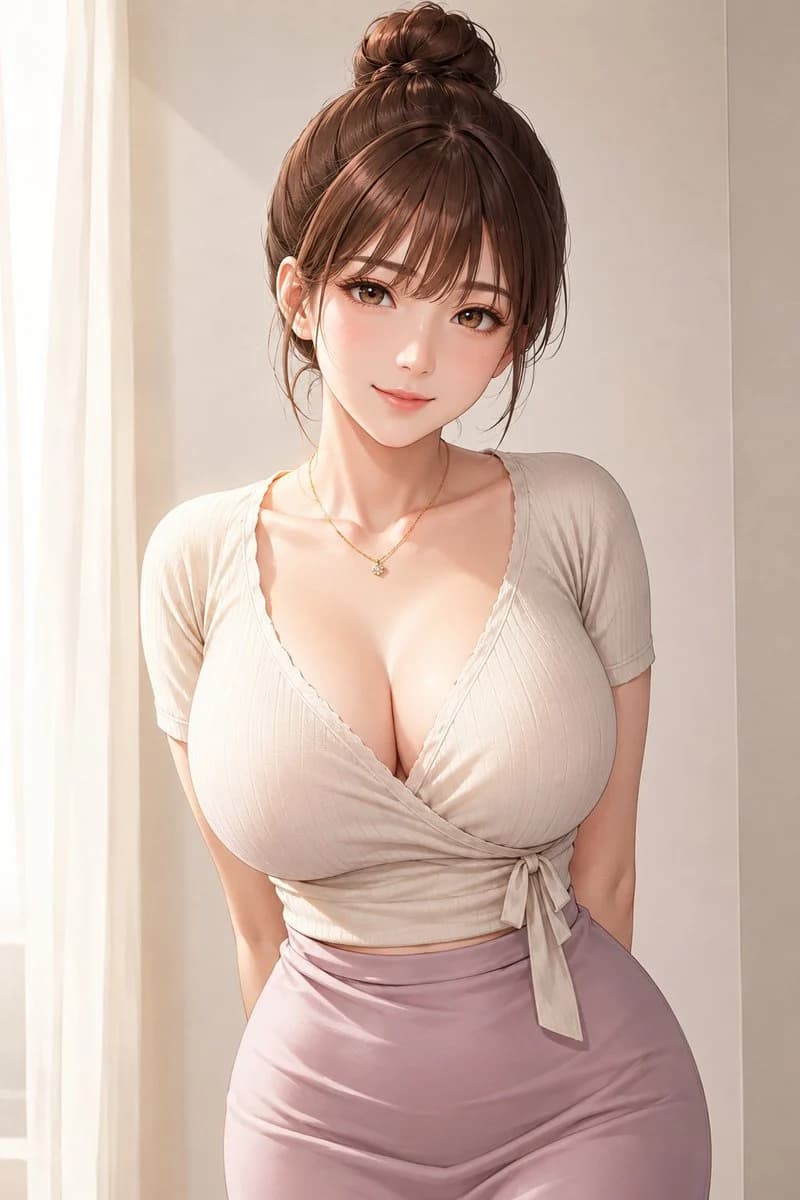
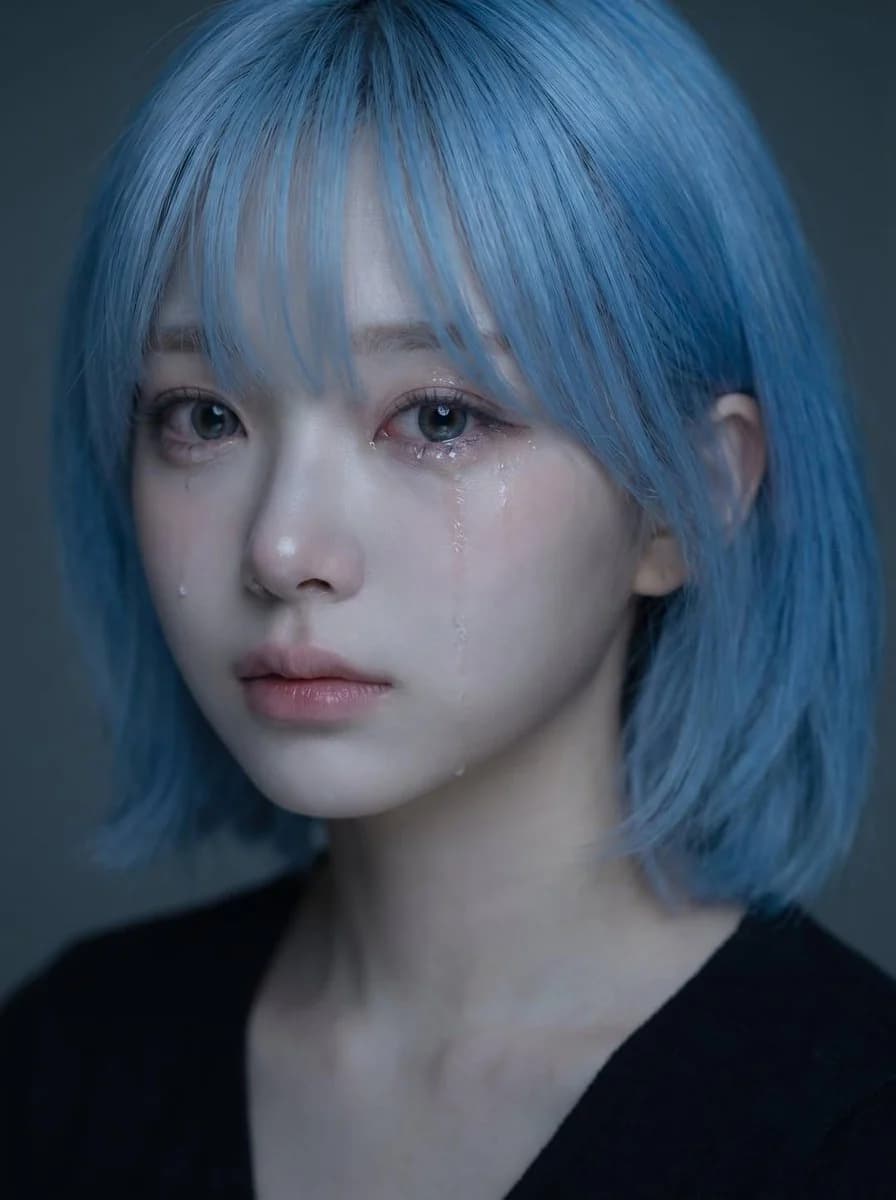
453 palavrasUse o retrato enviado como referência de identidade para o rosto, o penteado, a estrutura facial, o tom de pele, a expressão e a impressão geral da pessoa. Crie um retrato emocional realista e de alta qualidade da mesma pessoa, com um clima suave e triste e lágrimas visíveis. Conceito central: - um retrato em close delicado e emocionante - a pessoa parece silenciosamente triste, como se estivesse contendo as emoções - o clima deve ser frágil, íntimo, suave e belo - a imagem deve parecer um retrato emocional refinado no estilo coreano Identidade: - preservar a identidade reconhecível da pessoa - manter o mesmo formato de rosto, olhos, nariz, lábios, linha da mandíbula, penteado e vibe geral - não deixar o rosto genérico ou muito diferente - manter uma beleza natural e crível Expressão: - expressão levemente triste - olhos suaves e marejados - uma ou duas lágrimas visíveis escorrendo pela bochecha - lábios suavemente fechados ou levemente entreabertos - emotiva, mas contida, sem exageros - a tristeza deve parecer silenciosa, saudosa e delicada Styling: - cabelos longos e escuros com textura suave e natural - algumas mechas soltas caindo sobre o rosto - maquiagem natural e limpa - pele luminosa - blusa escura simples ou roupa minimalista visível - o styling geral deve continuar limpo e discreto, para que o rosto seja o foco Iluminação: - iluminação suave e intimista - reflexos delicados nos olhos, no nariz, nos lábios e nos rastros das lágrimas - profundidade de sombra sutil - fundo escuro ou neutro - a iluminação deve parecer íntima e cinematográfica, não dura Composição: - composição de retrato vertical - enquadramento em close - posicionar o rosto na metade superior do quadro - o centro do rosto deve ficar levemente acima do meio vertical - os olhos devem ficar na área médio-superior da imagem - evitar posicionar o rosto muito baixo no quadro - manter a composição visualmente equilibrada e elegante Clima e estilo: - retrato de beleza emocional coreano - suave, melancólico, sonhador, íntimo - elegante e fotogênico - emocionalmente expressivo sem parecer dramático - belo, mas com um toque de partir o coração Prioridade visual importante: - preservar claramente a identidade - o rosto deve continuar sendo o foco principal - as lágrimas devem ser visíveis, mas sutis - a expressão deve parecer naturalmente triste e emocionalmente convincente - o retrato deve parecer belo, suave e emocionalmente envolvente Prompt negativo: - sem choro exagerado - sem rosto distorcido - sem estilo cartoon - sem estilo anime - sem flash duro - sem fundo bagunçado - sem pele de plástico excessivamente retocada - sem sorriso exagerado - sem imagem em baixa resolução - sem texto - sem marca d’água
Sobre este prompt
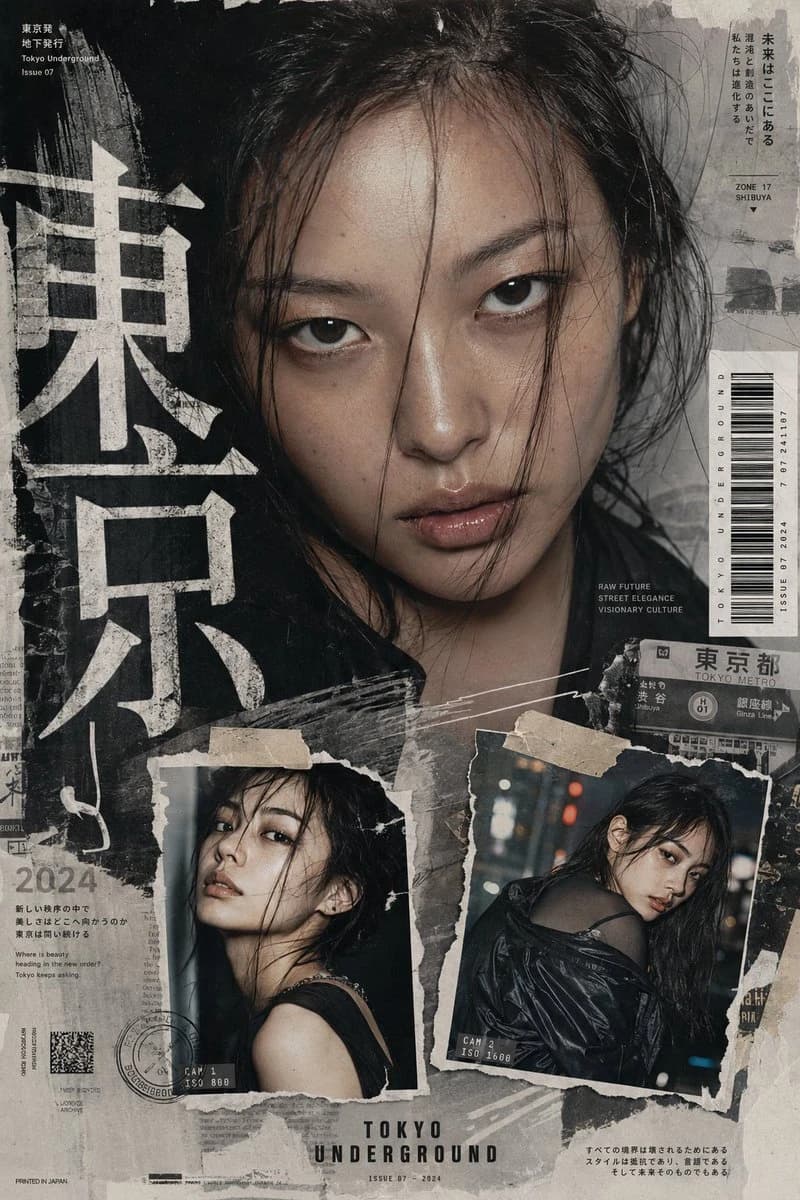
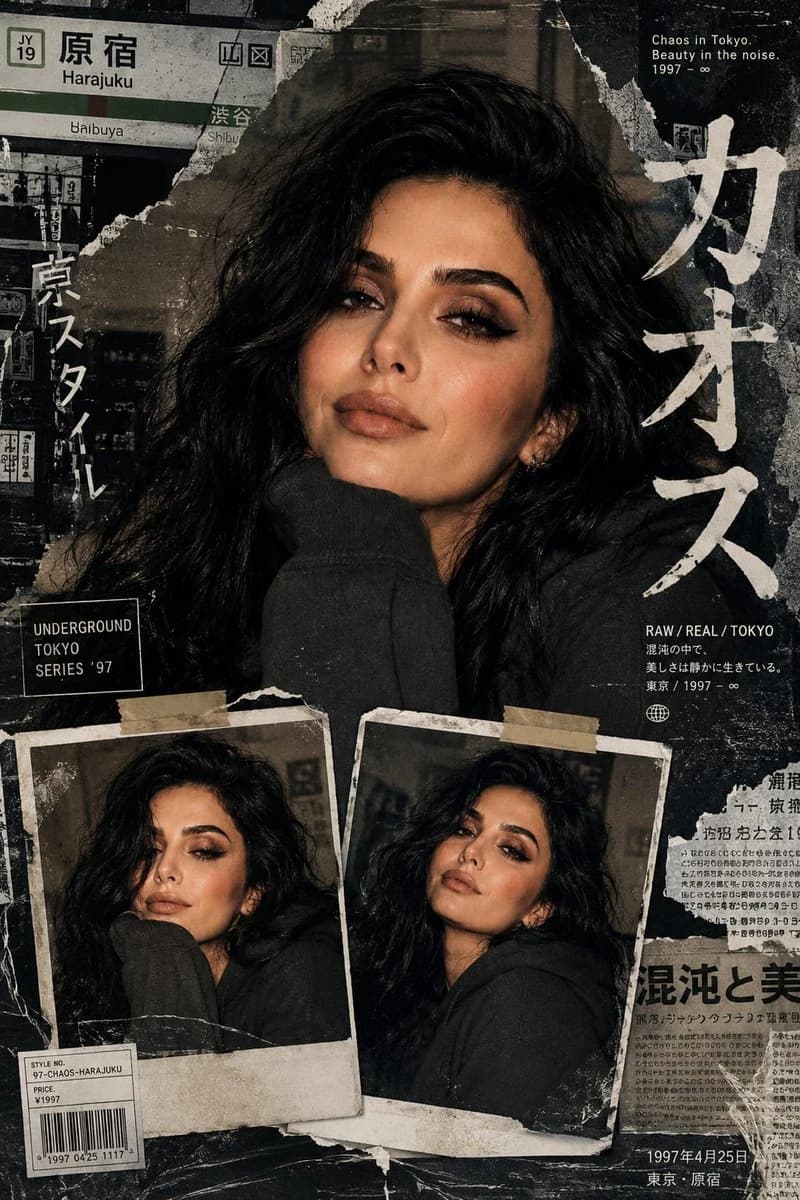
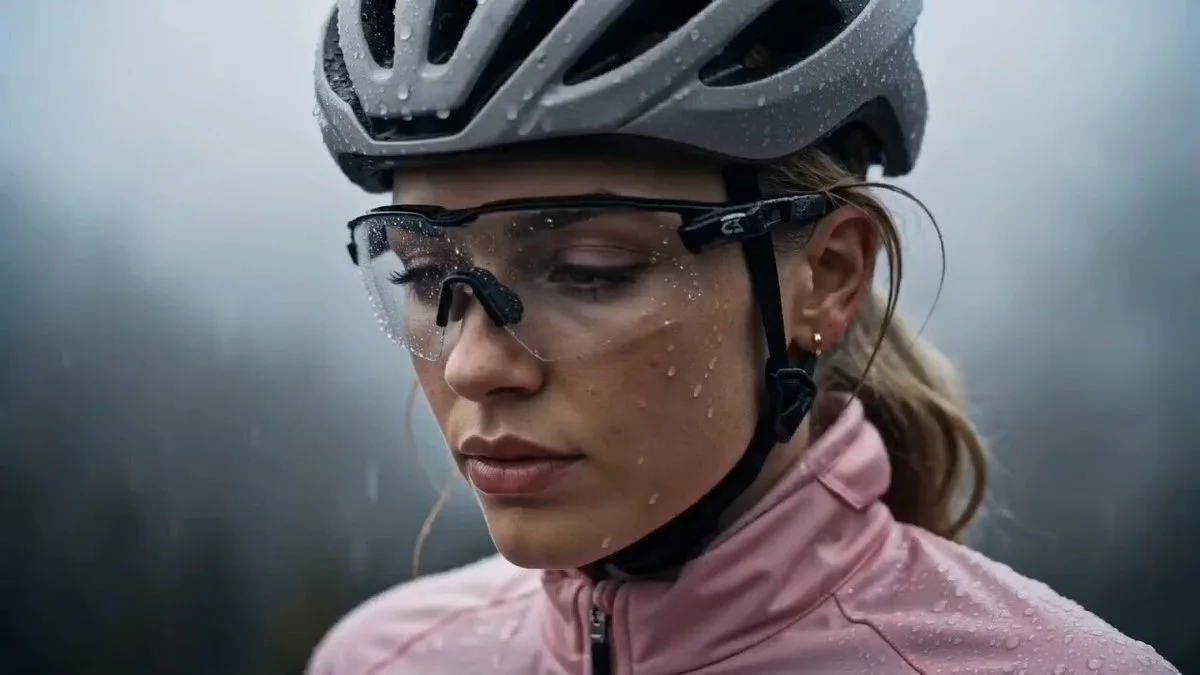
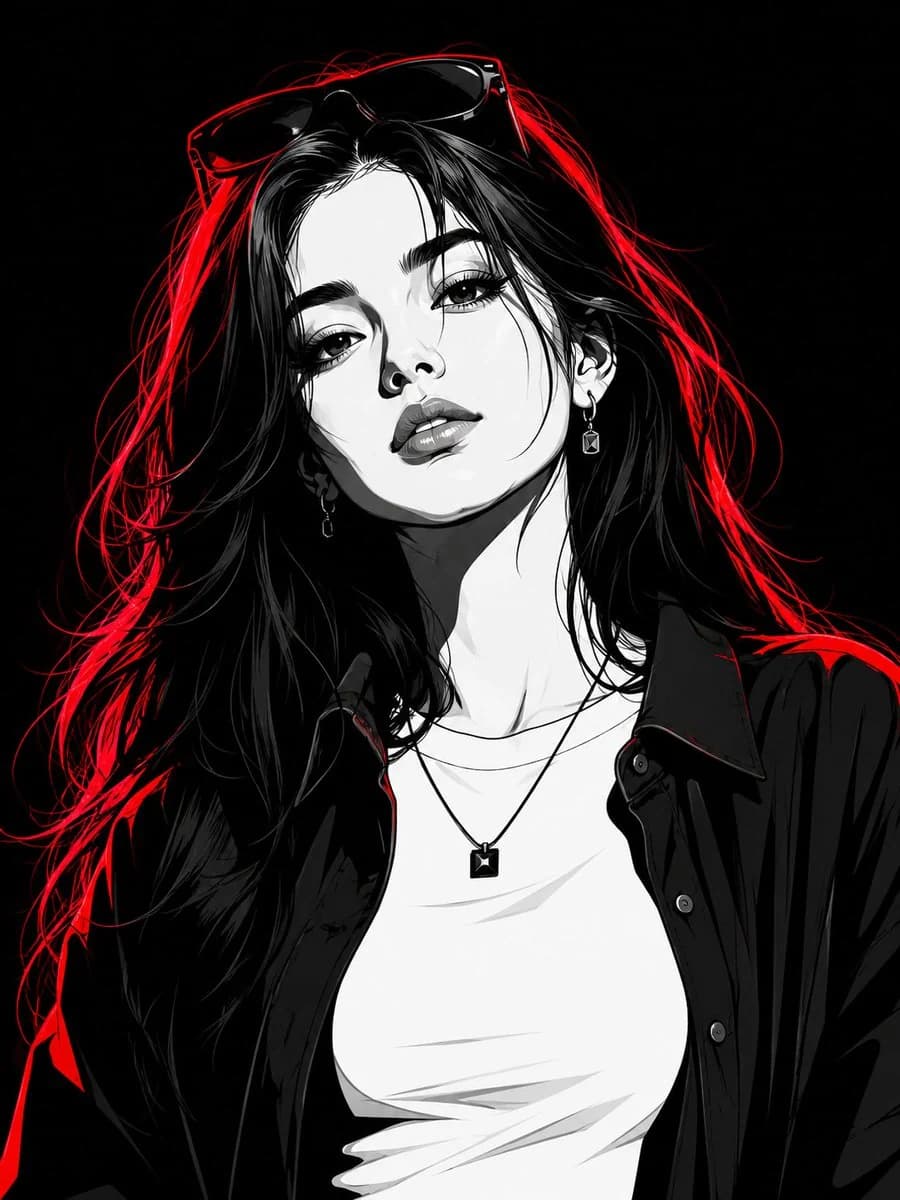
Edição de retrato com identidade consistente é um prompt de retrato pronto para usar com GPT Image 2 no Image 2. Copie as 453 palavras abaixo, cole no formulário Create e você terá um resultado próximo da prévia. Ajuste as tags Retrato, Moda, Esportes se quiser levar o resultado para outra direção.
Use-o como base e ajuste o tema, a luz ou a composição ao resultado que procura. O custo em créditos é o mesmo usando o texto original ou uma versão personalizada.
Caso de uso
Um bom ponto de partida para Retrato
Comece por aqui quando quiser uma imagem de retrato na mesma linha de Edição de retrato com identidade consistente. O prompt já define o estilo e a estrutura; troque o assunto, o produto, as cores ou os detalhes da cena para o seu projeto.
O que vale ajustar primeiro
- Assunto Troque a pessoa, o produto, o lugar ou o objeto principal sem perder a composição.
- Estilo Ajuste luz, paleta de cores, ângulo de câmera ou materiais para combinar com a sua marca.
- Formato Defina proporção, fundo, texto ou notas de layout antes de gerar.
Mais caminhos de prompts
Encontre outros prompts GPT Image 2 com estilo, uso ou tema parecido.
Como usar
- Passo 1
Copie o prompt
Clique no botão Copiar acima para pegar o texto completo.
- Passo 2
Abra o Image 2 Create
Vá para o formulário Create e cole o texto.
- Passo 3
Gere
Clique em Generate. Sua versão fica pronta em segundos.
Deixe com a sua cara
Carregue o prompt no formulário Create com um clique e comece a ajustar.