프롬프트
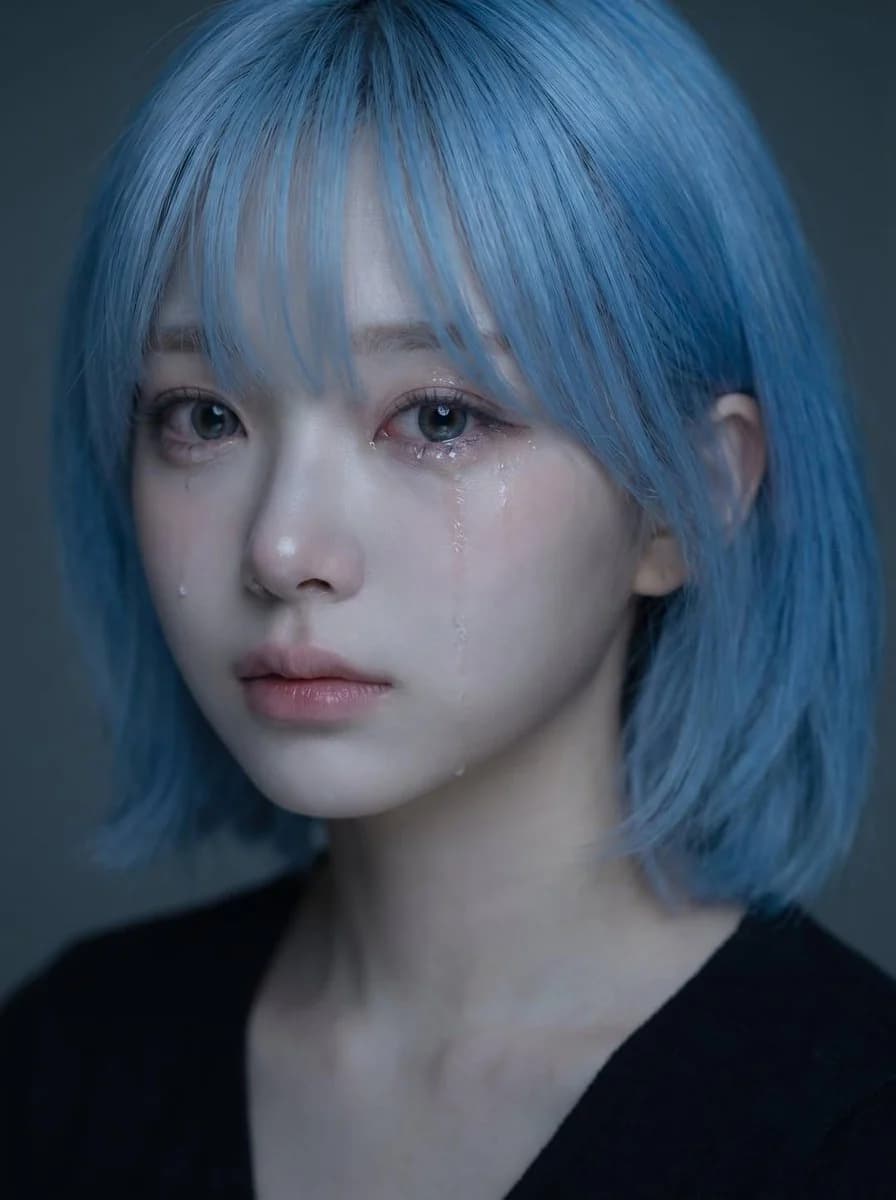
1008자업로드한 인물 사진을 피사체의 얼굴, 헤어스타일, 얼굴 골격, 피부 톤, 표정, 전체적인 인상을 위한 얼굴 레퍼런스로 사용해 주세요. 같은 인물이 잔잔하고 슬픈 분위기 속에서 눈물을 보이는, 고품질의 사실적인 감성 인물 사진을 만들어 주세요. 핵심 콘셉트: - 섬세하고 마음을 울리는 클로즈업 인물 사진 - 감정을 꾹 참는 듯 조용히 슬퍼 보이는 피사체 - 연약하고, 내밀하며, 부드럽고, 아름다운 분위기 - 완성도 높은 한국식 감성 인물 사진 같은 느낌 정체성: - 피사체를 한눈에 알아볼 수 있도록 정체성을 유지하세요 - 얼굴형, 눈, 코, 입술, 턱선, 헤어스타일, 전체적인 분위기를 그대로 유지하세요 - 얼굴을 평범하고 개성 없게 만들거나 지나치게 다르게 바꾸지 마세요 - 아름다움은 자연스럽고 현실감 있게 유지하세요 표정: - 살짝 슬픈 표정 - 부드럽게 촉촉해진 눈 - 볼을 타고 흐르는 한두 줄기의 눈물 자국 - 살며시 다물거나 살짝 벌린 입술 - 감정은 담겨 있지만 절제되어 있고 과장되지 않음 - 조용하고, 애틋하며, 섬세하게 느껴지는 슬픔 스타일링: - 부드럽고 자연스러운 결의 긴 검은 머리 - 얼굴 위로 흘러내린 잔머리 몇 가닥 - 깔끔하고 자연스러운 메이크업 - 맑게 빛나는 피부 - 심플한 어두운 상의 또는 최소한의 옷만 보이게 - 얼굴에 시선이 모이도록 전체 스타일링은 깔끔하고 절제되게 유지하세요 조명: - 부드럽고 무드 있는 조명 - 눈, 코, 입술, 눈물 자국에 은은한 하이라이트 - 은은한 그림자로 입체감 표현 - 어둡거나 차분한 톤의 배경 - 거칠지 않고 내밀하며 시네마틱한 조명 구도: - 세로형 인물 구도 - 클로즈업 프레이밍 - 얼굴은 프레임 위쪽 절반에 배치하세요 - 얼굴 중심이 세로 중앙보다 살짝 위에 오게 하세요 - 눈은 이미지의 중앙 상단 부근에 오게 하세요 - 얼굴을 프레임에서 너무 낮게 배치하지 마세요 - 구도는 시각적으로 균형 잡히고 우아하게 유지하세요 무드와 스타일: - 한국식 감성 뷰티 인물 사진 - 부드럽고, 애수 어리고, 몽환적이며, 내밀한 분위기 - 우아하고 사진발이 좋은 느낌 - 극적이지 않으면서도 감정 표현이 풍부함 - 아름답지만 살짝 가슴 아픈 느낌 시각적 우선순위: - 정체성을 명확히 유지하세요 - 얼굴이 주요 초점이 되어야 합니다 - 눈물은 보이되 은은해야 합니다 - 표정은 자연스럽게 슬프고 감정적으로 설득력 있어야 합니다 - 인물 사진은 아름답고 부드러우며 감정에 몰입할 수 있게 보여야 합니다 네거티브 프롬프트: - 과장된 울음 없음 - 일그러진 얼굴 없음 - 카툰 스타일 없음 - 애니메이션 스타일 없음 - 강한 플래시 없음 - 어수선한 배경 없음 - 과하게 보정된 플라스틱 같은 피부 없음 - 과장된 미소 없음 - 저해상도 이미지 없음 - 텍스트 없음 - 워터마크 없음
이 프롬프트 소개
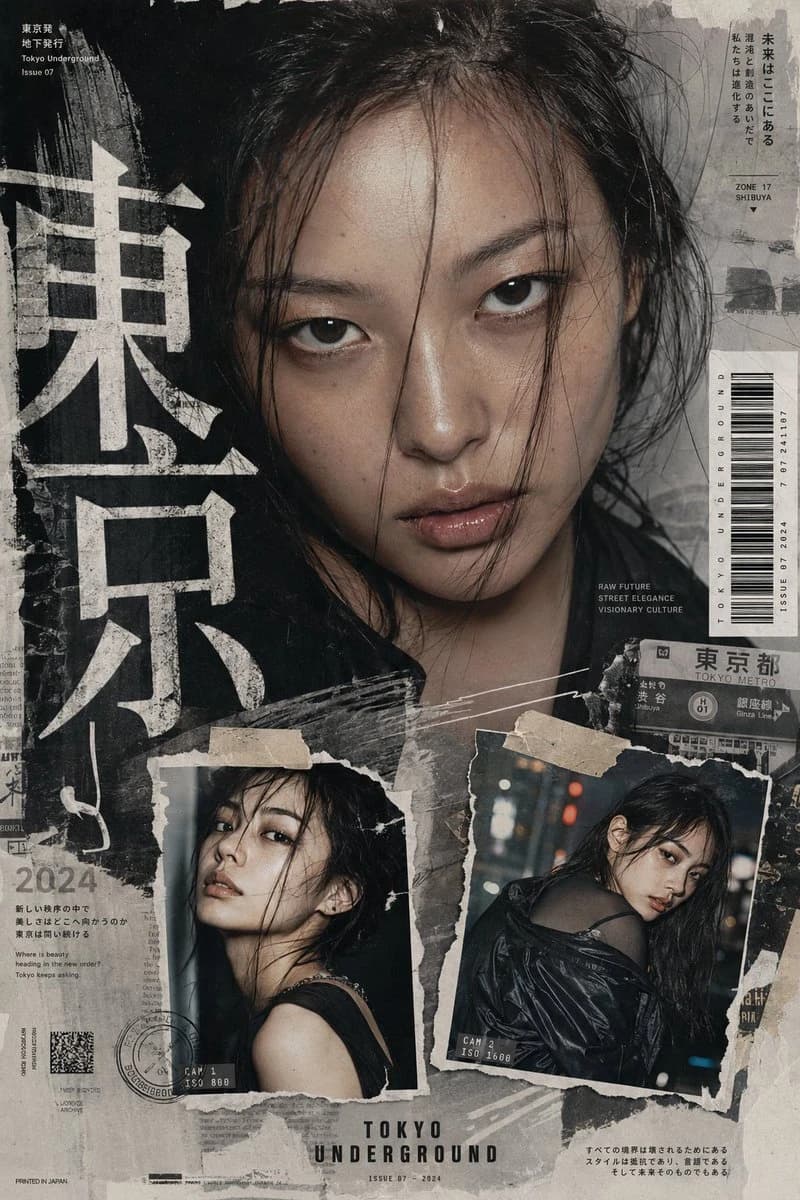
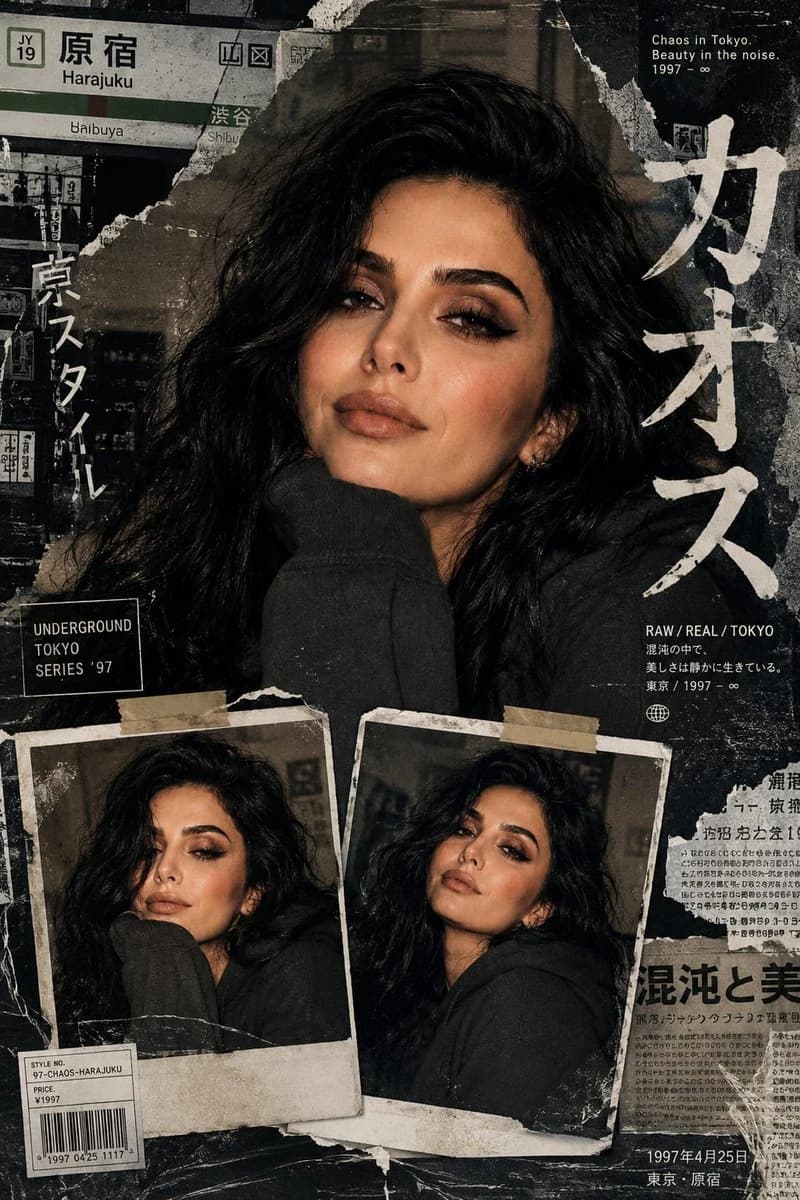
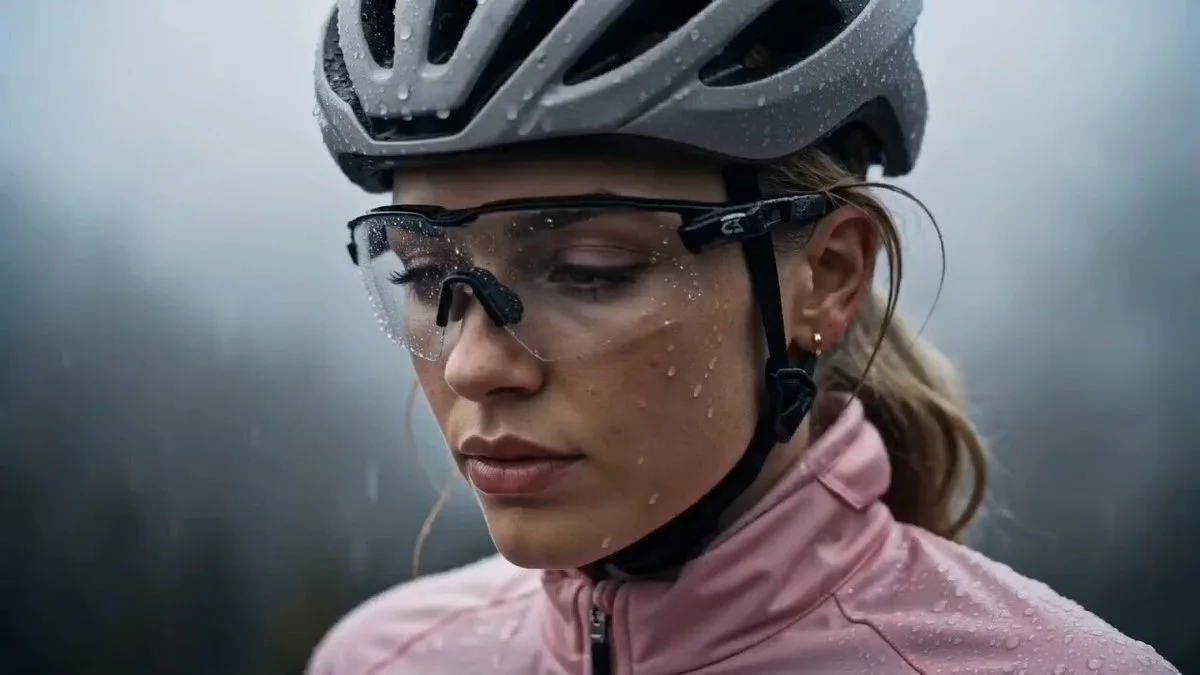
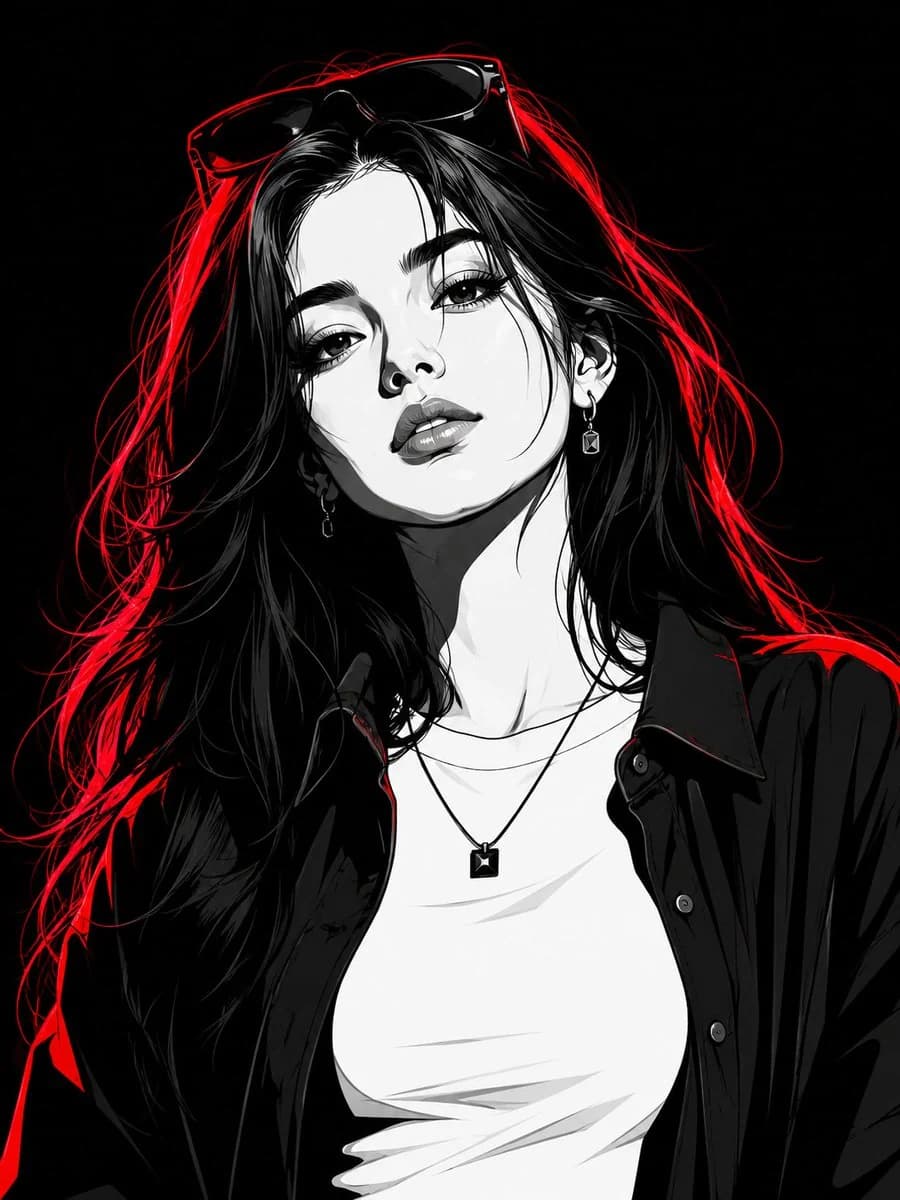
Image 2에서 GPT Image 2에 바로 사용할 수 있는 인물 프롬프트 ‘정체성 고정 포트레이트 편집’입니다. 아래 1008자를 복사해 Create 폼에 붙여 넣으면 위 미리보기와 비슷한 이미지를 만들 수 있습니다. 인물, 패션, 스포츠 태그를 조정하면 새로운 방향으로 확장할 수 있습니다.
먼저 그대로 사용해 본 뒤 피사체, 조명, 구도를 작업에 맞게 조정해 보세요. 원문을 그대로 쓰거나 수정해도 생성 비용은 같습니다.
사용 사례
인물 작업의 좋은 출발점
‘정체성 고정 포트레이트 편집’처럼 표현한 인물 이미지를 만들고 싶다면 이 GPT Image 2 프롬프트로 시작해 보세요. 스타일과 구도는 이미 잡혀 있으므로 인물, 제품, 색상, 장면 요소만 작업에 맞게 바꾸면 됩니다.
먼저 손보기 좋은 부분
- 피사체 인물, 제품, 장소, 오브젝트를 내 내용으로 바꾸고 전체 구도는 유지합니다.
- 분위기 조명, 색감, 카메라 각도, 소재 디테일을 브랜드나 용도에 맞춥니다.
- 결과 형식 생성 전에 비율, 배경, 텍스트, 레이아웃 지시를 정리합니다.
비슷한 프롬프트 더 보기
스타일, 용도, 피사체가 가까운 GPT Image 2 프롬프트를 이어서 확인해 보세요.
사용 방법
- 1단계
프롬프트 복사
위의 복사 버튼을 눌러 전체 텍스트를 가져옵니다.
- 2단계
Image 2 Create 열기
Create 폼으로 이동해 붙여 넣습니다.
- 3단계
생성
Generate를 누르면 몇 초 안에 내 버전이 완성됩니다.
내 버전으로 만들기
한 번의 클릭으로 Create 폼에 불러오고 바로 조정하세요.