Prompt
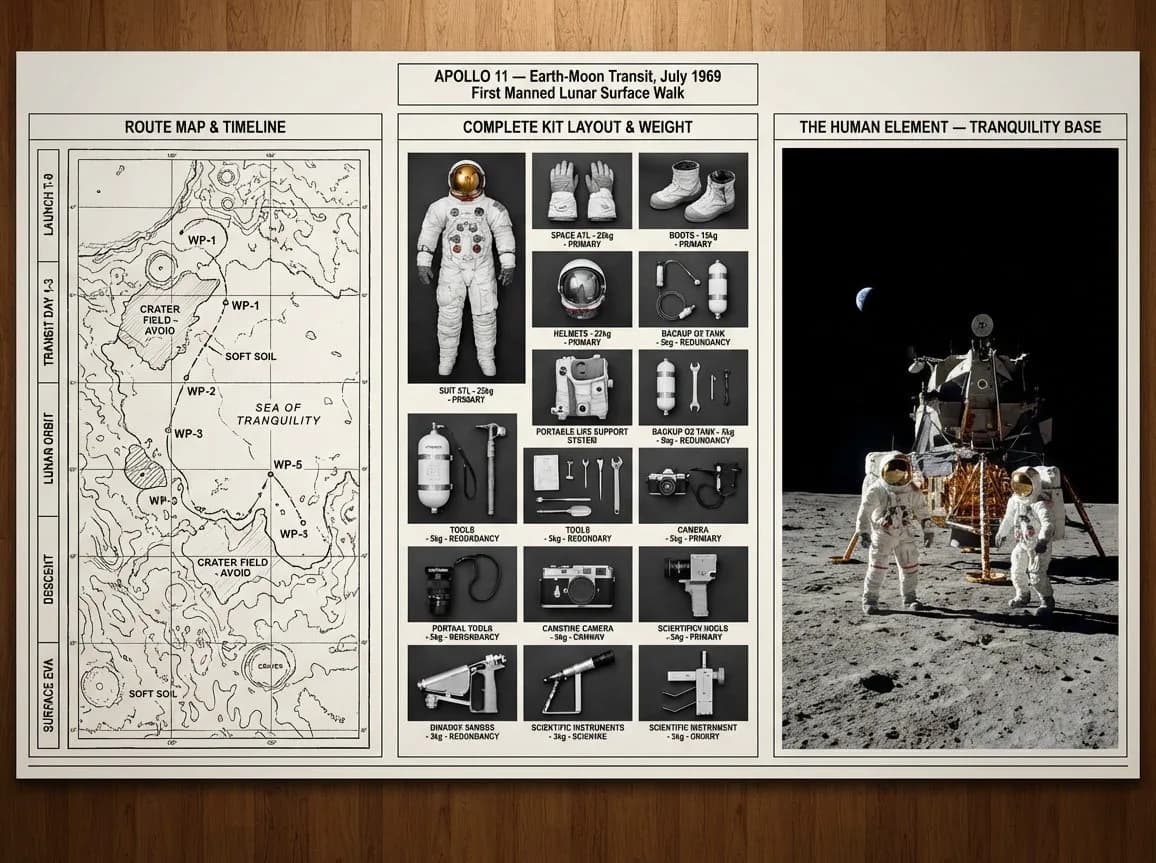
104 wordsA strategic command board for an expedition leader planning [JOURNEY / MISSION] to [DESTINATION / ERA]. Left panel: detailed topographic route map with labeled waypoints, annotated danger zones, and a timeline running along the edge. Center panel: overhead flat lay of every piece of kit in neat organized rows, each item tagged by weight and function, redundancies flagged, nothing unnecessary included. Right panel: the expedition in motion or the destination reached, small human figures against a vast landscape, scale unmistakable. Visual language shifts from cartographic precision through functional inventory documentation to sweeping epic environmental photography. Title block reads: "[EXPEDITION NAME] — [ROUTE], [DATE], [OBJECTIVE]".
About this prompt
Expedition Planning Command Board is a ready-to-use infographic prompt for GPT Image 2 on Image 2. Copy the 104 words below, paste them into the Create form, and you will get a result close to the preview above. Tweak the Infographic, UI, Travel tag if you want to push it somewhere new.
Use it as a starting point, then adjust the subject, lighting, or composition to suit your idea. The credit cost stays the same whether you use it as written or customize it.
Use case
A strong starting point for Infographic
Start here when you want a infographic image inspired by Expedition Planning Command Board. The prompt already sets the look and composition; replace the subject, product, colors, or scene details to match your project.
Easy places to tweak
- Subject Swap in your person, product, place, or object without changing the overall composition.
- Look and mood Tune the lighting, palette, camera angle, or materials so the image fits your brand.
- Final format Set the aspect ratio, background, text, or layout notes before you generate.
More prompt paths to explore
Find more GPT Image 2 prompts with a similar style, use case, or subject.
How to use it
- Step 1
Copy the prompt
Hit the Copy button above to grab the full text.
- Step 2
Open Image 2 Create
Head to the Create form and paste it in.
- Step 3
Generate
Hit Generate. Your version lands in seconds.
Make it yours
Load the prompt into the Create form with one click, then start tweaking.