01Transformations
Cinematic underwater portrait
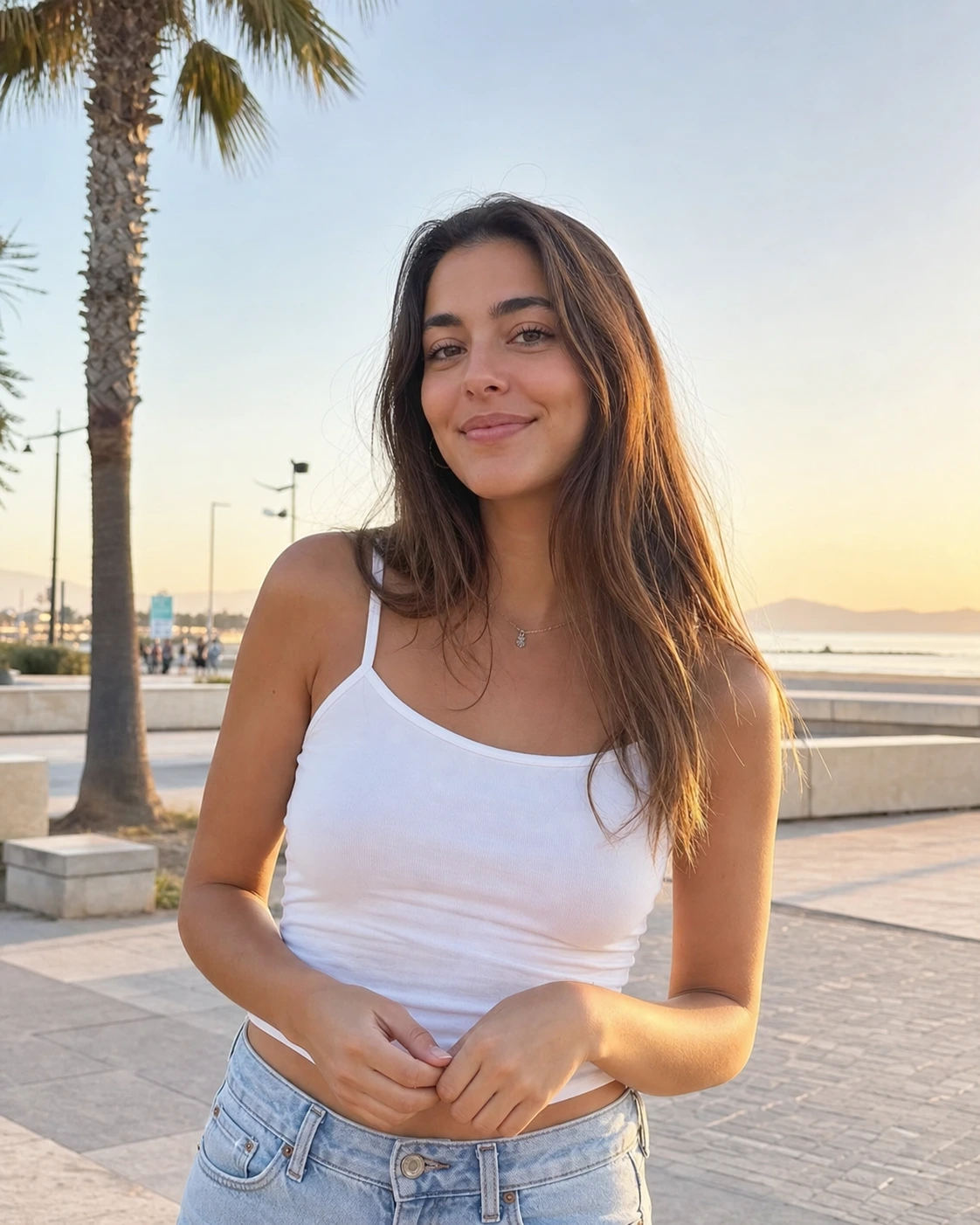
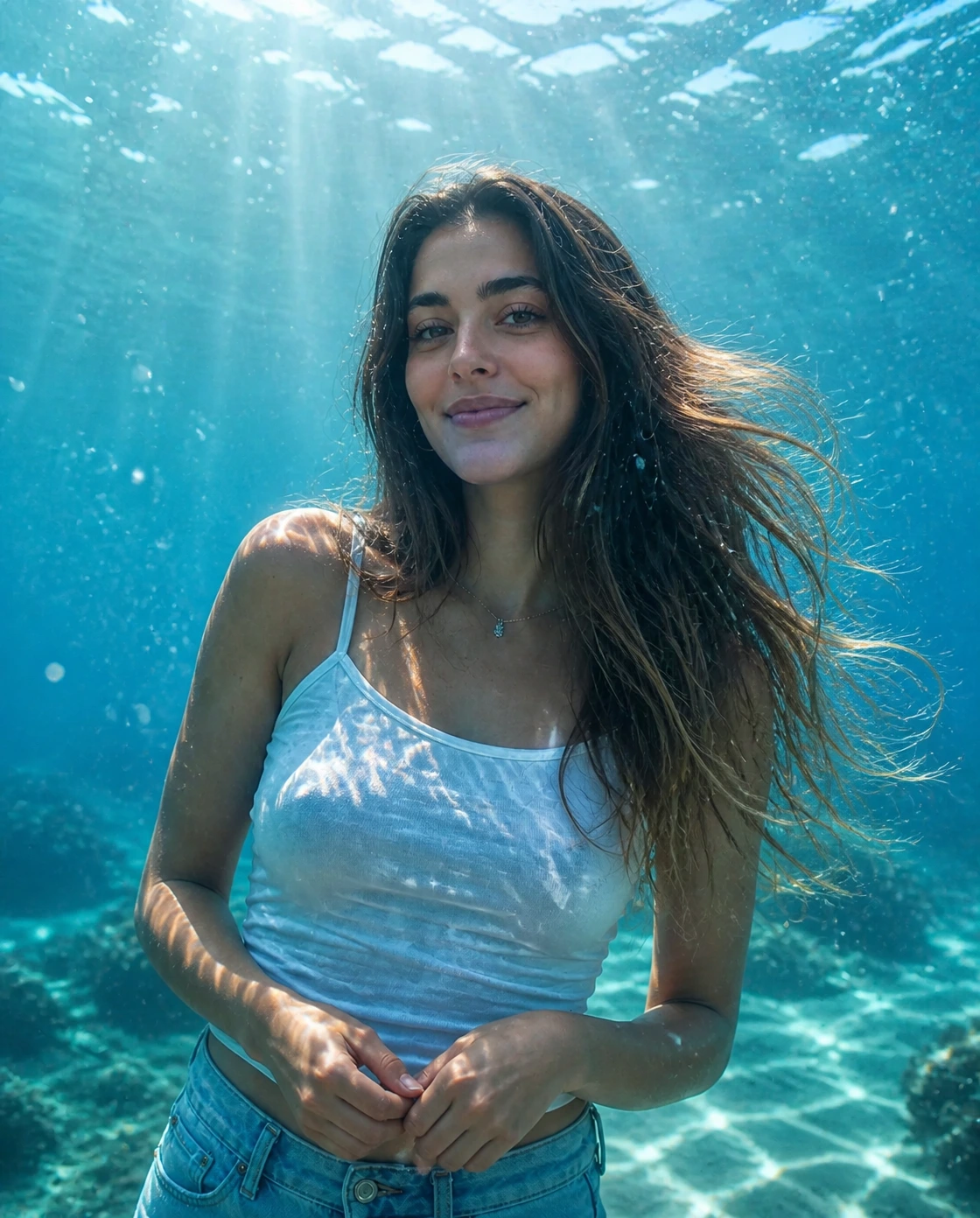
Turn a normal portrait into an AI underwater photo with clear blue water, sunbeams, bubbles, and natural floating detail.
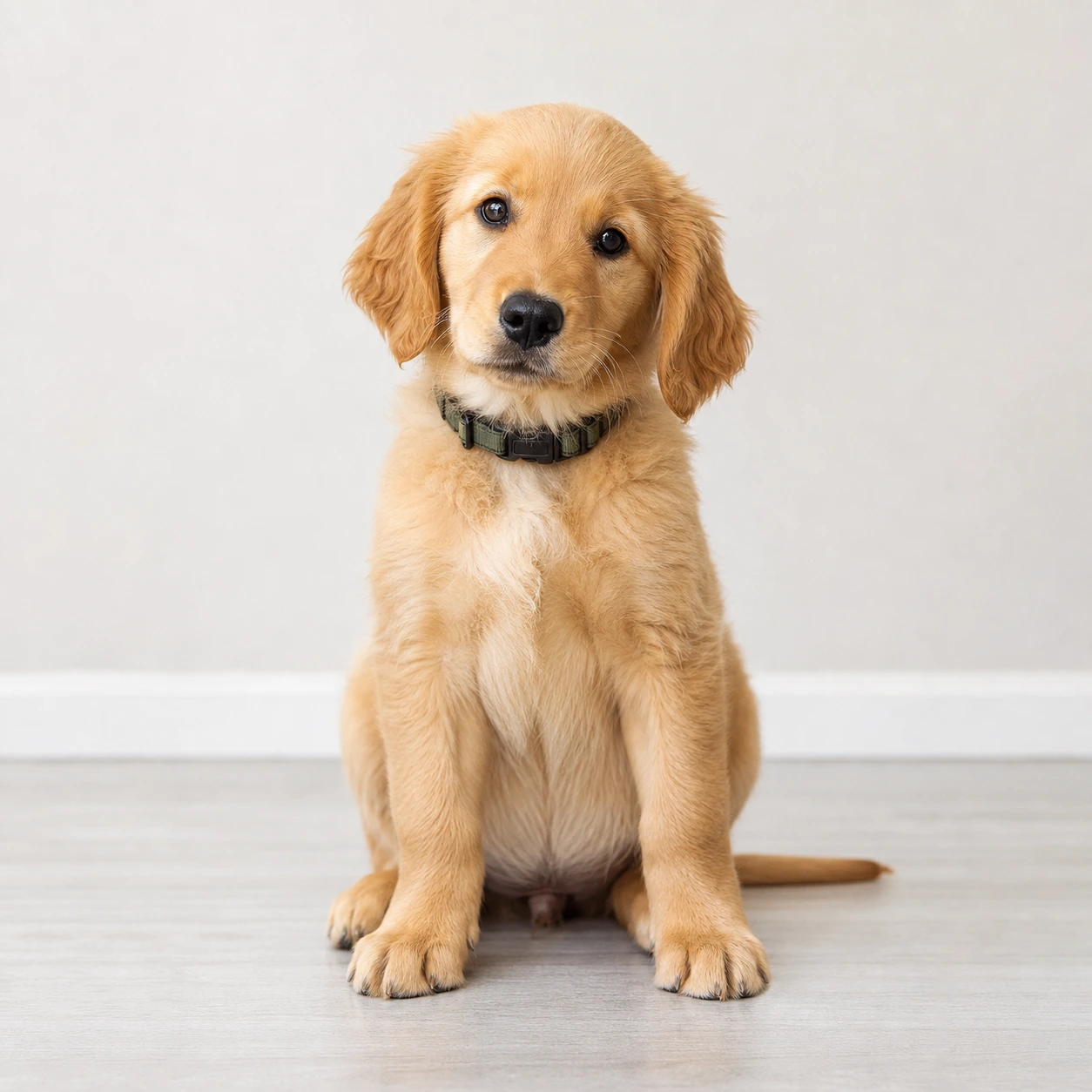
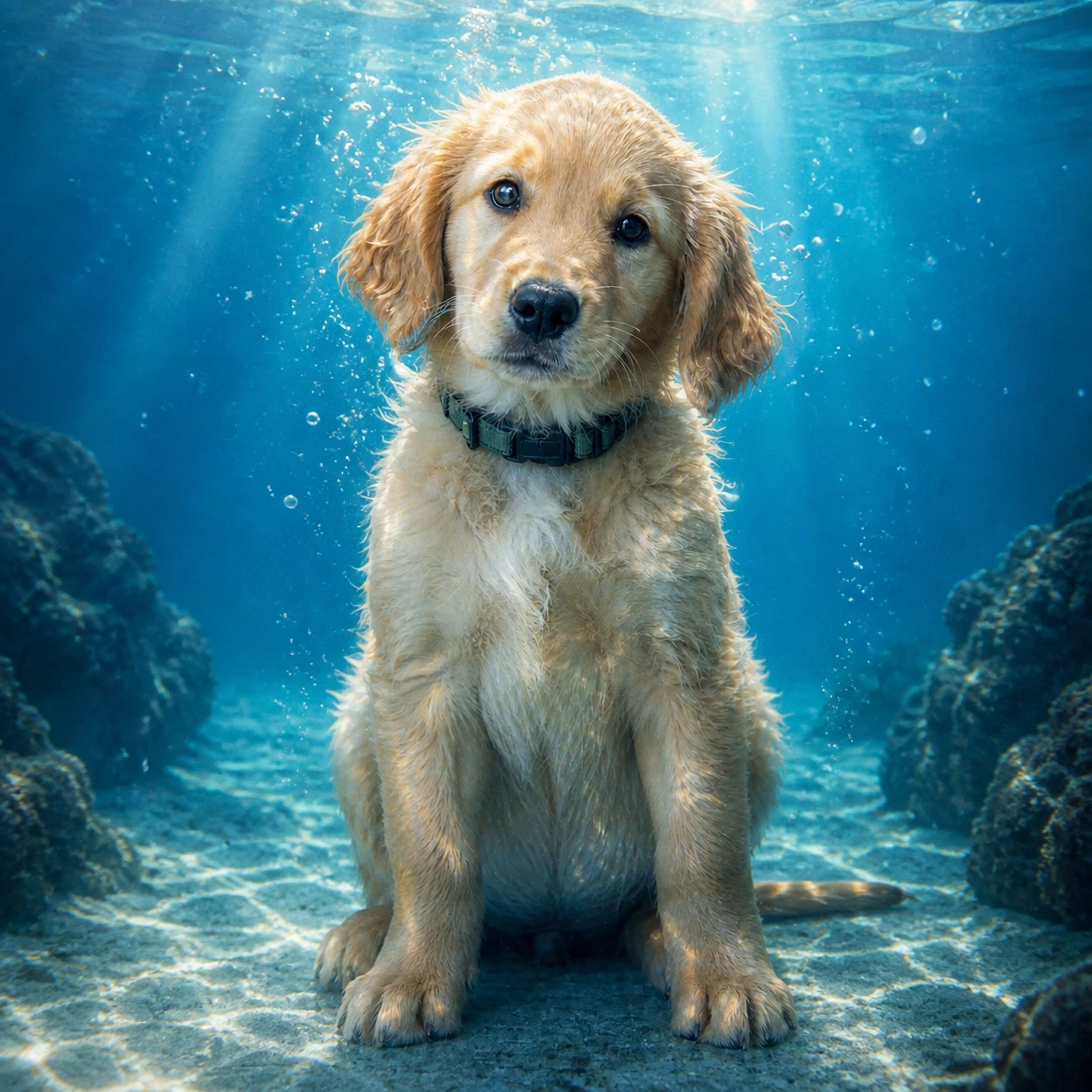
Create an AI underwater photo from a portrait or pet image. Add clear blue water, sunbeams, realistic bubbles, floating hair or fabric, and a soft cyan look while keeping the subject recognizable.
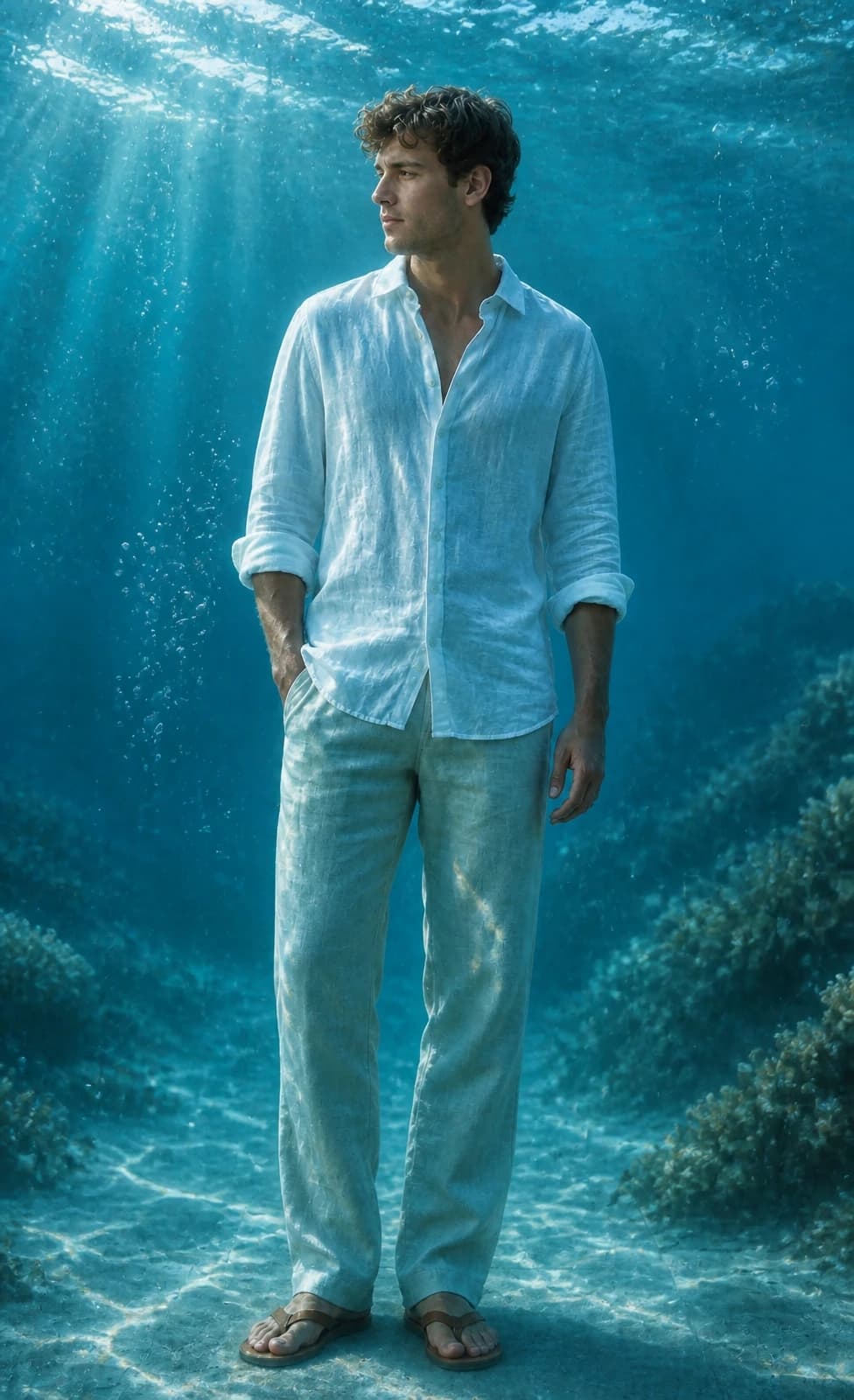
See how Image 2 turns portraits and pet photos into cinematic underwater portraits with ocean light, bubbles, and cyan water.
Turn a normal portrait into an AI underwater photo with clear blue water, sunbeams, bubbles, and natural floating detail.
Create underwater portraits for Reels covers, profile visuals, lock screens, and social posts without burying the subject.
Give pet photos a playful underwater look while preserving fur, eyes, expression, and the main pose.
Copy a GPT Image 2 underwater prompt for portraits, wallpapers, pets, or Instagram covers.
Use the uploaded portrait as the identity reference. Preserve the person, face, pose, hairstyle, outfit, and expression. Create a cinematic AI underwater photo in clear blue ocean water with soft sunlight beams, realistic bubbles, floating hair or fabric, gentle water refraction, teal and cyan color grading, natural skin texture, and elegant editorial photography. No text, no watermark.
Turn this portrait into an Instagram-ready underwater portrait for a Reels cover. Keep the face recognizable and centered, add clear ocean depth, soft caustic light, tiny bubbles, floating hair or clothing, clean cyan-blue color, and subtle space for title text without adding any text.
Use the uploaded pet photo as the reference. Preserve the pet breed, fur pattern, expression, and pose. Create a realistic AI underwater photo with clear water, tiny bubbles, soft sun rays, gentle floating motion, and a clean blue background. Do not distort the face, paws, fur, or eyes.
Turn this photo into a calm underwater wallpaper while keeping the main subject recognizable. Use open ocean depth, soft sunbeams, floating particles, subtle sand or coral in the distance, clean cyan-blue color, and a polished vertical composition for phone wallpapers and profile visuals.
Common questions about using AI Underwater Photo
It is an Image 2 style powered by GPT Image 2. Upload a photo and it restyles the subject into a cinematic underwater image with clear blue water, sunlight beams, bubbles, and realistic water refraction.
Upload a clear portrait or pet photo, keep the default prompt, choose a size, and generate. For covers or wallpapers, mention the platform or aspect ratio in the prompt.
Clear portraits, selfies, and pet photos work best when the face or main subject is easy to see. Avoid heavy blur, covered faces, strong filters, and cluttered backgrounds.
Ask GPT Image 2 to preserve identity, then describe clear blue water, sunlight from above, realistic bubbles, floating hair or fabric, cyan color, and no text or watermark. The default prompt already includes these details.
The default prompt asks GPT Image 2 to preserve face shape, hairstyle, skin tone, pose, outfit, expression, and overall likeness. Results can still vary, so use a sharper source photo or regenerate if the identity drifts.
Yes. The style is designed for Instagram posts, Reels covers, profile photos, lock-screen wallpapers, and before-and-after creator content.
Yes. Upload a clear pet photo and the prompt will try to preserve breed, fur pattern, expression, and pose while adding underwater light and bubbles.
Use a square image for Instagram posts and profile visuals, a portrait image for Reels, Stories, and phone wallpapers, and a landscape image for banners or thumbnails.
Each generation uses 2/2/6 (1K/2K/4K) credits depending on the selected output resolution. New users can try it with signup credits, and more credits are available through plans, top-ups, check-ins, or referrals.
Commercial use may be permitted, subject to our Terms of Service, applicable law, and third-party rights. You are responsible for reviewing generated outputs before any commercial use.
Still have questions? Contact us at [email protected]