01Transformationen
Filmisches Unterwasserporträt
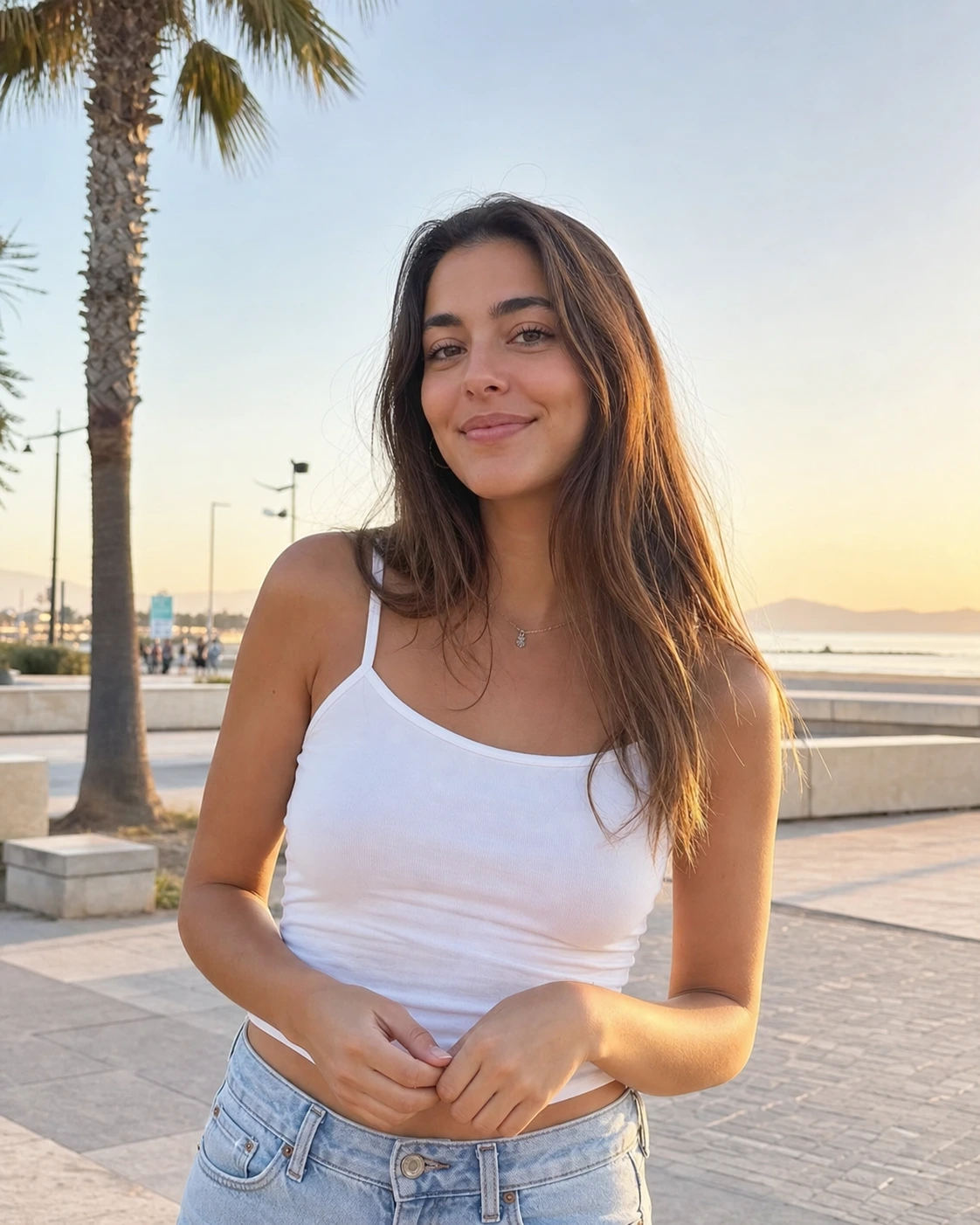
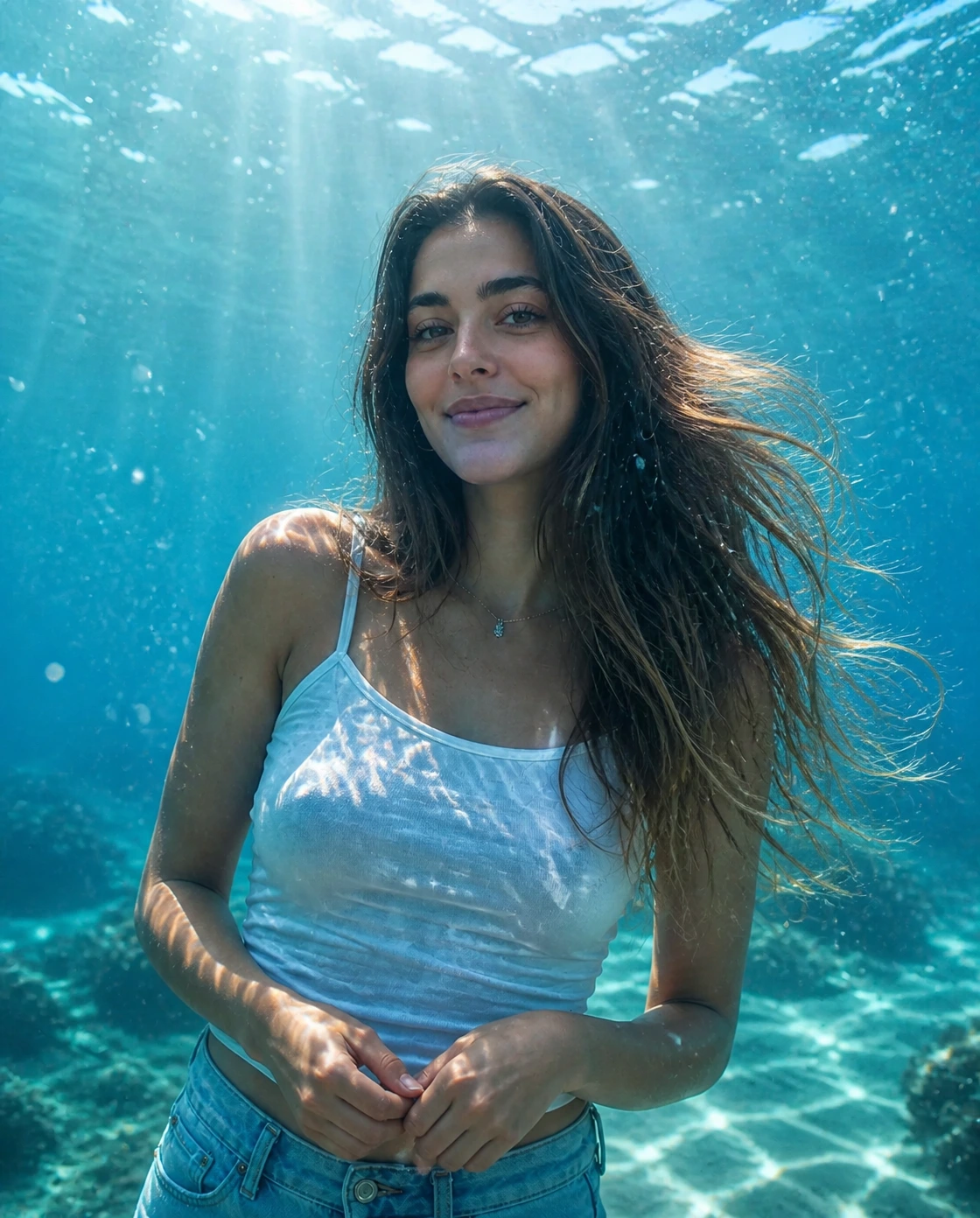
Verwandle ein normales Porträt in ein AI-Unterwasserfoto mit klarem Wasser, Sonnenstrahlen, Blasen und natürlicher Schwebe.
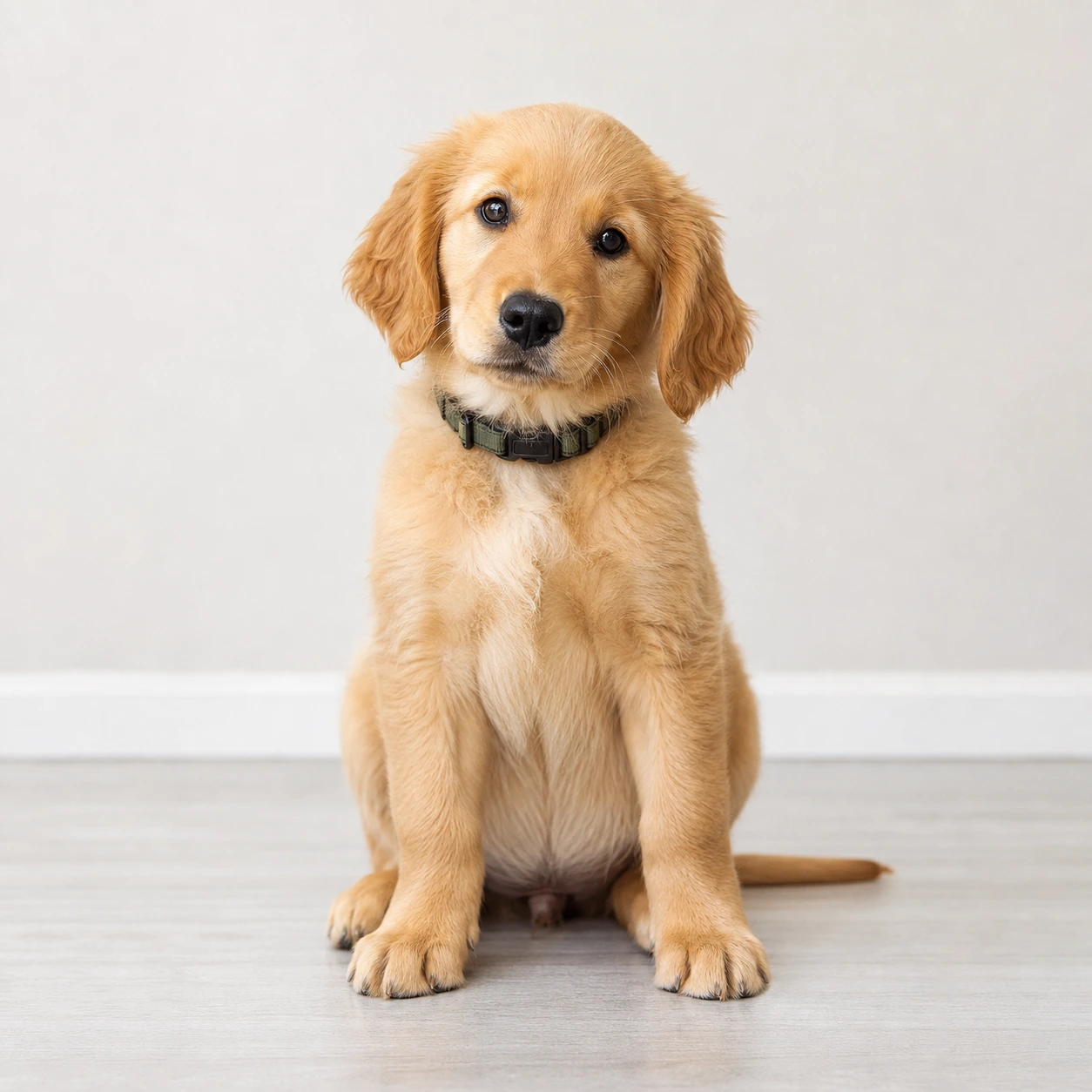
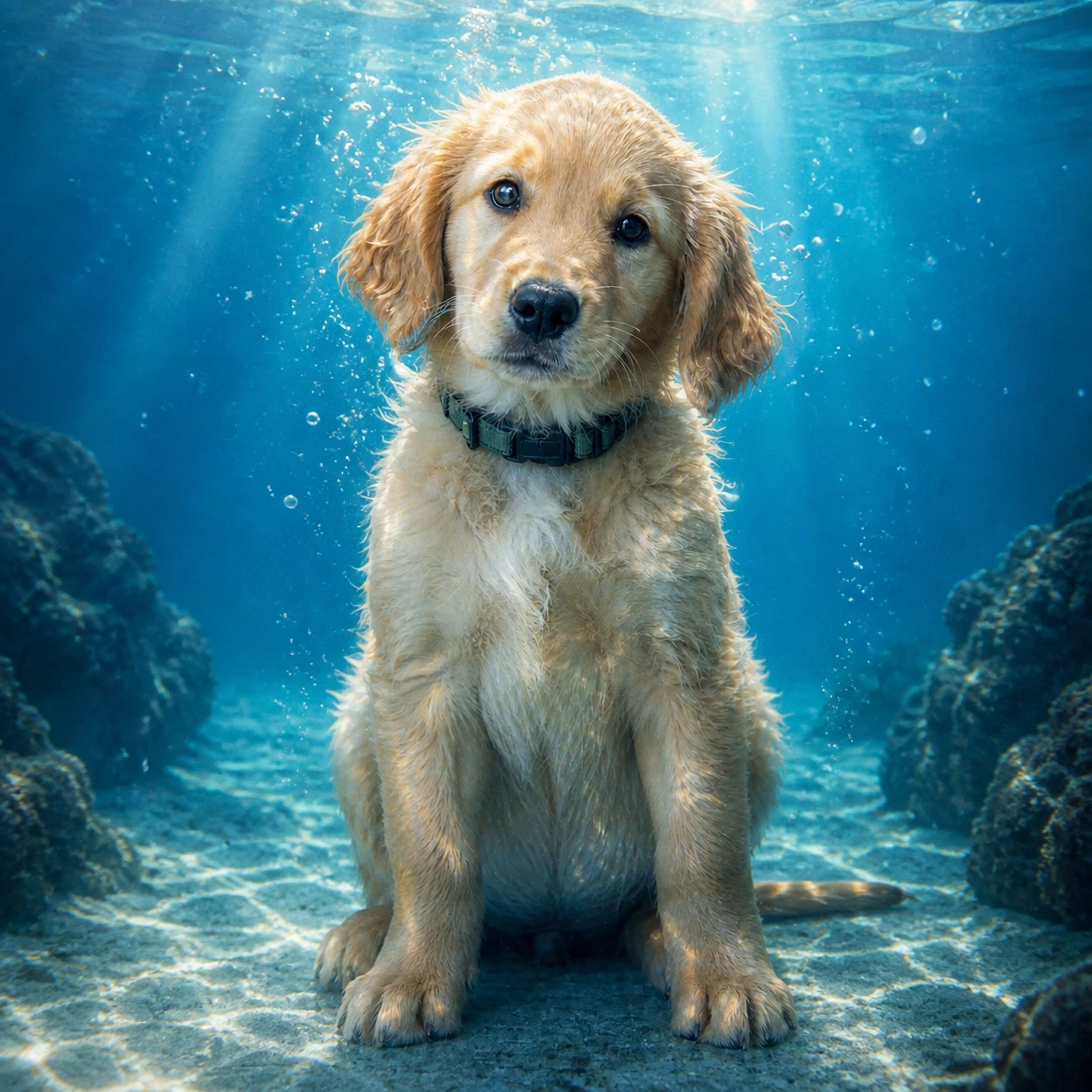
Erstelle ein AI-Unterwasserfoto aus einem Porträt oder Haustierbild. Füge klares blaues Wasser, Sonnenstrahlen, realistische Blasen und einen weichen Cyan-Look hinzu, während das Motiv erkennbar bleibt.
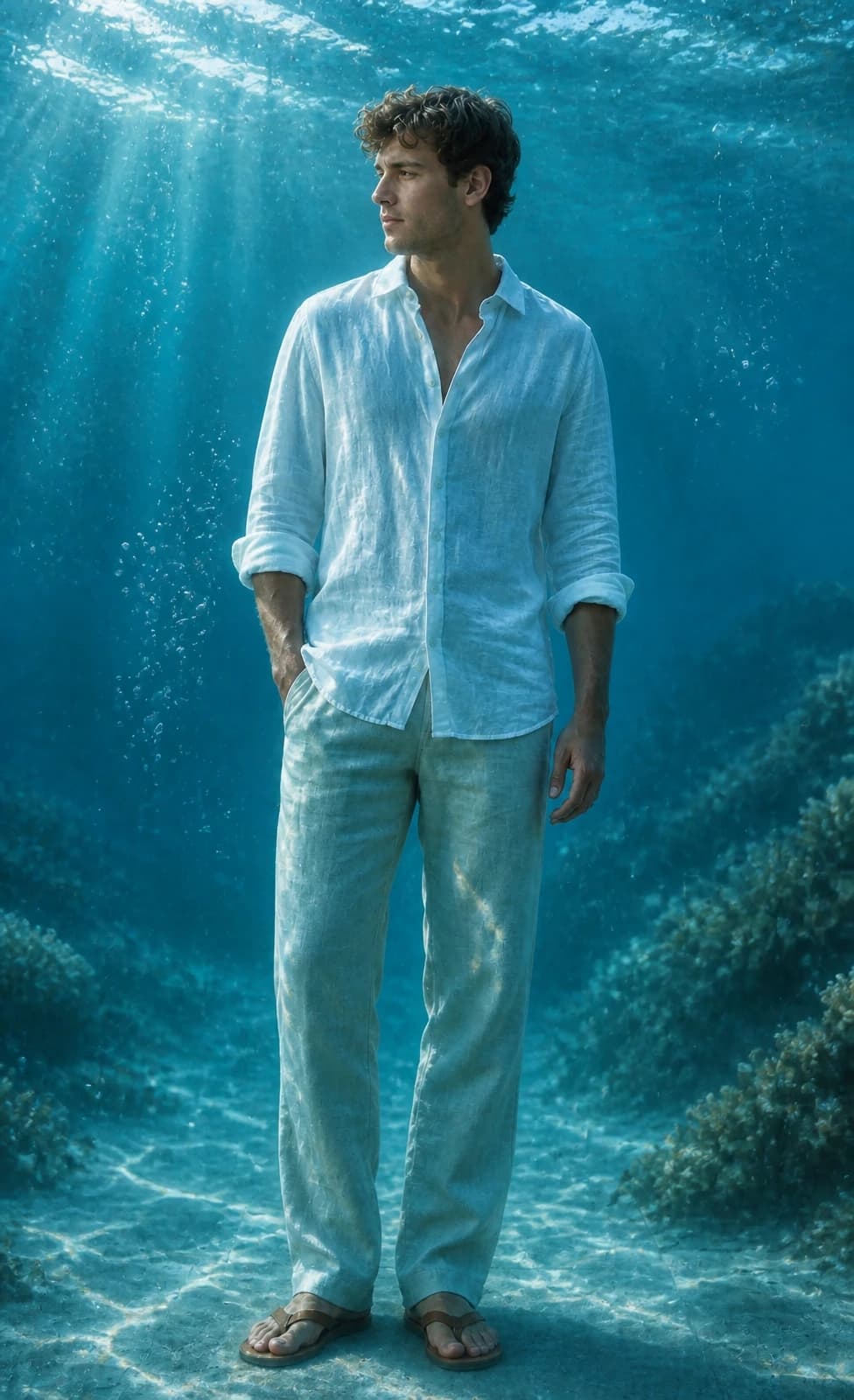
So verwandelt Image 2 Porträts und Haustierfotos in filmische Unterwasserporträts mit Ozeanlicht, Blasen und Cyanwasser.
Verwandle ein normales Porträt in ein AI-Unterwasserfoto mit klarem Wasser, Sonnenstrahlen, Blasen und natürlicher Schwebe.
Erstelle Unterwasserporträts für Reels-Cover, Profilbilder, Sperrbildschirme und Social Posts, ohne das Motiv zu verlieren.
Gib Haustierfotos einen spielerischen Unterwasserlook und erhalte Fell, Augen, Ausdruck und Pose.
Kopiere einen GPT Image 2 Unterwasser-Prompt für Porträts, Wallpaper, Haustiere oder Instagram-Cover.
Use the uploaded portrait as the identity reference. Preserve the person, face, pose, hairstyle, outfit, and expression. Create a cinematic AI underwater photo in clear blue ocean water with soft sunlight beams, realistic bubbles, floating hair or fabric, gentle water refraction, teal and cyan color grading, natural skin texture, and elegant editorial photography. No text, no watermark.
Turn this portrait into an Instagram-ready underwater portrait for a Reels cover. Keep the face recognizable and centered, add clear ocean depth, soft caustic light, tiny bubbles, floating hair or clothing, clean cyan-blue color, and subtle space for title text without adding any text.
Use the uploaded pet photo as the reference. Preserve the pet breed, fur pattern, expression, and pose. Create a realistic AI underwater photo with clear water, tiny bubbles, soft sun rays, gentle floating motion, and a clean blue background. Do not distort the face, paws, fur, or eyes.
Turn this photo into a calm underwater wallpaper while keeping the main subject recognizable. Use open ocean depth, soft sunbeams, floating particles, subtle sand or coral in the distance, clean cyan-blue color, and a polished vertical composition for phone wallpapers and profile visuals.
Häufige Fragen zur Verwendung von AI Underwater Photo
Es ist ein Image 2 Stil, der mit GPT Image 2 arbeitet. Lade ein Foto hoch und verwandle das Motiv in ein filmisches Unterwasserbild mit klarem blauem Wasser, Sonnenstrahlen, Blasen und realistischer Lichtbrechung.
Lade ein klares Porträt oder Haustierfoto hoch, behalte den Standard-Prompt bei, wähle ein Format und starte die Generierung. Für Cover oder Wallpaper kannst du Plattform oder Seitenverhältnis ergänzen.
Klare Porträts, Selfies und Haustierfotos funktionieren am besten, wenn Gesicht oder Motiv gut zu sehen sind. Vermeide starke Unschärfe, verdeckte Gesichter, harte Filter und unruhige Hintergründe.
Bitte GPT Image 2, die Identität zu bewahren, und beschreibe klares blaues Wasser, Sonnenlicht von oben, realistische Blasen, schwebendes Haar oder Stoff, Cyan-Farben sowie kein Text und kein Wasserzeichen. Der Standard-Prompt enthält diese Punkte bereits.
Der Standard-Prompt fordert GPT Image 2 auf, Gesichtsform, Frisur, Hautton, Pose, Kleidung, Ausdruck und Ähnlichkeit zu bewahren. Ergebnisse können trotzdem variieren; ein scharfes Ausgangsfoto hilft.
Ja. Der Stil eignet sich für Instagram-Posts, Reels-Cover, Profilbilder, Sperrbildschirme und Before/After-Content.
Ja. Lade ein klares Haustierfoto hoch; der Prompt versucht Rasse, Fellmuster, Ausdruck und Pose zu erhalten und ergänzt Unterwasserlicht und Blasen.
Nutze quadratische Bilder für Instagram-Posts und Profilbilder, Hochformat für Reels, Stories und Handy-Wallpaper und Querformat für Banner oder Thumbnails.
Jede Generierung verbraucht je nach Ausgabeauflösung 2/2/6 (1K/2K/4K) Credits. Neue Nutzer können es mit Signup-Credits testen; weitere Credits gibt es über Pläne, Top-ups, Check-ins oder Empfehlungen.
Kommerzielle Nutzung kann erlaubt sein, abhängig von unseren Nutzungsbedingungen, geltendem Recht und Rechten Dritter. Prüfe die Ergebnisse vor jeder kommerziellen Nutzung selbst.
Noch Fragen? Schreib uns an: [email protected]