01Transformations
Portrait sous-marin cinématique
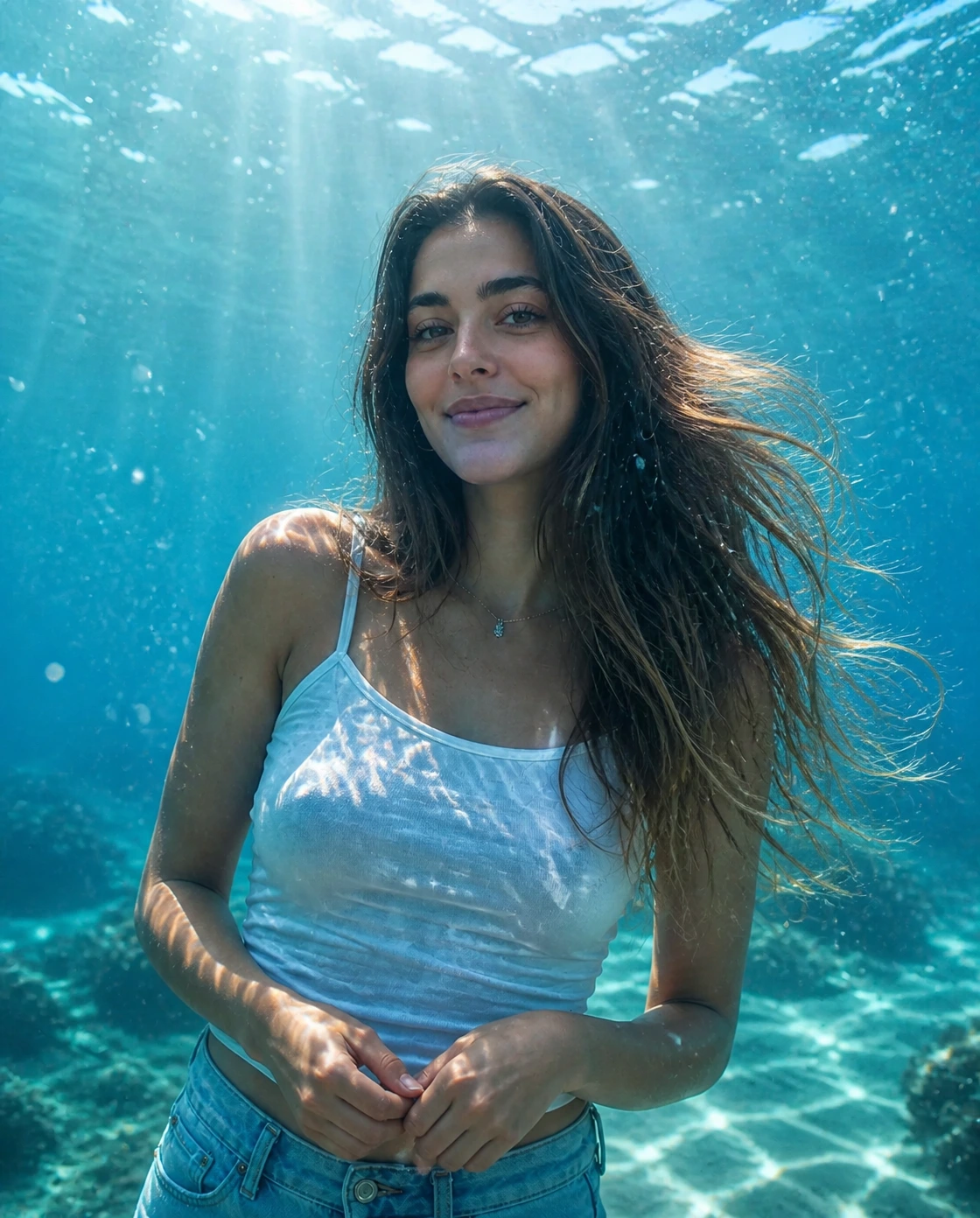
Transformez un portrait simple en photo sous-marine IA avec eau claire, rayons de soleil, bulles et détails flottants naturels.
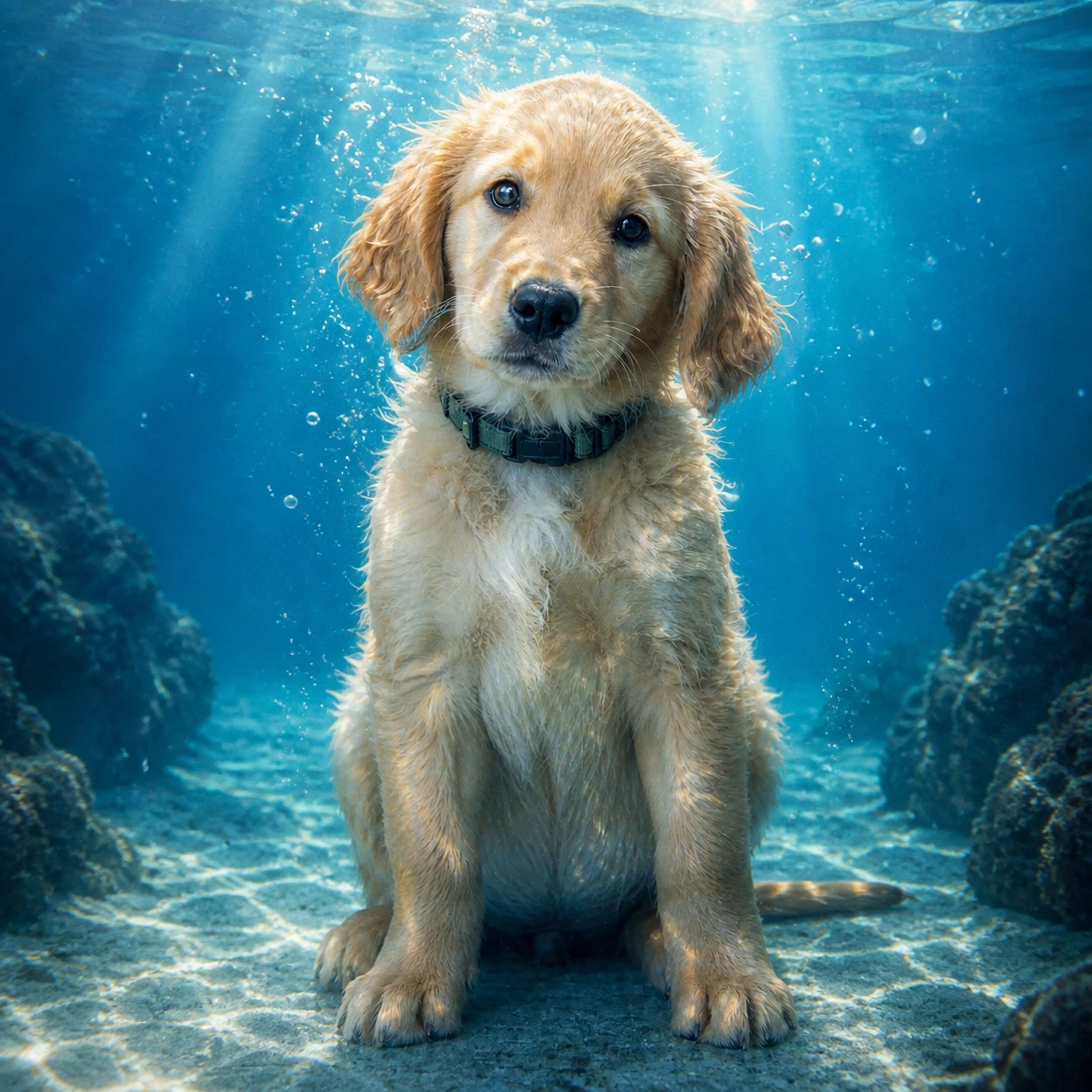
Créez une photo sous-marine IA à partir d'un portrait ou d'un animal. Ajoutez eau bleue claire, rayons de soleil, bulles réalistes et tons cyan tout en gardant le sujet reconnaissable.
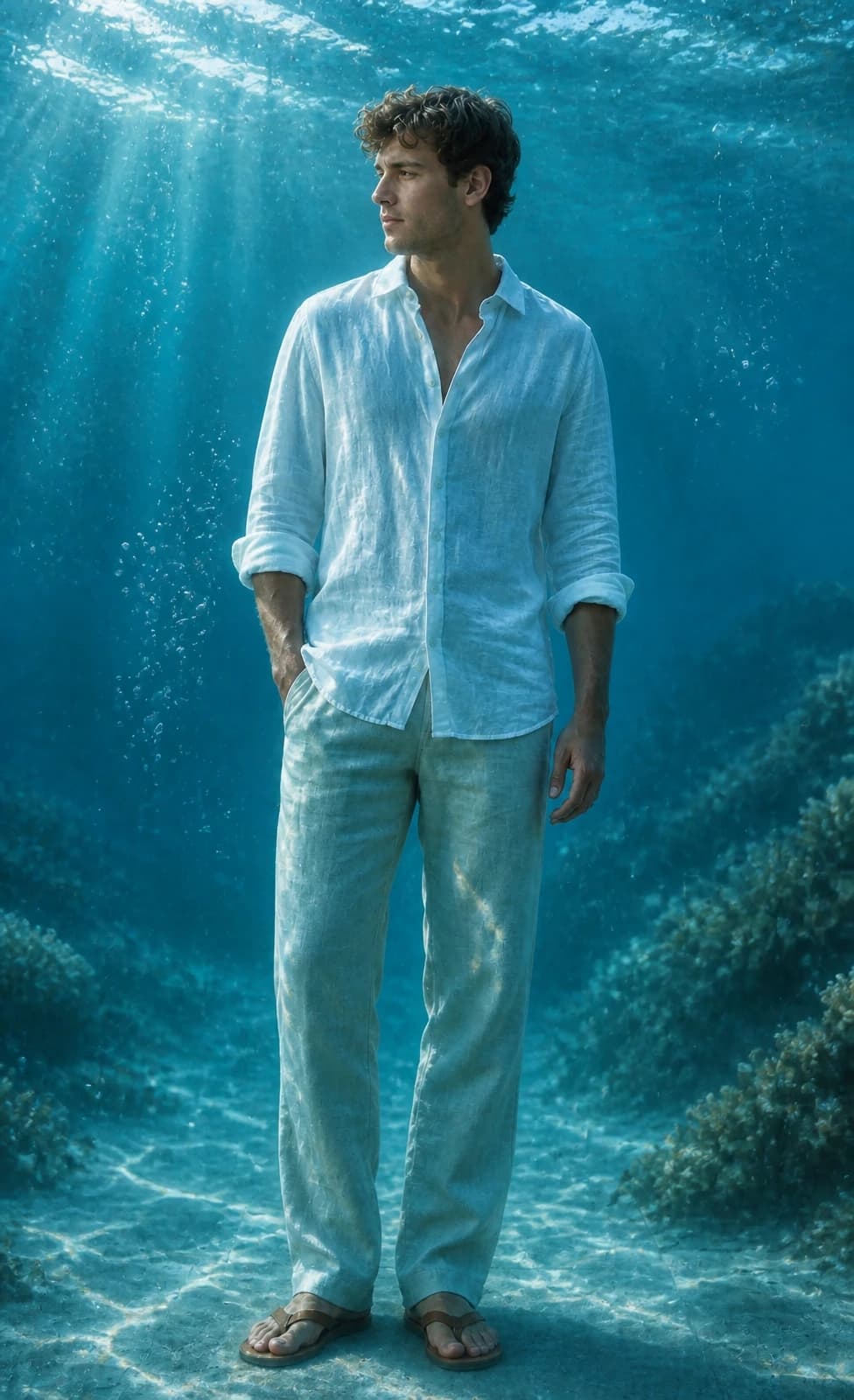
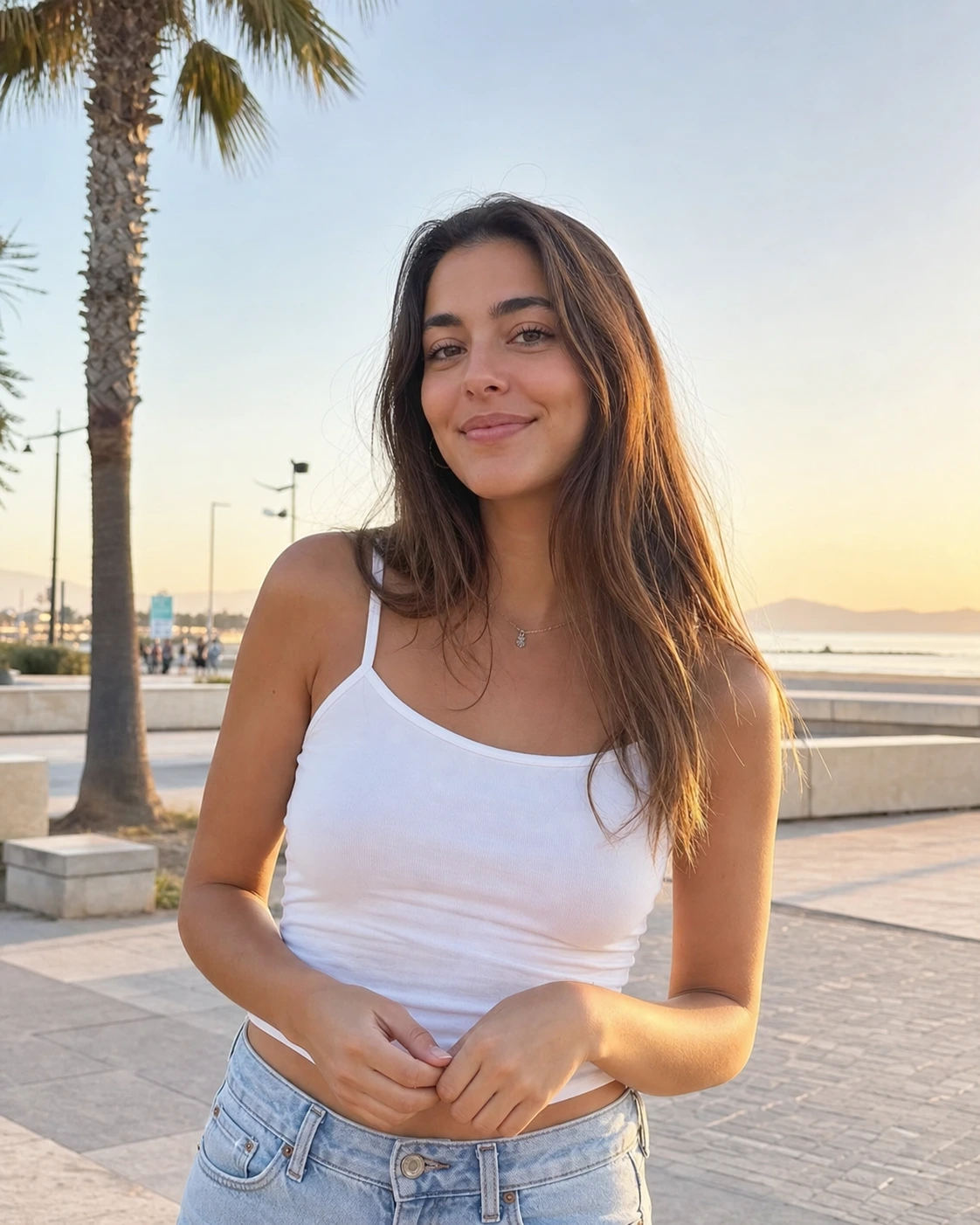
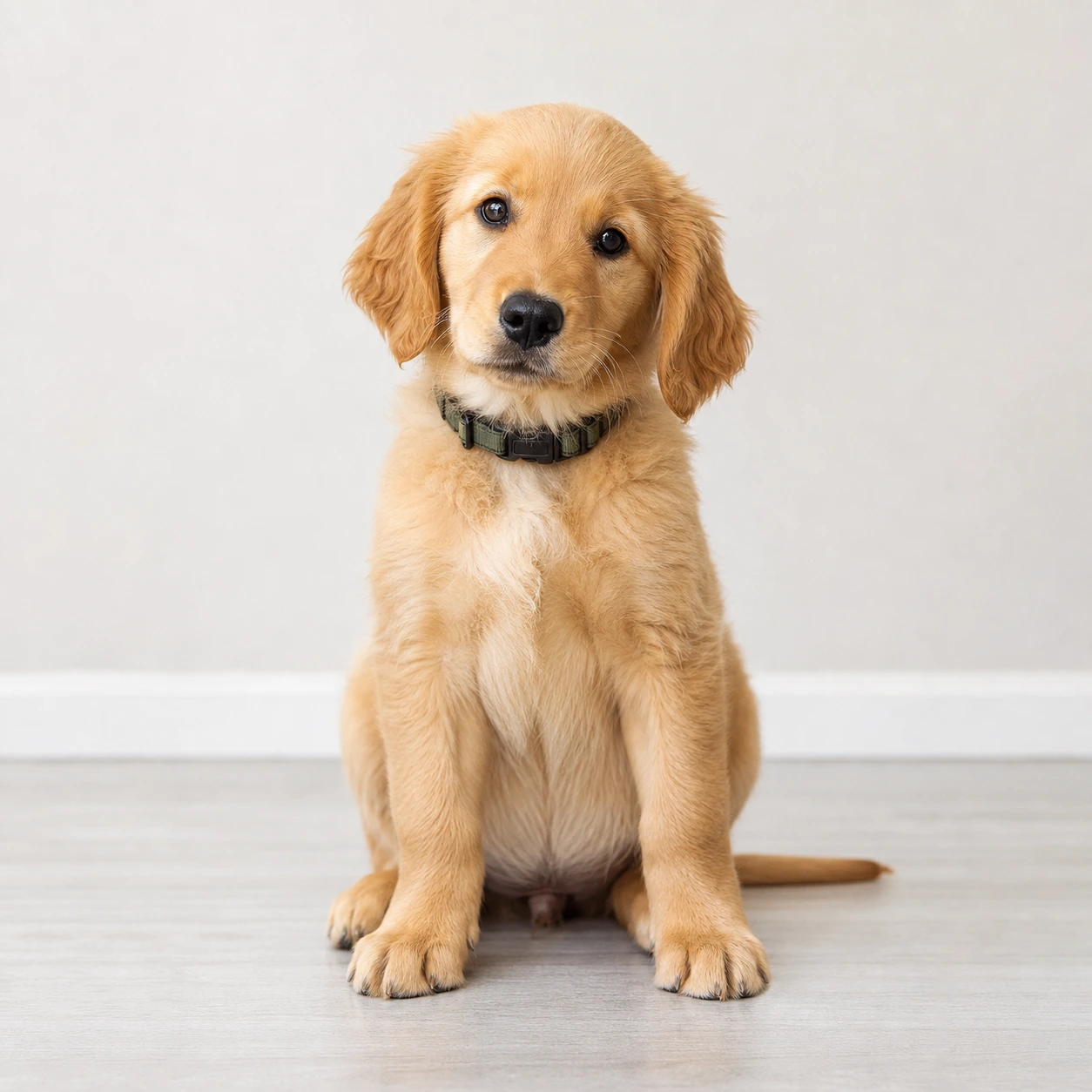
Voyez comment Image 2 transforme portraits et photos d'animaux en portraits sous-marins avec lumière océanique, bulles et eau cyan.
Transformez un portrait simple en photo sous-marine IA avec eau claire, rayons de soleil, bulles et détails flottants naturels.
Créez des portraits sous-marins pour Reels, profils, écrans verrouillés et posts sociaux sans perdre le sujet.
Donnez à une photo d'animal un rendu sous-marin ludique en conservant pelage, yeux, expression et pose.
Copiez un prompt sous-marin pour GPT Image 2, pour portraits, fonds d'écran, animaux ou couvertures Instagram.
Use the uploaded portrait as the identity reference. Preserve the person, face, pose, hairstyle, outfit, and expression. Create a cinematic AI underwater photo in clear blue ocean water with soft sunlight beams, realistic bubbles, floating hair or fabric, gentle water refraction, teal and cyan color grading, natural skin texture, and elegant editorial photography. No text, no watermark.
Turn this portrait into an Instagram-ready underwater portrait for a Reels cover. Keep the face recognizable and centered, add clear ocean depth, soft caustic light, tiny bubbles, floating hair or clothing, clean cyan-blue color, and subtle space for title text without adding any text.
Use the uploaded pet photo as the reference. Preserve the pet breed, fur pattern, expression, and pose. Create a realistic AI underwater photo with clear water, tiny bubbles, soft sun rays, gentle floating motion, and a clean blue background. Do not distort the face, paws, fur, or eyes.
Turn this photo into a calm underwater wallpaper while keeping the main subject recognizable. Use open ocean depth, soft sunbeams, floating particles, subtle sand or coral in the distance, clean cyan-blue color, and a polished vertical composition for phone wallpapers and profile visuals.
Questions courantes sur l'utilisation de Photo sous-marine IA
C'est un style Image 2 propulsé par GPT Image 2. Importez une photo et transformez le sujet en image sous-marine cinématique avec eau bleue claire, rayons de soleil, bulles et réfraction réaliste.
Importez un portrait ou une photo d'animal nette, gardez le prompt par défaut, choisissez une taille et générez. Pour une couverture ou un fond d'écran, ajoutez la plateforme ou le ratio souhaité.
Les portraits, selfies et photos d'animaux fonctionnent mieux lorsque le visage ou le sujet principal est bien visible. Évitez flou fort, visages cachés, filtres lourds et arrière-plans trop chargés.
Demandez de préserver l'identité, puis décrivez eau bleue claire, lumière venant du haut, bulles réalistes, cheveux ou tissu flottant, tons cyan, sans texte ni filigrane. Le prompt par défaut contient déjà ces éléments.
Le prompt par défaut demande à GPT Image 2 de préserver forme du visage, coiffure, carnation, pose, tenue, expression et ressemblance générale. Les résultats peuvent varier; une photo nette aide.
Oui. Le style est fait pour posts Instagram, couvertures Reels, photos de profil, fonds d'écran et contenus before/after.
Oui. Importez une photo nette; le prompt essaie de préserver race, pelage, expression et pose tout en ajoutant lumière sous-marine et bulles.
Utilisez le carré pour posts et profils, le portrait pour Reels, Stories et fonds de téléphone, et le paysage pour bannières ou miniatures.
Chaque génération utilise 2/2/6 (1K/2K/4K) crédits selon la résolution choisie. Les nouveaux utilisateurs peuvent essayer avec les crédits d'inscription; d'autres crédits sont disponibles via plans, recharges, check-ins ou parrainages.
L'usage commercial peut être autorisé selon nos Conditions d'utilisation, la loi applicable et les droits de tiers. Vérifiez toujours le résultat avant toute utilisation commerciale.
D'autres questions ? Contactez-nous à [email protected]