01Trasformazioni
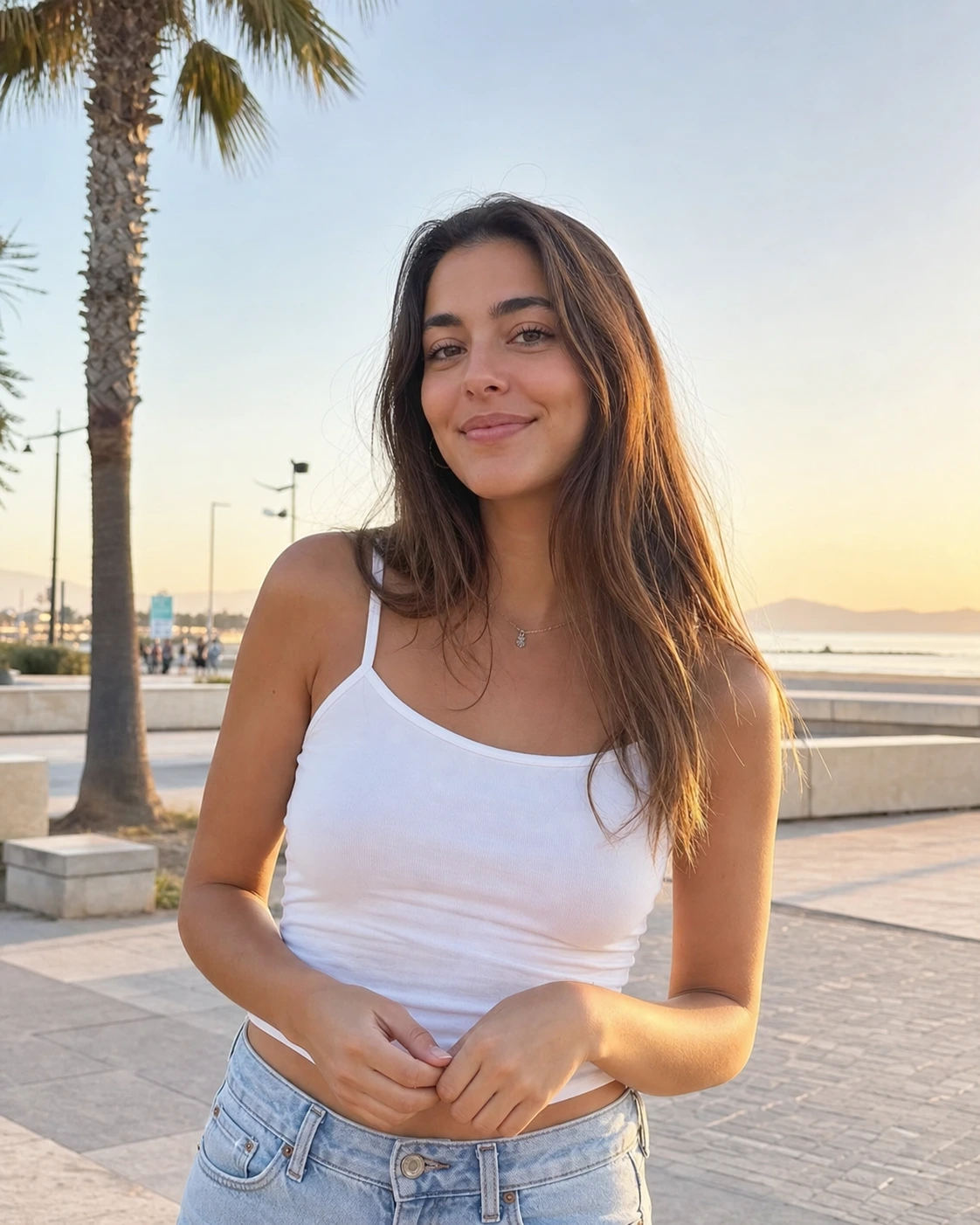
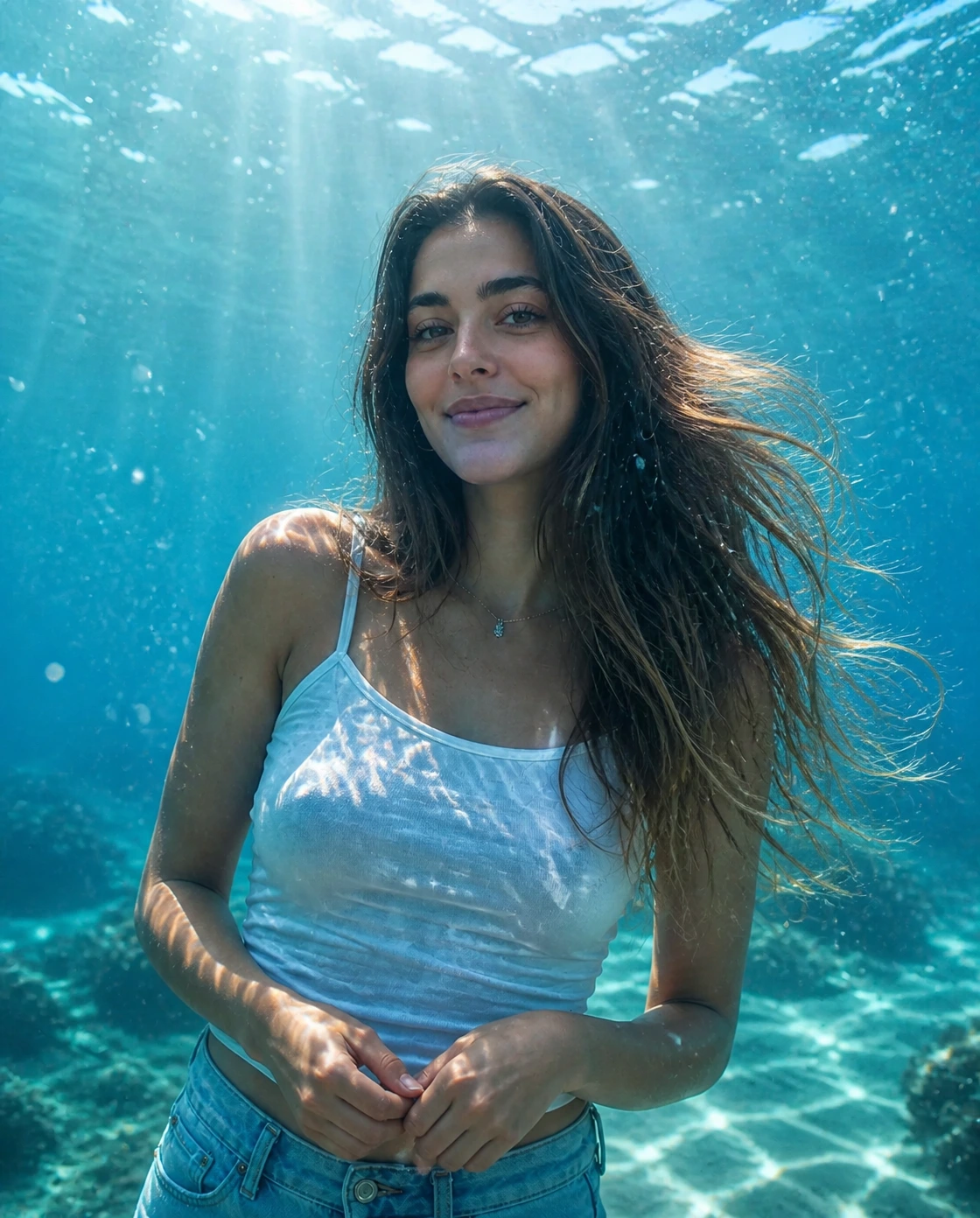
Ritratto subacqueo cinematografico
Trasforma un normale ritratto in una foto subacquea con AI con acqua chiara, raggi di sole, bolle e dettagli fluttuanti naturali.
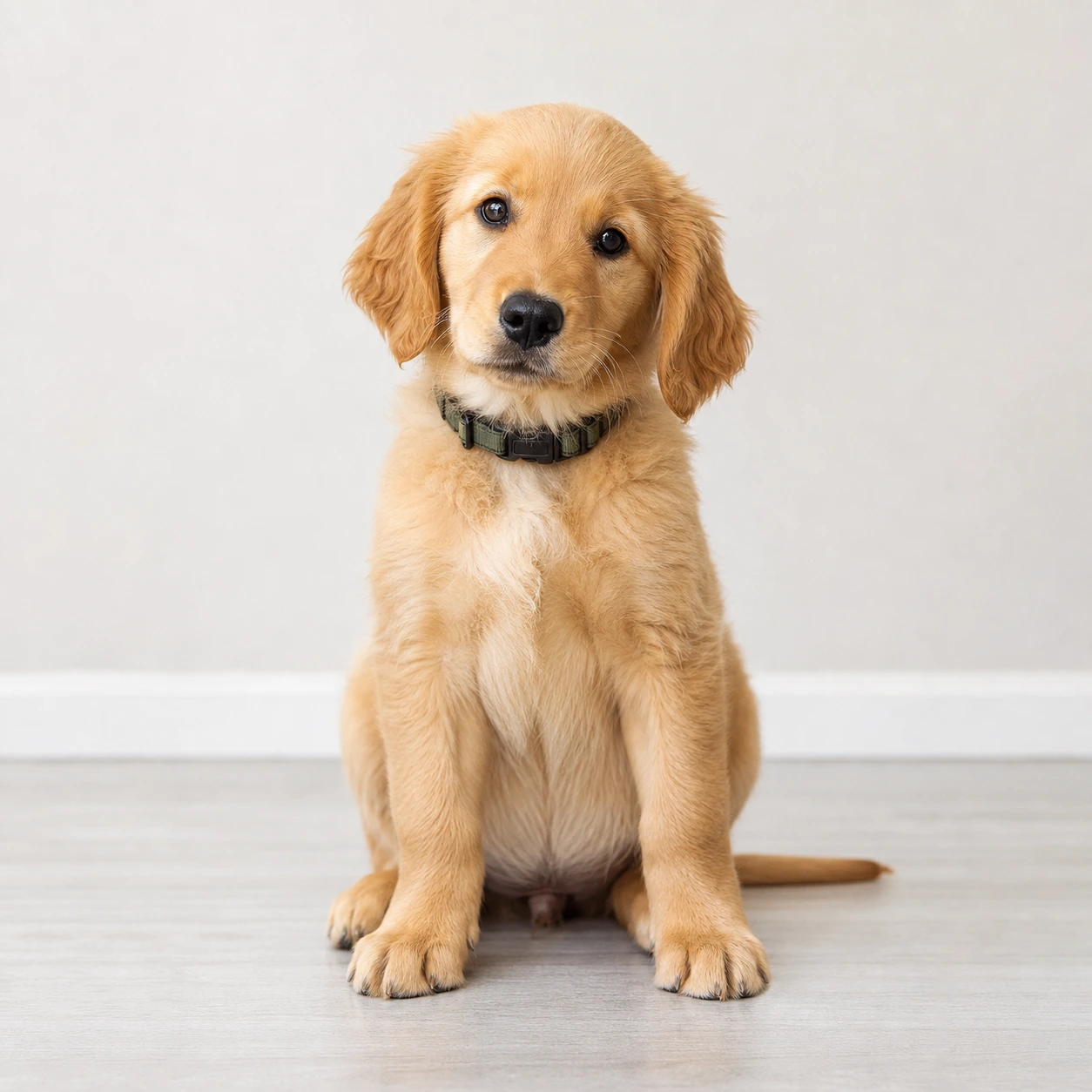
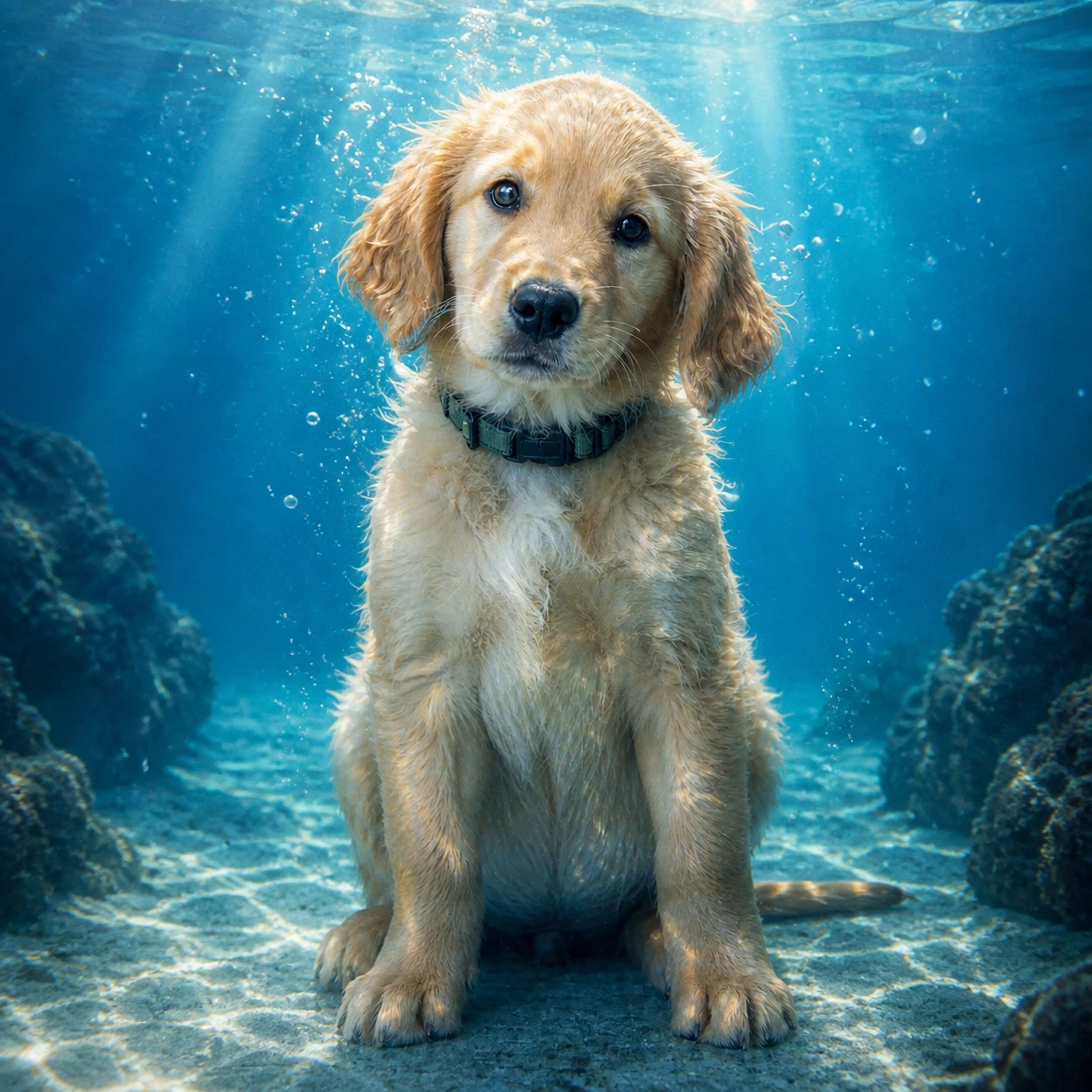
Crea una foto subacquea con AI da un ritratto o da una foto di animale. Aggiungi acqua blu limpida, raggi di sole, bolle realistiche e toni ciano mantenendo riconoscibile il soggetto.
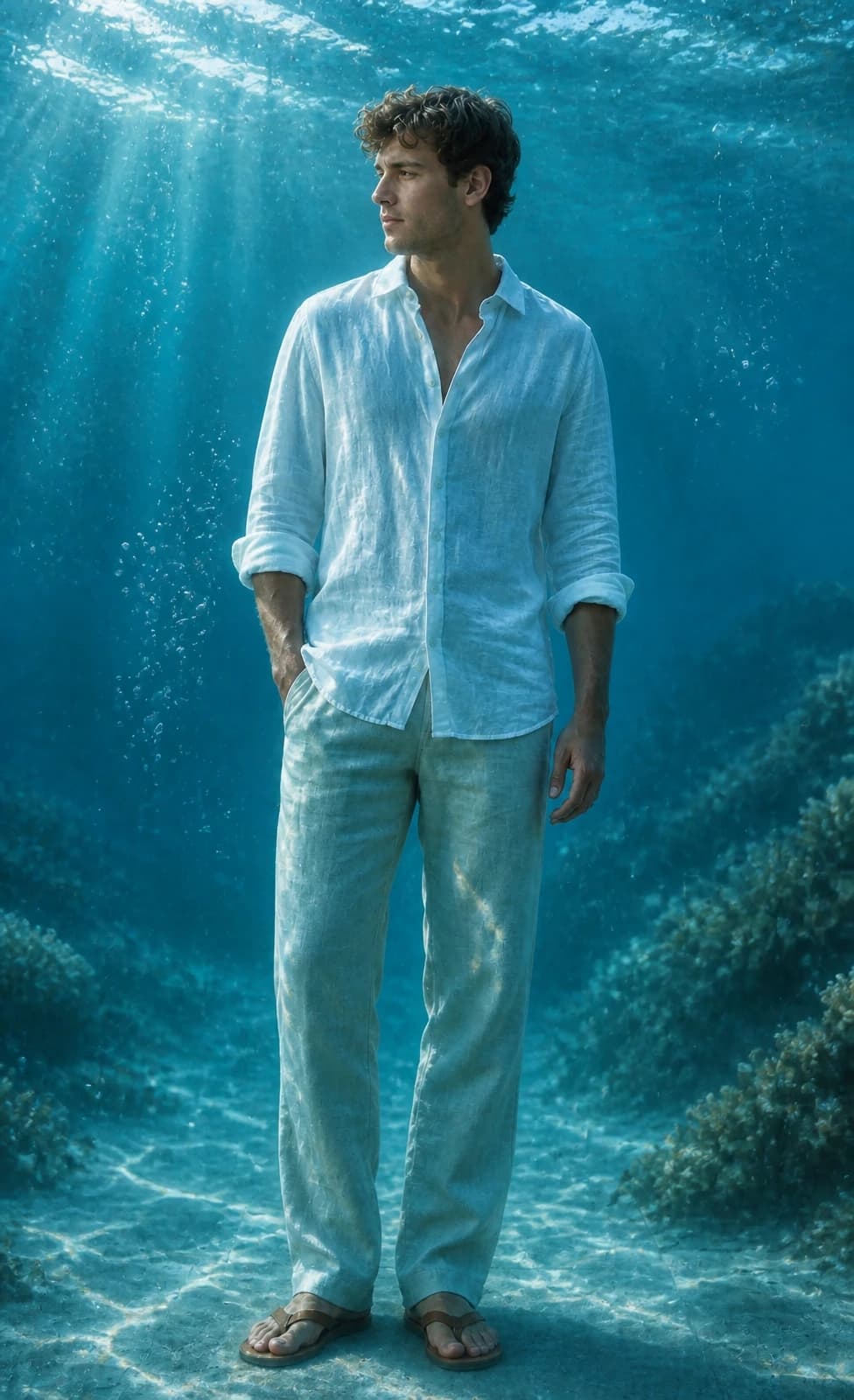
Guarda come Image 2 trasforma ritratti e foto di animali in ritratti subacquei con luce oceanica, bolle e acqua ciano.
Trasforma un normale ritratto in una foto subacquea con AI con acqua chiara, raggi di sole, bolle e dettagli fluttuanti naturali.
Crea ritratti subacquei per cover Reels, profili, lock screen e post social senza perdere il soggetto.
Dai a una foto di animale un look subacqueo giocoso conservando pelo, occhi, espressione e posa principale.
Copia un prompt subacqueo per GPT Image 2 per ritratti, wallpaper, animali o cover Instagram.
Use the uploaded portrait as the identity reference. Preserve the person, face, pose, hairstyle, outfit, and expression. Create a cinematic AI underwater photo in clear blue ocean water with soft sunlight beams, realistic bubbles, floating hair or fabric, gentle water refraction, teal and cyan color grading, natural skin texture, and elegant editorial photography. No text, no watermark.
Turn this portrait into an Instagram-ready underwater portrait for a Reels cover. Keep the face recognizable and centered, add clear ocean depth, soft caustic light, tiny bubbles, floating hair or clothing, clean cyan-blue color, and subtle space for title text without adding any text.
Use the uploaded pet photo as the reference. Preserve the pet breed, fur pattern, expression, and pose. Create a realistic AI underwater photo with clear water, tiny bubbles, soft sun rays, gentle floating motion, and a clean blue background. Do not distort the face, paws, fur, or eyes.
Turn this photo into a calm underwater wallpaper while keeping the main subject recognizable. Use open ocean depth, soft sunbeams, floating particles, subtle sand or coral in the distance, clean cyan-blue color, and a polished vertical composition for phone wallpapers and profile visuals.
Domande comuni sull'uso di Foto subacquea con AI
È uno stile Image 2 basato su GPT Image 2. Carica una foto e trasforma il soggetto in un'immagine subacquea cinematografica con acqua blu chiara, raggi di sole, bolle e rifrazione realistica.
Carica un ritratto o una foto di animale chiara, usa il prompt predefinito, scegli la dimensione e genera. Per cover o wallpaper, aggiungi piattaforma o formato desiderato.
Funzionano meglio ritratti, selfie e foto di animali in cui viso o soggetto principale sono ben visibili. Evita forte sfocatura, volti coperti, filtri pesanti e sfondi troppo pieni.
Chiedi di preservare l'identità e descrivi acqua blu chiara, luce dall'alto, bolle realistiche, capelli o tessuti fluttuanti, toni ciano, niente testo e niente watermark. Il prompt predefinito include già questi dettagli.
Il prompt predefinito chiede a GPT Image 2 di preservare forma del viso, capelli, tono della pelle, posa, outfit, espressione e somiglianza generale. I risultati possono variare; una foto nitida aiuta.
Sì. Lo stile è pensato per post Instagram, cover Reels, foto profilo, wallpaper per telefono e contenuti before/after.
Sì. Carica una foto chiara; il prompt proverà a preservare razza, pelo, espressione e posa mentre aggiunge luce subacquea e bolle.
Usa il quadrato per post e profili, il verticale per Reels, Stories e wallpaper, e l'orizzontale per banner o miniature.
Ogni generazione usa 2/2/6 (1K/2K/4K) crediti in base alla risoluzione scelta. I nuovi utenti possono provarlo con i crediti di registrazione; altri crediti sono disponibili tramite piani, ricariche, check-in o referral.
L'uso commerciale può essere consentito in base ai nostri Termini di Servizio, alla legge applicabile e ai diritti di terzi. Controlla sempre il risultato prima di usarlo commercialmente.
Hai ancora domande? Contattaci a [email protected]