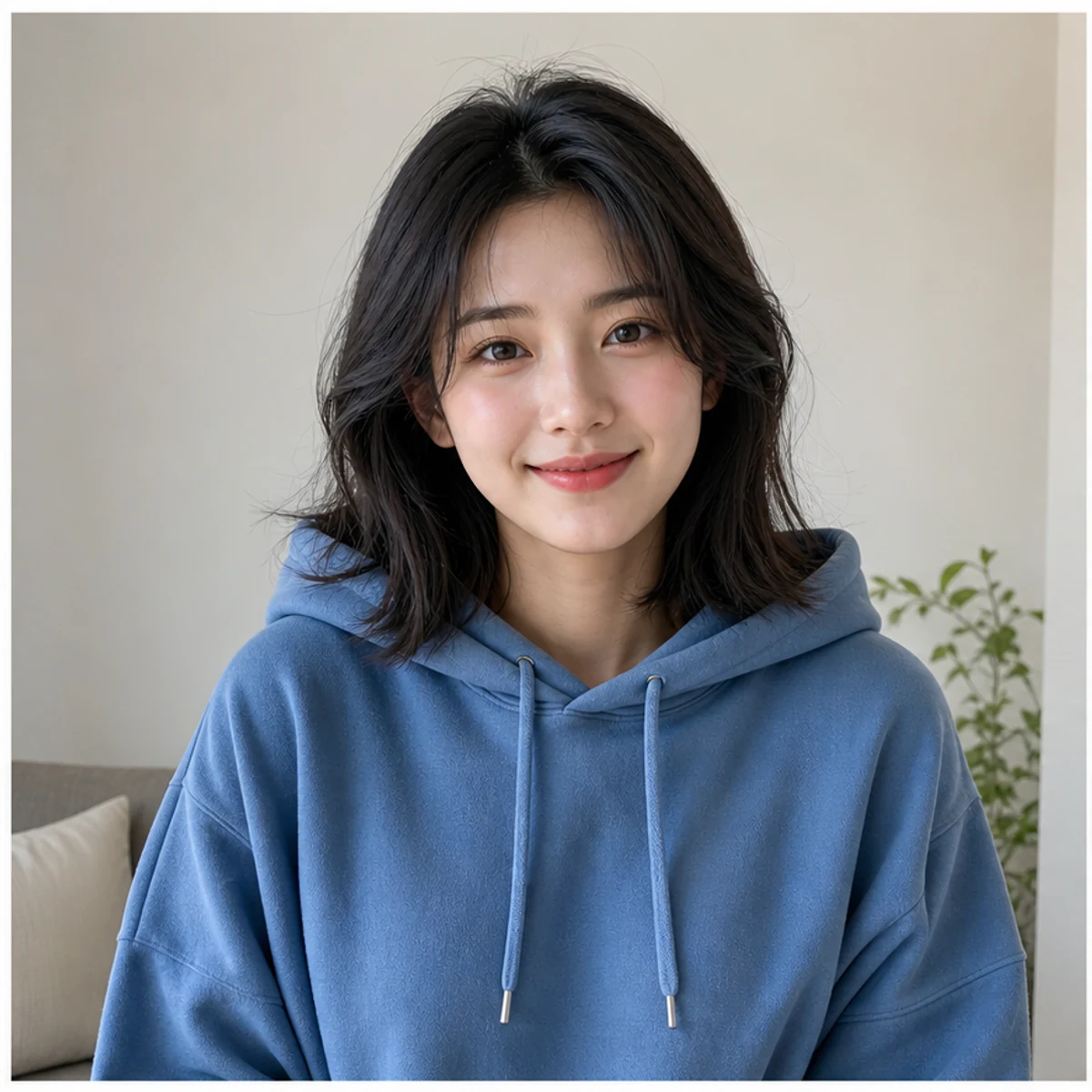
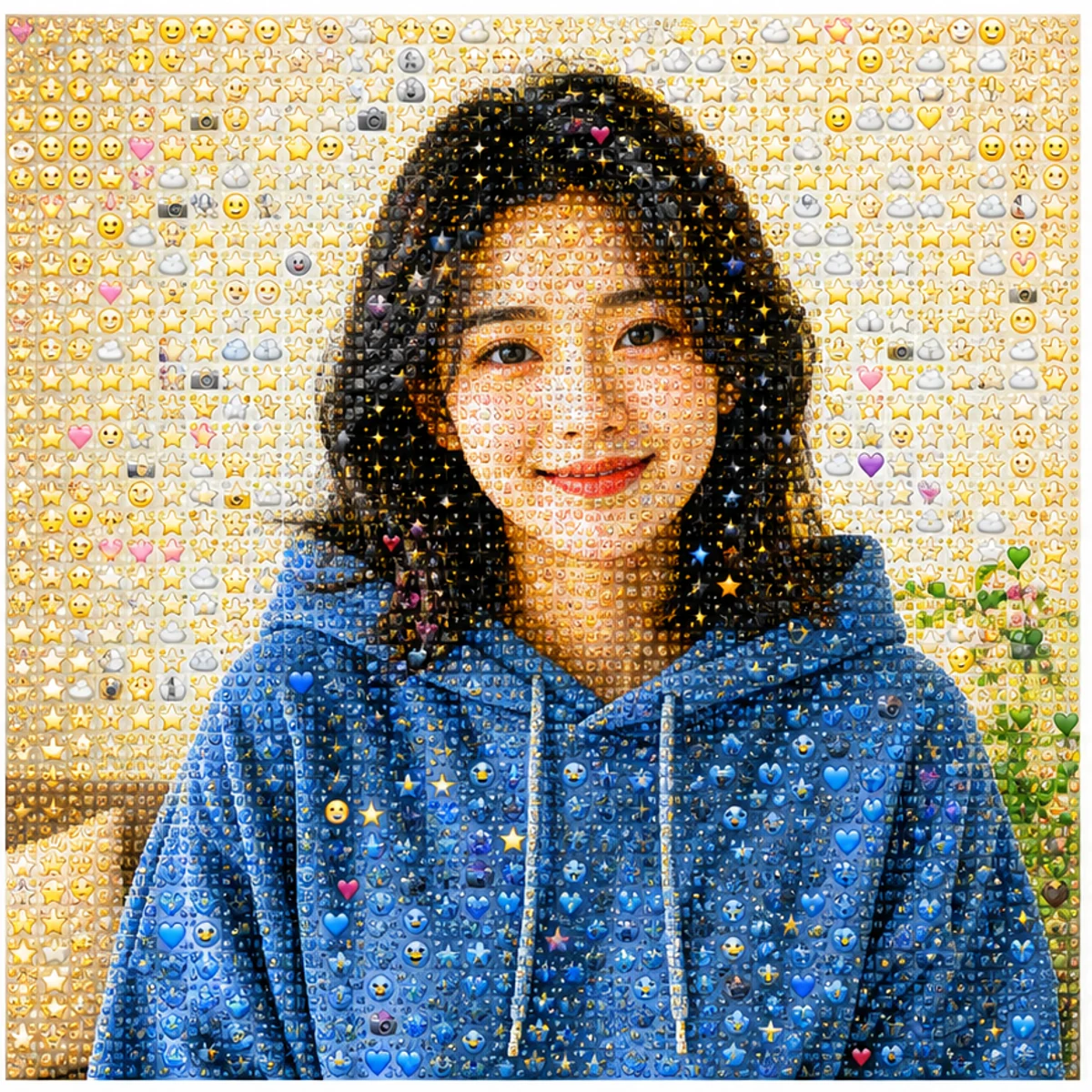
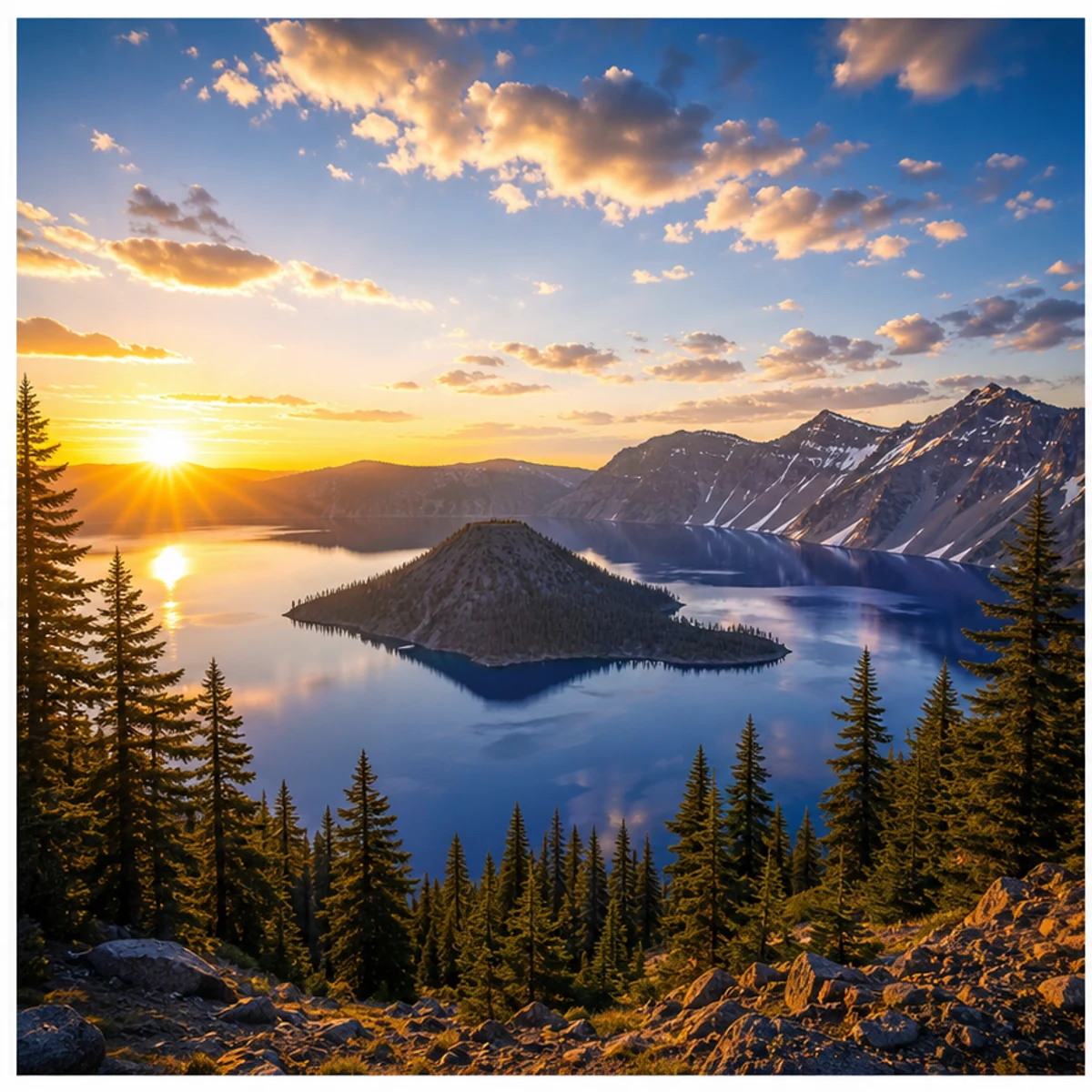
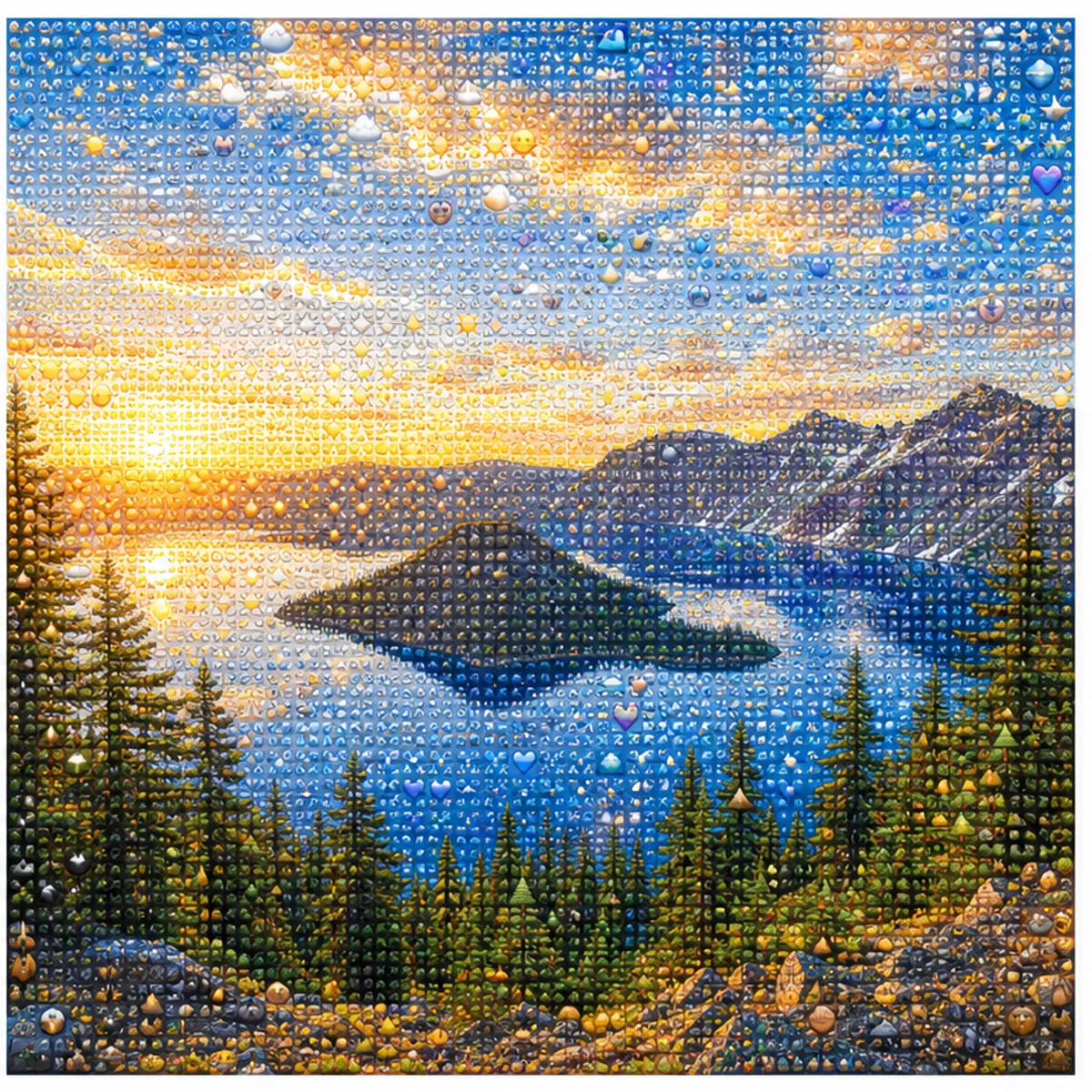
01변환 예시
인물의 느낌을 유지
얼굴 형태, 포즈, 색감, 구도는 읽히게 두고 표면만 촘촘한 이모지 디테일로 바꿉니다.
인물, 반려동물, 제품, 풍경 사진을 업로드해 알아보기 쉬운 이모지 모자이크로 바꿔 보세요. AI 생성기를 무료로 사용하거나, 바로 쓸 수 있는 Photo From Emoji 프롬프트를 복사해 직접 편집할 수도 있습니다.
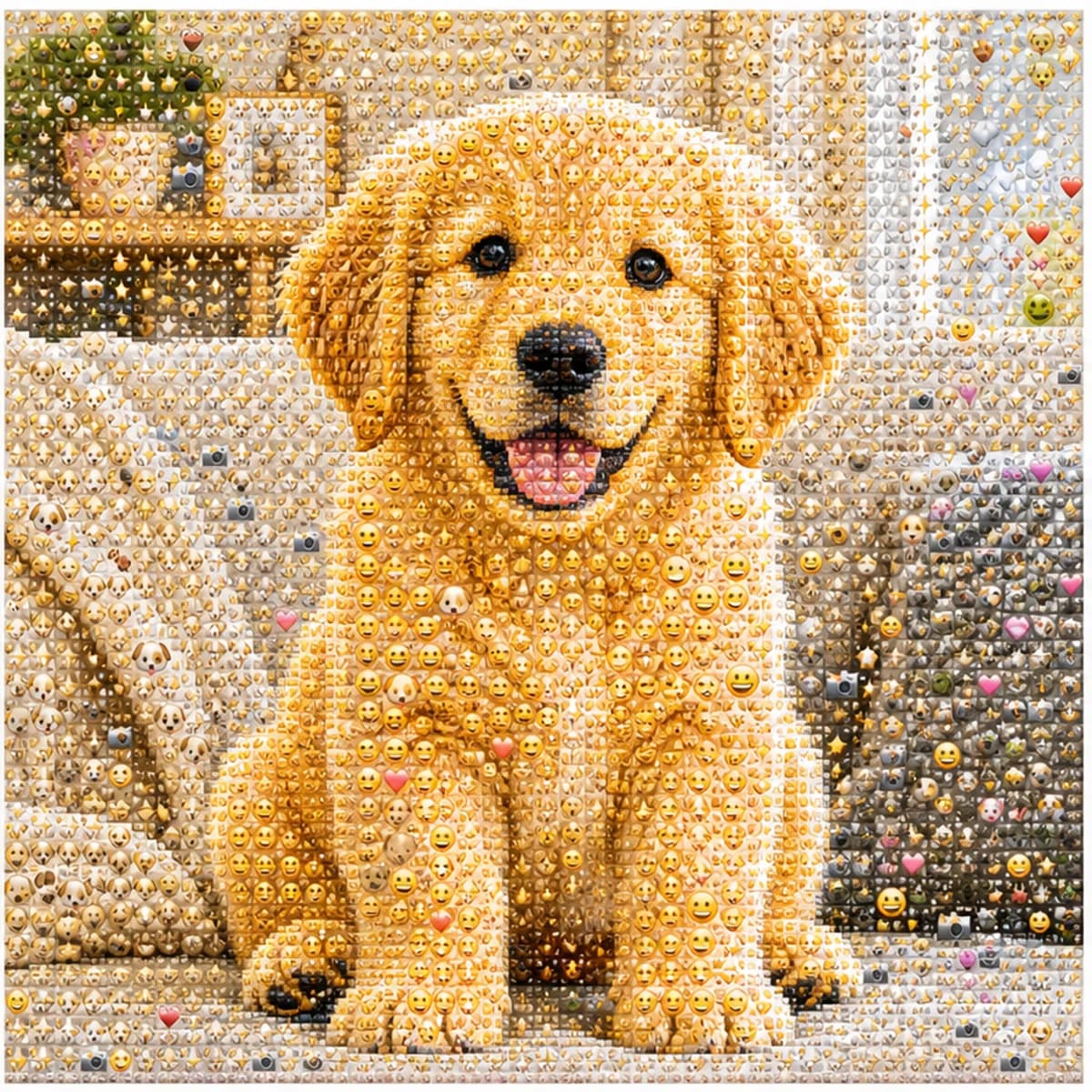
인물, 반려동물, 제품, 풍경 사진을 업로드해 원본의 형태가 살아 있는 이모지 모자이크로 바꿉니다.
얼굴 형태, 포즈, 색감, 구도는 읽히게 두고 표면만 촘촘한 이모지 디테일로 바꿉니다.
풍경, 반려동물, 제품, 옷차림, 단순한 장면에도 같은 효과를 적용할 수 있습니다.
Photo From Emoji, photo to emoji, emoji mosaic, AI emoji sticker 스타일 게시물에 쓰기 좋은 정사각형 결과를 만듭니다.
기본 스타일을 사용하거나 인물, 스티커 월, 프로필 사진, 제품, 반려동물, 풍경용 변형을 복사해 보세요.
Use the uploaded portrait as the only reference. Preserve the person, face, pose, hairstyle, outfit colors, and composition. Rebuild the image as a detailed Photo From Emoji mosaic made from hundreds of tiny emoji-style tiles, sticker faces, hearts, stars, camera icons, and color-matched symbols. From far away it should read like the original photo; close up it should reveal emoji details. No text, no watermark, no random oversized emojis.
Transform this photo into a clean emoji sticker-wall collage while keeping the main subject recognizable. Use many small emoji-like icons and sticker faces arranged tightly as mosaic pixels, with bright color, crisp edges, and playful trend energy. Avoid scattered loose emojis and keep the original silhouette readable.
Create a square profile picture from the uploaded photo in the Photo From Emoji style. Keep the face recognizable and centered. Build the portrait from small colorful emoji-style tiles with a clean background, sharp facial silhouette, expressive sticker details, and polished app-icon-like contrast.
Convert the uploaded object photo into an emoji mosaic. Preserve the object shape, color blocking, highlights, and shadows. Rebuild the surface using small emoji-style symbols, hearts, stars, sparkles, and playful sticker icons arranged as precise mosaic pixels. Keep it clean, premium, and readable for social sharing.
모자이크 느낌을 유지하거나, 사진을 알아볼 수 있는 손그림 편집으로 바꿔 보세요.
Photo From Emoji AI 생성기 사용에 대한 일반적인 질문
일반 사진을 이모지 스타일의 모자이크로 다시 구성하는 이미지 트렌드입니다. 멀리서 보면 원본 인물, 반려동물, 물체, 풍경처럼 보이고 가까이 보면 작은 기호와 스티커 같은 요소로 이루어져 있습니다.
피사체가 뚜렷하고 대비가 좋으며 구도가 단순한 사진이 가장 안정적입니다.
같은 계열의 표현입니다. Photo From Emoji, photo to emoji, emoji photo trend, emoji mosaic, AI emoji sticker처럼 여러 이름으로 불립니다.
1인 인물, 반려동물, 제품, 패션, 자동차, 음식, 단순한 풍경이 잘 맞습니다. 너무 어둡거나 단체 사진, 얼굴이 작은 사진, 강한 필터는 피하는 편이 좋습니다.
프롬프트는 주요 실루엣, 포즈, 얼굴형, 색, 구도를 보존하도록 설계되어 있습니다. 결과가 흔들리면 더 선명한 원본으로 다시 생성해 보세요.
선택한 출력 해상도에 따라 한 번 생성에 2/2/6 (1K/2K/4K) 크레딧을 사용합니다. 신규 사용자는 가입 크레딧으로 먼저 시도할 수 있습니다.
Image 2 약관과 업로드한 사진의 권리 범위를 지키는 한 SNS 게시물, 프로필 이미지, 크리에이터 콘텐츠, 광고, 상업 작업에 사용할 수 있습니다.
더 궁금한 것이 있으신가요? 문의하기: [email protected]