01Transformationen
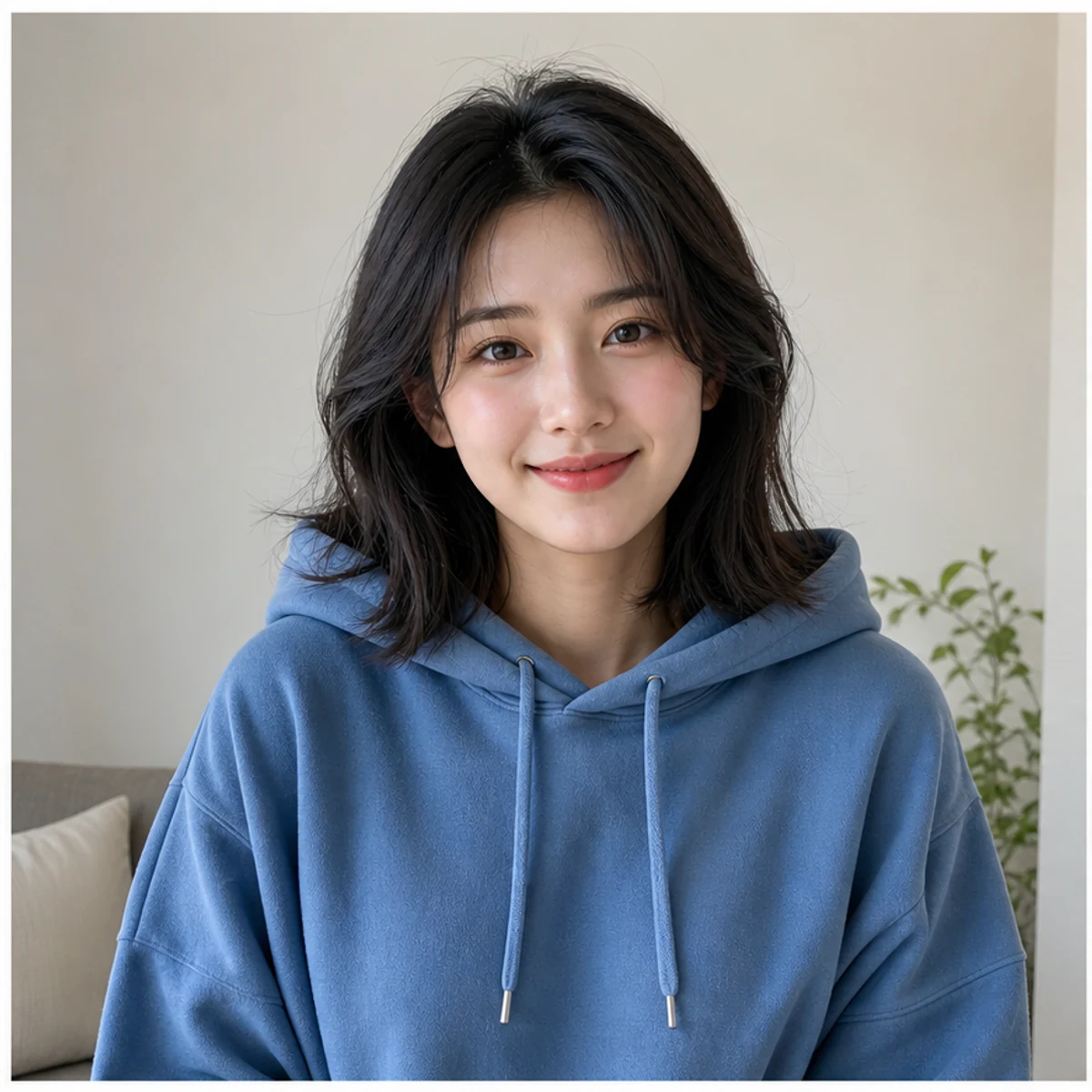
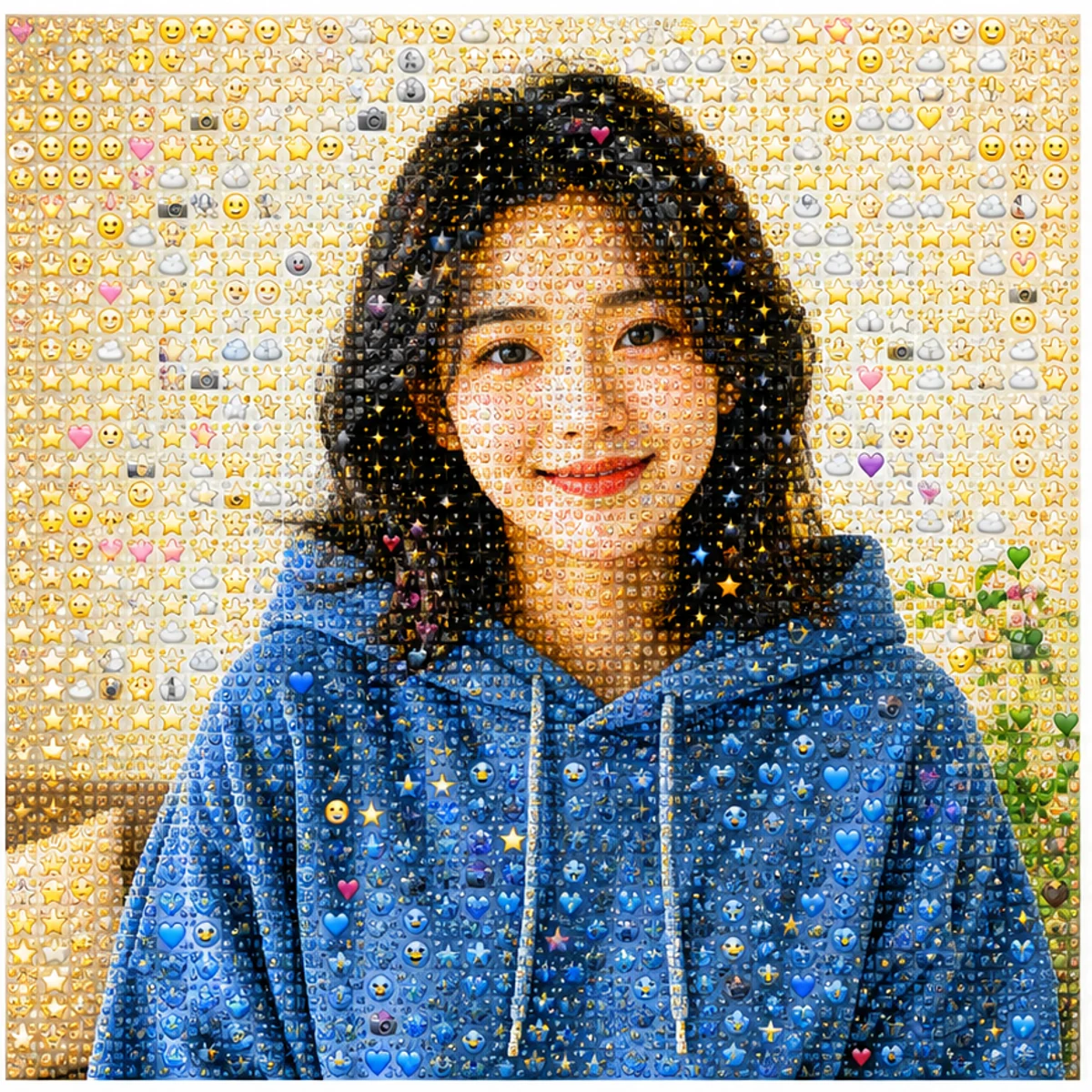
Porträts bleiben erkennbar
Gesicht, Pose, Farben und Bildaufbau bleiben lesbar, während die Oberfläche aus kleinen Emoji-Details besteht.
Lade ein Porträt, Haustier, Produkt oder eine Landschaft hoch und verwandle das Bild in ein erkennbares Emoji-Mosaik. Teste den AI Generator kostenlos oder kopiere einen fertigen Photo From Emoji Prompt für deinen eigenen Edit.
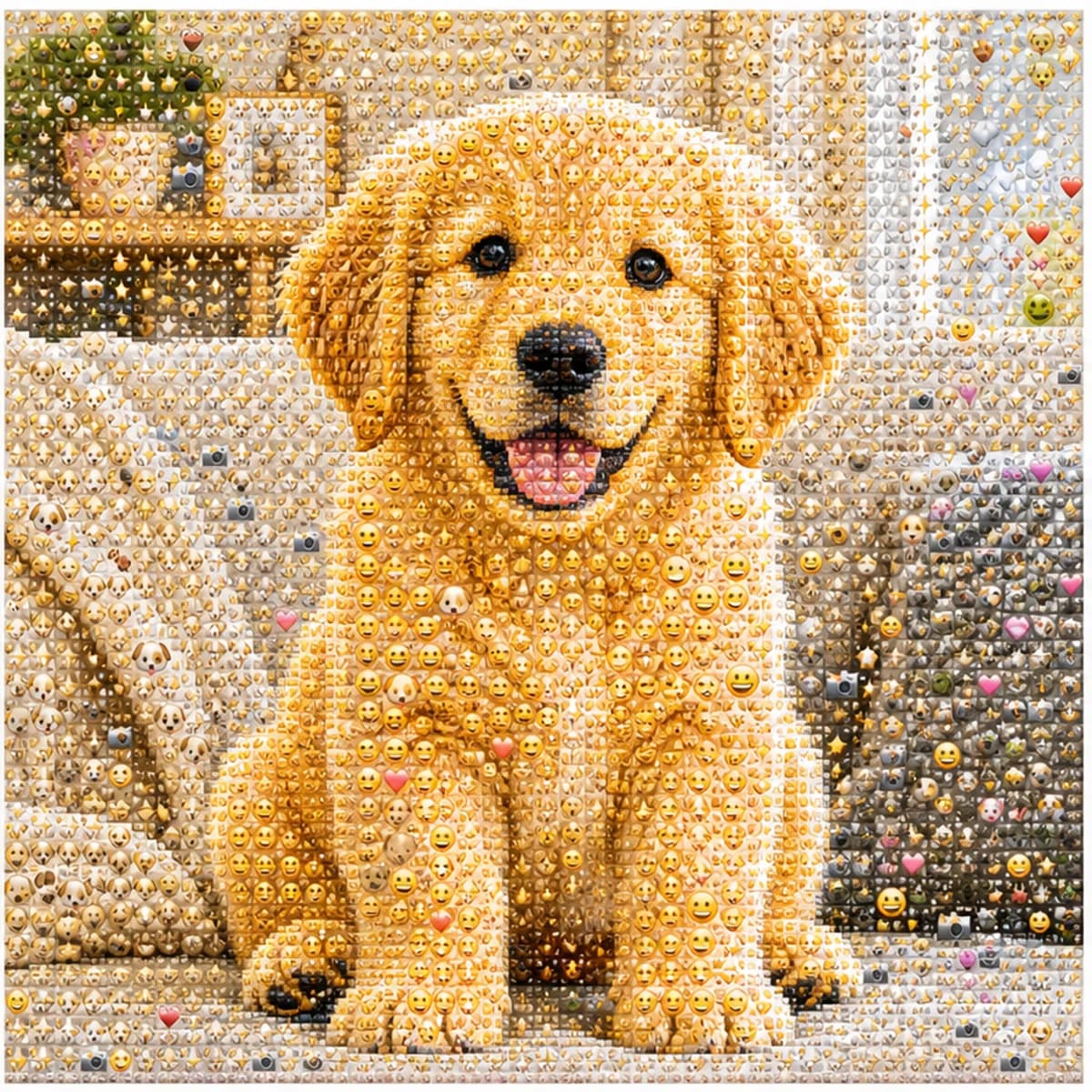
Lade ein Porträt, Haustier, Produkt oder eine Landschaft hoch und verwandle das Bild in ein erkennbares Emoji-Mosaik.
Gesicht, Pose, Farben und Bildaufbau bleiben lesbar, während die Oberfläche aus kleinen Emoji-Details besteht.
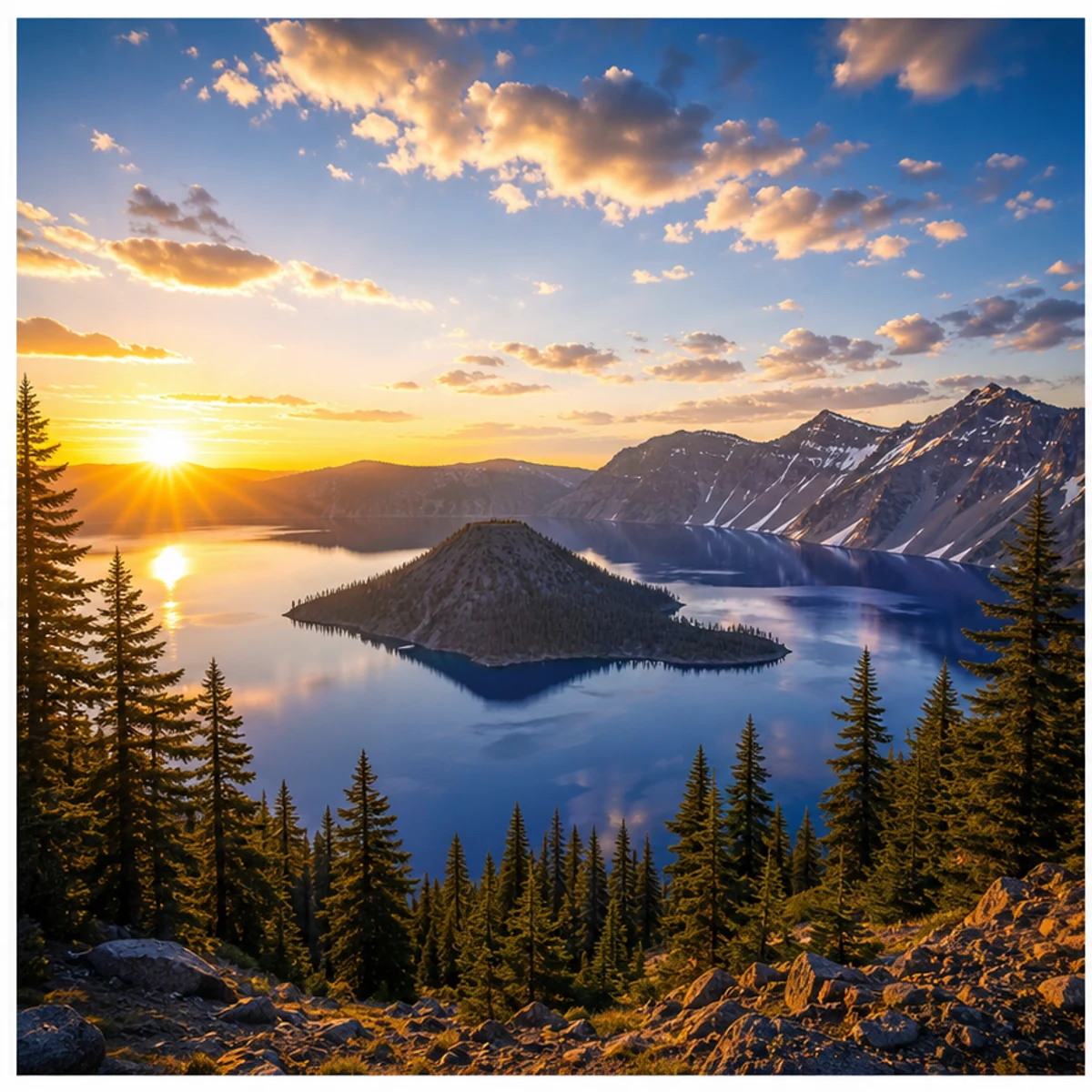
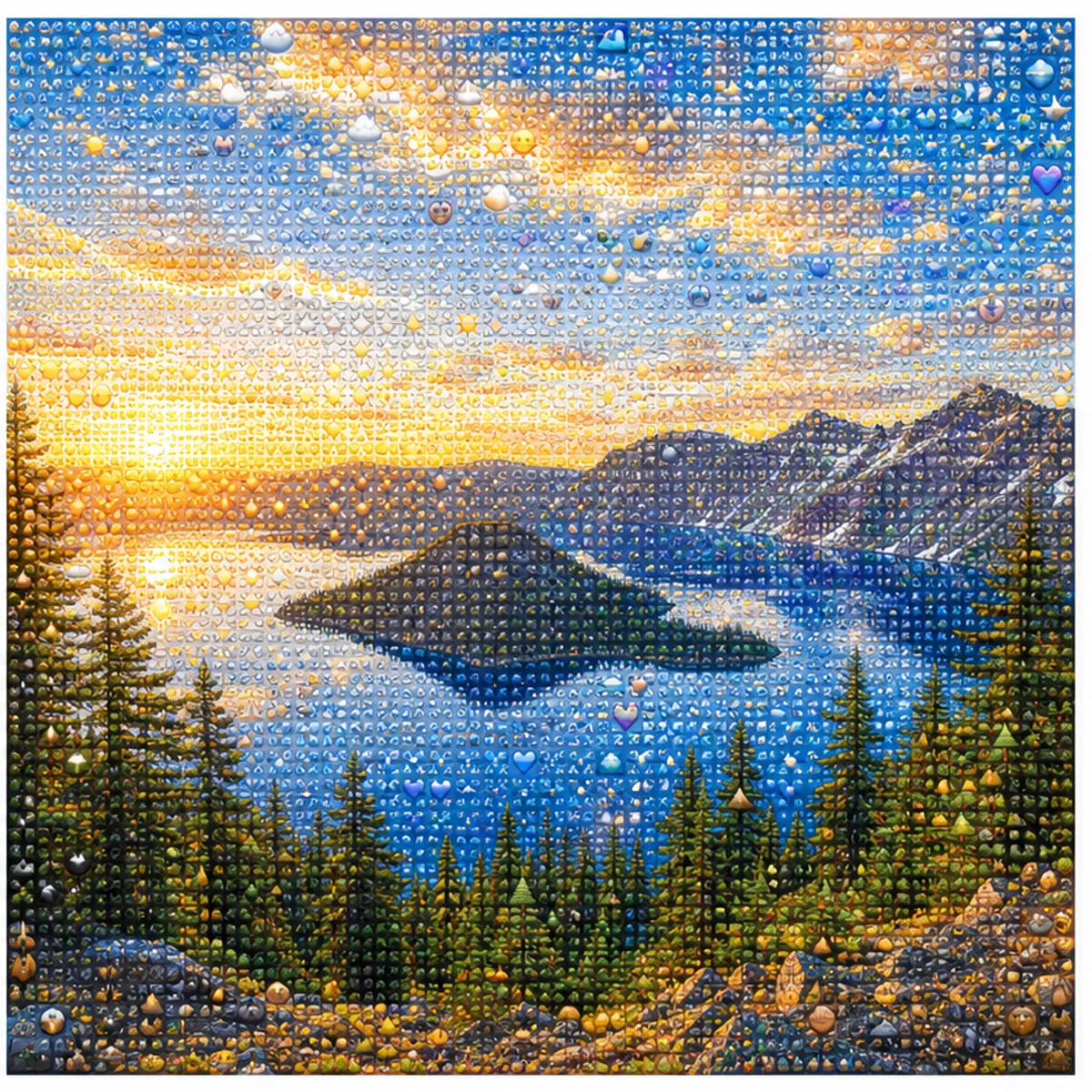
Der Effekt funktioniert auch für Landschaften, Haustiere, Produkte, Outfits und einfache Szenen.
Erstelle quadratische, gut lesbare Ergebnisse für Photo From Emoji, photo to emoji, emoji mosaic und AI emoji sticker Posts.
Nutze den Standardstil oder kopiere eine Variante für Porträts, Sticker-Wände, Profilbilder, Produkte, Haustiere oder Landschaften.
Use the uploaded portrait as the only reference. Preserve the person, face, pose, hairstyle, outfit colors, and composition. Rebuild the image as a detailed Photo From Emoji mosaic made from hundreds of tiny emoji-style tiles, sticker faces, hearts, stars, camera icons, and color-matched symbols. From far away it should read like the original photo; close up it should reveal emoji details. No text, no watermark, no random oversized emojis.
Transform this photo into a clean emoji sticker-wall collage while keeping the main subject recognizable. Use many small emoji-like icons and sticker faces arranged tightly as mosaic pixels, with bright color, crisp edges, and playful trend energy. Avoid scattered loose emojis and keep the original silhouette readable.
Create a square profile picture from the uploaded photo in the Photo From Emoji style. Keep the face recognizable and centered. Build the portrait from small colorful emoji-style tiles with a clean background, sharp facial silhouette, expressive sticker details, and polished app-icon-like contrast.
Convert the uploaded object photo into an emoji mosaic. Preserve the object shape, color blocking, highlights, and shadows. Rebuild the surface using small emoji-style symbols, hearts, stars, sparkles, and playful sticker icons arranged as precise mosaic pixels. Keep it clean, premium, and readable for social sharing.
Bleib beim Mosaik-Look oder wechsle zu einem handgezeichneten Edit – dein Foto bleibt erkennbar.
Häufige Fragen zur Verwendung von Photo From Emoji AI Generator
Dabei wird ein normales Foto als Emoji-Mosaik neu aufgebaut. Aus der Entfernung sieht es weiterhin wie das ursprüngliche Porträt, Haustier, Objekt oder Motiv aus; aus der Nähe erkennt man viele kleine Symbole und Sticker-Details.
Lade ein klares Foto hoch, nutze den Standard-Prompt, wähle die Ausgabegröße und starte die Generierung. Klare Motive mit gutem Kontrast und einfacher Komposition funktionieren am besten.
Ja. Das sind verschiedene Namen für dieselbe Idee: Photo From Emoji, photo to emoji, emoji photo trend, emoji mosaic oder AI emoji sticker.
Einzelporträts, Haustiere, Produktfotos, Outfits, Autos, Essen und einfache Landschaften funktionieren gut. Sehr dunkle Bilder, Gruppenfotos, kleine Gesichter und starke Filter sind weniger geeignet.
Der Prompt bewahrt Silhouette, Pose, Gesichtsform, Farben und Komposition. Wenn das Ergebnis zu stark abweicht, nutze ein klareres Ausgangsbild oder generiere erneut.
Jede Generierung nutzt je nach gewählter Ausgabeauflösung 2/2/6 (1K/2K/4K) Credits. Neue Nutzer können es mit Start-Credits ausprobieren.
Die kommerzielle Nutzung kann zulässig sein, vorbehaltlich unserer Nutzungsbedingungen, des geltenden Rechts und der Rechte Dritter. Sie sind dafür verantwortlich, generierte Ergebnisse vor jeder kommerziellen Nutzung zu prüfen.
Noch Fragen? Schreib uns an: [email protected]