01変換例
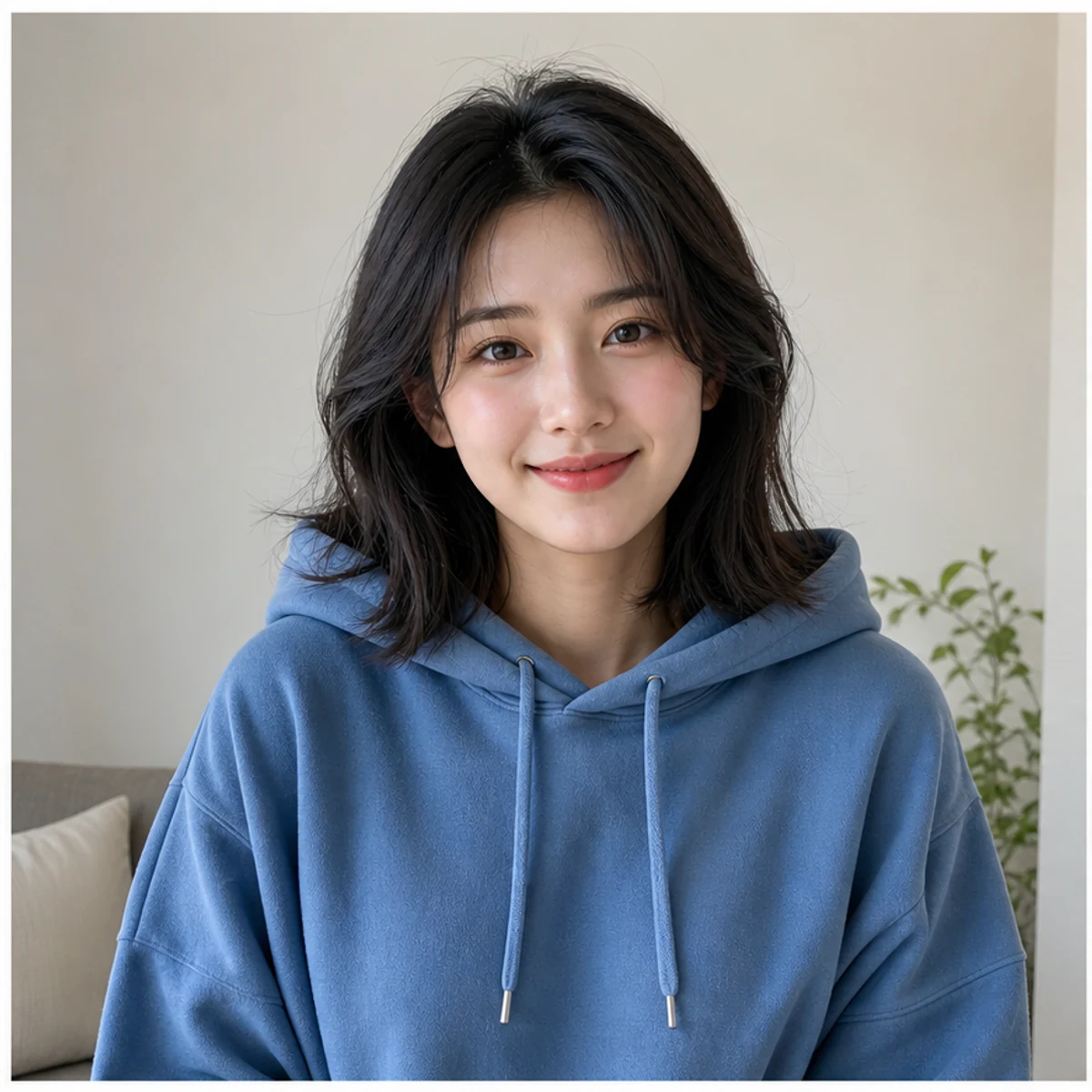
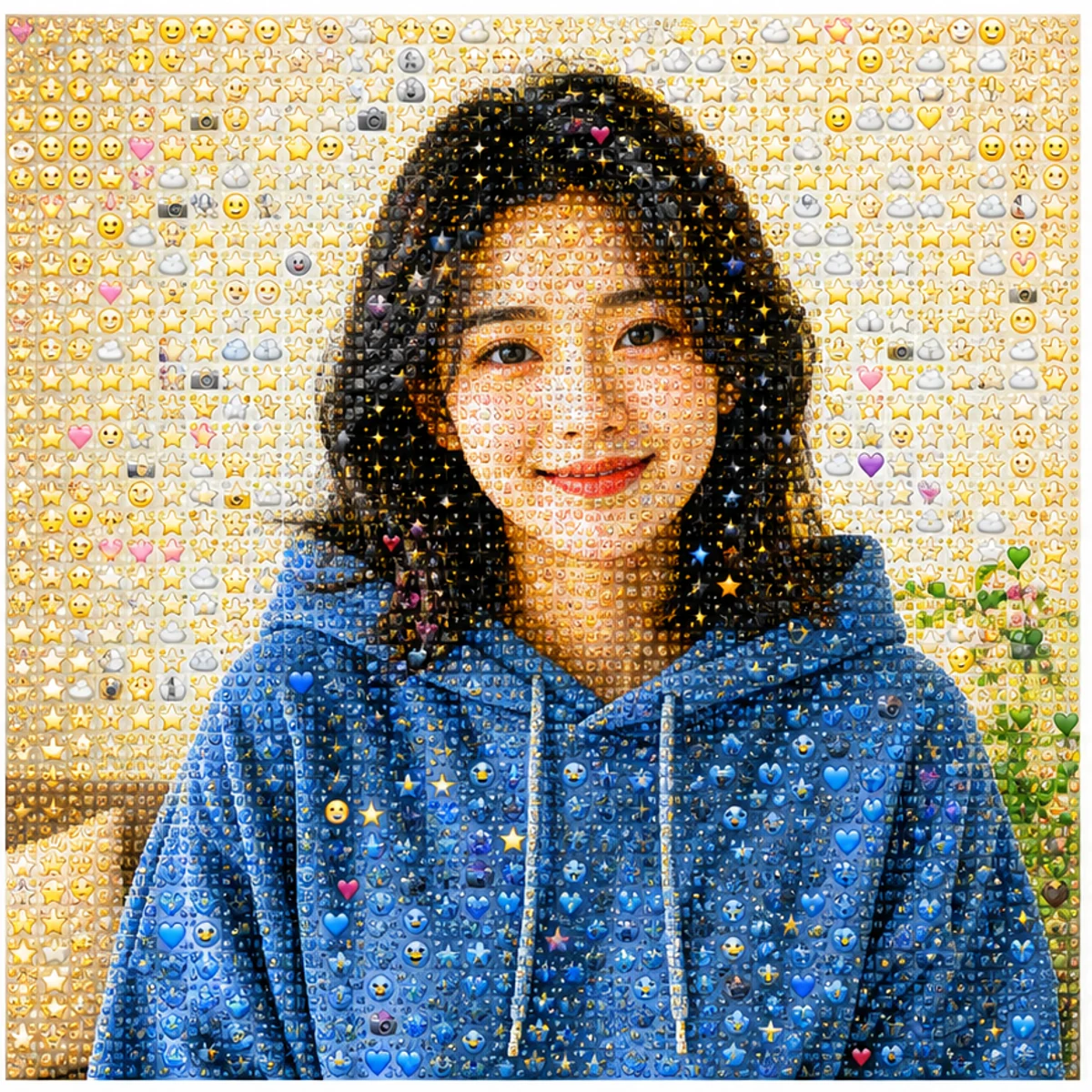
人物らしさを残す
顔の形、ポーズ、色、構図を読み取れるまま、表面だけを細かな絵文字の質感に変えます。
人物、ペット、商品、風景写真をアップロードして、見分けやすい絵文字モザイクに変換します。AI生成ツールを無料で試すか、コピーして使える Photo From Emoji プロンプトで自分の編集に活用できます。
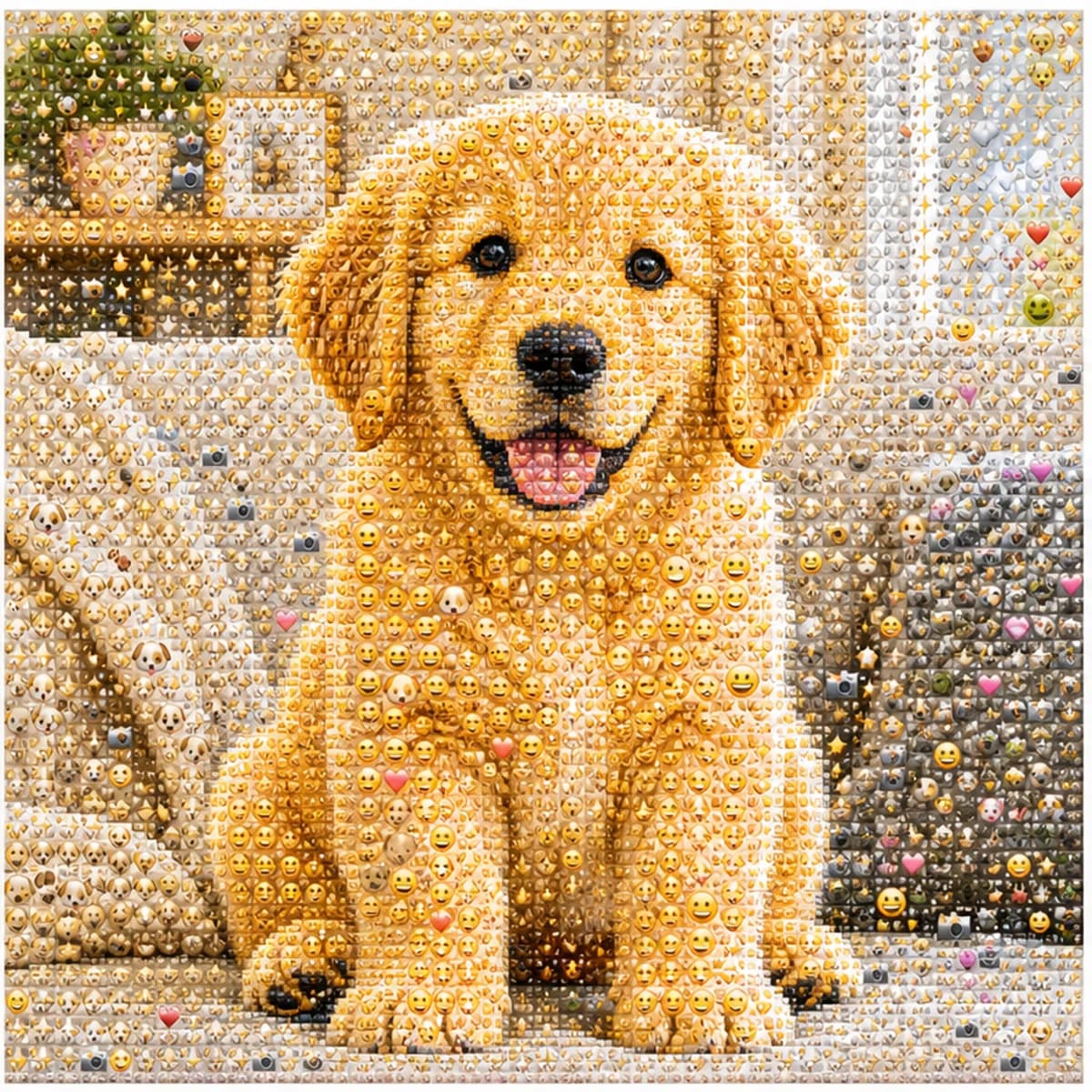
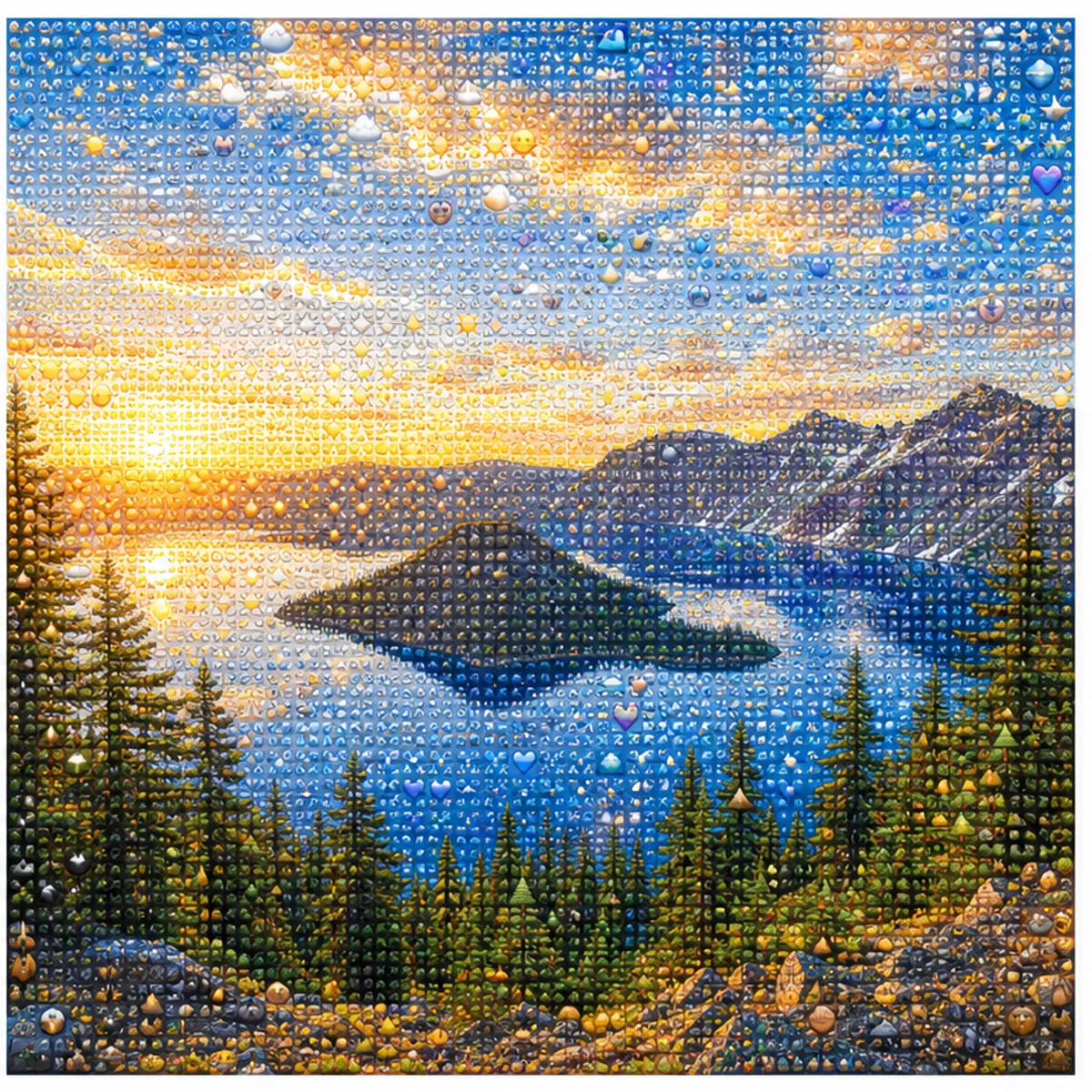
人物、ペット、商品、風景写真をアップロードして、元写真の形が伝わる絵文字モザイクに変換します。遠目では写真のまま、近くで見ると笑顔、ハート、星、ステッカー風の小さな記号が現れます。
顔の形、ポーズ、色、構図を読み取れるまま、表面だけを細かな絵文字の質感に変えます。
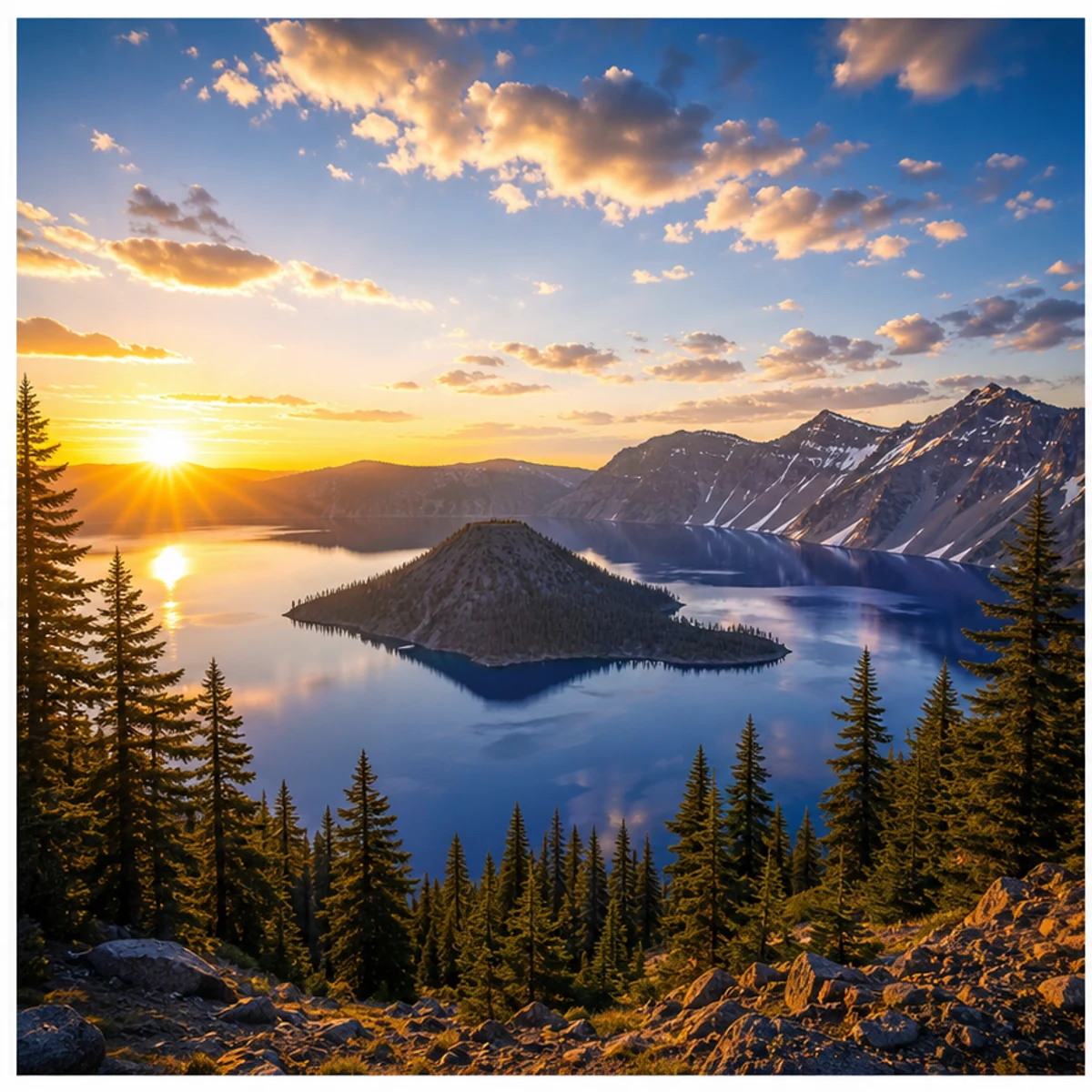
風景、ペット、商品、コーディネート、シンプルなシーンにも同じ効果を使えます。
Photo From Emoji、photo to emoji、emoji mosaic、AI emoji sticker 系の投稿に使いやすい、正方形で読みやすい仕上がりです。
標準スタイルのまま使うか、人物、ステッカー風、プロフィール画像、商品、ペット、風景向けのバリエーションをコピーできます。
Use the uploaded portrait as the only reference. Preserve the person, face, pose, hairstyle, outfit colors, and composition. Rebuild the image as a detailed Photo From Emoji mosaic made from hundreds of tiny emoji-style tiles, sticker faces, hearts, stars, camera icons, and color-matched symbols. From far away it should read like the original photo; close up it should reveal emoji details. No text, no watermark, no random oversized emojis.
Transform this photo into a clean emoji sticker-wall collage while keeping the main subject recognizable. Use many small emoji-like icons and sticker faces arranged tightly as mosaic pixels, with bright color, crisp edges, and playful trend energy. Avoid scattered loose emojis and keep the original silhouette readable.
Create a square profile picture from the uploaded photo in the Photo From Emoji style. Keep the face recognizable and centered. Build the portrait from small colorful emoji-style tiles with a clean background, sharp facial silhouette, expressive sticker details, and polished app-icon-like contrast.
Convert the uploaded object photo into an emoji mosaic. Preserve the object shape, color blocking, highlights, and shadows. Rebuild the surface using small emoji-style symbols, hearts, stars, sparkles, and playful sticker icons arranged as precise mosaic pixels. Keep it clean, premium, and readable for social sharing.
モザイク調のまま楽しむか、写真の面影を残した手描き風の編集に切り替えられます。
Photo From Emoji AI 生成ツールの使用に関するよくある質問
普通の写真を絵文字風のモザイクに再構成するSNS向けの画像トレンドです。遠目では元の人物、ペット、物体、風景に見え、近くで見ると小さな記号やステッカー風の要素でできています。
鮮明な写真をアップロードし、標準のスタイルプロンプトを使って、出力サイズを選んで生成します。主役がはっきりしていて、コントラストがあり、構図がシンプルな写真が向いています。
同じ系統の表現です。Photo From Emoji、photo to emoji、emoji photo trend、emoji mosaic、AI emoji sticker など、いくつかの呼び方があります。
一人のポートレート、ペット、商品、服装、車、食べ物、シンプルな風景が向いています。暗すぎる写真、集合写真、小さすぎる顔、強いフィルターは避けるのがおすすめです。
プロンプトでは輪郭、ポーズ、顔の形、色、構図を保つよう指定しています。結果に差が出る場合は、より鮮明な写真で再生成してください。
選択した出力解像度に応じて、1回の生成に 2/2/6 (1K/2K/4K) クレジットを使用します。新規ユーザーは登録クレジットで試せます。
商用利用は、当社の利用規約、適用法令、および第三者の権利に従うことを条件に認められる場合があります。商用利用の前に、生成結果を必ずご自身で確認してください。
他にご質問はございますか? お問い合わせ: [email protected]