01轉換
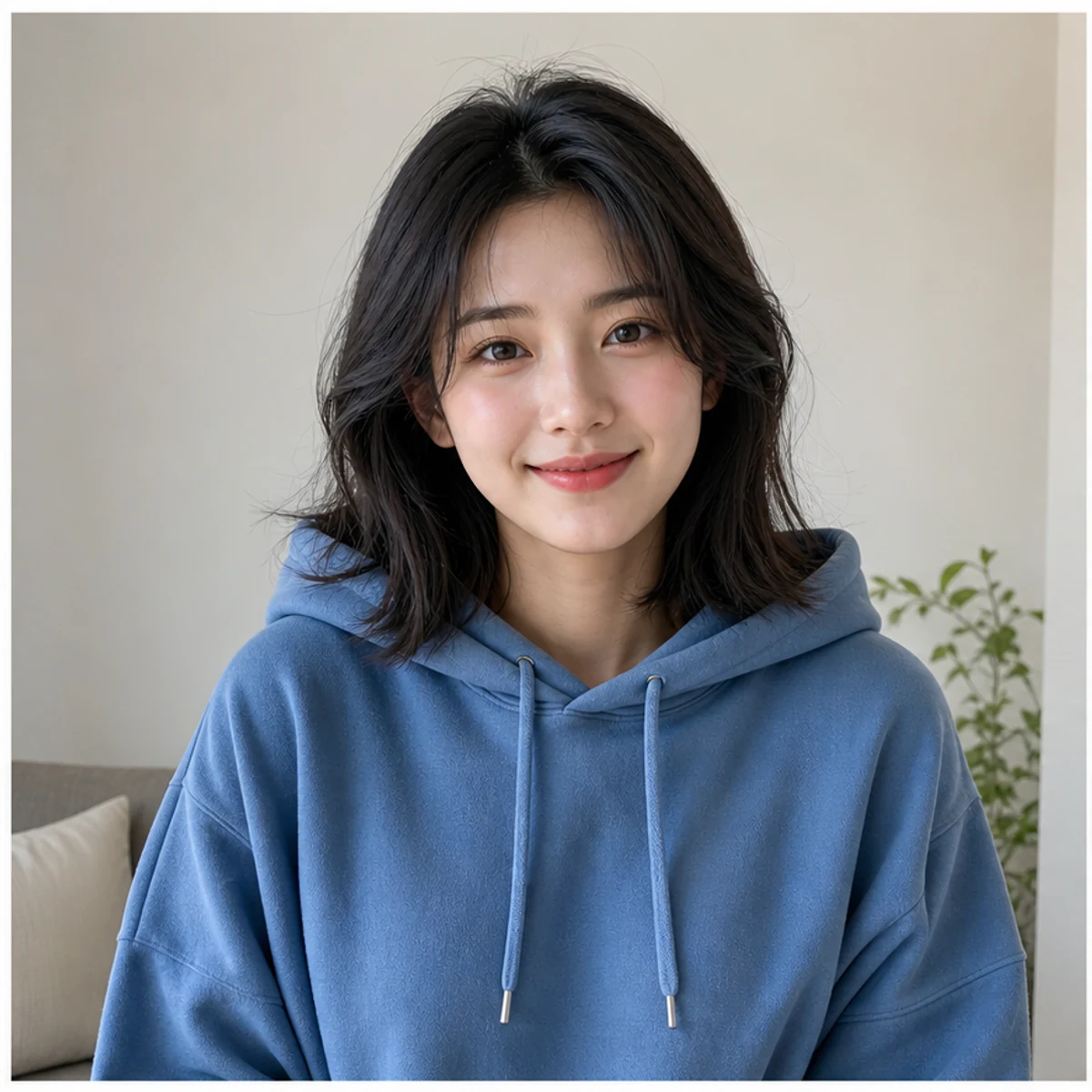
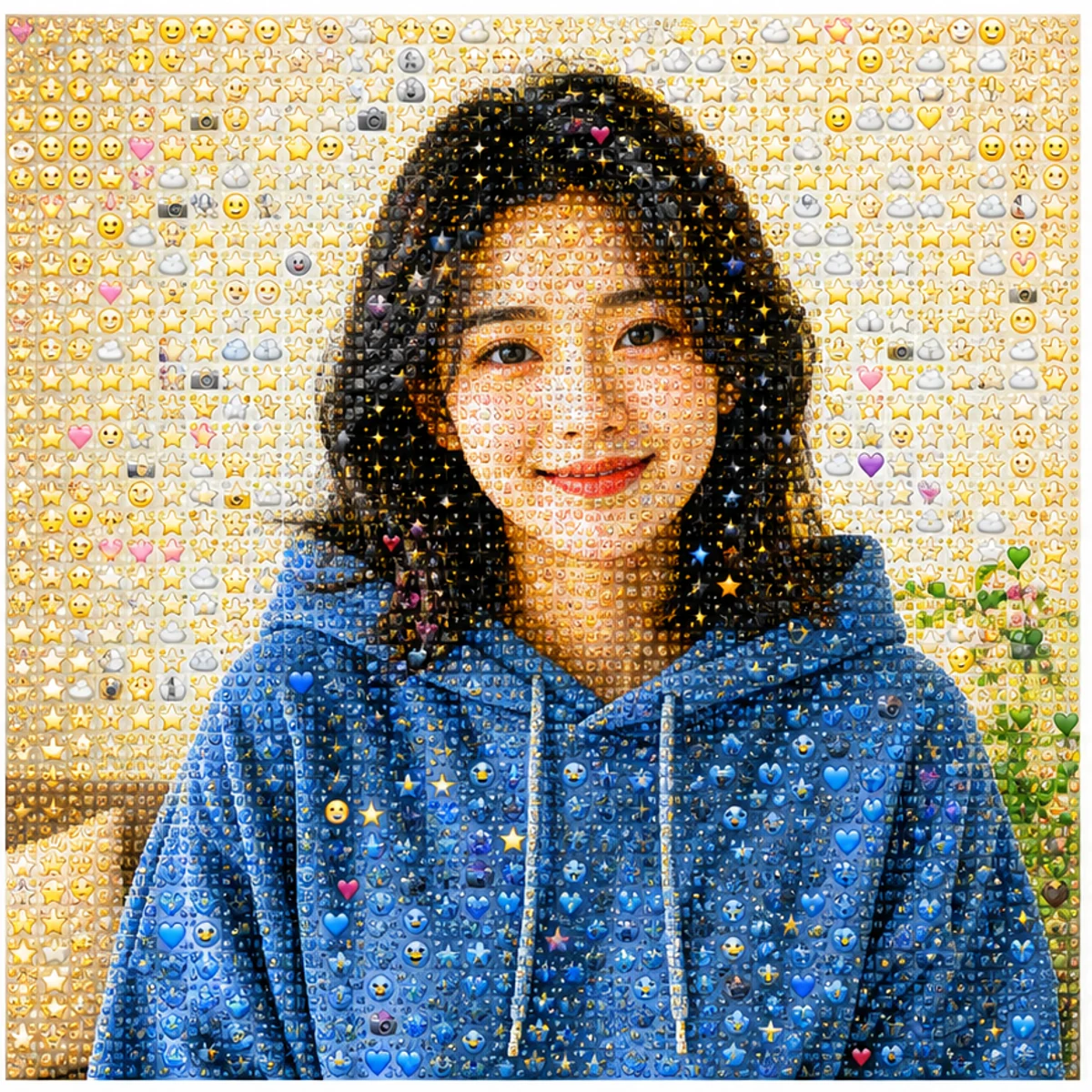
人像仍然像本人
臉型、姿勢、配色和構圖保持可讀,表面變成密集的 emoji 細節。
上傳人物、寵物、商品或風景照片,把它變成可辨識的 emoji 馬賽克。可以免費試用 AI 產生器,也可以複製現成的 Photo From Emoji 提示詞自己編輯。
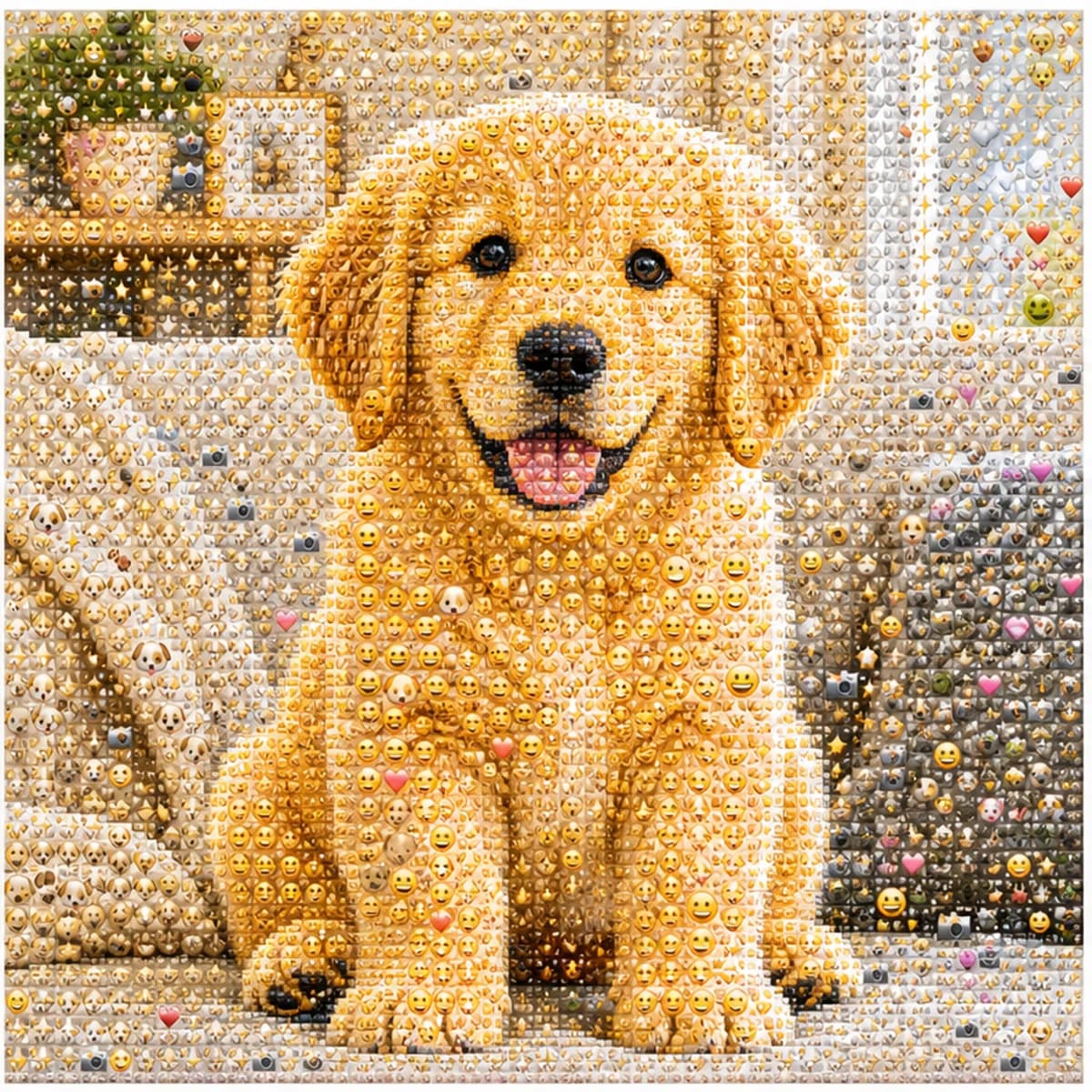
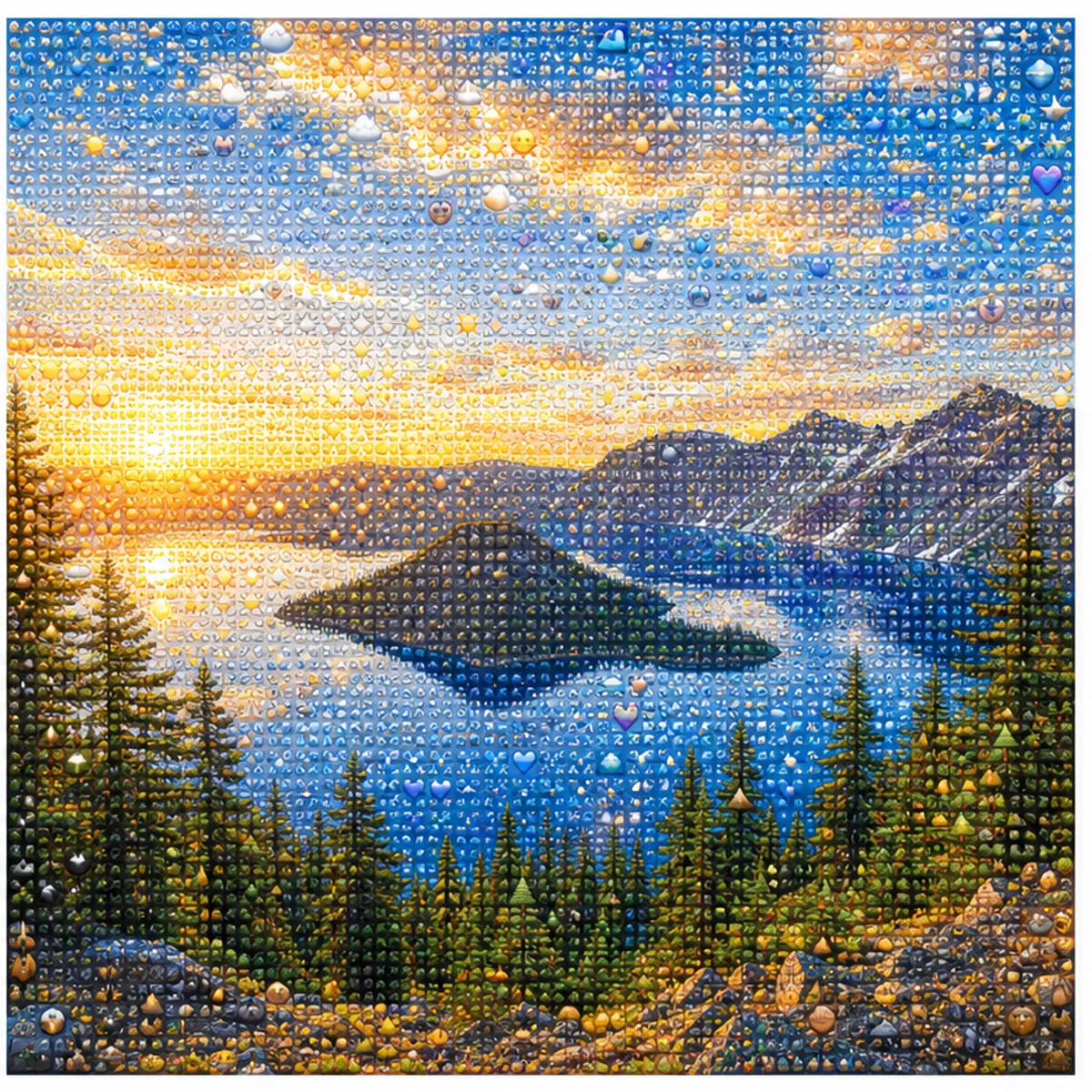
上傳人物、寵物、商品或風景照片,把它變成可辨識的 emoji 馬賽克。遠看保留原圖輪廓,近看能看到笑臉、愛心、星星和貼紙感小圖示。
臉型、姿勢、配色和構圖保持可讀,表面變成密集的 emoji 細節。
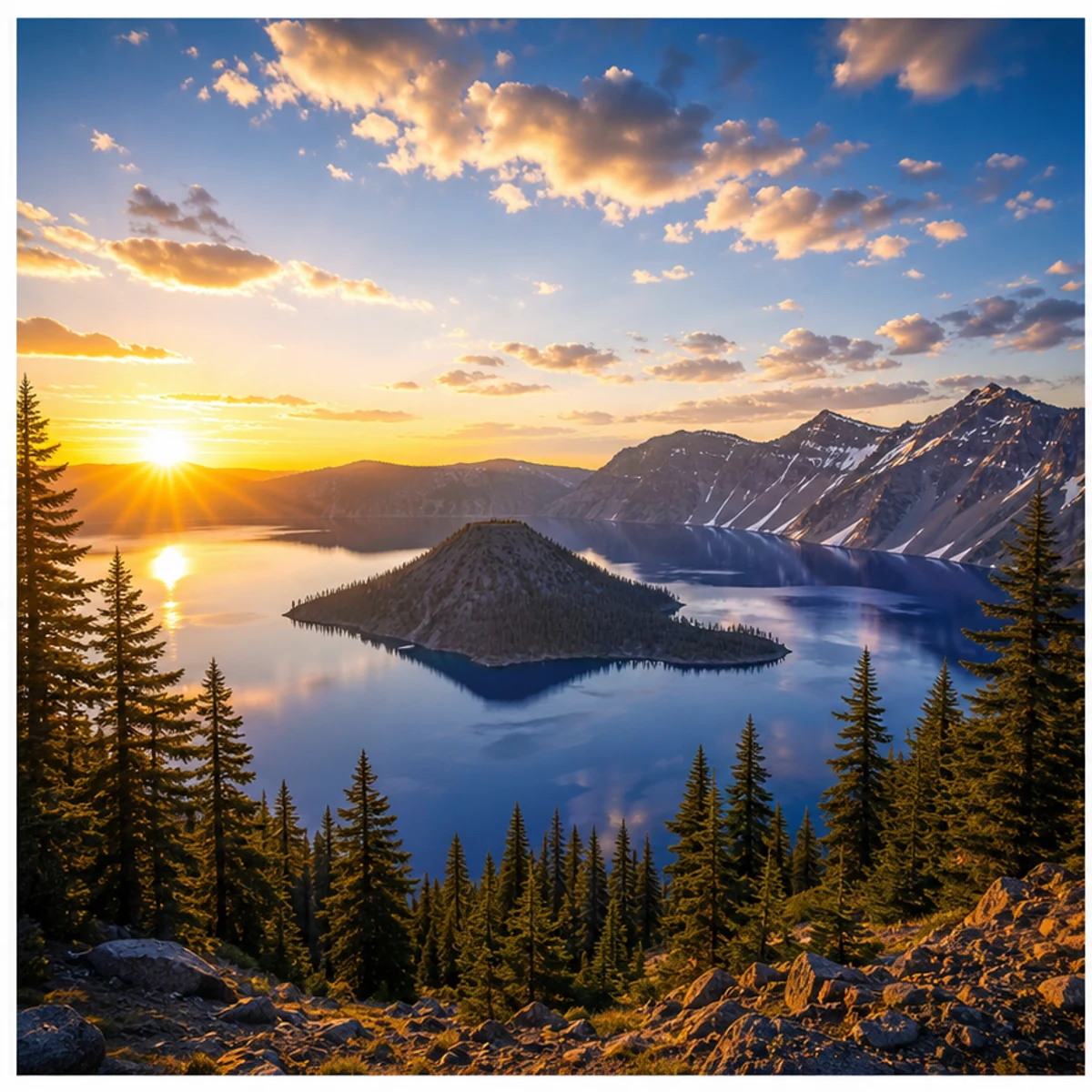
風景、寵物、商品、穿搭和簡單場景都能用同一套效果。
生成方形、容易看懂的 Photo From Emoji 效果圖,適合照片轉 emoji、emoji mosaic 和 AI emoji sticker 這類社群內容。
直接使用預設風格,也可以複製人像、貼紙牆、頭像、商品、寵物或風景版本。
Use the uploaded portrait as the only reference. Preserve the person, face, pose, hairstyle, outfit colors, and composition. Rebuild the image as a detailed Photo From Emoji mosaic made from hundreds of tiny emoji-style tiles, sticker faces, hearts, stars, camera icons, and color-matched symbols. From far away it should read like the original photo; close up it should reveal emoji details. No text, no watermark, no random oversized emojis.
Transform this photo into a clean emoji sticker-wall collage while keeping the main subject recognizable. Use many small emoji-like icons and sticker faces arranged tightly as mosaic pixels, with bright color, crisp edges, and playful trend energy. Avoid scattered loose emojis and keep the original silhouette readable.
Create a square profile picture from the uploaded photo in the Photo From Emoji style. Keep the face recognizable and centered. Build the portrait from small colorful emoji-style tiles with a clean background, sharp facial silhouette, expressive sticker details, and polished app-icon-like contrast.
Convert the uploaded object photo into an emoji mosaic. Preserve the object shape, color blocking, highlights, and shadows. Rebuild the surface using small emoji-style symbols, hearts, stars, sparkles, and playful sticker icons arranged as precise mosaic pixels. Keep it clean, premium, and readable for social sharing.
保留馬賽克效果,或換成手繪風編輯,同時讓照片依然可辨識。
關於使用 Photo From Emoji AI 產生器 的常見問題
Photo From Emoji 是一種社群圖片趨勢:把普通照片重建成 emoji 風格馬賽克。遠看仍然像原來的人像、寵物、物體或場景,近看能看到大量小符號和貼紙細節。
上傳一張清晰照片,保留預設風格提示詞,選擇輸出尺寸後生成即可。主體明確、對比度好、構圖簡單的照片通常效果更穩。
是同一類玩法,只是叫法不同。你可能會看到 Photo From Emoji、photo to emoji、emoji photo trend、emoji mosaic、AI emoji sticker 這些說法。
單人人像、寵物照、商品圖、穿搭、汽車、美食和簡單風景都適合。盡量避免過暗圖片、多人合照、臉太小或濾鏡太重的照片。
提示詞會要求保留主體輪廓、姿勢、臉型、顏色和構圖。AI 編輯仍可能有波動,如果不像,可以換更清晰的原圖或重新生成。
每次生成會根據選擇的輸出解析度消耗 2/2/6 (1K/2K/4K) 點數。新使用者可用註冊點數試用,也可以透過方案、儲值、簽到或邀請獲得更多點數。
可以用於社群貼文、頭像、創作者內容、廣告和商業專案,但需遵守 Image 2 條款,並確保你擁有上傳照片的相關權利。
還有問題嗎? 聯絡我們 [email protected]