Prompt
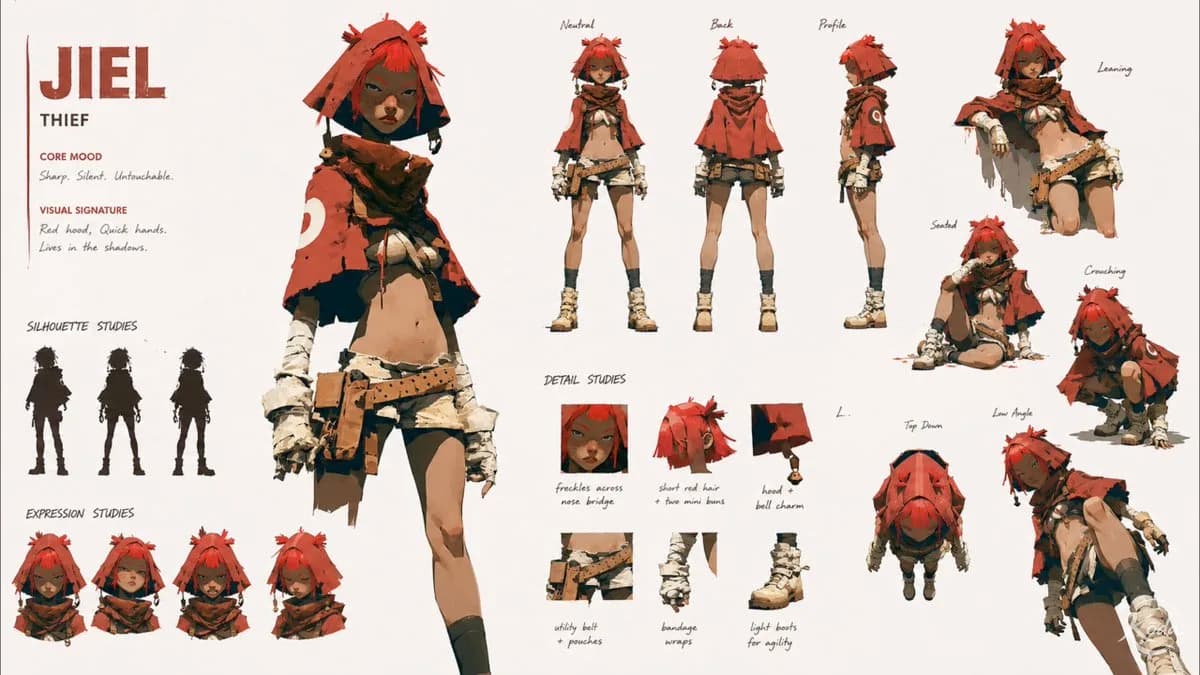
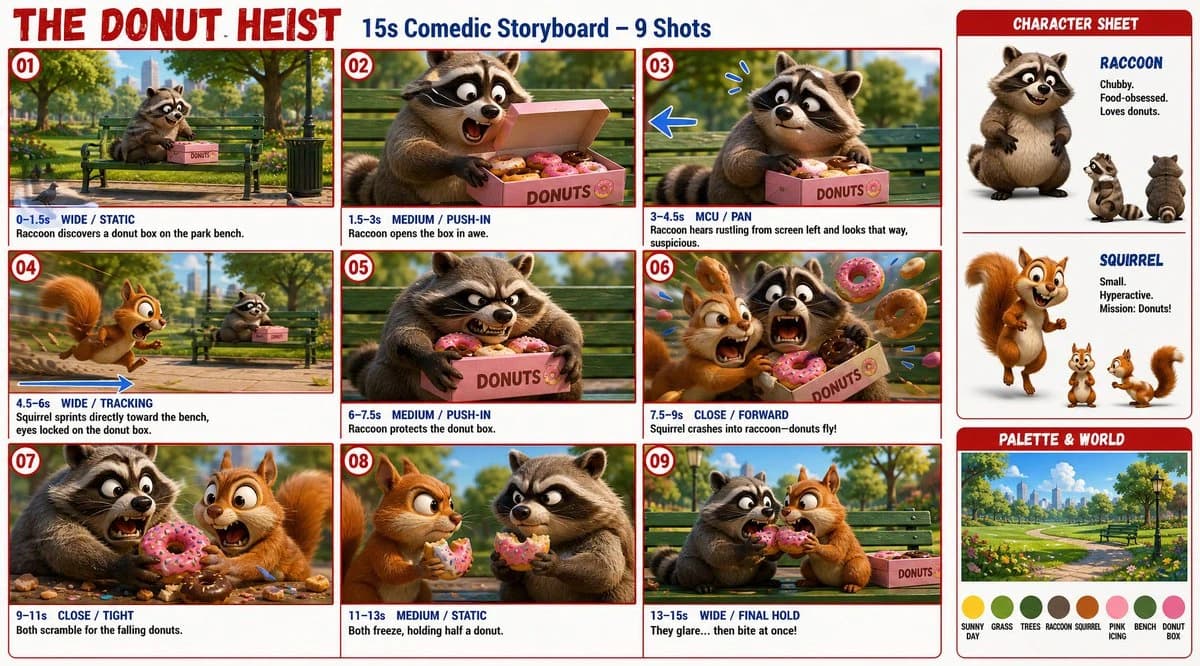
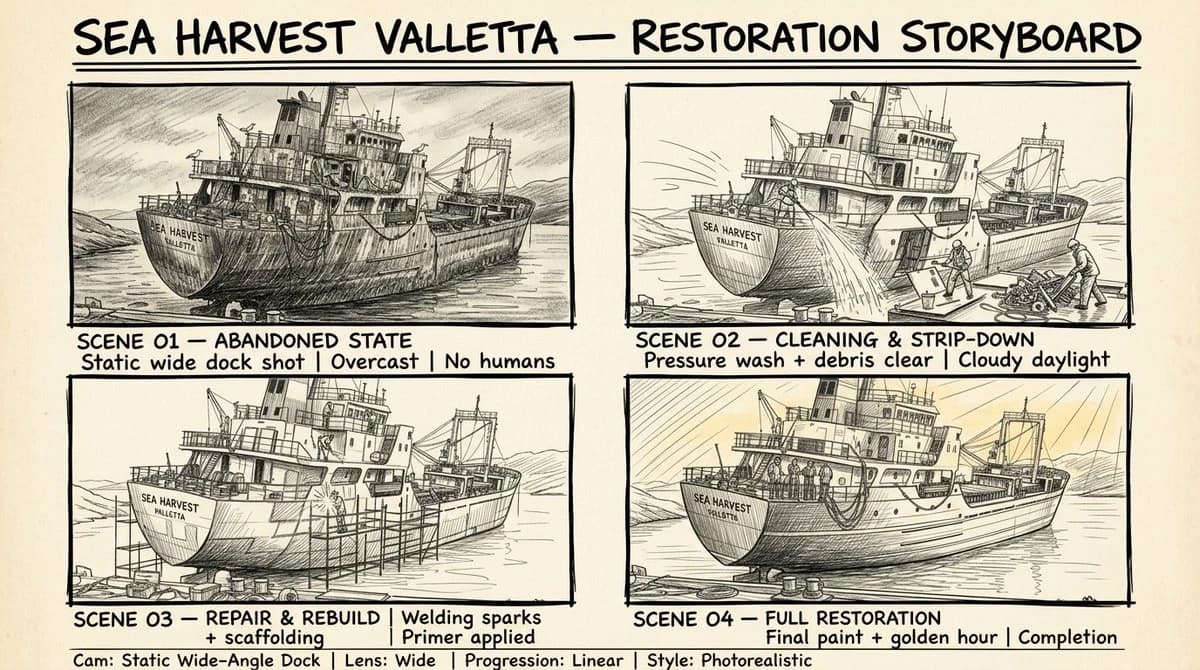
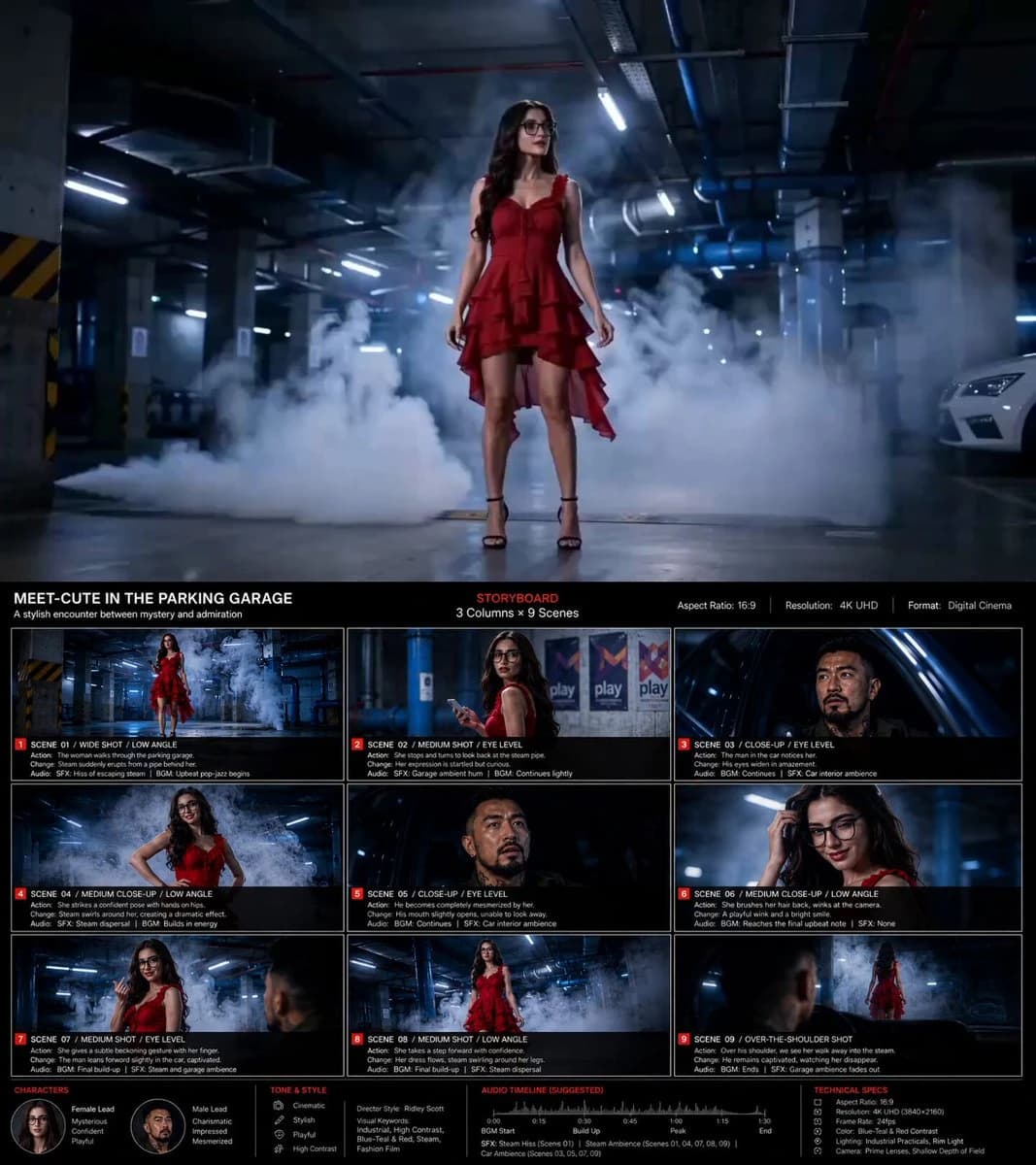
109 wordsBased on the content【 *****】, create a storyboard image in 16:9 ratio, 4K resolution. 1️⃣ Basic Setup Main Title + Subtitle Aspect Ratio Layout Design (3-column × 9-scene storyboard grid) 2️⃣ Style Direction Director-inspired visual style Visual keywords (for example: Ridley Scott / low-saturation atmospheric sci-fi) 3️⃣ Storyboard Details For each scene, clearly describe: Camera shot Character action Visual progression / scene transition Sound effects / audio cues 4️⃣ Visual Guidelines Color palette and tone Cinematic language and lighting style (example: desaturated earthy tones + strong rim lighting) 5️⃣ Bottom Information Section Character profiles Overall mood / tone Audio timeline / sound design notes Technical specifications #AIArt #AIFilm #AIStoryboard
About this prompt
Storyboard Grid Template is a ready-to-use ui mockup prompt for GPT Image 2 on Image 2. Copy the 109 words below, paste them into the Create form, and you will get a result close to the preview above. Tweak the UI, Mockup, Storyboard tag if you want to push it somewhere new.
Use it as a starting point, then adjust the subject, lighting, or composition to suit your idea. The credit cost stays the same whether you use it as written or customize it.
Use case
A strong starting point for UI Mockup
Start here when you want a ui mockup image inspired by Storyboard Grid Template. The prompt already sets the look and composition; replace the subject, product, colors, or scene details to match your project.
Easy places to tweak
- Subject Swap in your person, product, place, or object without changing the overall composition.
- Look and mood Tune the lighting, palette, camera angle, or materials so the image fits your brand.
- Final format Set the aspect ratio, background, text, or layout notes before you generate.
More prompt paths to explore
Find more GPT Image 2 prompts with a similar style, use case, or subject.
How to use it
- Step 1
Copy the prompt
Hit the Copy button above to grab the full text.
- Step 2
Open Image 2 Create
Head to the Create form and paste it in.
- Step 3
Generate
Hit Generate. Your version lands in seconds.
Make it yours
Load the prompt into the Create form with one click, then start tweaking.