Prompt
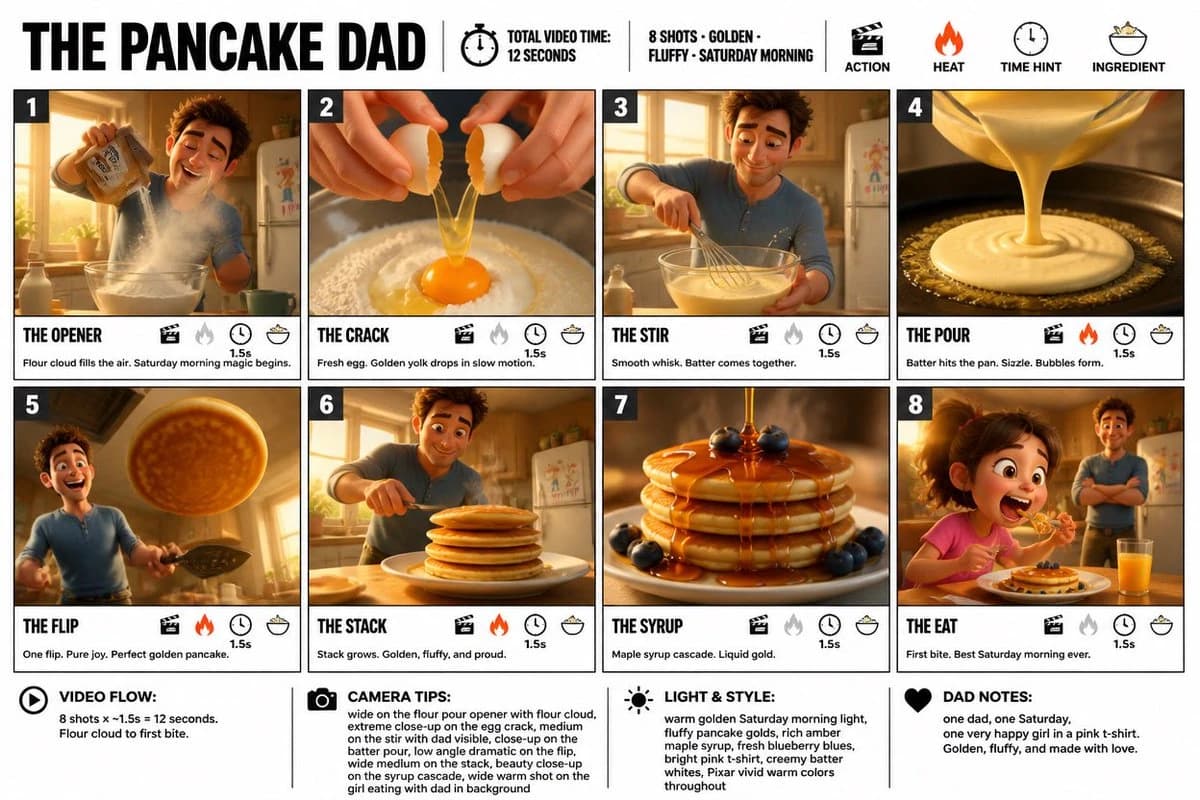
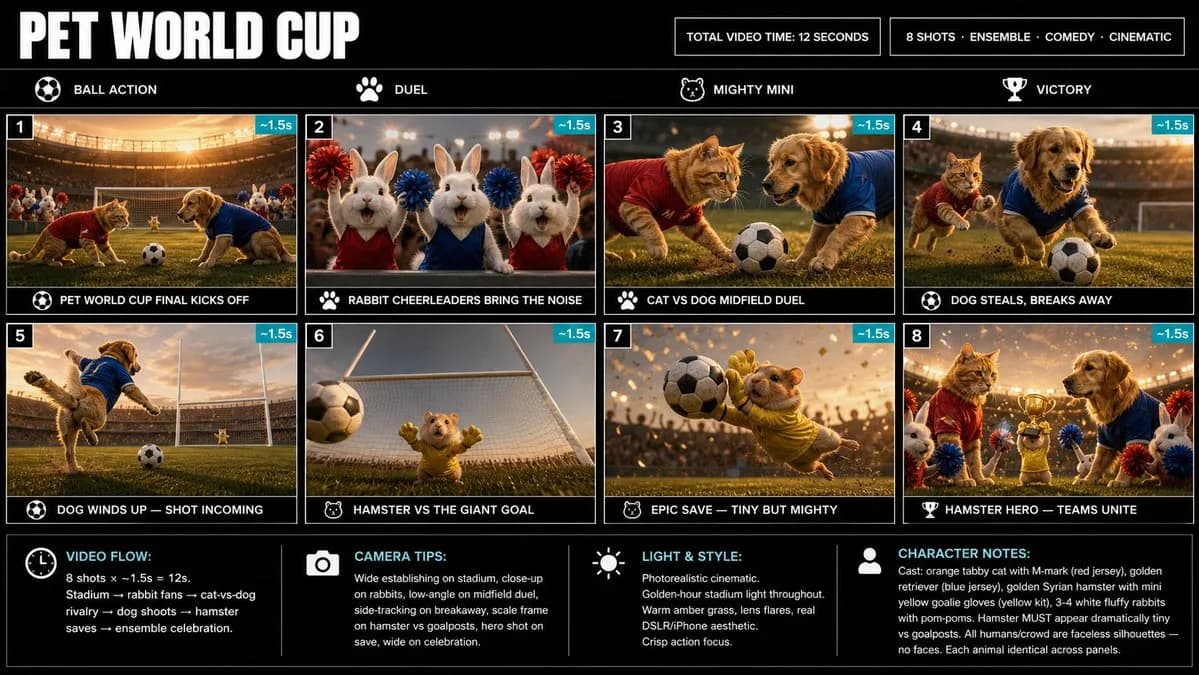
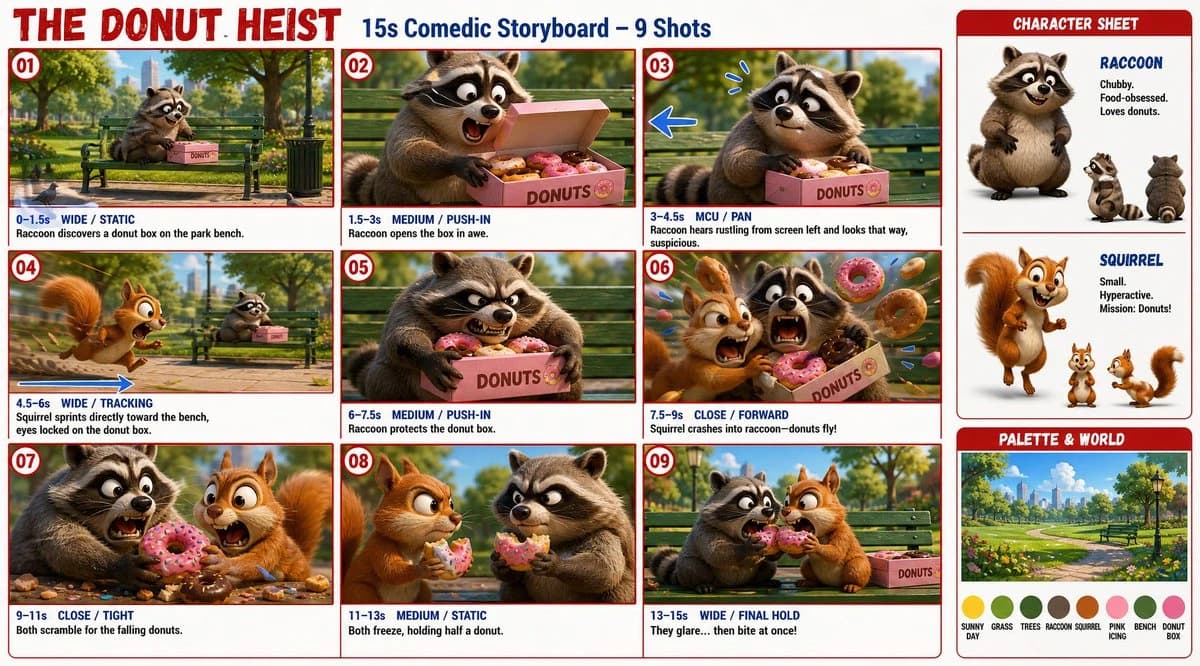
195 wordsTitle: “THE DONUT HEIST” Subtitle: “15s Comedic Storyboard – 9 Shots” Style: full-color 3D animated storyboard sheet, cinematic cartoon characters, polished lighting, expressive faces, vibrant colors, red panel borders, blue camera/action arrows. Characters: chubby food-obsessed raccoon with striped tail. Small hyperactive squirrel with fluffy tail. Important: keep left-right continuity. Squirrel always rushes from screen left to right, looking toward the bench/raccoon, never away. Raccoon stays near the donut box. In panel 03, the raccoon hears rustling from screen left and looks that way. Each panel: timecode, shot type, camera move, short action note. 01 0–1.5s Wide/static: raccoon finds donut box on park bench. 02 1.5–3s Med/push-in: raccoon opens box in awe. 03 3–4.5s MCU/pan: raccoon hears rustling from screen left and looks that way, suspicious. 04 4.5–6s Wide/tracking: squirrel sprints toward bench, eyes locked on donuts. 05 6–7.5s Med/push-in: raccoon protects donut box. 06 7.5–9s Close/forward: squirrel crashes into raccoon, donuts fly. 07 9–11s Close/tight: both scramble for falling donuts. 08 11–13s Med/static: both freeze, holding half a donut. 09 13–15s Wide/final hold: they glare, then bite at once. Right side: character sheet + palette: sunny park, green grass, raccoon grey-brown, squirrel orange-brown, pink icing.
About this prompt
Donut Heist Storyboard Sheet is a ready-to-use ui mockup prompt for GPT Image 2 on Image 2. Copy the 195 words below, paste them into the Create form, and you will get a result close to the preview above. Tweak the UI, Mockup, Storyboard tag if you want to push it somewhere new.
Use it as a starting point, then adjust the subject, lighting, or composition to suit your idea. The credit cost stays the same whether you use it as written or customize it.
Use case
A strong starting point for UI Mockup
Start here when you want a ui mockup image inspired by Donut Heist Storyboard Sheet. The prompt already sets the look and composition; replace the subject, product, colors, or scene details to match your project.
Easy places to tweak
- Subject Swap in your person, product, place, or object without changing the overall composition.
- Look and mood Tune the lighting, palette, camera angle, or materials so the image fits your brand.
- Final format Set the aspect ratio, background, text, or layout notes before you generate.
More prompt paths to explore
Find more GPT Image 2 prompts with a similar style, use case, or subject.
How to use it
- Step 1
Copy the prompt
Hit the Copy button above to grab the full text.
- Step 2
Open Image 2 Create
Head to the Create form and paste it in.
- Step 3
Generate
Hit Generate. Your version lands in seconds.
Make it yours
Load the prompt into the Create form with one click, then start tweaking.