Prompt
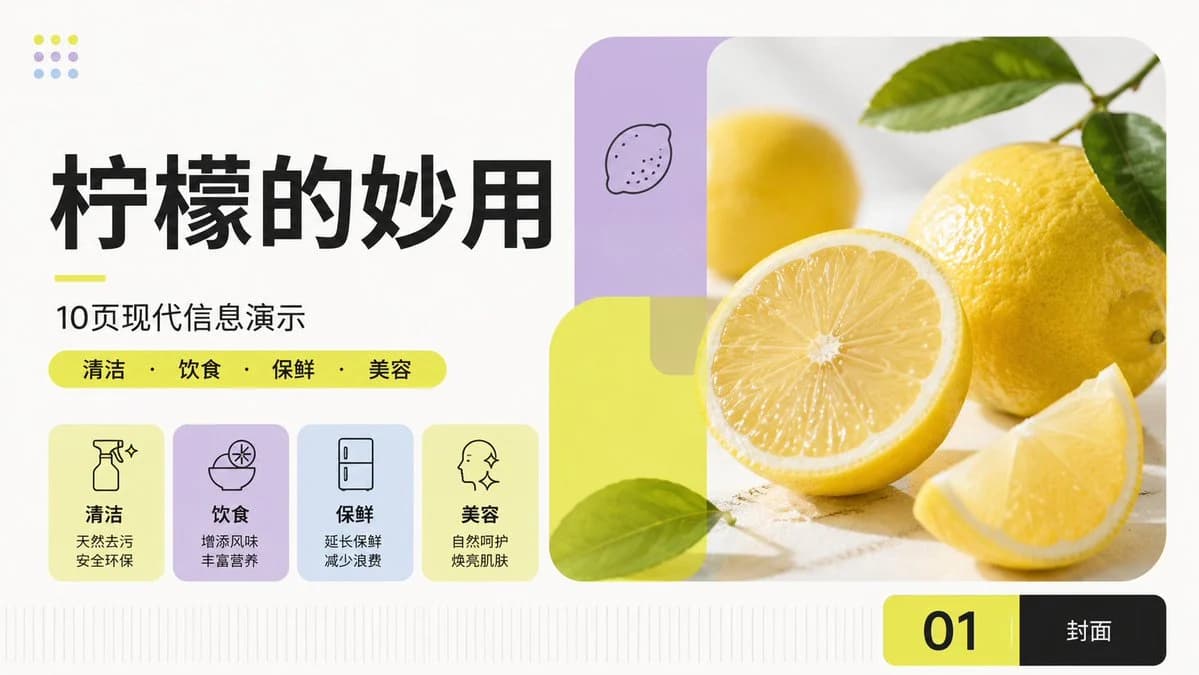
411 wordsGoal: Create a clean modern Chinese PPT cover slide about {argument name="topic" default="柠檬的妙用"}, using an international Swiss-style modular grid, fresh lemon-yellow accents, soft pastel blocks, and a bright health/lifestyle editorial look.
Canvas: 16:9 widescreen presentation slide, off-white background, airy margins, crisp vector typography, no watermark. Use asymmetrical balance: large text-heavy left column and large rounded photo composition on the right.
Layout: Left side contains the title stack and four feature cards. Right side contains a large rounded-corner lemon photography panel occupying about half the slide width. Bottom right has a black-and-yellow page label bar. Add subtle vertical baseline/grid ticks along the bottom edge.
Text content: Main title in very large bold black Chinese characters: {argument name="headline text" default="柠檬的妙用"}. Below it, add a short neon-yellow underline, then subtitle: {argument name="subtitle text" default="10页现代信息演示"}. Under the subtitle, place a rounded neon-yellow pill containing exactly 4 category words separated by centered dots: {argument name="category text" default="清洁 · 饮食 · 保鲜 · 美容"}. Bottom page label shows a large black “01” on a neon-yellow rounded rectangle segment and “封面” in white on a black rounded rectangle segment.
Feature cards: Include exactly 4 rounded pastel cards in a row under the category pill, each with a simple black line icon, bold Chinese label, and two-line description: 1) spray bottle sparkle icon, label “清洁”, description “天然去污 / 安全环保”; 2) bowl with lemon slice icon, label “饮食”, description “增添风味 / 丰富营养”; 3) refrigerator icon, label “保鲜”, description “延长保鲜 / 减少浪费”; 4) face profile with sparkles icon, label “美容”, description “自然呵护 / 焕亮肌肤”. Card colors from left to right: pale lemon yellow, lavender, pale blue, pale lemon yellow.
Right image composition: Use realistic high-key photography of fresh lemons on a light stone surface: one large whole yellow lemon with green leaves at the upper right, one half lemon with visible juicy radial pulp in the center foreground, one lemon wedge at lower right, and a softly blurred yellow lemon in the background. Overlay modern rounded translucent geometric panels: a vertical lavender rounded rectangle at upper left with a tiny hand-drawn lemon doodle, and a large translucent neon-yellow rounded square/rectangle overlapping the lower-left of the photo with a green leaf crossing it. Keep the photo corners heavily rounded.
Decorative details: At top left, add a small 3×3 dot motif, exactly 9 dots, using alternating lemon yellow, lavender, and pale blue. Keep all icons monoline black, typography bold and modern, with strong alignment and generous whitespace. Avoid extra text or additional cards.About this prompt
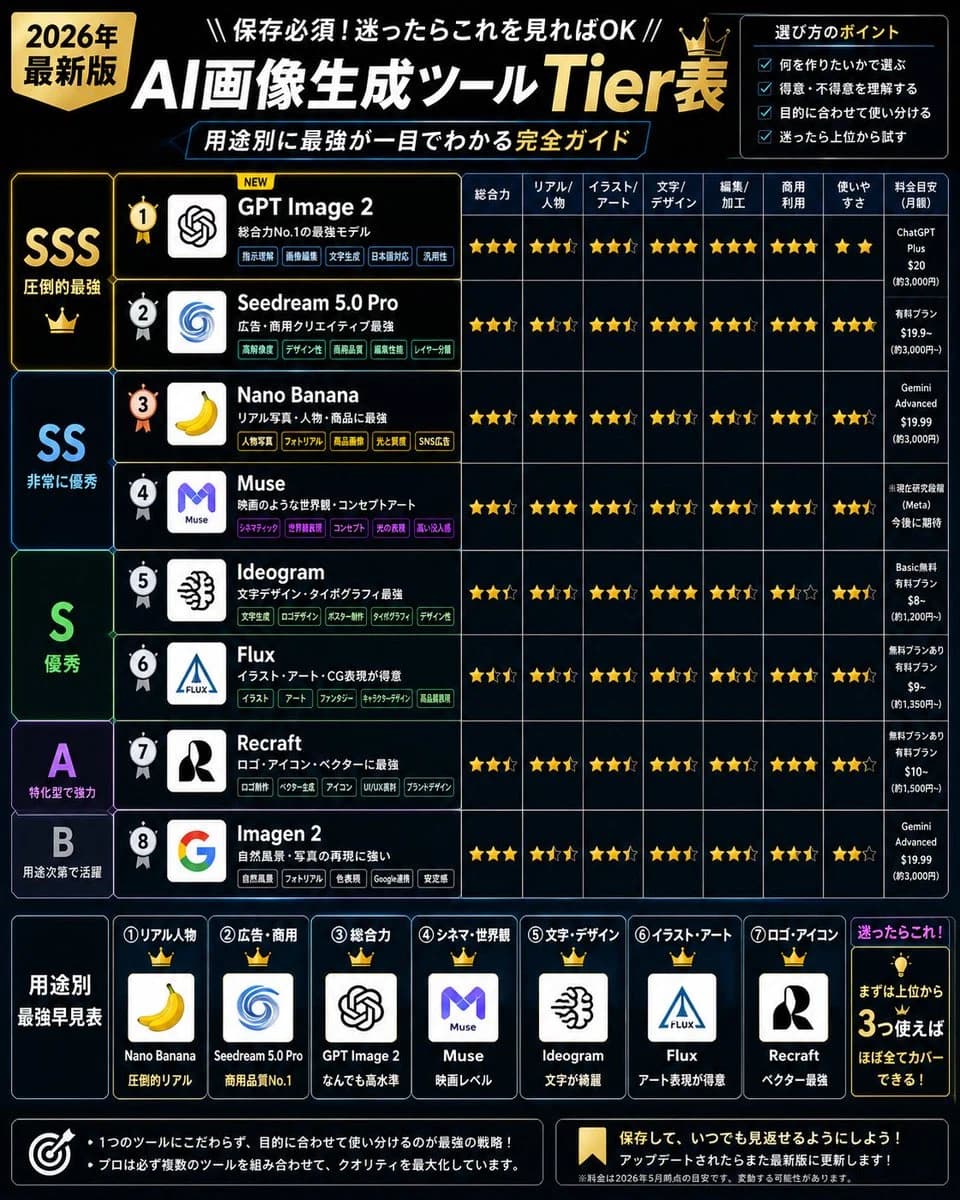
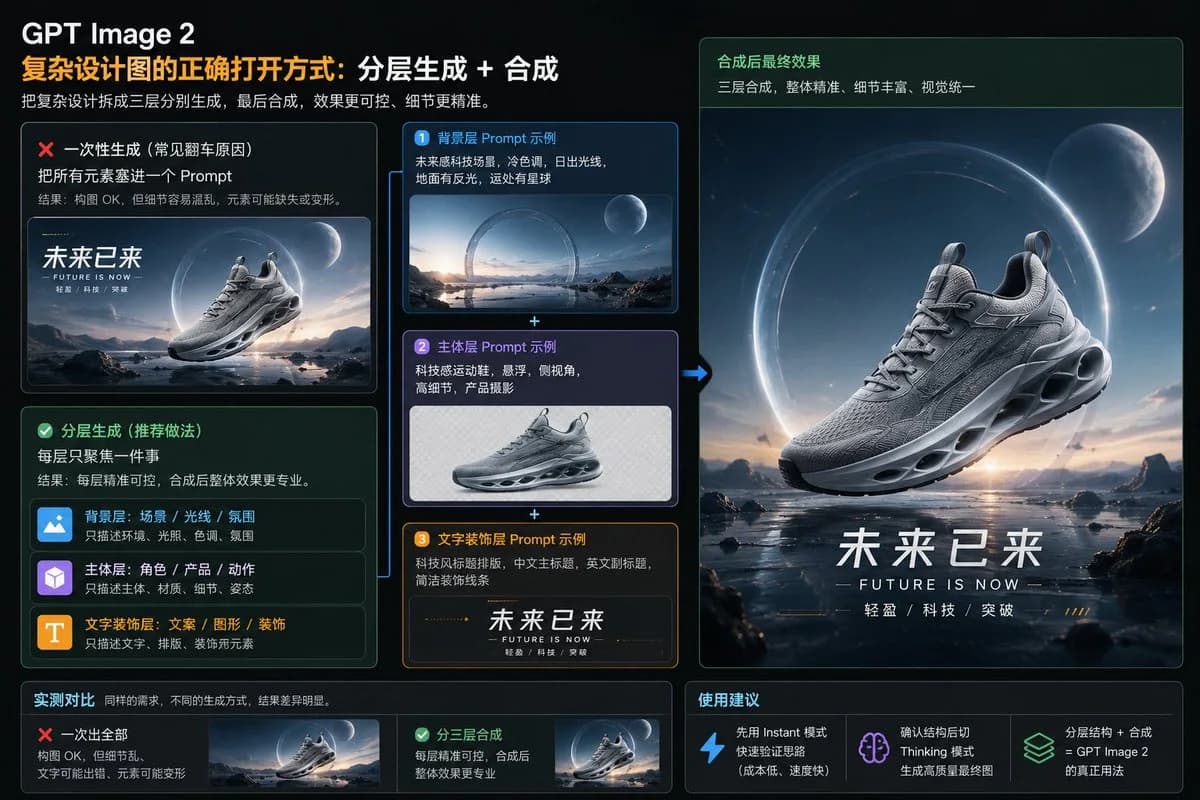
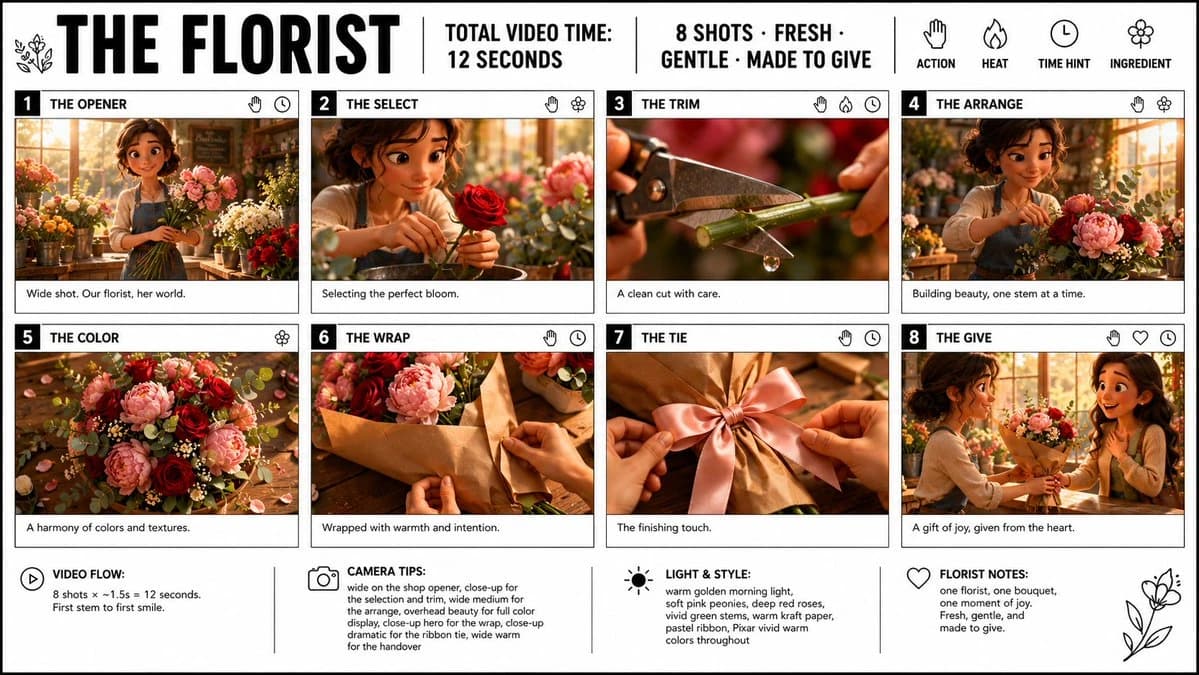
Modern Lemon Uses PPT Cover is a ready-to-use infographic prompt for GPT Image 2 on Image 2. Copy the 411 words below, paste them into the Create form, and you will get a result close to the preview above. Tweak the Infographic, Storyboard, Product tag if you want to push it somewhere new.
Use it as a starting point, then adjust the subject, lighting, or composition to suit your idea. The credit cost stays the same whether you use it as written or customize it.
Use case
A strong starting point for Infographic
Start here when you want a infographic image inspired by Modern Lemon Uses PPT Cover. The prompt already sets the look and composition; replace the subject, product, colors, or scene details to match your project.
Easy places to tweak
- Subject Swap in your person, product, place, or object without changing the overall composition.
- Look and mood Tune the lighting, palette, camera angle, or materials so the image fits your brand.
- Final format Set the aspect ratio, background, text, or layout notes before you generate.
More prompt paths to explore
Find more GPT Image 2 prompts with a similar style, use case, or subject.
How to use it
- Step 1
Copy the prompt
Hit the Copy button above to grab the full text.
- Step 2
Open Image 2 Create
Head to the Create form and paste it in.
- Step 3
Generate
Hit Generate. Your version lands in seconds.
Make it yours
Load the prompt into the Create form with one click, then start tweaking.