Prompt
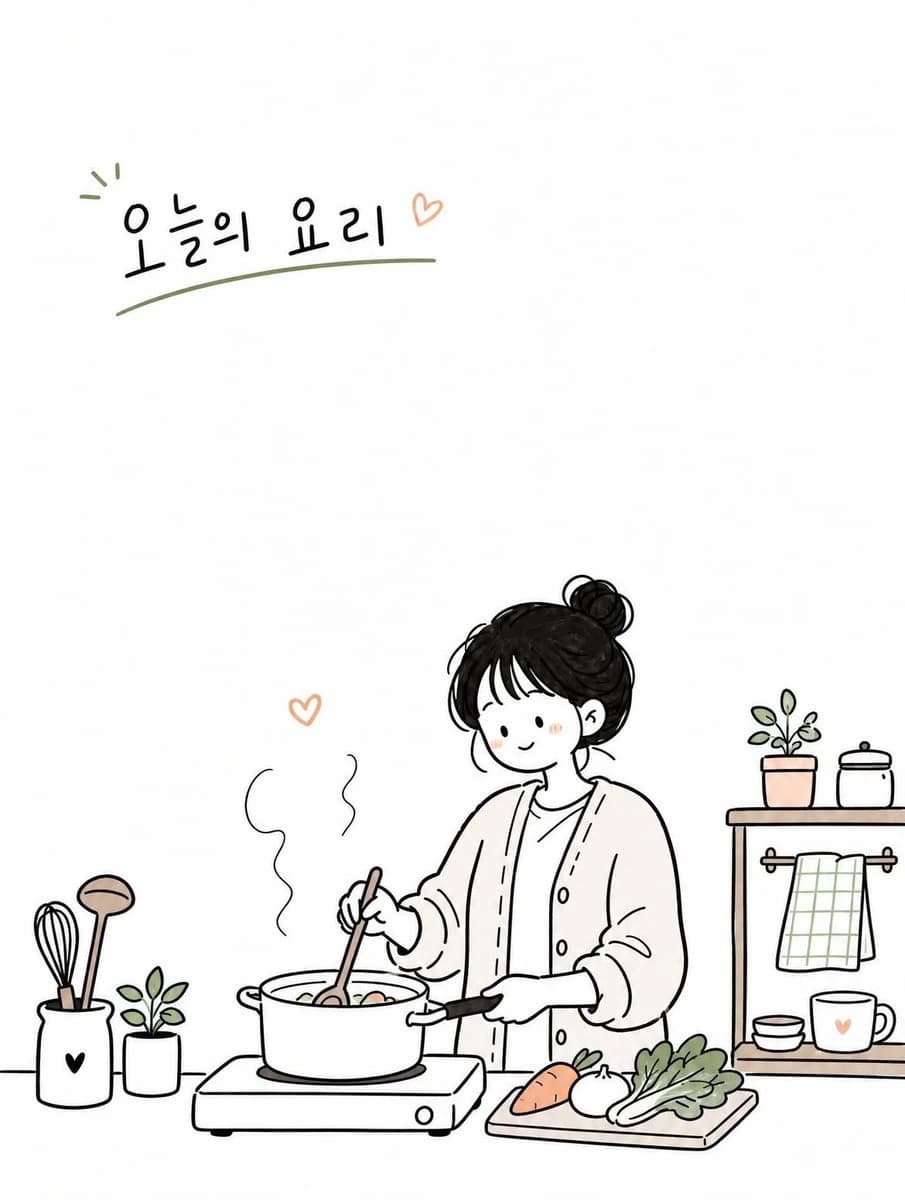
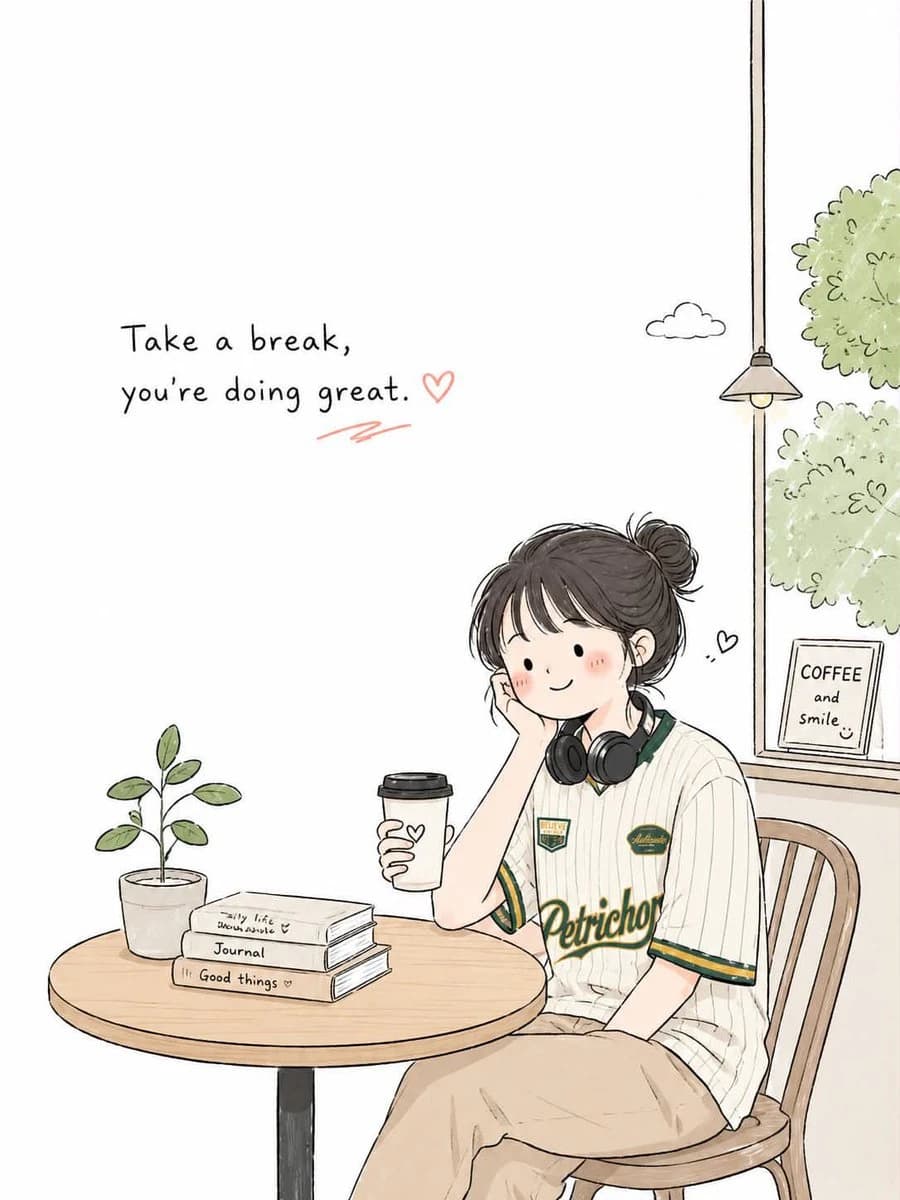
175 wordsCreate a simple and cute Korean doodled editorial illustration based on {argument name="topic" default="daily routine"}.
Style:
hand-drawn doodle cartoon,
minimal editorial infographic illustration,
clean black ink outlines,
slightly imperfect sketchy lines,
flat 2D composition,
minimal line art,
large clean white negative space,
soft warm pastel accent colors only.
Scene:
design a cozy everyday moment around {argument name="topic" default="daily routine"} featuring me
Use a simple background with only essential objects and props related to the topic.
Character:
cute simplified proportions,
minimal facial features,
small relaxed smile,
natural pose,
simple casual outfit,
restrained doodle character style.
Composition:
vertical 3:4 ratio,
eye-level view,
main subject placed on one side or lower area,
large empty space on the opposite side,
sparse and airy layout.
Objects:
minimal doodle-style props such as books, coffee cups, plants, umbrellas, signs, clouds, hearts, notes, windows, etc.
Typography:
add small English handwritten text in the empty space.
Mood:
calm, cozy, warm, quiet, cute.
Avoid:
watercolor painting,
anime style,
realistic lighting,
cinematic rendering,
complex perspective,
high detail,
dense composition,
luxury poster mood,
painterly textures,
over-rendered characters.About this prompt
Minimalist Korean Doodle Illustration is a ready-to-use social media prompt for GPT Image 2 on Image 2. Copy the 175 words below, paste them into the Create form, and you will get a result close to the preview above. Tweak the Social Media, Infographic, Poster tag if you want to push it somewhere new.
Use it as a starting point, then adjust the subject, lighting, or composition to suit your idea. The credit cost stays the same whether you use it as written or customize it.
Use case
A strong starting point for Social Media
Start here when you want a social media image inspired by Minimalist Korean Doodle Illustration. The prompt already sets the look and composition; replace the subject, product, colors, or scene details to match your project.
Easy places to tweak
- Subject Swap in your person, product, place, or object without changing the overall composition.
- Look and mood Tune the lighting, palette, camera angle, or materials so the image fits your brand.
- Final format Set the aspect ratio, background, text, or layout notes before you generate.
More prompt paths to explore
Find more GPT Image 2 prompts with a similar style, use case, or subject.
How to use it
- Step 1
Copy the prompt
Hit the Copy button above to grab the full text.
- Step 2
Open Image 2 Create
Head to the Create form and paste it in.
- Step 3
Generate
Hit Generate. Your version lands in seconds.
Make it yours
Load the prompt into the Create form with one click, then start tweaking.