Prompt
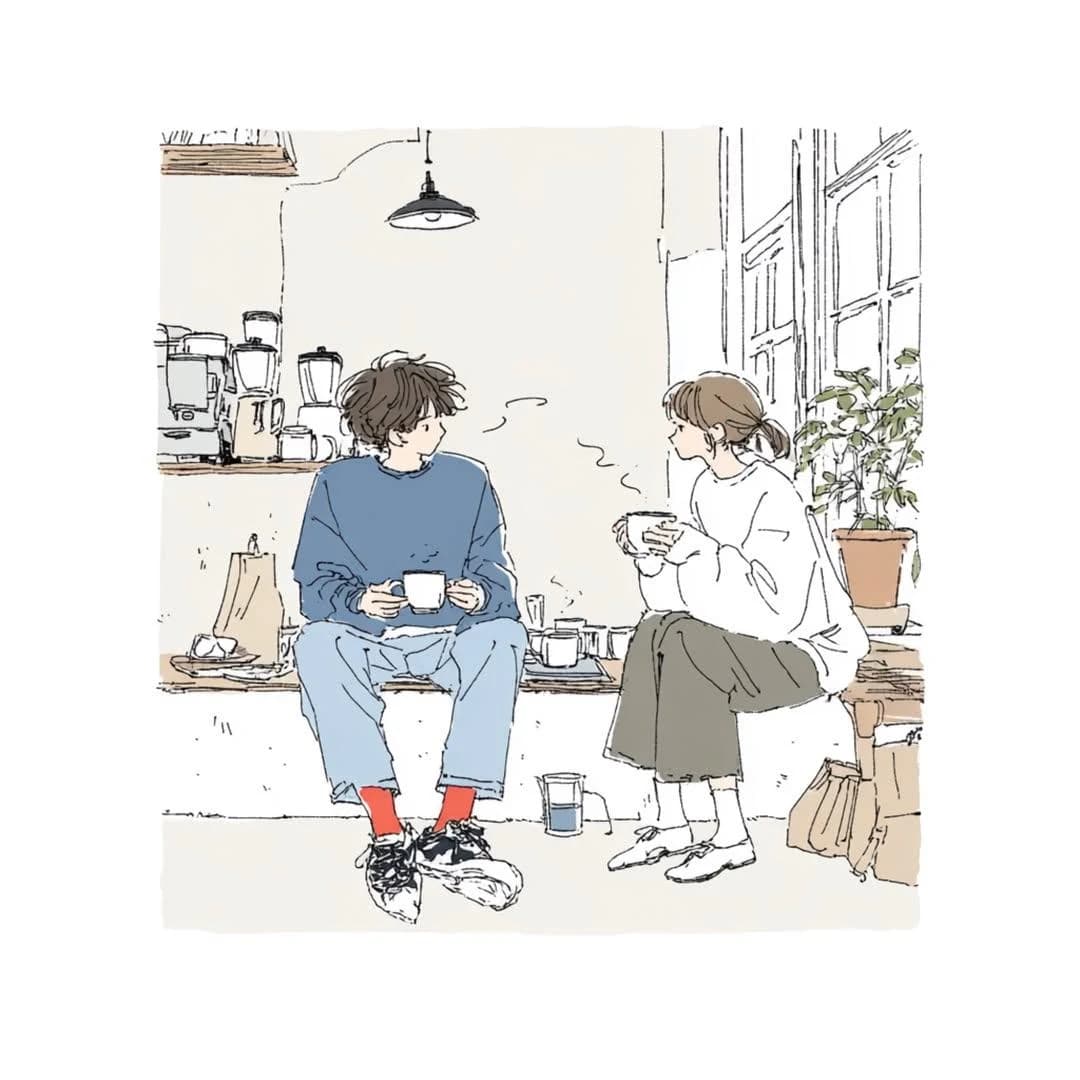
338 wordsCreate a delicate contemporary Japanese lifestyle illustration with a cozy slice-of-life atmosphere.
ART STYLE
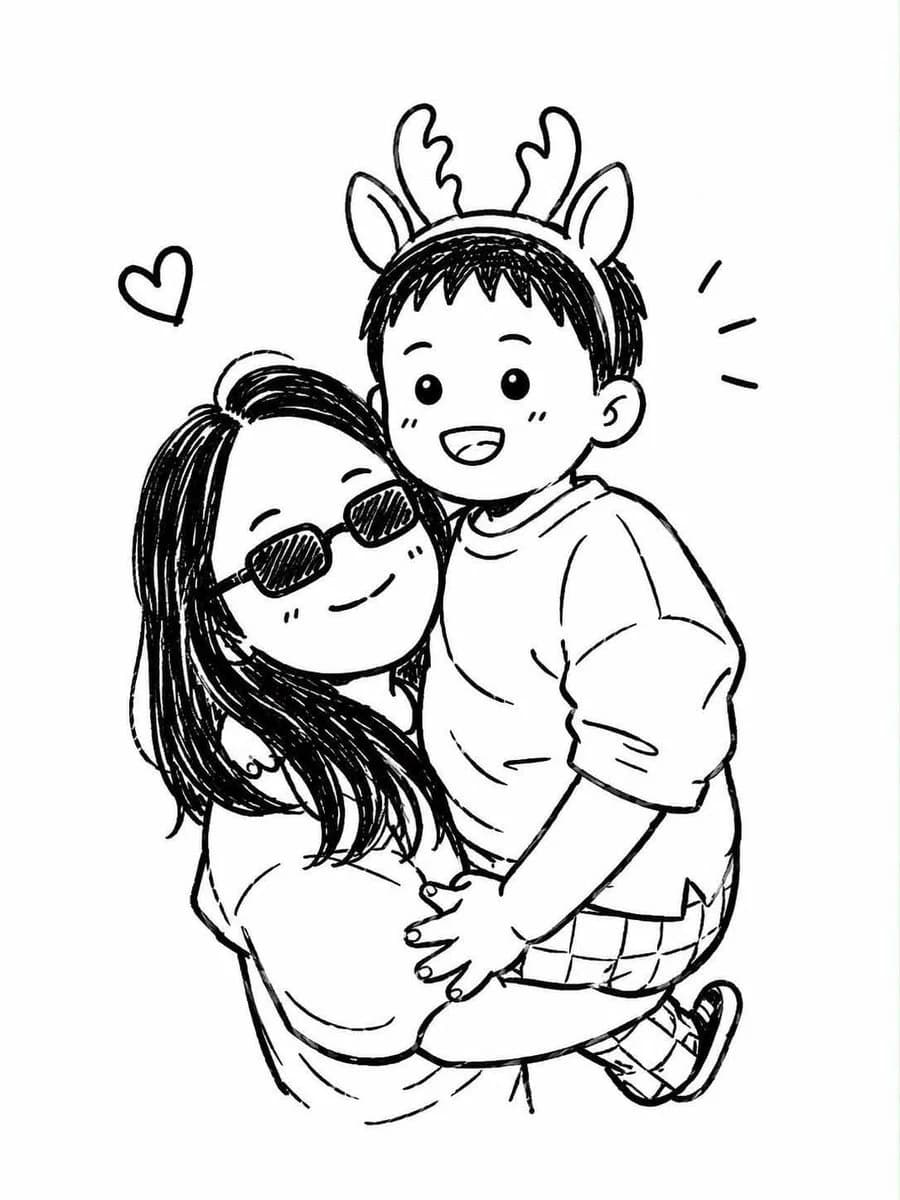
Hand-drawn pen-and-ink sketch illustration, thin expressive linework, loose imperfect contours, minimalist editorial artwork, soft watercolor washes, subtle paper texture, elegant negative space, sketchbook aesthetic, modern Japanese indie illustration, light and airy composition, contemporary café-art style, emotionally warm and intimate.
CHARACTERS
Two young adults with soft, simplified facial features and natural expressions. Casual oversized clothing, relaxed body language, authentic interaction, candid everyday moment. Faces are minimally rendered with delicate linework rather than detailed realism.
ENVIRONMENT
A cozy indoor setting such as a café, coffee shop, apartment, studio, bookstore, kitchen corner, or creative workspace. Include wooden furniture, coffee mugs, indoor plants, shelves, books, windows, soft decorative details, and small everyday objects. The environment should feel lived-in yet uncluttered.
COMPOSITION
Full-body or three-quarter-body view. Characters seated naturally and facing one another. Balanced asymmetrical layout. Large areas of clean negative space. Storytelling through posture and atmosphere rather than action. Editorial illustration framing. Eye-level perspective.
COLOR PALETTE
Muted and desaturated colors only:
• Dusty blue
• Warm cream
• Soft beige
• Light gray
• Sage green
• Warm brown
• Off-white
Add only one small {argument name="accent color" default="red"} element such as red socks, red shoes, a red mug, or a small red object.
LIGHTING
Soft natural daylight entering through windows. Gentle ambient illumination. No dramatic shadows. Warm, peaceful, calming mood.
RENDERING
Minimal shading. Sparse details. Watercolor-style color fills inside delicate ink outlines. Slightly unfinished sketch quality. High-quality illustration with visible hand-drawn imperfections. Soft edges and subtle texture.
MOOD
Comfortable, quiet, nostalgic, peaceful, intimate, cozy, everyday happiness, slow living, café culture, thoughtful conversation, gentle human connection.
AVOID
Anime screenshots, manga panels, cel shading, digital painting, hyperrealism, photorealism, 3D rendering, glossy surfaces, vibrant saturated colors, cinematic effects, dramatic lighting, excessive details, sharp outlines, heavy shadows, complex backgrounds.
SCENE:
{argument name="scene" default="[INSERT YOUR SCENE DESCRIPTION HERE]"}
The final image should feel like a premium Japanese lifestyle illustration found in an art book, café magazine, design journal, or independent sketchbook collection.About this prompt
Japanese Lifestyle Sketch Portrait is a ready-to-use social media prompt for GPT Image 2 on Image 2. Copy the 338 words below, paste them into the Create form, and you will get a result close to the preview above. Tweak the Social Media, Storyboard, Portrait tag if you want to push it somewhere new.
Use it as a starting point, then adjust the subject, lighting, or composition to suit your idea. The credit cost stays the same whether you use it as written or customize it.
Use case
A strong starting point for Social Media
Start here when you want a social media image inspired by Japanese Lifestyle Sketch Portrait. The prompt already sets the look and composition; replace the subject, product, colors, or scene details to match your project.
Easy places to tweak
- Subject Swap in your person, product, place, or object without changing the overall composition.
- Look and mood Tune the lighting, palette, camera angle, or materials so the image fits your brand.
- Final format Set the aspect ratio, background, text, or layout notes before you generate.
More prompt paths to explore
Find more GPT Image 2 prompts with a similar style, use case, or subject.
How to use it
- Step 1
Copy the prompt
Hit the Copy button above to grab the full text.
- Step 2
Open Image 2 Create
Head to the Create form and paste it in.
- Step 3
Generate
Hit Generate. Your version lands in seconds.
Make it yours
Load the prompt into the Create form with one click, then start tweaking.