Prompt
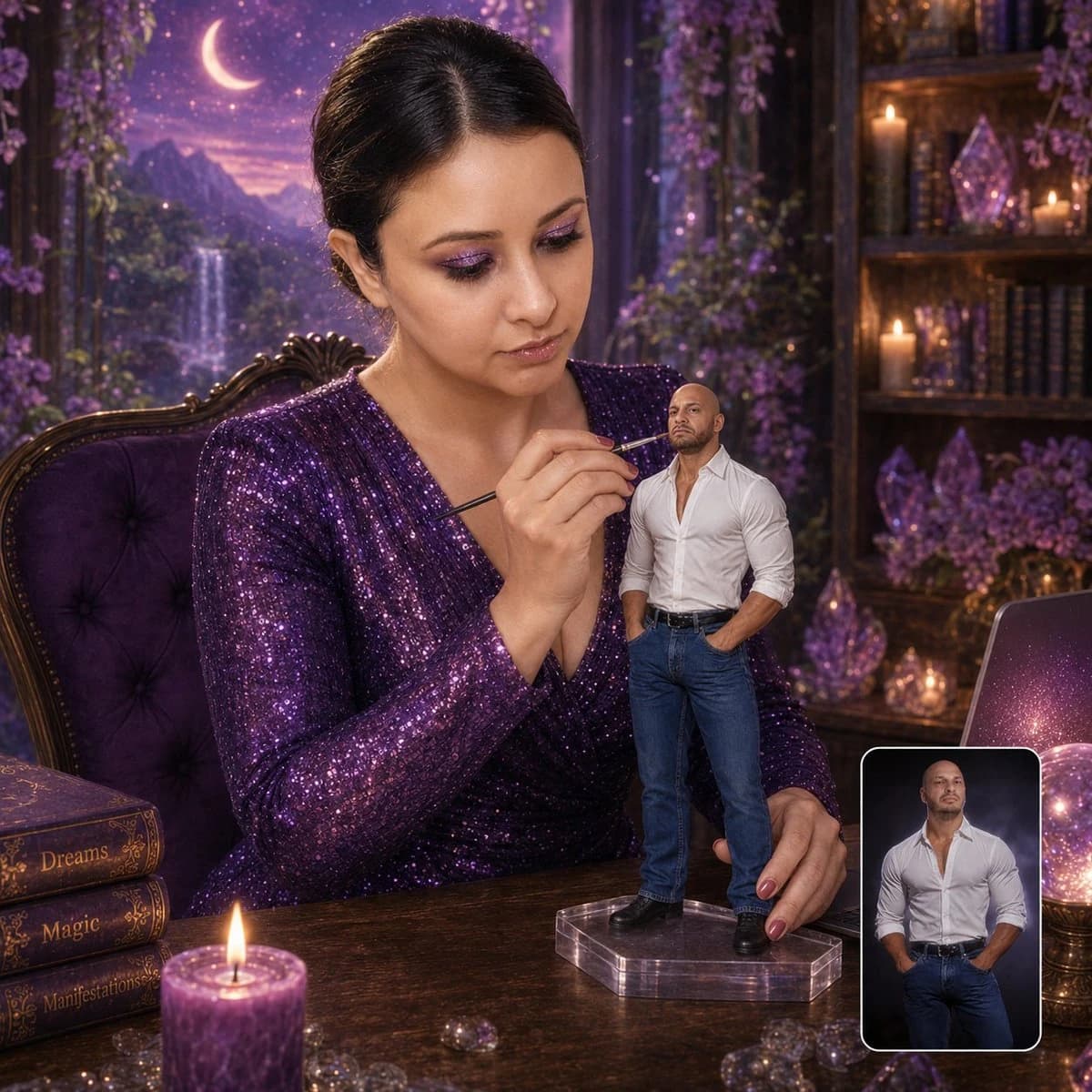
264 wordsCreate a hyper-realistic 1:1 cinematic studio portrait of the woman from the first uploaded reference image ({argument name="outfit" default="sparkly purple sequined V-neck dress"}, dark hair in sleek updo, magical fantasy desk setting with waterfall, moon, crystals, glowing orb, laptop, purple candle, books labeled {argument name="book titles" default="Dreams/Magic/Manifestations"}, ornate purple chair) carefully painting a miniature figurine of the man from the second uploaded reference image. The figurine must exactly match the second uploaded photo: bald head, short trimmed beard/goatee, muscular build, white button-up shirt with top buttons undone showing chest, sleeves rolled up, blue jeans, black belt, hands-in-pockets stance, exact facial features and serious expression. Make the figurine highly detailed, realistic, approximately {argument name="size" default="8–10 inches"} tall, standing on a clear acrylic base on the desk. The woman must match the first uploaded photo exactly in face, makeup, hair, purple glitter dress, seated pose, and the entire enchanted purple fantasy background/desk setup. She is looking at the figurine with complete focus and concentration (not at camera). She delicately holds a fine paintbrush close to the figurine’s face while her other hand steadies the stand. Replace the quill-writing activity with this painting scene. In the bottom-right corner, include a small rounded-rectangle inset with clean white border showing the second uploaded reference photo of the man, indicating it is the source image used to create the figurine. Soft cinematic lighting, shallow depth of field, premium DSLR quality, ultra-realistic skin/fabric/figurine details, sharp focus, magical yet luxury collectible aesthetic. Keep every element from the woman’s original photo intact except for the new painting activity and added figurine + inset.About this prompt
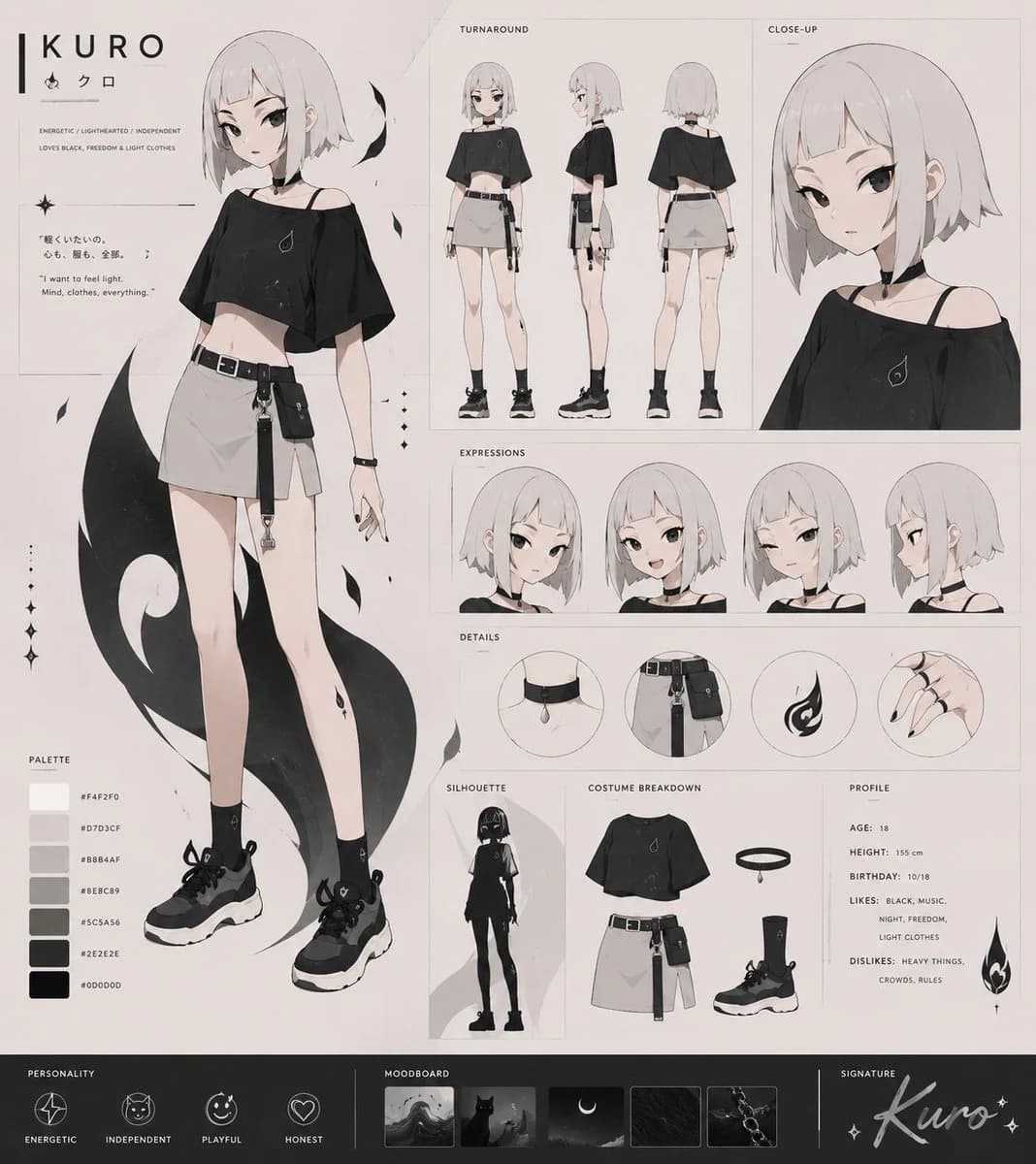
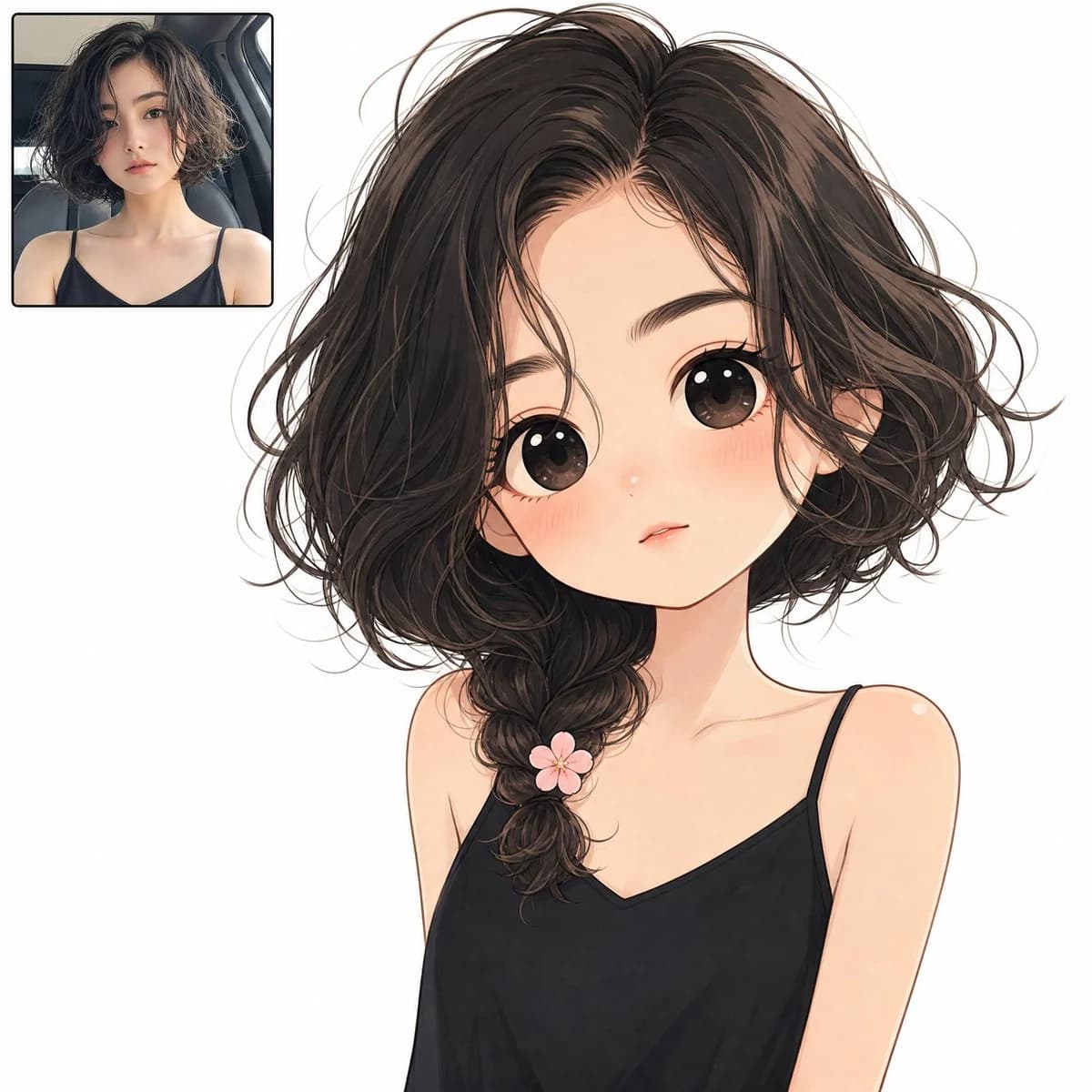
Miniature Figurine Painting Scene is a ready-to-use character design prompt for GPT Image 2 on Image 2. Copy the 264 words below, paste them into the Create form, and you will get a result close to the preview above. Tweak the Infographic, Character, Character Design tag if you want to push it somewhere new.
Use it as a starting point, then adjust the subject, lighting, or composition to suit your idea. The credit cost stays the same whether you use it as written or customize it.
Use case
A strong starting point for Character Design
Start here when you want a character design image inspired by Miniature Figurine Painting Scene. The prompt already sets the look and composition; replace the subject, product, colors, or scene details to match your project.
Easy places to tweak
- Subject Swap in your person, product, place, or object without changing the overall composition.
- Look and mood Tune the lighting, palette, camera angle, or materials so the image fits your brand.
- Final format Set the aspect ratio, background, text, or layout notes before you generate.
More prompt paths to explore
Find more GPT Image 2 prompts with a similar style, use case, or subject.
How to use it
- Step 1
Copy the prompt
Hit the Copy button above to grab the full text.
- Step 2
Open Image 2 Create
Head to the Create form and paste it in.
- Step 3
Generate
Hit Generate. Your version lands in seconds.
Make it yours
Load the prompt into the Create form with one click, then start tweaking.