Prompt
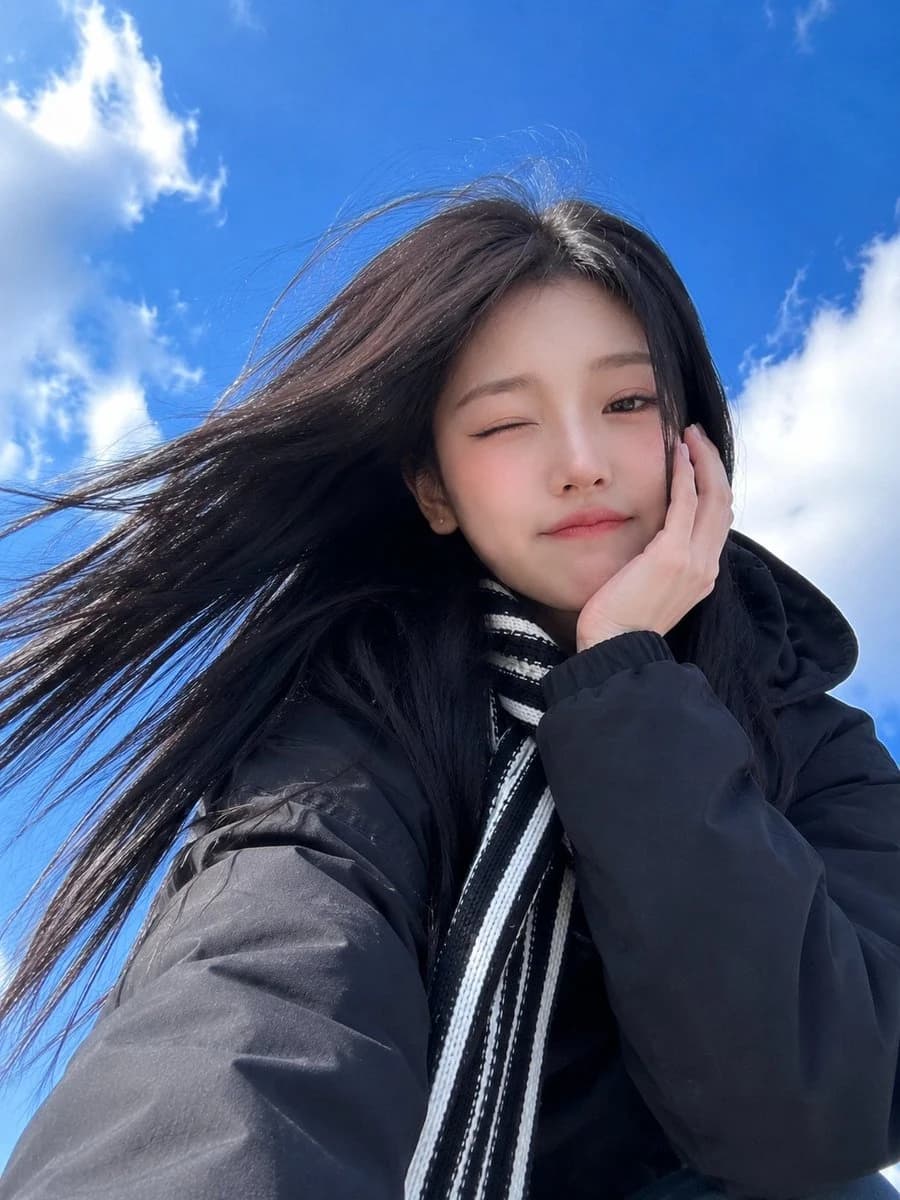
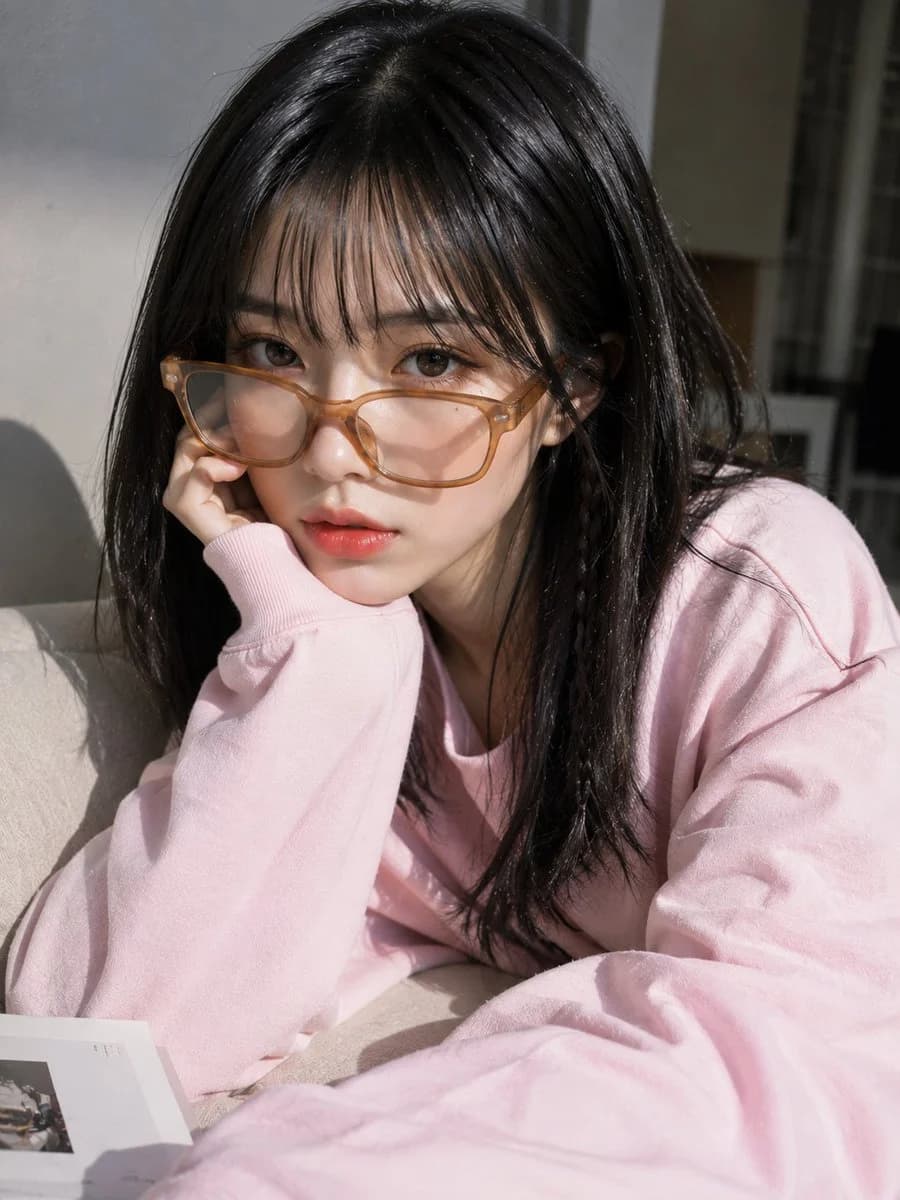
184 wordsA {argument name="subject" default="young Asian woman"} with a soft oval face, fair porcelain skin, a subtle beauty mark near one eye, almond-shaped dark brown eyes, straight brows, a small delicate nose, and naturally glossy pink gradient lips. Shoulder-length jet-black hair with silky layers, wispy see-through bangs, and a thin braided strand on one side. She wears oversized translucent amber rectangular glasses sitting low on her nose while gently adjusting them with her left hand, index finger pointing near the outer corner of her eye. Minimal Korean makeup with smooth matte skin, soft blush, natural eyeliner, and glossy coral lips. She wears an {argument name="clothing" default="oversized pastel light-blue sweatshirt"} with bold black typography and loose sleeves covering part of her hand. Tight chest-up portrait, 9:16, soft {argument name="background" default="gray bokeh"} background, subtle film grain and floating dust, soft diffused lighting, realistic skin pores, lifelike hair strands, accurate glass reflections, ultra-photorealistic, premium fashion editorial, high detail.
Negative Prompt: low quality, blurry, cartoon, anime, CGI, plastic skin, AI artifacts, deformed face, bad anatomy, extra fingers, distorted hands, duplicate glasses, watermark, logo, text, motion blur, oversaturated, unrealistic hair.About this prompt
Korean Fashion Portrait is a ready-to-use portrait prompt for GPT Image 2 on Image 2. Copy the 184 words below, paste them into the Create form, and you will get a result close to the preview above. Tweak the Portrait, Fashion, Beauty tag if you want to push it somewhere new.
Use it as a starting point, then adjust the subject, lighting, or composition to suit your idea. The credit cost stays the same whether you use it as written or customize it.
Use case
A strong starting point for Portrait
Start here when you want a portrait image inspired by Korean Fashion Portrait. The prompt already sets the look and composition; replace the subject, product, colors, or scene details to match your project.
Easy places to tweak
- Subject Swap in your person, product, place, or object without changing the overall composition.
- Look and mood Tune the lighting, palette, camera angle, or materials so the image fits your brand.
- Final format Set the aspect ratio, background, text, or layout notes before you generate.
More prompt paths to explore
Find more GPT Image 2 prompts with a similar style, use case, or subject.
How to use it
- Step 1
Copy the prompt
Hit the Copy button above to grab the full text.
- Step 2
Open Image 2 Create
Head to the Create form and paste it in.
- Step 3
Generate
Hit Generate. Your version lands in seconds.
Make it yours
Load the prompt into the Create form with one click, then start tweaking.