Prompt
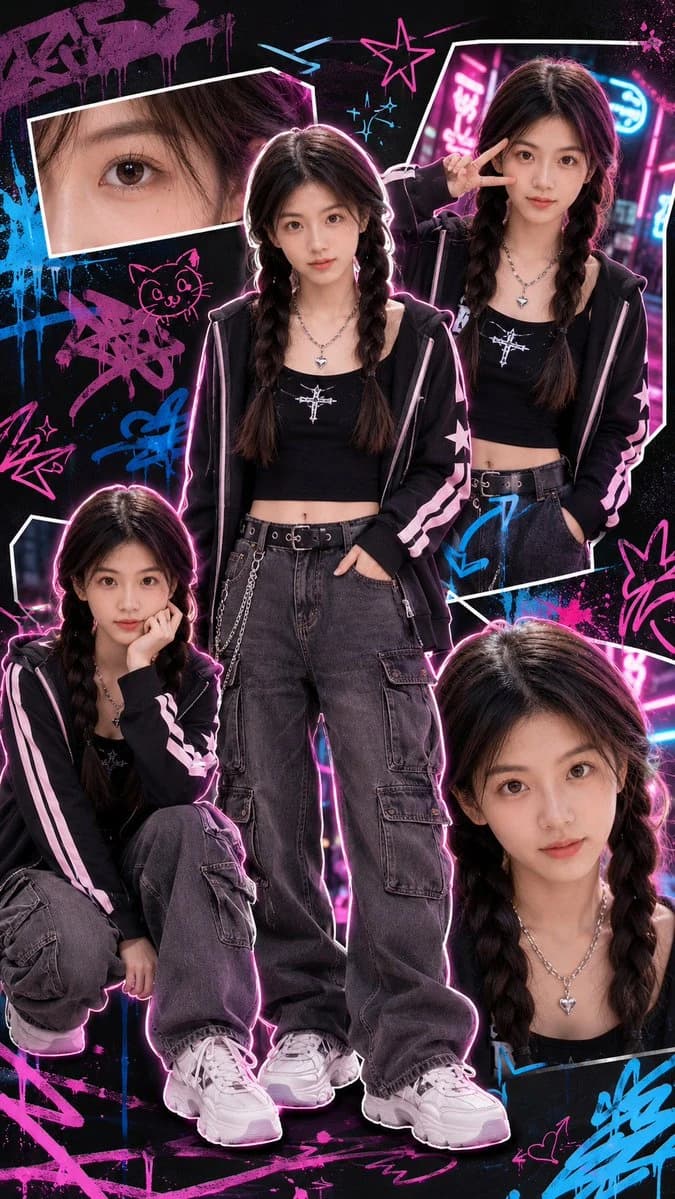
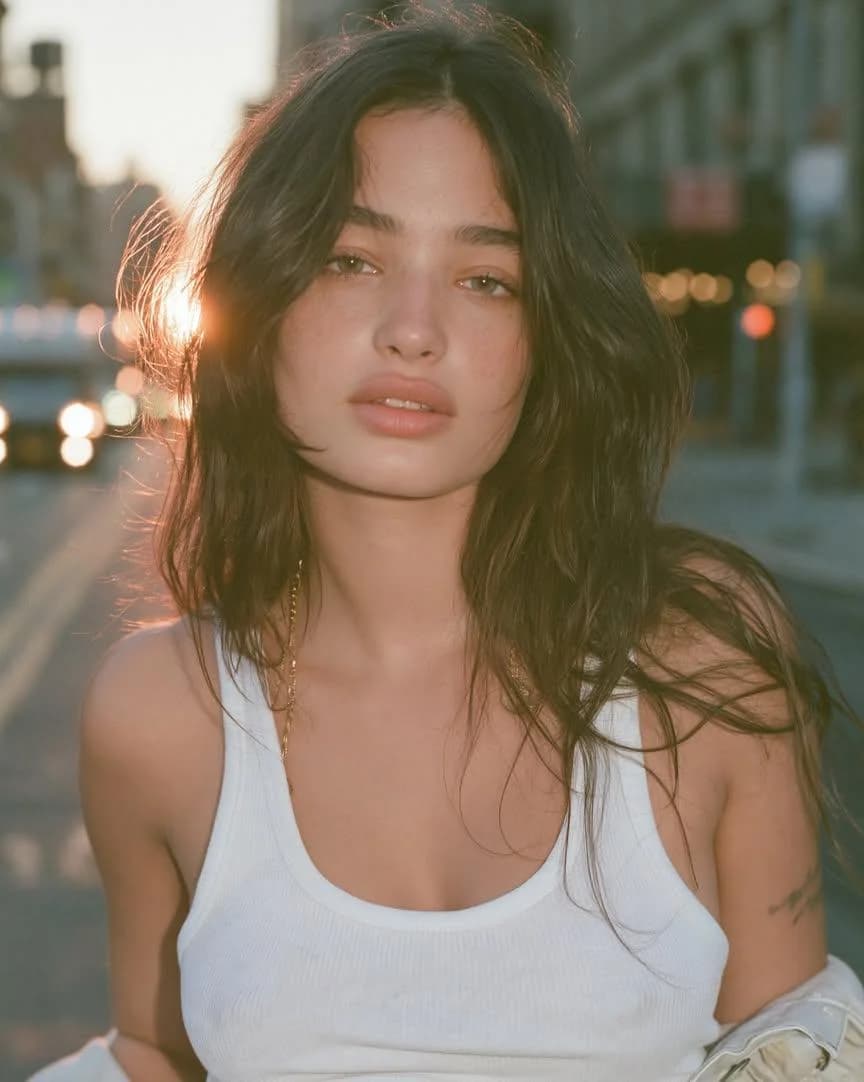
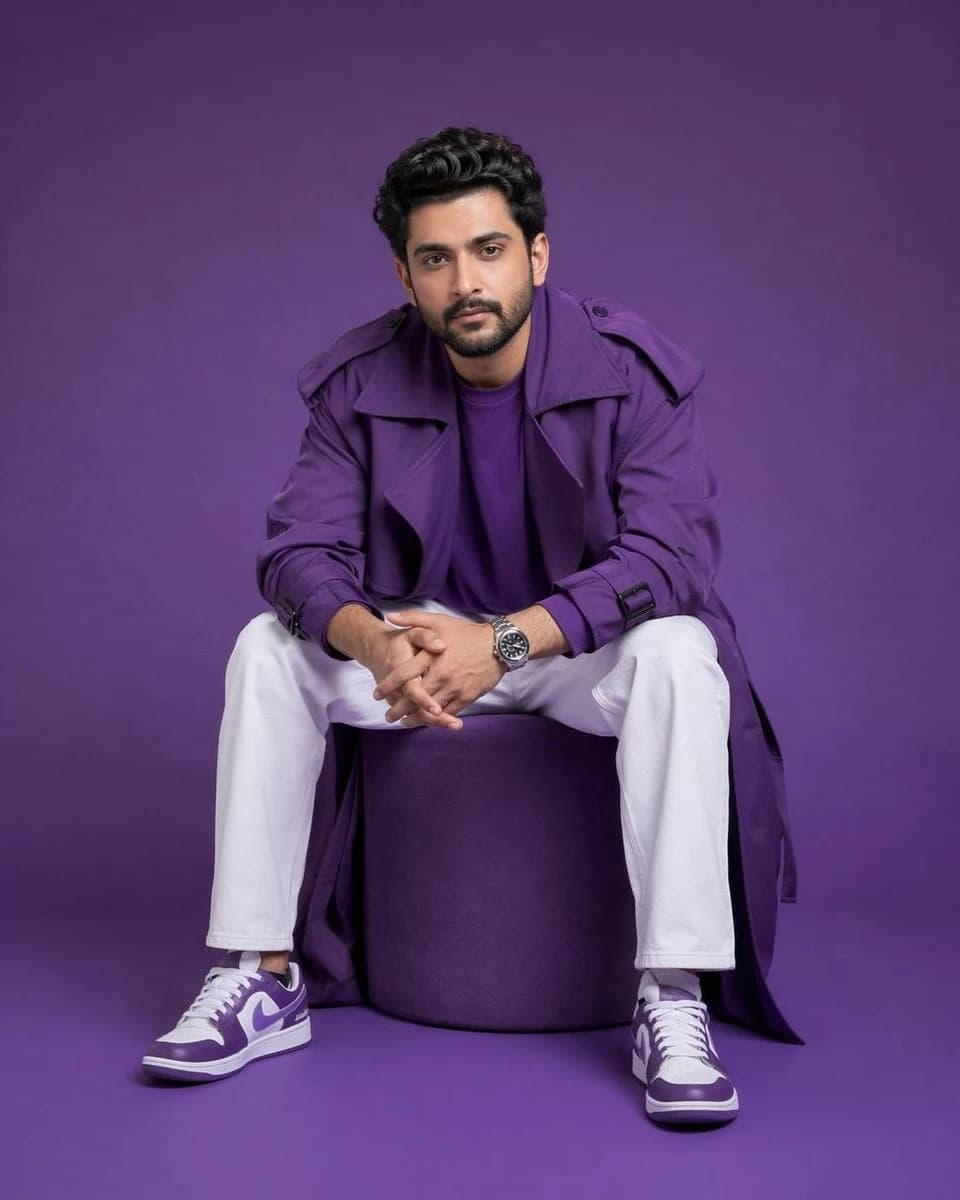
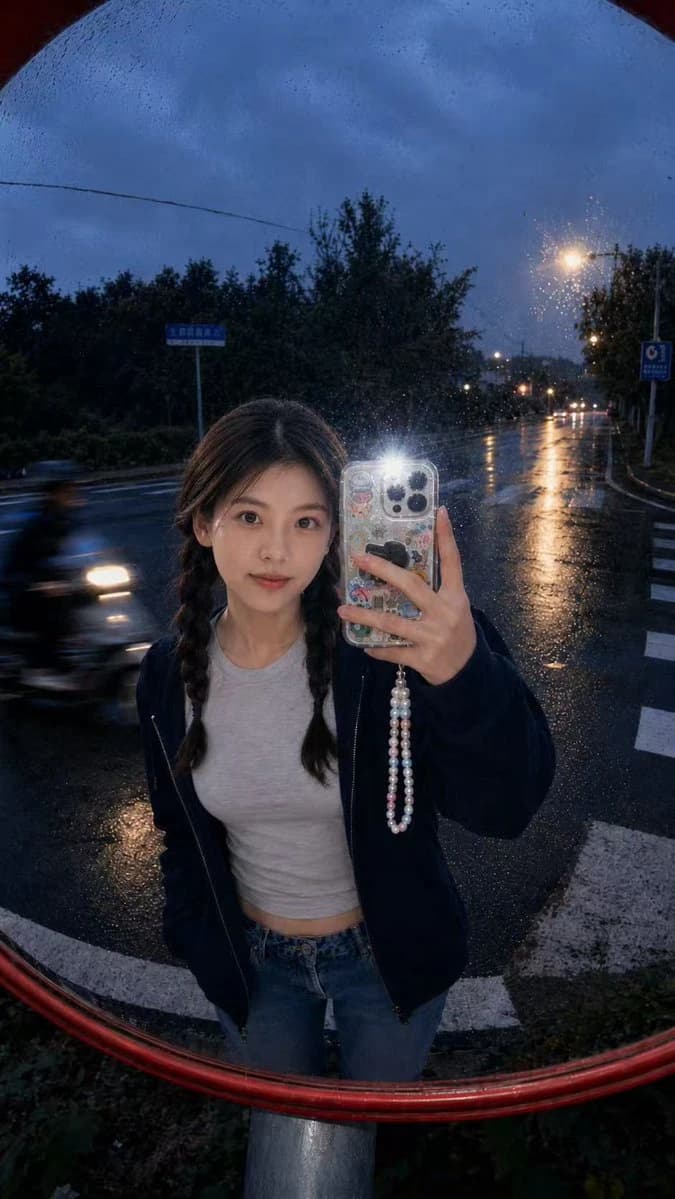
202 wordsUpload one portrait as the identity reference. Use it only for the subject’s facial identity, face shape, hairstyle, hair color, skin tone, and natural body proportions. Do not copy the original portrait’s clothes, background, pose, lighting, or image quality. Create a hyper-realistic outdoor convex traffic mirror selfie, 9:16 vertical composition. The subject stands in front of a large round roadside safety mirror with a red rim, taking a flash selfie with a decorated phone case, phone partially covering the face. Use the uploaded portrait only for identity and hairstyle. Keep a casual youthful outfit: dark oversized zip hoodie, cropped white graphic tee, loose jeans, white sneakers. Rainy dusk street intersection background, wet asphalt, zebra crossing, trees, soft blue-gray sky, faint streetlights, one blurred passing scooter, dirty mirror surface with dust and water spots, strong camera flash glare, realistic fisheye distortion, candid smartphone snapshot, natural skin texture, real-life street photography, no watermark. Negative Prompt: anime, cartoon, CGI, 3D render, doll face, plastic skin, over-smoothed skin, fake eyes, bad anatomy, distorted hands, extra fingers, broken phone, duplicate person, messy face, unreadable facial features, overexposed face, low resolution, heavy beauty filter, studio lighting, clean perfect mirror, text, logo, watermark, UI elements, poster design, artificial background
About this prompt
Convex Mirror Rainy Selfie is a ready-to-use portrait prompt for GPT Image 2 on Image 2. Copy the 202 words below, paste them into the Create form, and you will get a result close to the preview above. Tweak the Portrait, Product, Fashion tag if you want to push it somewhere new.
Use it as a starting point, then adjust the subject, lighting, or composition to suit your idea. The credit cost stays the same whether you use it as written or customize it.
Use case
A strong starting point for Portrait
Start here when you want a portrait image inspired by Convex Mirror Rainy Selfie. The prompt already sets the look and composition; replace the subject, product, colors, or scene details to match your project.
Easy places to tweak
- Subject Swap in your person, product, place, or object without changing the overall composition.
- Look and mood Tune the lighting, palette, camera angle, or materials so the image fits your brand.
- Final format Set the aspect ratio, background, text, or layout notes before you generate.
More prompt paths to explore
Find more GPT Image 2 prompts with a similar style, use case, or subject.
How to use it
- Step 1
Copy the prompt
Hit the Copy button above to grab the full text.
- Step 2
Open Image 2 Create
Head to the Create form and paste it in.
- Step 3
Generate
Hit Generate. Your version lands in seconds.
Make it yours
Load the prompt into the Create form with one click, then start tweaking.