Prompt
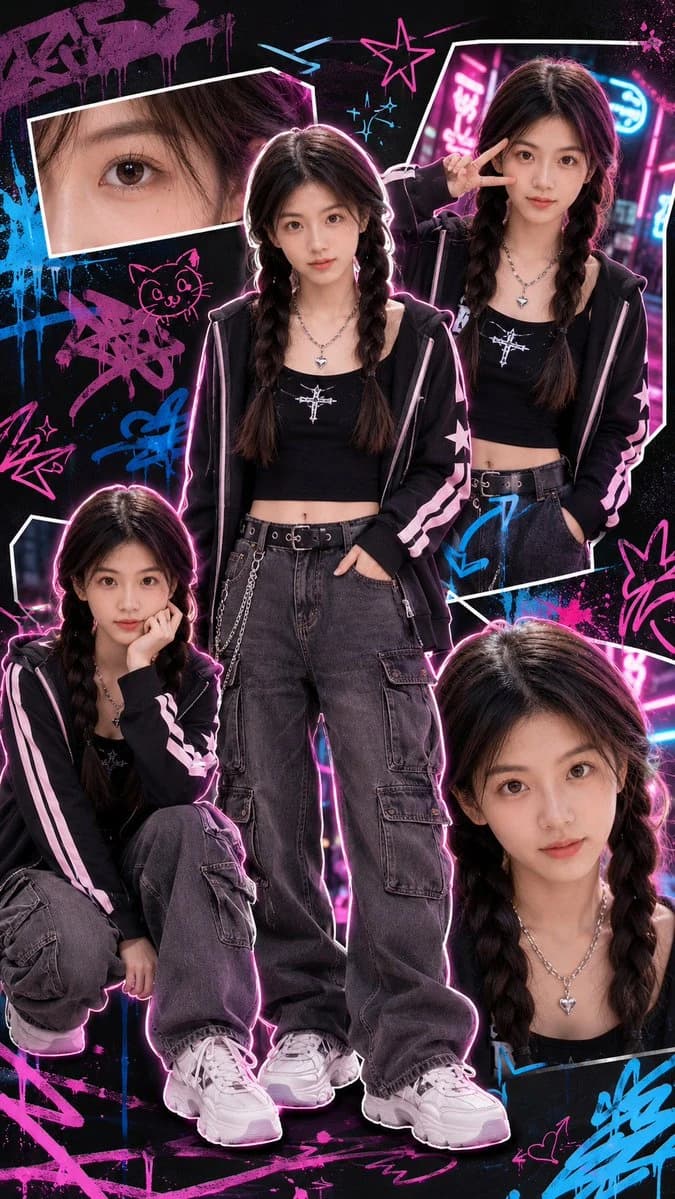
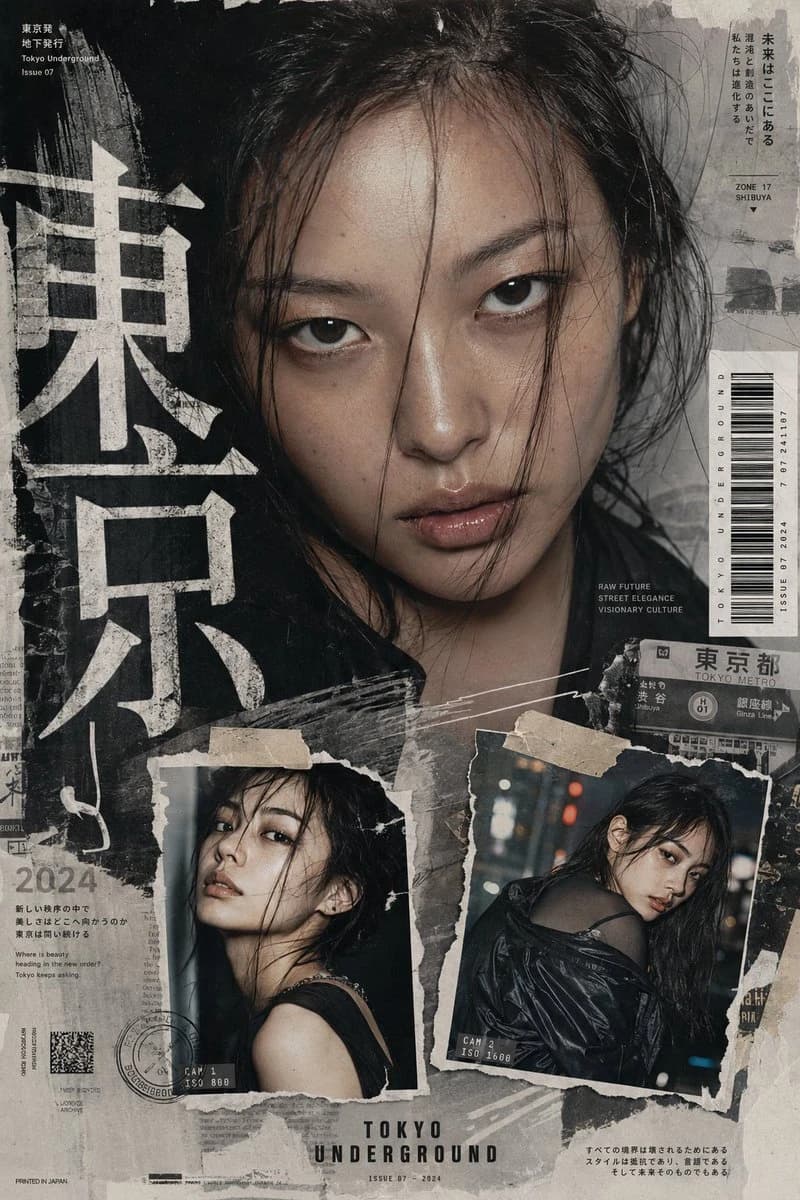
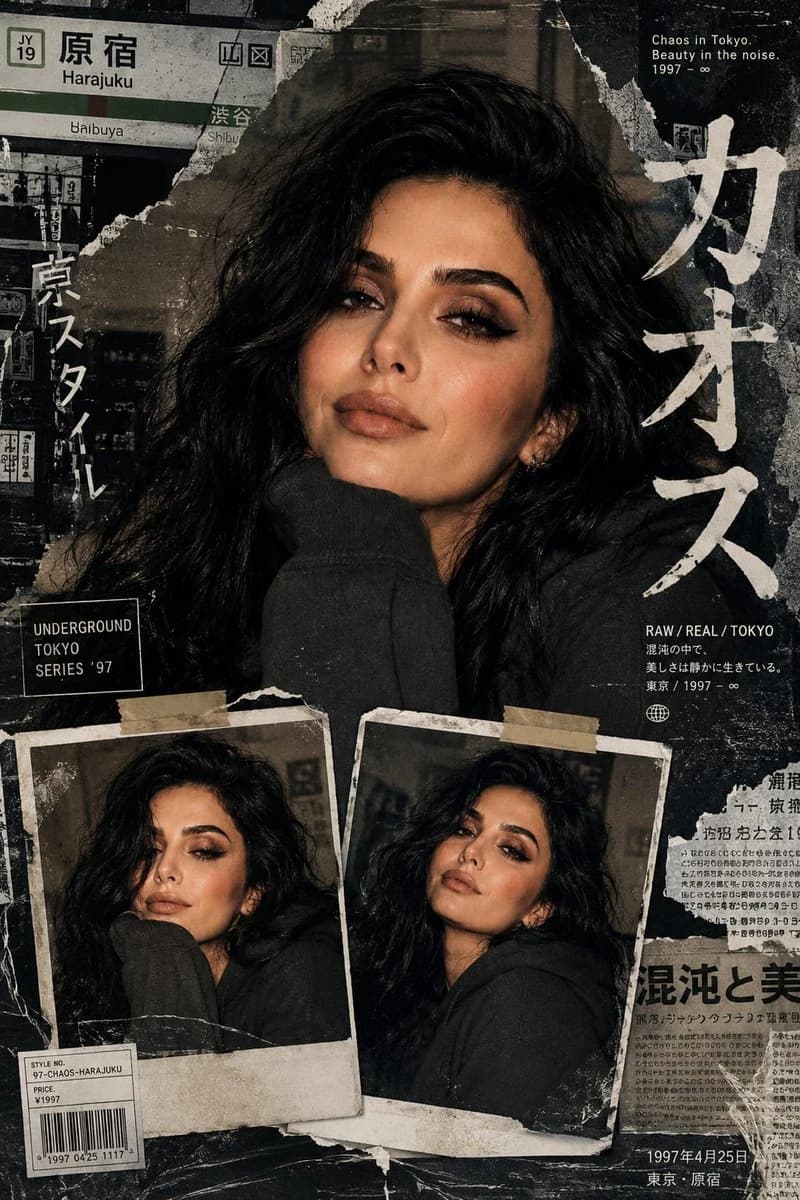
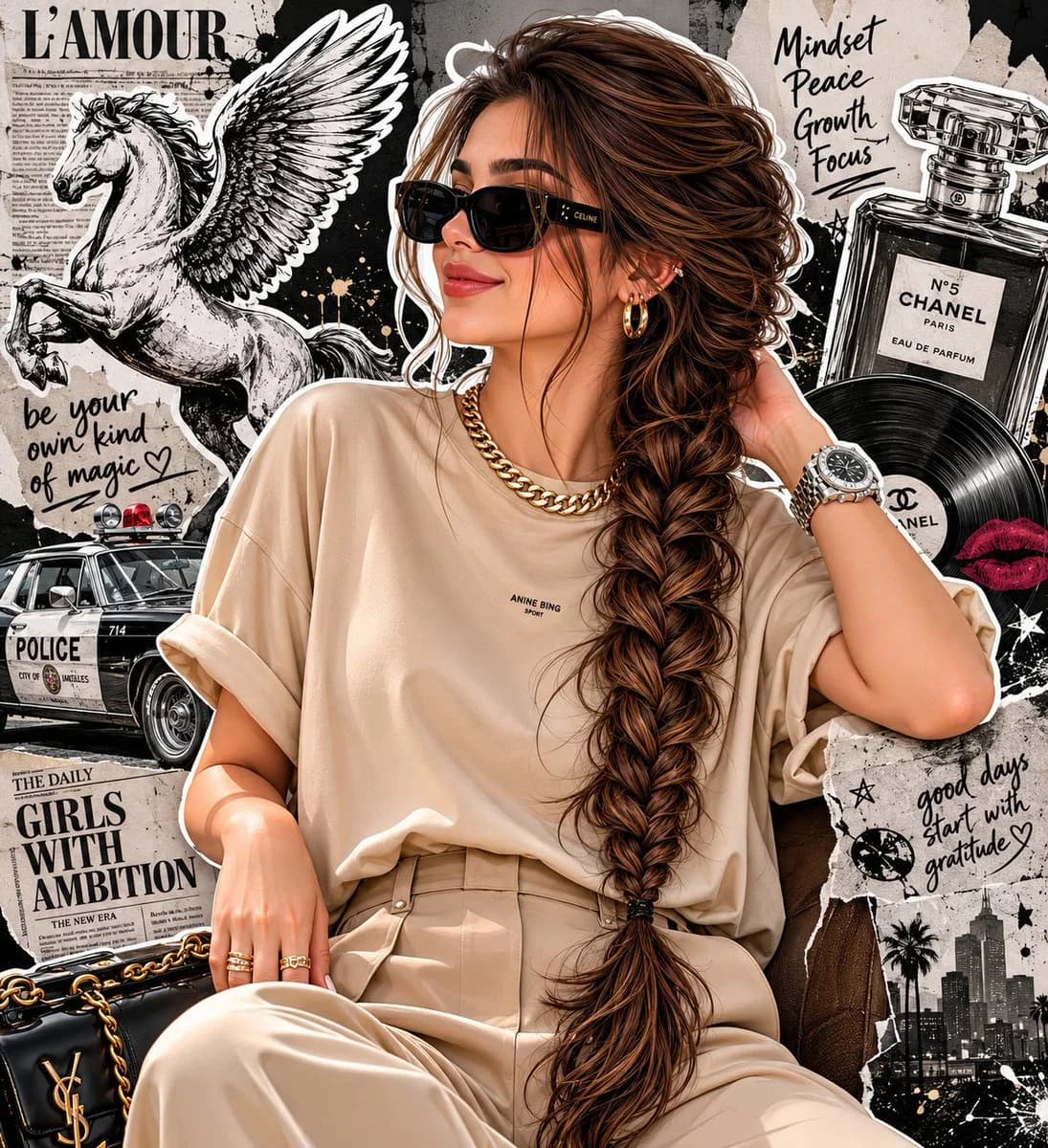
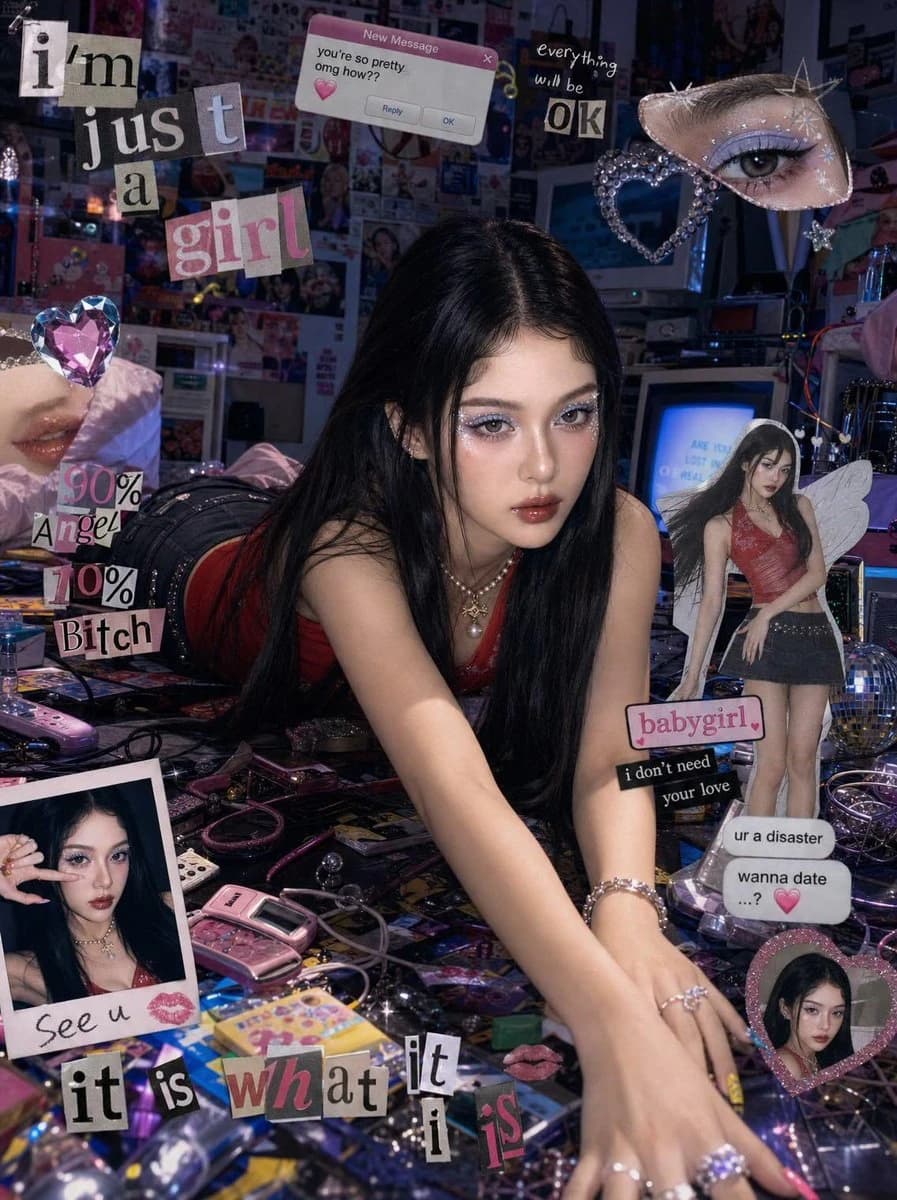
153 wordsDon’t alter my facial feature. Create me a wide editorial shot of a girl leaning dramatically across a cluttered floor/desk in a chaotic Y2K cyber-pop room, low front-facing angle with cinematic framing. Moody cool-toned lighting mixed with warm highlights, glossy flash photography feel, dreamy magazine-editorial atmosphere. Long sleek jet-black hair with center part, soft pale glam makeup, subtle blush, glossy gradient red lips, large doll-like eyes with soft eyeliner and lashes. Red fitted tank top and dark mini skirt, colorful manicure, slightly messy dramatic pose with arms stretched forward, intense direct gaze at camera. Surrounding scene filled with scattered random objects, cables, gadgets, accessories, glittery props, and bedroom clutter for a chaotic pop-girl aesthetic. Collage-style edit layered with floating heart gems, cut-out eyes, sticker elements, scrapbook graphics, fake text-message popups, polaroid frames, magazine cutout of the girl, bold typography overlays, hyperpop/K-pop editorial vibe, nostalgic Y2K internet aesthetic, glossy fashion-campaign energy. Scale ratio 4:3
About this prompt
Y2K Cyber-Pop Editorial Shot is a ready-to-use portrait prompt for GPT Image 2 on Image 2. Copy the 153 words below, paste them into the Create form, and you will get a result close to the preview above. Tweak the Product Ad, Portrait, Fashion tag if you want to push it somewhere new.
Use it as a starting point, then adjust the subject, lighting, or composition to suit your idea. The credit cost stays the same whether you use it as written or customize it.
Use case
A strong starting point for Portrait
Start here when you want a portrait image inspired by Y2K Cyber-Pop Editorial Shot. The prompt already sets the look and composition; replace the subject, product, colors, or scene details to match your project.
Easy places to tweak
- Subject Swap in your person, product, place, or object without changing the overall composition.
- Look and mood Tune the lighting, palette, camera angle, or materials so the image fits your brand.
- Final format Set the aspect ratio, background, text, or layout notes before you generate.
More prompt paths to explore
Find more GPT Image 2 prompts with a similar style, use case, or subject.
How to use it
- Step 1
Copy the prompt
Hit the Copy button above to grab the full text.
- Step 2
Open Image 2 Create
Head to the Create form and paste it in.
- Step 3
Generate
Hit Generate. Your version lands in seconds.
Make it yours
Load the prompt into the Create form with one click, then start tweaking.